

- Category Entertainment
- Available on PC, Xbox console
- OS Windows 10 version 10586.0 or higher
- languages Chinese (Simplified), Danish, Dutch, English (United States), Finnish, French, German, Italian, Japanese, Korean , Norwegian (Bokmål), Polish , Portuguese (Brazil), Portuguese (Portugal), Russian, Spanish (Spain), Swedish
Astro Command Center for Windows: Your Gateway to Seamless Gaming Audio Management
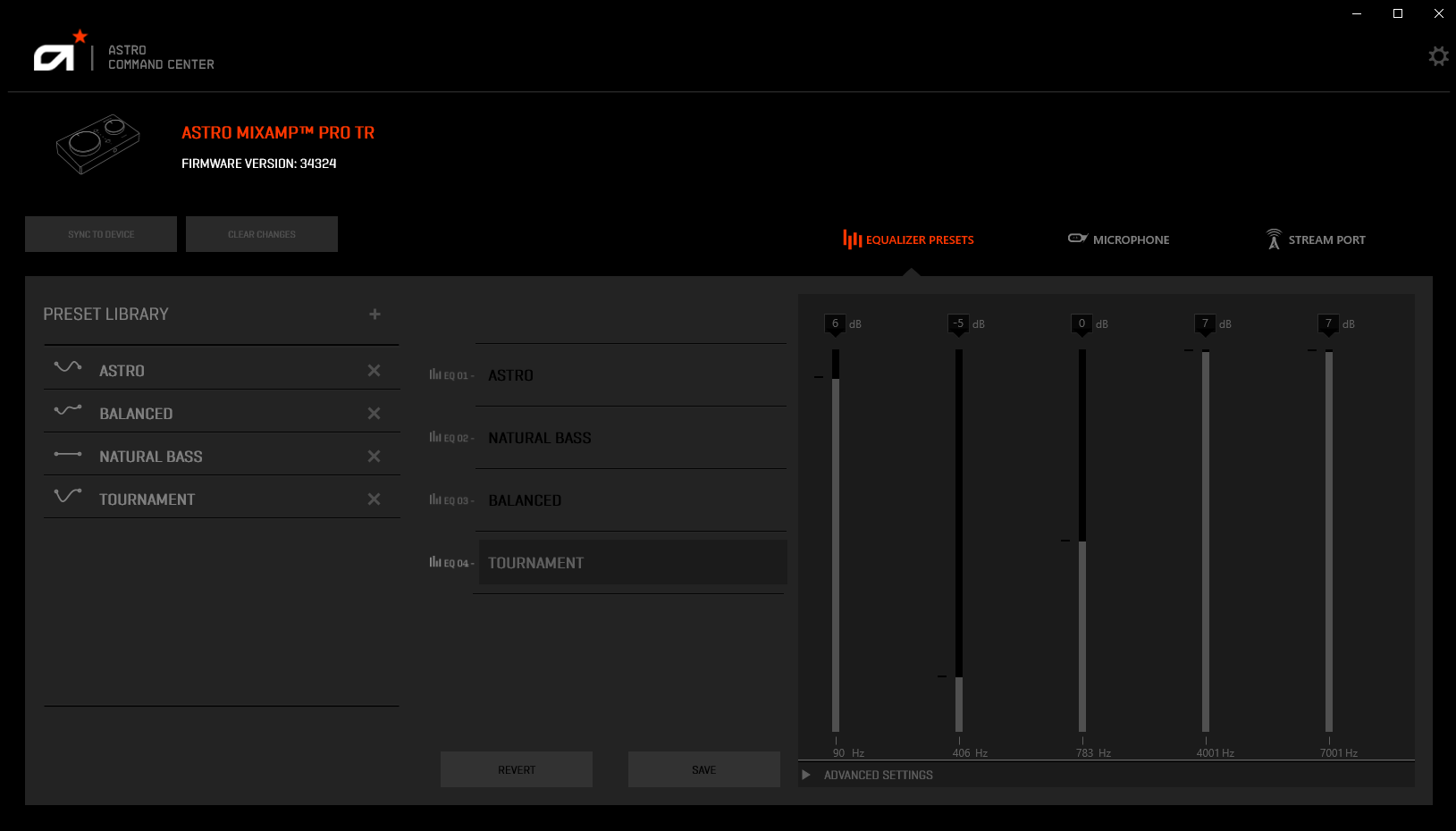
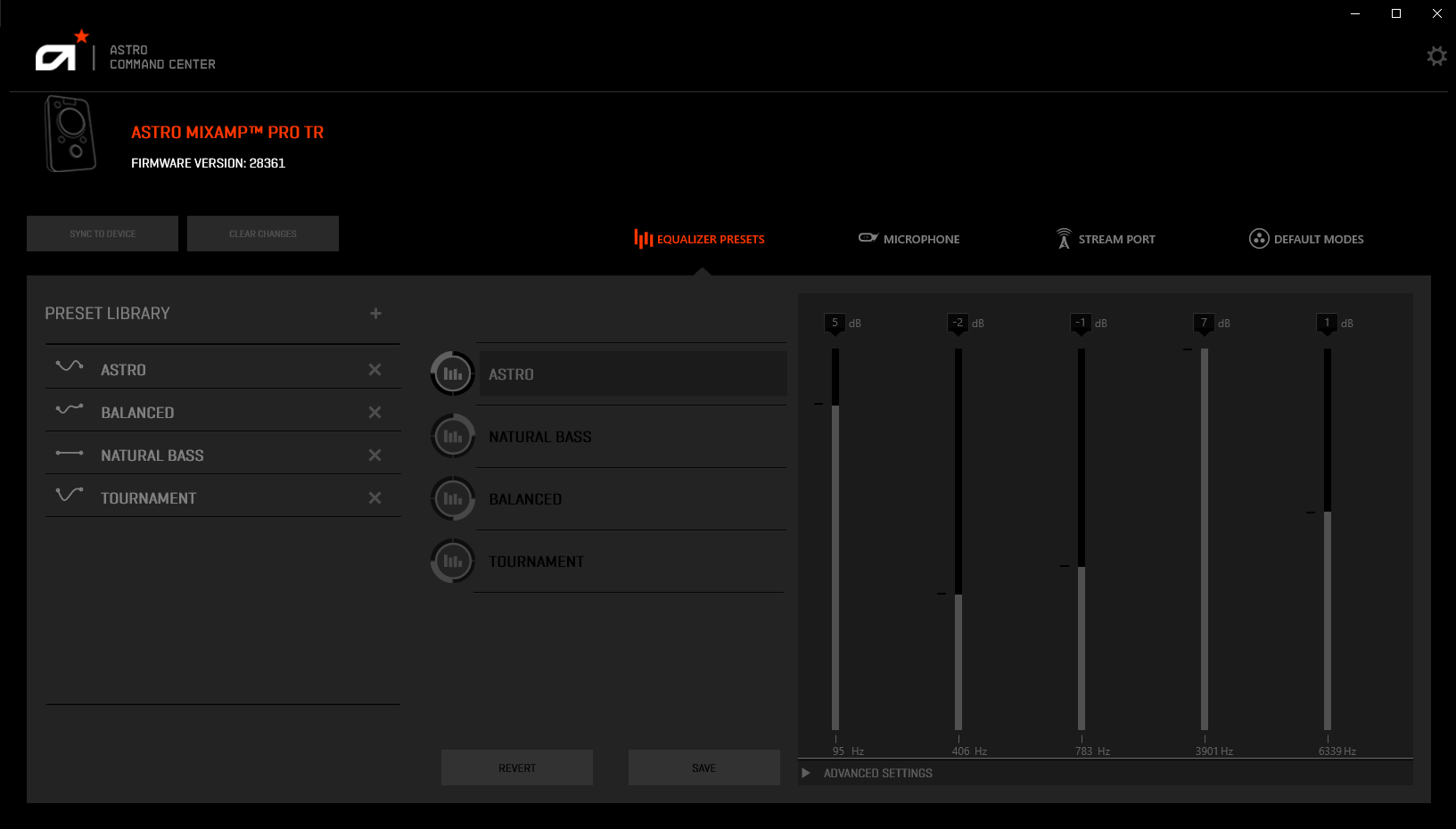
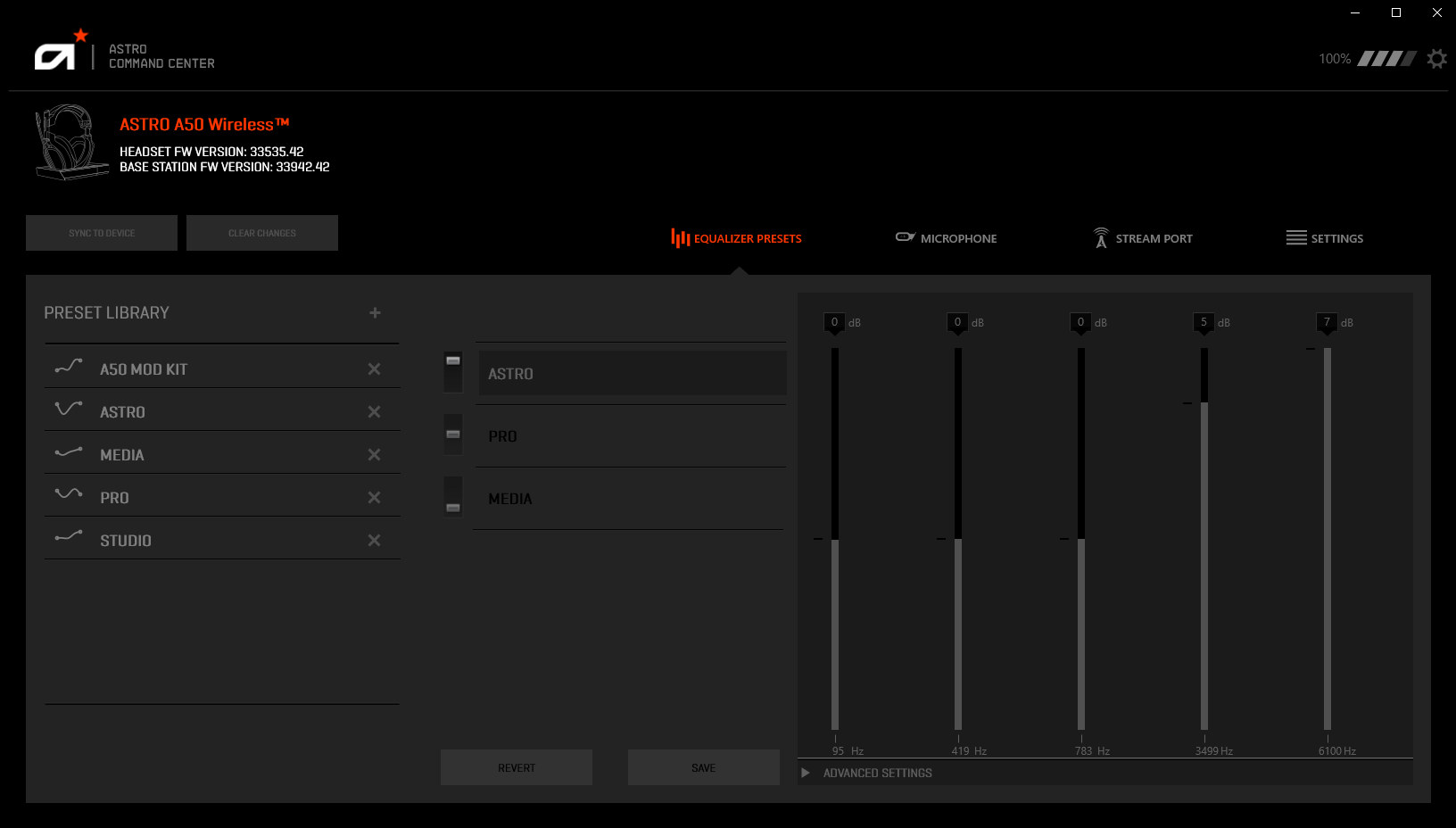
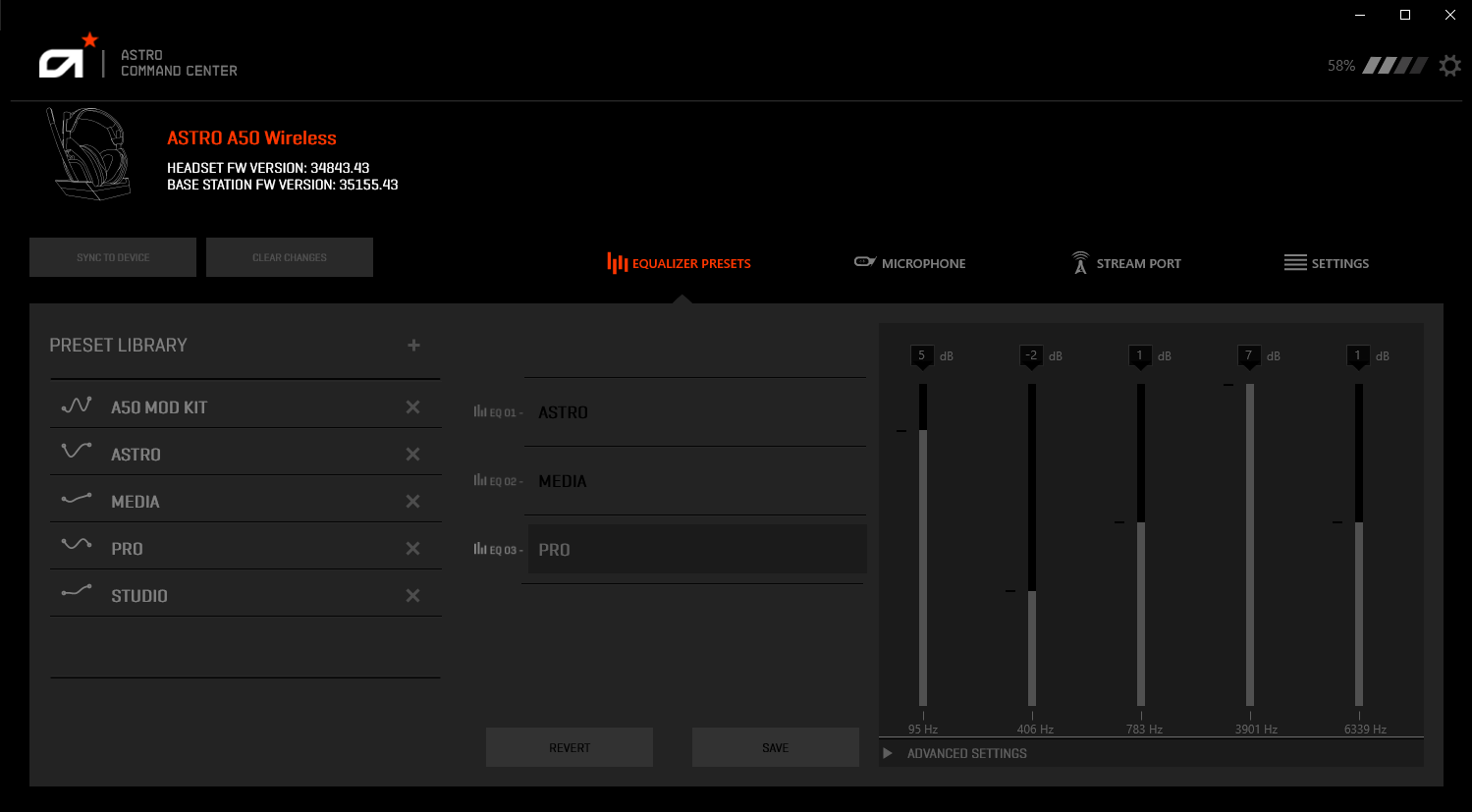
Astro Command Center for Windows is a dedicated application designed to empower gamers with precise control over their Astro gaming audio equipment, integrating advanced features within an intuitive interface.
Introducing Astro Command Center: A Brief Overview
Developed by Astro Gaming, a renowned leader in gaming audio solutions, Astro Command Center serves as the central hub for customizing and optimizing your Astro headsets and speakers. Its main highlights include personalized sound profiles, real-time device diagnostics, and seamless integration with gaming setups. Targeted primarily at serious gamers and AV enthusiasts who demand high-fidelity output and tailored audio experiences, this app transforms your audio devices into a finely tuned instrument tailored for your gameplay or entertainment needs.
A Fresh Take on Gaming Audio Control
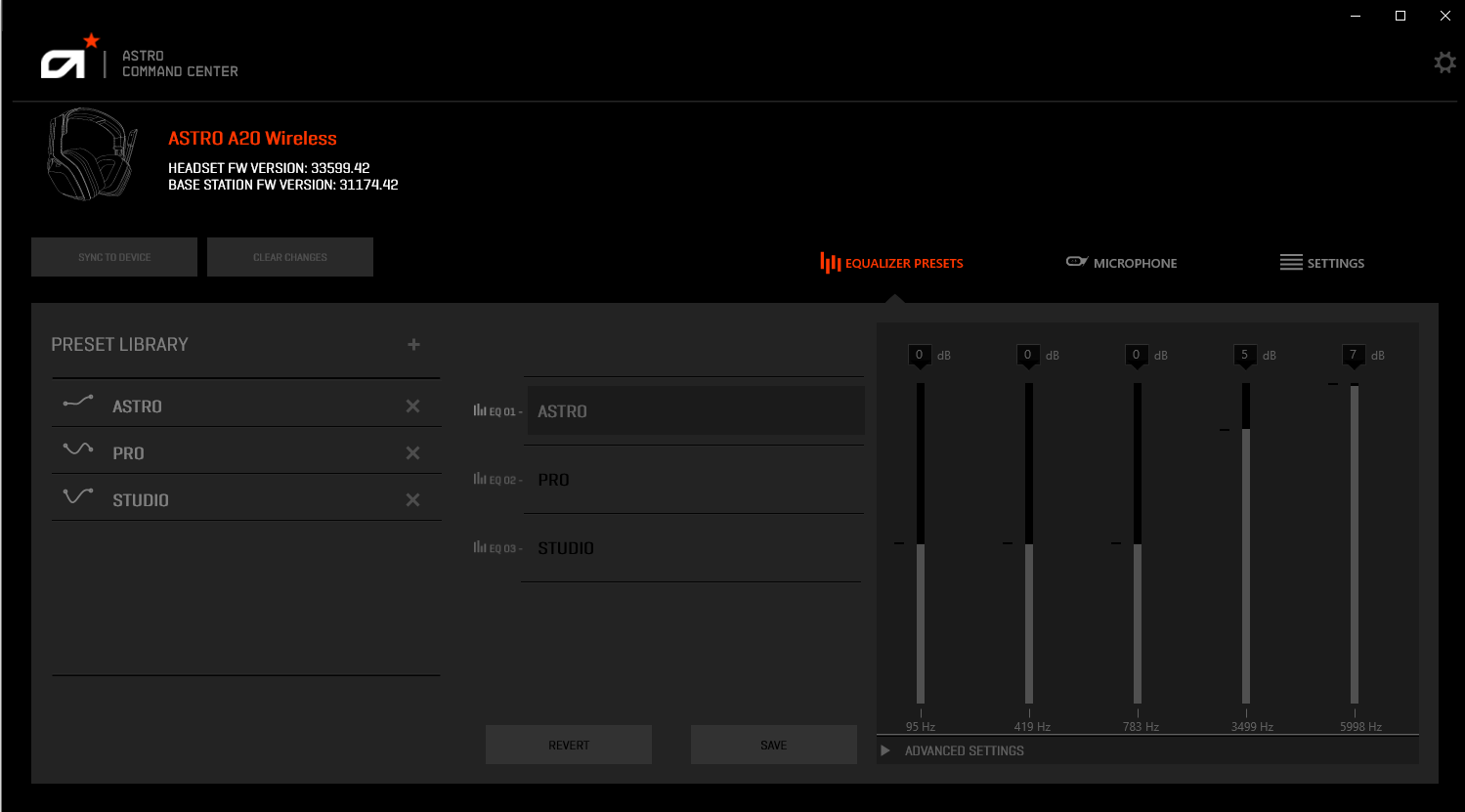
Imagine sitting down after a long day, eager to dive into your preferred gaming universe. The Astro Command Center feels like a knowledgeable co-pilot, providing precise controls at your fingertips. Whether you're adjusting chat mix, fine-tuning EQ settings, or monitoring device health, the app's thoughtful design makes all these tasks feel natural and accessible. Its focus on user-centered experience ensures even newcomers can quickly get comfortable, making it a true companion for gamers seeking both performance and simplicity.
Customizable Sound Profiles and Game Integration
This core feature allows users to craft multiple sound profiles tailored to various games or media types. With just a few clicks, you can switch between a stealthy, immersive soundscape for FPS titles or a vibrant, expansive audio setup for music or movies. The app seamlessly integrates with Astro gaming hardware, enabling dynamic adjustments. The adjustable chat mixer and EQ controls give players granular command over their audio environment, transforming their gameplay acoustics into a bespoke symphony.
Device Monitoring and Diagnostic Tools
Astro Command Center doesn't just stop at customization—it also offers robust hardware diagnostics. Users can monitor real-time status data such as connection quality, battery life, and device firmware updates. This feature ensures your gear remains in optimal condition, preventing unexpected hiccups during critical gaming moments. The interface vividly visualizes system health, making troubleshooting straightforward even for those not technically inclined. Such proactive management distinguishes it from typical entertainment apps that focus solely on content consumption.
User Experience and Unique Differentiators
The app boasts a sleek, modern interface that resembles a cockpit dashboard—clean, organized, and easy to navigate. Its responsiveness is notable; adjustments are instantaneous, and the learning curve is gentle. Compared to other entertainment management apps, Astro Command Center unique shines in its personalized content algorithm—specifically, it tailors sound settings based on your preferences and gameplay style, enhancing immersion without overwhelming the user with options. Its recommendation relevance consistently aligns with individual habits, thanks to intelligent profiling, providing a more curated experience than generic solutions.
Final Thoughts: Should You Give It a Try?
All things considered, Astro Command Center for Windows emerges as an essential tool for serious gamers wanting fine-grained control over their audio gear. Its standout features—custom sound profiles with dynamic switching and proactive device diagnostics—offer both convenience and peace of mind. While it caters primarily to Astro hardware users, its straightforward interface and comprehensive controls make it a compelling choice for anyone looking to elevate their gaming audio setup. For those seeking a blend of customization and reliability in their entertainment ecosystem, this app is worth exploring.
Pros
- Intuitive UI
- Comprehensive device control
- Real-time lighting synchronization
- Game-specific profiles
- Custom macro management
Cons
- Occasional software glitches
- Limited compatibility with non-ROG devices
- Steep learning curve for advanced features
- Battery consumption
- Localization issues











