
- Category Productivity
- Developer Tran Ky Nam
- Available on PC, Mobile, Surface Hub, HoloLens
- OS Windows 10 version 16299.0 or higher
- Keyboard Integrated Keyboard
- Memory 2 GB
- Mouse Not specified
- languages English (United States)
Introducing aText Premium for Windows: Your Ultimate Text Expansion Companion
Imagine having a personal writing assistant tucked into your Windows device, ready to swiftly insert frequently used phrases, snippets, or even complex templates—this is precisely what aText Premium offers. Designed to streamline your workflow, it aims to make text management effortless and efficient for busy professionals, students, and anyone who types a lot.
Who's Behind the Magic?
Developed and published by Tran Ky Nam, a dedicated software developer with a focus on productivity tools, aText Premium is crafted to enhance the way users handle repetitive text entries. Its lean yet powerful design reflects Tran Ky Nam's commitment to delivering accessible yet advanced text expansion solutions.
Key Features That Stand Out
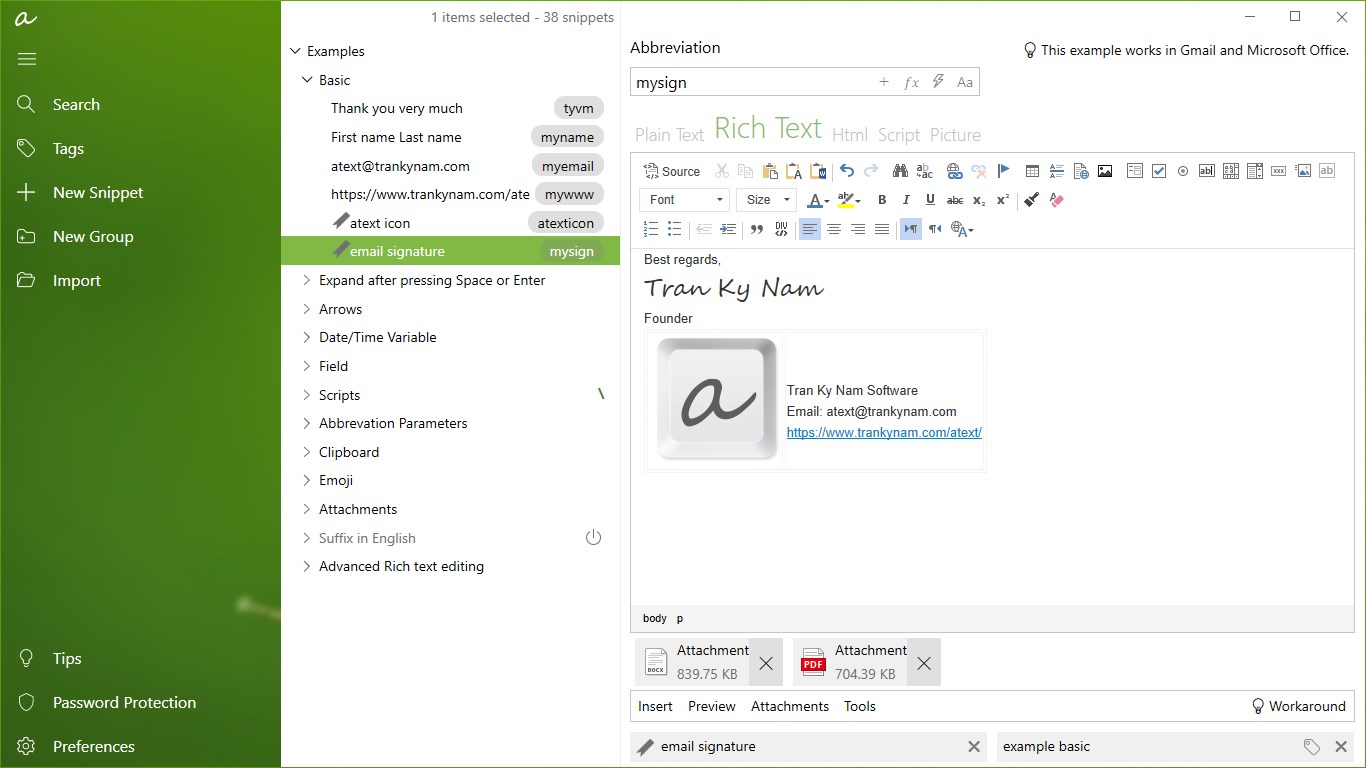
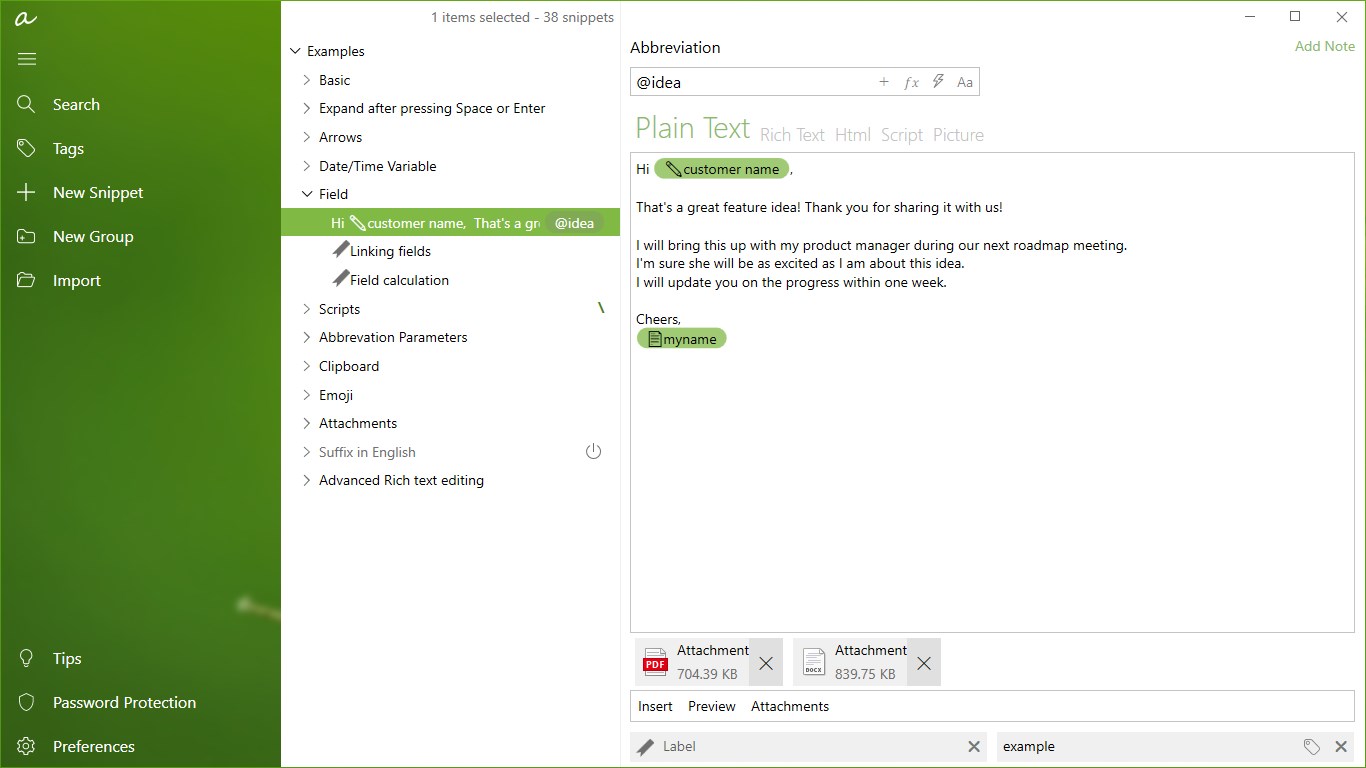
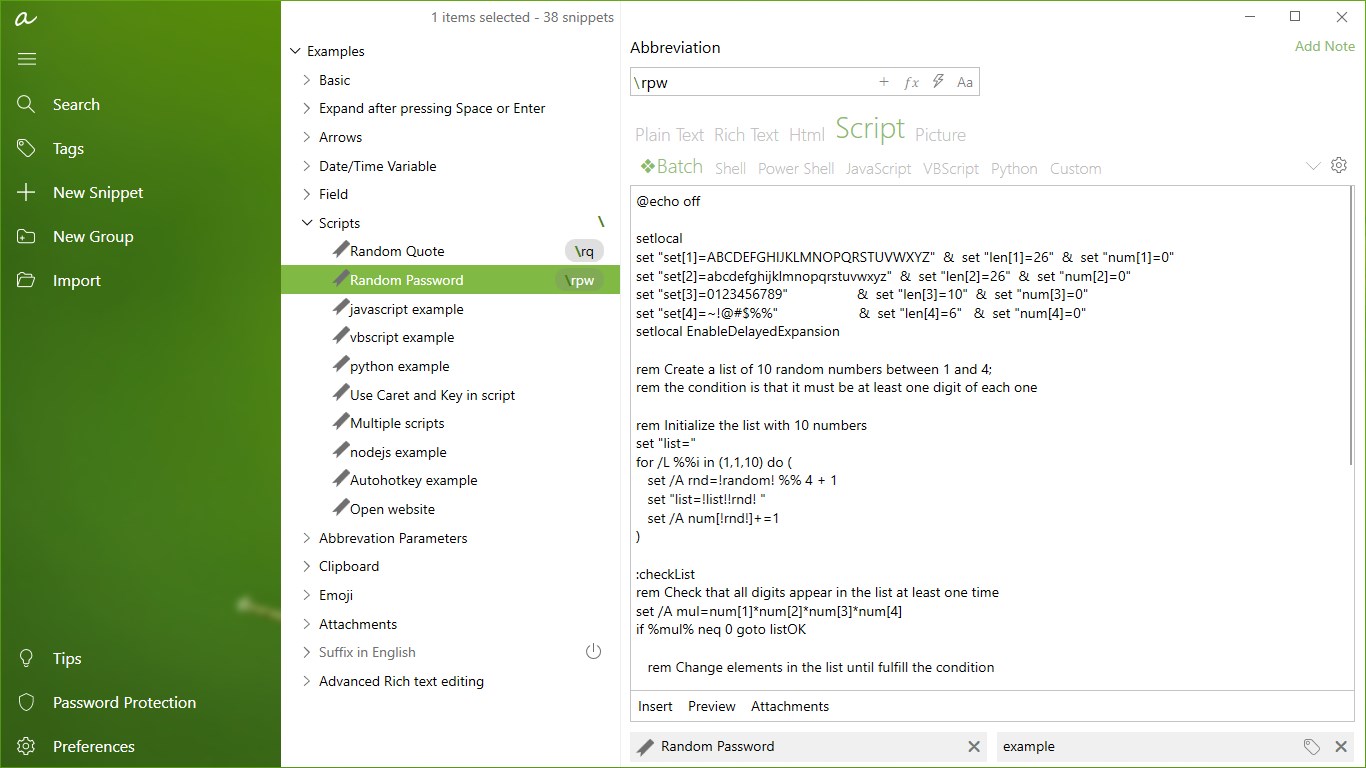
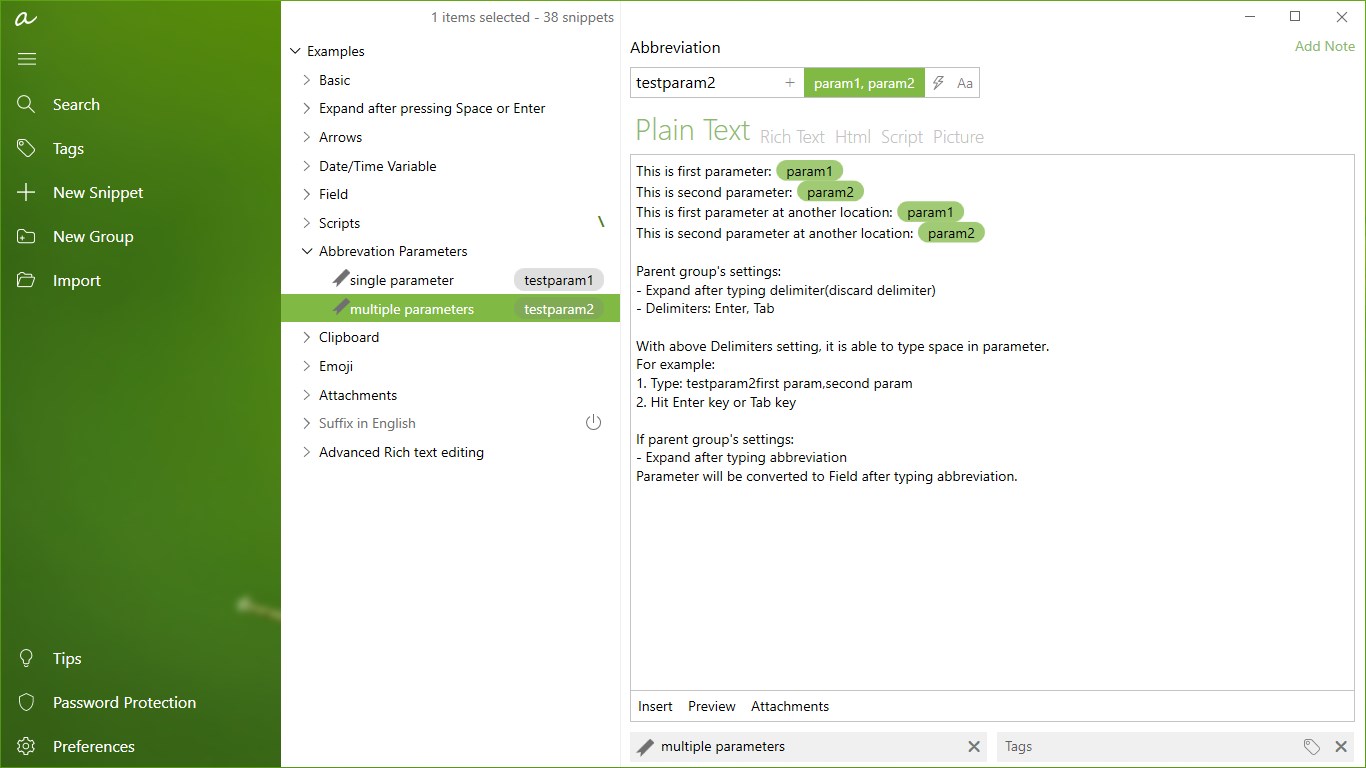
- Intelligent Text Snippets: Create customizable snippets that can include variables, dynamic content, or run scripts, turning simple shortcuts into powerful automation tools.
- Seamless Workflow Integration: aText seamlessly integrates with your Windows environment, allowing quick insertion of snippets across applications—be it email clients, document editors, or chat platforms.
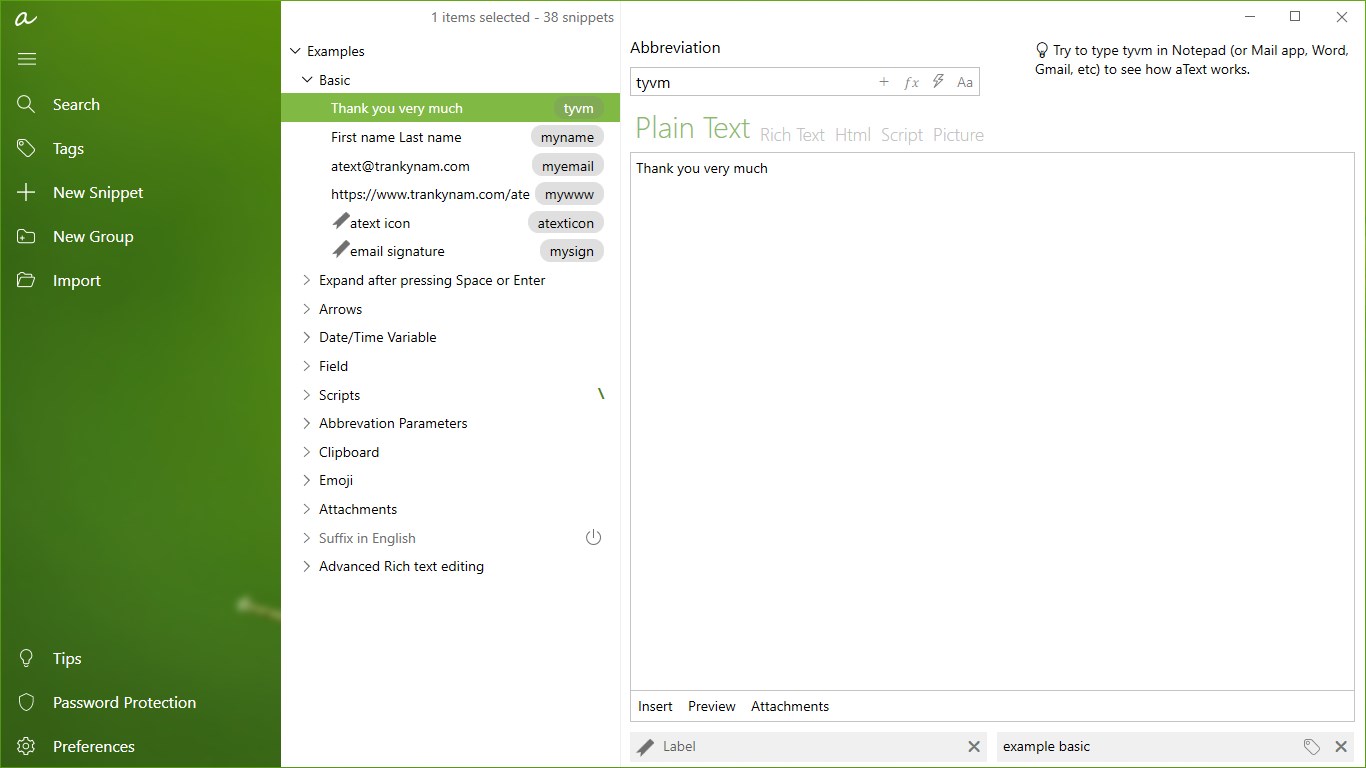
- Efficient Text Management: Organize snippets into folders, search swiftly, and import/export your collections effortlessly, helping you keep your text resources clean and accessible.
- Lightweight & User-Friendly: Despite its rich feature set, the app maintains a minimal footprint, ensuring your system remains responsive and your learning curve remains gentle.
Evaluation of User Experience and Performance
Launching aText Premium feels like opening a well-organized toolbox where everything is within arm's reach. The interface is clean and intuitive, with a design that could be likened to a well-ordered workspace—no clutter, just straightforward controls that invite exploration. Navigating through snippets, folders, and settings is smooth, with near-instant responsiveness that feels almost subconscious during daily repetitive tasks.
From a usability standpoint, the learning curve is modest; even first-time users quickly grasp how to create and insert snippets, thanks to straightforward menus and helpful tooltips. This ease of use reduces cognitive load, freeing your mental bandwidth for more creative or complex tasks rather than wrestling with software complexity.
How Does aText Premium Differentiate Itself?
Unlike many productivity tools cluttered with extraneous features, aText Premium distinguishes itself through its focus on workflow efficiency. Its core strength lies in reducing repetitive typing, thus slashing cognitive load by automating routine text insertion without overwhelming the user with an abundance of options. This approach contrasts with many feature-heavy alternatives that, while powerful, often introduce complexity that hampers quick adaptation. Here, the design emphasizes balance—robust enough for advanced users but accessible for newcomers.
Furthermore, its integration capabilities allow users to invoke snippets effortlessly across various applications, creating a seamless writing environment. Whether drafting emails, preparing reports, or managing chat responses, aText operates behind the scenes as a silent partner, optimizing your time without demanding constant attention.
Final Verdict and Usage Recommendations
I would recommend aText Premium primarily to professionals and students who rely heavily on repetitive typing tasks and value a system that enhances productivity without adding complexity. It's especially suitable for those who prefer a lightweight, reliable solution that integrates smoothly into their existing workflow. While the app's feature set is comprehensive, its true strength lies in its simplicity and efficiency—traits that can transform your daily typing routine into a more streamlined experience.
In summary, if you're on the hunt for a straightforward, effective text expansion tool that respects your cognitive resources while boosting workflow efficiency, aText Premium deserves serious consideration. It's not just another snippet tool; it's a thoughtful companion designed to make your digital writing smoother and more productive.
Pros
- User-friendly interface
- Rich customization options
- High readability
- Cross-platform compatibility
- Offline access
Cons
- Limited free features
- Occasional UI lag
- File format restrictions
- Slightly bloated installation package
- Lack of advanced annotation tools











