
- Category Multimedia design
- Developer Muse Group & The Audacity Open Source Community
- Available on PC
- OS Windows 10 version 0.0 or higher
- languages Afrikaans, Arabic, Bangla, Belarusian, Catalan, Croatian, Czech, Danish, Dutch, English, French, German, Greek, Indonesian, Irish, Italian, Norwegian, Polish, Portuguese (Brazil), Portuguese (Portugal), Romanian, Slovenian, Valencian, Welsh, Basque, Persian/Farsi, Finnish, Hebrew, Hindi, Hungarian, Japanese, Georgian, Khmer, Korean, Lithuanian, Macedonian, Marathi, Russian, Slovak, Serbian, Swedish, Tamil, Tajik, Turkish, Ukrainian, Vietnamese, Chinese (Simplified), Chinese (Traditional Chinese)
Audacity for Windows: A Robust Open-Source Audio Editor
Designed as a versatile and user-friendly audio editing tool, Audacity for Windows offers a comprehensive platform for both amateurs and professionals to craft, edit, and refine sound recordings with precision and ease.
Developed by Muse Group & The Audacity Open Source Community
Audacity is a collaborative project managed by Muse Group alongside a dedicated open-source community, ensuring continuous updates, improvements, and an open platform that welcomes user contributions.
Key Features That Make Audacity Stand Out
- Advanced Multi-Track Editing: Seamlessly manage multiple audio tracks within a single workspace, enabling complex compositions and layering.
- Extensive Effect Library: Access a wide array of effects—including equalization, noise reduction, and pitch correction—to enhance your audio projects without needing external plugins.
- Intuitive Recording & Editing Workflow: Simplified controls for recording live audio directly and editing existing files with a straightforward interface.
- Open-Source Flexibility: Free to use with open-source code, offering high customizability and community-driven improvements.
Targeted primarily at podcasters, artists, and hobbyists interested in high-quality audio editing without financial strain, Audacity appeals to users ranging from beginners to seasoned sound engineers.
Enter the World of Sound: How Audacity Captivates Its Users
Imagine walking into a cozy studio where every keystroke, button, or slider adjusts the heartbeat of a song or the narrative of a podcast—this is the experience Audacity offers. With its hearty yet simple interface, users are gently guided into the sonic universe, whether they're trimming, mixing, or applying effects—Audacity feels like a Swiss Army knife for sound lovers.
Core Functionality 1: Multitrack Editing—Layer, Mix, Perfect
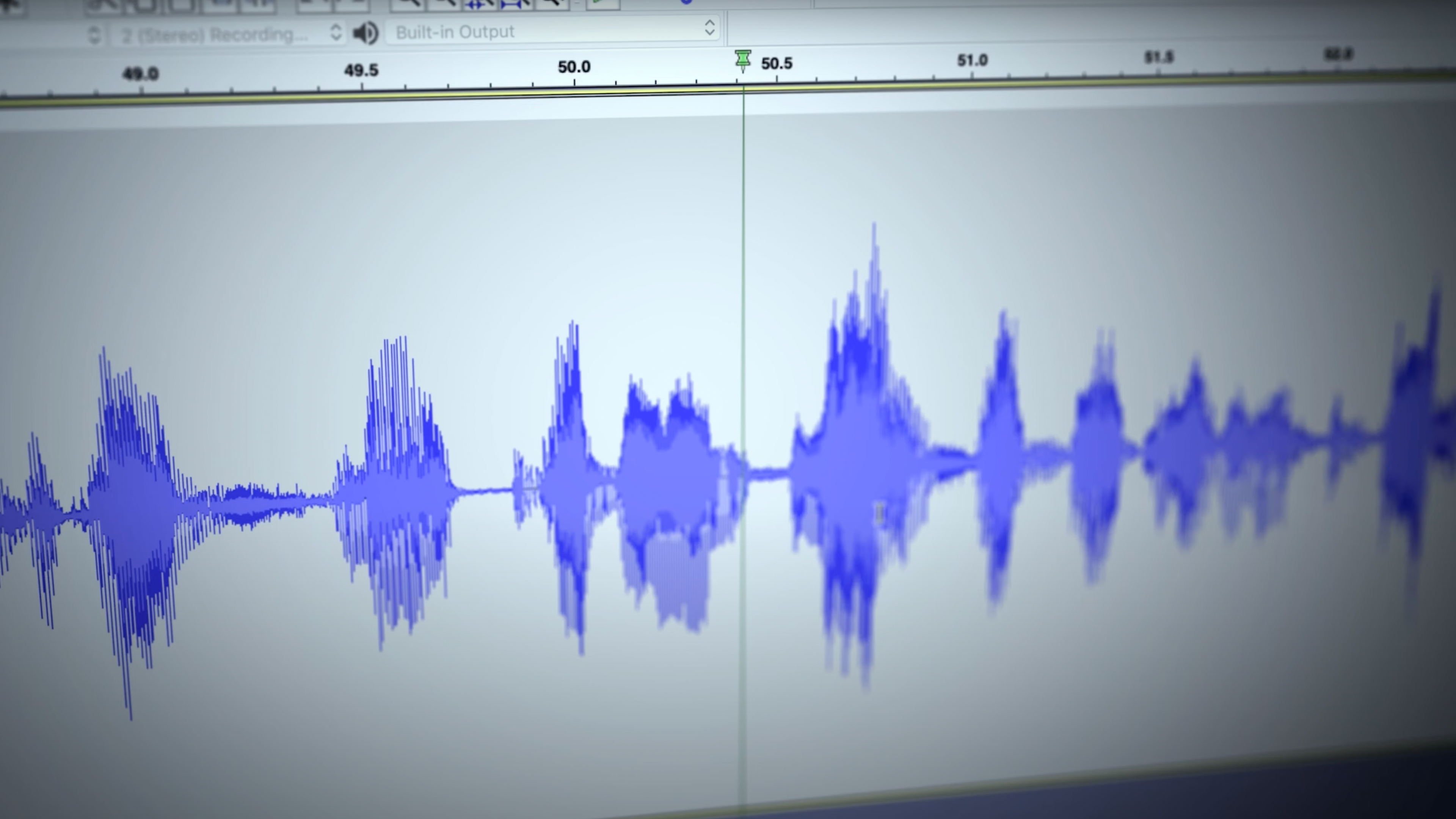
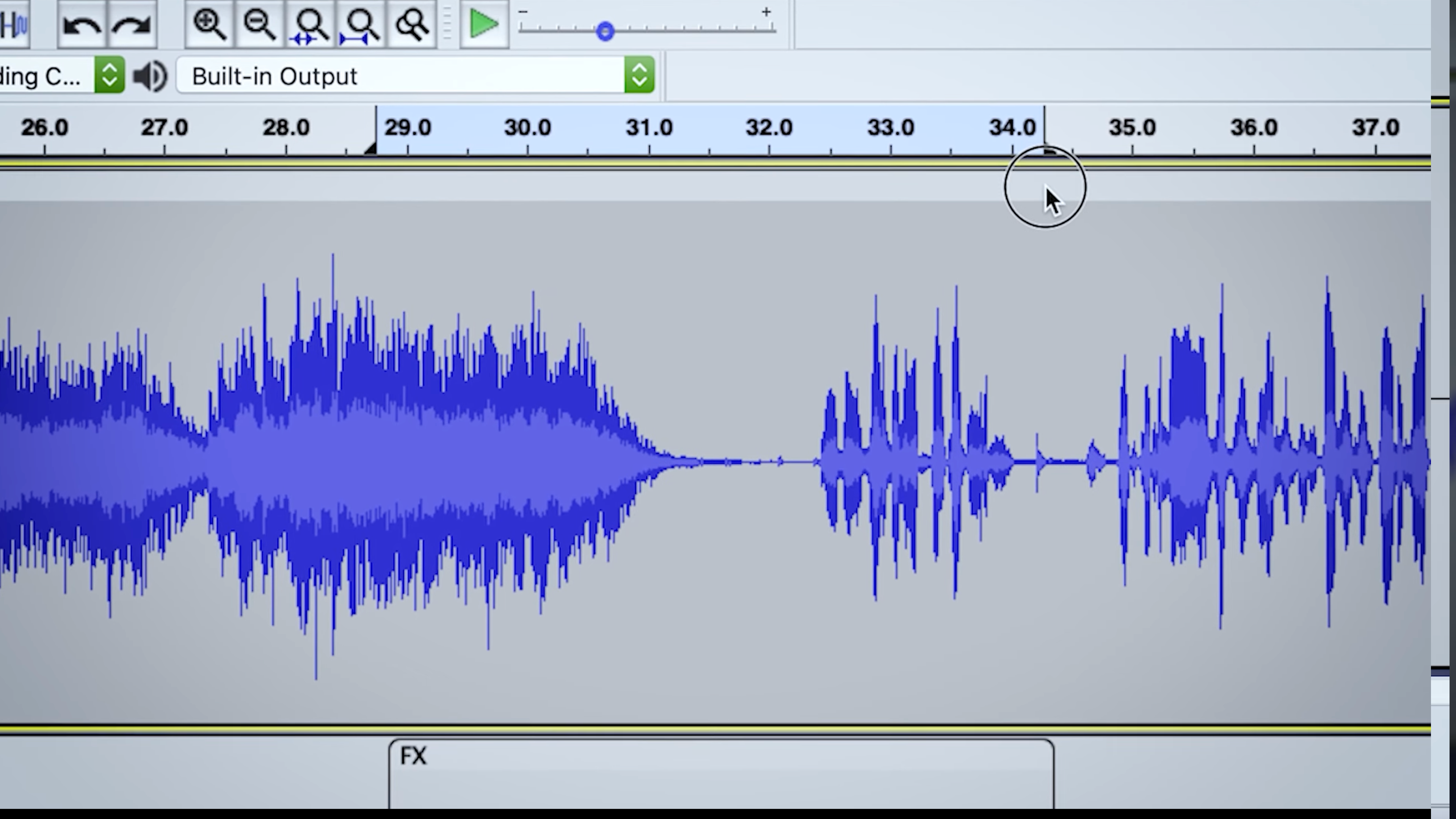
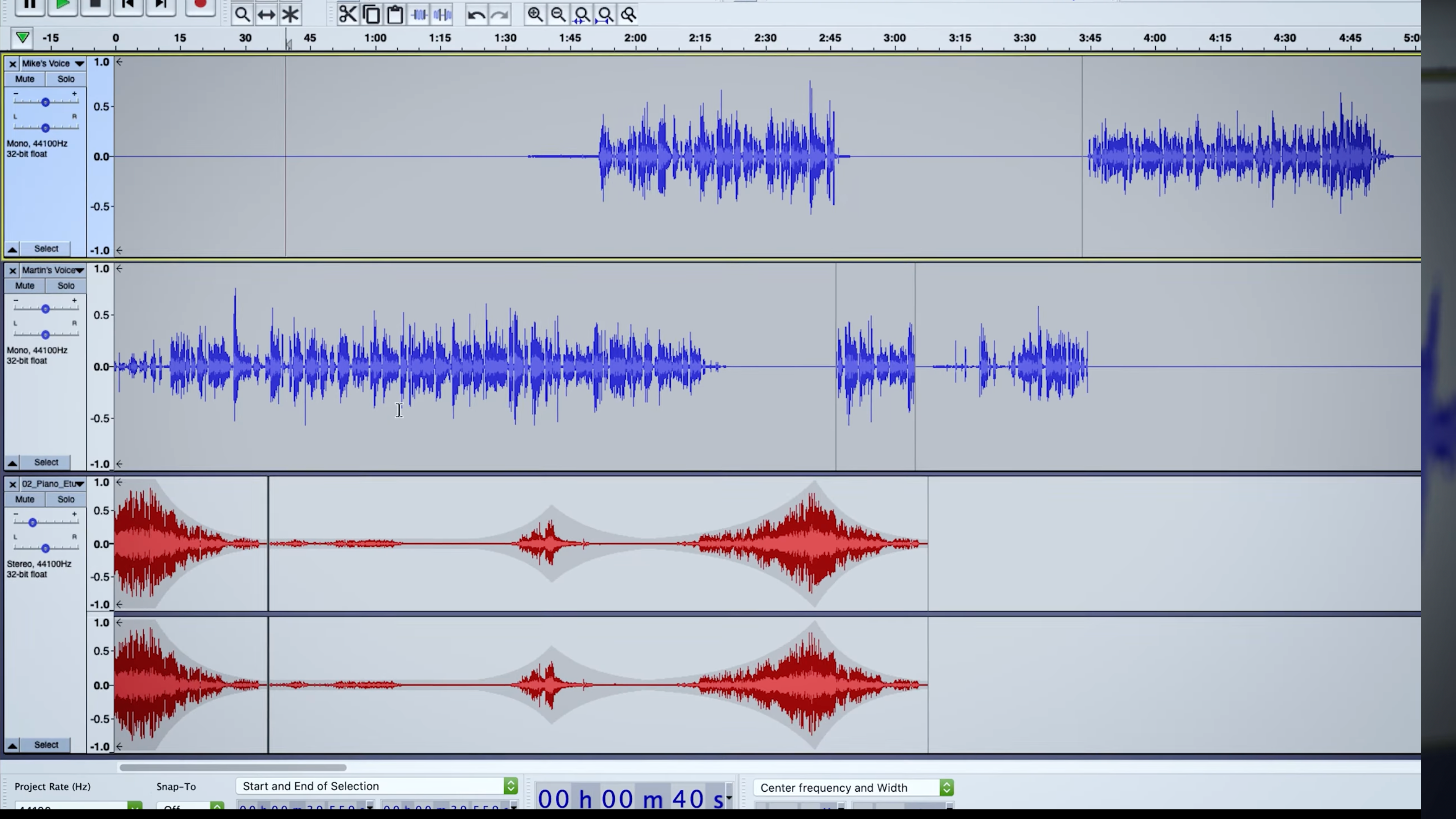
At the heart of Audacity lies its multi-track editor, a feature that empowers users to overlay multiple audio snippets, like stacking layers of a musical cake. The interface visually resembles a digital workstation, where each track can be independently manipulated with effects, volume adjustments, or cuts. This makes complex projects—from podcasts to musical compositions—manageable and organized. The drag-and-drop functionality and clip editing tools are intuitively designed, making the editing process smooth—even for those new to audio production.
Core Functionality 2: Noise Reduction & Effects—Polishing Your Sound
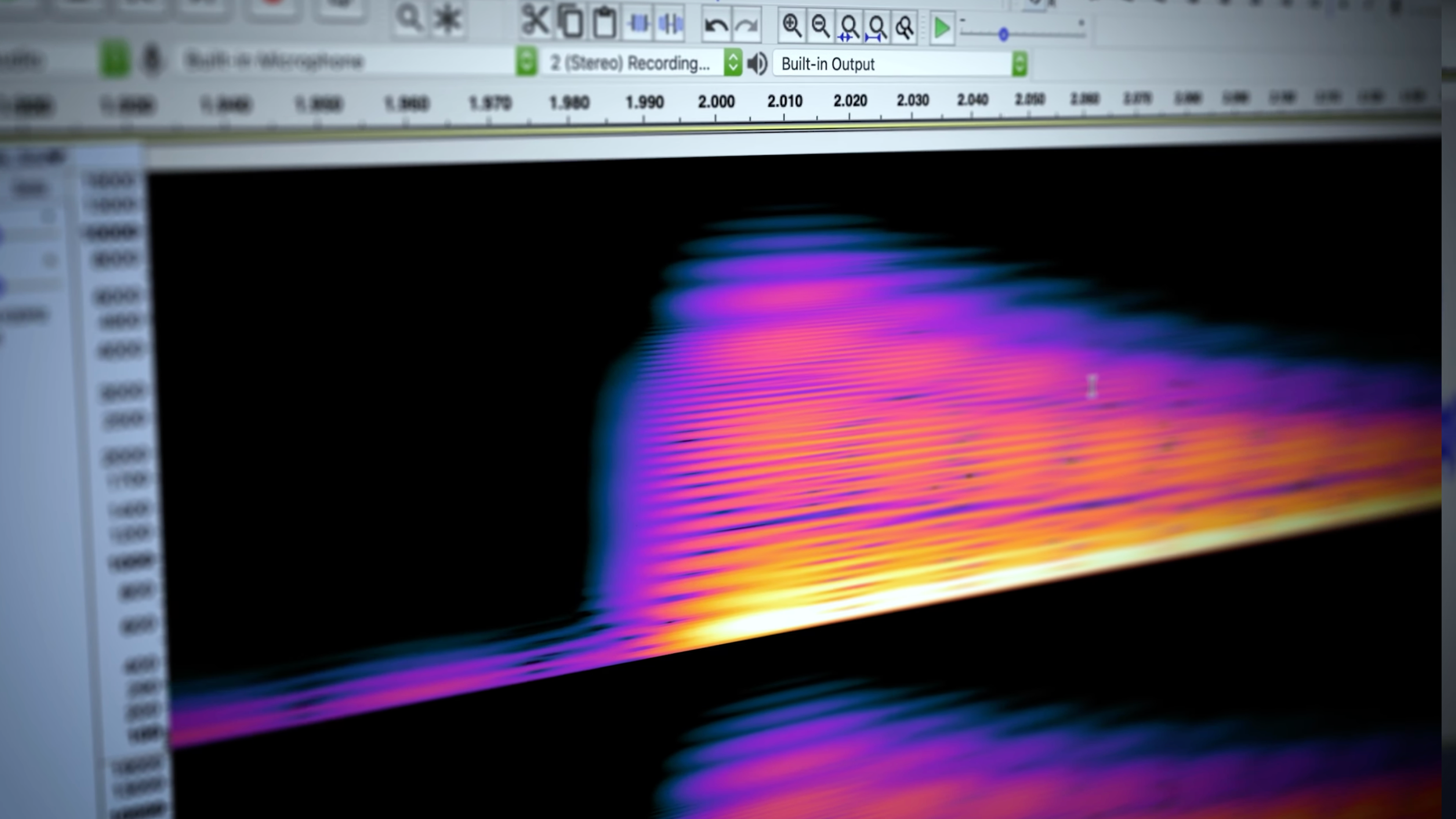
One of Audacity's standout features is its ability to clean up audio recordings effortlessly. The noise reduction tool works like a meticulous editor, filtering out background hums or static as if it's polishing a gem. Additionally, the extensive effects library allows for creative tweaks—adding reverb, pitch correction, or equalization to perfect your sound. These tools are well-integrated, with presets and parameters that allow both amateurs to experiment and professionals to fine-tune their projects. What's most appreciable is the transparency of these effects; users can see the changes in real-time, making experimentation both accessible and educational.
Core Functionality 3: User Experience & Unique Selling Points
Audacity's interface is clean and uncluttered, striking a balance between simplicity and functionality. While it doesn't bombard users with flashy visuals, it provides logical workflows that lower the learning curve, allowing users to focus on their project rather than deciphering complex menus. The software's speed is impressive—it handles large audio files without noticeable lag, thanks to its optimized architecture.
Compared to other multimedia design tools, Audacity's biggest advantage is its open-source nature and community support, which translate into a wealth of tutorials, plugins, and customizations. Unlike some proprietary editors that lock users into specific ecosystems, Audacity thrives on adaptability, making it a particularly appealing choice for those who value control and flexibility.
Recommendation & Usage Recommendations
Considering its features, stability, and community support, I would rate Audacity as a strong, reliable option for anyone looking to delve into audio editing without financial investment. It's especially recommended for beginners who want to learn the ropes and for independent creators seeking an efficient, customizable workflow. However, professional users working on highly complex projects may find its interface somewhat basic compared to premium alternatives, though its capabilities remain impressive for most typical use-cases.
In conclusion, if you're seeking an open-source, versatile, and easy-to-use audio editing tool that can grow with your skills, Audacity for Windows deserves your attention—like a trusty toolkit ready to help shape your soundscapes, day after day. Its core strengths—the multi-track editing and noise reduction features—are truly its most compelling advantages, making it not just a good free option, but a powerful one in the realm of multimedia editing.
Pros
- Intuitive User Interface
- Free and Open Source
- Wide Format Support
- Powerful Editing Tools
- Cross-Platform Compatibility
Cons
- Steep Learning Curve for Advanced Features
- Limited Audio Restoration Options
- Occasional Stability Issues on Certain Systems
- Lack of Built-in Advanced Effects
- Interface Might Be Outdated in Future Versions











