
Frequently Asked Questions
How do I start recording streaming music or videos in Audials One 2026?
Open Audials One, navigate to 'Record' tab, select 'Music' or 'Video', then choose the streaming source and click 'Start Recording' to begin.
Can I organize my media files within the app?
Yes, go to 'Library' or 'Media Manager' section to create playlists, edit, and organize your music, movies, and series easily.
What are the main features of Audials One 2026?
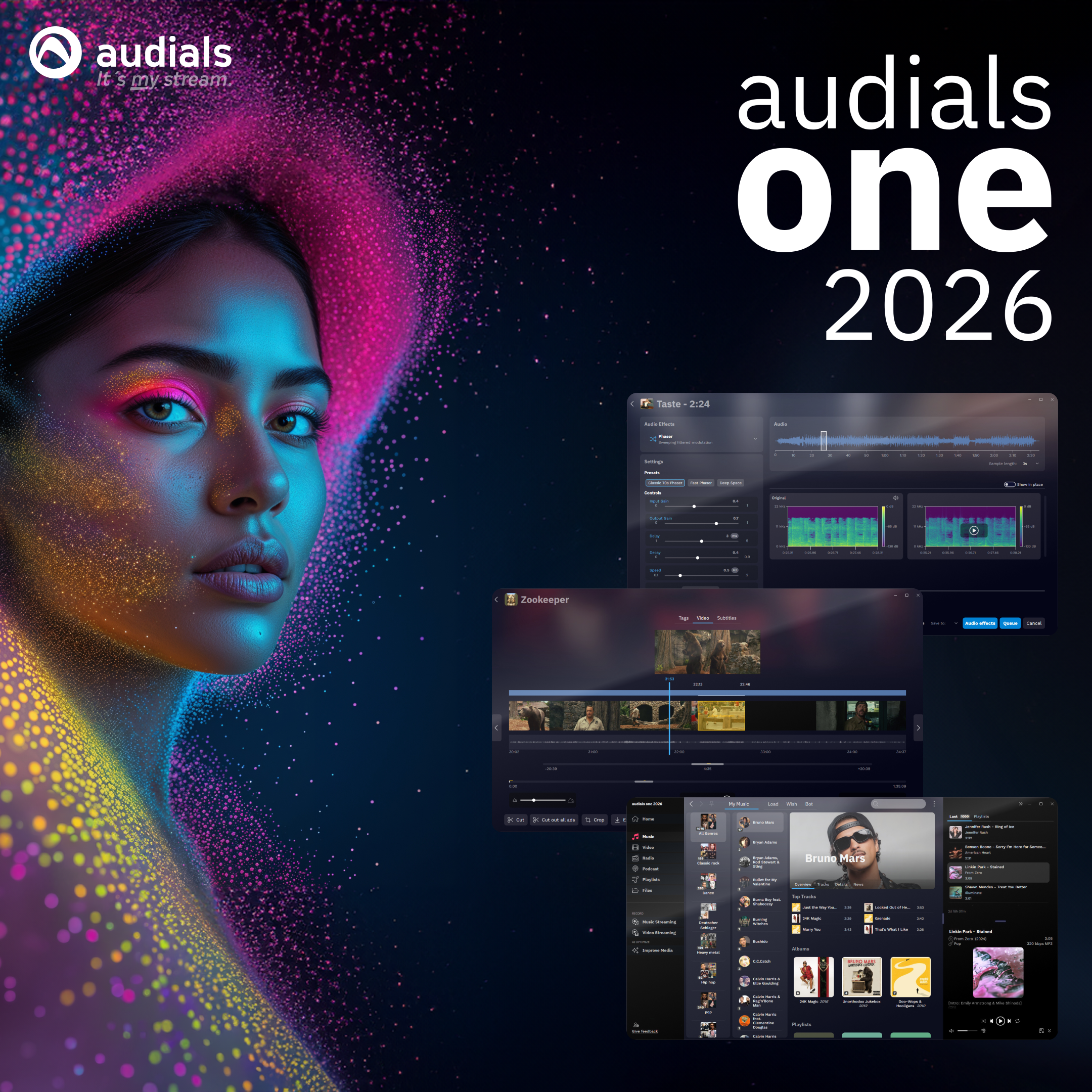
It records streaming media, manages your media library, creates playlists, transfers files to devices, and enhances media quality using AI.
How does the AI media quality improvement work?
Navigate to 'Tools' > 'AI Improver' to upscale videos up to 4K or enhance music quality; preview only in demo mode.
Is there a free trial or demo version, and what are its limitations?
Yes, the demo limits video conversions, DVD copying, capturing, and screen recording to 10 minutes each; previews AI improvements without applying changes.
How do I purchase a full version or subscribe to Audials One 2026?
Go to 'Store' or 'Purchase' section within the app or visit the official website to buy a license or subscribe for full features.
Can I transfer my media files to my smartphone?
Yes, connect your device via USB or Wi-Fi, then use the 'Transfer' function in the app to send playlists and media quickly.
What should I do if the app crashes or features don't work properly?
Ensure your system meets all requirements, update drivers, and reinstall Audials One. Contact support if issues persist via 'Help' > 'Support'.
Do I need to install additional components before using the app?
Yes, install Microsoft Visual C++ Redistributable, Webview2 Runtime, and .Net 8.0 for full functionality, as prompted during setup.
Are there any restrictions on using the app's core functions with the demo version?
Yes, video conversion, DVD copying, recording, and screen capture are limited to 10 minutes each; AI enhancements are only previews in demo mode.
You May Like

FourClicks Media: Essential Photo Organizer, Converter & 4K Slideshow Creator
for Windows
5
Media Player Max
for Windows
4.9
Simple Transfer - Photos & Videos
for Windows
4.8
CyberLink Media Player 18 Standard
for Windows
4.8
Screenbits - Screen Recorder
for Windows
4.8
VLC
for Windows
4.7
HEIC*
for Windows
4.7
Fotogenic : Photo Editor
for Windows
4.7
AirMirroring - Screen Mirroring & Cast
for Windows
4.7
Ultimate Photo Editor
for Windows
4.7
CapCut
for Windows
4.7
Camo Studio
for Windows
4.7