

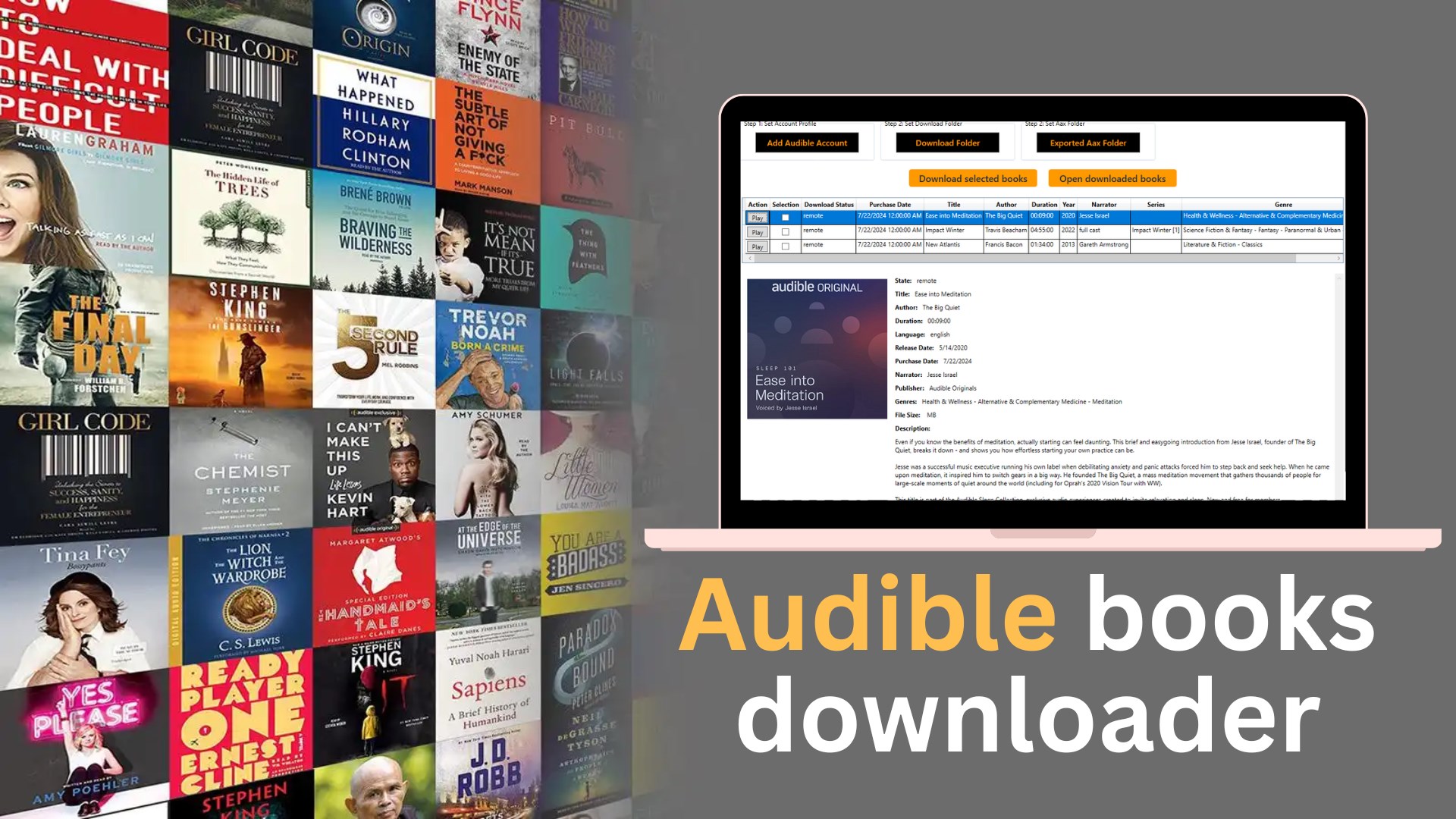
- Category Entertainment
- Developer BBA Windy
- Available on PC, Mobile, Surface Hub, HoloLens
- OS Windows 10 version 17763.0 or higher
- languages English (United States)
An Efficient Solution for Converting Audible AAX to MP3
Audiobook Player - Audible AAX to MP3 for Windows, developed by BBA Windy, aims to streamline the process of converting Audible's proprietary AAX files into more versatile MP3 format, making audiobooks more accessible across various devices and media players. Whether you're a casual listener or a dedicated audiobook enthusiast, this app promises a straightforward way to manage your library with ease.
Core Features That Stand Out
Seamless Conversion of Audible Files
The primary highlight of this application is its ability to convert AAX files into widely compatible MP3 files. This process is designed to be user-friendly, allowing users to drag and drop their audiobook files and have them swiftly converted without complicated setups. The conversion preserves audio quality effectively, ensuring that the listening experience remains intact after the transformation.
Batch Processing and Rapid Speed
For users with extensive audiobook collections, the app's batch processing capability is a big plus. It can handle multiple files simultaneously, significantly reducing the time spent on conversions. Coupled with optimized processing algorithms, the app delivers quick results, making it practical even for large libraries, akin to turning a deck of cards in one swift shuffle.
Simple User Interface with Smooth Operation
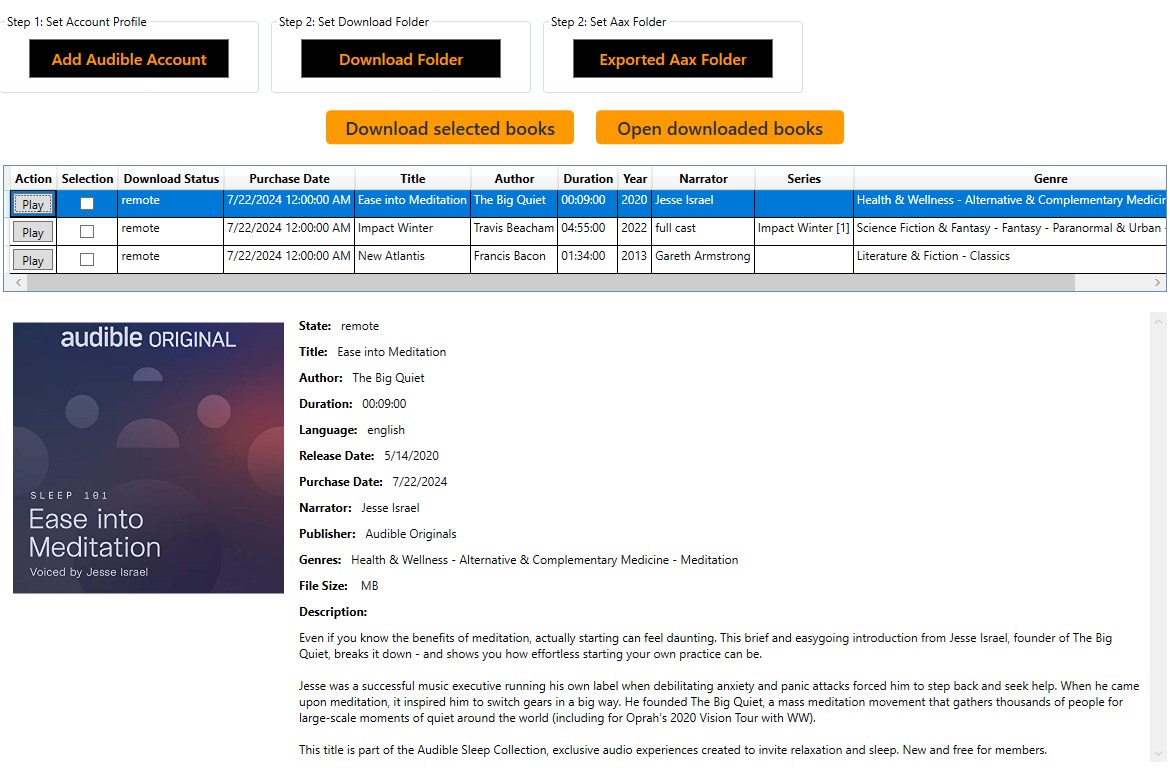
The app boasts a clean, minimalistic interface that emphasizes ease of use. The design feels intuitive, with clear navigation buttons and straightforward options, allowing users — even those less tech-savvy — to start converting within minutes. The operation flows smoothly, without noticeable lag or crashes, providing a reliable user experience very much like browsing through a well-organized bookshelf.
User Experience and Interface Evaluation
From launch to conversion, the application's user interface is thoughtfully designed to reduce complexity. Its layout resembles slightly advanced audio software but remains accessible through guided prompts. The learning curve is gentle; users can learn the essentials in just a few minutes. The responsiveness during file processing ensures that users are not left waiting or confused, which often distinguishes good tools from average ones.
What Sets It Apart from Other Entertainment Apps
Unlike many media players and entertainment applications that focus purely on playback or content recommendation algorithms, Audiobook Player emphasizes conversion efficiency and versatility. Its standout feature is the ability to easily strip away DRM restrictions (where legally permissible) and convert AAX files directly, a task that many competitors lack or make cumbersome. This technical edge allows users to reclaim control over their audiobook libraries, making this app more a utility tool than just a playback platform. Its straightforward approach to file management and conversion reduces the need for multiple separate programs.
Final Recommendations and Usage Suggestions
This application is best suited for audiobook listeners who want more flexibility with their files, especially for those who own audiobooks in AAX format and wish to enjoy them across different devices or offline. If converting large collections quickly and maintaining good audio quality are priorities, this app definitely deserves a try. However, users should ensure they operate within legal boundaries when removing DRM protections. Overall, I recommend this app to Audiobook enthusiasts looking for a reliable, easy-to-use conversion tool that simplifies their digital library management.
Pros
- High Compatibility with Audible AAX Files
- Batch Conversion Support
- Simple and Intuitive Interface
- Preserves Chapter Markers
- Fast Conversion Speed
Cons
- Limited to Audible AAX Files Only
- Lacks Advanced Editing Features
- Potential DRM Handling Issues
- No Built-in Audiobook Player
- Occasional Crashes on Large Files











