

- Category Security
- Developer FirstOrder.AI
- Available on PC
- OS Windows 10 version 17763.0 or higher
- Keyboard Integrated Keyboard
- Mouse Integrated Mouse
- languages English (United States)
Securing Your Digital Life: An In-Depth Look at Authenticator App · 2FA for Windows
In an era where digital security is as vital as locking your front door, Authenticator App · 2FA for Windows offers a streamlined solution to bolster your accounts' defenses. Designed with simplicity and efficiency in mind, this app transforms your Windows device into a powerful authentication tool—without the fuss of complex setups or cluttered interfaces. Whether you're a tech enthusiast or a cautious user seeking practical security, this app aims to be your reliable guardian against unauthorized access.
Who's Behind the Curtain? The Developer and Core Features
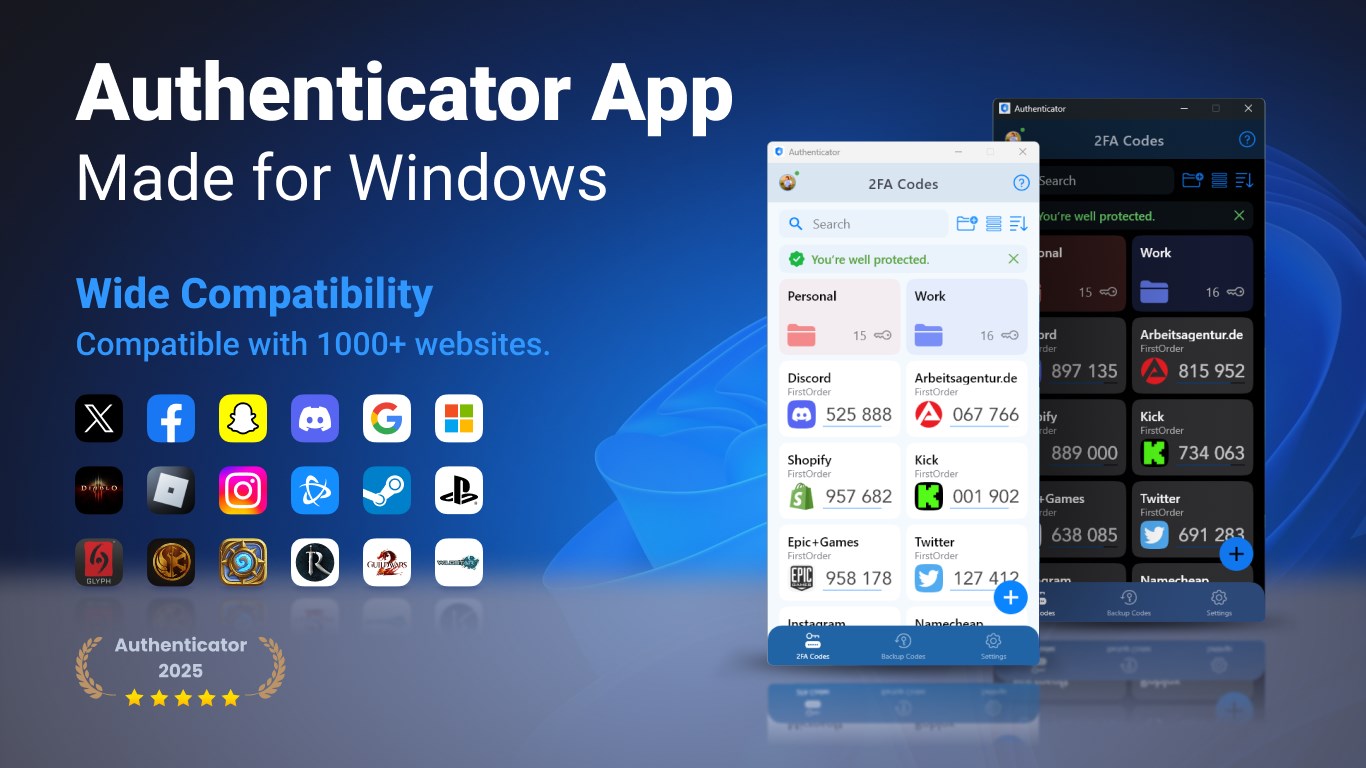
Developed and published by FirstOrder.AI, a team known for crafting user-friendly AI-powered tools, Authenticator App · 2FA for Windows zeroes in on delivering straightforward two-factor authentication directly on your Windows platform. Its key highlights include: - **Seamless 2FA Generation**: Create and manage time-based one-time passwords (TOTPs) effortlessly for multiple accounts. - **Easy Account Management**: Add, edit, and organize various 2FA accounts with intuitive controls. - **Secure Data Handling**: Localized storage of your secrets ensures privacy and reduces reliance on cloud syncing, enhancing security.
A Fun Yet Functional Introduction: Why This App Catches the Eye
Imagine entering a world where your digital keys are kept safe under a trustworthy digital lockbox—no more scrambling for physical tokens or battling confusing app interfaces. Authenticator App for Windows strives to make 2FA management as friendly as chatting with a friend—simple, reliable, and just a click away. Its lightweight footprint and straightforward workflow resemble a personal assistant that's always ready, never invading your screen or slowing down your work. For users tired of clunky authenticator apps, this one acts like that silent, dependable sidekick, always prepared with the right code at the right moment.
Core Functionality Breakdown: Simplicity Meets Power
1. Manage Multiple Accounts with Ease
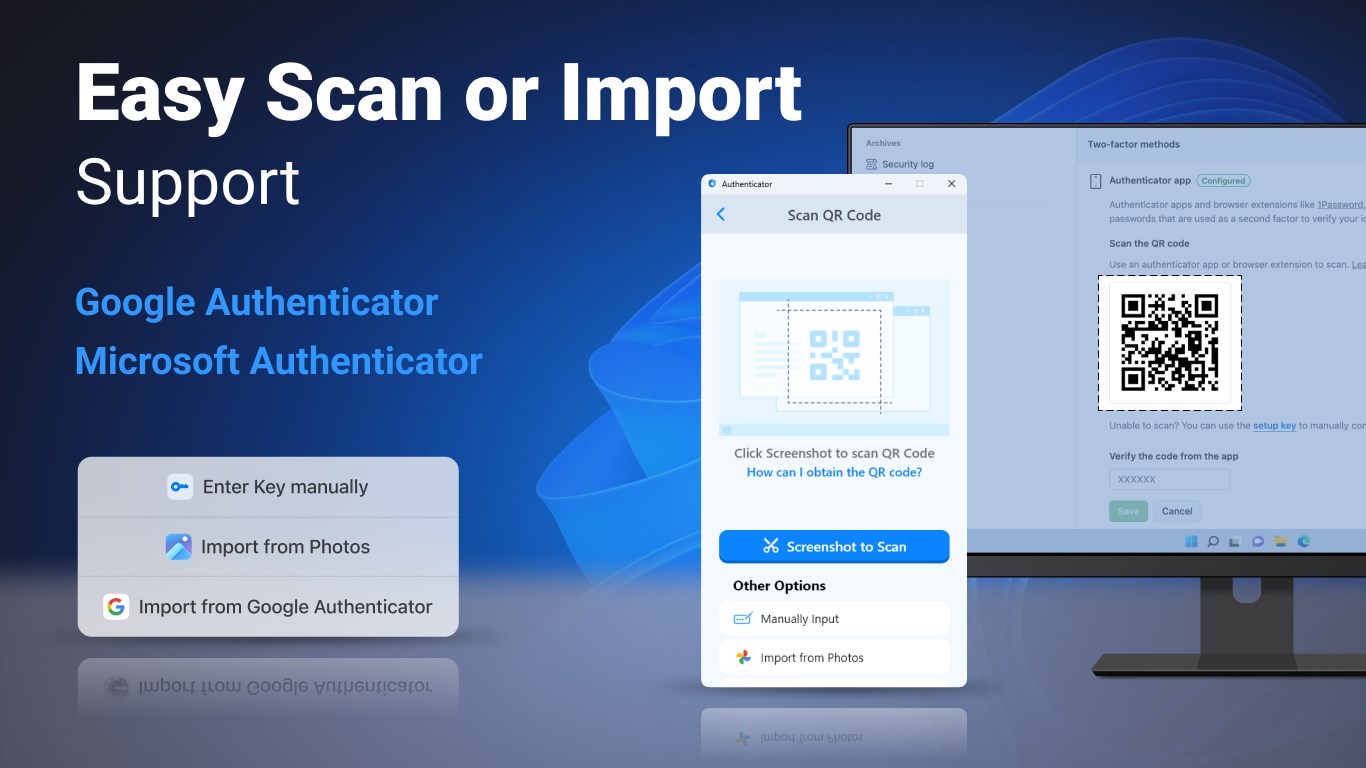
Adding new accounts is as straightforward as scanning a QR code or manually entering a secret key. The app supports multiple accounts, neatly organized into groups, letting users switch between different services effortlessly. Its straightforward interface ensures that even first-time users can quickly grasp the management process, making it perfect for professionals juggling work and personal accounts.
2. Reliable Code Generation & Time Sync
The app generates time-sensitive one-time passwords that sync precisely with the servers of services like Google, Microsoft, or custom services. Its synchronization assures that codes are timely, reducing login frustration. The app runs quietly in the background, updating codes seamlessly, so users do not need to worry about lag or inaccuracies, fostering peace of mind during crucial login moments.
3. Privacy-Centric Design
Unlike some competing apps that rely heavily on cloud backup or syncing, this app emphasizes local data storage. This design choice minimizes potential vulnerabilities and ensures that users retain control over their secrets. For security-conscious users, especially in corporate or sensitive environments, this feature is a significant advantage—delivering peace of mind without sacrificing convenience.
User Experience: Smooth Sailing or Bumpy Ride?
The interface of this Windows app is a breath of fresh air—clean, uncluttered, and adopting a minimalist aesthetic that emphasizes utility over flourish. Navigation feels intuitive; adding or removing accounts takes seconds, and the real-time code updates are smooth without lag. The learning curve is gentle; even tech novices will find it accessible, akin to setting up email on a new device. The app's responsiveness remains consistent across different Windows versions, ensuring a uniform experience that addresses a broad audience.
Unique Selling Points & Differentiators
What does this app do differently from other security authenticator tools? Primarily, its emphasis on local data storage and integration with Windows—an operating system where users tend to seek native-like solutions—sets it apart. While many apps require cloud backup or involve complex configurations, this app remains self-contained, focusing solely on secure, straightforward authentication. Its lightweight, user-friendly design coupled with this security-centric approach makes it particularly appealing for users wary of cloud-based vulnerabilities or those preferring offline security methods.
Final Verdict & Recommendations
Overall, Authenticator App · 2FA for Windows earns a solid recommendation, especially for those looking for a simple yet secure 2FA solution that respects privacy and minimizes complexity. It's suitable for both personal users and organizations that prioritize control over security credentials. While it might lack some advanced features found in more robust enterprise-grade tools, its straightforward approach and focus on core functionalities make it an excellent choice for everyday security needs. If you value a no-fuss interface combined with strong privacy principles, this app should definitely be in your security toolkit.
Pros
- User-friendly Interface
- Strong Security Features
- Offline Functionality
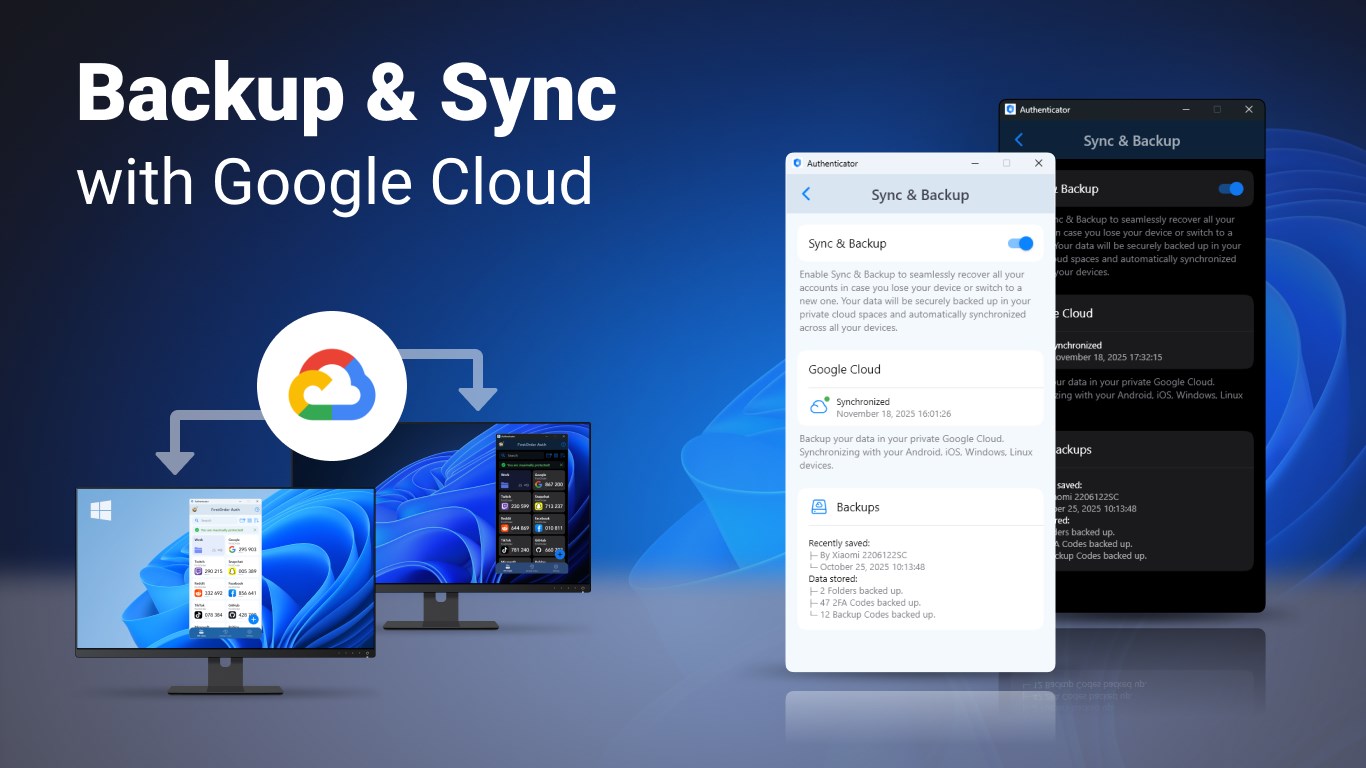
- Multi-device Syncing
- Regular Updates
Cons
- Limited Customization Options
- Requires Microsoft Account for Sync
- No Password Backup Feature
- Limited Platform Compatibility
- Occasional Sync Delays










