

- Category Productivity
- Developer Playsaurus
- Available on PC
- OS Windows 10 version 17763.0 or higher
- Keyboard Integrated Keyboard
- Mouse Integrated Mouse
- Memory 750 MB
- languages English (United States)
Auto-Clicker for Windows: An Efficient Tool for Automated Clicking
If you've ever found yourself repeatedly clicking through tedious tasks or gaming sessions, Auto-Clicker for Windows by Playsaurus might just become your new best friend. Designed to streamline repetitive clicking chores, this application offers a simple yet powerful way to automate mouse clicks, saving you time and reducing finger fatigue.
Basic Information and Developer Background
Auto-Clicker for Windows is a straightforward app aimed at users seeking effortless automation of mouse clicking. Developed and published by Playsaurus, a team known for creating user-friendly productivity tools, the app positions itself as an essential utility for gamers, researchers, or anyone requiring repetitive clicking. Its main highlights include customizable click intervals, hotkey activation, and flexible targeting options. Designed primarily for casual users, it appeals to those wanting to improve workflow efficiency or minimize physical strain during long computer sessions.
Vivid Introduction: Making Repetition Less Boring
Imagine you're grinding through a game, and every few minutes, you're manually clicking the same spot over and over—sounds familiar? Auto-Clicker is like having a trusty sidekick that takes over the drudgery, allowing you to relax or focus on more engaging tasks. It's akin to setting your digital assistant to handle those monotonous chores, freeing your mind and hands while ensuring victory, productivity, or simple convenience. Whether you're automating clicks for a fun game or a tedious work process, this app promises to make your digital routine smoother and more enjoyable.
Core Functionality 1: Customizable Click Automation
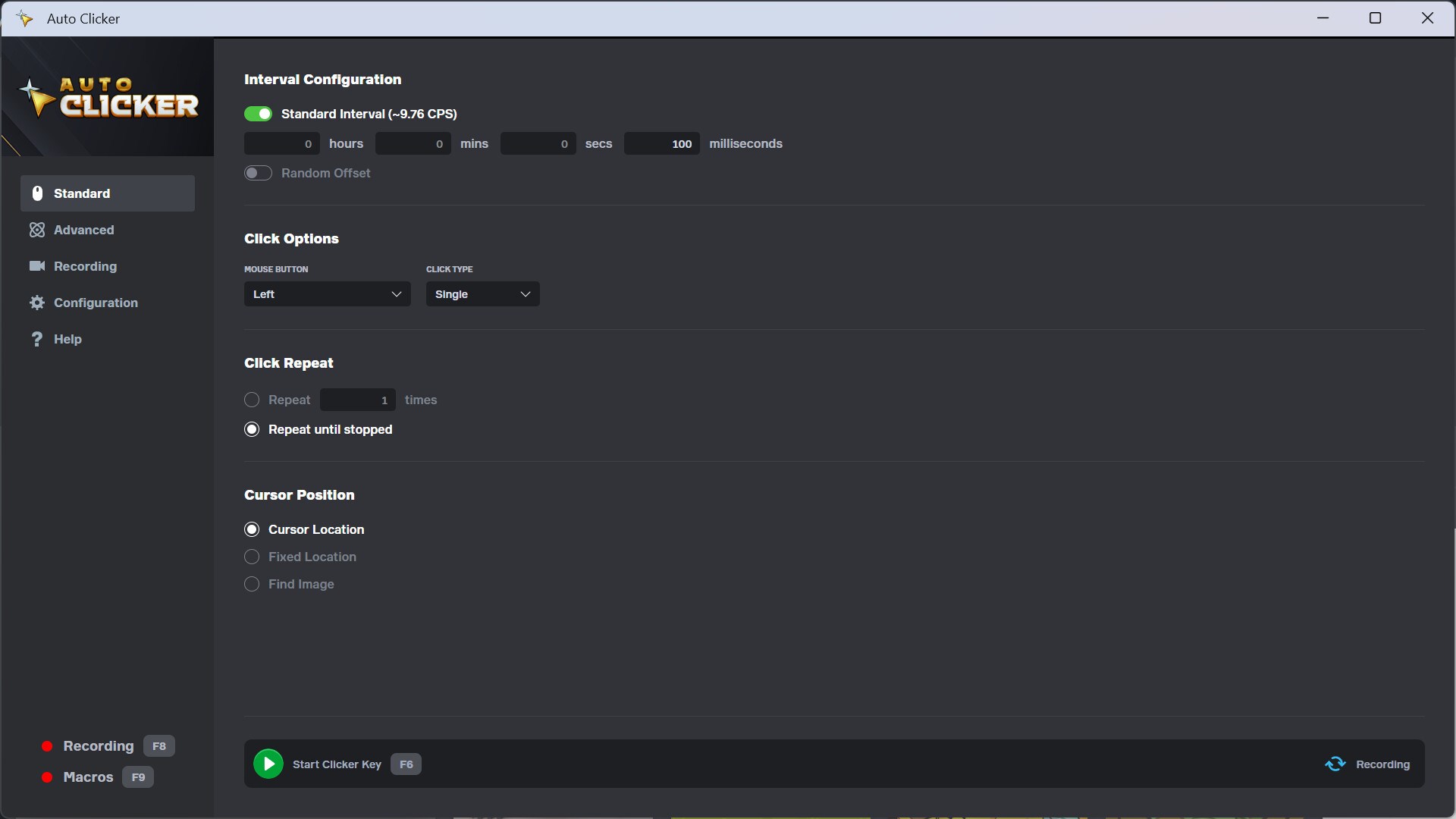
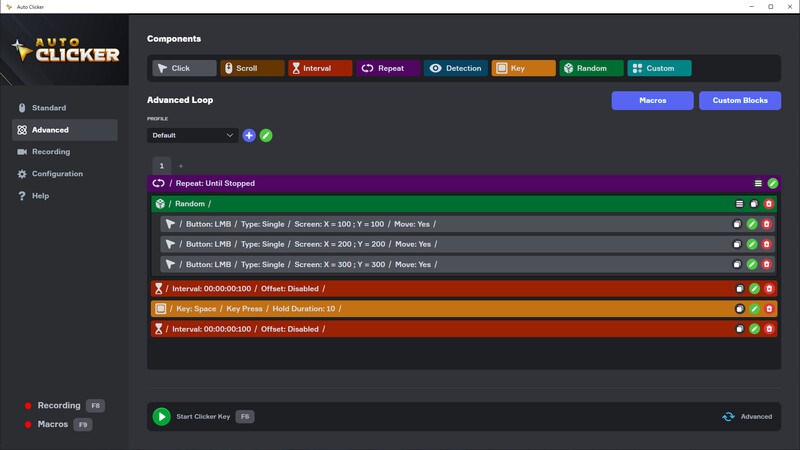
The heart of Auto-Clicker lies in its ability to craft highly tailored clicking patterns. Users can specify click intervals—ranging from milliseconds to seconds—making it versatile for various needs, be it rapid fire or slow, deliberate clicks. The tool supports different click types—single, double, or even custom sequences—and allows precise targeting of click zones. So, whether you're automating a click at fixed positions or dynamically following cursor movement, the app accommodates both with ease. This flexibility maximizes efficiency, especially in tasks where timing and precision matter.
Core Functionality 2: User-Friendly Interface and Seamless Operation
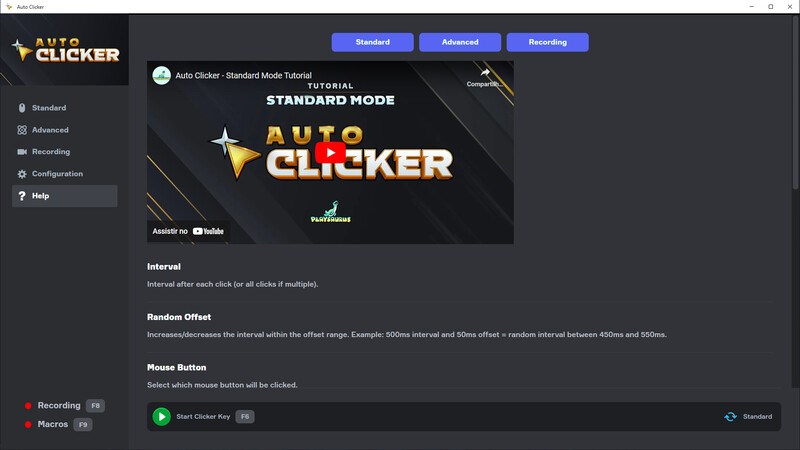
Designed with simplicity in mind, the interface resembles a minimalist dashboard, much like a cockpit where every control is within arm's reach. Setting up automated clicks is as effortless as entering a few parameters and activating a hotkey—no complicated configurations needed. The application's responsiveness ensures that clicks occur flawlessly without lag or hiccup, providing a smooth experience. Learning curve is gentle; even first-time users can become proficient within minutes, thanks to clear controls and helpful prompts. This user-centric approach makes automation accessible to a broad audience, from casual players to professionals.
Unique Strengths: Workflow Integration and Cognitive Load Reduction
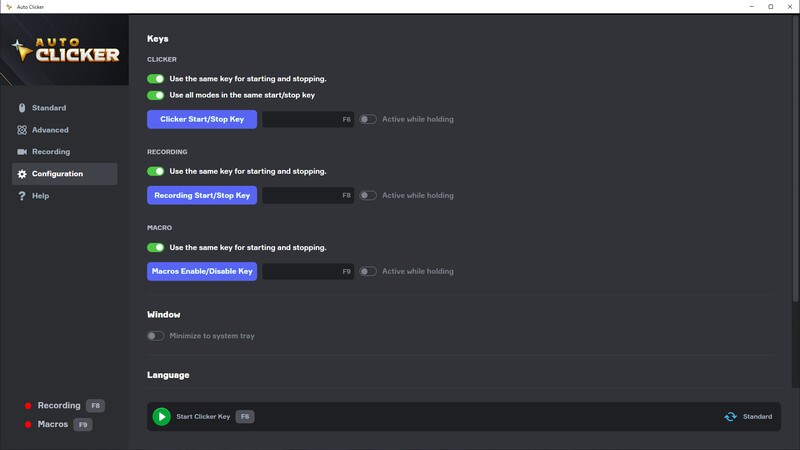
What sets Auto-Clicker apart from other productivity or automation tools? Unlike complex macro programs laden with countless features, this app emphasizes a streamlined workflow. It integrates seamlessly into your existing tasks—all you need is a hotkey to toggle automation without interrupting your workflow. Its minimalist design minimizes cognitive load, keeping your focus on your primary activity rather than on managing the tool. This efficiency is a critical advantage, especially when compared to cluttered automation suites that demand extensive setup and management. The app's simplicity and targeted functionality make repetitive tasks feel less like work and more like task delegation to your digital helper.
Recommendation and Usage Suggestions
Overall, Auto-Clicker for Windows is a solid, no-nonsense utility suited for those needing reliable mouse automation without fuss. I recommend it primarily for gamers seeking repetitive click automation and for users needing to reduce physical strain during lengthy tasks. Its intuitive interface and precise control options make it ideal for quick setup and reliable operation. However, for highly complex macro sequences or integrated workflow automation, more advanced solutions might be necessary. If you're after a lightweight, effective clicker that works out of the box and won't bog you down with unnecessary features, this app is definitely worth trying out.
Pros
- User-Friendly Interface
- High Customizability
- Automation Efficiency
- Lightweight Application
- Free to Use
Cons
- Limited Compatibility
- Basic Customization Options
- No Advanced Scheduling Features
- Potential for Accidental Clicking
- Lack of User Support Documentation











