


- Category Entertainment
- Available on Xbox console, PC, Mobile, Surface Hub, HoloLens
- OS Windows 10 version 19041.0 or higher
- DirectX DirectX 12 API, Hardware Feature Level 11
- Memory 8 GB
- languages Arabic, Chinese (Simplified), Dutch, English (United States), Finnish, French, German, Hindi, Italian, Korean, Portuguese, Russian, Spanish
Auto Face Swap Pro for Windows: A Clear Winner in Face Manipulation
If you're looking for an intuitive and powerful face swapping tool that blends fun with professional-grade results, Auto Face Swap Pro for Windows is worth a close look. Developed by sneumueller, this application aims to bring the magic of seamless face swapping into your hands, regardless of your experience level—a true game-changer in the realm of creative photo editing.
What's Under the Hood?
Auto Face Swap Pro is designed to provide quick and accurate face swapping, leveraging advanced algorithms to ensure natural-looking results. Its core features revolve around effortless face detection, customizable swapping options, and versatile integrations with multimedia workflows. Whether you're a social media enthusiast, a content creator, or just someone who loves experimenting with photos, this app positions itself as a reliable companion for all these needs.
- Fast and Accurate Face Detection: Uses AI-powered algorithms to identify faces within seconds, even in complex backgrounds.
- Intelligent Face Transfer: Seamlessly replaces faces with minimal distortion, preserving expressions and lighting conditions.
- Batch Processing Capabilities: Handles multiple images efficiently, making it ideal for projects requiring numerous face swaps.
- Export Flexibility: Supports various image formats and resolution options for professional or casual use.
Engaging in the Face Swap Experience
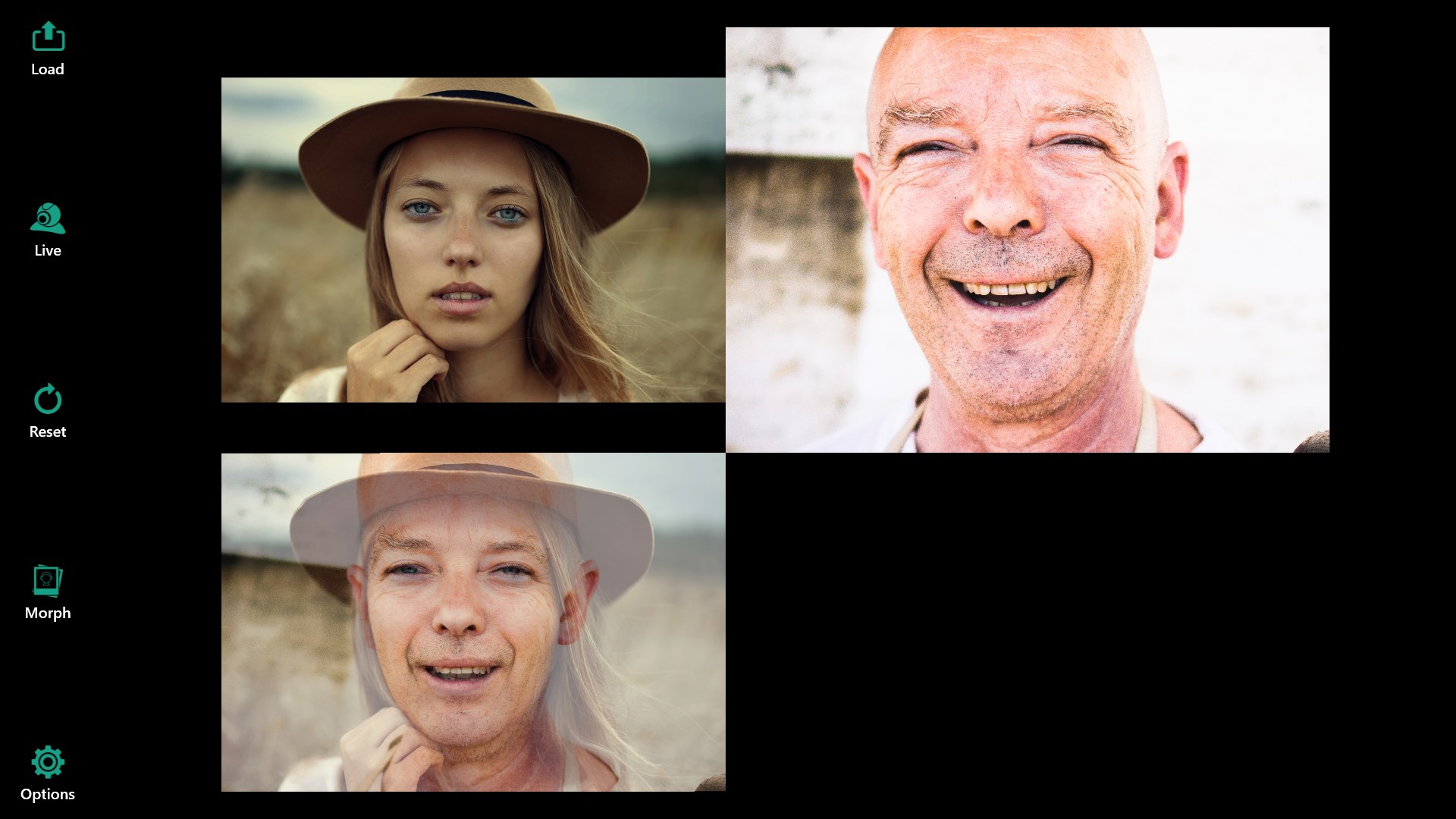
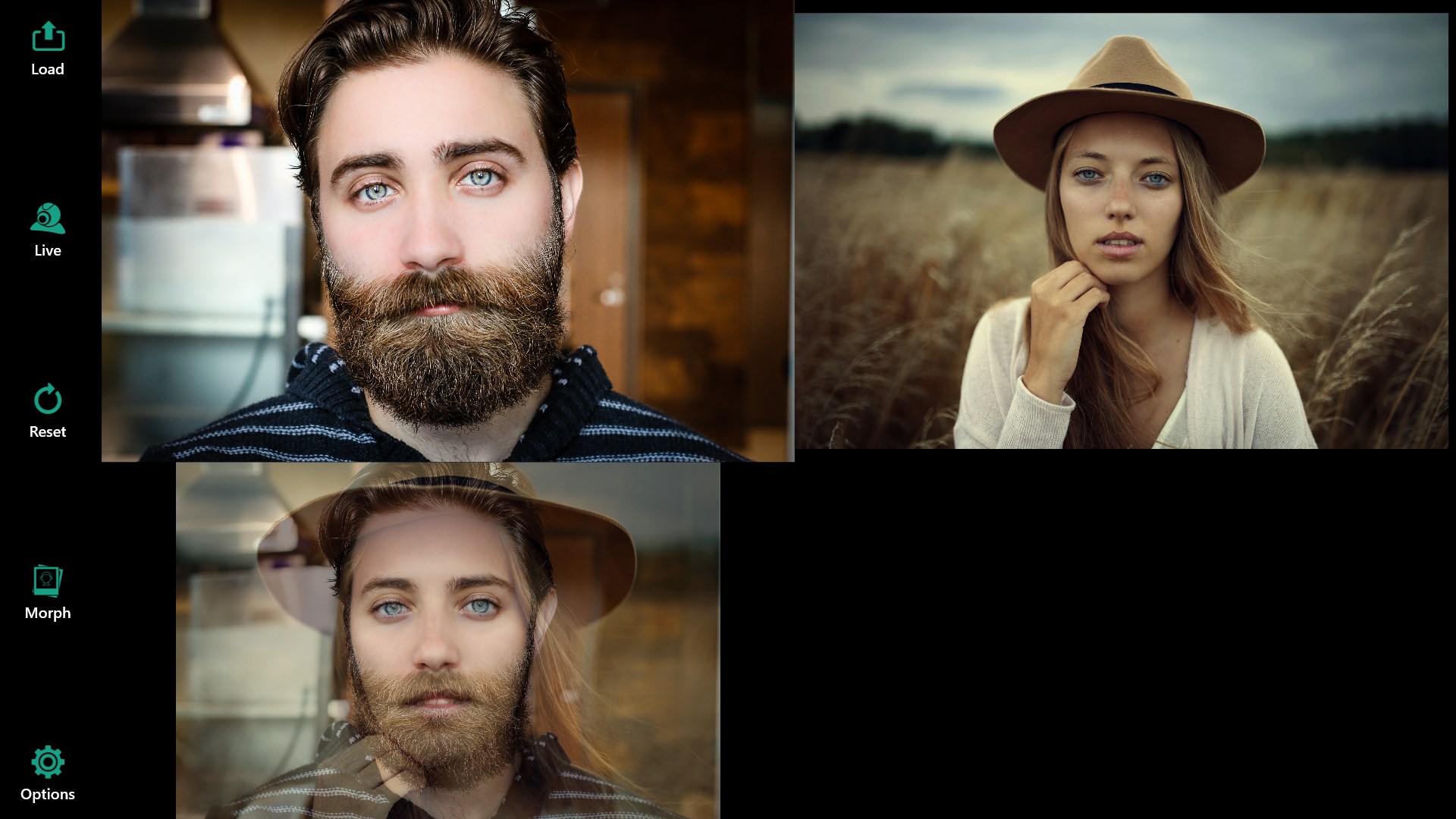
Imagine transforming your photos effortlessly—either replacing your face in a memorable family shot or creating amusing memes for social media. Auto Face Swap Pro's interface immediately invites you into this creative playground. Its welcoming layout simplifies complex tasks, much like a seasoned artist guiding your hand through the brushstrokes, making the entire process intuitive even for first-time users.
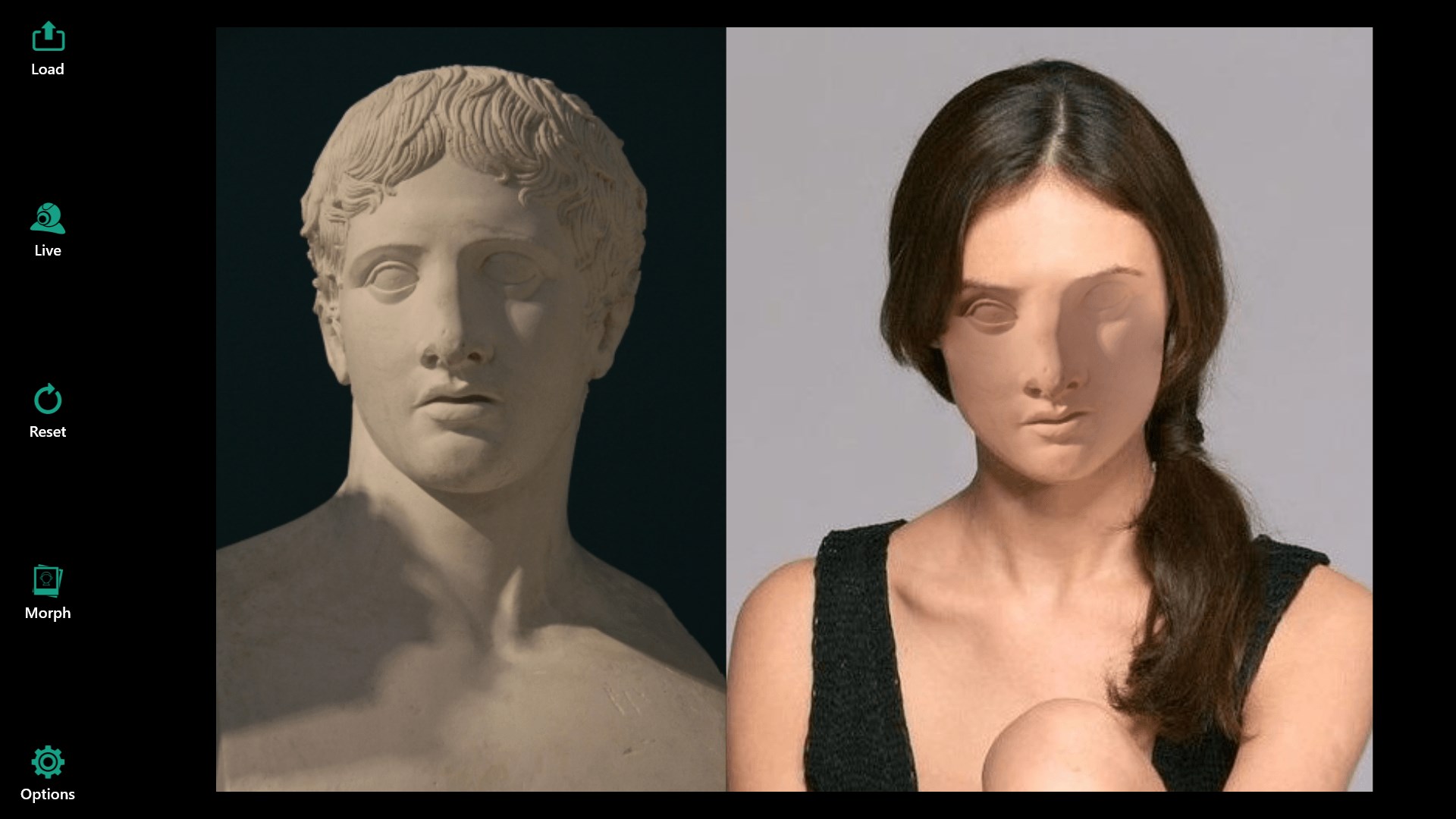
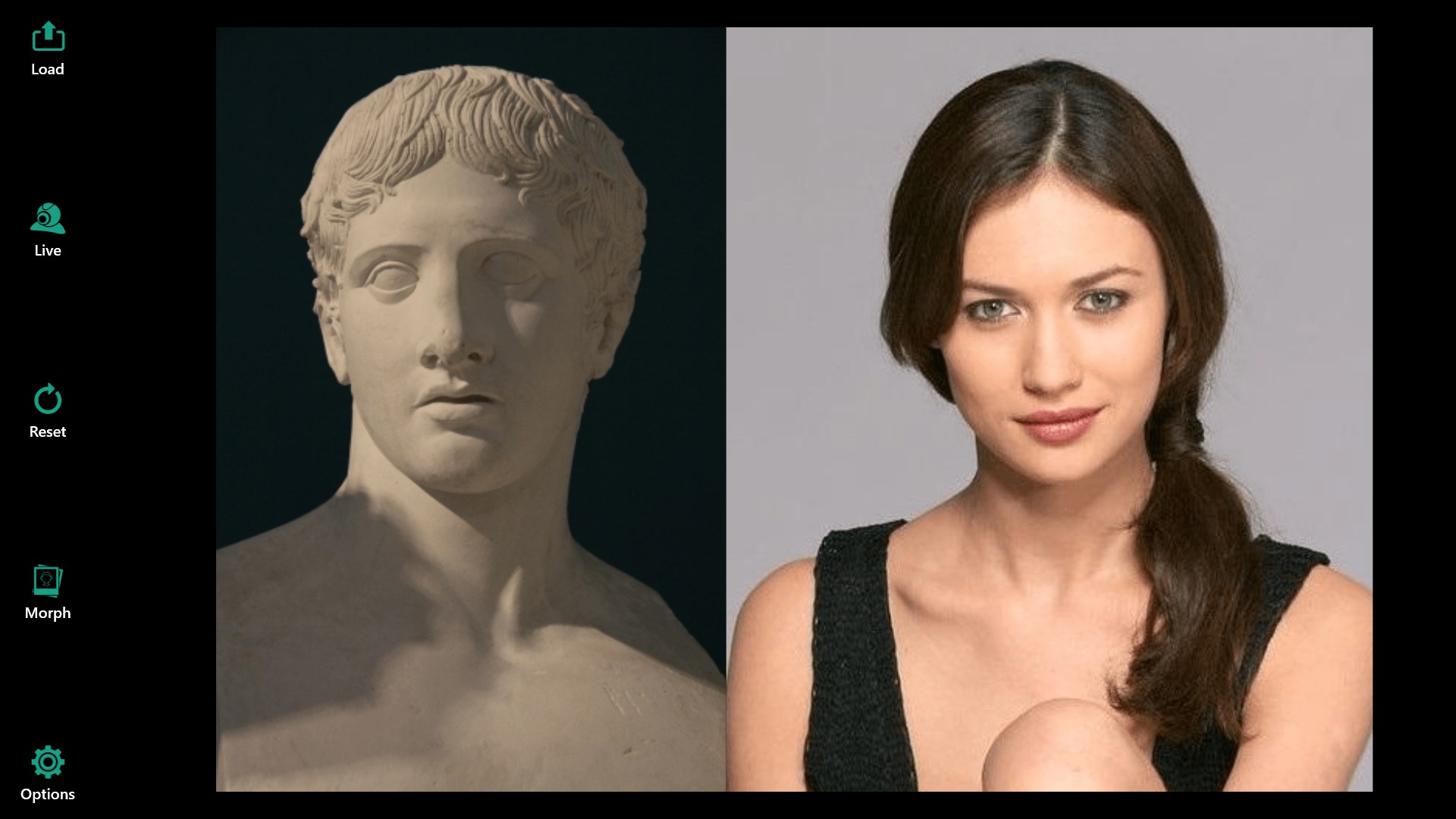
The initial step involves importing your images, after which the app's face detection kicks into gear, swiftly pinpointing faces with impressive precision. The real fun begins as you select the face you want to swap—whether it's your own, a friend's, or a celebrity's. The app's algorithms do the heavy lifting, delivering natural results that maintain expressions, shadows, and lighting nuances—an aspect that sets it apart from more generic tools.
Refined Interface and User Experience
Auto Face Swap Pro sports a clean and minimalistic design—think of it as a professional studio setup simplified for the casual creator. The operation flow is smooth, with real-time previews that allow iterative refinements. Drag-and-drop imports, straightforward face selection, and one-click swaps make the process feel as effortless as snapping your fingers. The learning curve feels gentle, even for those new to photo editing, thanks to in-app guidance and clear tooltips.
Whether you're swapping faces in a portrait or creating a montage for a presentation, the app feels responsive and well-optimized for Windows environments. The ability to process multiple images simultaneously not only saves time but also encourages experimentation and creativity.
Unique Features That Make It Stand Out
While many face swapping tools exist, Auto Face Swap Pro distinguishes itself through its balanced mix of simplicity and sophistication. Its deep learning recalibration ensures swapping remains natural even in challenging scenarios, such as varying lighting or complex backgrounds. Moreover, its batch processing and export options cater well to users who consider face swapping as part of larger projects.
Unlike some competitors that rely heavily on content discovery algorithms or personalized recommendations—features more common in entertainment or social apps—Auto Face Swap Pro's strength lies in consistent performance and high-quality output. Its focus on accuracy and user control ensures that each swap maintains the integrity of the original image, making it a reliable digital tool for serious enthusiasts and casual users alike.
Final Verdict and Recommendations
Auto Face Swap Pro for Windows earns a firm recommendation for its ease of use, high-quality results, and feature set tailored to both casual and more demanding users. If you want a straightforward yet powerful face swapping solution without the fuss of overly complicated interfaces, this app is definitely worth exploring. It's particularly suitable for content creators, meme makers, or anyone looking to experiment with face manipulation in a professional yet accessible environment.
For those who prioritize natural realism, batch processing, and an intuitive experience, Auto Face Swap Pro stands out as a noteworthy choice. While it might not feature the extensive social content discovery algorithms of entertainment-focused apps, its strength lies in delivering reliable, realistic face swaps—making every project just a little more fun and a lot more polished.
Pros
- Intuitive face swapping process
- High-quality results
- Wide variety of fun filters and effects
- Fast processing speed
- Supports multiple photo formats
Cons
- Occasional mismatched face alignment
- Limited editing tools
- Occasional glitches or lag
- Privacy concerns when sharing images
- Free version has limited features











