

- Category Lifestyle
- Available on PC, Mobile, Surface Hub, HoloLens
- OS Windows 10 version 17763.0 or higher
- languages English (United States)
Auto Key Presser: Effortless Automation for Windows Users
Auto Key Presser is a straightforward utility designed to streamline repetitive keystrokes on Windows, making routine tasks more efficient with minimal effort.
About the Developer and Core Features
Developer Profile
Developed by Mia Sarah, a dedicated software creator focused on simple yet effective productivity tools, Auto Key Presser embodies her approach to user-centric utility applications.
Main Highlights of the App
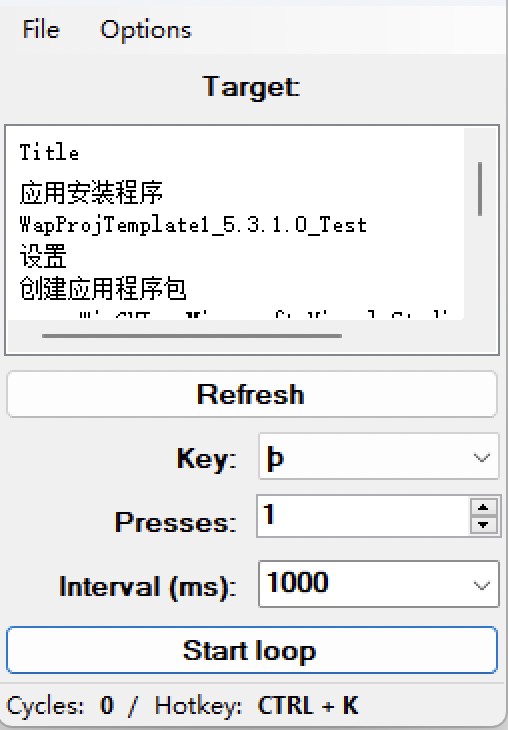
- Automated Keystroke Repetition: Easily set up custom keystroke sequences to run automatically, saving users from manual effort.
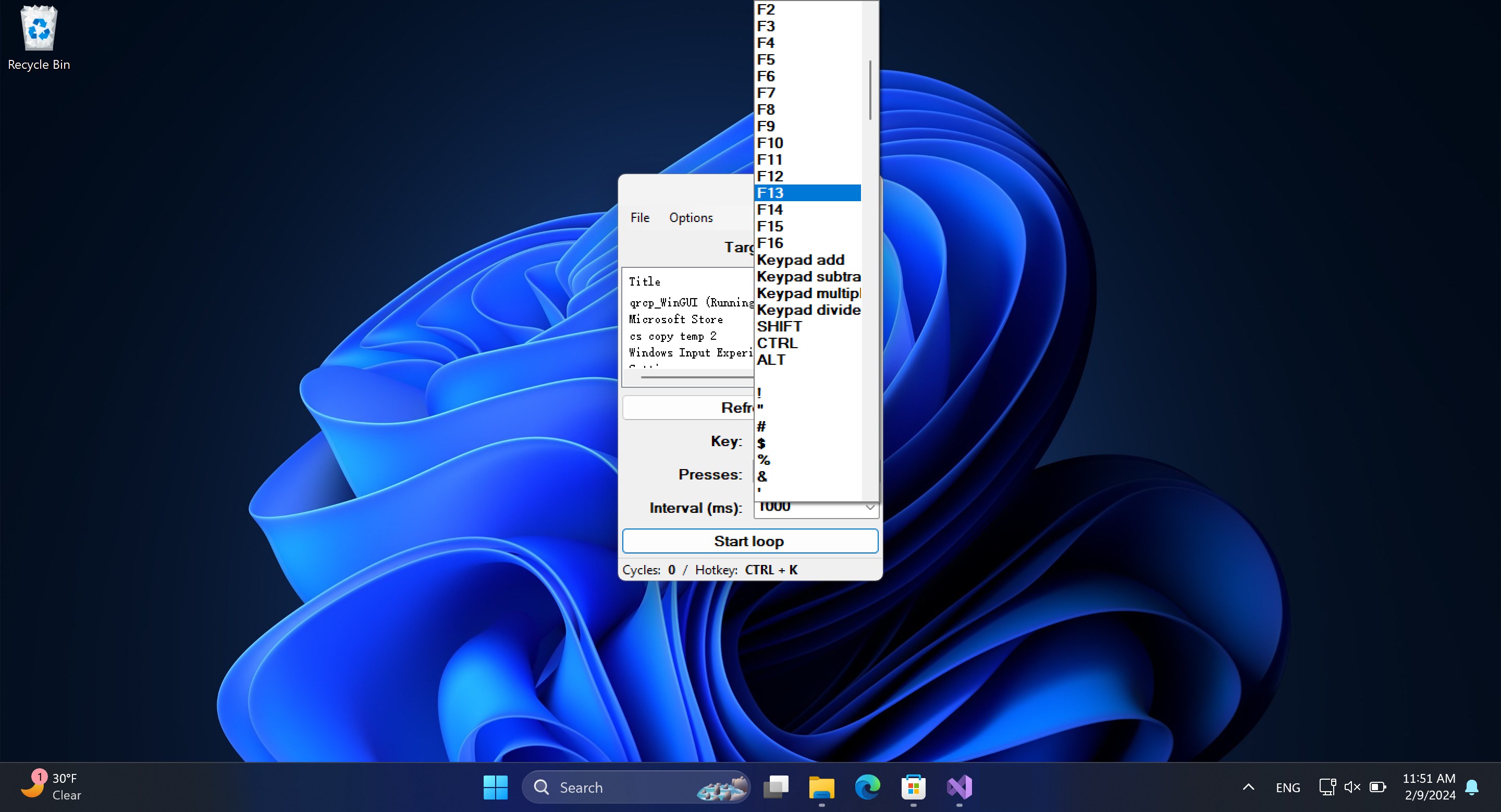
- Configurable Hotkeys: Quickly activate or stop key scripts with simple hotkeys for seamless integration into workflows.
- Multiple Presets Handling: Store and load different key sequences to adapt to various tasks without reconfiguration.
- Lightweight and User-Friendly Interface: Designed to be accessible for users of all levels, with minimal learning curve.
This application is mainly aimed at gamers, programmers, or anyone who frequently repeats keystrokes during their daily computer activities.
Engaging First Impressions and User Experience
Imagine having your favorite juggling act—balancing multiple balls with effortless precision. That's what Auto Key Presser offers: a way to automate the monotony, letting you focus on more exciting pursuits. Whether you're scripting actions in a game or automating routine data entry, this app transforms what could be tedious chores into a smooth, almost rhythmic process.
Interface Design and Ease of Use
The interface is designed with clarity and simplicity in mind—think of it as a tidy workbench in a carpenter's shop. Everything is logically organized, so even users unfamiliar with automation can find their way around effortlessly. The main control panel uses straightforward icons and labels, minimizing confusion. Setting up a new keystroke sequence is as intuitive as recording a quick voice memo; just press record, perform your sequence, and save. The app's minimal aesthetic ensures no distraction, enhancing focus on the task.
Operation Fluidity and Learning Curve
Once configured, the app runs smoothly in the background, humming along without hogging system resources—much like a well-oiled machine quietly working behind the scenes. Users may take a few moments to grasp the hotkey assignment process, but Mia Sarah's clear instructions and the app's guided setup mean the learning curve remains shallow. Even those new to automation tools will find it accessible, while seasoned power users will appreciate the customizable options.
Uniqueness in the Landscape of Lifestyle and Productivity Apps
What sets Auto Key Presser apart from other automation tools, especially within the lifestyle category, is its specialized focus on keystroke automation rather than broad task management. Unlike generalized macro apps, it offers a streamlined approach tailored for specific repetitive tasks, making it more reliable and easier to manage. Its authenticity is rooted in its straightforward operation—there's no gimmicky clutter, just pure functionality.
Furthermore, Auto Key Presser's credibility stems from its developer's commitment to clarity and safety: user scripts are stored locally, reducing privacy concerns. Its niche appeal for gamers and professionals seeking a trusted, no-nonsense tool elevates it above more complex, bloated options that often overwhelm users.
Final Thoughts and Recommendations
All in all, Auto Key Presser is a practical choice for those needing reliable keystroke automation without the fuss. I recommend it for gamers wanting to automate repetitive actions, programmers testing code, or anyone looking to boost productivity by reducing manual effort. Its simplicity, combined with targeted functionality—particularly the hotkey toggling and preset management—makes it a standout within its niche. If you often find yourself repeating the same keystrokes, this app could become your new best friend, quietly working in the background as you focus on the more creative aspects of your work.
Pros
- User-Friendly Interface
- Customizable Key Settings
- Lightweight and Fast
- Multi-Platform Compatibility
- Affordable Price
Cons
- Limited Customization Options
- Basic User Support
- Lack of Cloud Sync
- Potential for Misuse
- No Advanced Scheduling










