
- Category Productivity
- Available on PC, HoloLens
- OS Windows 10 version 19041.0 or higher
- languages English
Introducing AutoCAD - DWG Viewer & Editor: Your Portable CAD Companion
If you've ever wished for a lightweight yet powerful tool to open, view, and tweak your DWG files on Windows without launching the full AutoCAD suite, this app aims to fulfill that need. It streamlines your workflow by offering essential CAD functionalities in a neat package, ideal for professionals on the go or occasional users needing quick access to their drawings.
Meet the Developer and Core Highlights
Developed by Autodesk Inc., a global leader in design software solutions, this DWG Viewer & Editor brings years of expertise directly to your Windows device. The app boasts several standout features:
- Fast, reliable DWG viewing with high fidelity rendering.
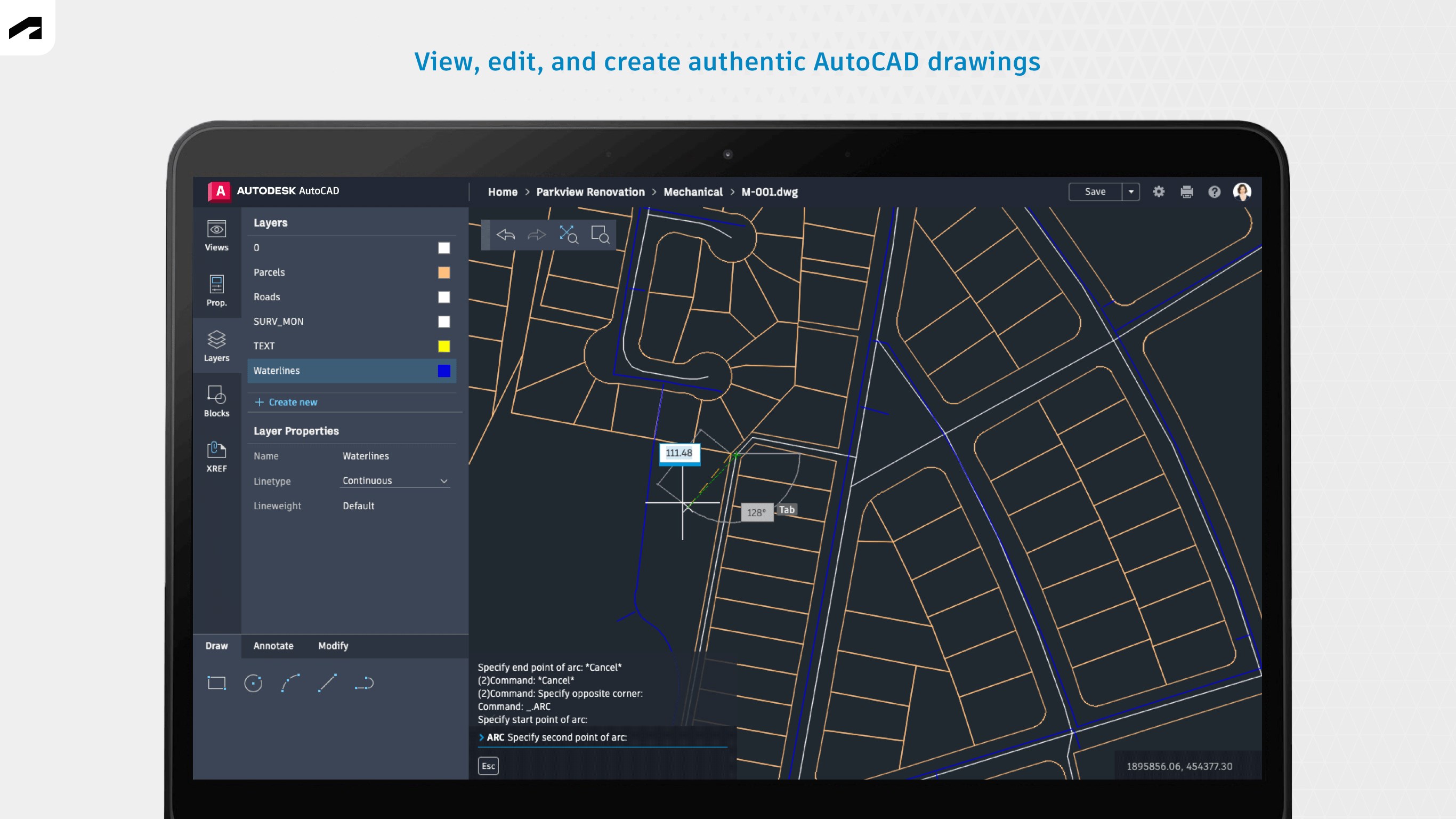
- Basic editing capabilities including annotations and layer management.
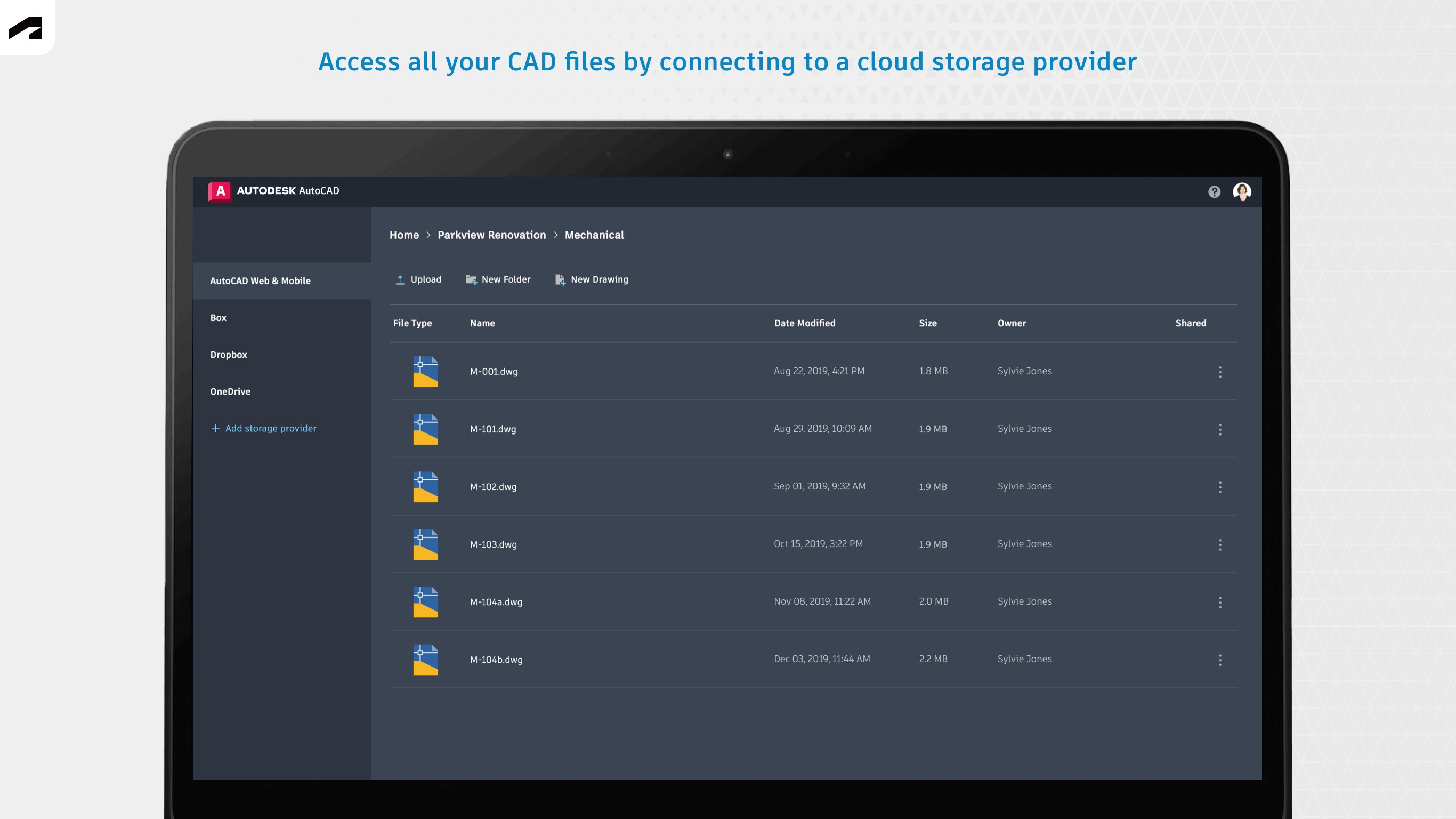
- Seamless integration with cloud storage services, promoting efficient workflow continuity.
- Optimized for touch and pen input for added flexibility on Windows devices.
Its primary target audience includes engineers, architects, construction professionals, and students who need swift access to CAD drawings without the complexity of full AutoCAD installation.
Engaging the Creative Mind: A User-Friendly Experience
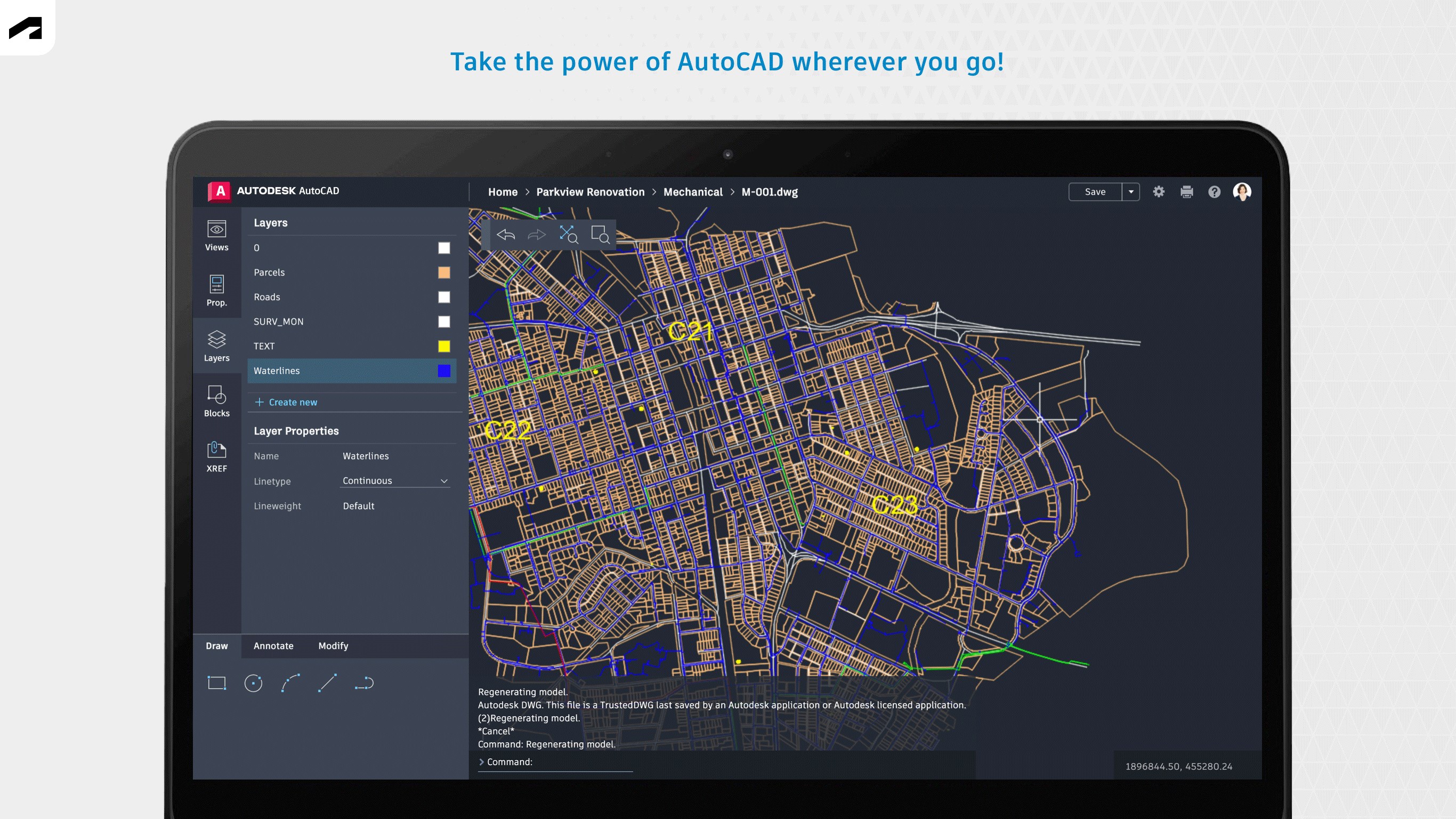
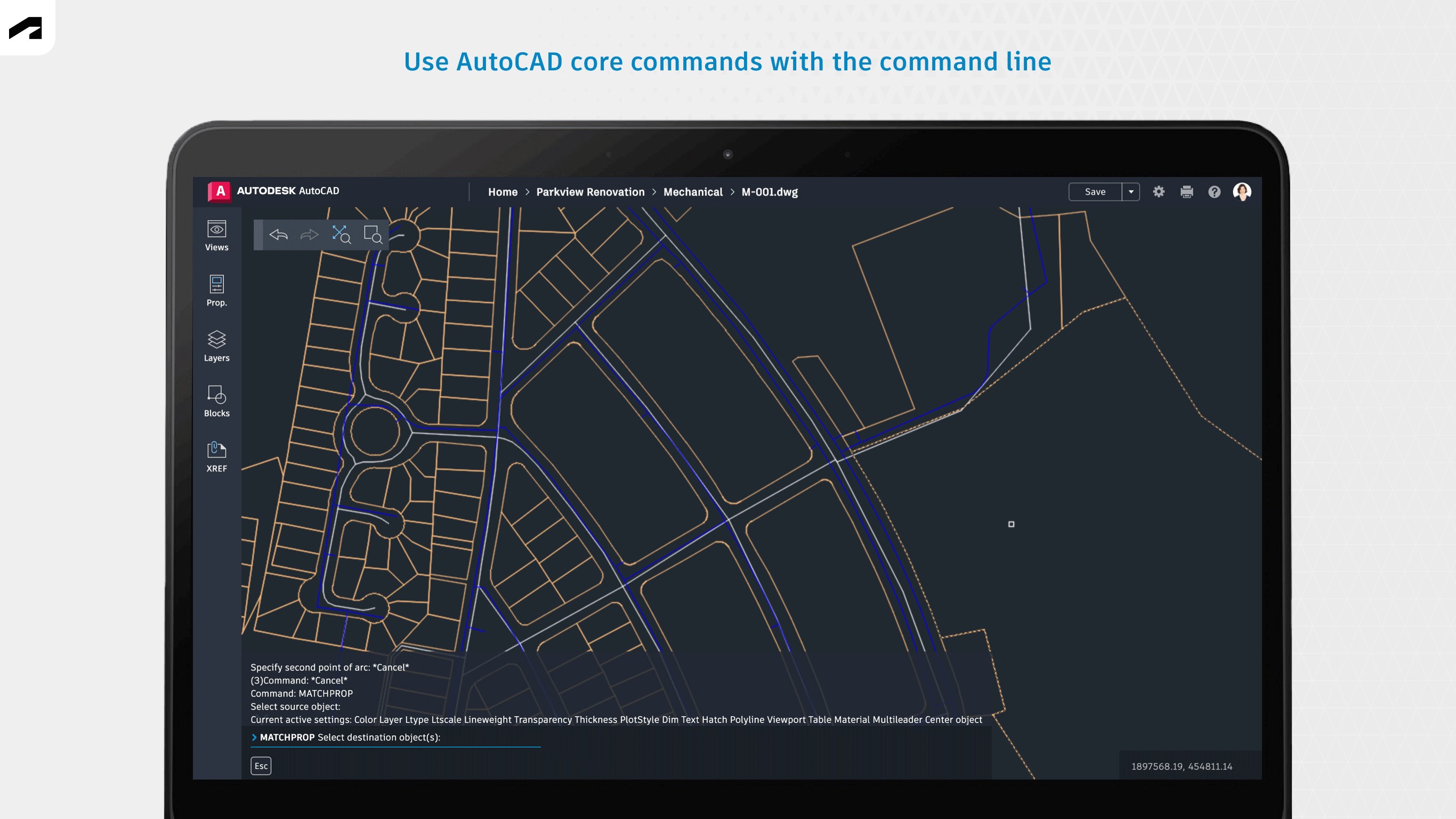
Picture this: You're in a meeting, a client slides over a CAD plan, and you need to glance at it quickly—no fuss, no long loading times. That's where AutoCAD - DWG Viewer & Editor shines. Its interface is thoughtfully designed to resemble traditional CAD environments yet remains intuitive enough for newcomers. Navigating through layers, zooming in on detailed sections, or annotating directly on drawings feels as fluid as turning pages in a physical blueprint—minus the paper dust.
Core Functionality #1: Rapid DWG Viewing & Rendering
One of the app's most noteworthy features is its lightning-fast DWG rendering engine. Unlike some lightweight viewers that struggle with complex drawings, this app maintains high accuracy and clarity, even with intricate designs. The zoom and pan actions are smooth, providing a seamless browsing experience. This performance is crucial when quick referencing is required, such as during site visits or client discussions, ensuring you spend less time waiting and more time analyzing.
Core Functionality #2: Light Editing and Annotation Tools
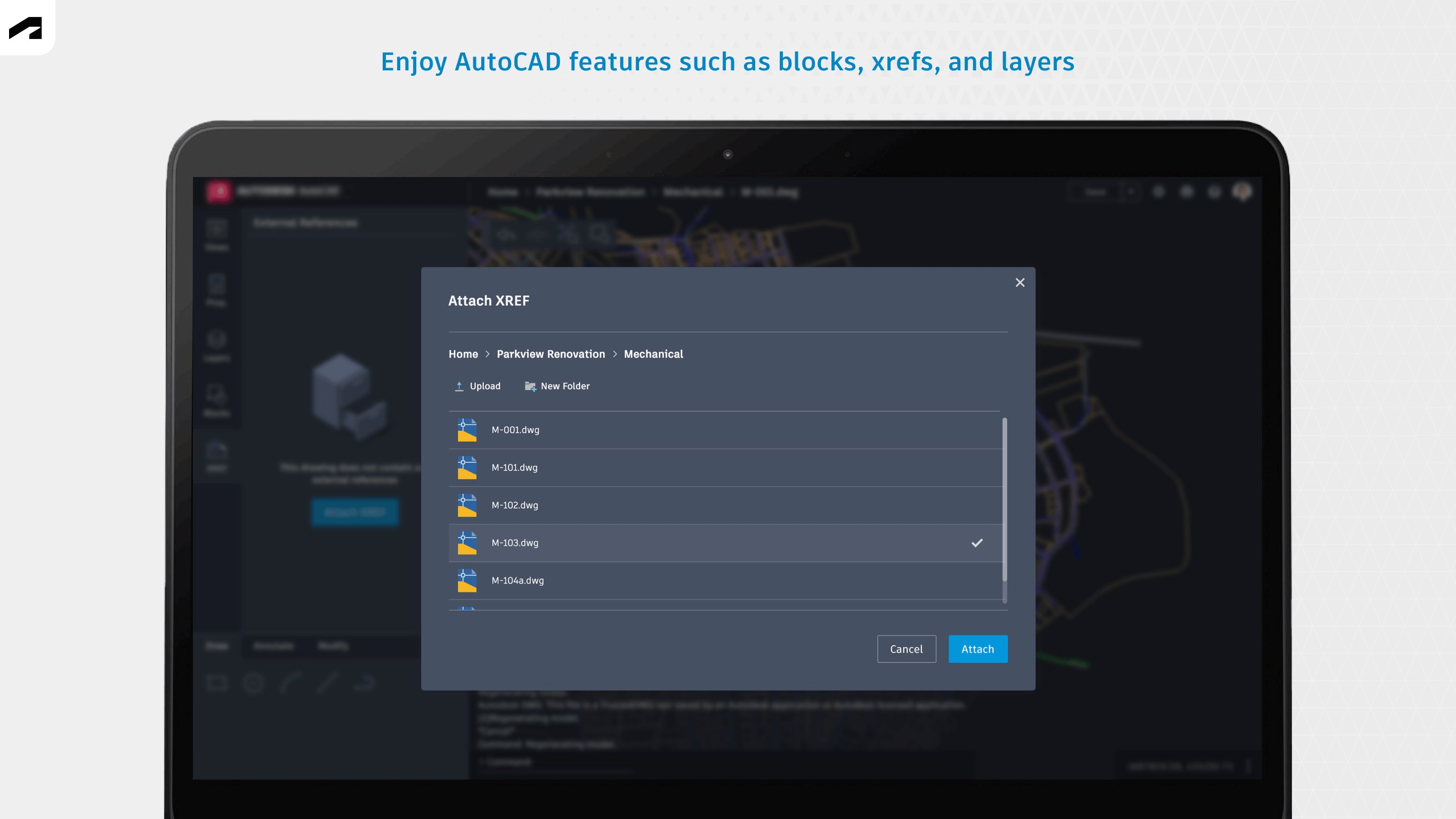
Beyond mere viewing, the app offers basic editing tools—adding text, dimensions, and annotations directly onto your drawings. Layer management allows you to hide or show specific elements, which is especially useful for reviewing complex projects. While it doesn't replace AutoCAD's full suite of editing tools, these features are thoughtfully implemented to facilitate quick tweaks or markups, making it a handy instrument for collaborative feedback or on-site modifications.
Design, Performance & User Flow: How Does It Feel?
The interface adopts a clean, modern look with familiar icons that reduce the learning curve—think of it as a well-organized workbench. Navigating between features feels snappy, with minimal lag, thanks to optimized performance tailored for Windows environments. The app's responsive design supports touch, pen, and mouse inputs, allowing users to select input modes based on their device. New users may find the onboarding straightforward, and even experienced CAD users will appreciate how efficiently they can access essential tasks without unnecessary complexity.
Standing Out from the Crowd: Workflow Efficiency & Cognitive Relief
Compared to other lightweight CAD viewers, this app excels in integrating tightly into your workflow—allowing you to jump between viewing and editing with minimal disruption. Its focus on simplicity reduces cognitive load; you're not overwhelmed by countless options but equipped with just enough tools to handle typical CAD review tasks. The intuitive layer controls and annotation features are designed to mirror real-world drafting practices, making the digital experience feel natural and less mentally taxing. These aspects turn what could be a cluttered digital toolbox into a focused, efficient workspace.
Final Thoughts & Recommendations
AutoCAD - DWG Viewer & Editor for Windows earns a solid recommendation, especially for professionals who need quick, reliable access to DWG files without the full AutoCAD overhead. It serves well as a lightweight companion for reviewing, marking up, and making minor edits on the fly. Keep in mind, for extensive editing or complex CAD workflows, the full AutoCAD suite remains indispensable. But for those times when speed, ease-of-use, and minimal setup matter most, this app proves to be a practical, no-nonsense choice.
Pros
- Intuitive drawing tools
- Cloud storage integration
- Real-time collaboration features
- Lightweight and fast performance
- Support for detailed annotations and measurements
Cons
- Limited advanced editing tools
- Occasional syncing delays with cloud services
- Basic interface design
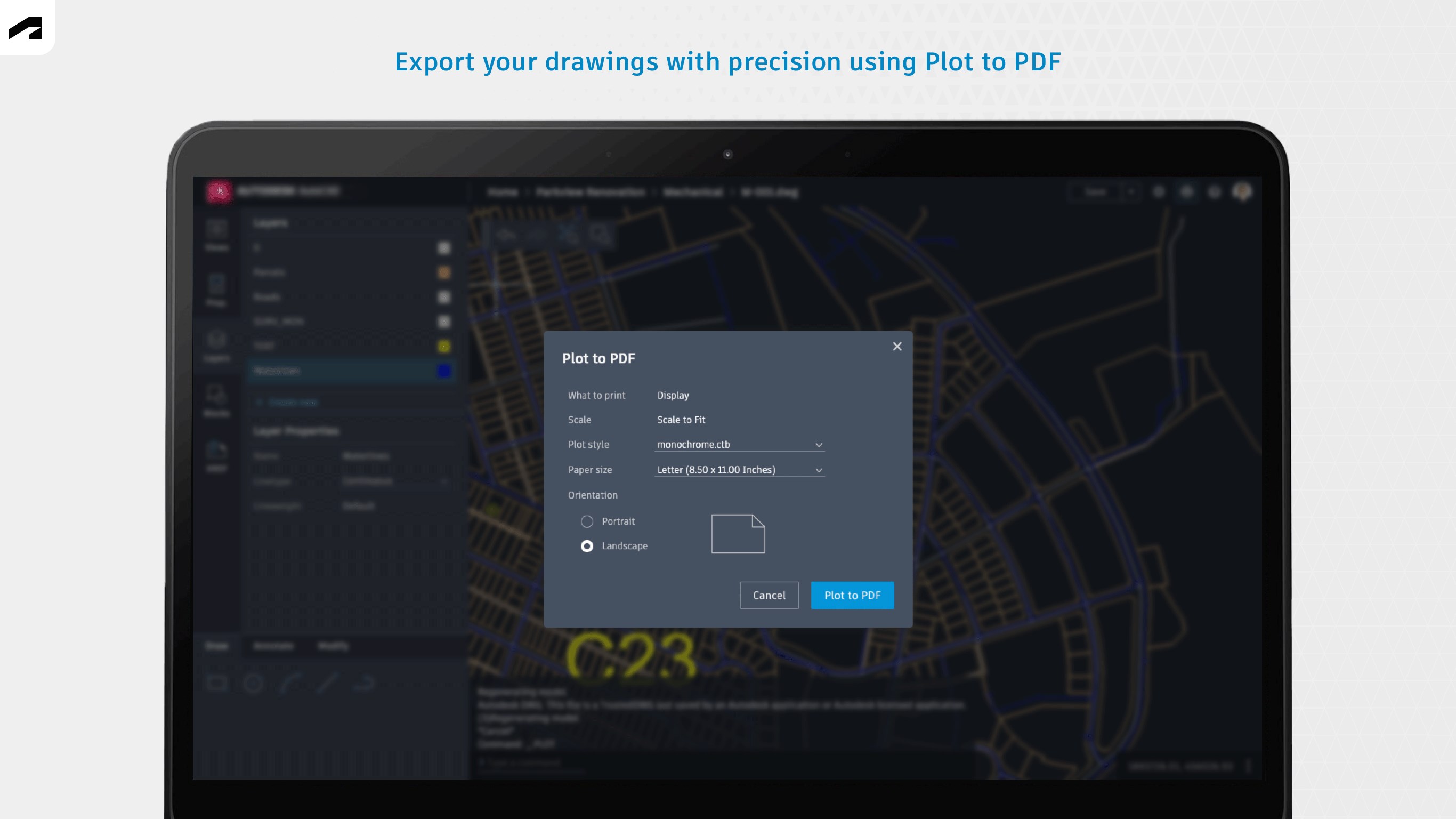
- Limited export formats
- Offline access restrictions











