
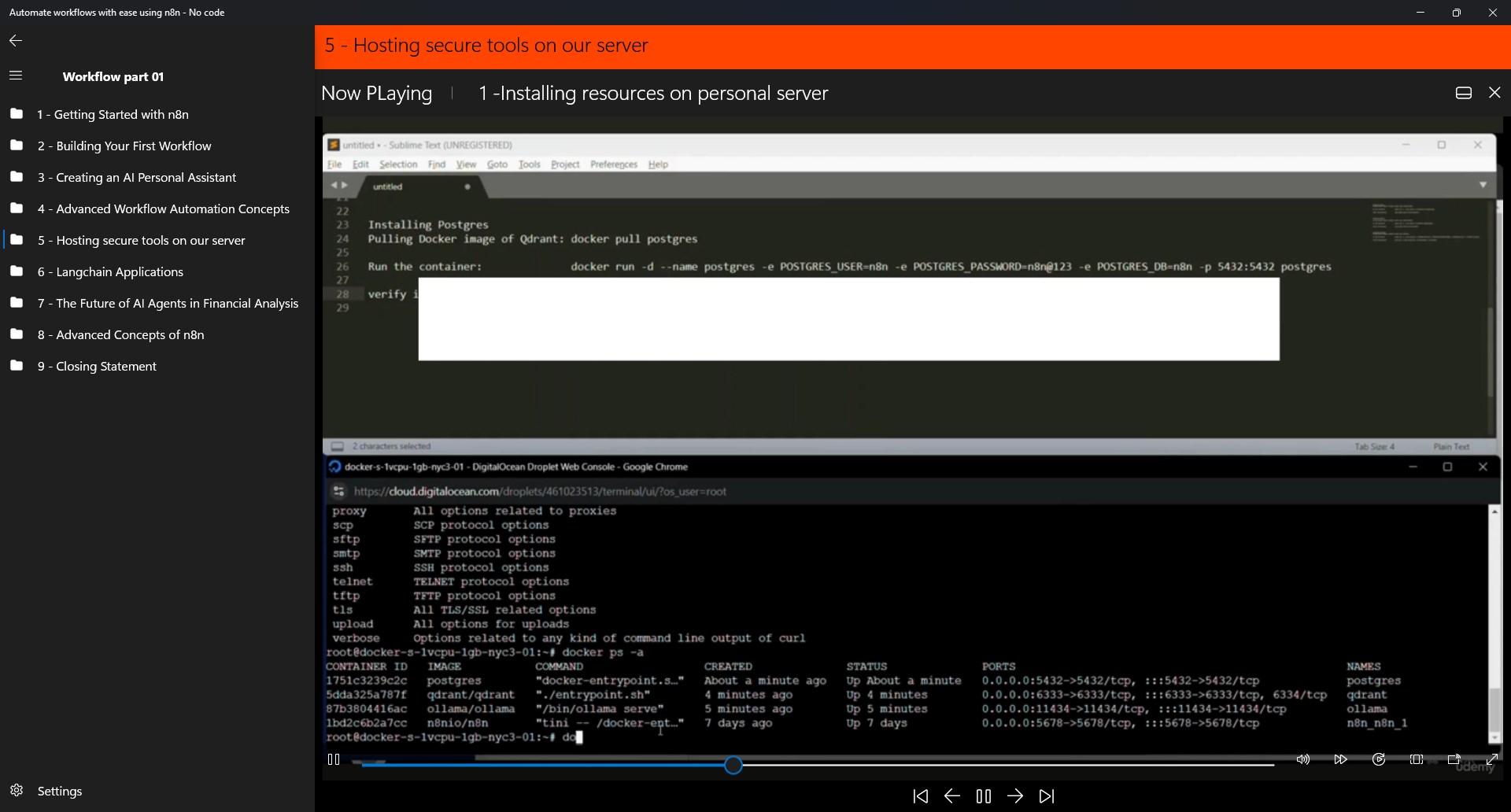
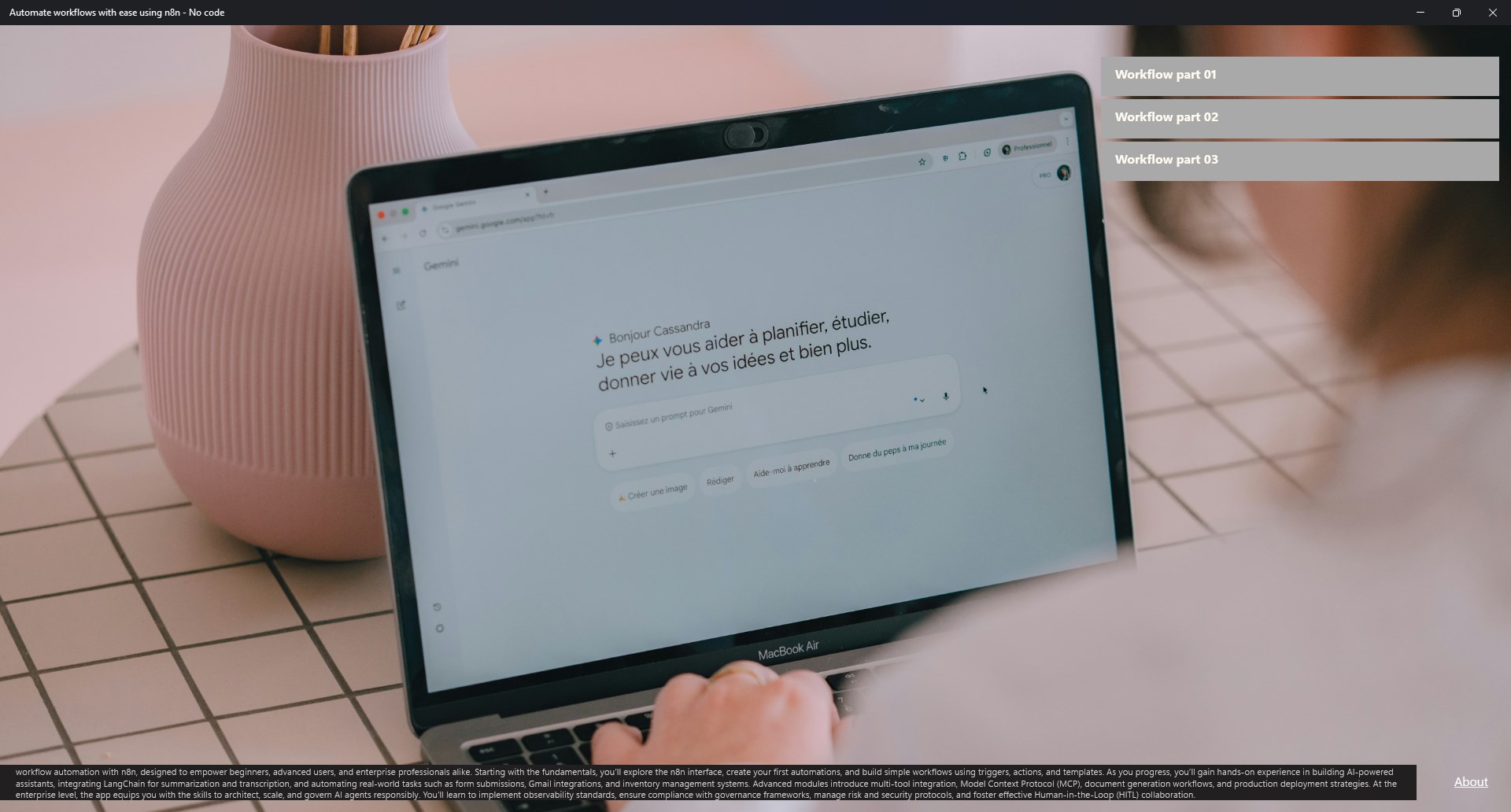
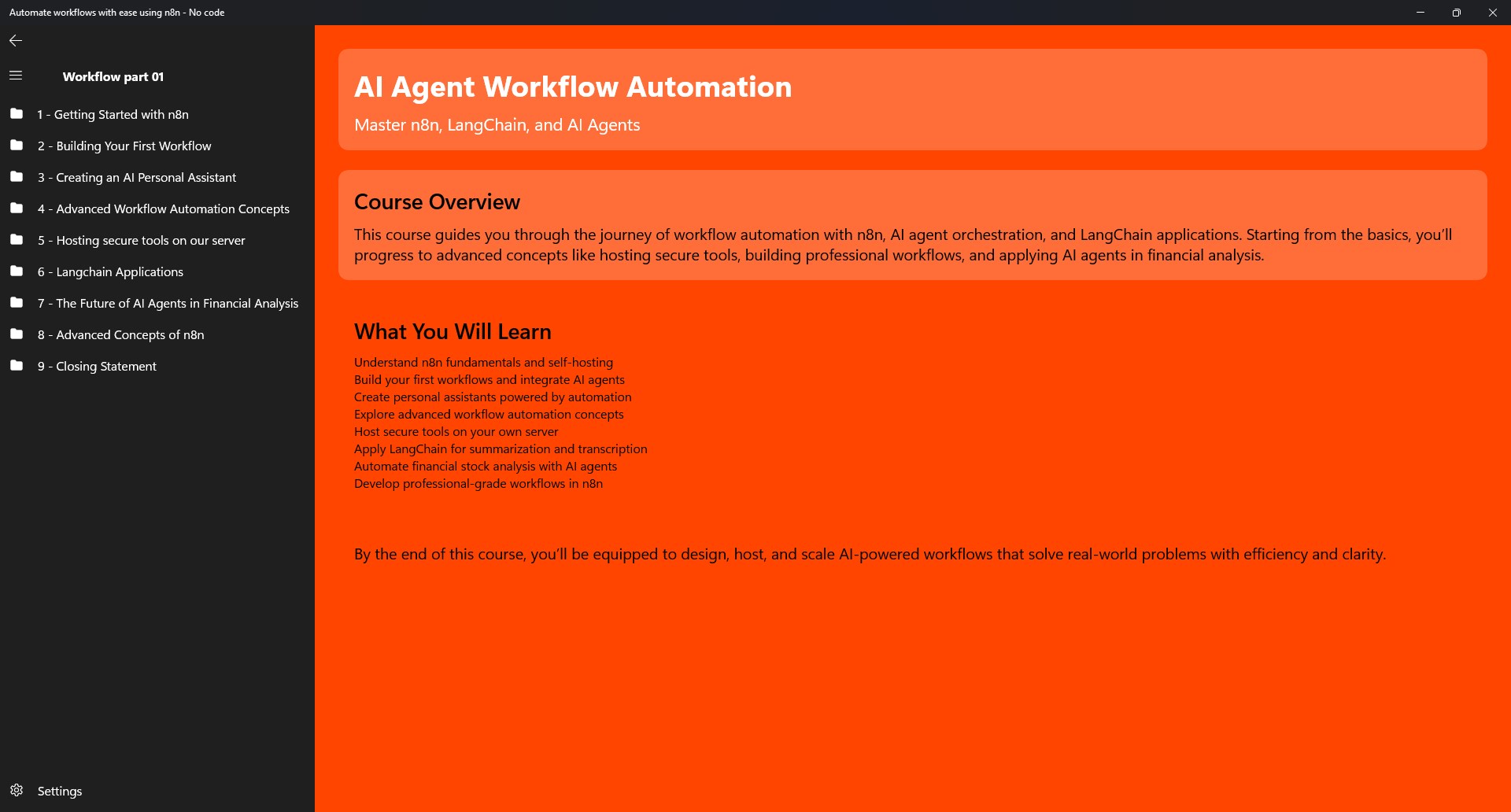
- Category Education
- Developer Billsoft
- Available on PC, Mobile, Surface Hub, HoloLens
- OS Windows 10 version 20348.0 or higher
- languages English (United States)
Streamlining Workflow Automation with n8n for Windows
In the world of rapid digital transformation, automating repetitive tasks has become a necessity rather than a luxury. Enter n8n—a no-code platform designed to empower users to build complex workflows seamlessly on Windows systems, all without writing a single line of code. Developed by Billsoft, this application aims to make automation approachable for everyone, from tech novices to seasoned professionals.
A Friendly Introduction to n8n
Imagine having a smart assistant that tirelessly connects your favorite apps and services, handling routine tasks while you focus on what truly matters. That's exactly what n8n offers—a visually intuitive environment where creating automation flows is as simple as dragging and dropping. Whether you're looking to synchronize data, send automated emails, or trigger notifications, n8n turns these ideas into reality with minimal effort. Its gentle learning curve and versatile capabilities make it an appealing tool for a variety of users, including small business owners, developers, and hobbyists eager to boost productivity without the headache of traditional coding.
Core Features That Make Automation Easy and Powerful
1. Visual Workflow Builder with Rich Integration Options
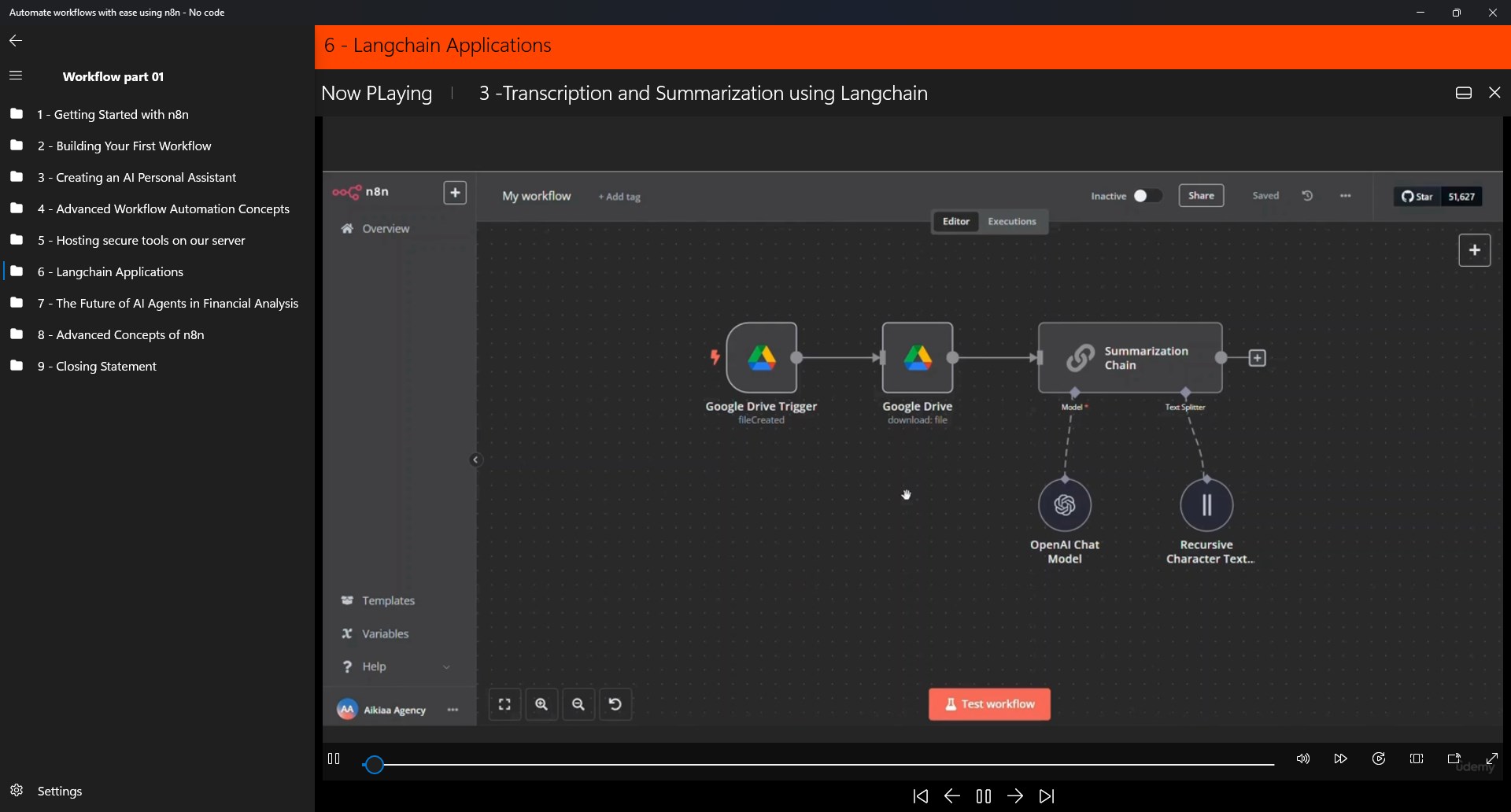
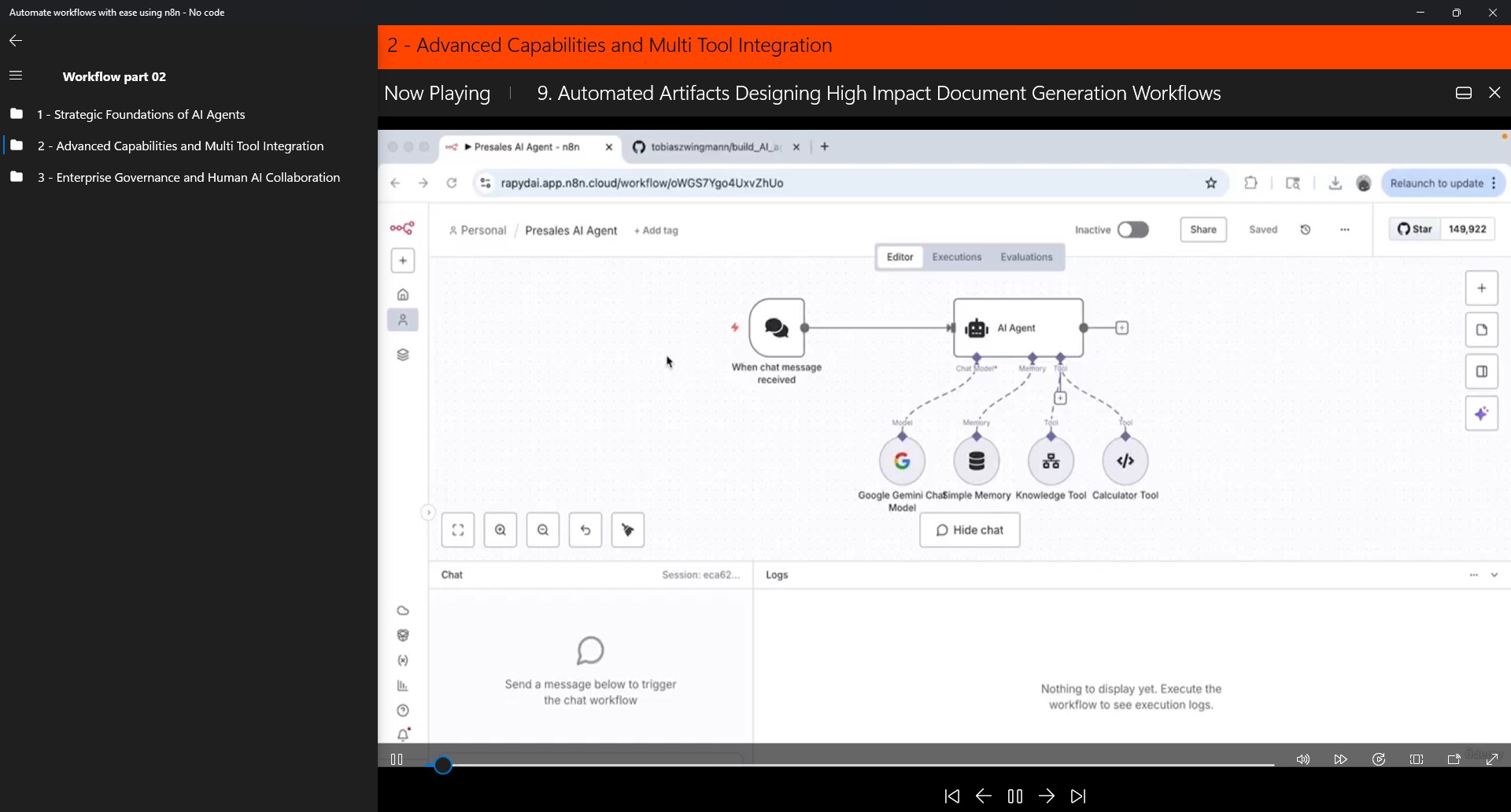
At the heart of n8n lies its user-friendly drag-and-drop interface. Picture building a complex machine with colorful LEGO bricks—no expert assembly required. The platform offers a wide range of pre-built nodes that connect with popular services like Gmail, Slack, Google Sheets, and more. This extensive library allows users to create multi-step workflows that automate data transfers, updates, and notifications, all visually mapped out. The seamless integration reduces the need for manual intervention, saving time and reducing errors.
2. Zero-Code Environment with Customizable Logic
The standout feature is n8n's no-code environment, which democratizes automation. Users can define triggers, conditions, and actions through intuitive menus, with the ability to embed custom logic where needed—think of it as guiding a smart robot with simple commands rather than complex programming syntax. This flexibility allows both tech-savvy users and beginners to tailor workflows precisely to their needs, whether it's automating social media posts or aggregating data from diverse sources.
3. Open-Source and Extensible Architecture
Being open-source grants n8n a collaborative advantage, encouraging a vibrant community of users and developers to contribute new nodes and features. This ecosystem ensures the application remains adaptable, constantly evolving to meet emerging automation demands. Additionally, users can develop custom nodes or extend existing ones, turning n8n into a tailored automation toolkit that grows with your requirements, a feature that sets it apart from more closed, proprietary solutions.
User Experience: Interface, Performance, and Learning Curve
The interface of n8n on Windows feels approachable—like opening a well-organized workshop where everything is within reach. The drag-and-drop workflow editor is responsive and visually clear, allowing users to quickly grasp how different components connect. Performance is stable even with complex workflows, thanks to efficient background processing. For newcomers, the learning curve is gentle; guided tutorials and a supportive community make initial setup and exploration straightforward. Experienced users will appreciate the advanced options for customizing workflows and integrating with APIs, making the platform robust enough for complex automation scenarios.
Differentiators: Why n8n Stands Out Among Similar Apps
Compared to other no-code automation tools, n8n distinguishes itself with its emphasis on transparency, flexibility, and community support. Unlike typical educational apps focused solely on content delivery or course management, n8n's personalization and complex logic capabilities make it a practical tool for automating real-world workflows. Its ability to create personalized automation “paths” means users can craft workflows that adapt dynamically to different inputs or conditions, akin to an intelligent assistant tailoring its actions to your daily needs. Furthermore, its open-source nature provides a level of trust and customization that proprietary solutions often lack—empowering users to fully control their automation environment.
Final Recommendation and Usage Tips
If you're looking for a straightforward, powerful, and endlessly customizable tool to automate your Windows-based tasks, n8n is highly recommended. It's best suited for users who want to go beyond basic integrations and require a platform that grows with their needs. Beginners should start with simple workflows, exploring the pre-made nodes, while advanced users can leverage its scripting capabilities for more sophisticated processes. For those already familiar with automation concepts but hesitant about coding, n8n offers the perfect bridge—combining ease of use with potent flexibility. As a friend sharing a useful app, I'd say give it a try and see how it can turn your repetitive tasks into automated routines that free up your time and mental energy.
Pros
- Intuitive No-Code Interface
- Wide Integration Options
- Time-Saving Automation Processes
- Cloud-Based Accessibility
- Real-Time Workflow Monitoring
Cons
- Limited Advanced Customization
- Steep Learning Curve for Complex Flows
- Performance Concerns with Large Data Sets
- Restrictions in Free Version
- Occasional Integration Delays











