



- Category Personalization
- Available on PC
- OS Windows 10 version 14951.0 or higher
- languages English (United States)
A Fresh Take on Windows Personalization with Autumn Colors
Imagine your Windows desktop transforming into an ever-changing canvas of warm, vibrant autumn hues—Autumn Colors for Windows brings this seasonal magic right to your screen, offering a sophisticated yet approachable way to personalize your digital workspace.
About the App: Nature's Palette in Your Hands
Autumn Colors for Windows is a desktop customization app developed by Microsoft Corporation, designed to infuse your Windows experience with beautiful, animated autumnal themes. Unlike static wallpapers, this app dynamically adjusts the look of your background and accents, creating a cozy, seasonal atmosphere that keeps your desktop feeling fresh and lively. Its primary appeal lies in its seamless integration with Windows, making it ideal for users seeking an elegant, straightforward way to refresh their digital environment during the fall season.
- Developer: Microsoft Corporation
- Main features: Dynamic seasonal themes with animated effects, extensive customization options for icons and cursors, and theme compatibility across Windows 10/11.
- Target users: Windows users who enjoy seasonal aesthetic updates, color enthusiasts, and anyone seeking a visually pleasing, easy-to-use desktop personalization tool.
An Enthralling Visual Journey Begins
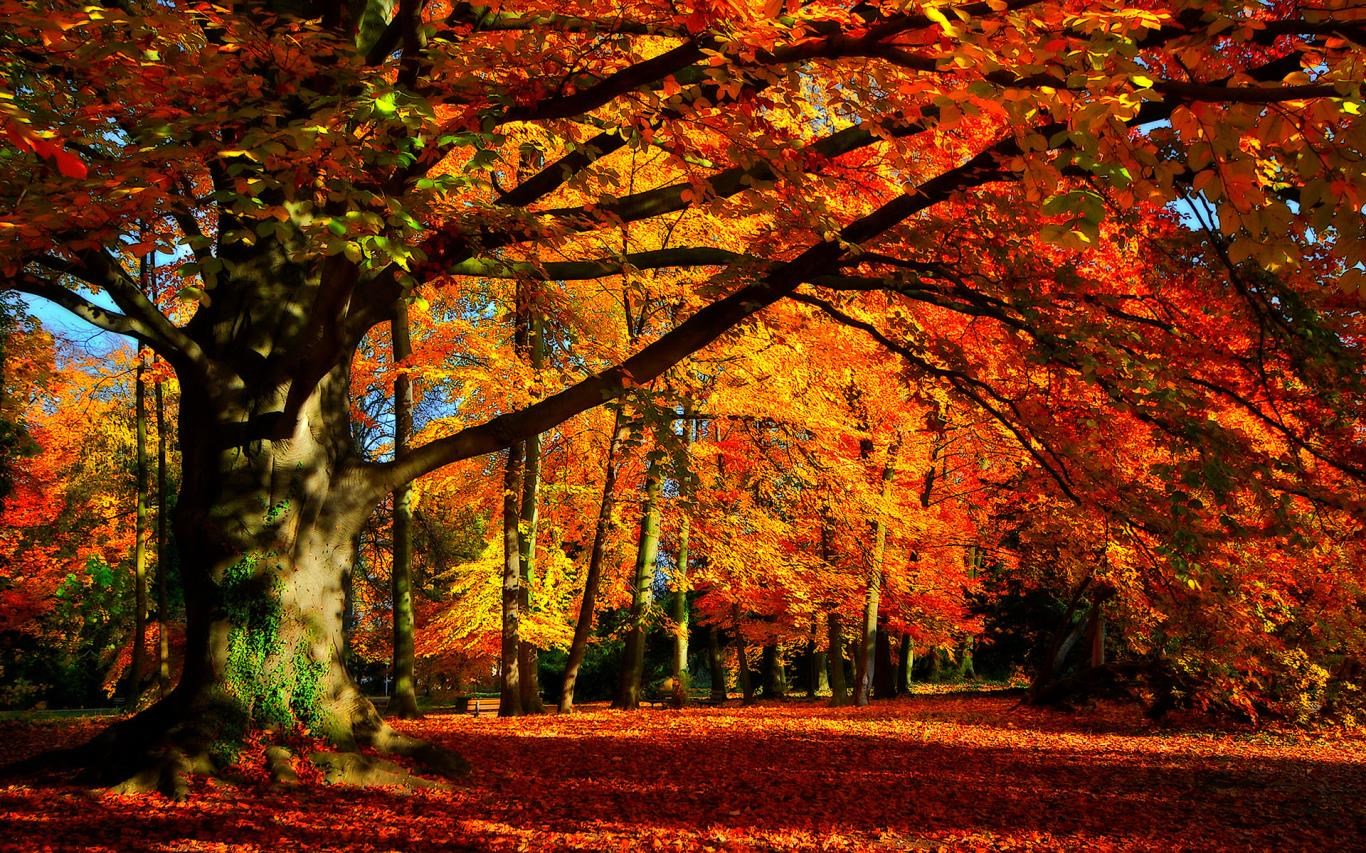
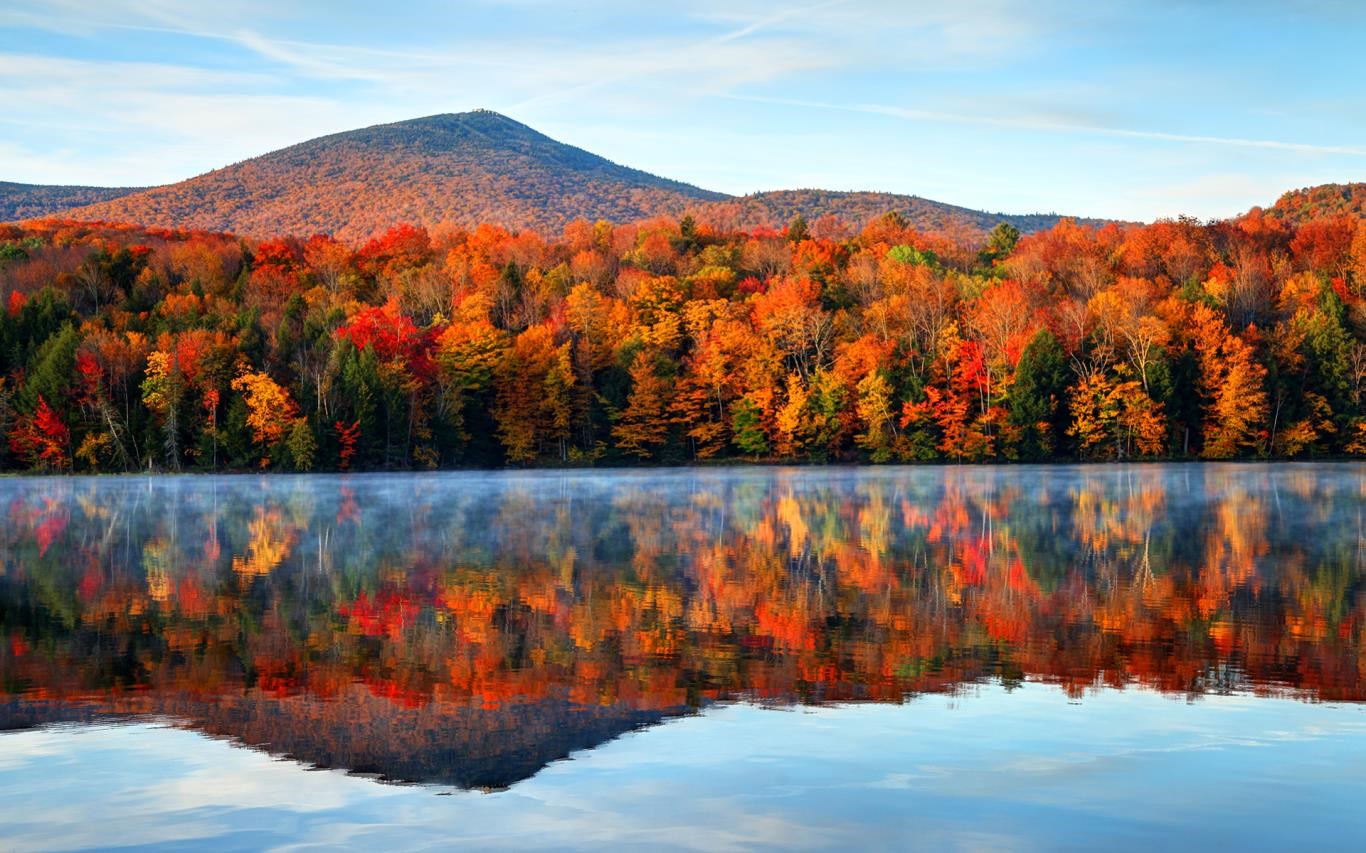
Imagine walking into a forest during peak autumn—crisp air, leaves swirling in myriad shades of orange, red, and gold. Applying Autumn Colors for Windows feels much the same, instantly turning your dull desktop into a lively autumn tableau. Its dynamic animations give a sense of leaves gently falling and shifting with every click, making your workspace feel as though it's captured right in the heart of fall. This app doesn't merely change background images; it immerses you in an animated seasonal landscape—an aesthetic treat that's both calming and invigorating.
Core Functionalities That Showcase Its Strengths
Seamless Theme Transitions and Dynamic Effects
The highlight of Autumn Colors for Windows is its ability to deliver animated seasonal themes. Unlike traditional static wallpapers, this app employs smooth transitions and gentle animations—leaves fall in a graceful dance, and subtle lighting changes mimic natural daylight shifts. These effects create a lively yet unobtrusive ambiance that enhances your workspace without becoming distracting. The flexibility of these dynamic effects is adjustable, ensuring users can personalize their experience to match their mood or workflow.
Extensive Customization Options
Beyond simply overlaying beautiful backgrounds, Autumn Colors for Windows provides a variety of customization options, such as accent colors, icon styles, and cursor themes that harmonize perfectly with the autumn aesthetic. Users can tailor the color palette to their preferences—vivid and bold or soft and muted—leading to a deeply personalized desktop experience. This level of customization distinguishes it from many other seasonal apps, which often offer fixed themes without much flexibility.
Compatibility and Ease of Use
Designed with user convenience in mind, the app boasts a clean, intuitive interface. Setting up a new theme takes only a few clicks, with clear options presented clearly. Its integration with Windows is smooth, and performance remains responsive even on modest hardware. The learning curve is gentle—an absolute plus for users of all technical levels—making it accessible yet powerful enough for tech enthusiasts.
What Sets It Apart? A Unique Blend of Elegance and Personalization
While many personalization apps focus solely on static themes or limited customization, Autumn Colors for Windows leverages animated effects combined with comprehensive customization options—particularly its ability to adapt seamlessly across various Windows theme settings. Its subtle animations and color harmony create a cohesive, aesthetically pleasing environment that feels both natural and sophisticated. This app's distinctive strength lies in its attention to detail: dynamic effects that breathe life into seasonal transitions while maintaining a user-friendly experience.
Final Thoughts and Recommendations
If you're seeking a refined, animated seasonal theme that elevates your Windows desktop into an autumnal wonderland, Autumn Colors for Windows is a compelling choice. Its ease of use, extensive customization, and animated effects make it stand out among other personalization apps. It's especially recommended for users who value visual elegance and want their digital workspace to reflect the changing seasons naturally. Whether for a seasonal refresh or a long-term aesthetic upgrade, this app offers a practical and beautiful solution.
Pros
- Vibrant Autumn Color Palette
- User-Friendly Interface
- High-Resolution Color Displays
- Customizable Color Sets
- Regular Content Updates
Cons
- Limited Color Variety in Some Shades
- No Color Name Labels Displayed
- App Performance Slightly Laggy on Older Devices
- Lack of Export Options for Color Palettes
- Limited Integration with Other Design Tools











