

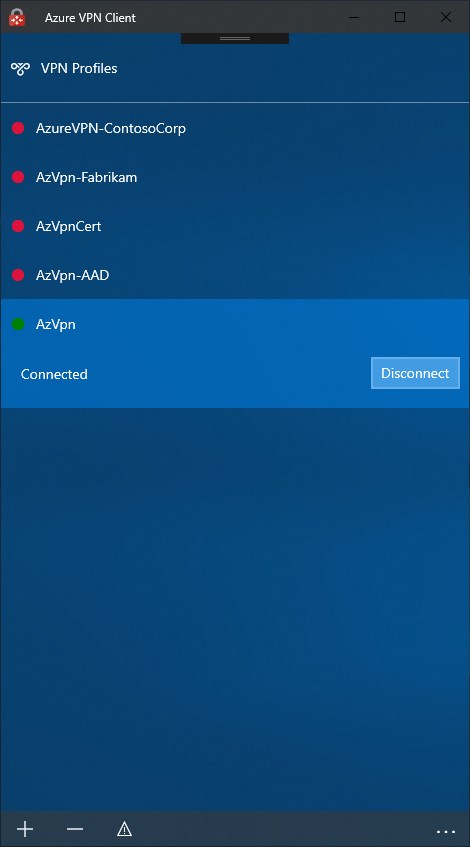
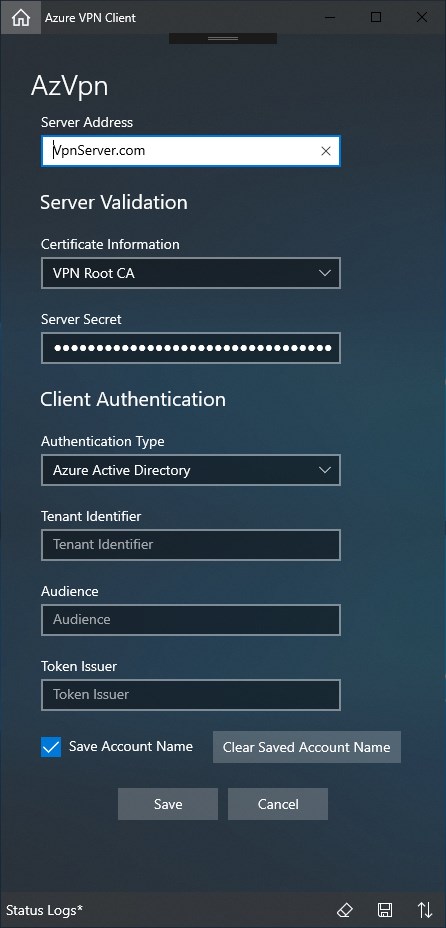
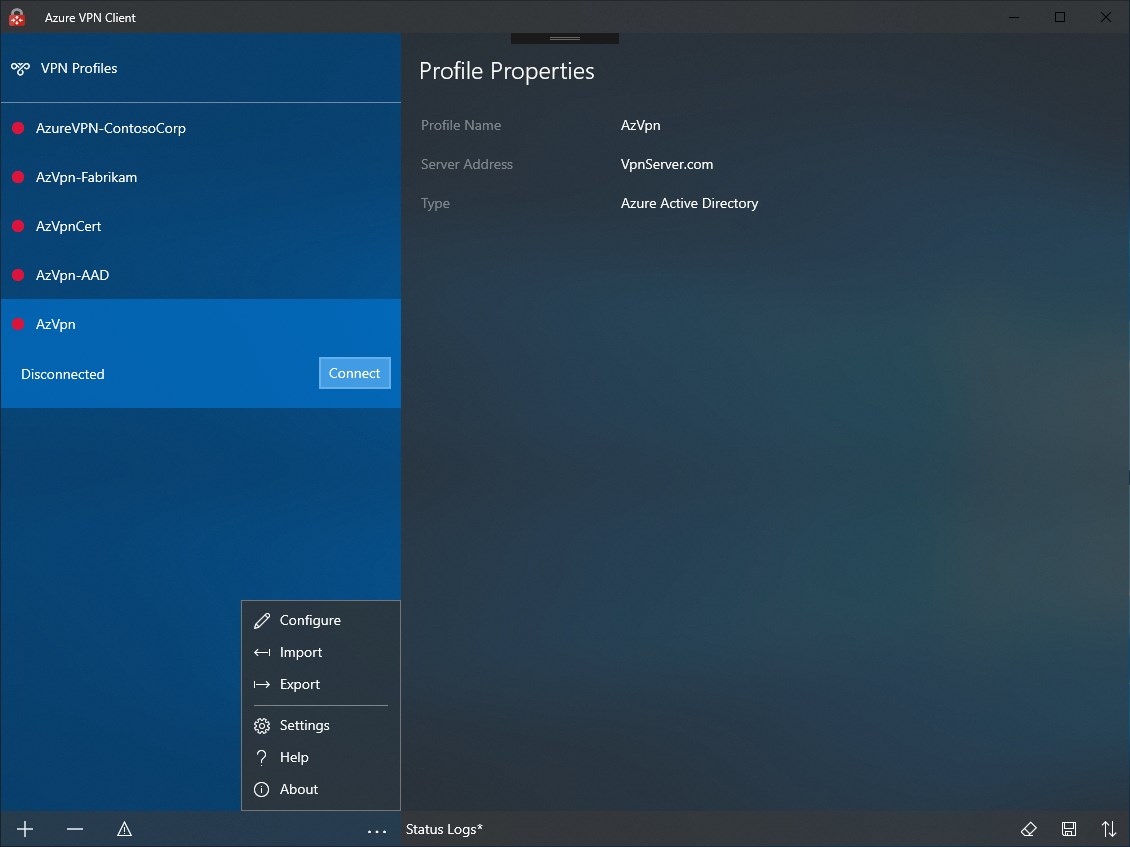
- Category Productivity
- Available on PC, Mobile, Surface Hub, HoloLens
- OS Windows 10 version 17763.0 or higher
- languages Chinese (Simplified), Chinese (Traditional Chinese), Czech, Dutch, English (United States), French, German, Hungarian, Italian, Japanese, Korean, Polish, Portuguese (Brazil), Portuguese (Portugal), Russian, Spanish, Swedish, Turkish
Azure VPN Client for Windows: Seamless Secure Connectivity for Modern Workforces
The Azure VPN Client is a streamlined tool designed to facilitate secure and straightforward VPN connections on Windows devices, enabling users to connect to corporate or personal networks with ease.
Developed by Microsoft — A Trusted Name in Connectivity
Created by Microsoft Corporation, the Azure VPN Client leverages the company's extensive experience in cloud services and enterprise solutions, offering a reliable and familiar experience for Windows users.
Key Features That Stand Out
- Simple yet Secure Connection Management: Allows effortless setup and switching between multiple VPN profiles, maintaining high security standards with Azure's authentication mechanisms.
- Integration with Azure AD and Microsoft Ecosystem: Seamlessly integrates with Azure Active Directory and other Microsoft services to provide unified login and access policies.
- Optimized User Experience: Designed with a clean interface and minimal configuration, reducing complexity and cognitive load for users of all technical levels.
- Cross-Platform Compatibility: While optimized for Windows, the underlying architecture supports integration within broader Microsoft security and networking frameworks.
Engaging Yet Practical: A Modern VPN Companion
Imagine needing to hop onto a remote work adventure or securely access your company's internal resources from a coffee shop—Azure VPN Client acts like your trusted digital backpack, ready to open the secure tunnel with just a few taps. Its straightforward interface and quick setup make it feel more like flipping a switch than configuring a complex network. This simplicity not only saves time but also reduces that pesky mental clutter often associated with enterprise VPNs—think of it as clearing the fog so you can focus on what truly matters, not on fumbling through confusing menus.
Security and Connection Management: Your Digital Gatekeeper
The standout feature here is how effortlessly Azure VPN Client balances security with usability. The app supports various authentication methods, including Azure AD credentials, certificates, and pre-shared keys, giving your setup an extra layer of confidence. Managing multiple profiles—say, one for work and another for personal use—is as simple as switching profiles on a map, making it ideal for users juggling different networks. Its automatic reconnect feature ensures your tunnel stays active, even if you temporarily lose Wi-Fi signal, much like your trusted postman ensuring your letters arrive safely no matter the weather.
Intuitive Interface and Seamless Workflow Integration
The app boasts a sleek, uncluttered interface that feels more like an Apple device's smooth design than a complex enterprise tool. Navigation is intuitive; settings are minimal but comprehensive, catering to both novices and seasoned IT professionals. The connection process is streamlined—no more wading through menus or deciphering cryptic options. It integrates smoothly with Windows 10 and 11, allowing users to control VPN connections directly from the notification area or network settings, trimming down the steps and cognitive load often associated with enterprise VPNs.
Distinctive Positioning vs. Competitors
Unlike traditional VPN clients that may clutter workflow with multilayered options or complex configurations, Azure VPN Client emphasizes reducing cognitive load by focusing on core essentials. Its tight integration within the Azure ecosystem elevates its efficiency, especially for organizations already leveraging Microsoft services. Moreover, its emphasis on user-centric design—prioritizing ease of use while maintaining robust security—sets it apart from more feature-heavy but less approachable solutions. That balance makes it especially suitable for remote workers or small-to-medium businesses seeking reliable, low-maintenance connectivity.
Conclusion: A Practical Choice with Clear Strengths
If you're looking for a straightforward, secure VPN experience that fits neatly into your Windows workflow, the Azure VPN Client deserves strong consideration. It might not boast a plethora of bells and whistles, but its focus on simplicity, security, and seamless integration makes it an excellent tool for those who value efficiency and ease of use. I recommend it especially for users already embedded within the Microsoft ecosystem or those who prefer a clean, uncomplicated VPN solution. For organizations or individuals inspecting options for secure remote access, this app strikes a good balance between power and simplicity, making it a dependable partner for the digital workplace.
Pros
- User-friendly interface
- Seamless integration with Azure services
- Supports multiple VPN protocols
- Automatic reconnect feature
- Good performance with stable connections
Cons
- Limited customization options
- Occasional connection drops
- Lack of detailed troubleshooting guides
- Limited platform support outside Windows
- Minor UI glitches occasionally occur











