
- Category Productivity
- Available on PC, Mobile, Surface Hub, HoloLens
- OS Windows 10 version 18362.0 or higher
- languages English (United States)
Back to the Drawing Board: A Fresh Take on 2D CAD for Windows
In an era where design tools are often weighed down by complexity, Back to the Drawing Board (BTDB) emerges as a sleek, intuitive 2D CAD application tailored for Windows users seeking a straightforward yet powerful drafting experience. Developed by High Camp Software, this app aims to streamline your workflow without sacrificing essential features, making it an appealing choice for hobbyists, students, and light professionals alike.
Core Features That Make a Difference
1. Simplified and Focused Drawing Tools
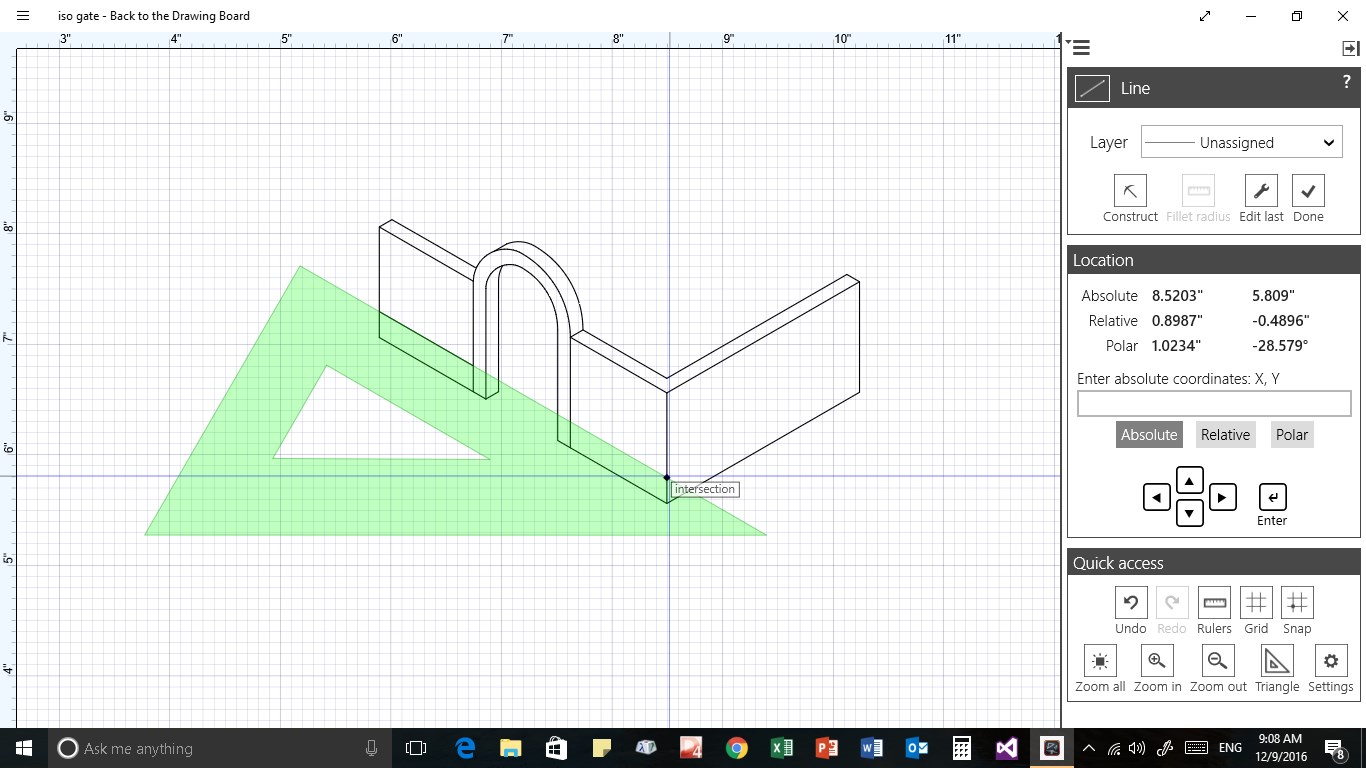
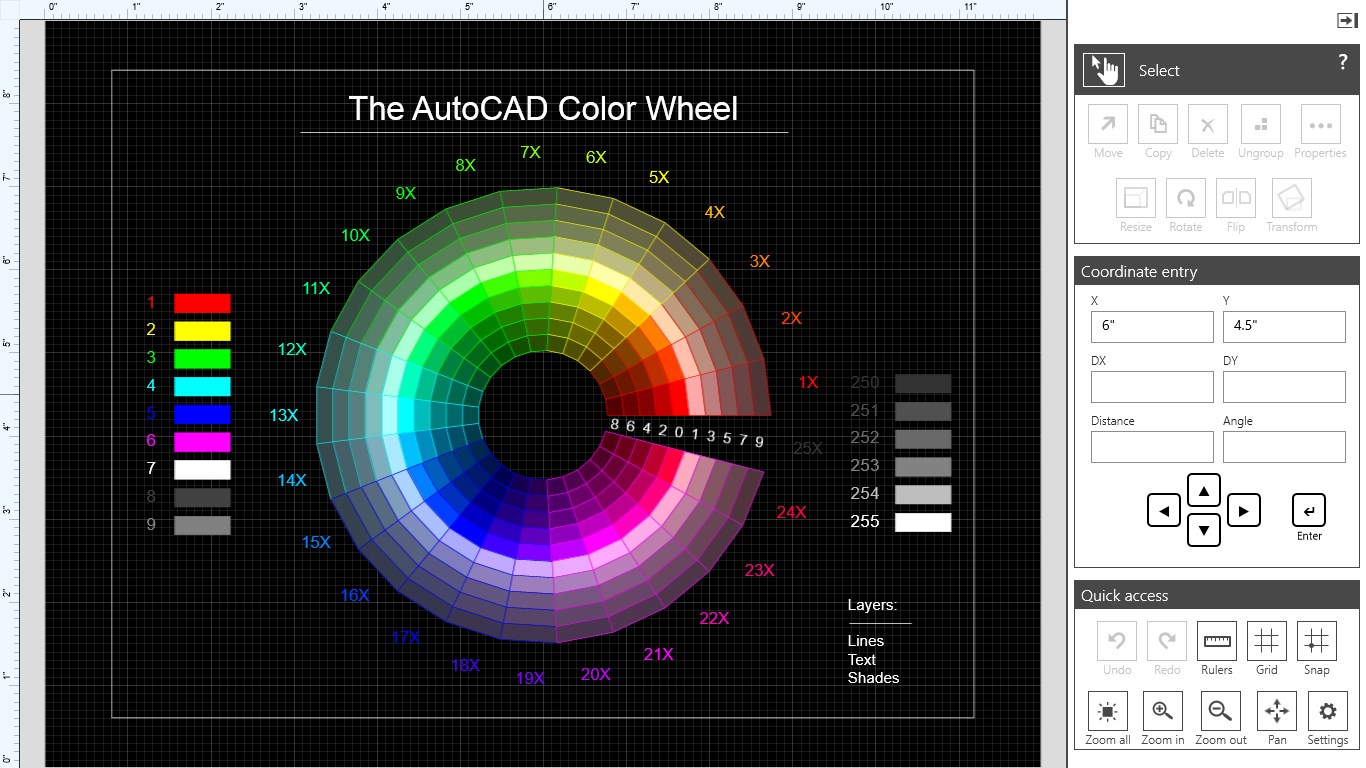
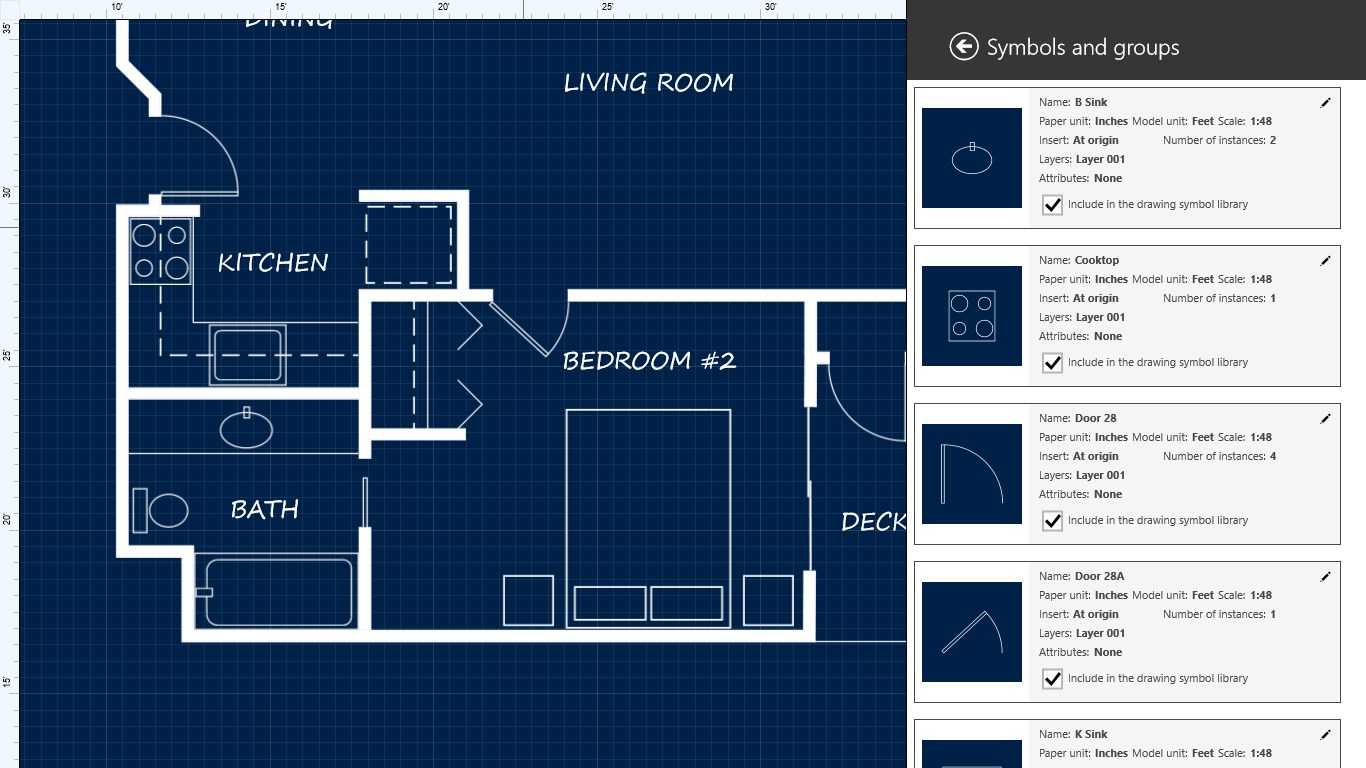
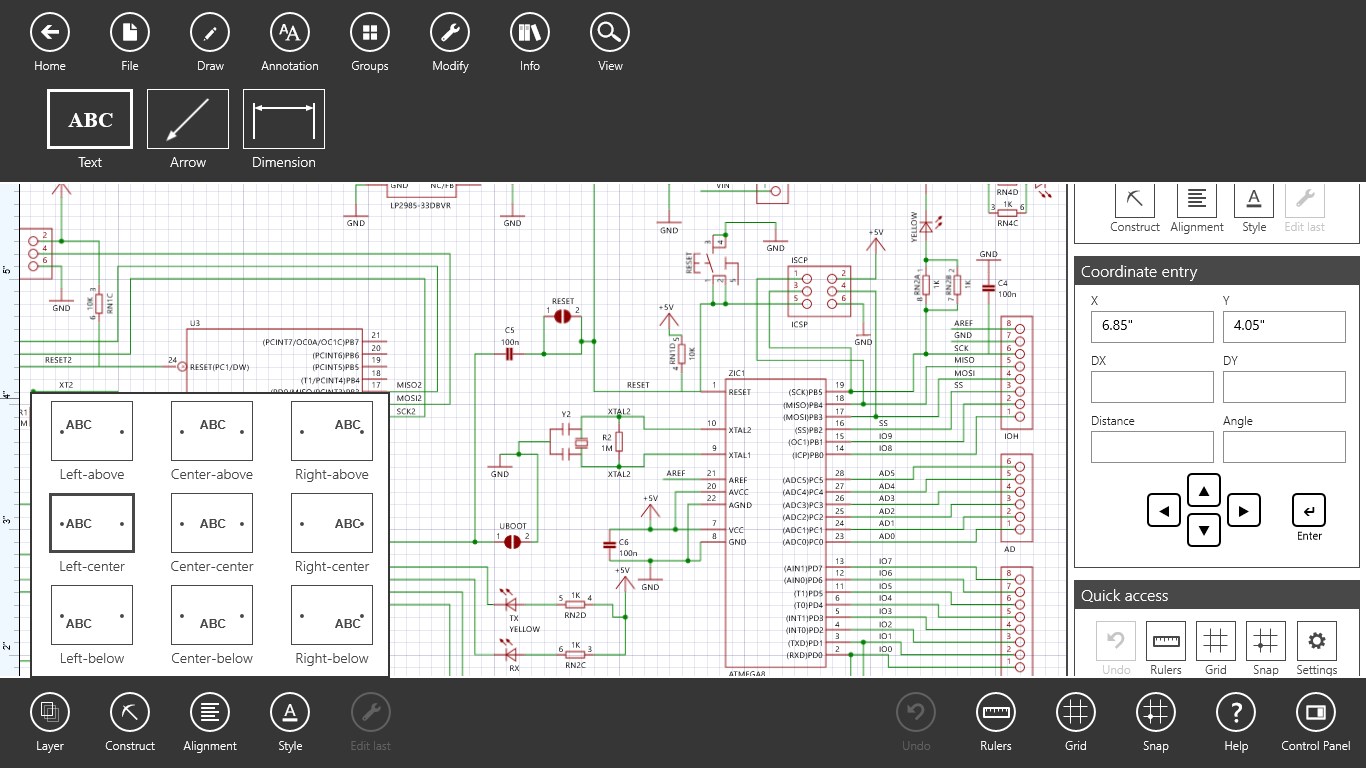
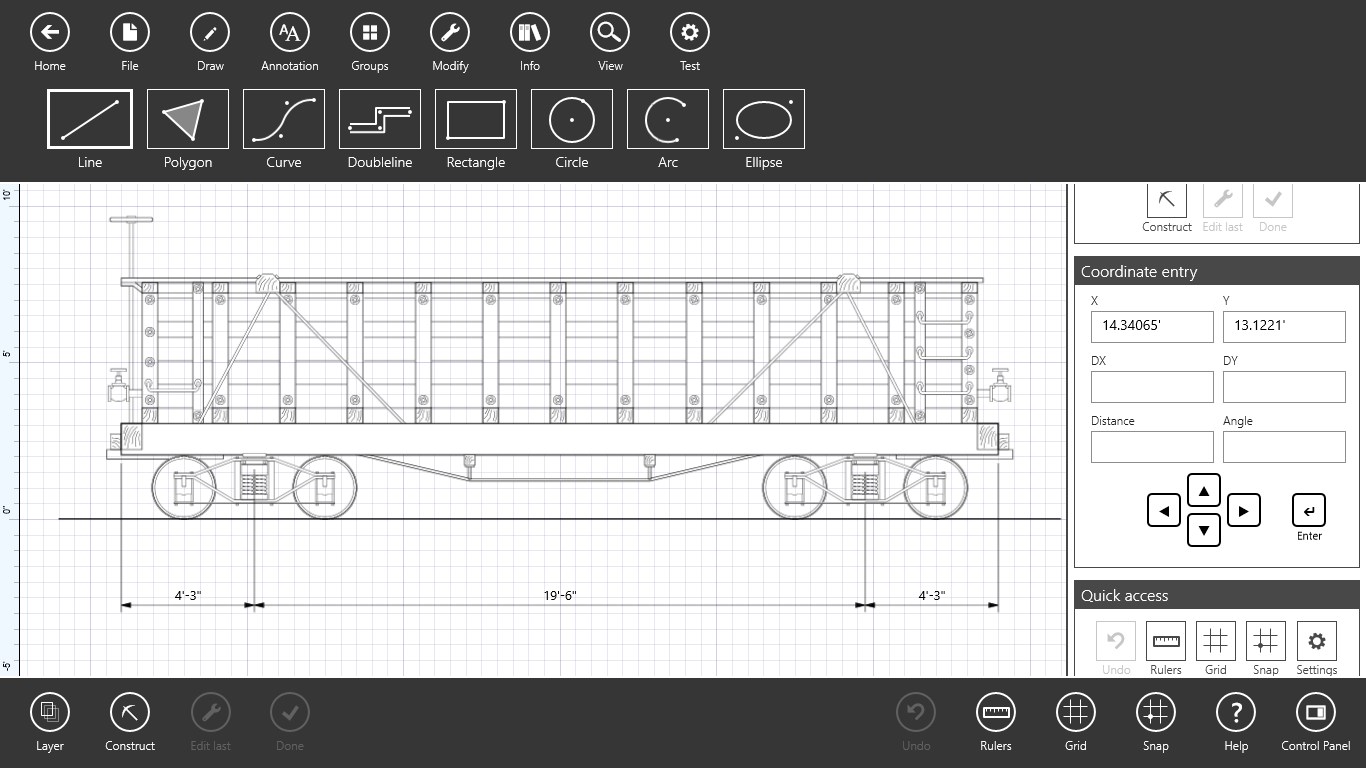
BTDB offers an intuitive set of drawing and editing tools designed with minimalism in mind. Whether you're sketching floor plans, creating technical diagrams, or outlining concepts, its interface responds like a trusty pencil—simple, direct, and reliable. Unlike cluttered CAD platforms overloaded with options, BTDB distills the drafting process into core functionalities that enhance focus and reduce cognitive load.
2. Seamless Workflow and File Compatibility
One of its standout features is the app's integration with Windows workflow. Importing and exporting common formats like DWG or DXF is straightforward, ensuring your work can easily shift between different applications or collaborative platforms. Additionally, BTDB's lightweight nature means it opens quickly and runs smoothly even on modest hardware, supporting efficient iterative design without lag or crashes.
3. User-Friendly Interface and Learning Curve
The design adopts a clean, workspace-oriented layout that minimizes distractions. The toolbar is context-aware, and navigation feels natural—think of it as a well-organized drafting desk rather than a cluttered workshop. This simplicity enables beginners to get started without a steep learning curve, yet sufficient depth remains for more polished sketches, making it versatile for various skill levels.
Experience and Usability: A Closer Look
Embarking on a design journey with BTDB feels like picking up a trusted fountain pen—effortless and satisfying. The interface is uncluttered, with familiar file menus and icon-based tools that speed up the workflow. The responsiveness of drawing and editing actions is smooth, giving a sense of confidence in your work. Even first-time users will find their stride quickly, thanks to minimal setup requirements and straightforward commands.
What Sets BTDB Apart: Focus on Workflow & Cognitive Load
Many CAD programs today become labyrinths of features, overwhelming users with options that seldom get utilized fully. BTDB addresses this by honing in on what truly matters—ease of use and clarity. Its reduced feature set reduces cognitive load, freeing your mental bandwidth for creativity rather than navigating menus or remembering complex commands. Importantly, its stellar workflow integration ensures that users can move from idea to draft with minimal interruptions, much like sketching on a drafting board but with digital benefits.
Recommendation and Usage Tips
For those seeking a no-fuss, efficient 2D CAD tool for basic drafting and concept design, Back to the Drawing Board is worth your attention. It's particularly well-suited for students, educators, or designers who prefer straightforward, no-nonsense software. While it may lack advanced BIM or 3D features, its focus on core 2D drawing functionality makes it an ideal companion for quick sketches or preliminary planning.
We recommend trying it out if you value streamlined workflows and minimal learning hurdles. For professional architectural firms or technical CAD users, BTDB might serve as a supplementary tool rather than a full-fledged design suite. Its strength lies in reducing your mental clutter, letting you focus on your creative process instead of struggling with software complexity.
In summary, Back to the Drawing Board offers a fresh perspective—a lightweight, user-centric approach to 2D CAD that emphasizes workflow efficiency and cognitive simplicity. It's like having a reliable sketchpad that doesn't get in your way but instead empowers your ideas to take shape effortlessly.
Pros
- Intuitive Drawing Tools
- Wide Format Compatibility
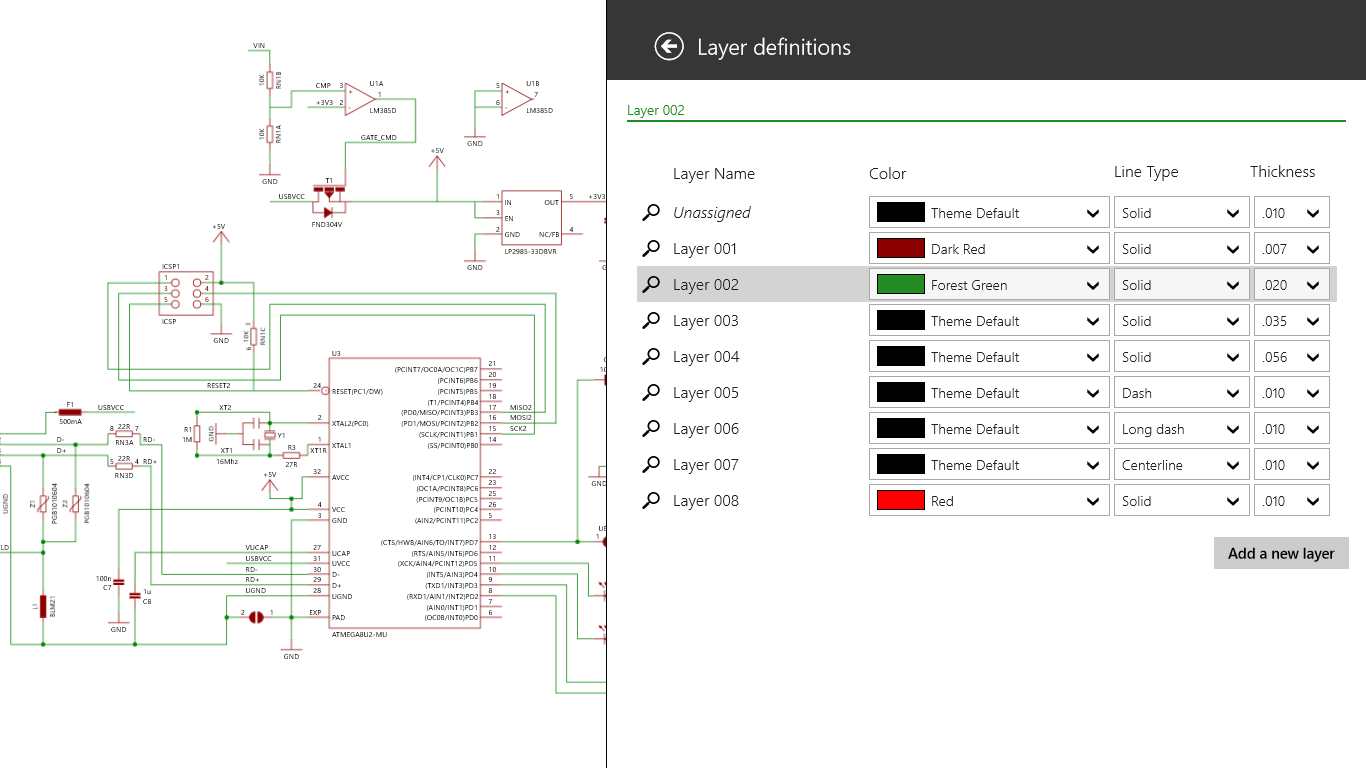
- Layer Management Features
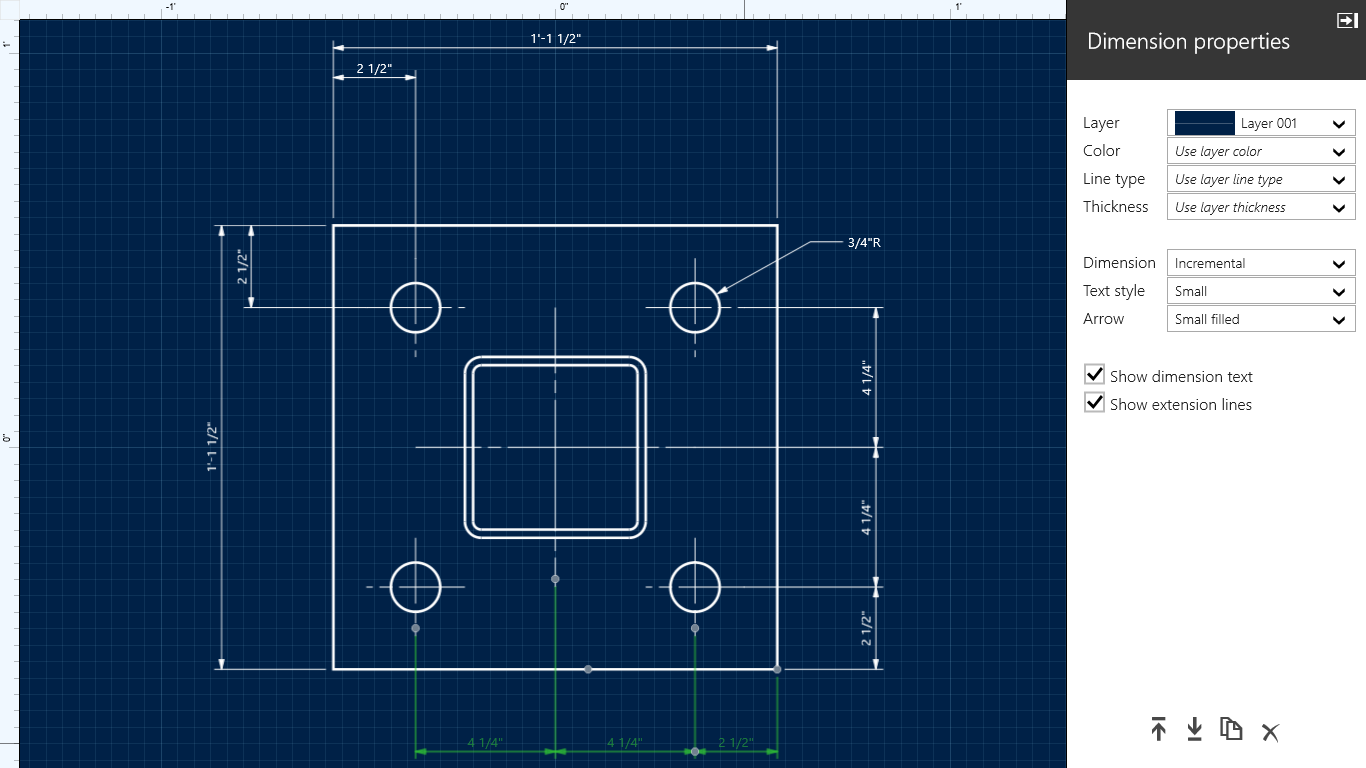
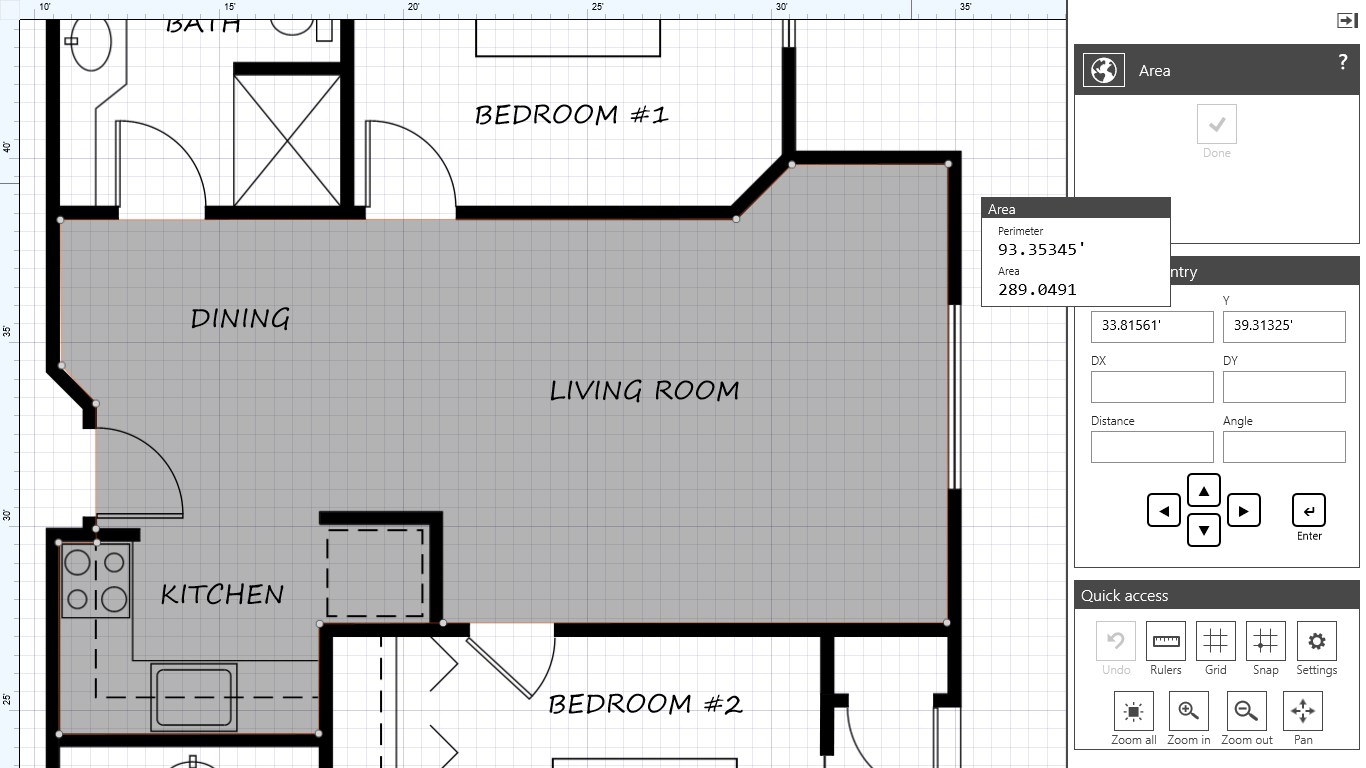
- Built-in Measurement and Annotation Tools
- Cloud Storage Integration
Cons
- Limited 3D Capabilities
- Performance Issues with Large Files
- Basic Customization Options
- Some Features Require Premium Version
- Limited Help Resources











