
- Category Personalization
- Available on PC, Mobile, Xbox console, Surface Hub, HoloLens
- OS Windows 10 version 19041.0 or higher
- languages Arabic, Chinese (Simplified), Czech, Dutch, English (United States), French, German, Hebrew, Hindi, Hungarian, Italian, Polish , Portuguese (Portugal), Romanian, Russian, Spanish (Mexico), Spanish (Spain), Thai, Turkish, Ukrainian, Vietnamese
A Sleek Personalization Tool to Elevate Your Windows Desktop
Backiee - Wallpaper Studio 10 for Windows is designed to transform your desktop experience with stunning wallpapers and advanced customization options, making it a must-have for users seeking both aesthetics and easy usability.
About the App: The Basics
Backiee - Wallpaper Studio 10 is a dedicated wallpaper management and personalization app crafted to enhance your Windows environment.
- Developer: Good2Create
- Main Features:
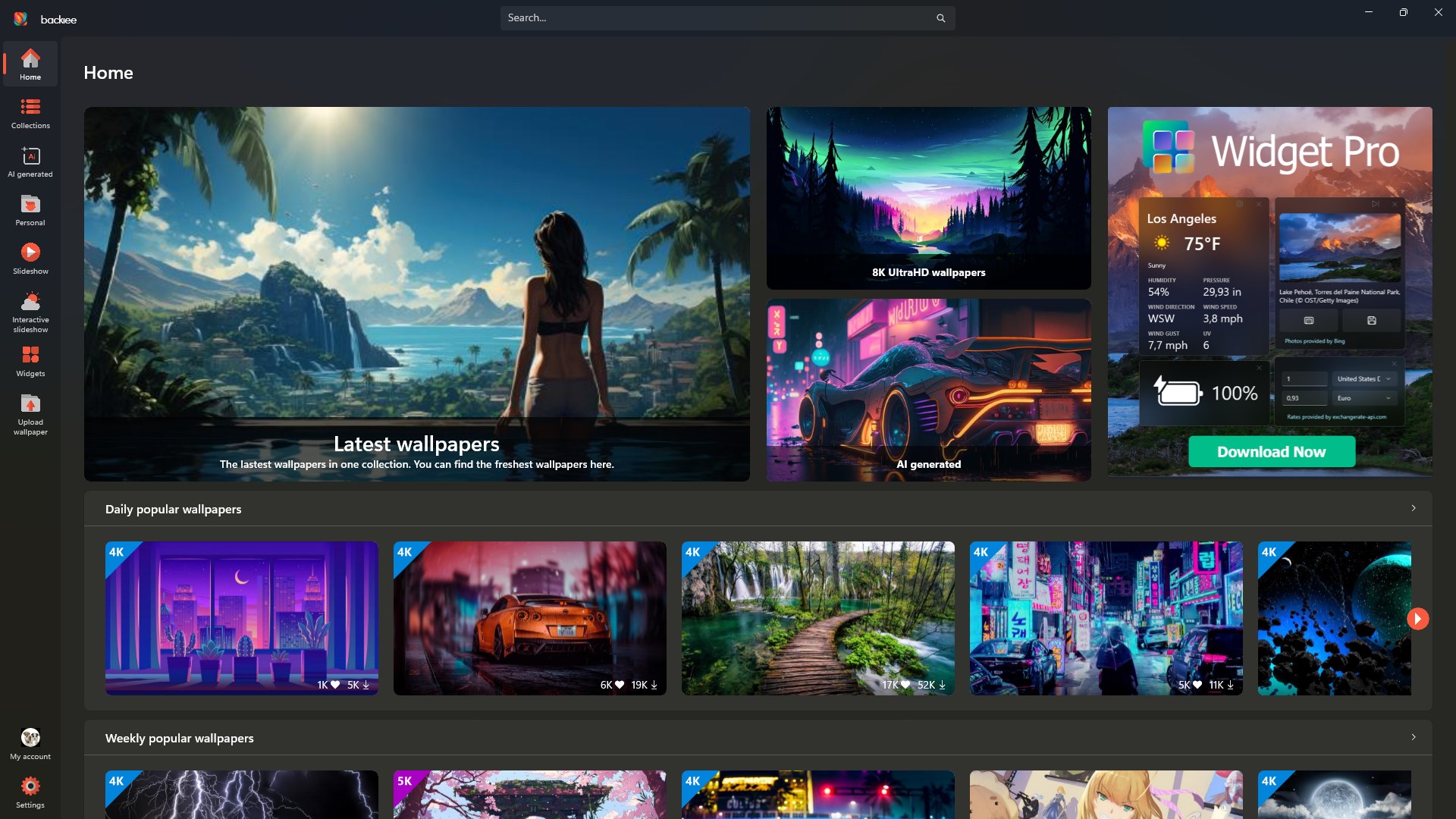
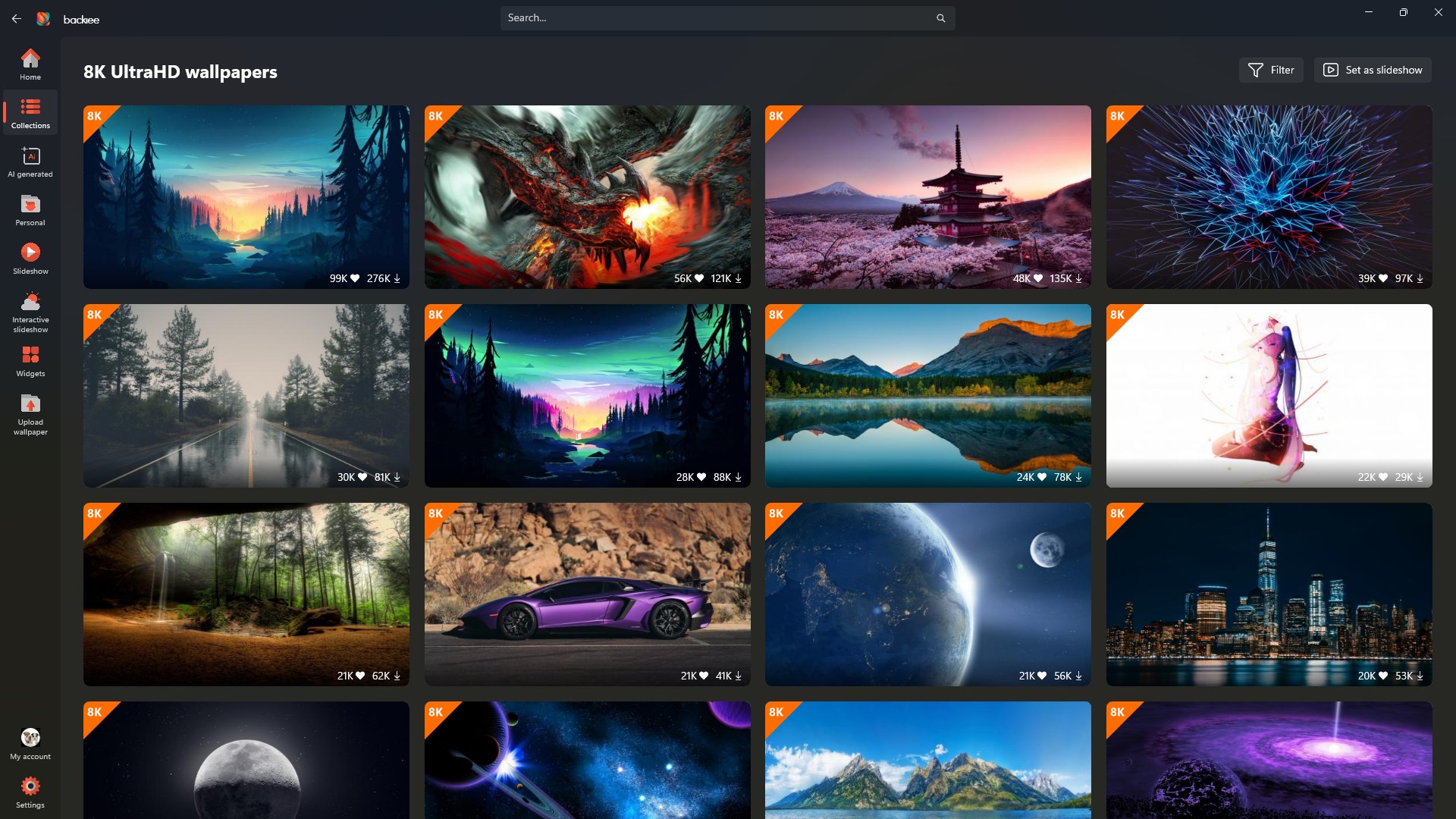
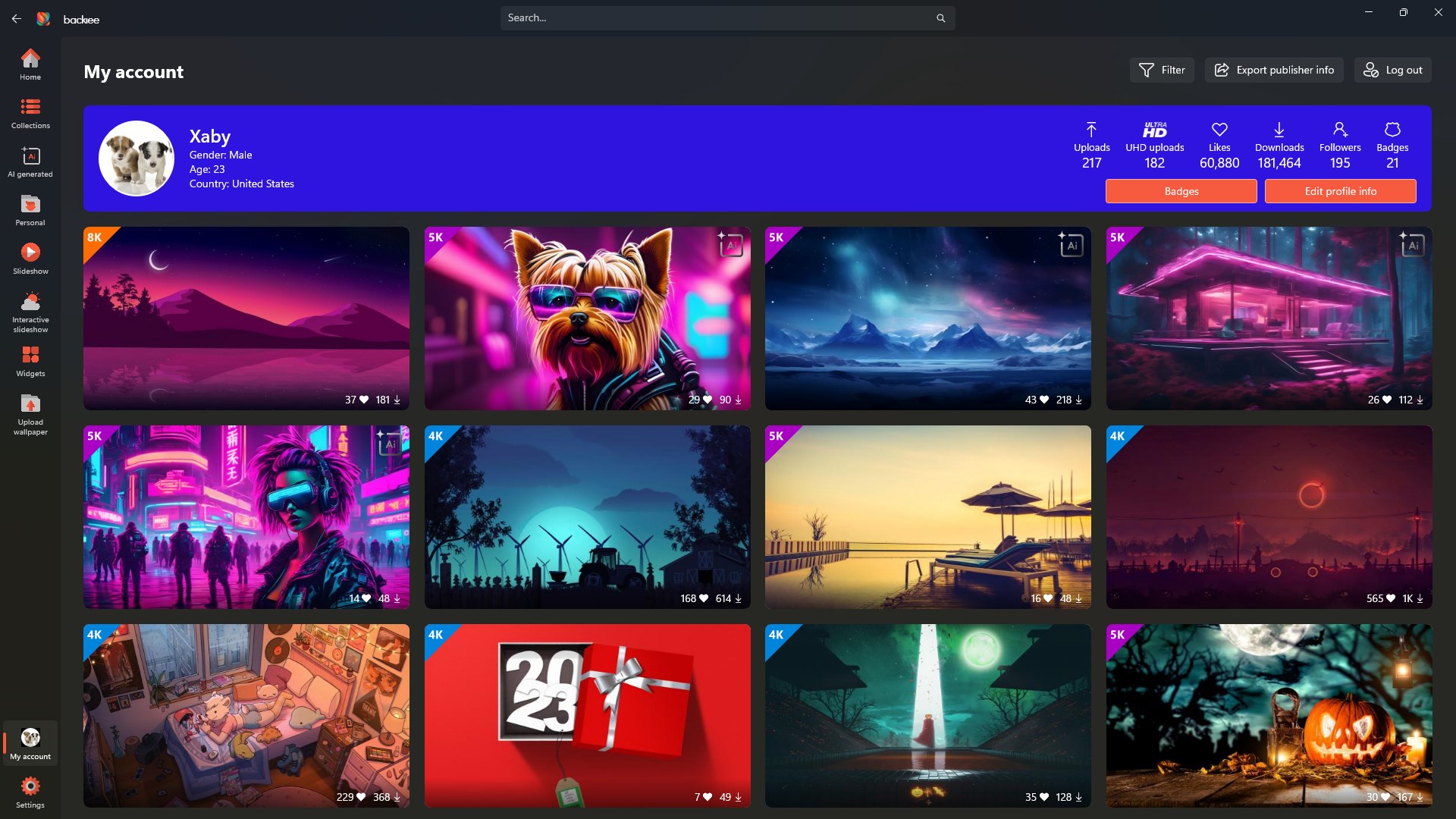
- Extensive wallpaper collection with high-resolution images
- Automatic wallpaper updates and scheduling
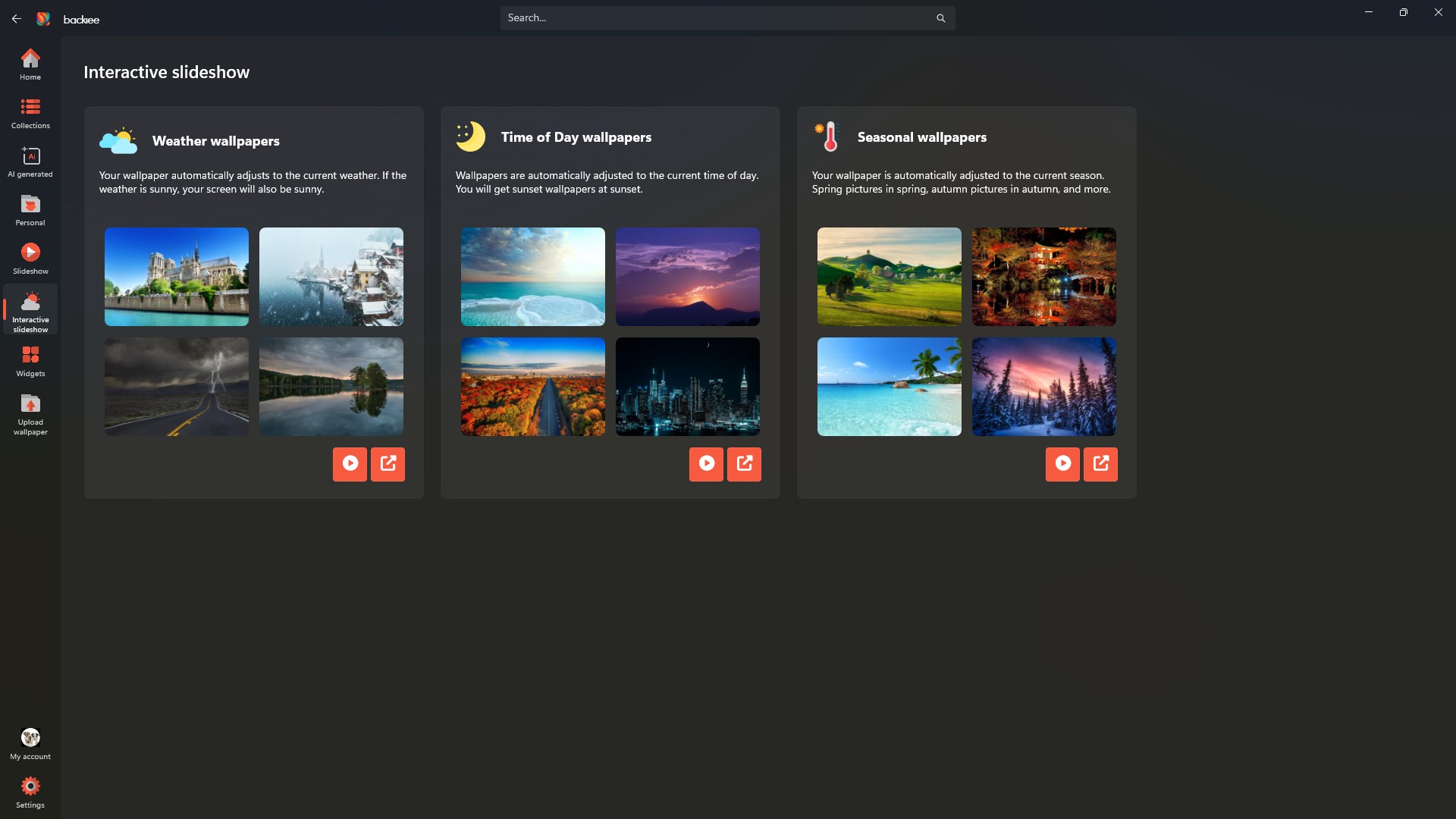
- Robust customization options including filters, editing, and slideshow features
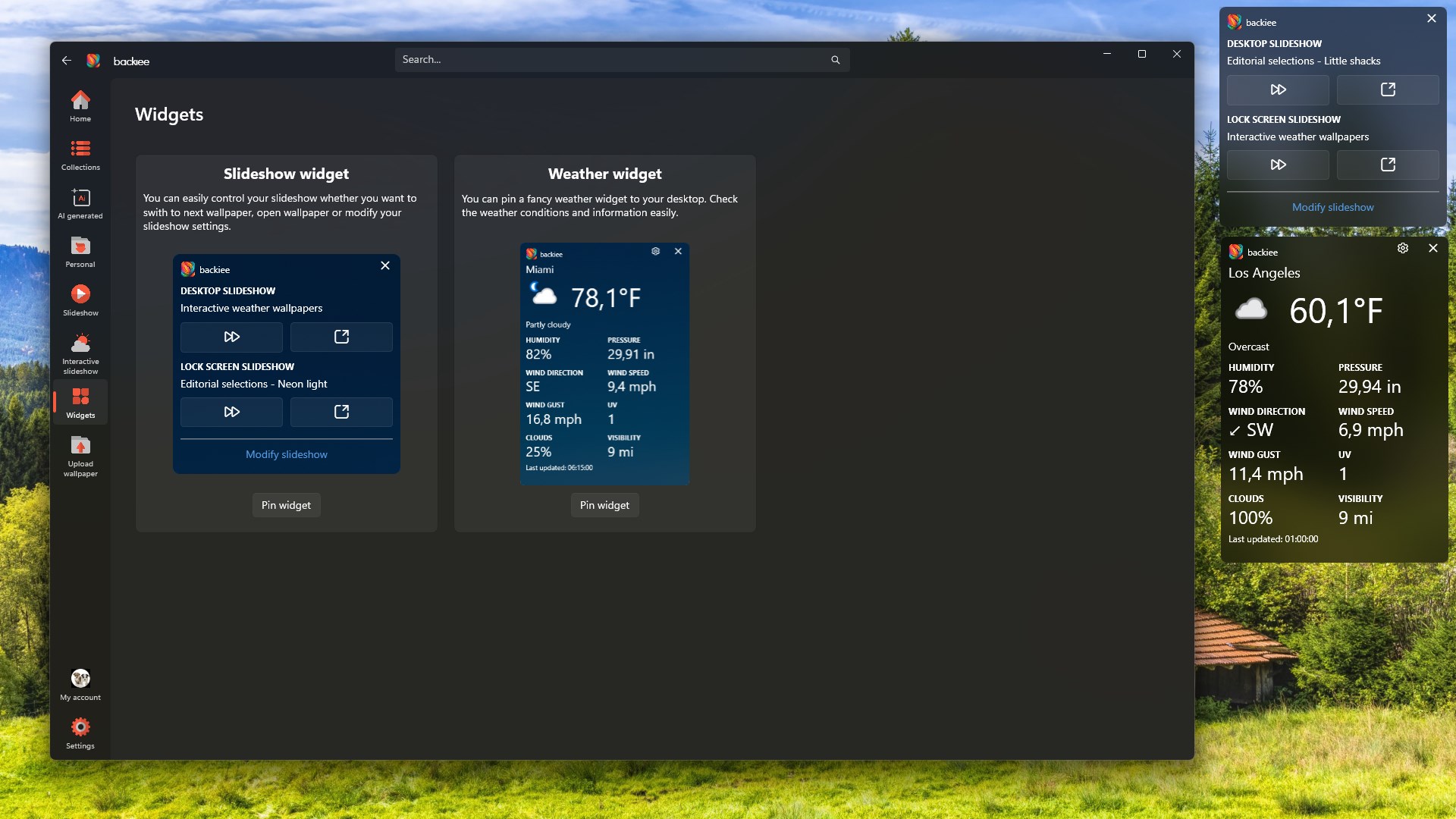
- Seamless integration with Windows themes and lock screens
- Target Audience: Windows power users, aesthetics enthusiasts, anyone wanting to breathe new life into their desktop environment, and users interested in personalized digital backgrounds.
An Engaging Introduction: Transforming Desktop Aesthetics with Ease
If your desktop is your digital canvas, then Backiee - Wallpaper Studio 10 is the paintbrush that brings your creative vision to life. Imagine waking up to a fresh new wallpaper every day, perfectly curated to match your mood or theme preferences — without the hassle of manually changing backgrounds. This app acts like a trusted interior decorator, fine-tuning the visual vibe of your workspace effortlessly. Whether you're seeking soothing nature landscapes or sleek modern artwork, Backiee makes customizing your desktop feel intuitive, enjoyable, and truly personal.
Core Feature 1: A Beautifully Curated Wallpaper Library
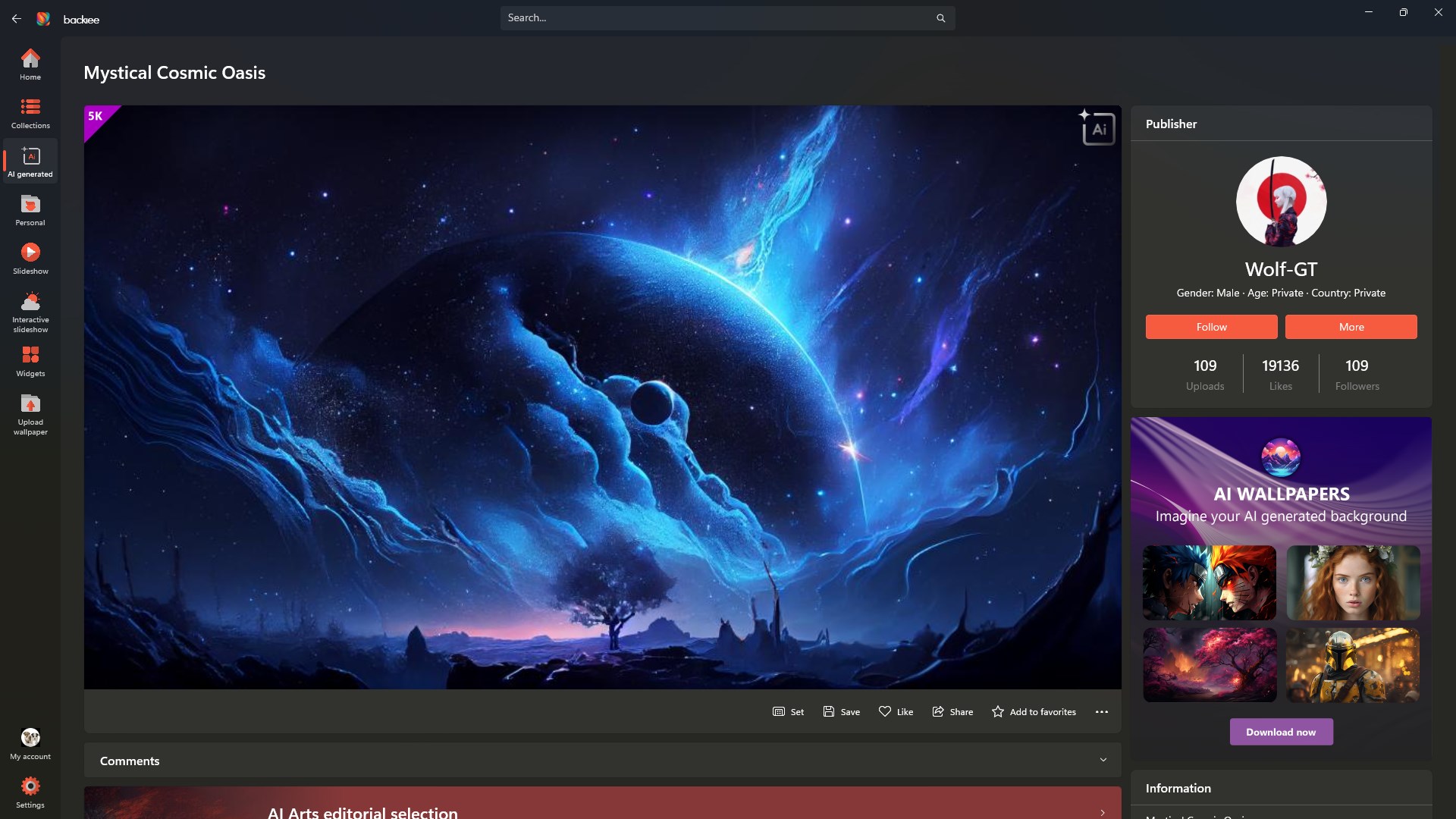
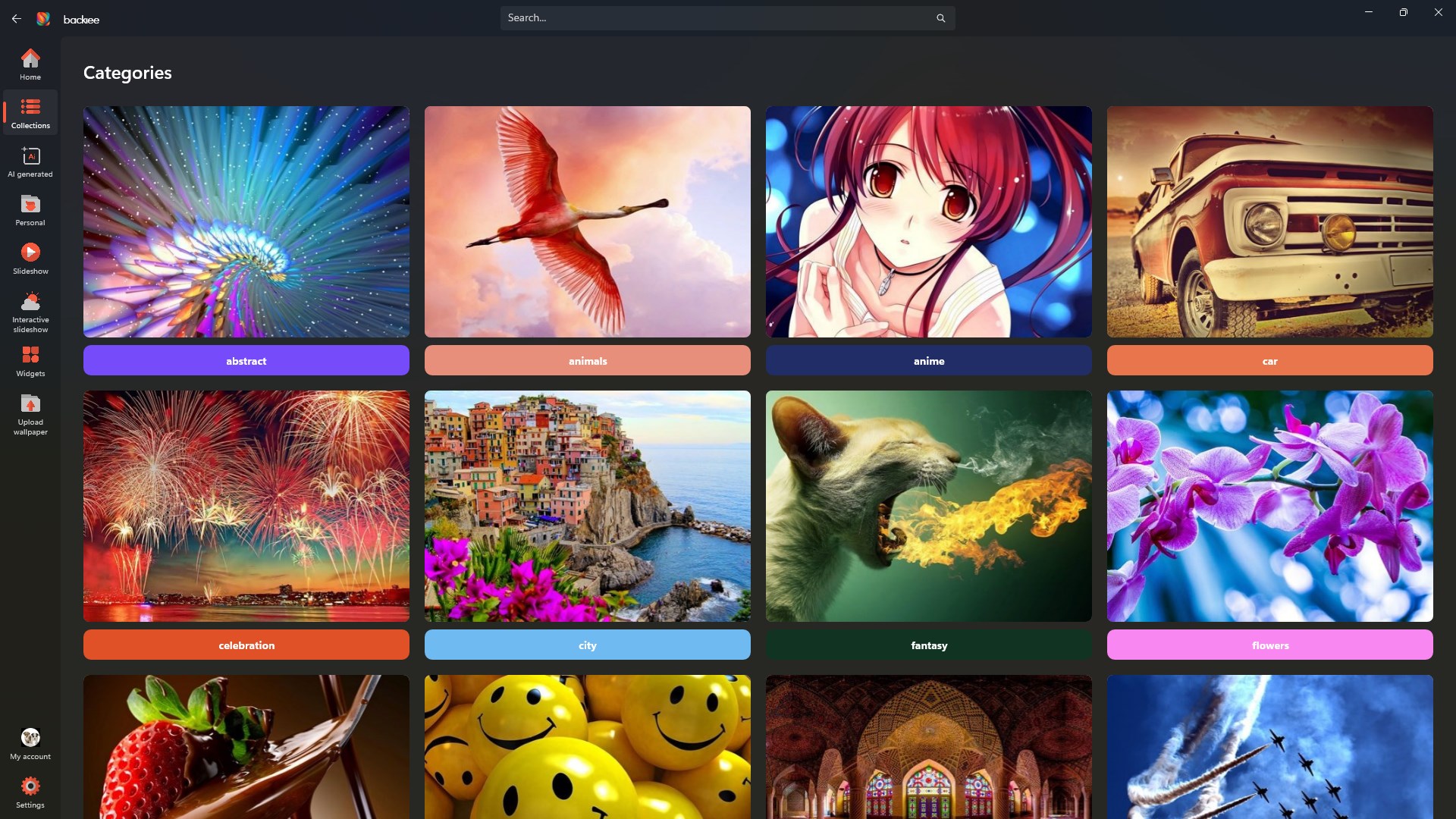
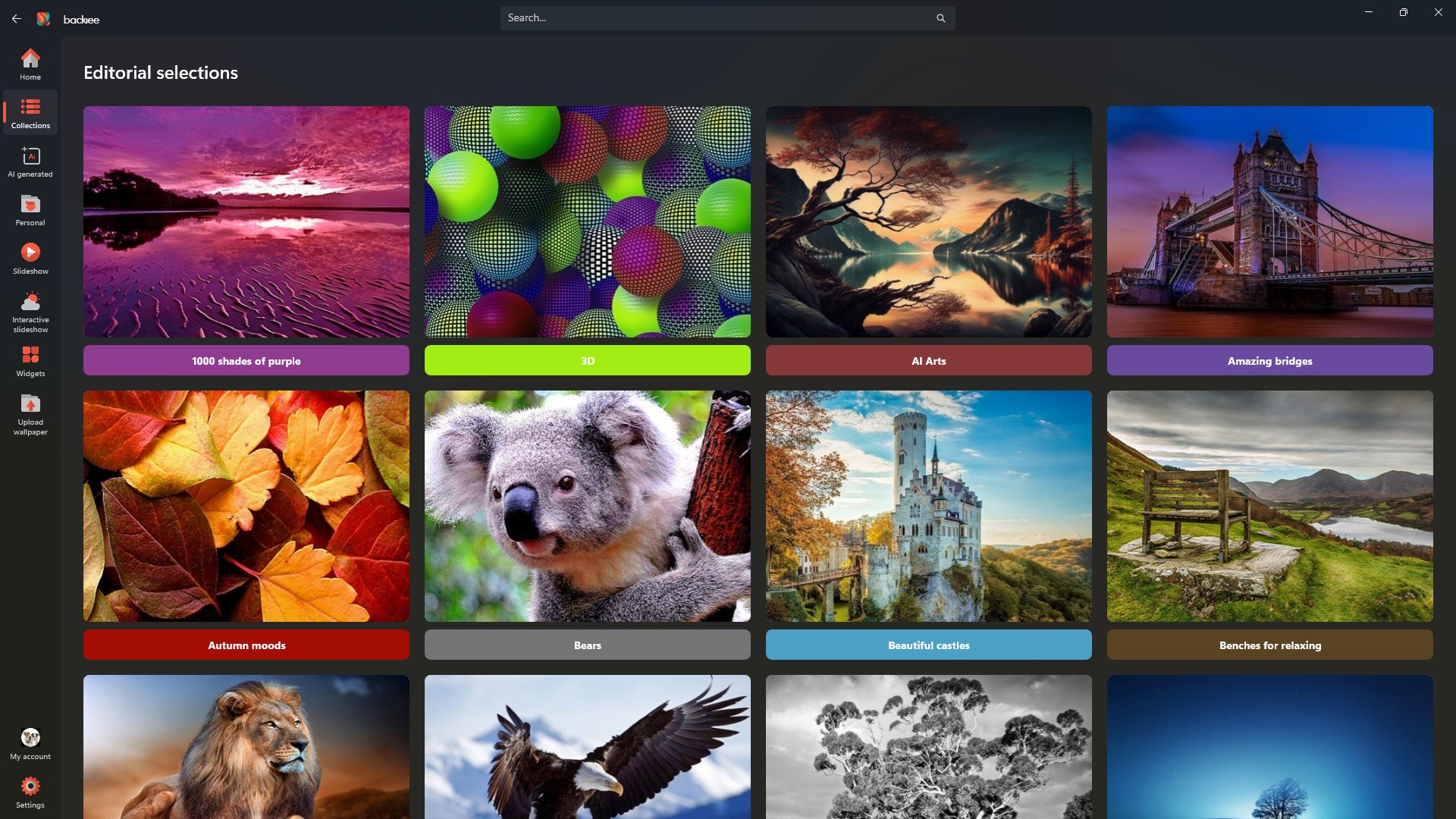
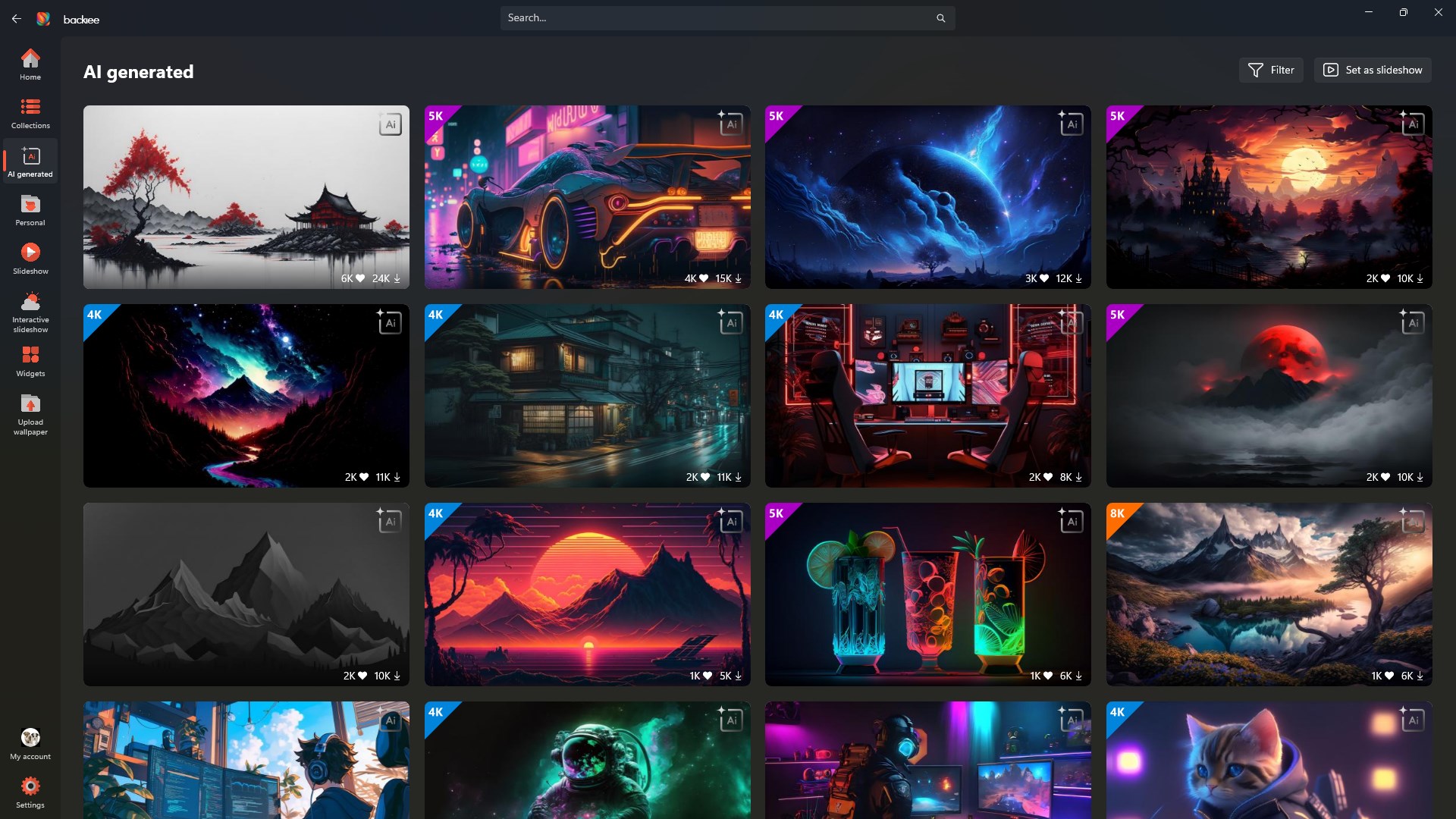
Prime among Backiee's offerings is its vast library of high-quality wallpapers. Designed with an eye for diversity, the collection spans everything from serene nature scenes to urban vistas, abstract art, and themed collections. The interface organizes images intuitively, allowing you to browse by categories, popularity, or themes. Plus, the app supports automatic wallpaper updates based on schedules you set, which means your desktop can stay fresh and vibrant without lifting a finger. It's like having a personal gallery curator who refreshes your space regularly — perfect for those who crave variety but dislike the hassle of manual changes.
Core Feature 2: Deep Customization & Editing Tools
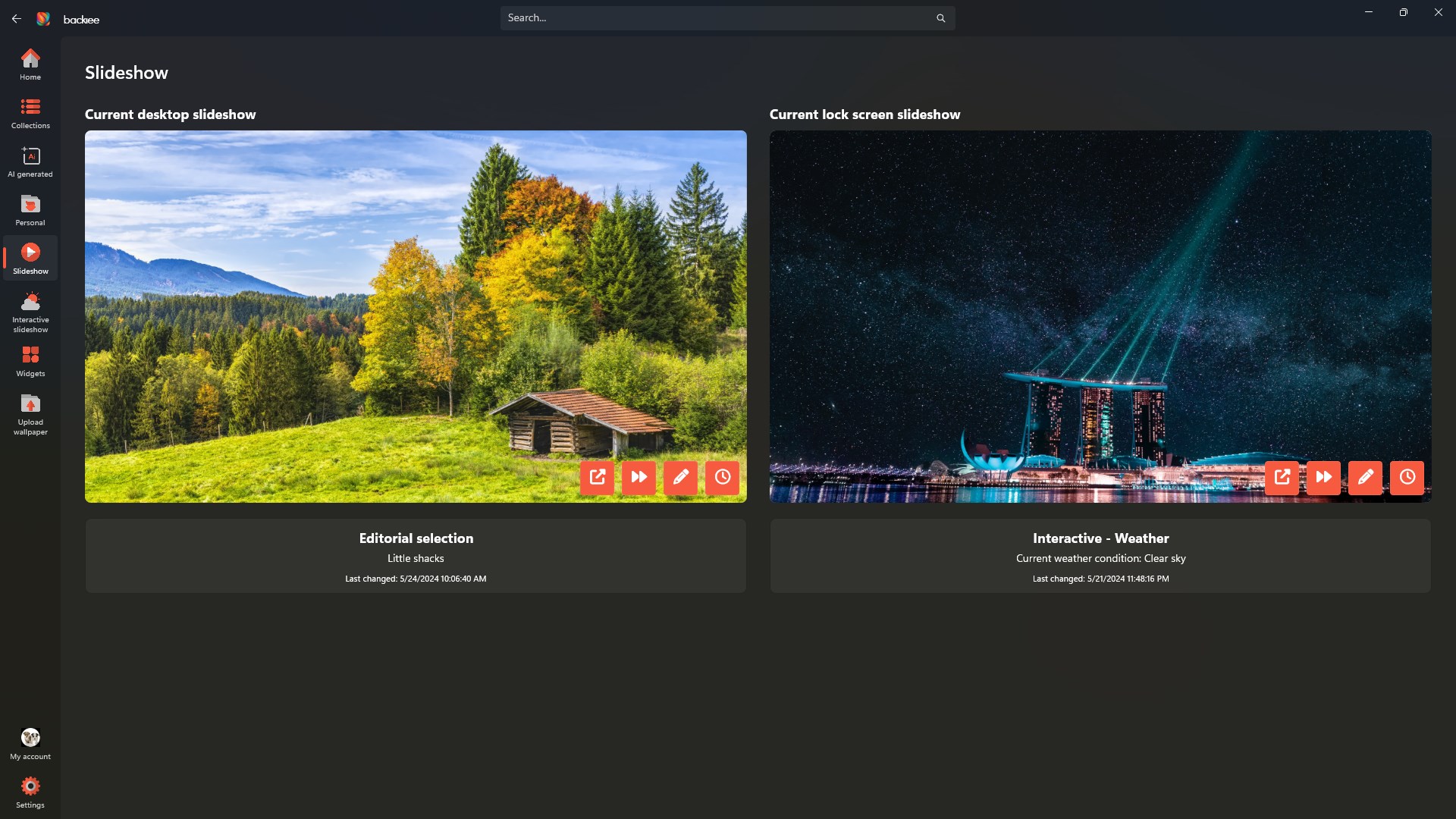
What truly sets Backiee apart from other personalization apps is its suite of customization options. Beyond simply changing wallpapers, it offers user-friendly editing tools—brightness, contrast, filters, and overlays—so you can tailor images to your exact preferences. Imagine turning a beautiful landscape into a dreamy, muted scene or highlighting specific colors to match your accent decor. Additionally, the app supports dynamic slideshows, allowing you to set up rotation schedules with multiple images, creating an ever-changing visual experience. These features empower you to make your desktop reflect your personality perfectly, elevating it from mere background to an expressive piece of your digital lifestyle.
User Experience and Unique Selling Points
The interface of Backiee is sleek and minimalistic, akin to a well-organized art gallery — simple enough for beginners yet powerful for seasoned users. Operation is smooth and responsive, with minimal loading times, thanks to its optimized performance. Setting up playlists, selecting themes, or customizing images is straightforward, with a gentle learning curve that welcomes newcomers but still offers depth for advanced users. One standout feature is its exceptional theme compatibility; the app ensures that the wallpapers harmonize with your Windows themes, creating a cohesive aesthetic rather than a disjointed collage. This integration ensures your wallpapers don't clash with your icon styles or system colors, providing a seamless visual experience.
Final Verdict: Should You Get Backiee - Wallpaper Studio 10?
Considering its extensive library, powerful customization tools, and user-friendly design, Backiee presents itself as a solid choice for anyone looking to personalize their Windows desktop without fuss. Its standout features—particularly the editing suite and theme harmony—offer a level of detail that's rare among free or less-featured wallpaper apps. I recommend this app to users who want more than just a collection of static images; those eager to craft a personalized, eye-catching environment that evolves with their mood or workflow. If you value aesthetic flexibility and smooth operation, Backiee is definitely worth trying out—it's like having a dedicated digital interior designer at your fingertips.
Pros
- Extensive Wallpaper Collection
- User-Friendly Interface
- Customizable Wallpapers
- Regular Content Updates
- Offline Access
Cons
- Limited Free Content
- Inconsistent Download Speeds
- App Size and Storage Usage
- Ads in Free Version
- Customization Options Could Improve











