
Frequently Asked Questions
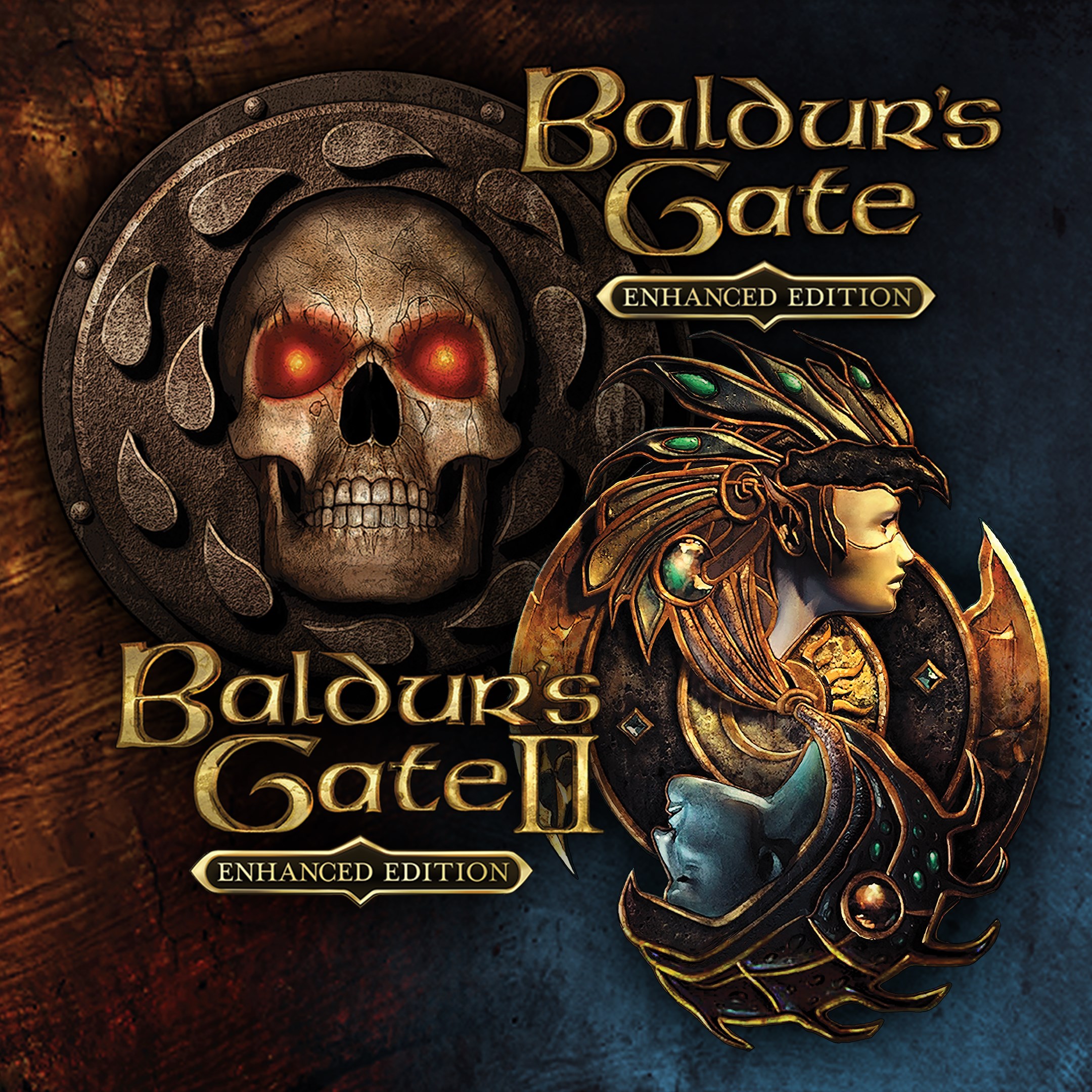
How do I start playing Baldur's Gate: Enhanced Edition for the first time?
Download and install the app from your app store, then launch it and follow the on-screen instructions to create your character and begin your adventure.
Can I use my saved game from a previous version?
Yes, the game supports importing save files from older versions; locate your save files in the designated folder and load them within the game menu.
What are the main features of the enhanced editions?
They include original campaigns, expansions, new challenges, improved graphics, and additional content like new arenas in the Black Pits.
How can I customize my character or party?
In the game menu, select characters to customize skills, appearance, and equipment before starting or during gameplay.
What new content is added in Siege of Dragonspear expansion?
Siege of Dragonspear adds a new storyline, over 25 hours of gameplay, and fresh challenges, all accessible through the campaign menu.
Are there in-app purchases or subscriptions necessary to enjoy the full game?
The game is a one-time purchase; no additional subscriptions are required for full access to campaigns and expansions.
How do I purchase the game or expansion if I haven't already?
Visit your device's app store, search for the game, and follow the purchase prompts to buy and install the app.
Is there a way to upgrade or buy the full content after initial purchase?
All content is included with the initial purchase; no further upgrades are needed unless purchasing additional DLC or expansions.
What should I do if the game crashes or encounters errors?
Try restarting your device, updating the app, or reinstalling. If issues persist, contact support via Settings > Help or support options.
You May Like

Persona 5 Royal
for Windows
4.9
Persona 3 Reload
for Windows
4.9
Stardew Valley
for Windows
4.8
Persona 4 Golden
for Windows
4.8
Undertale (PC)
for Windows
4.8
The Elder Scrolls V: Skyrim Special Edition (PC)
for Windows
4.7
Royal Revolt 2: Tower Defense
for Windows
4.6
Clair Obscur: Expedition 33
for Windows
4.6
Fallout: New Vegas Ultimate Edition
for Windows
4.6
Warhammer: Chaos & Conquest
for Windows
4.6
FINAL FANTASY
for Windows
4.5
The Elder Scrolls V: Skyrim Anniversary Edition (PC)
for Windows
4.4