

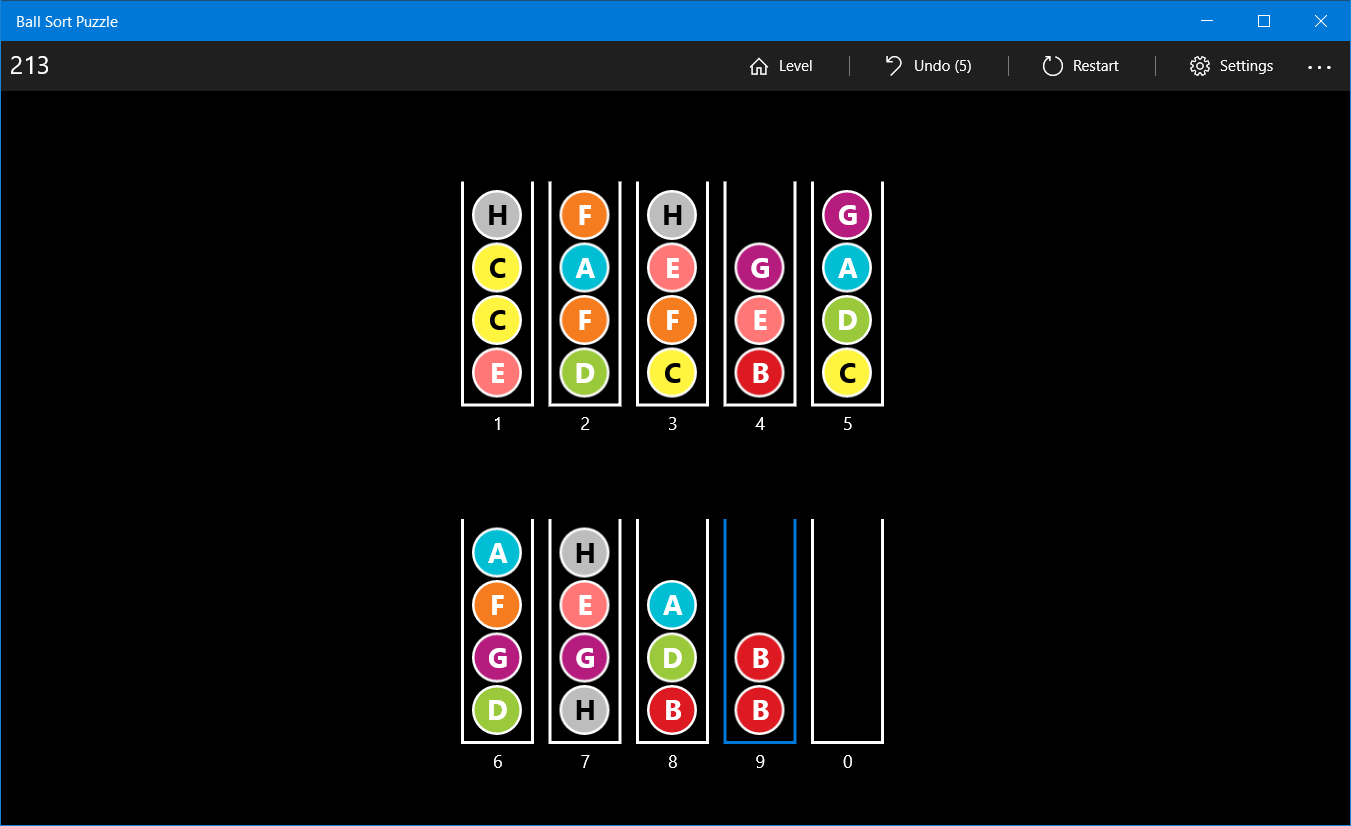
- Category Puzzle & trivia
- Developer Fons Sonnemans
- Available on PC, Surface Hub, HoloLens
- OS Windows 10 version 17763.0 or higher
- languages English (United States)
Introducing Ball Sort Puzzle for Windows: A Surprisingly Addictive Color Sorting Challenge
If you're a puzzle enthusiast looking for a game that combines simple mechanics with engaging gameplay, Ball Sort Puzzle for Windows offers a charming and relaxing experience. Its straightforward concept makes it accessible for all ages, yet it promises enough complexity to keep you hooked.
Developer and Main Features
Developed by Fons Sonnemans and published by Reflection IT, this game stands out among casual puzzle apps on the Microsoft Store. Its key features include intuitive swipe control for moving balls, a variety of color sorting levels that steadily increase in difficulty, and an elegantly minimalistic interface that emphasizes gameplay over distractions. The game's clever logic challenges your spatial reasoning and planning skills, making every level a satisfying brain teaser. It's designed primarily for casual gamers who enjoy quick, yet mentally stimulating, challenges.
A Vivid Introduction to the Ball Sorting Experience
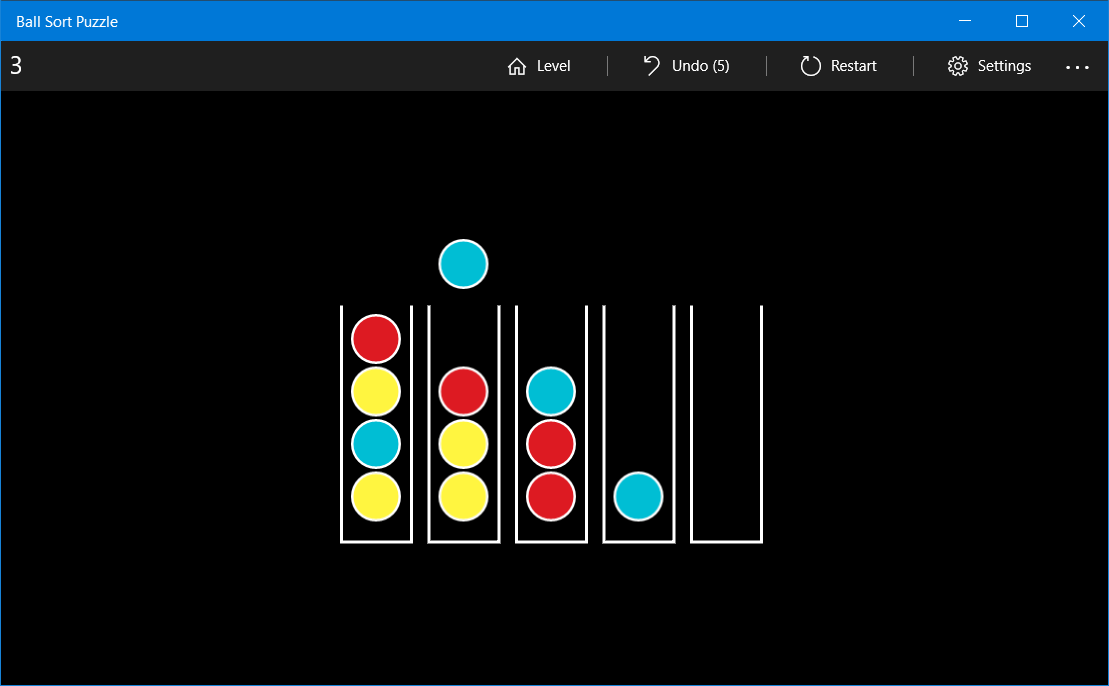
Imagine a vibrant, digital version of organizing marbles in a glass container—except here, the colorful spheres are eager to be sorted into their matching tubes. The game greets you with a cascade of bright colors and simple tap-to-move controls, immediately immersing you into a world where each tap is a tiny act of chaos management. It's a game that feels like a gentle yet engaging puzzle, perfect for a short mental break or a deep dive into strategic sorting.
Core Functionality: Colorful Simplicity with Depth
The first core element is its **intuitive gameplay mechanics**. The game uses swipe gestures to move balls between tubes, which seems straightforward but rapidly reveals layers of strategic depth as the levels progress. The rules are minimal—only one ball can be moved at a time, and you aim to sort all balls by their color—but this simplicity invites creative problem-solving.
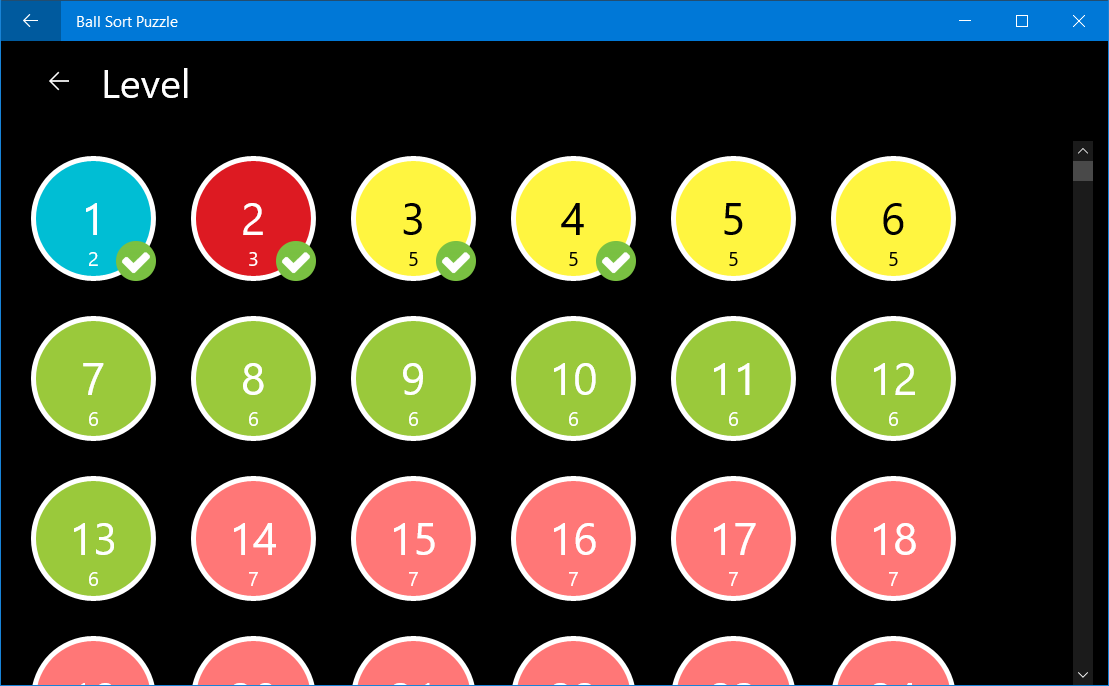
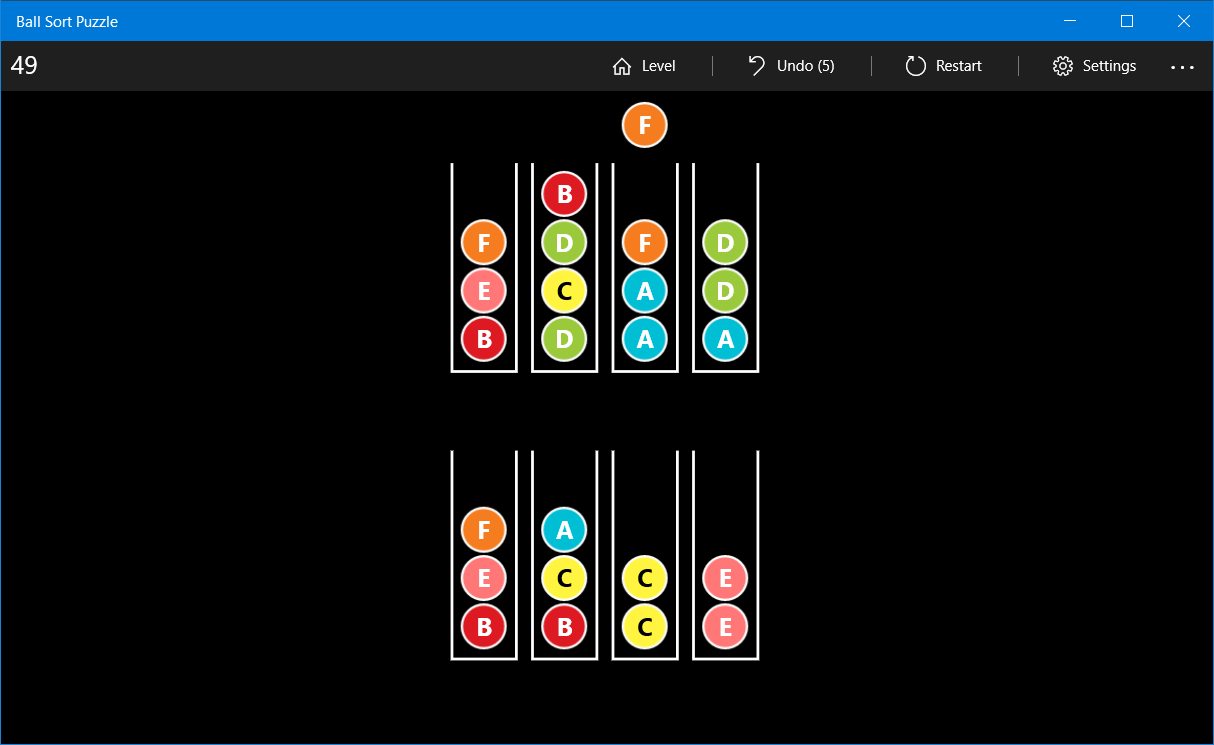
Next is the **progressive difficulty and level design**. With each level, the puzzle becomes more intricate, introducing more colors and extra tubes, demanding both foresight and adaptability. This incremental challenge helps maintain long-term engagement without overwhelming new players, making it accessible yet rewarding.
Lastly, the **visual and auditory harmony** enhances the gaming experience. Bright, distinct color schemes ensure clarity, while soft sound effects create a soothing gaming environment. The minimalistic UI ensures focus remains on puzzle-solving rather than navigation or unnecessary animations.
Seamless User Experience and Unique Strengths
The interface is clean and uncluttered, similar to a well-organized art studio where every tool invites creativity. Swiping and moving balls feel fluid, with no noticeable lag—even on low-spec devices—demonstrating the game's polished optimization. The learning curve is gentle; most users will quickly grasp the mechanics, yet mastering complex levels offers an ongoing challenge.
One standout feature that differentiates Ball Sort Puzzle from similar apps is its **automatic move hints**—not intrusive but enough to nudge you when caught in a dilemma. Additionally, the game provides **level restart and undo options**, allowing you to experiment freely without fear of frustration. These features combine to foster a stress-free environment conducive to both casual play and serious puzzling.
Recommendations and Final Thoughts
This game is well-suited for puzzle fans of all ages who appreciate elegant simplicity combined with depth. If you enjoy logic puzzles that encourage strategic planning while being easy to pick up, Ball Sort Puzzle offers a delightful experience. Its intuitive controls and calming visuals make it perfect for quick sessions or extended puzzle marathons.
For those looking for a game that balances challenge and relaxation without demanding significant time investment or complex rules, I recommend giving it a try. Whether as a mental warm-up or an idle pastime, it stands out as a well-crafted, thoughtfully designed little brain teaser on the Windows platform.
Pros
- Intuitive gameplay
- Visually appealing design
- Variety of levels
- No in-app purchases required for full gameplay
- Progress tracking feature
Cons
- Limited hints system
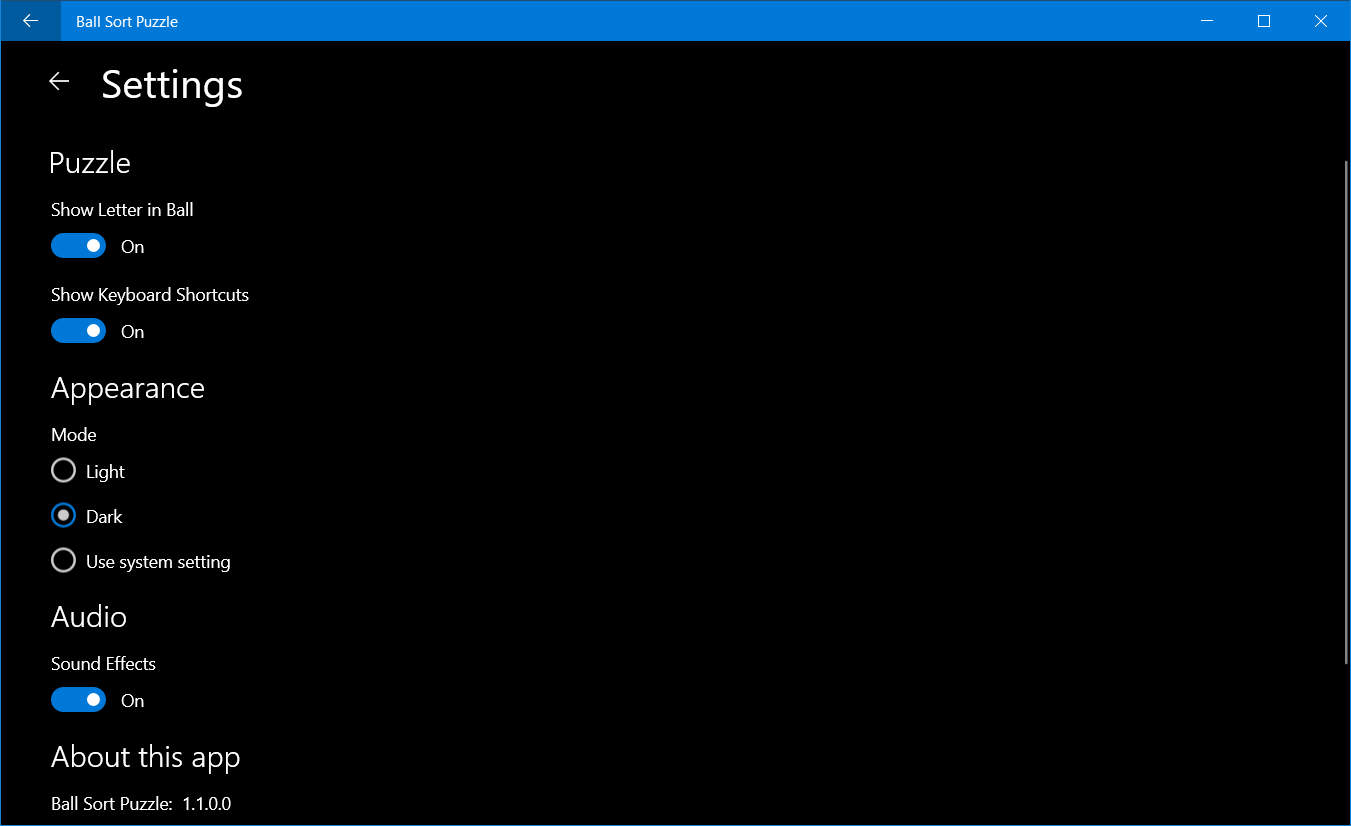
- Lack of advanced settings
- Slightly repetitive in later levels
- Ads can appear unexpectedly
- Performance issues on older devices











