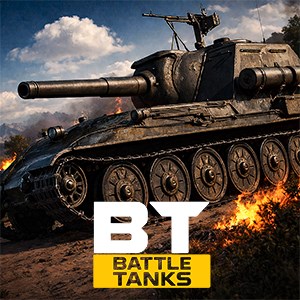
Battle Tanks — Online WW2 PvP Tank Shooter Game
- score
- 4.2
- DirectX
- Version 10
- DirectX
- Version 11
- Memory
- 2 GB

Download the app, create an account, complete the tutorial, and join your first 10v10 battle to get started quickly.
Yes, the game supports cross-platform play. Log in with your account on any device to keep your progress and collections.
Access the garage, select your tank, and use earned in-game resources or purchases to upgrade weapons, armor, and loadouts under the 'Upgrades' menu.
Switch to aimed mode for precise shots by tapping the aiming button, allowing you to target weak spots on enemies with sniper-like accuracy.
Coordinate with teammates, secure strategic positions, upgrade your tanks, and communicate effectively through in-game chat or voice chat.
Yes, you can buy premium tanks, cosmetic skins, and resource packs to enhance your gameplay experience and speed up upgrades through the store.
Go to Settings > Store or In-App Purchases, select your desired items or subscription, and follow the payment prompts on your device.
Ensure your account is linked to a social media or email account in Settings > Account. Contact support if you experience data loss.
Restart the app, check for updates, and ensure your device meets the requirements. Contact support through Settings > Help if problems persist.
for Windows
4.4for Windows
4.3for Windows
4.1for Windows
2.3