

- Category Entertainment
- Developer Blizzard Entertainment
- Available on PC
- OS Windows 10 version 0.0 or higher
- languages English
Introduction: A Gateway to Blizzard's Gaming Universe
Battle.net for Windows serves as Blizzard Entertainment's dedicated launcher and social hub, seamlessly integrating game management, social features, and exclusive content in a sleek, unified interface. Designed for gamers seeking streamlined access and community connectivity, this app stands as an essential portal into Blizzard's universe of popular titles.
Core Features That Make It Stand Out
Unified Game Management and Launching
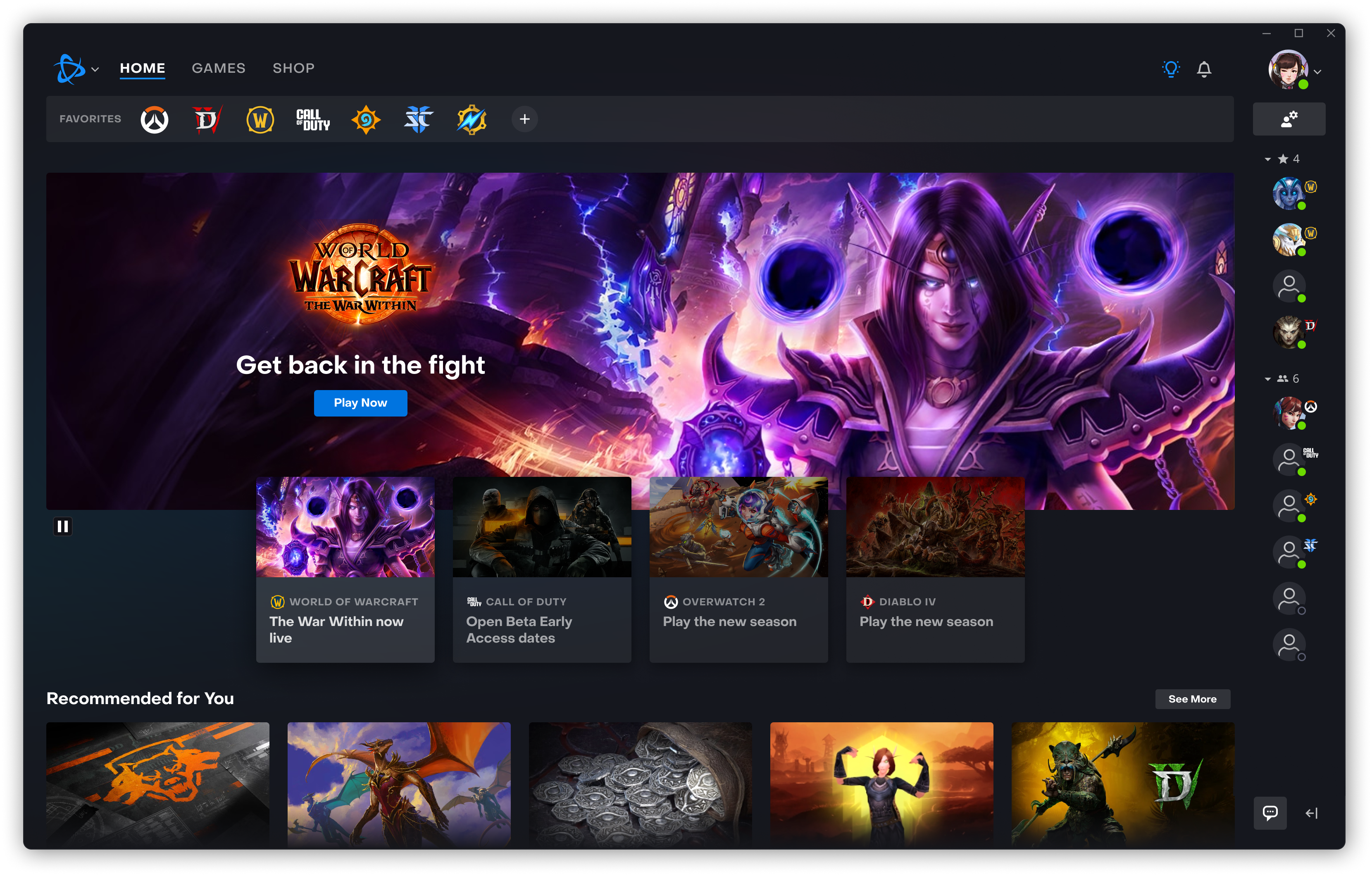
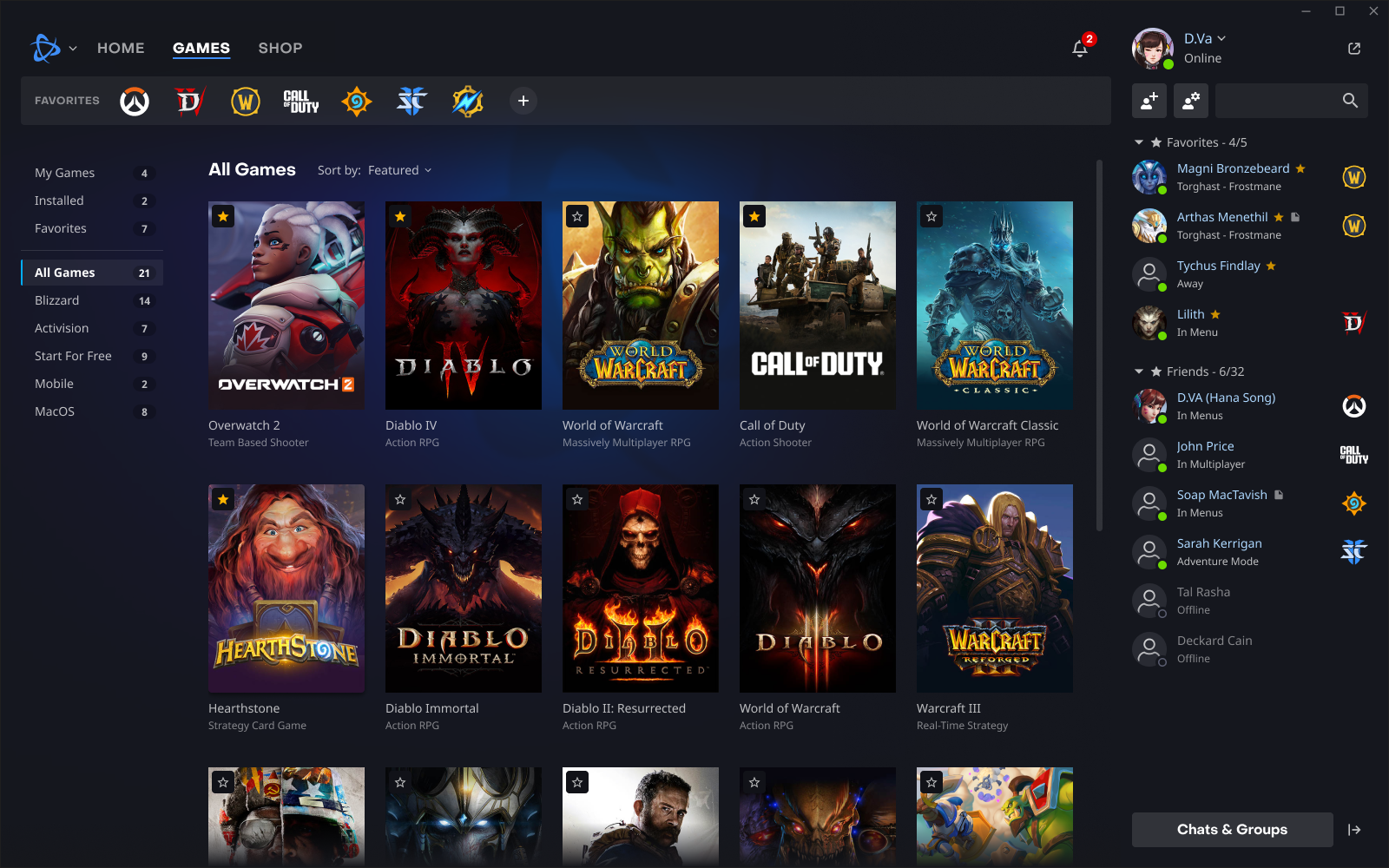
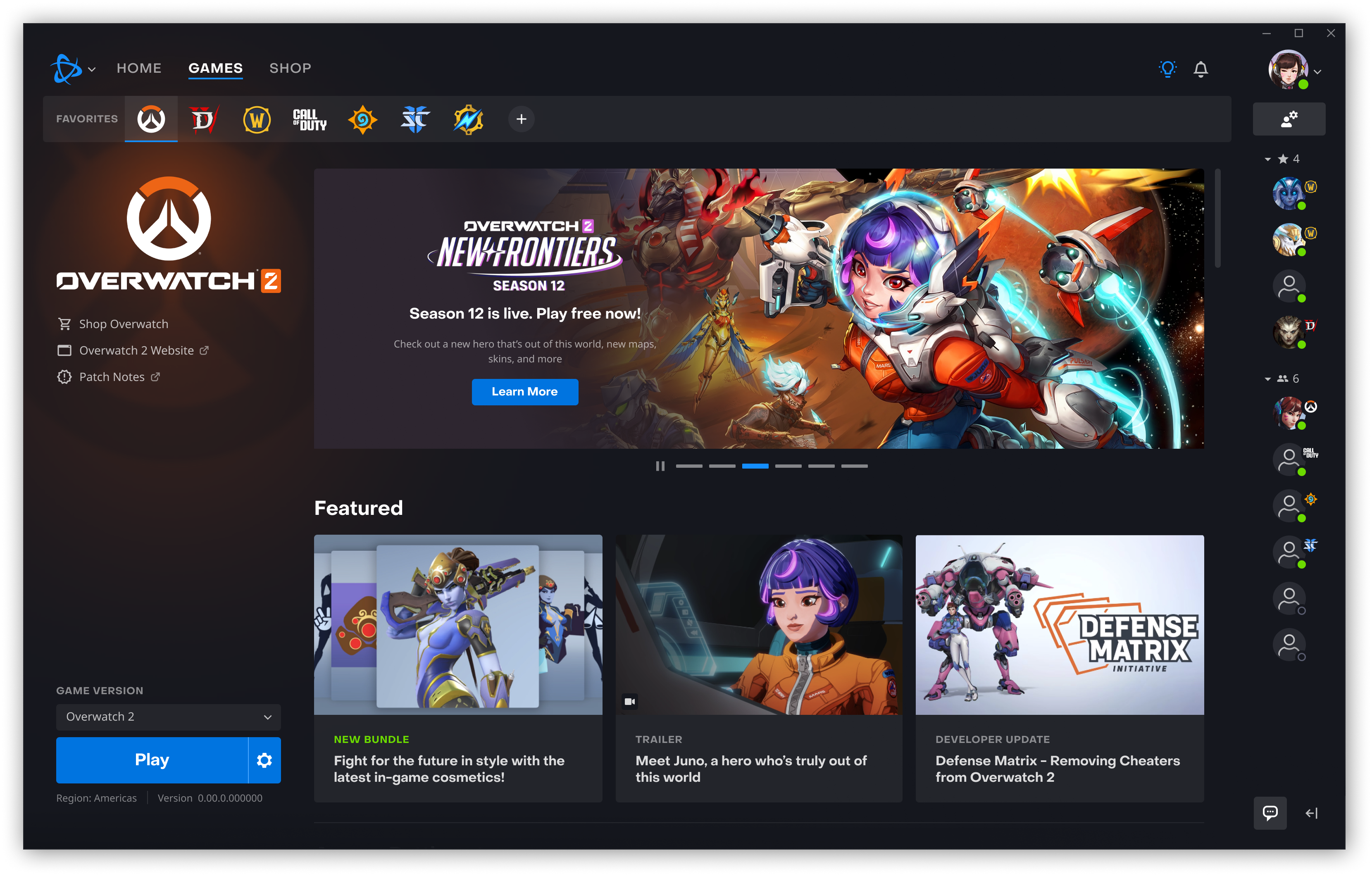
At its heart, Battle.net simplifies your gaming life by consolidating all your Blizzard titles into one accessible platform. From World of Warcraft to Overwatch, managing updates, installations, and game launches is as straightforward as clicking a button—like having a personal assistant that keeps your gaming library organized and ready to go. This centralized approach eliminates the chaos of multiple download sources, making gaming sessions smoother and more predictable.
Rich Social and Community Integration
Beyond just launching games, Battle.net acts as a social nexus. Features like friend lists, chat channels, and groups are woven deeply into the app, creating a vibrant community space. Imagine walking into a busy gaming lounge, where players exchange tips, organize matches, or simply share the thrill of victories—it's that sense of connectivity, but right on your desktop. Real-time notifications let you stay informed about friends' activities and updates without missing a beat.
Exclusive Content and Personalized Recommendations
What sets Battle.net apart from similar platforms is its commitment to personalized content discovery. Thanks to intelligent algorithms, it curates game recommendations, highlight events, and in-game offers tailored to your playing habits. Unlike other entertainment apps that may bombard you with generic suggestions, Battle.net fine-tunes its recommendations to your interests—akin to a seasoned librarian suggesting books you're destined to love based on your reading history.
User Experience: Intuitive, Smooth, and Engaging
The interface design strikes a commendable balance between visual appeal and practicality. It's akin to walking into a well-organized game arcade—luminous icons and clear sections guide you effortlessly through your options. Navigating menus feels fluid, akin to a gentle river flow, with minimal lag or hiccups, ensuring that launching your favorite game or chatting with friends happens instantly. For newcomers, the learning curve is gentle; most features are self-explanatory, and tooltips illuminate less obvious functions, making it accessible even for first-time users.
Differentiation and Unique Strengths
While several game launchers dominate the market, Battle.net distinguishes itself by refining the content recommendation system. Its algorithms analyze your gaming patterns not just to suggest what to play next, but to offer relevant in-game events, updates, and community activities, crafting a personalized ecosystem. This focus on tailored content creates a more engaging and less cluttered user experience, setting it apart from platforms that rely on broad, impersonal recommendations. Additionally, its tight integration of social features elevates it beyond a mere launcher, turning it into a vibrant gaming community hub.
Final Verdict: A Solid Choice for Blizzard Fans
I'd recommend Battle.net for Windows to dedicated Blizzard enthusiasts or anyone invested in Blizzard's gaming universe. It's a reliable, thoughtfully designed app that enhances your gaming experience through seamless management and personalized content. For those who value connectivity and curated gaming insights, this launcher is definitely worth adopting. However, casual players who primarily stick to single titles might find the robust features more than they need, so consider your gaming habits before diving in.
Pros
- User-friendly interface
- Fast download speeds
- Integrated game launcher
- Robust search and filter options
- Regular updates with new features
Cons
- Occasional login issues
- Slow customer support response
- Limited customization options
- Some regional restrictions on content
- Occasional bugs affecting game library sync











