
Frequently Asked Questions
How do I start playing Beach Buggy Racing for the first time?
Download and install the app from your store, open it, and follow the on-screen tutorial to learn basic controls and gameplay mechanics.
What are the main game modes available in Beach Buggy Racing?
The game offers 6 different modes including Race, Cup, Adventure, Tournament, Time Trial, and Battle, each providing unique challenges and fun experiences.
How can I upgrade my cars and unlock new vehicles?
Earn in-game currency through races to upgrade cars or unlock new vehicles via the garage menu under the 'Cars' section.
What are the special power-ups and how do I use them?
Collect power-ups like Dodgeball Frenzy and Fireball during races, then tap their icons to activate their effects and gain an advantage.
How do I customize my kart or character outfits?
Access the customization menu from the main screen, then select 'Garage' or 'Characters' to change skins, outfits, and accessories.
Is Beach Buggy Racing free to play, and are there in-app purchases?
Yes, the game is free to download and play; however, it offers in-app purchases for upgrades, new cars, and power-ups.
How can I manage or turn off in-app purchases?
Go to your device settings > Google Play Store or App Store > Payments > Disable or restrict in-app purchases for the app.
What should I do if the game crashes or freezes?
Try restarting your device, ensure the app is updated, or reinstall the game. Check your internet connection and free device space.
Can I play Beach Buggy Racing offline?
Yes, most game modes can be played offline, but some features like multiplayer require an internet connection.
How do I join the multiplayer races or online events?
Tap the multiplayer or online mode from the main menu and follow the prompts to connect and participate in multiplayer races.
You May Like
Asphalt Legends
for Windows
4.8
Asphalt 8: Airborne
for Windows
4.8
Hill Climb Racing
for Windows
4.7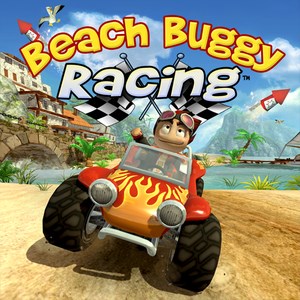
Beach Buggy Racing
for Windows
4.7
Trailmakers
for Windows
4.6
Trailmakers: Ultimate Edition
for Windows
4.6
Sunset Bike Racing - Motocross
for Windows
4.6
Drift Legends 2
for Windows
4.5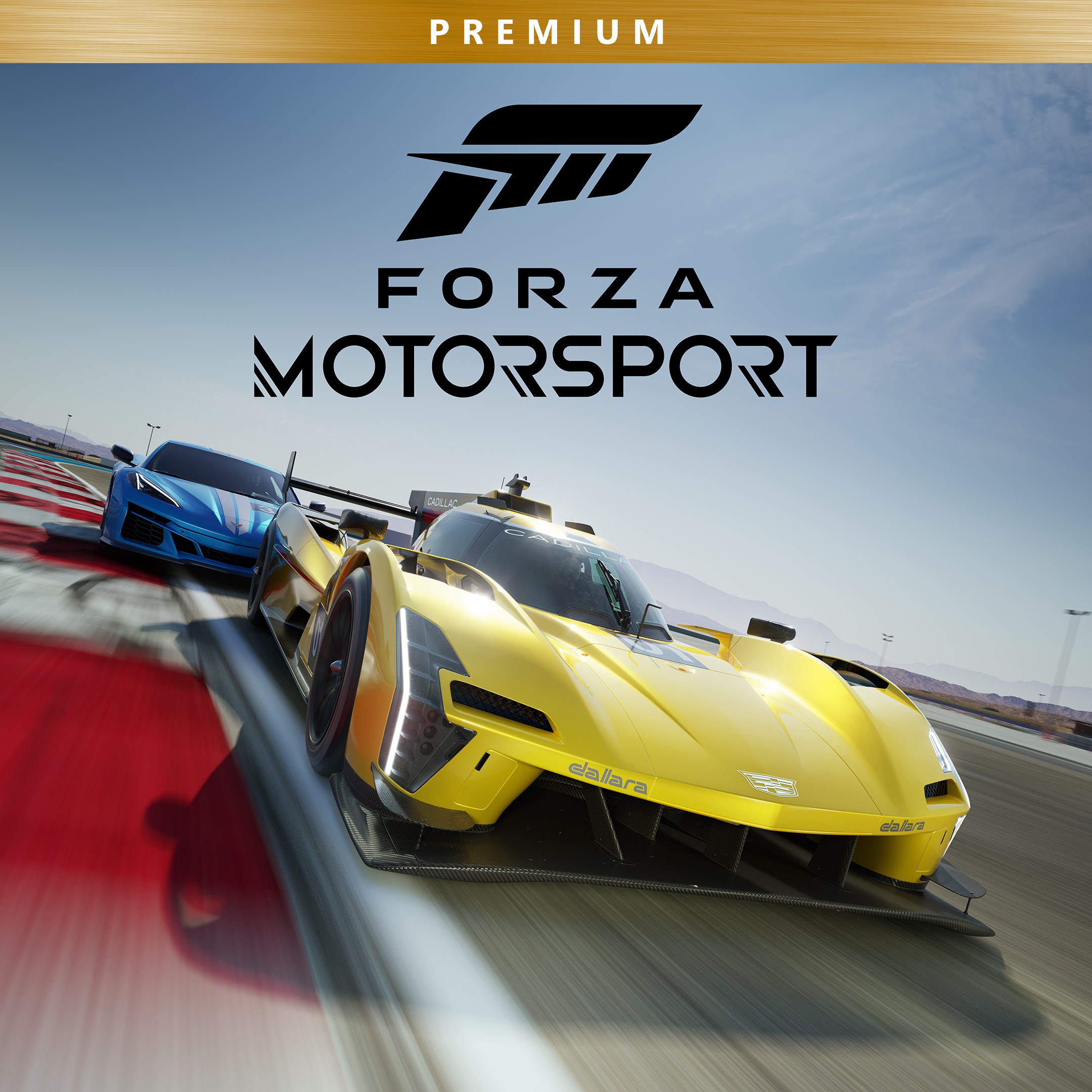
Forza Motorsport Premium Edition
for Windows
4.3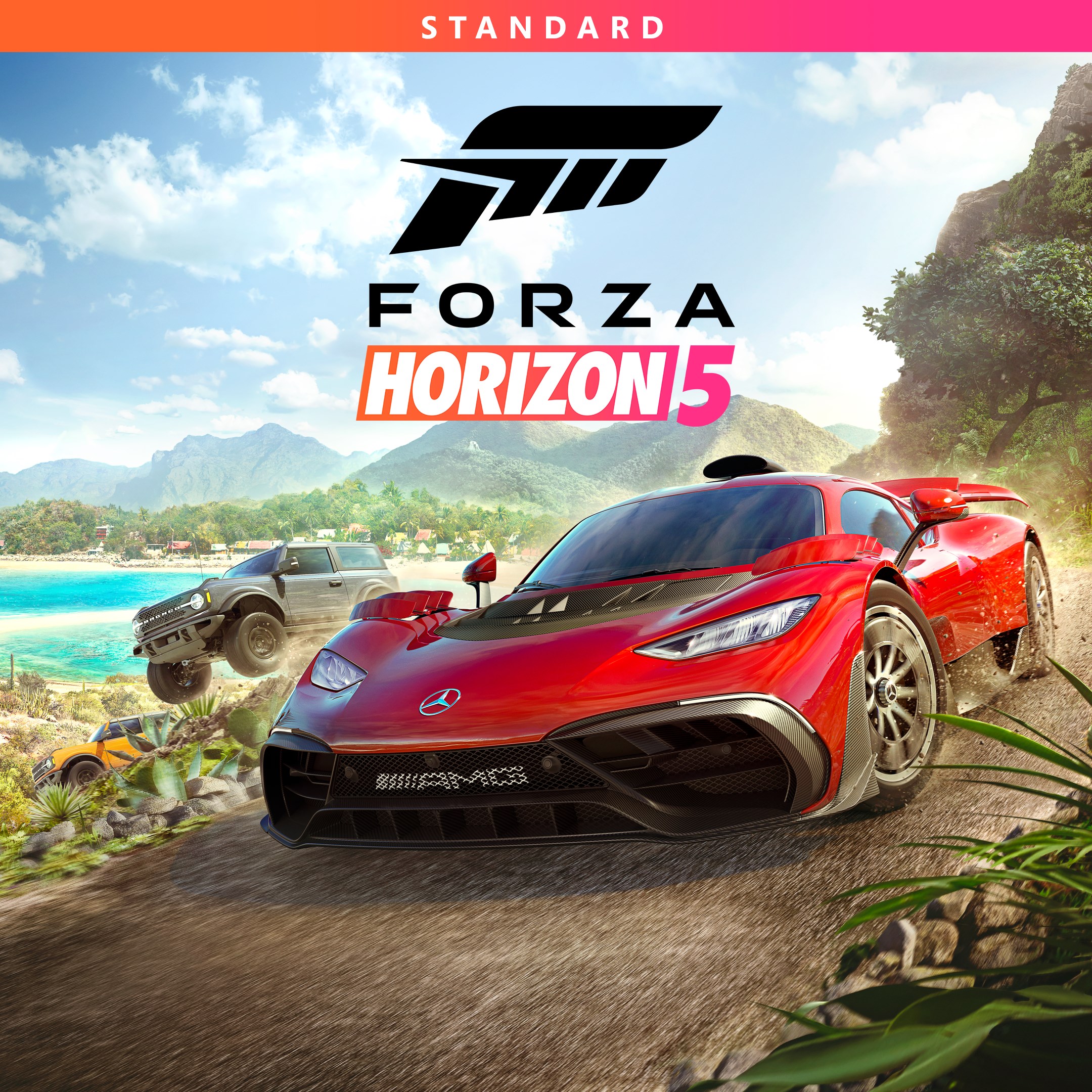
Forza Horizon 5 Standard Edition
for Windows
4.2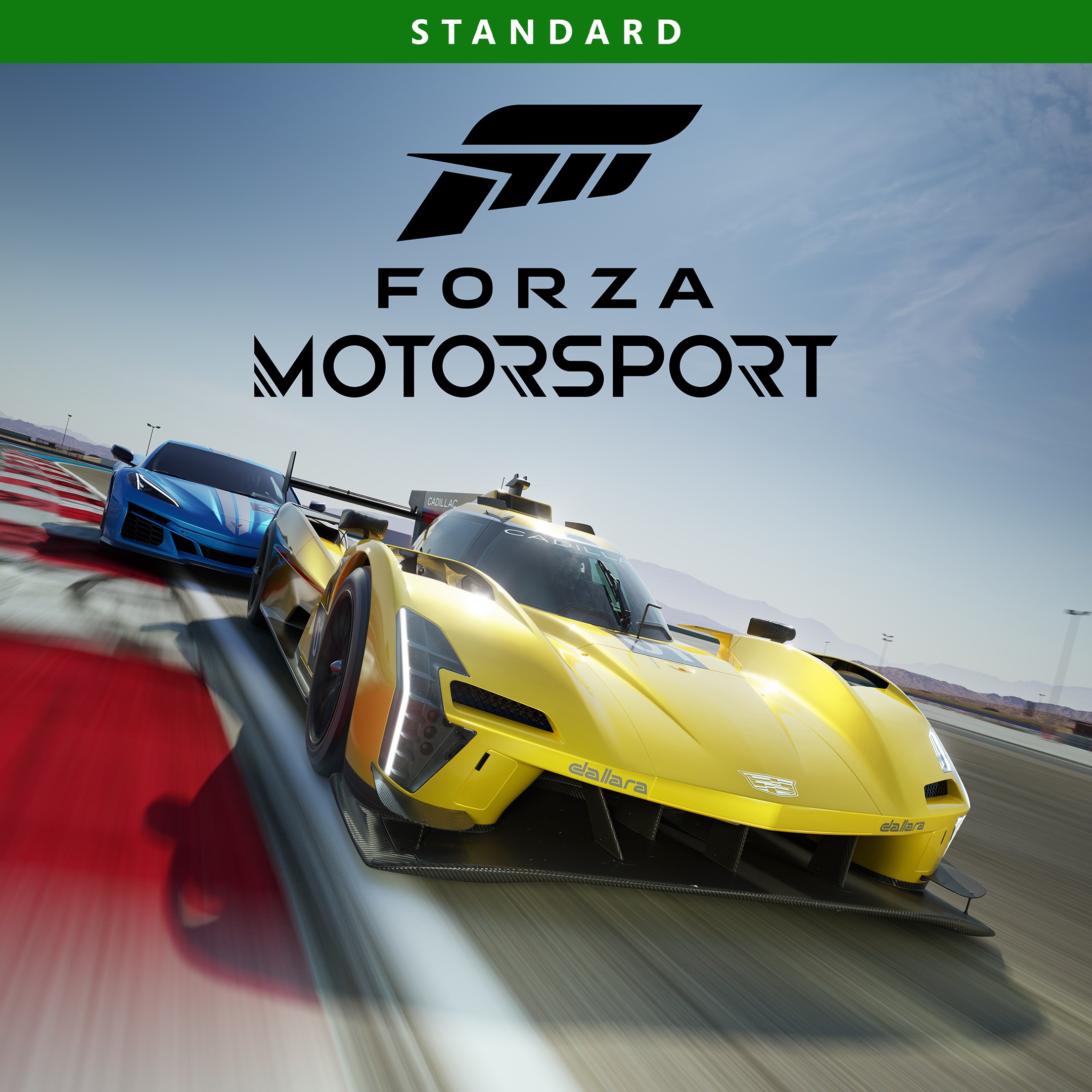
Forza Motorsport Standard Edition
for Windows
4.2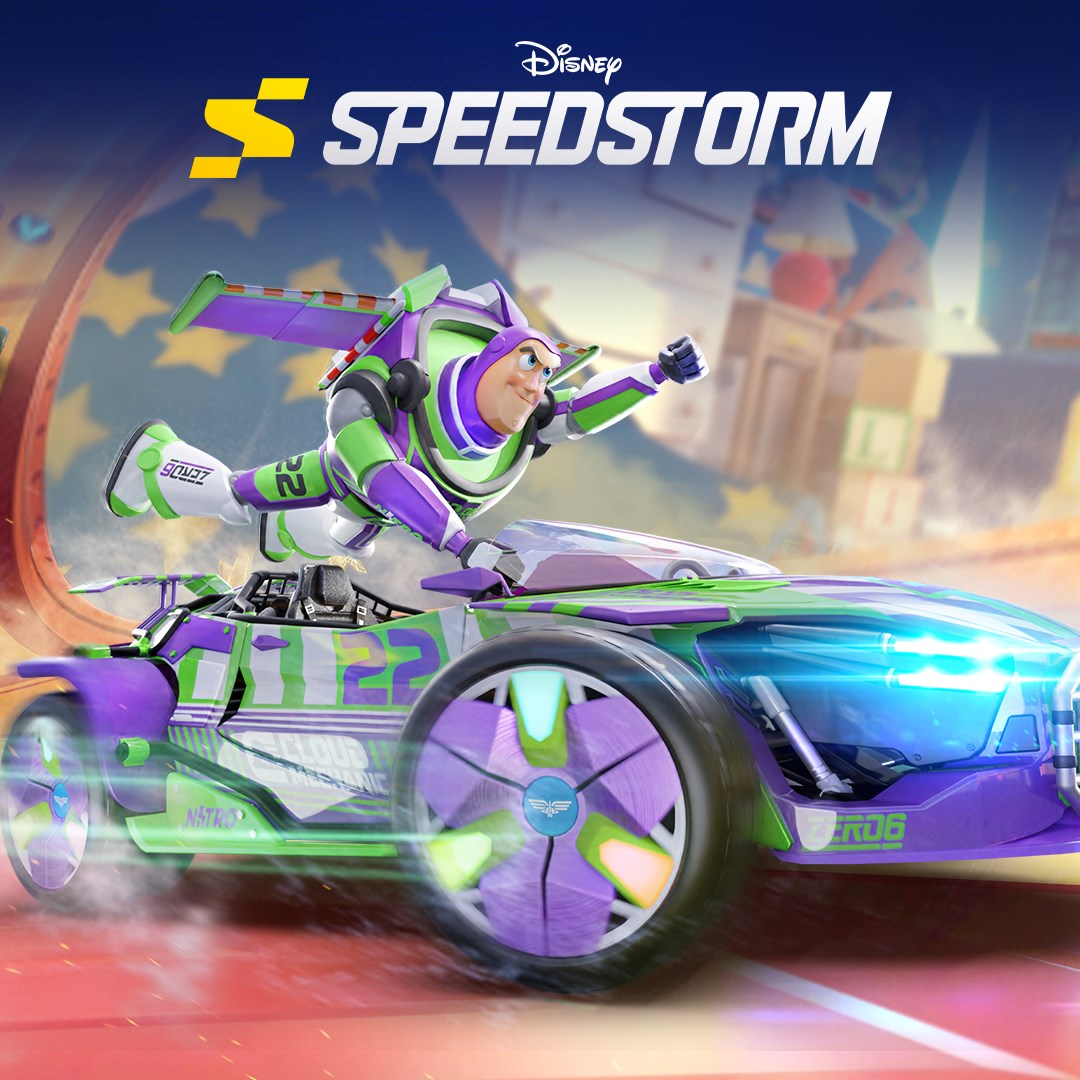
Disney Speedstorm
for Windows
4.2