




- Category Personalization
- Available on PC
- OS Windows 10 version 14951.0 or higher
- languages English (United States)
Captivating Sunsets on Your Screen: An Overview of Beach Sunsets by Josh Sommers
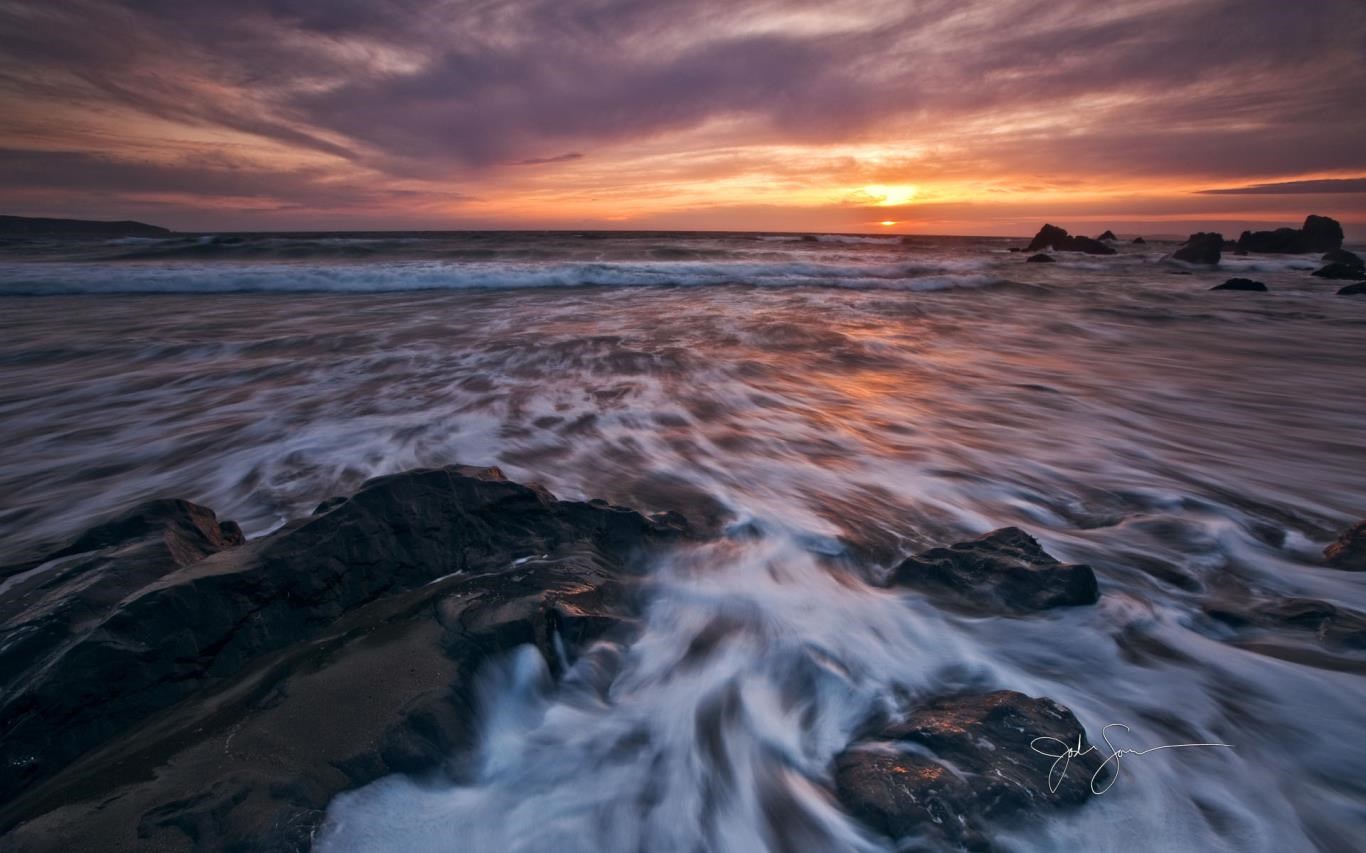
Beach Sunsets by Josh Sommers for Windows is a visualization app that transforms your desktop or device background into stunning seaside sunset scenes, creating a calming and immersive experience every time you glance at your screen. Crafted by Microsoft Corporation, this app aims to combine aesthetic appeal with user-friendly customization, perfect for anyone seeking a relaxing visual escape amid daily digital routines.
Essential Details and Target Audience
Designed as a dynamic wallpaper application, Beach Sunsets offers a window into serene coastal vistas. Developed by the Microsoft Corporation team—ensuring robust integration and reliability—the app's core features include high-quality sunset imagery, adjustable scene parameters, and seamless theme compatibility. Its primary audience comprises nature lovers, relaxation seekers, and users interested in personalized desktop environments that evoke tranquility and beauty.
Engaging Visuals and Immersive Experience
Imagine your workspace suddenly transformed into a peaceful sunset beach, with the sun sinking quietly into the horizon, casting warm hues across the sky. Beach Sunsets brings such scenes to life, offering a visual retreat from the bustling digital world. The app's interface is straightforward yet thoughtfully designed, making it easy for users to explore breathtaking visuals without feeling overwhelmed. Smooth animations and swift responsiveness ensure that switching between scenes or making adjustments are effortless, fostering an intuitive user experience that feels almost organic—like flipping open a window to a sunset-kissed shoreline whenever desired.
Core Features That Shine
High-Resolution Sunset Imagery and Dynamic Scenes
The app's most striking feature is its collection of high-definition, vibrant sunset scenes over tranquil beaches. These images are enhanced with subtle animations—waves gently lapping, clouds drifting—that add depth and realism. The realism immerses users into a seaside environment, providing a calming background during work or relaxation. This dynamic visualism differentiates Beach Sunsets from static wallpaper apps, making the scenery feel alive and engaging.
Personalized Scene Options and Theme Compatibility
One of the app's standout features is its extensive customization options. Users can modify scene parameters such as the time of day, weather effects (like gentle rain or clear skies), and even adjust the intensity of the sunlight. Meanwhile, it plays smoothly with Windows' theme settings, ensuring aesthetic consistency across your desktop, lock screen, and other system elements. This level of adaptability allows users to craft their ideal sunset environment, whether they prefer a calm evening, a lively sunset with vivid colors, or a cloudy twilight—making it uniquely versatile among personalization apps.
Simple Interface and Seamless User Experience
The application's layout is clean with an intuitive dashboard that guides users through customization options effortlessly. Navigating through different scenes and settings is as easy as a leisurely stroll along the beach—no steep learning curve, just smooth sailing. Performance is commendably steady, with minimal lag or crashes, even when toggling between complex visual configurations; this reliability enhances overall satisfaction and usability.
Distinctive Advantages and Recommendations
Compared to similar personalization tools, Beach Sunsets stands out due to its focus on high-quality, animated seaside visuals combined with deep customization capabilities. Its ability to seamlessly integrate with Windows themes ensures a coherent visual experience, a feature often overlooked by other apps. For users seeking a peaceful yet customizable scenic background with minimal hassle, this app offers a refined and immersive option.
Based on its features and user experience, I recommend Beach Sunsets particularly for those who cherish calming visuals and wish to personalize their environment with easy, attractive options. It performs well for both everyday desktop use and as a relaxing visual backdrop during work or meditation sessions.
All in all, if you're in search of a simple yet artistically rich way to bring a slice of the beach sunset into your digital life, this app is worth exploring. Its standout features—especially the dynamic scenery customization—are like having your own private seaside retreat right on your screen. Just set it up, sit back, and enjoy the tranquil beauty of endless sunsets whenever you need a moment of calm.
Pros
- Beautiful High-Resolution Imagery
- User-Friendly Interface
- Rich Collection of Sunset Photos
- Smooth Performance
- Affordable Pricing
Cons
- Limited Customization Options
- No Offline Mode Available
- Basic Audio Features
- Limited Language Support
- Minimal Update Frequency











