

- Category Productivity
- Developer BeXCool
- Available on PC
- OS Windows 10 version 17763.0 or higher
- Keyboard Integrated Keyboard
- Mouse Integrated Mouse
- DirectX Version 11
- Memory 2 GB
- languages Czech, English (United Kingdom), English (United States), German, Hindi, Japanese, Spanish (Spain)
Streamlining Your Workflow: An Overview of BeWidgets for Windows
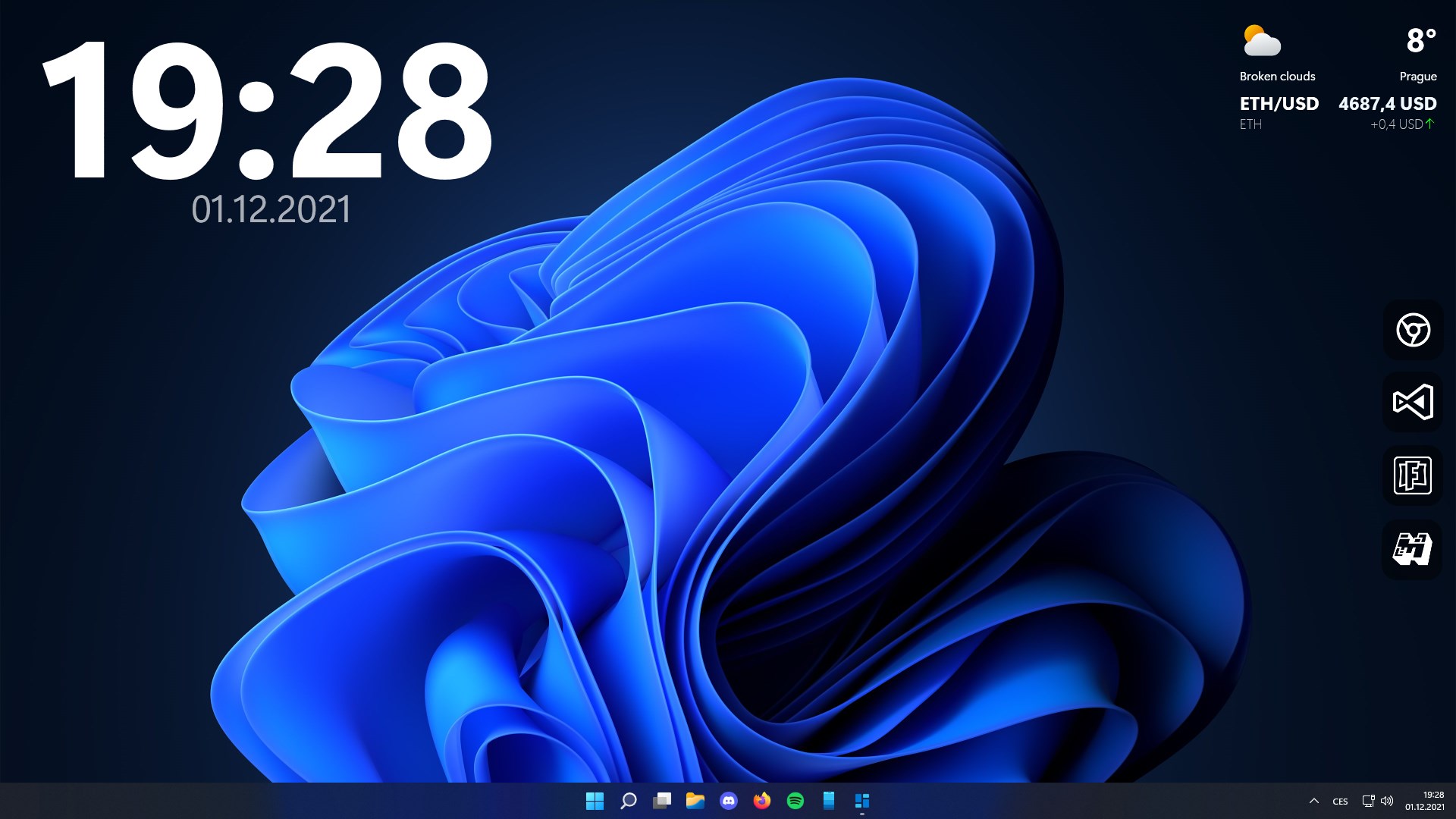
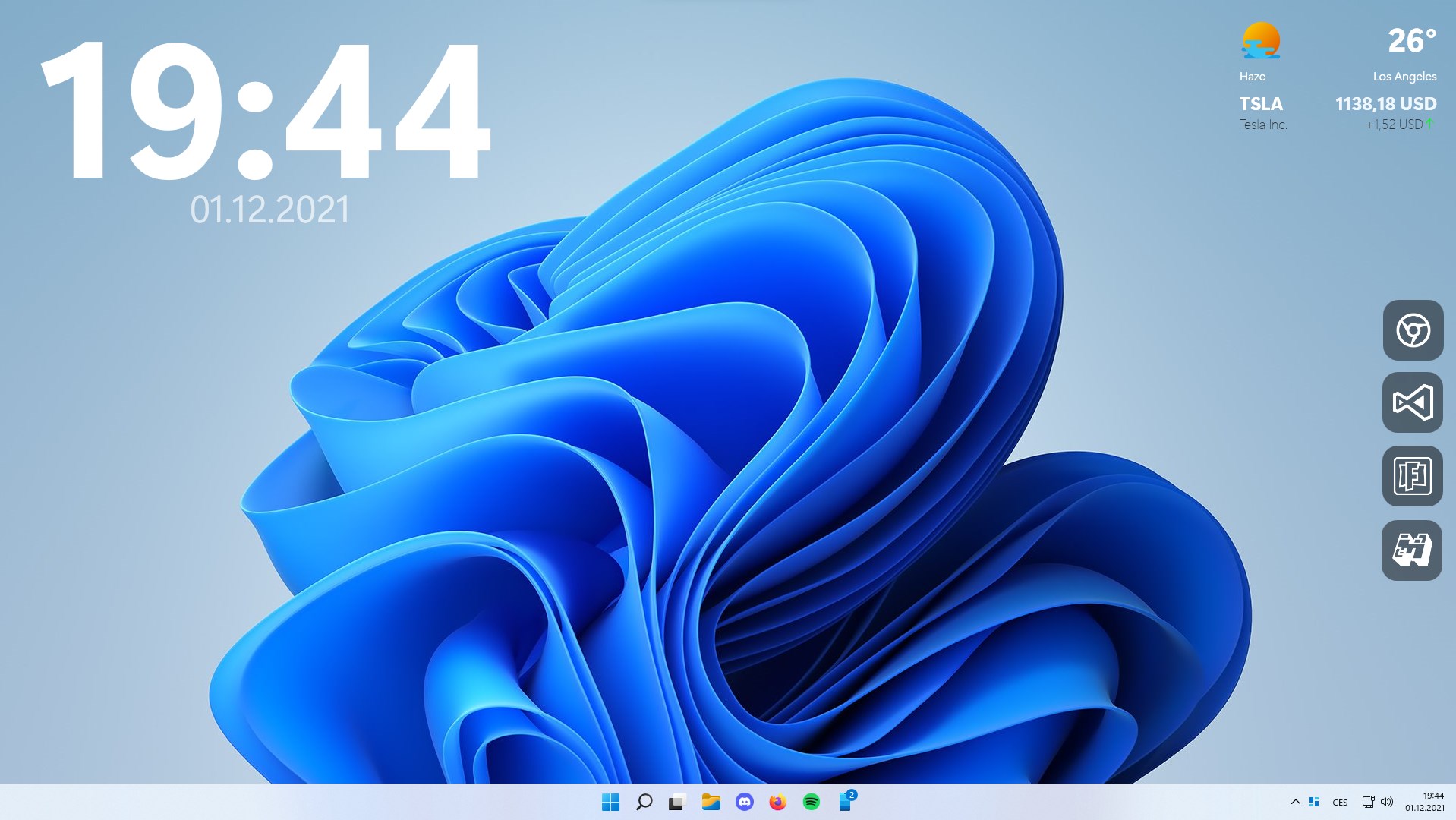
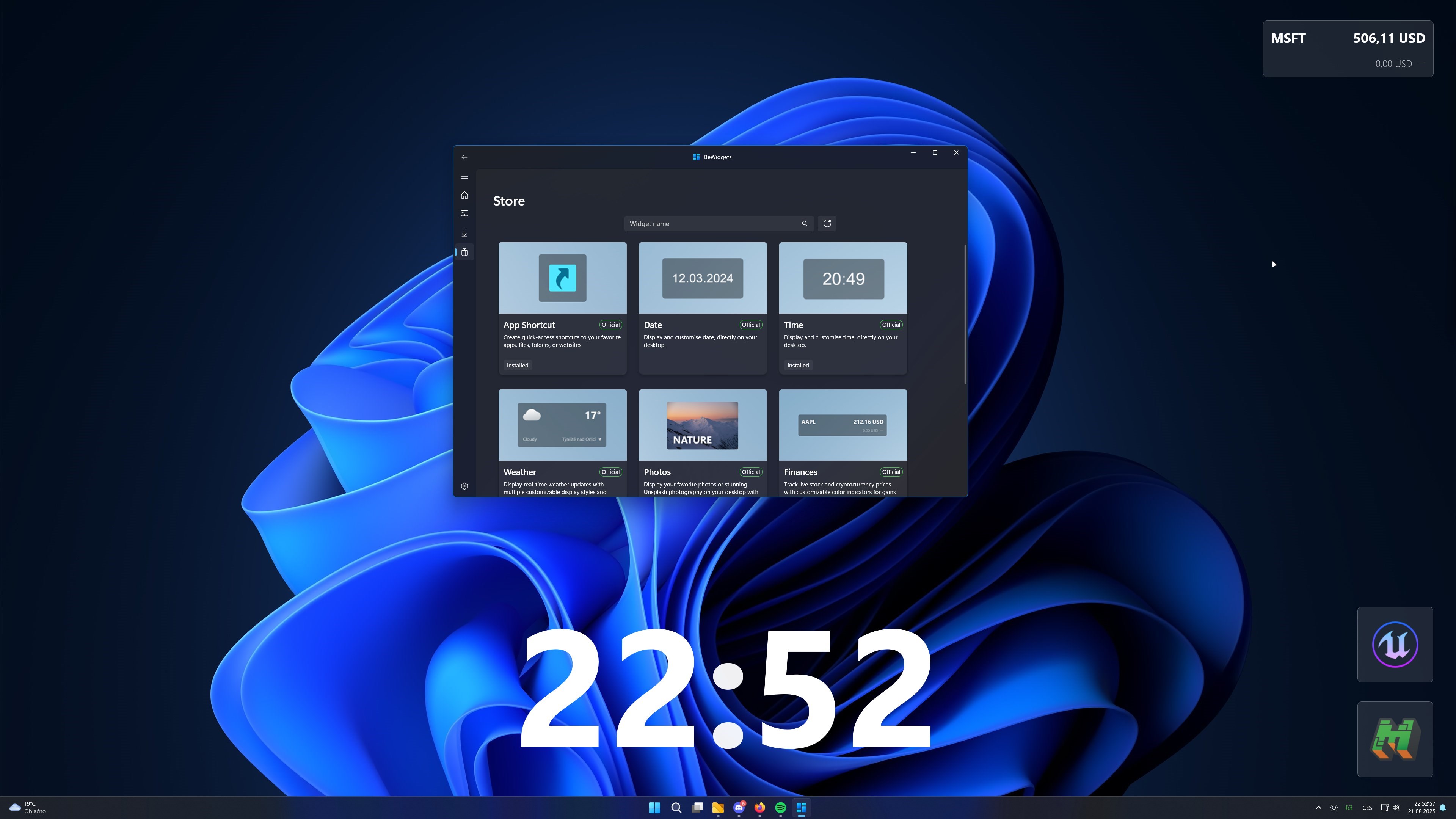
BeWidgets for Windows is a versatile productivity tool designed to bring essential widgets directly to your desktop, aiming to simplify task management and information access in a clutter-free environment.
Developed by BeXCool, a dedicated team focused on enhancing user productivity
The app's primary features include customizable widgets that integrate seamlessly with your workflow, real-time data updates to keep information fresh, and intuitive controls that make managing multiple tasks effortless. Its target audience encompasses busy professionals, students, and anyone looking to optimize their desktop workspace without sacrificing ease of use.
Bright Beginnings: Why BeWidgets Stands Out
Imagine your desktop as a bustling control tower—each widget a sleek instrument providing vital info at just the right moment. BeWidgets transforms your Windows environment into this orchestrated cockpit, offering both simplicity and power wrapped into one package. Whether you're tracking your daily schedule, monitoring system health, or quick-launching apps, BeWidgets aims to make these activities feel like second nature, like having a personal assistant at your fingertips.
Core Functionality Deep Dive
Customizable, Modular Widgets for a Personalized Experience
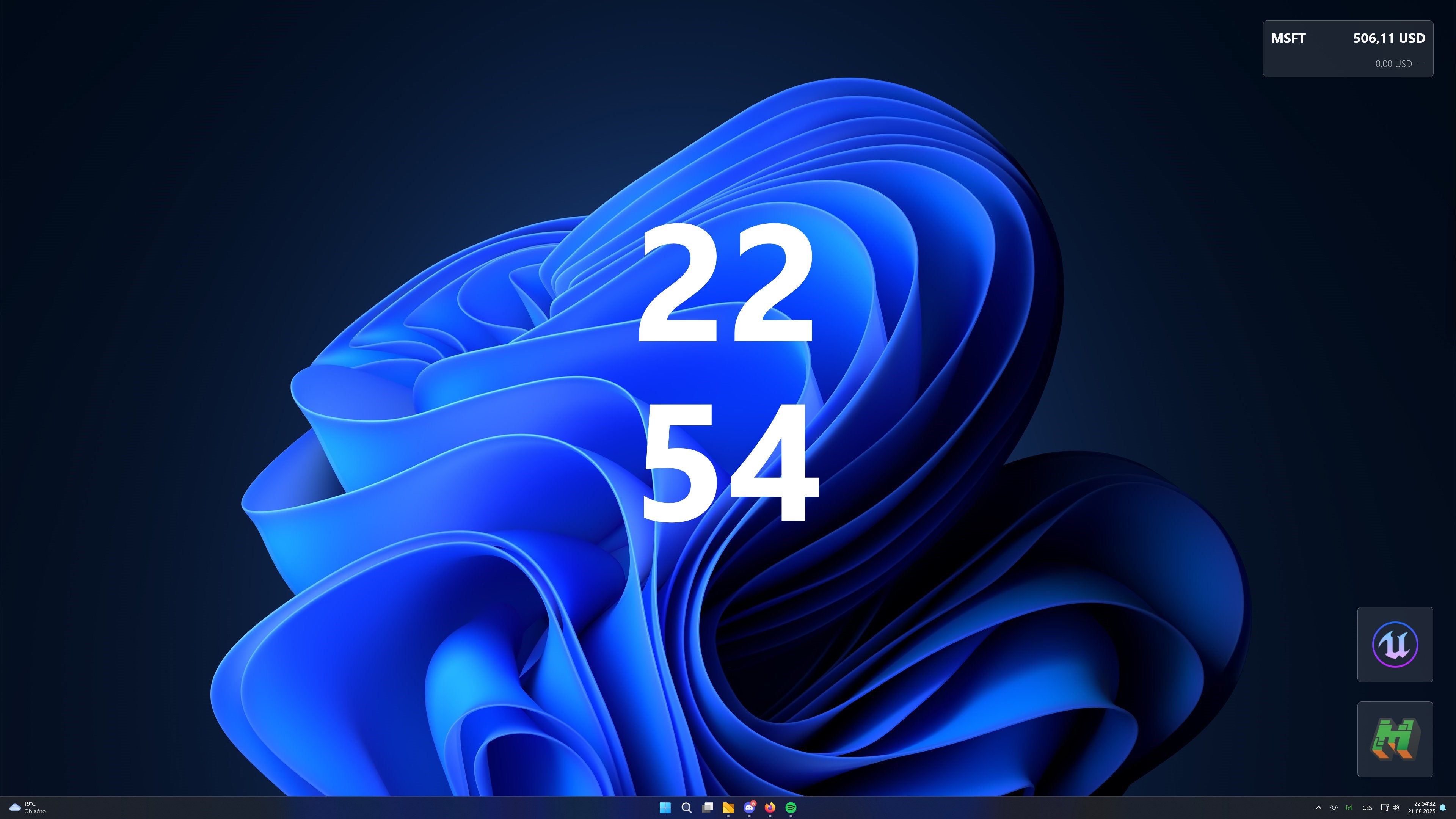
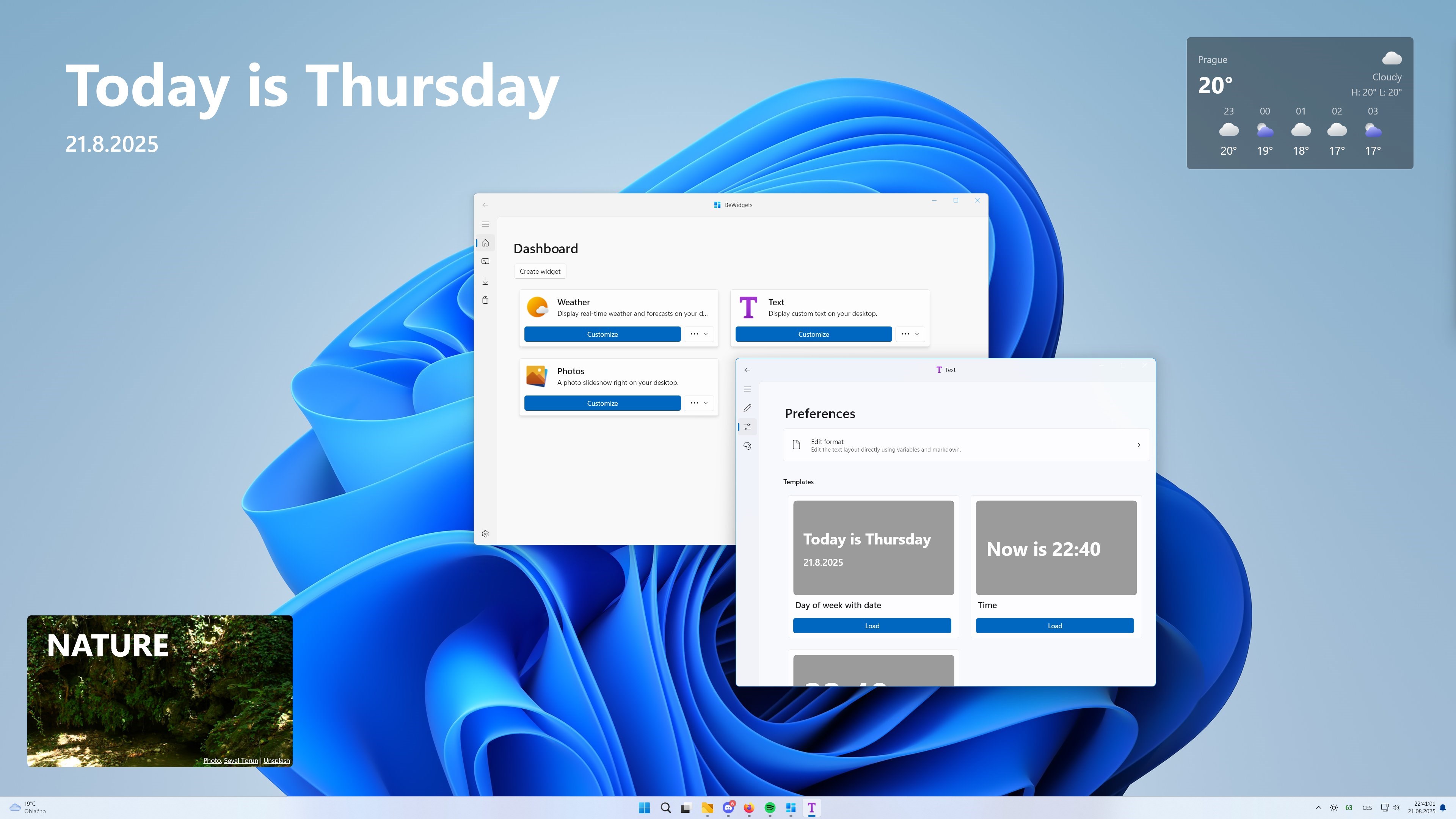
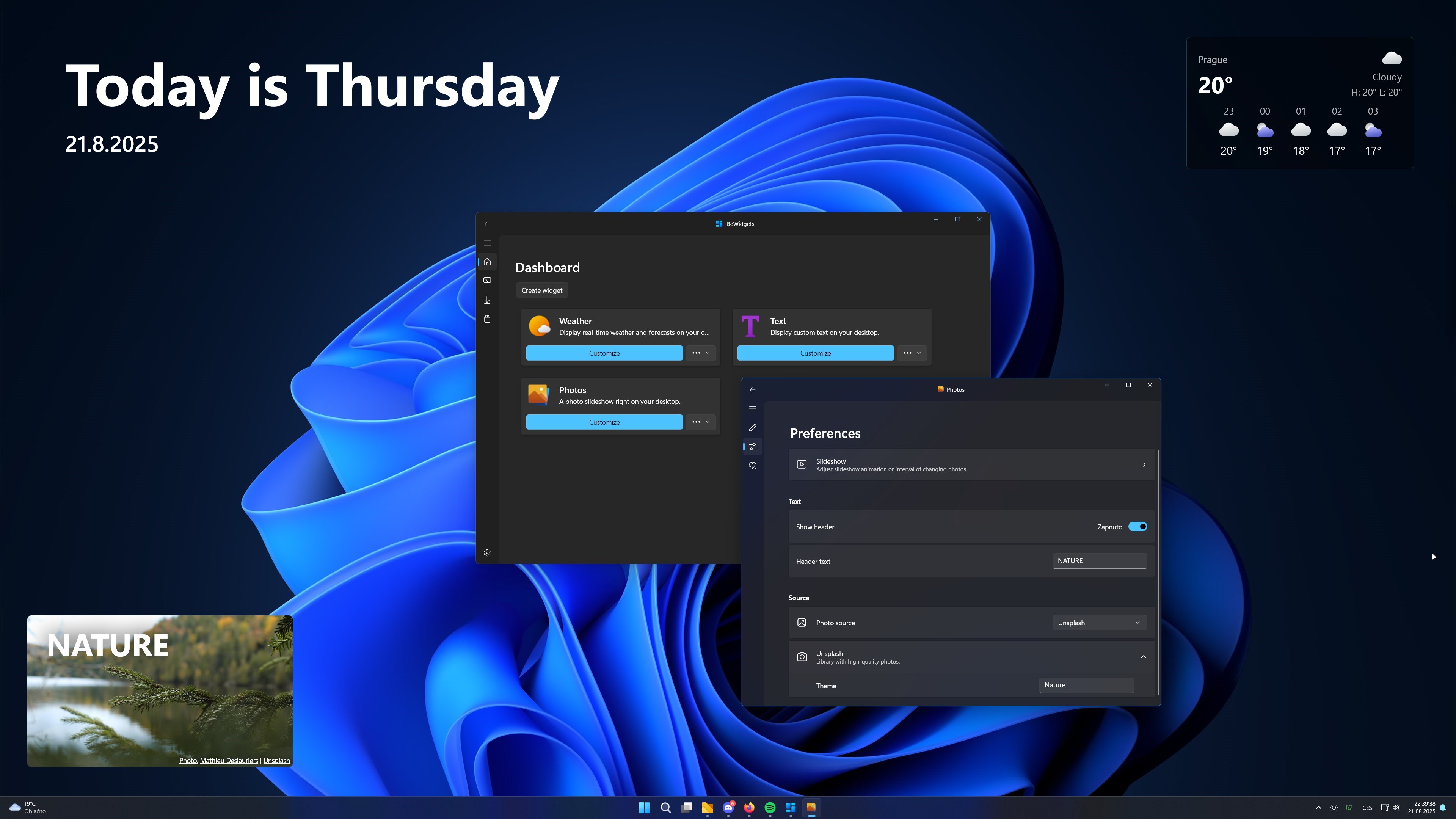
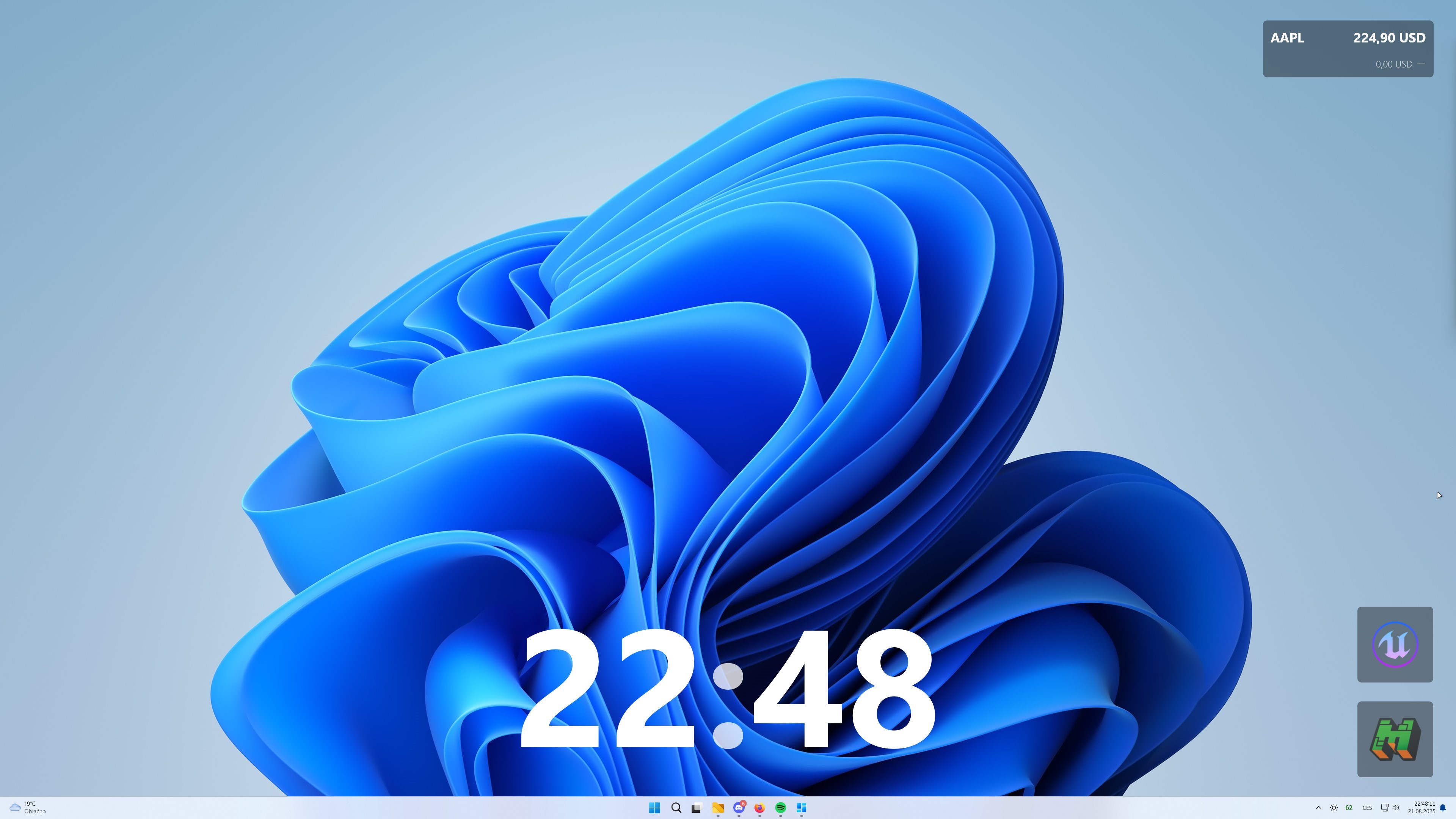
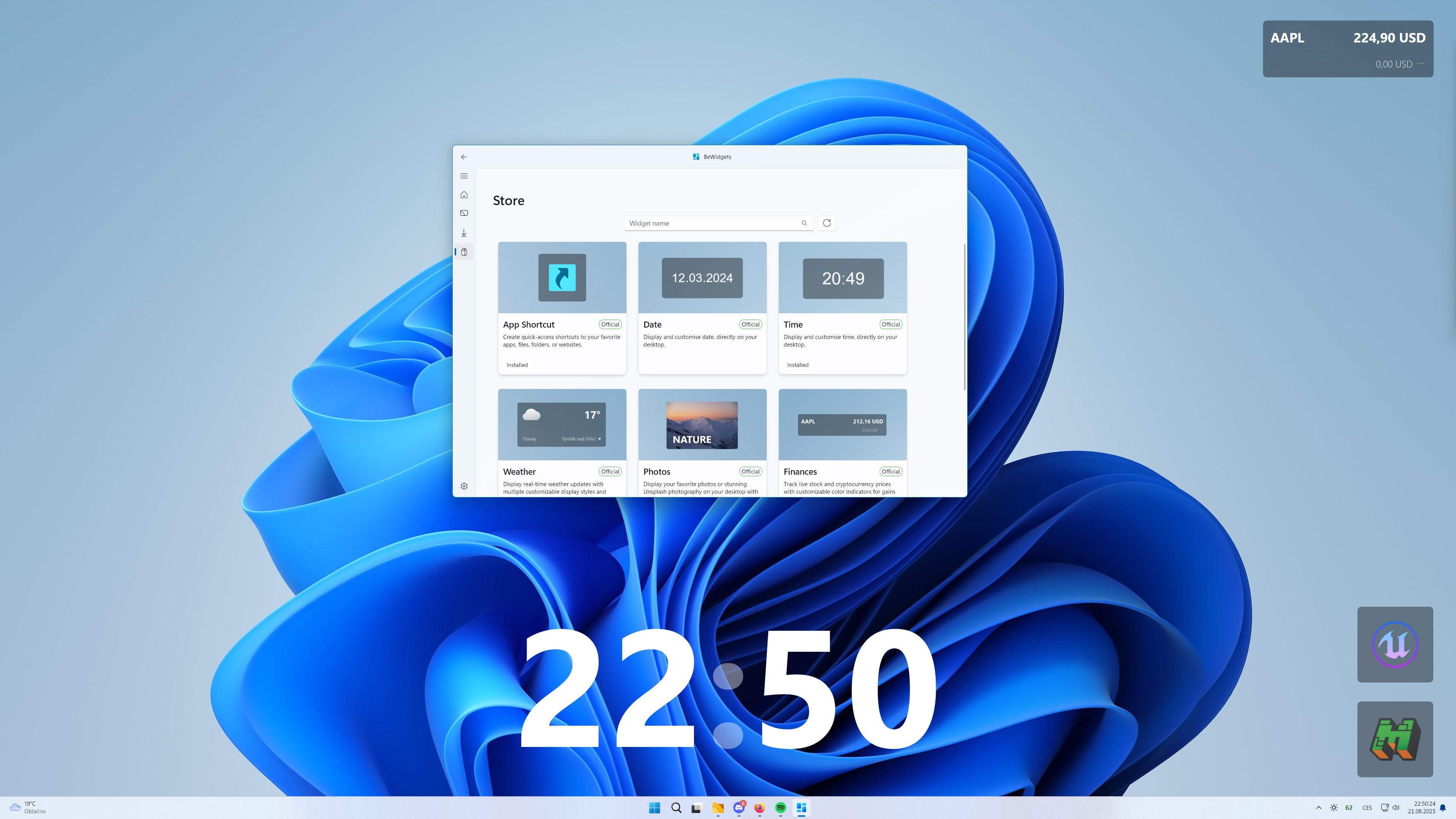
The core strength of BeWidgets lies in its modular design. Users can pick and arrange various widgets—calendar, weather, system monitor, quick notes—tailored to their unique needs. The customization options are straightforward yet flexible enough to allow for both minimalistic setups and feature-rich dashboards. This approach effectively reduces cognitive load; instead of navigating through multiple apps or tabs, users have instant access to the most relevant information just a glance away.
Real-Time Data and Seamless Updates
Ever been frustrated by stale information cluttering your screen? BeWidgets addresses this by providing real-time updates for all active widgets. Whether you're checking live weather, upcoming meetings, or system statistics, data refreshes are smooth and automatic. This feature not only cuts down the time spent hunting for information but also minimizes distractions caused by outdated info, keeping your workflow tight and focused.
Intuitive Interface and User Experience
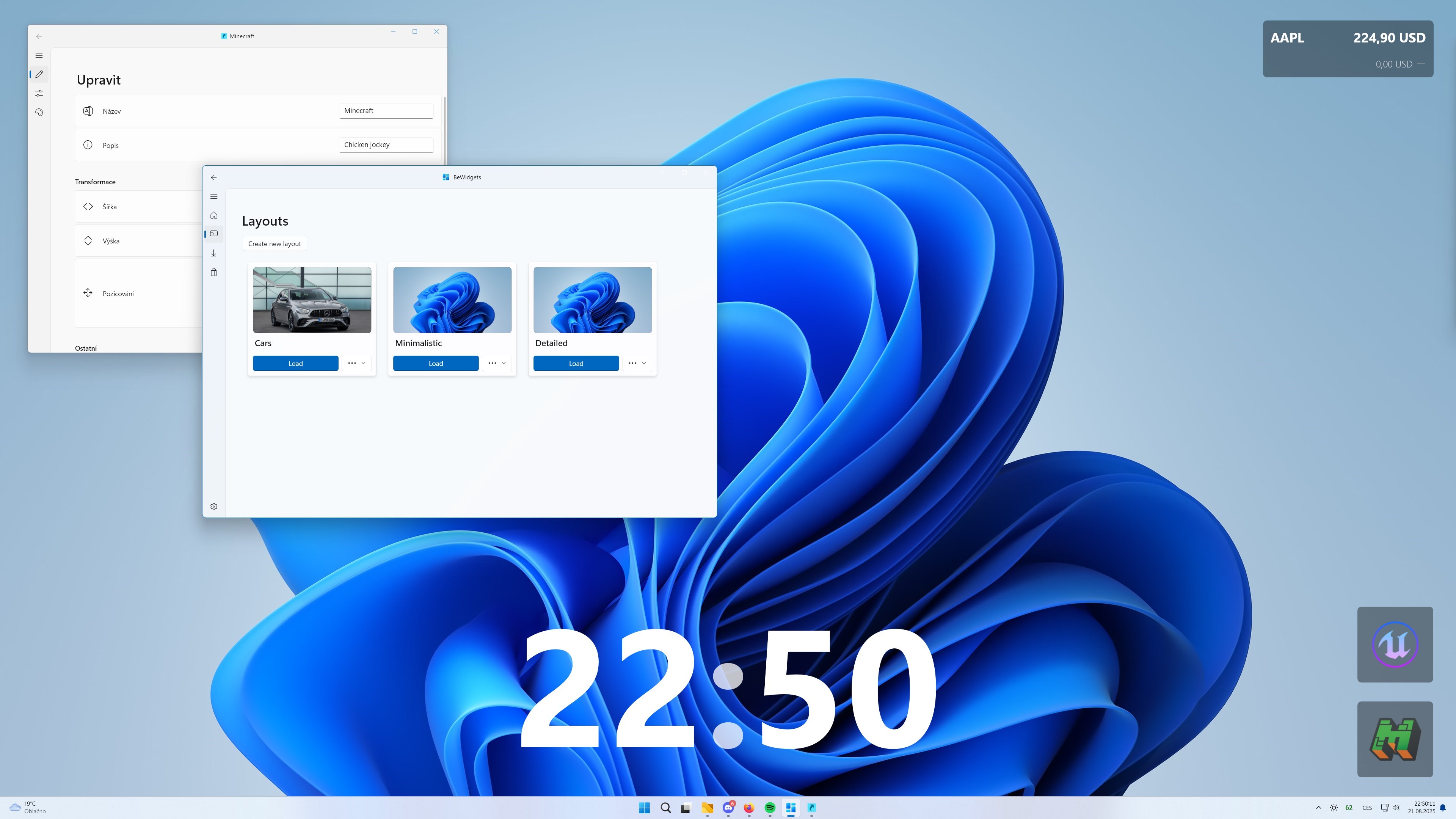
The interface is clean, with a minimalistic aesthetic that doesn't overwhelm the user. Drag-and-drop functionality makes widget arrangement hassle-free, and the configuration menus are logically organized, making setup feel like a casual breeze rather than an onboarding ordeal. Performance-wise, the app operates with remarkable fluidity; animations are buttery smooth, and interactions feel responsive even with multiple widgets active. The learning curve? Gentle—users acclimate quickly, enabling them to get productive immediately.
What Sets BeWidgets Apart?
While many productivity tools emphasize feature breadth, BeWidgets excels at reducing cognitive load through workflow integration. Its architecture is designed to keep information succinct and accessible, rather than bombarding users with unnecessary options. Unlike overly complex widget dashboards, BeWidgets focuses on core utilities that matter most, ensuring that users spend less time managing the tool itself and more time accomplishing tasks. This lean yet powerful approach makes it particularly appealing to users who prefer a clutter-free desktop that adapts effortlessly into their daily routine.
Final Thoughts and Recommendations
Overall, BeWidgets for Windows offers a compelling blend of simplicity and customization, making it an excellent companion for anyone seeking to enhance their desktop productivity without added complexity. I recommend it highly for users who value quick access to vital info and appreciate a tidy workspace. Whether you're a professional juggling multiple projects or a student trying to stay organized, BeWidgets can streamline your workflow and help you focus on what truly matters.
Pros
- User-friendly interface
- Rich widget customization options
- Fast and smooth performance
- Regular updates with new widgets
- Integration with Microsoft ecosystem
Cons
- Limited widget variety in free version
- Occasional sync issues with settings
- Basic customization options without premium
- UI may be cluttered for new users
- Battery drain on some devices











