
- Category Books & reference
- Available on PC, Mobile, Surface Hub
- OS Windows 10 version 16299.0 or higher
- languages English (United States), German, Portuguese, Portuguese (Brazil), Russian, Spanish, Spanish (Spain)
Introducing Bible by Olive Tree for Windows: A Seamless Digital Scripture Companion
Bible by Olive Tree for Windows is a thoughtfully designed application that aims to bring the sacred texts closer to believers and scholars through a versatile and user-friendly platform. Crafted by Gospel Technologies LLC, this app offers a comprehensive digital Bible experience that combines accessibility, deep study tools, and customization options—all tailored for Windows users seeking a reliable scripture companion.
Core Features That Make a Difference
1. Extensive Library and Customizable Bible Versions
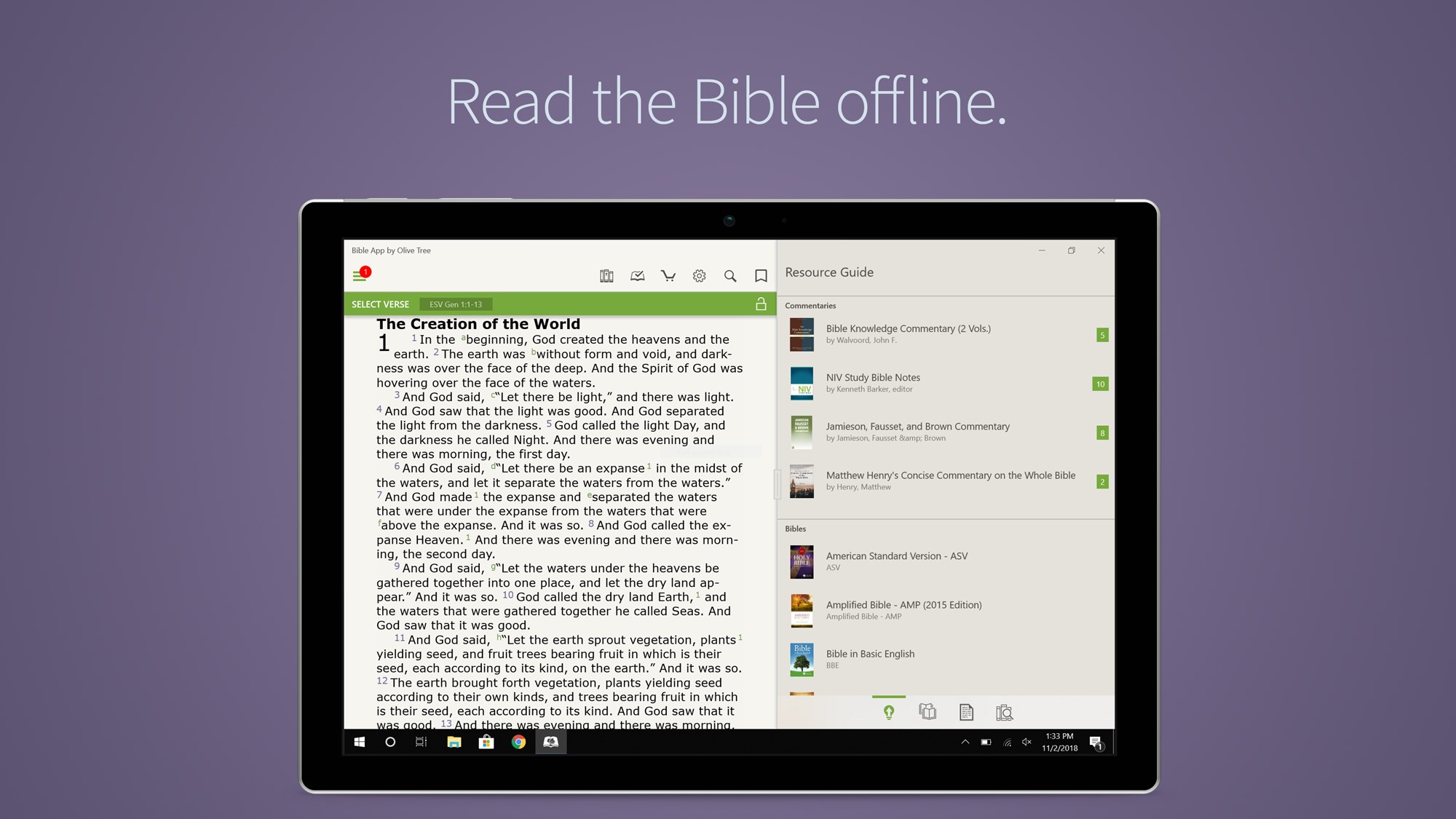
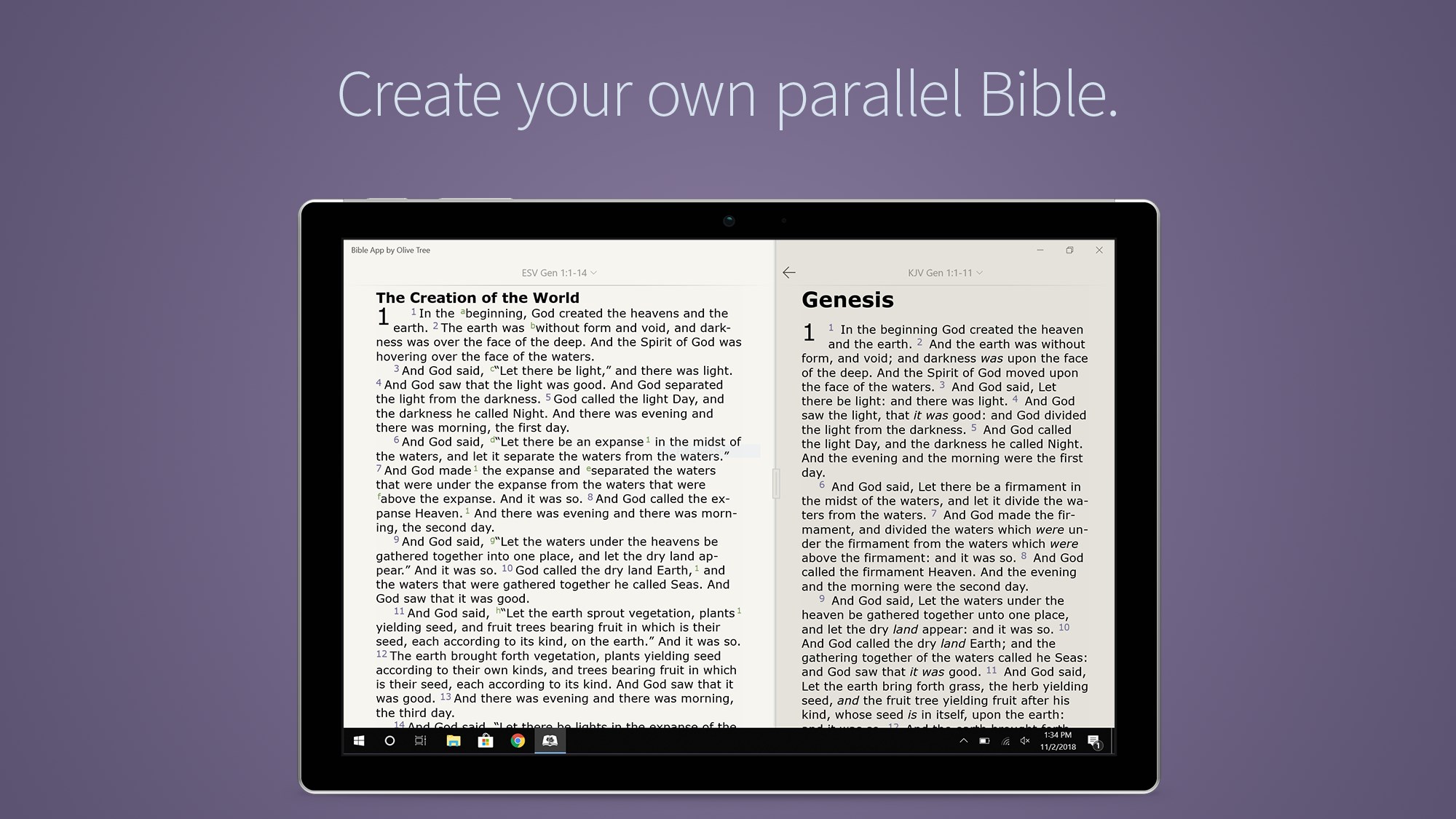
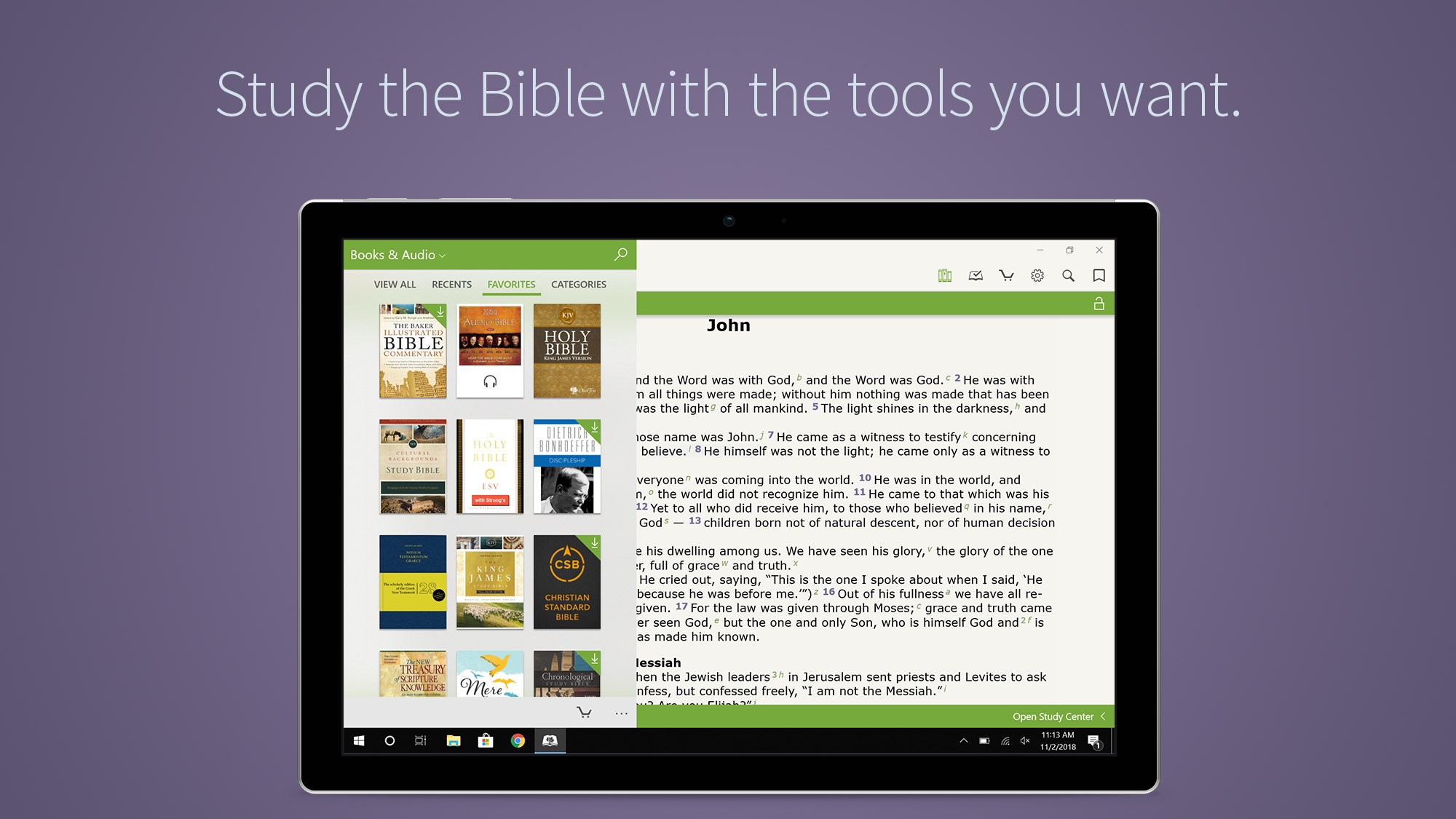
The app boasts a rich collection of Bible translations, commentaries, and study resources, allowing users to tailor their spiritual and scholarly reading experience. With just a few clicks, you can switch between different versions—be it NIV, ESV, KJV, or others—facilitating comparative studies or personal preference. The intuitive library management system makes organizing and searching through your resources effortless, akin to having a personal digital library at your fingertips.
2. Advanced Search and Cross-Referencing
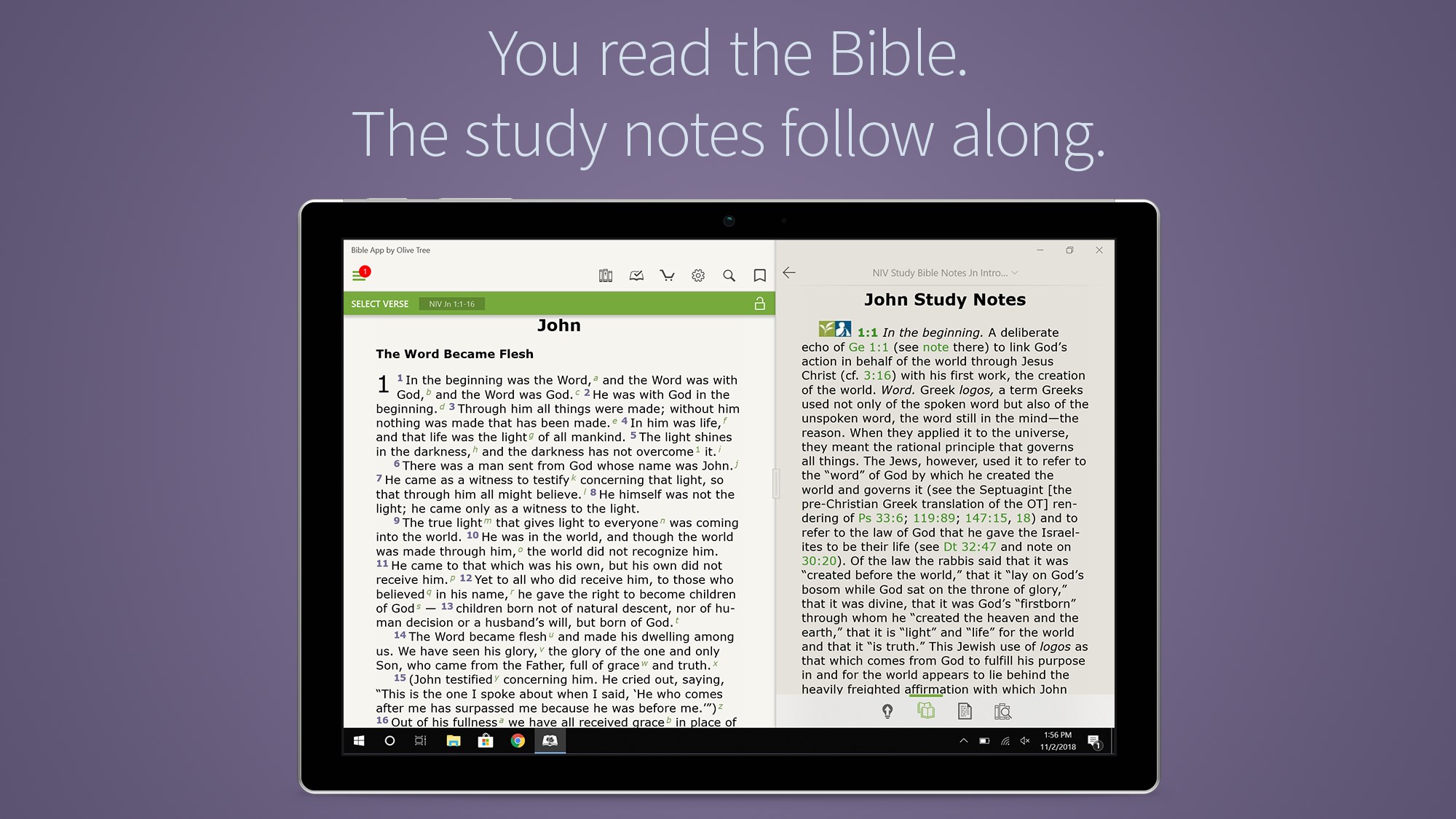
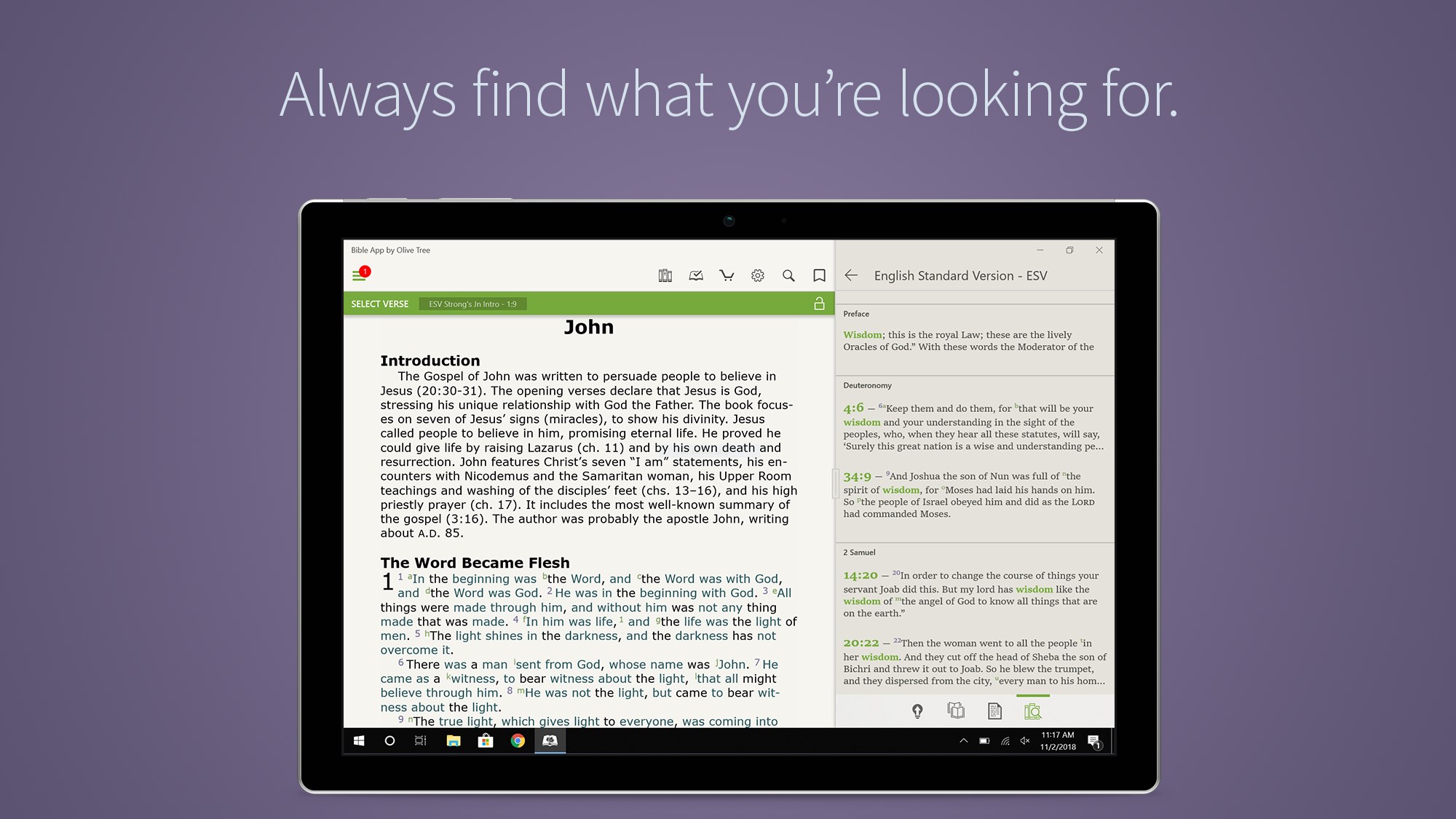
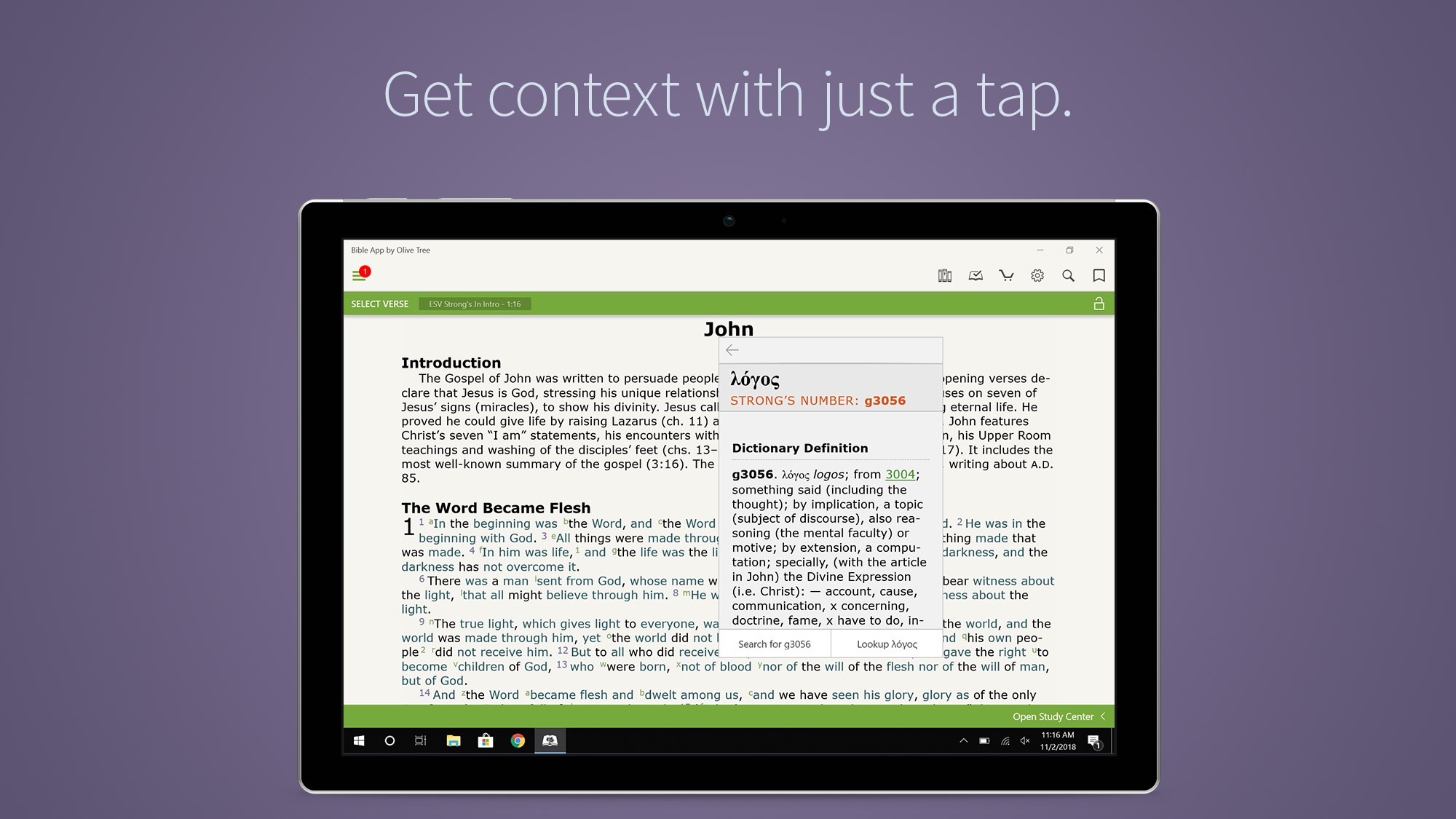
One of the app's standout features is its powerful search engine that lets you locate specific verses, keywords, or themes swiftly. The cross-referencing capability enhances your understanding by linking related passages and providing contextual insights, much like having a knowledgeable guide walk beside you during your Bible study. This feature is especially invaluable for scholars or devout readers who wish to explore the depths of biblical connections efficiently.
3. Annotation, Highlights, and Personal Notes
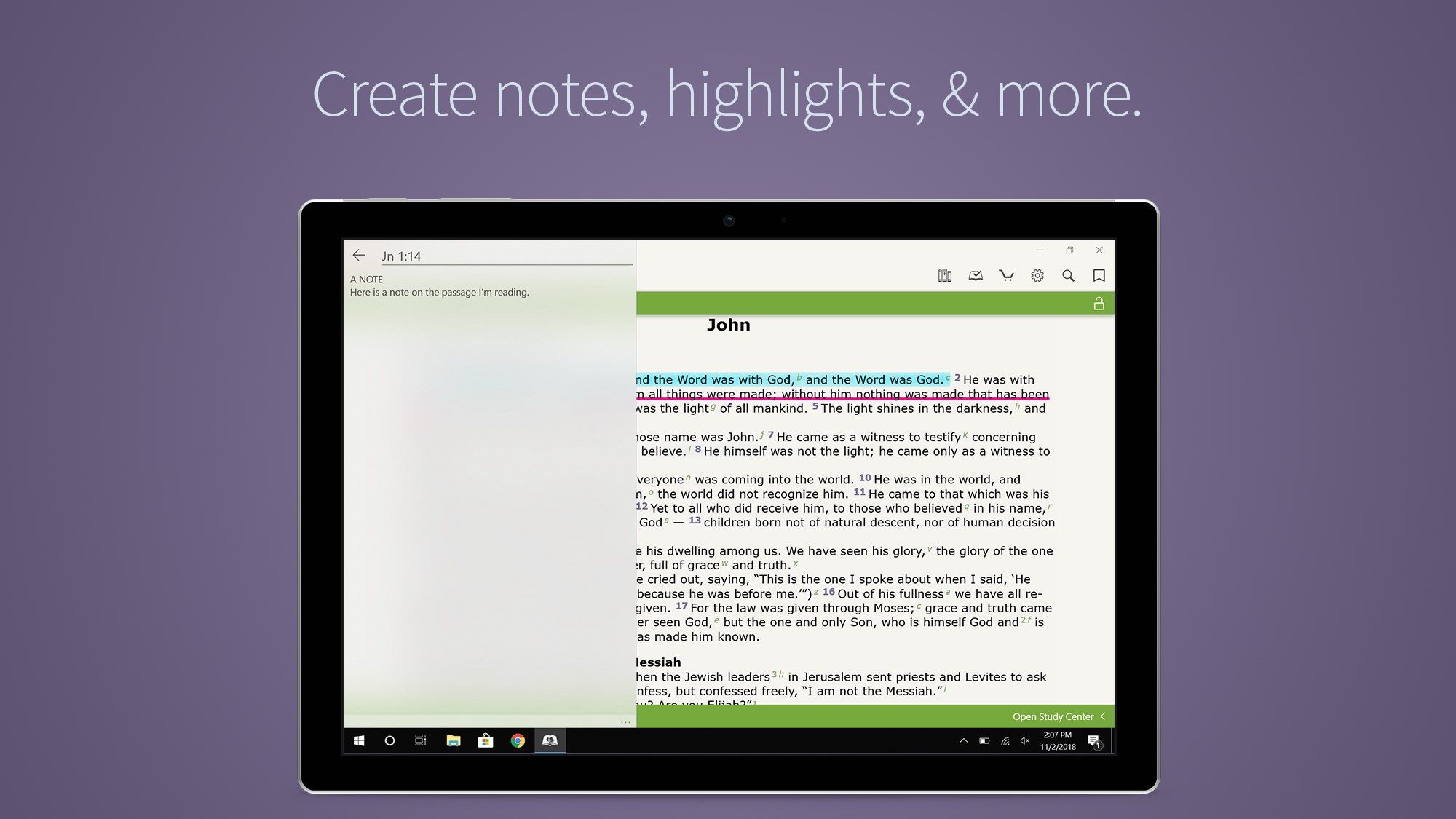
Personalization is at the core of a meaningful study experience. The app allows users to highlight verses, make annotations, and organize notes, all seamlessly integrated within the text. Whether you're marking favorite passages or jotting down insights during sermons, these features foster an engaging and interactive reading experience. The ability to sync notes across devices, where available, further enriches your study routine.
Design, Usability, and Overall Experience
The interface of Bible by Olive Tree feels like a well-crafted leather-bound Bible combined with the sleekness of modern tech—classic design meets contemporary efficiency. The layout is straightforward; navigational menus are intuitive, making it easy for first-time users to find their way around without a steep learning curve. The app runs smoothly on Windows, with responsive interactions that feel natural, like turning pages in a beloved physical Bible. For those unfamiliar with digital Bible study tools, the initial setup might require a brief familiarization, but overall, the learning curve remains gentle and welcoming.
What Sets It Apart from Similar Apps?
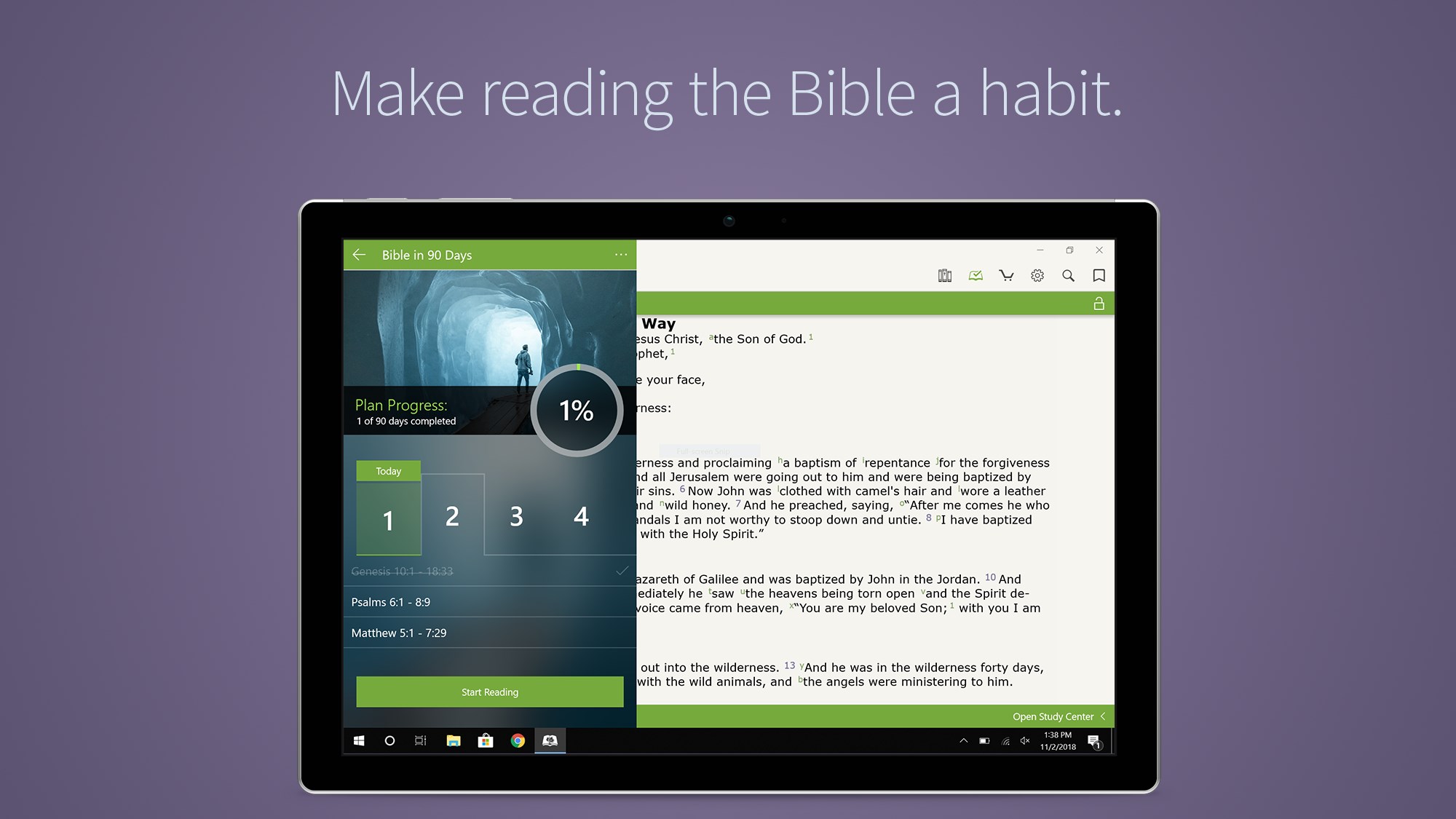
While many Bible applications exist, Olive Tree's focus on customization and deep resource integration sets it apart. Unlike simpler reference apps, this platform emphasizes user agency—allowing extensive personalization of texts, notes, and reading plans. Its cross-referencing tool is particularly robust, enabling users to explore biblical themes in a connected manner, much like following a thread through a tapestry. Additionally, the ability to load custom resources and overlays provides a layered study experience that caters to both casual readers and dedicated scholars.
Final Recommendation and Usage Tips
In summary, Bible by Olive Tree for Windows emerges as a dependable and enriching tool for anyone serious about Bible study. Its strengths lie in resource diversity, powerful search capabilities, and personalized annotation features—especially the cross-referencing system that guides users through biblical connections like a well-worn trail map. I recommend it to pastors, students, and devout believers alike, especially those who appreciate a customizable and detailed digital study environment. For optimal use, spend some time exploring its resource management and annotation features to fully unlock its potential as your spiritual and scholarly companion.
Pros
- Comprehensive Bible Library
- User-Friendly Interface
- Offline Access
- Customizable Reading Experience
- Integration with Olive Tree Resources
Cons
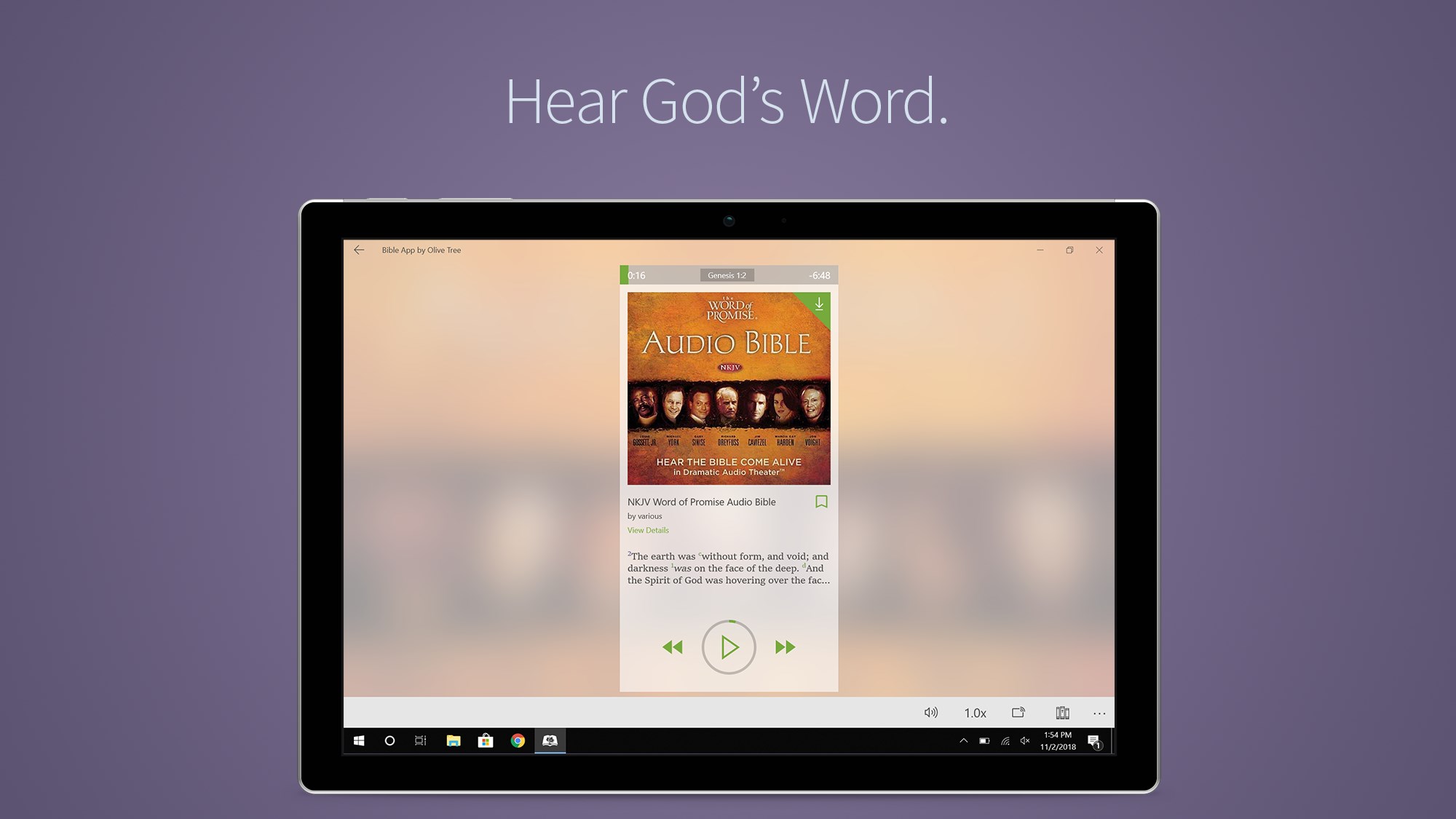
- Limited Audio Features
- Occasional Syncing Delays
- In-App Purchase Complications
- Search Functionality Limitations
- Resource Loading Time