

- Category Photo & video
- Available on PC
- OS Windows 10 version 0.0 or higher
- languages English (United States)
Introducing Bing Wallpaper for Windows: A Fresh Take on Your Desktop Backgrounds
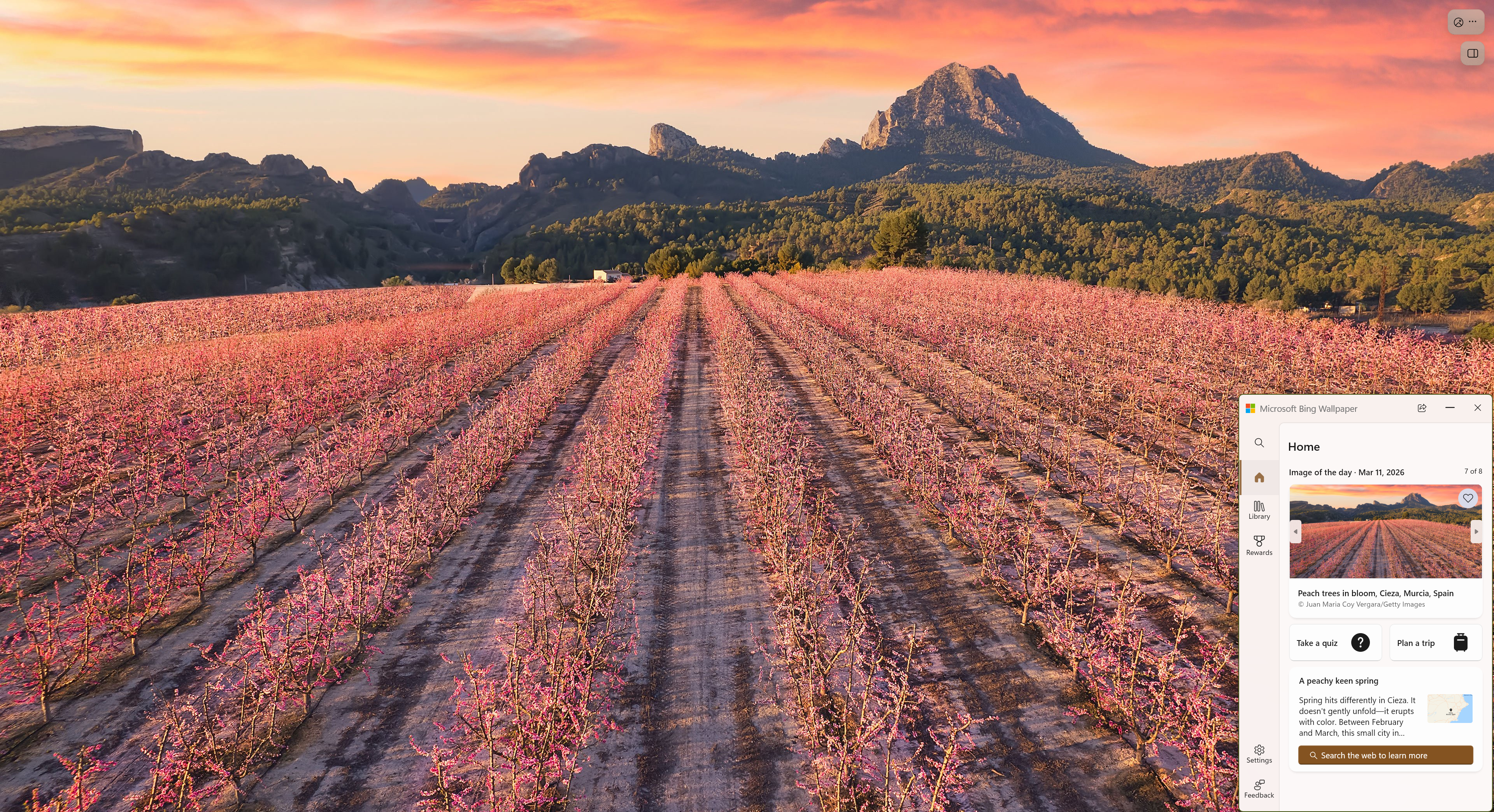
Imagine turning your everyday computing experience into a visual feast—Bing Wallpaper for Windows aims to do just that by transforming your desktop into a window to the world's breathtaking scenery. Developed by the renowned Microsoft Corporation, this app offers a seamless way to enrich your digital environment with stunning photos from around the globe, refreshed daily.
Core Features That Make a Difference
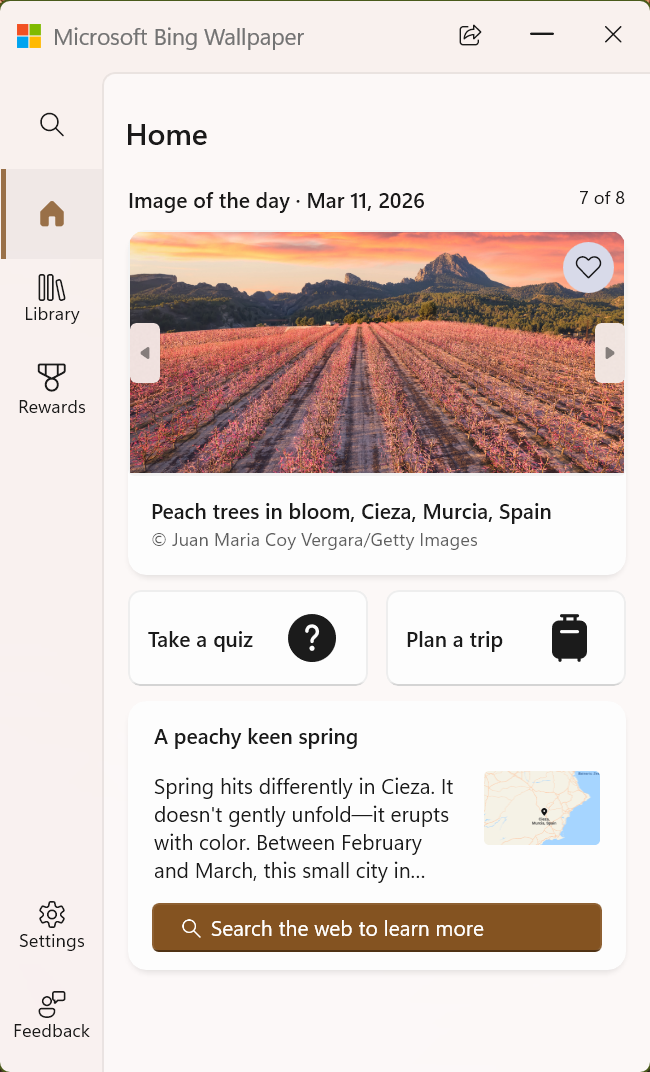
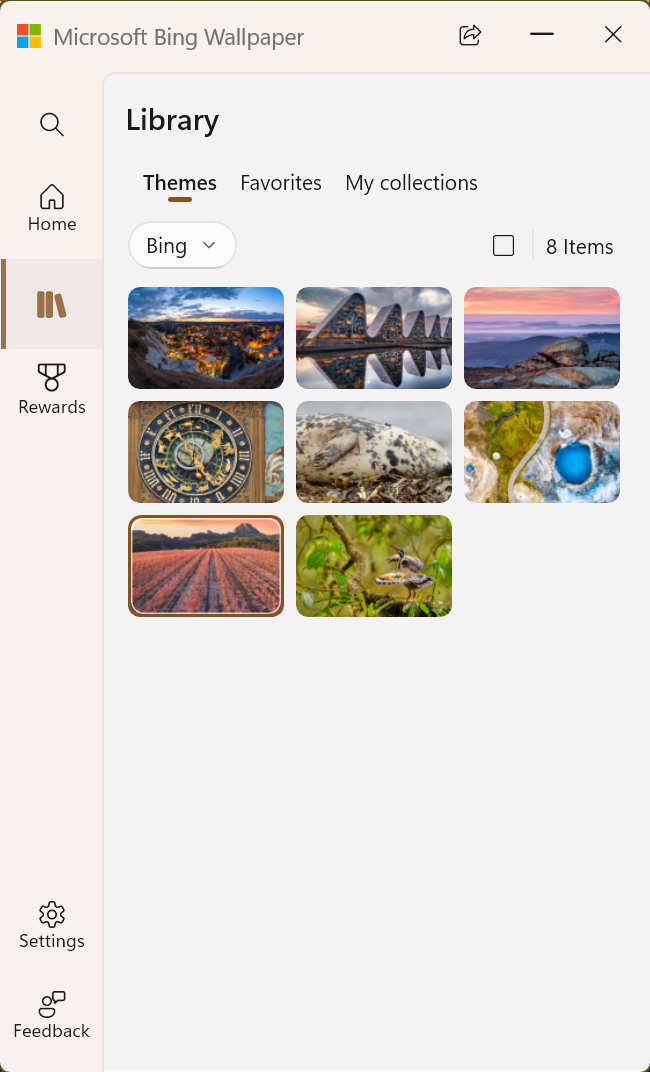
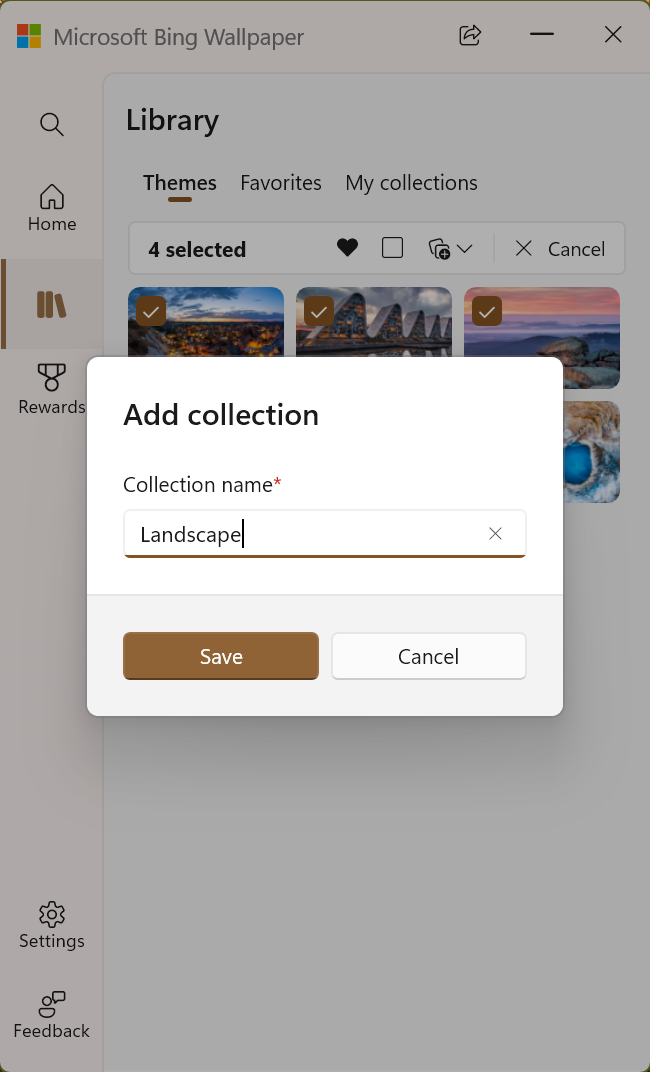
At its core, Bing Wallpaper boasts several impressive features. First, it automatically updates your desktop background every day with high-resolution images sourced from Bing, ensuring freshness and variety. Second, it provides an easy-to-navigate interface that allows users to explore the origins and details of each image, adding a layer of educational value. Third, it offers customization options, letting users choose different themes or set images to rotate at preferred intervals. Lastly, the integration with Windows means minimal disruption and smooth operation within your everyday workflow.
Design and User Experience: A Visual Journey Made Simple
Once installed, Bing Wallpaper greets you with a clean, modern splash screen that subtly emphasizes its focus on visuals. The interface is intuitive—think of it as a friendly guide walking alongside you, not a complex machinery. The app's settings are straightforward; users can easily toggle auto-change features, view image details, or pause updates if desired. Performance-wise, the app feels snappy—images load quickly, and background updates are unobtrusive, ensuring your productivity isn't hindered. This simplicity means even non-tech-savvy users can enjoy customizing their desktops without a steep learning curve.
What Sets Bing Wallpaper Apart? Unique Advantages
While plenty of wallpaper apps are available, Bing Wallpaper distinguishes itself through its daily image updates curated from Bing's vast repository of stunning photographs, often featuring captivating landscapes, cityscapes, and natural phenomena. Unlike generic wallpaper apps, Bing Wallpaper emphasizes both aesthetic diversity and educational enrichment by providing information about each scene. Another standout feature is its seamless Windows integration, which ensures your wallpapers change automatically without the need for external tools or complicated setups—a real hassle-saver. This tight integration and curated content make Bing Wallpaper a compelling choice for users who want more than just a pretty picture; they want a curated visual story that evolves seamlessly.
Recommendation and Usage Tips
I would recommend Bing Wallpaper for anyone looking to elevate their desktop environment effortlessly. It's especially suited for users who enjoy visual variety and appreciate beautifully curated images with minimal fuss. If you're someone who gets bored of static backgrounds or likes to be inspired by scenic views, this app is a great fit. For optimal experience, I suggest enabling the daily update feature and exploring the image details—this turns your wallpaper into a daily dose of inspiration. Keep in mind, if you prefer manual control over your backgrounds, the app allows you to disable auto-refresh easily.
In conclusion, Bing Wallpaper for Windows is a polished, user-friendly app that brings fresh, high-quality images to your desktop effortlessly. Its automatic updates, educational details, and seamless Windows integration make it stand out among other wallpaper apps. Whether you're striving for aesthetic pleasure or looking for a simple way to keep your workspace lively, this app deserves a spot on your digital toolkit.
Pros
- Beautiful daily wallpapers from Bing
- Automatic wallpaper updates
- Easy customization options
- Integration with Microsoft ecosystem
- No ads or intrusive notifications
Cons
- Limited wallpaper archive access
- Occasional image quality issues
- Lack of customization options for wallpaper categories
- Limited offline functionality
- Navigation within app could be smoother











