
- Category Productivity
- Developer Bitwarden Inc.
- Available on PC
- OS Windows 10 version 14316.0 or higher
- languages Afrikaans, Arabic, Azerbaijani (Latin), Bangla, Basque, Belarusian, Bosnian (Latin), Bulgarian, Catalan, Chinese (Simplified), Chinese (Traditional), Croatian, Czech, Danish, Dutch, English (India), English (United Kingdom), English (United States), Estonian, Filipino, Finnish, French, Galician, Georgian, German, Greek, Hebrew, Hindi, Hungarian, Indonesian, Italian, Japanese, Kannada, Khmer, Korean, Latvian, Lithuanian, Malayalam, Marathi, Nepali, Norwegian (Bokmål), Norwegian (Nynorsk), Odia, Persian/Farsi, Polish, Portuguese (Brazil), Portuguese (Portugal), Romanian, Russian, Serbian (Cyrillic), Sinhala, Slovak, Slovenian, Spanish, Swedish, Tamil, Telugu, Thai, Turkish, Ukrainian, Vietnamese, Welsh
Bitwarden for Windows: Your Secure Digital Vault Made User-Friendly
Imagine having a fortress where all your passwords, notes, and sensitive data are securely stored yet easily accessible—that's what Bitwarden for Windows offers. As an open-source password manager developed by Bitwarden Inc., this application aims to streamline your digital life by keeping your credentials in a safe, organized, and user-friendly environment, all integrated seamlessly within your Windows ecosystem.
Core Functionality Highlights: Safety, Simplicity, and Seamless Sync
Robust Password Management and Security Features
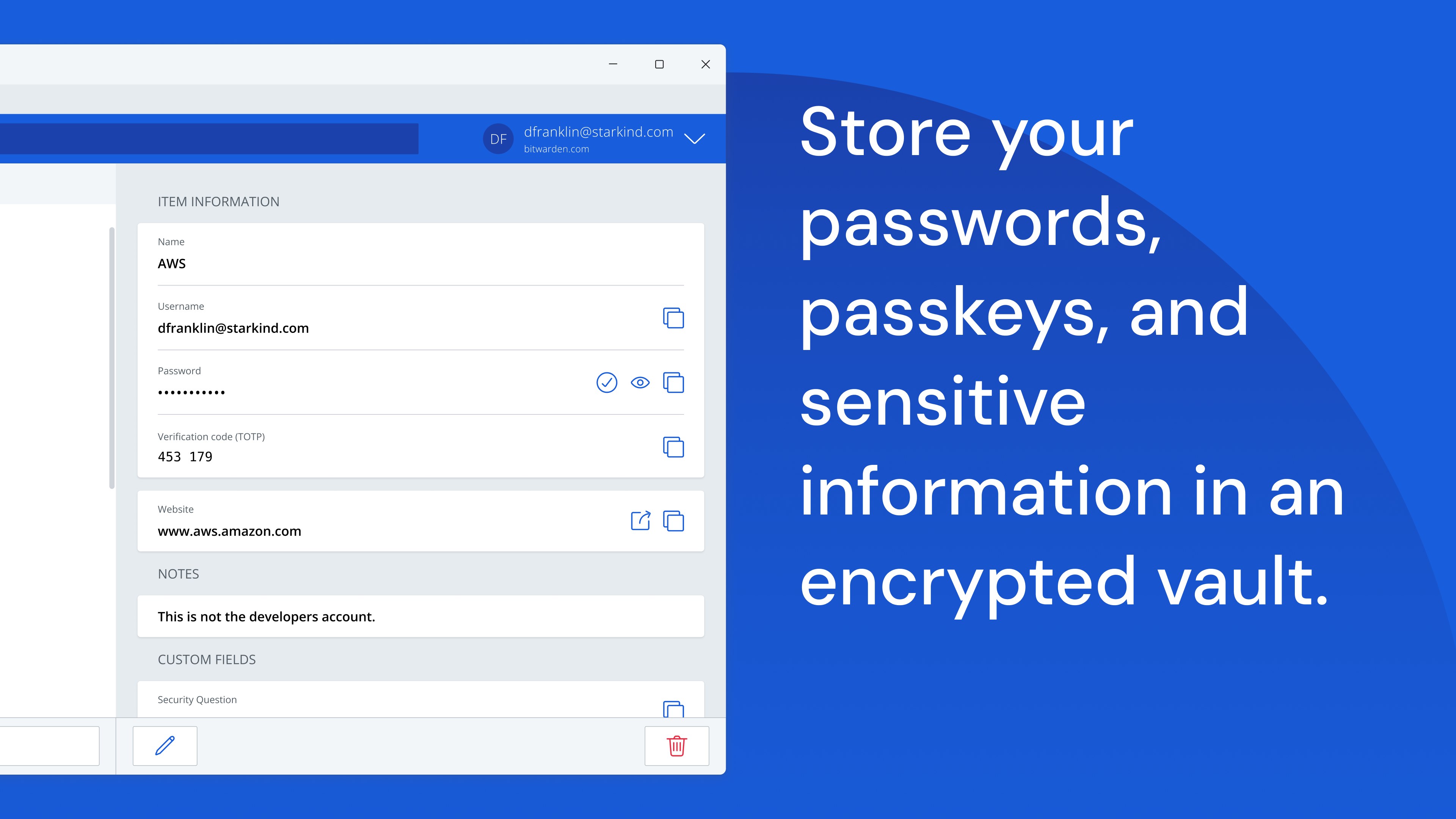
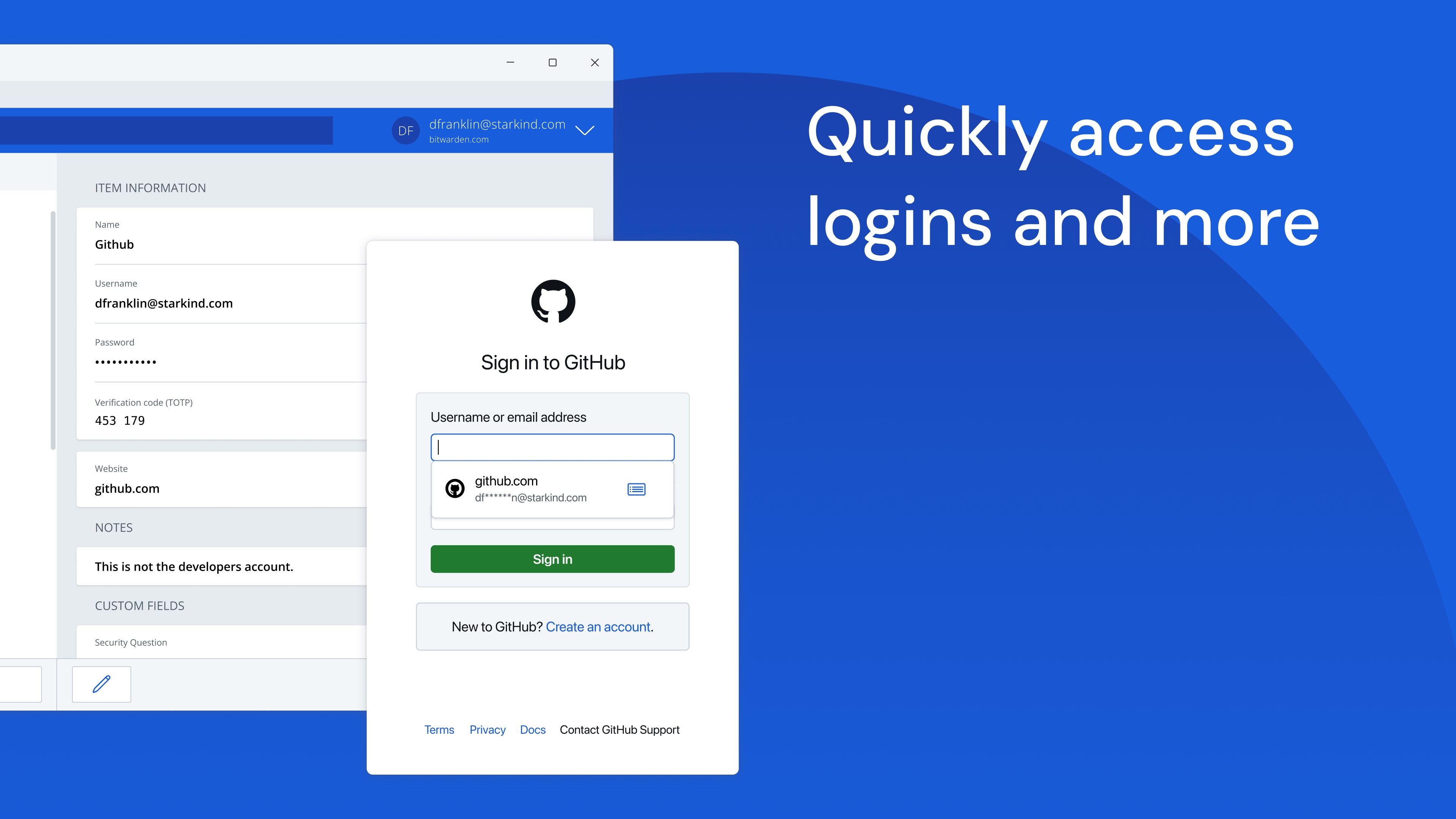
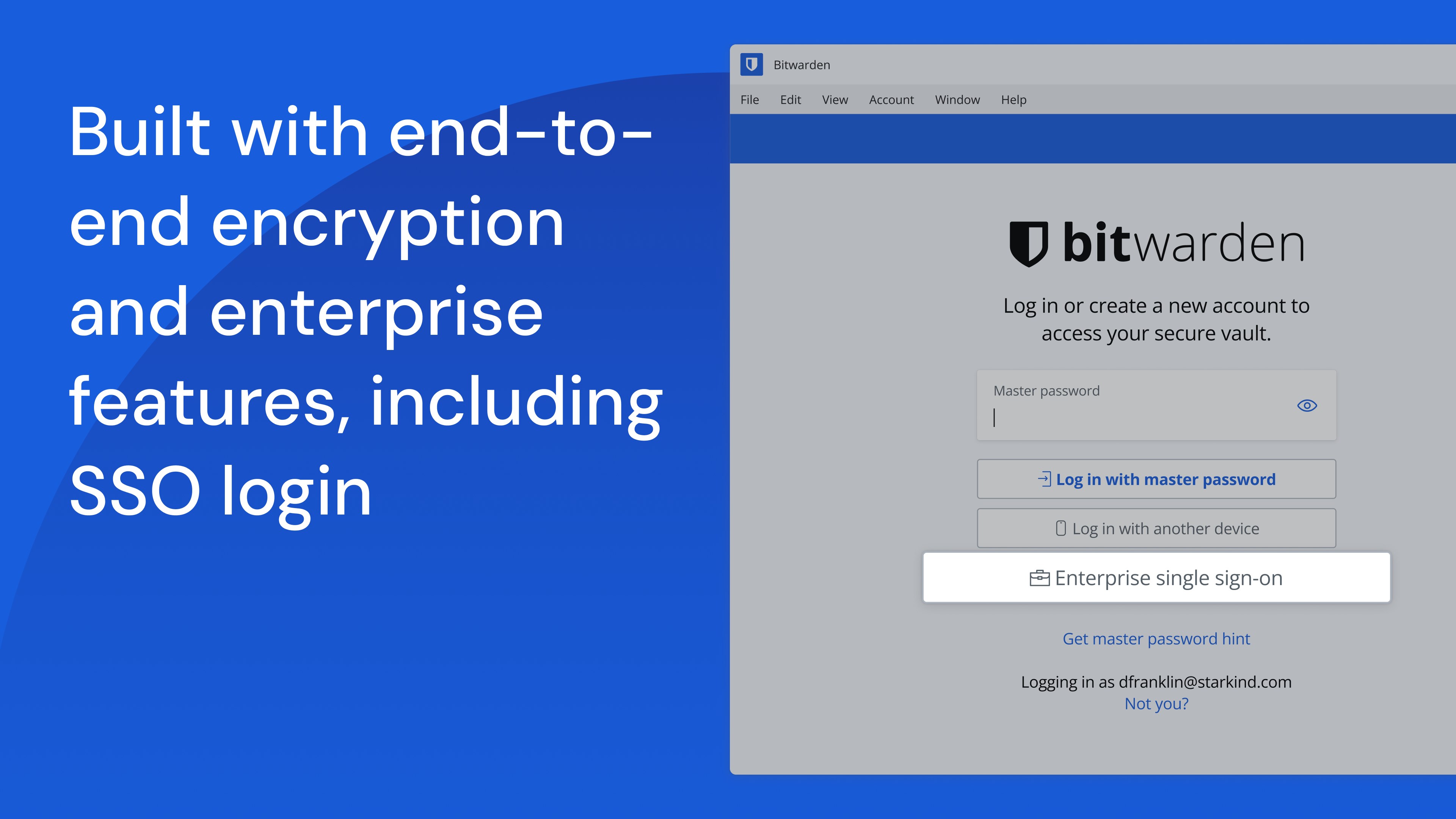
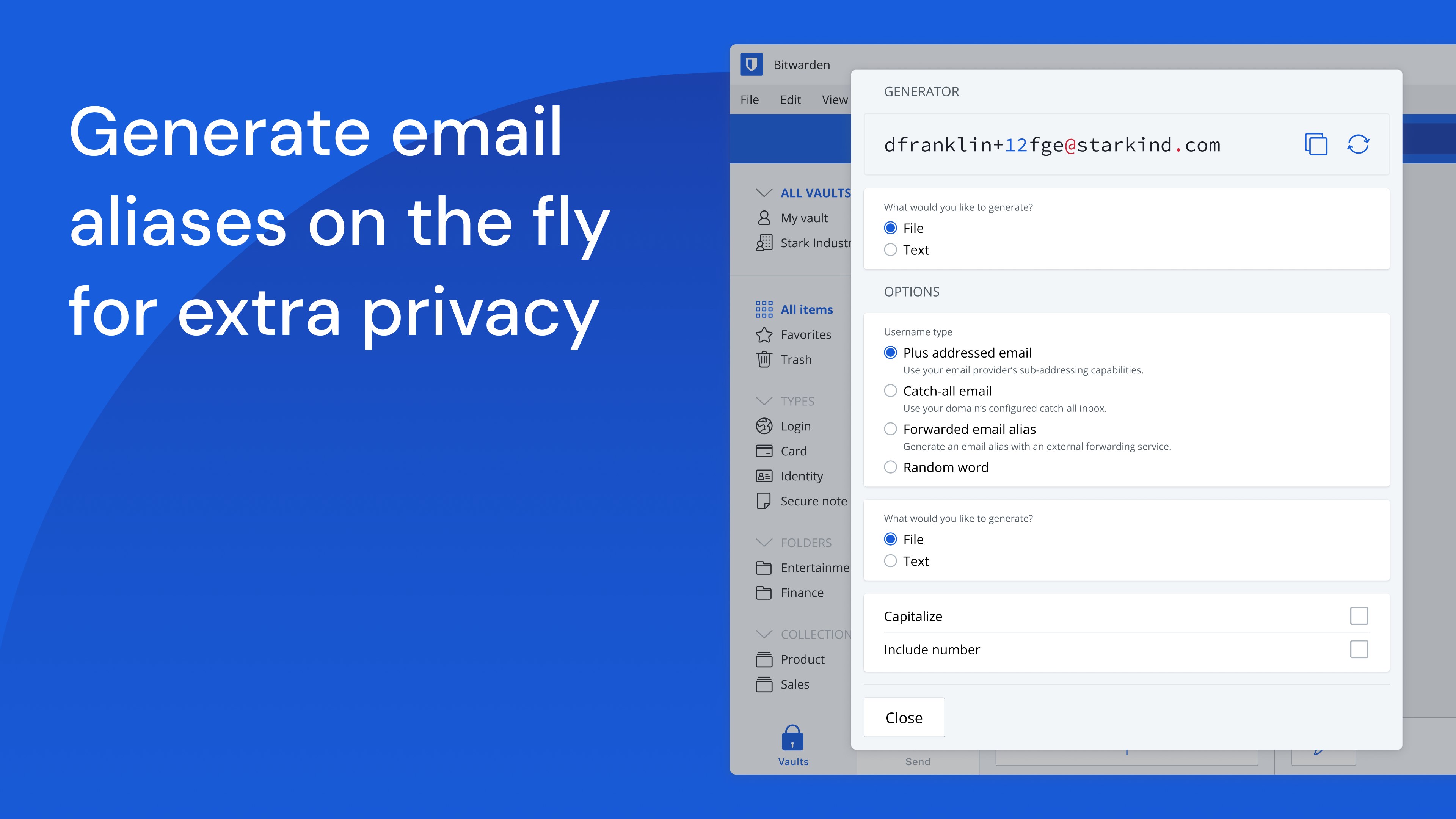
Bitwarden's foremost strength lies in its core function: securely storing and managing passwords. It encrypts your data locally before syncing with its cloud servers, ensuring only you hold the key to your information. Features like password generator, secure notes, and two-factor authentication (2FA) support make it a comprehensive shield against potential cyber threats, all wrapped in a user-friendly package. The app's open-source nature also invites transparency and community trust, giving users confidence in its security assurances.
Intuitive User Interface Designed for Ease
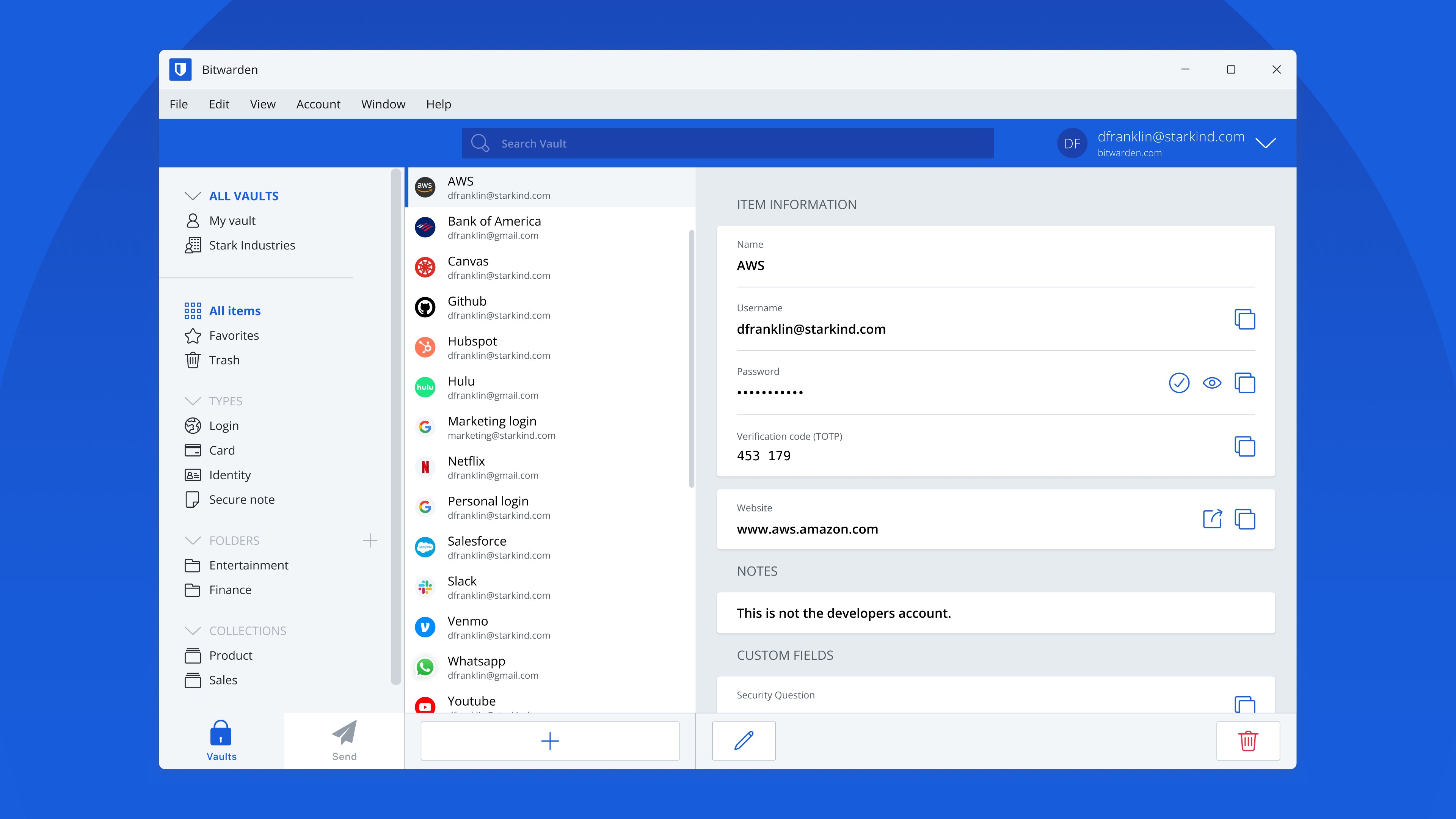
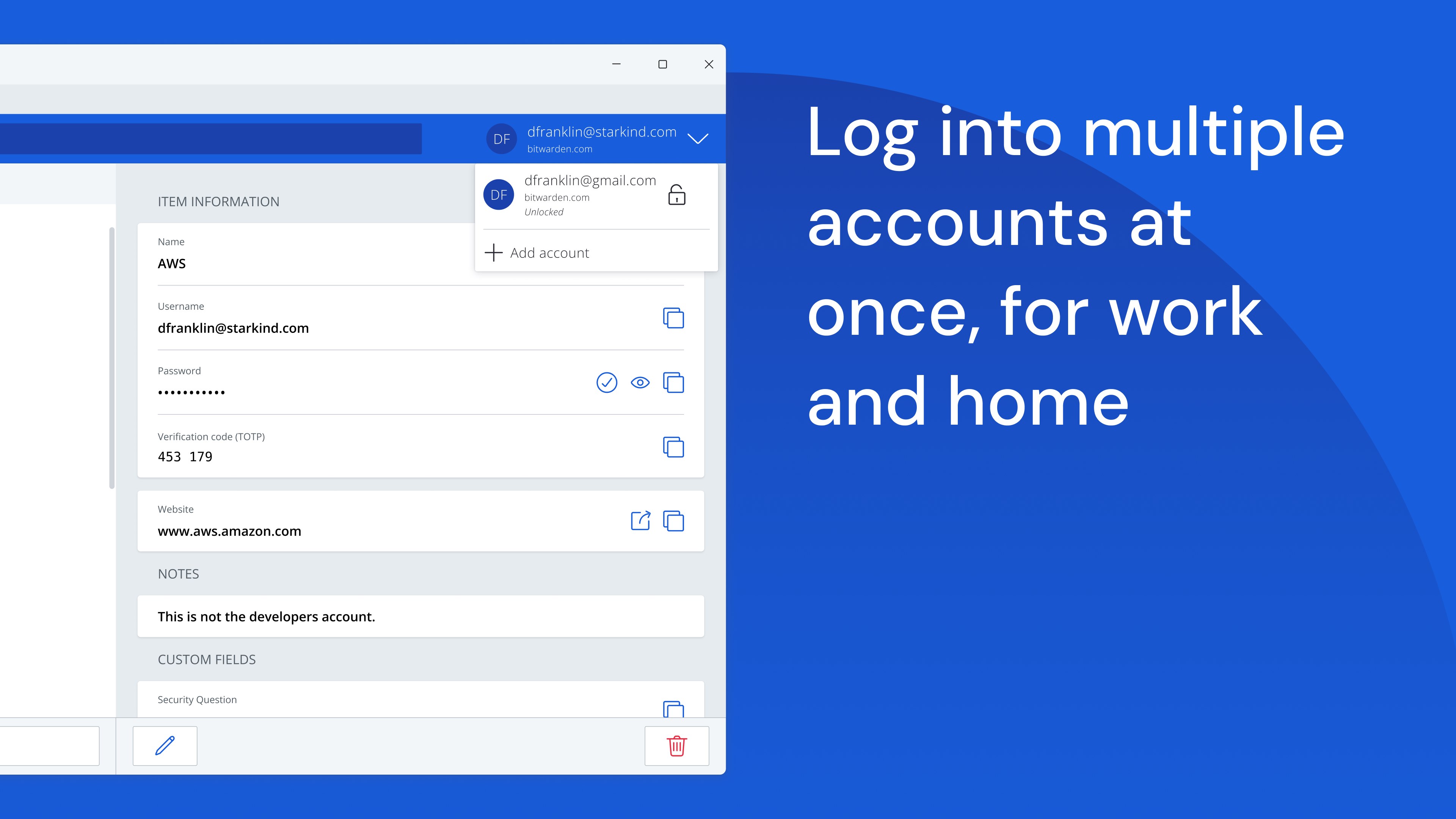
The application displays a clean, modern interface that feels more like flipping through a well-organized notebook than navigating a complex software. Its intuitive layout reduces cognitive load, thanks to well-placed icons and logical categorization—saving you precious mental bandwidth and enabling rapid access to your vault. Whether you're a tech novice or an expert, your interaction with the app remains smooth, thanks to clear tutorials and straightforward workflows.
Seamless Workflow Integration & Multi-Device Synchronization
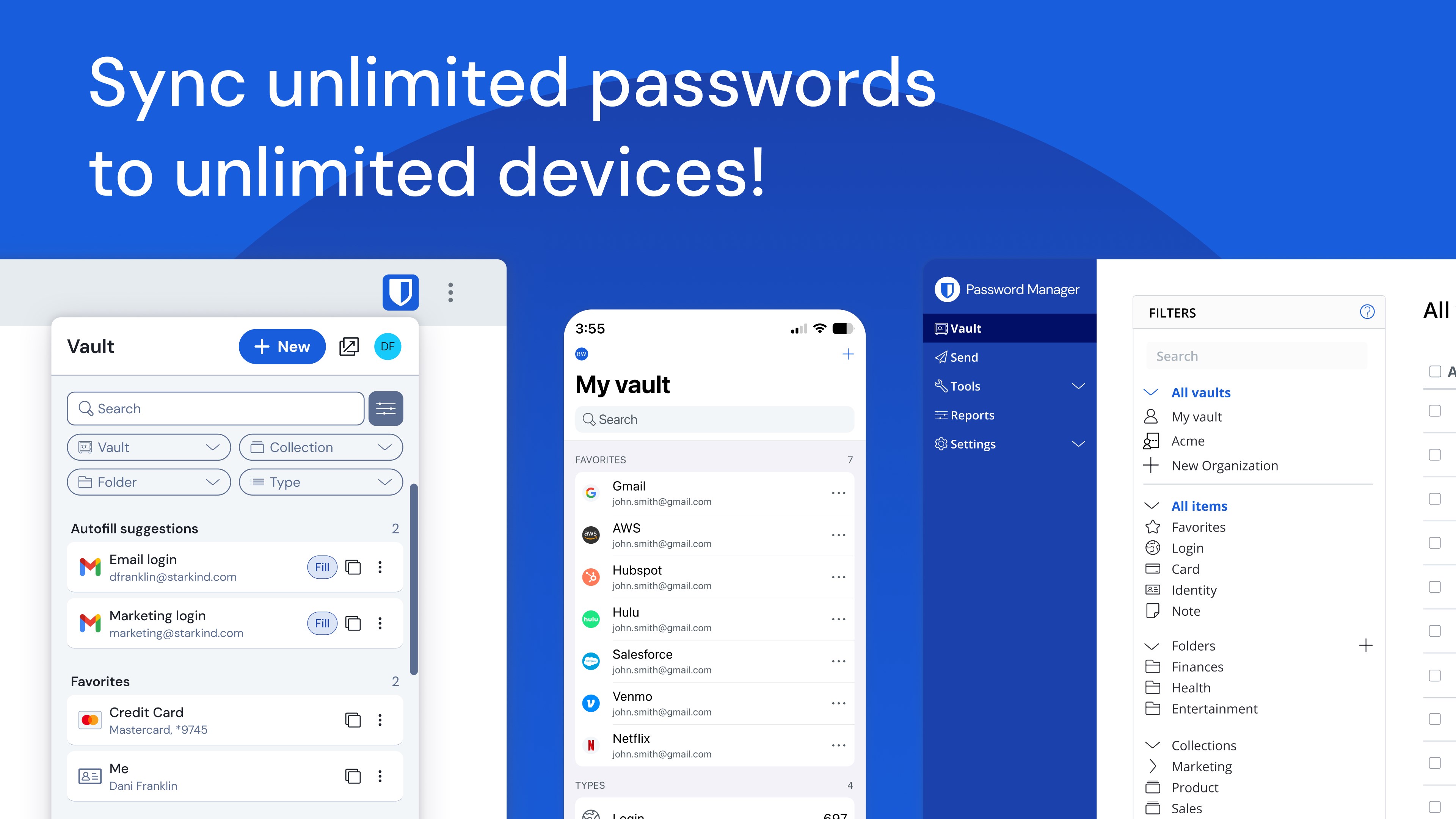
One of Bitwarden's standout features is its ability to integrate effortlessly into your existing workflow. It offers browser extensions, desktop apps, and mobile support—creating a unified experience across devices. The synchronization is swift and reliable, meaning you can start on your Windows PC and pick up on your smartphone without skipping a beat. This smooth integration significantly reduces time spent managing credentials, allowing you to focus on what truly matters—your work or personal projects.
Design and User Experience: Less Friction, More Functionality
From the moment you open Bitwarden for Windows, it feels like a familiar workspace—organized, straightforward, and welcoming. The interface's minimalistic design means fewer distractions, letting you focus on your security needs. The app's operation is snappy; entering your master password or adding new items feels almost instantaneous, fostering a sense of reliability and efficiency. Learning curves are gentle—most functions are self-explanatory, and the few that require guidance are supported by comprehensive documentation and community forums.
What Sets Bitwarden Apart? Workflow Efficiency and User Burden Lightening
Compared to other productivity tools, Bitwarden's most distinctive aspect is its focus on reducing cognitive load while keeping feature complexity in check. Unlike some password managers that bombard users with options and settings, Bitwarden prioritizes essential security functions integrated seamlessly into your daily routine. Its deep integration with browsers and platforms means less switching between apps, akin to having a well-organized desk where everything you need is within arm's reach. This focus on workflow efficiency helps users stay focused and productive, without the distraction of managing a labyrinth of features.
Recommendations & Final Thoughts
Overall, I would rate Bitwarden for Windows as a highly recommended password management solution—especially for those who value security paired with simplicity. It's an elegant tool that fits neatly into your digital lifestyle, offering robust protection without sacrificing ease of use. If you're seeking a reliable, open-source option that improves your workflow without adding unnecessary complexity, Bitwarden proves to be a solid choice.
For everyday users looking to elevate their digital security with minimal fuss, this app is worth installing. For power users, its extensive customization and integration capabilities can future-proof your password management needs. Just remember—your master password is the key, so keep it safe!
Pros
- Strong security features
- Open-source transparency
- Cross-platform compatibility
- Free basic plan
- Easy-to-use interface
Cons
- Limited advanced features on free plan
- Mobile app UI can be cluttered
- Browser extension setup may be complex for newbies
- Limited customer support options
- Occasional sync delays











