

- Category Productivity
- Developer Blip Studio Inc.
- Available on PC
- OS Windows 10 version 17763.0 or higher
- Keyboard Integrated Keyboard
- Mouse Integrated Mouse
- languages English
A Practical Tool for Seamless File Transfers on Windows
Blip Transfer for Windows by Blip Studio Inc. offers a streamlined solution for transferring files effortlessly across devices, emphasizing simplicity and efficiency in a cluttered digital landscape.
A Brief Overview: What This App Is About
Designed to facilitate quick and secure file sharing, Blip Transfer for Windows positions itself as a user-friendly utility for those who need to move files between devices without the hassle of traditional methods. Developed and published by Blip Studio Inc., this application aims to enhance productivity by reducing the steps and cognitive load involved in file transfers.
- Main Features: Fast, direct device-to-device sharing; intuitive drag-and-drop interface; support for multiple file types; and seamless integration with Windows system dialogs.
- Target Users: Professionals, students, remote workers, and anyone needing quick file transfers without complex setups or cloud dependencies.
Getting Started: A User-Friendly Experience from the First Click
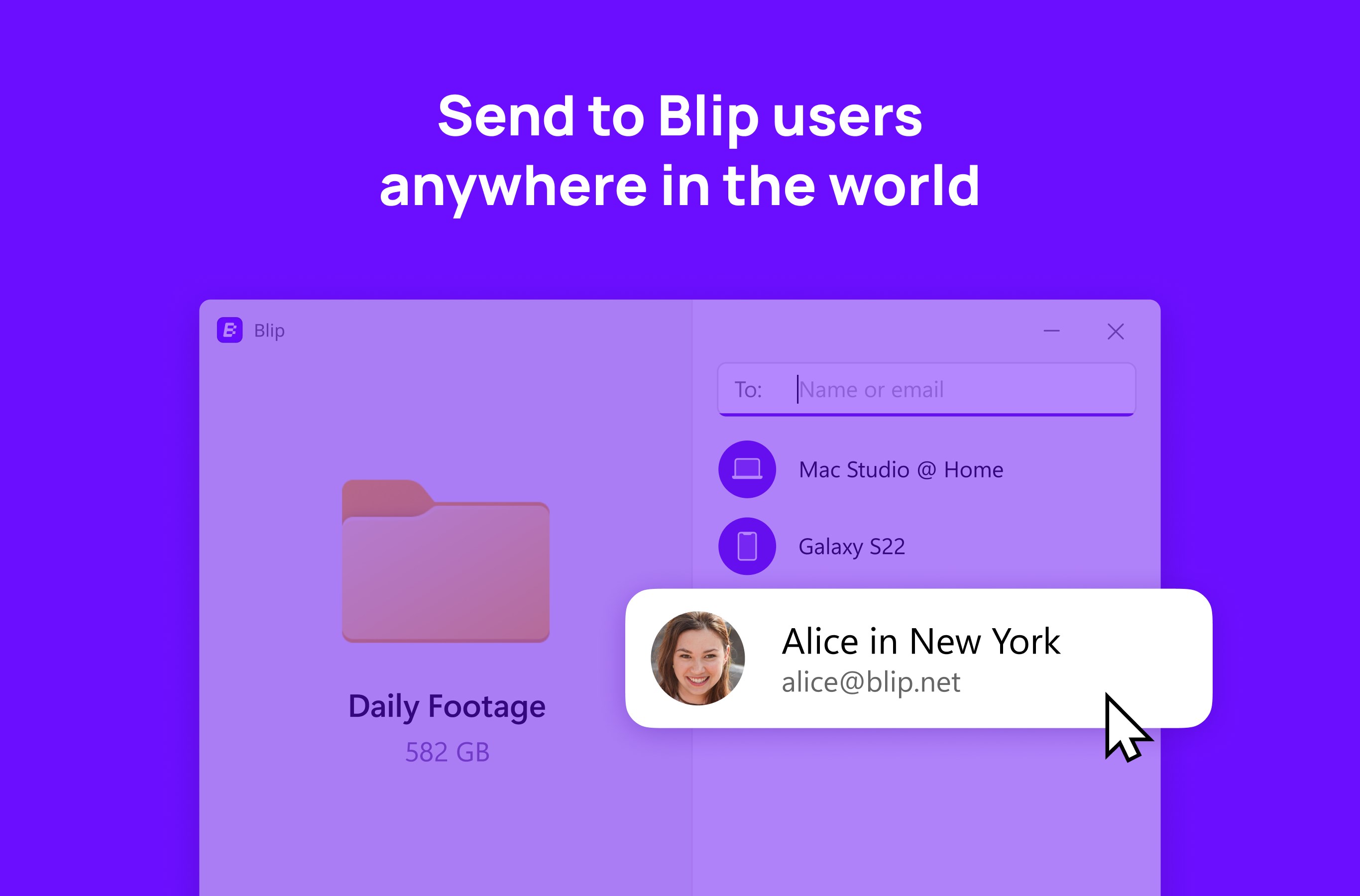
Opening Blip Transfer feels akin to unlocking a handy toolbox—clean, familiar, and straightforward. The interface sports a minimalistic design where the primary workspace resembles a digital clipboard, inviting users to simply drag files in, much like tossing papers onto a desk. The app's smooth responsiveness ensures that even first-time users feel confident navigating its features without a steep learning curve, making it accessible to tech novices and veterans alike.
Core Functionality: Speed, Simplicity, and Smart Transfers
Quick, Reliable File Sharing
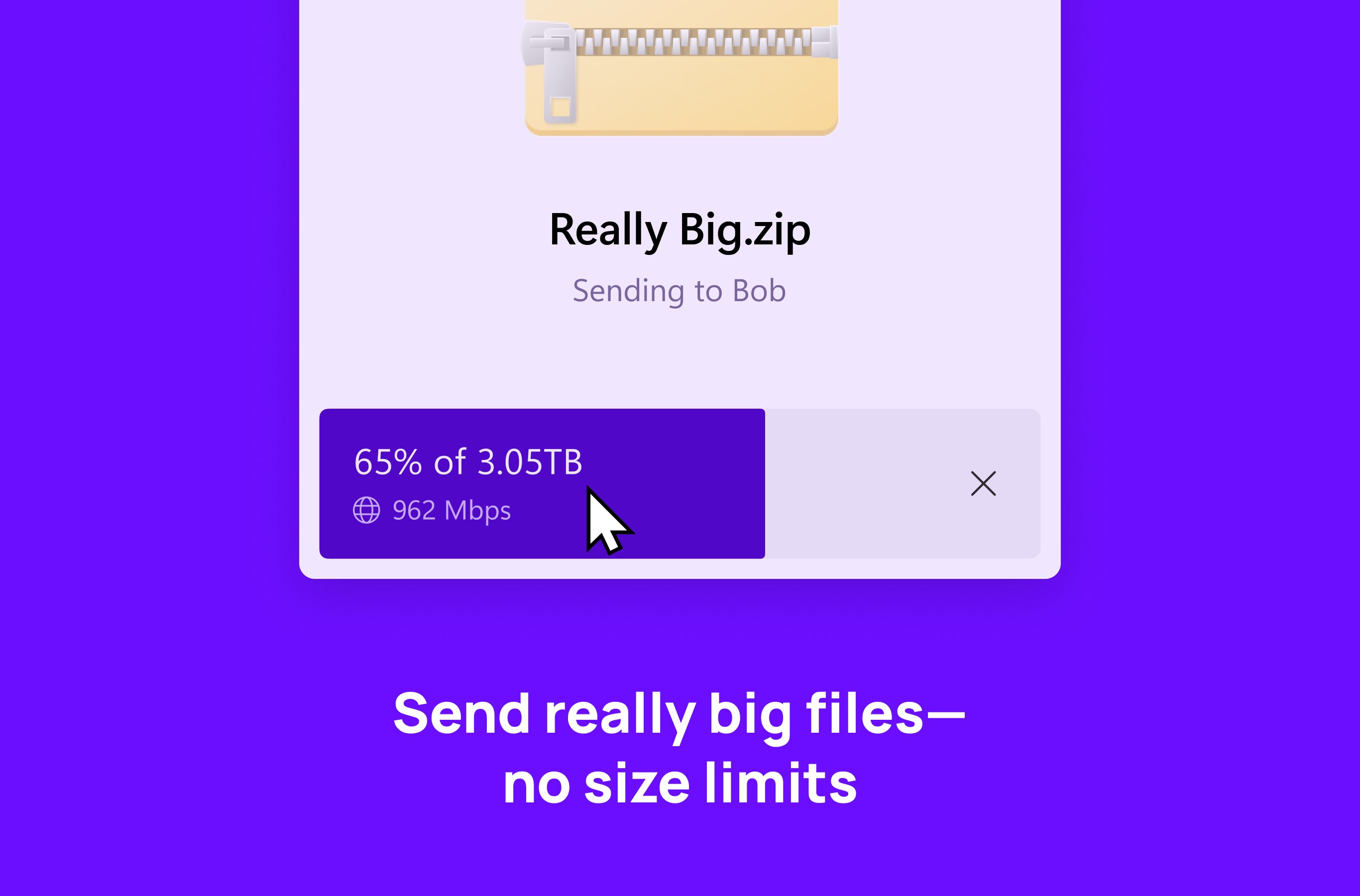
The heart of Blip Transfer is its ability to enable rapid file exchanges between devices. Whether you're transferring a batch of high-resolution images or a set of documents, the app leverages local network connections to minimize transfer times significantly. An elegant progress indicator keeps users informed, while the option to prioritize certain files ensures flexible workflow management. Unlike traditional cloud-based solutions, it avoids bandwidth issues and keeps data transfers private and local, a boon for security-conscious users.
Intuitive Drag-and-Drop Interface
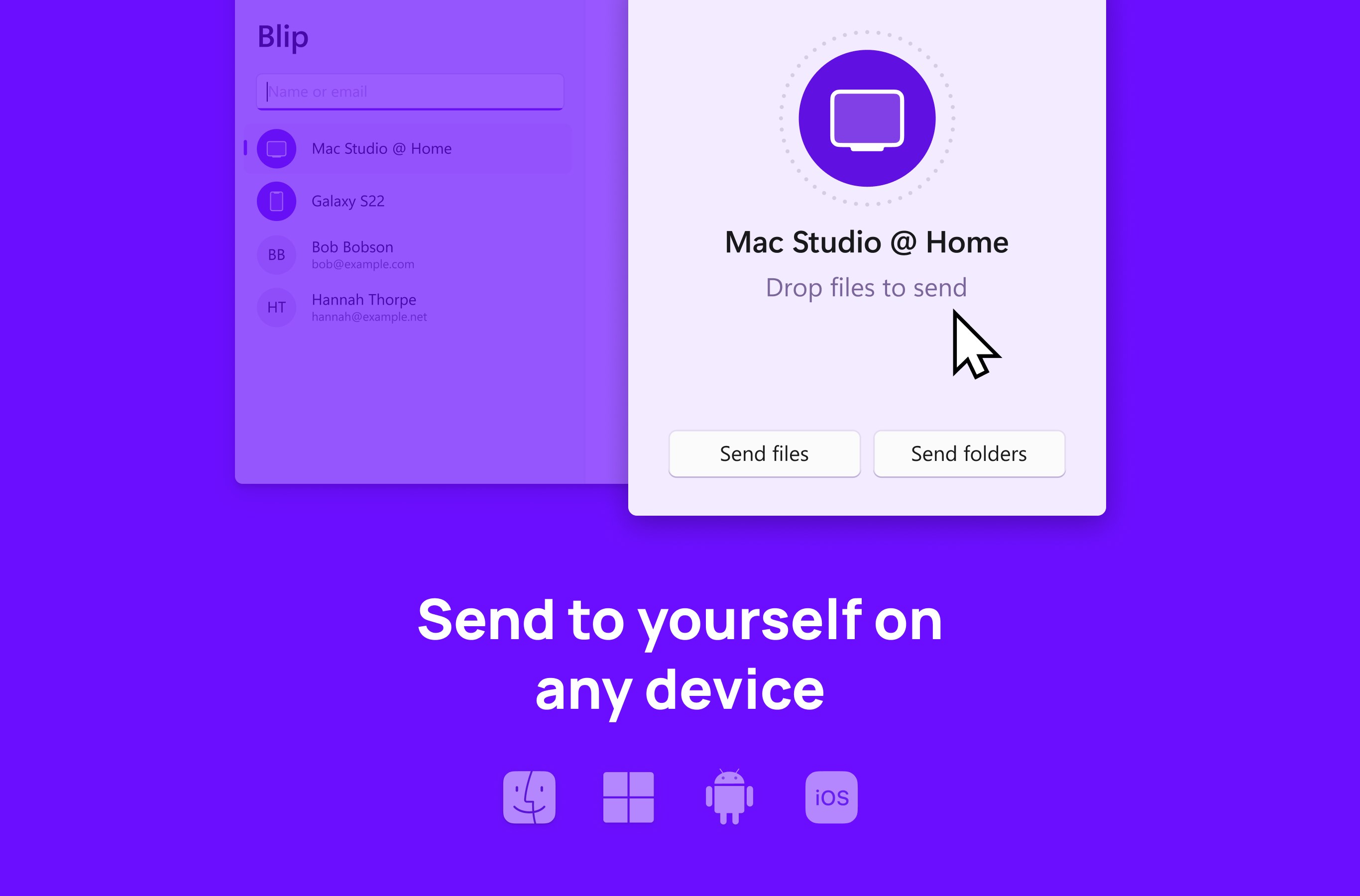
The standout feature that truly distinguishes Blip Transfer from similar apps is its drag-and-drop design. Think of it as sliding files across a virtual tray—nothing more complex than a natural gesture. This design reduces cognitive load by removing complicated menu navigation and technical jargon, streamlining the process so users can focus on their core tasks instead of tech overhead. It feels akin to passing a note directly across a desk rather than via cumbersome mail.
Workflow Integration and Minimal Disruption
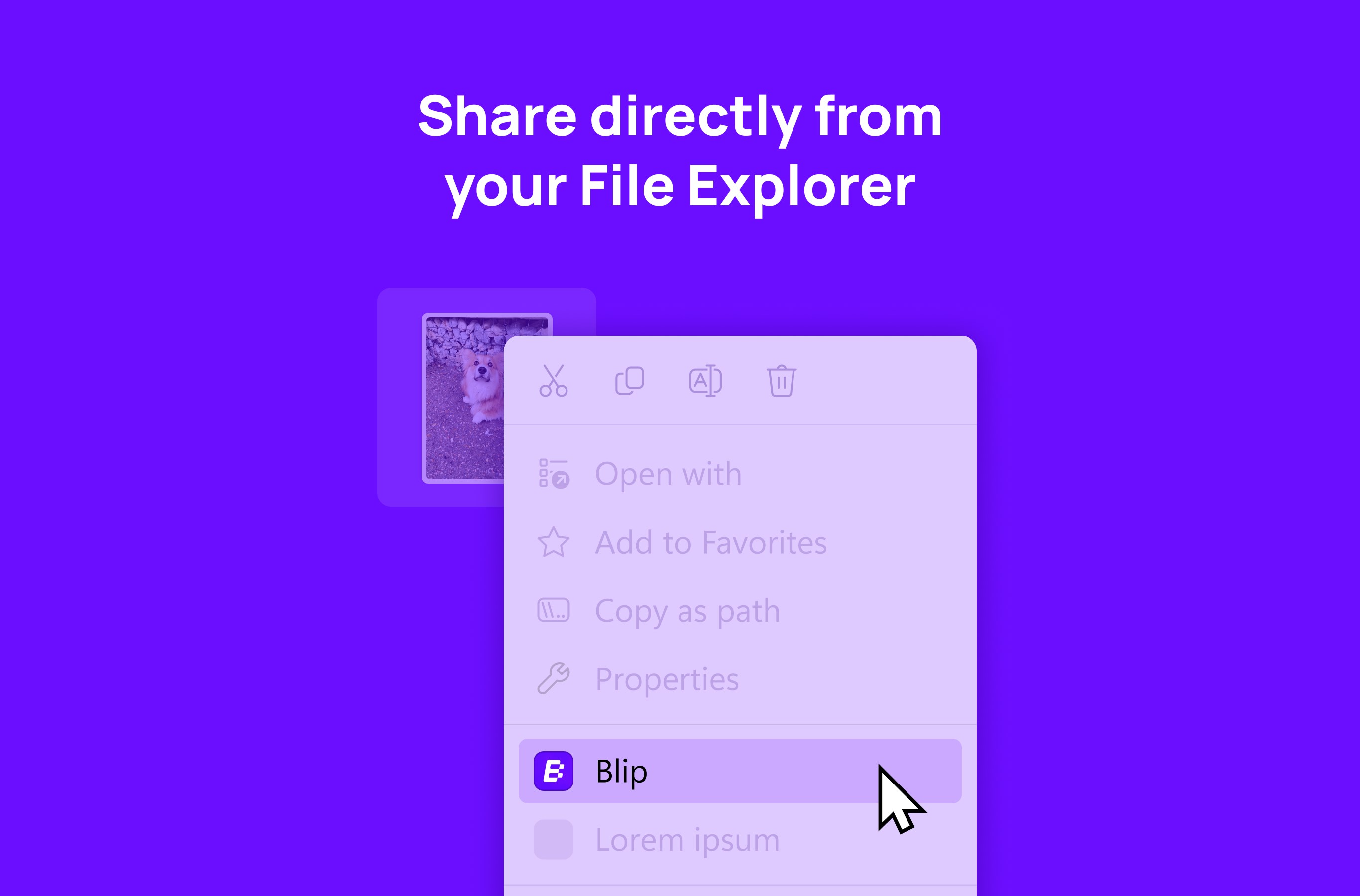
Another noteworthy aspect is how well Blip Transfer integrates into the Windows environment. It seamlessly appears in context menus and system dialogs, making initiated transfers feel like a natural extension of your everyday workflow. Unlike some productivity tools that require you to switch apps constantly or learn new interfaces, Blip Transfer sidesteps this complexity. It effectively reduces mental strain by fitting smoothly into existing routines rather than demanding extra steps or learning curves.
Comparison and Unique Selling Points
Compared to other file transfer tools, Blip Transfer prioritizes reducing cognitive load through a simple, purpose-driven design. While many applications cram features that often complicate the user experience—think multi-step setups or verbose settings—Blip Transfer embraces *simplicity*. Its core strength lies in immediate, hassle-free transfers that don't distract or burden the user.
Furthermore, its focus on local, direct connections means no dependency on internet quality or cloud services, offering a privacy-conscious and reliable alternative. These qualities make it stand out in an ecosystem filled with over-featured or overly complex solutions, particularly for users seeking straightforward efficiency.
Final Thoughts: Is It Worth a Try?
Yes, definitely. For anyone tired of convoluted procedures or slow cloud transfers, Blip Transfer provides a sensible, fast, and stress-free option. Its most compelling features are undoubtedly its ease of use and workflow-friendly design—attributes that can genuinely make file management less of a chore. I recommend giving it a try if you're looking to simplify your device-to-device file exchanges without sacrificing speed or security.
Pros
- User-friendly interface
- Fast transfer speed
- Supports multiple file formats
- Cross-platform compatibility
- Built-in security features
Cons
- Occasional connectivity issues
- Limited free transfer quota
- UI may feel cluttered for new users
- Requires stable internet connection
- No built-in file compression











