
- Category Strategy
- Developer Mini Puzzle Game Studio
- Available on PC, Mobile, Surface Hub, HoloLens
- OS Windows 10 version 16299.0 or higher
- DirectX Version 10
- Mouse Integrated Mouse
- Memory 300 MB
- languages English (United States)
Discovering Simplicity and Challenge in Block Puzzle - Classic
Block Puzzle - Classic for Windows, developed by Mini Puzzle Game Studio, offers a timeless yet fresh take on the traditional block puzzle genre. Perfectly blending casual gameplay with strategic thinking, this app appeals to puzzle enthusiasts and casual players alike seeking relaxing yet stimulating entertainment.
Basic App Profile
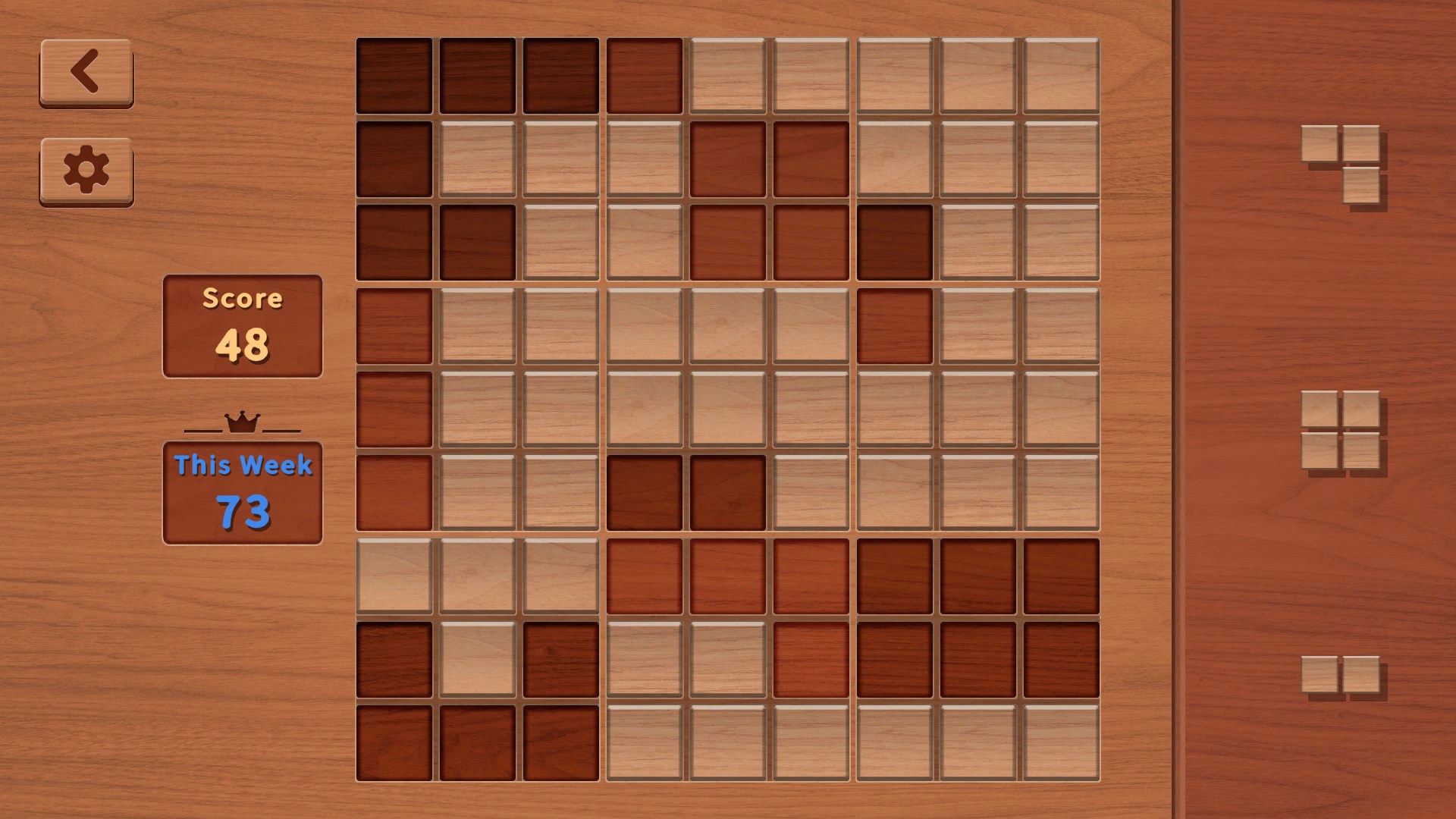
At its core, Block Puzzle - Classic is a straightforward puzzle game centered on fitting falling blocks into a grid without gaps, reminiscent of Tetris but with a minimalist approach. The development team, Mini Puzzle Game Studio, brings a focused design philosophy emphasizing clarity and user engagement. Its standout features include intuitive drag-and-drop mechanics, a clean and uncluttered interface, and progressively challenging levels that cater to both beginners and seasoned puzzle fans. The target audience encompasses casual players looking for quick mental refreshment, puzzle aficionados seeking strategic depth, and older users appreciating the nostalgic appeal of classic games.
A Playful Introduction to a Classic Puzzle
Imagine settling into your cozy corner with a cup of coffee, ready to entertain your brain while winding down. That's the charm Block Puzzle - Classic offers—it transforms your screen into a calm and engaging puzzle sandbox. With each block carefully dropping into place, there's a satisfying rhythm that feels like assembling a puzzle masterpiece, one piece at a time. Its straightforward premise invites you to challenge yourself without the distraction of flashy animations or overwhelming options, making it an ideal companion for brief escapes or longer puzzle sessions.
Core Functionality Highlights
Intuitive Gameplay Mechanics
The game's core mechanic revolves around straightforward, drag-and-drop controls—just tap, drag, and drop blocks into the grid. This simplicity lowers the learning curve, making it accessible to users of all ages and tech levels. The falling blocks are visually distinct and easy to manipulate, providing immediate satisfaction as you work to clear rows or columns. The game's design creatively balances challenge and accessibility, encouraging strategic planning without feeling overwhelming.
Seamless User Interface and Design
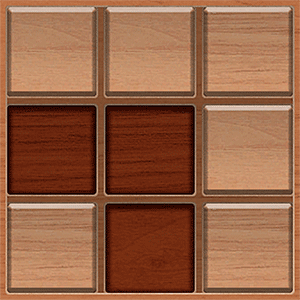
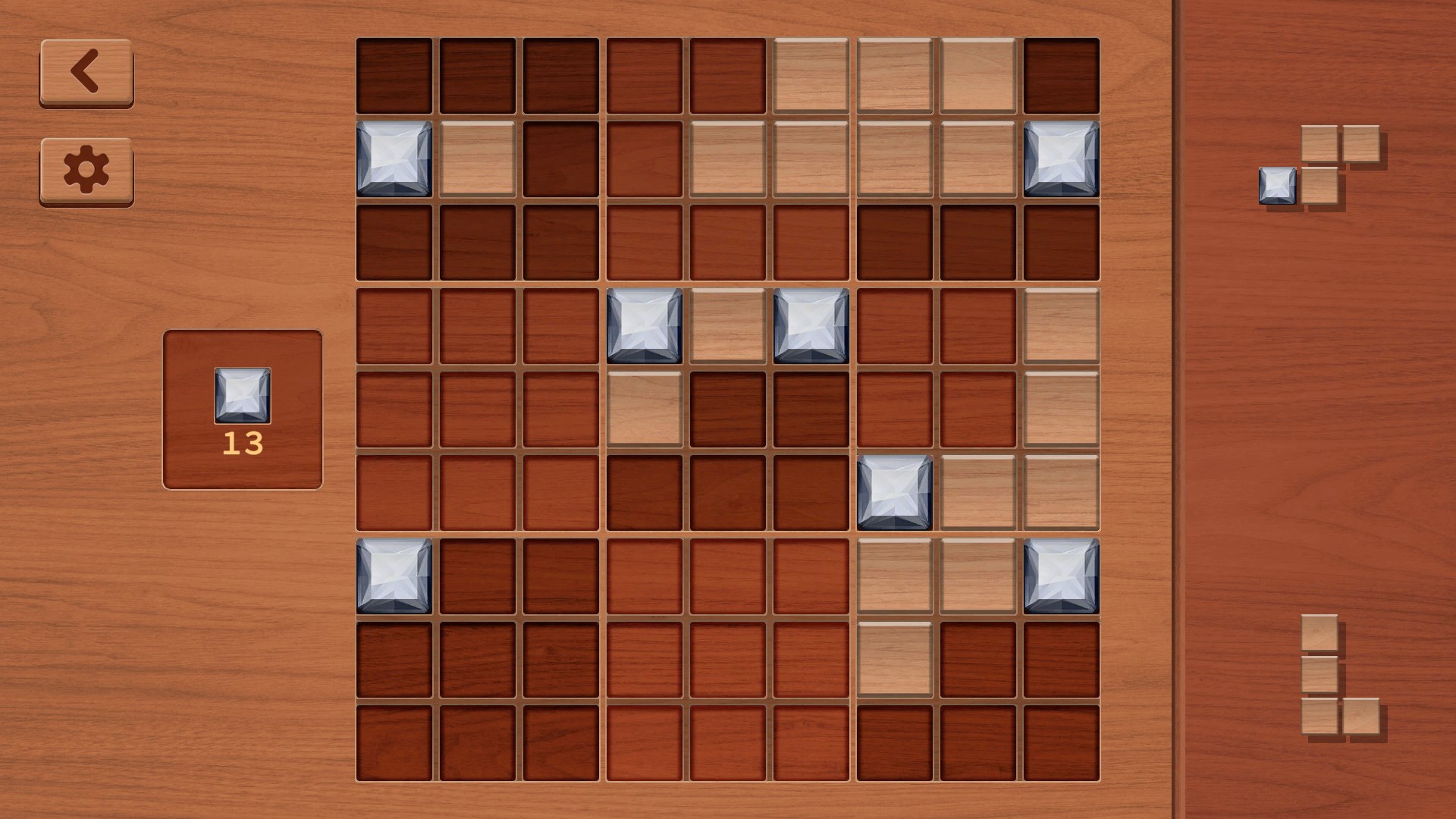
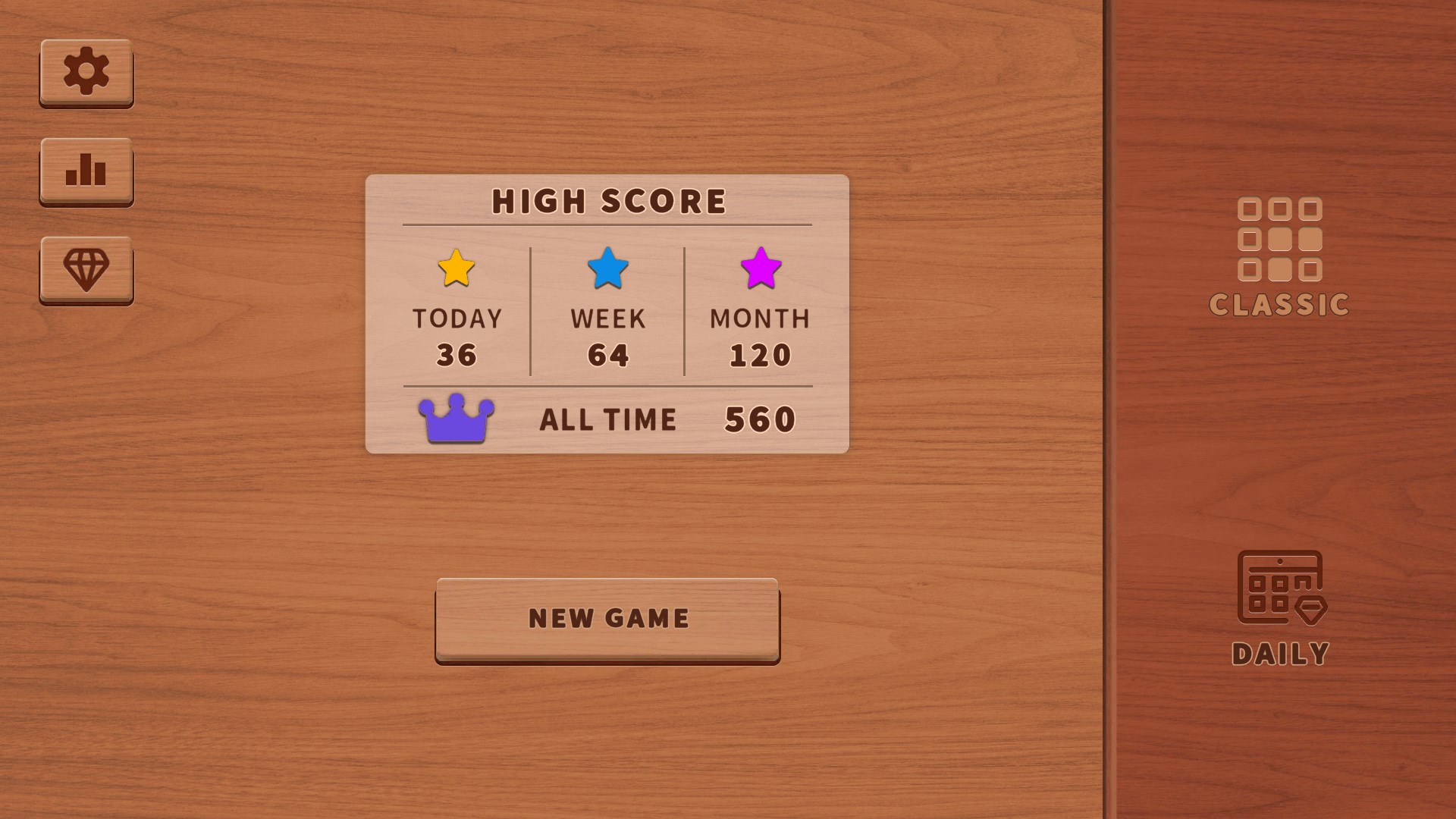
The minimalist, grid-based UI resembles a clean, uncluttered tabletop—this clarity allows players to focus solely on the puzzle at hand. The visual aesthetic employs soft colors and clear lines, akin to arranging financial ledger tiles or crafting a perfect mosaic. Navigation menus are logically placed and easy to find, minimizing frustration and enabling players to jump straight into gameplay. The aesthetic choices contribute to an overall sense of calm, making each session feel like a meditative activity rather than a frantic race against the clock.
Progressive Challenge and Replayability
One of the app's compelling strengths is its escalating difficulty, which gradually introduces more complex block shapes and tighter space constraints. This progression ensures that players remain engaged without feeling overwhelmed from the start. The game also offers multiple modes or endless play options, fostering replayability. As a result, it becomes a reliable go-to activity for brief mental exercises or longer strategic battles with oneself—much like doing a quick crossword or arranging stones in an intricate pattern, where each success fuels the desire to try again.
Unique Edges and Decision Visibility
Compared to other puzzle apps that often flood players with numerous options and overwhelming data, Block Puzzle - Classic excels in maintaining clarity in decision-making. Its design emphasizes “analyze decision consequence visibility”—players instantly see the impact of each move, with no hidden calculations or murky outcomes. This transparent feedback loop enables strategic planning in a manner similar to chess—knowing what remains on the board influences your next decisive move. Additionally, the app manages “information overload” effectively by limiting distractions and offering a focused environment. It fosters a calm, contemplative mindset, allowing players to weigh options thoughtfully, rather than rushing or feeling lost in complexity.
Final Recommendations and Usage Suggestions
Overall, Block Puzzle - Classic stands out as a well-crafted, accessible puzzle experience that balances simplicity with depth. Whether you're a casual puzzler seeking quick mental refreshes or a more dedicated player aiming to sharpen your spatial reasoning, this app offers a reliable and engaging option. Its focused decision visibility and clean interface distinguish it from many cluttered alternatives, providing a satisfying, frustration-free gameplay experience.
I recommend this app for anyone who appreciates classic puzzles presented with modern clarity. It's particularly suitable for short, relaxing gameplay sessions or as a brain-teasing break during busy days. While it might lack complex narrative or advanced features of more elaborate games, its strength lies precisely in its elegant simplicity—delivering just enough challenge to keep you hooked without overwhelming you. So, if you're after a timeless, thoughtfully designed puzzle game that respects your time and mind, Block Puzzle - Classic is a solid choice to add to your collection.
Pros
- Intuitive and user-friendly interface
- Classic puzzle gameplay with smooth mechanics
- Multiple game modes and difficulty levels
- Lightweight app that consumes minimal device resources
- Minimal in-app advertisements and unobtrusive UI
Cons
- Limited game customization options
- Lack of in-game tutorials or hints
- Absence of multiplayer or social features
- Minimal visual variety in backgrounds and themes
- No daily challenges or reward systems











