
- Category Puzzle & trivia
- Developer Clever Apps Pte. Ltd.
- Available on PC, Mobile, Surface Hub, HoloLens
- OS Windows 10 version 17763.0 or higher
- languages English (United States)
BlockBuster Puzzle for Windows: A Fresh Spin on Classic Puzzle Gameplay
BlockBuster Puzzle offers a captivating blend of strategic blocks and engaging puzzles, making it an excellent choice for casual gamers and puzzle enthusiasts alike.
About the Developer and Core Features
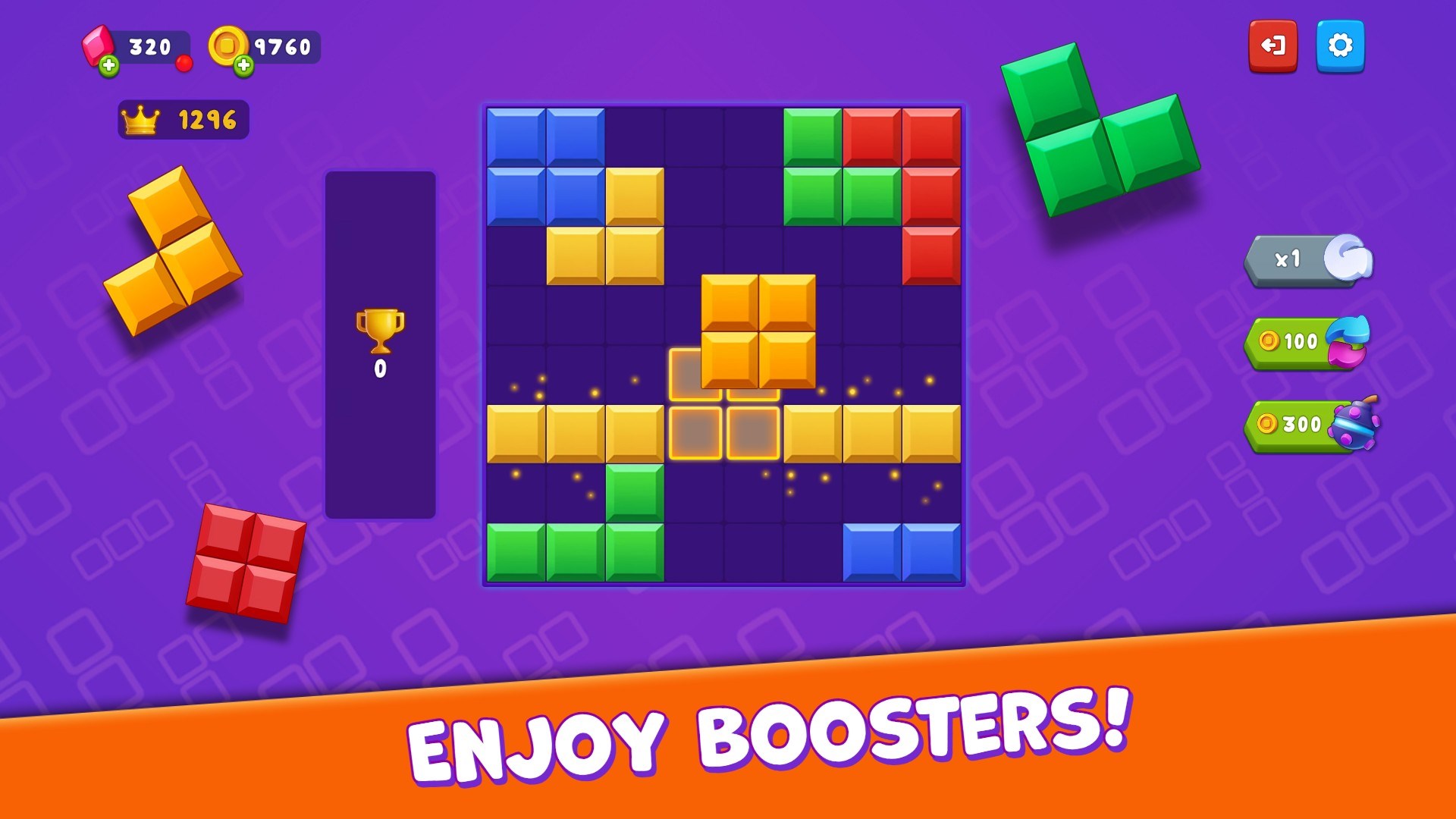
Produced by Clever Apps Pte. Ltd., a developer known for creating user-friendly and thoughtfully designed applications, BlockBuster Puzzle introduces a refreshing take on traditional block puzzles. Its main features include intuitive drag-and-drop mechanics, increasingly challenging levels to keep players engaged, and a clean, visually appealing interface that minimizes distractions. The game is tailored primarily for puzzle lovers of all age groups who enjoy mind-teasing challenges delivered in a casual format.
Vivid Gameplay and User Experience
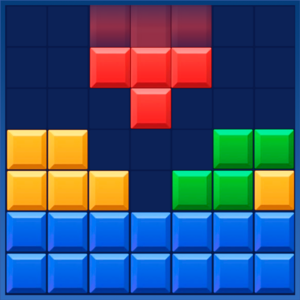
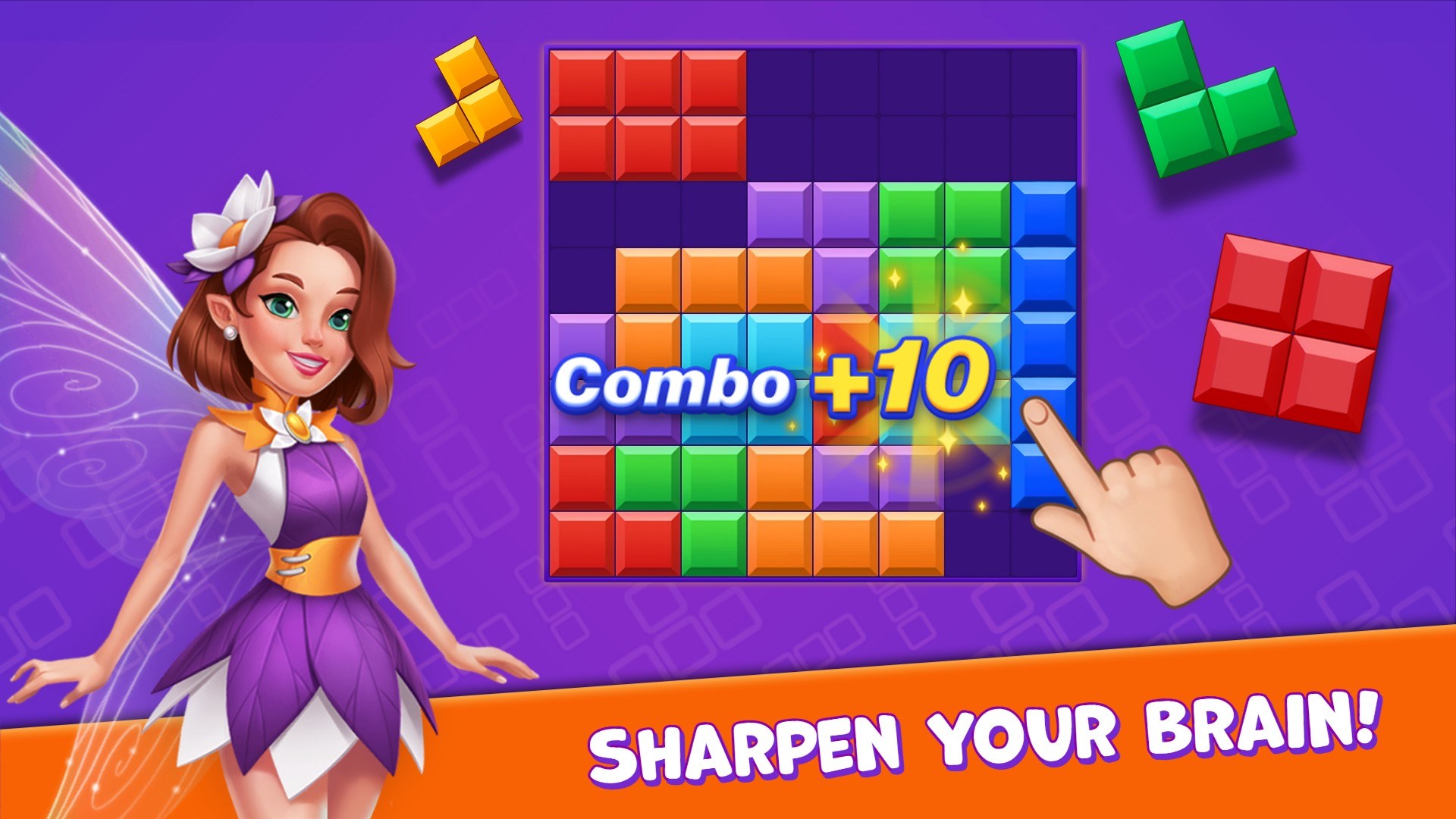
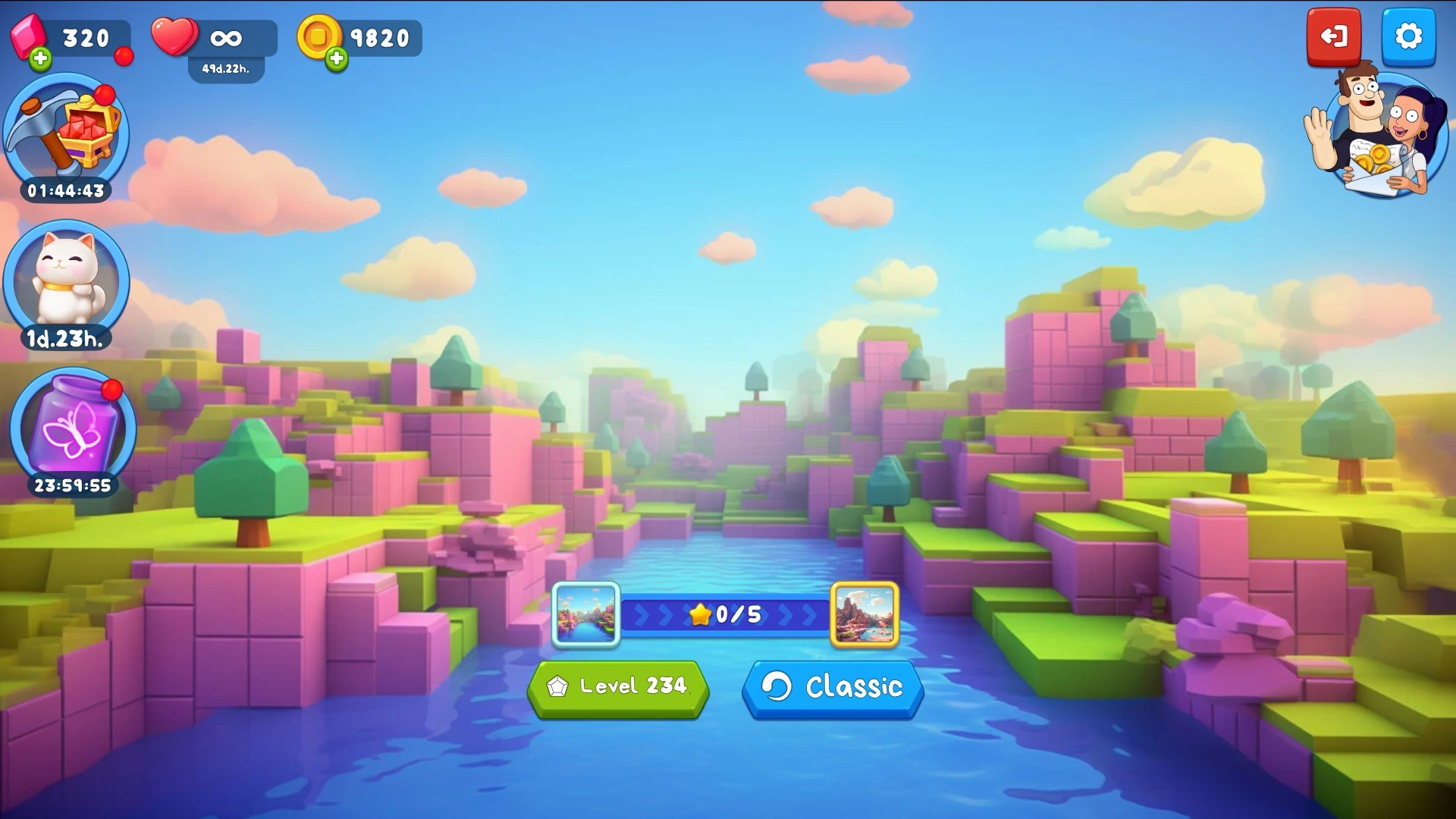
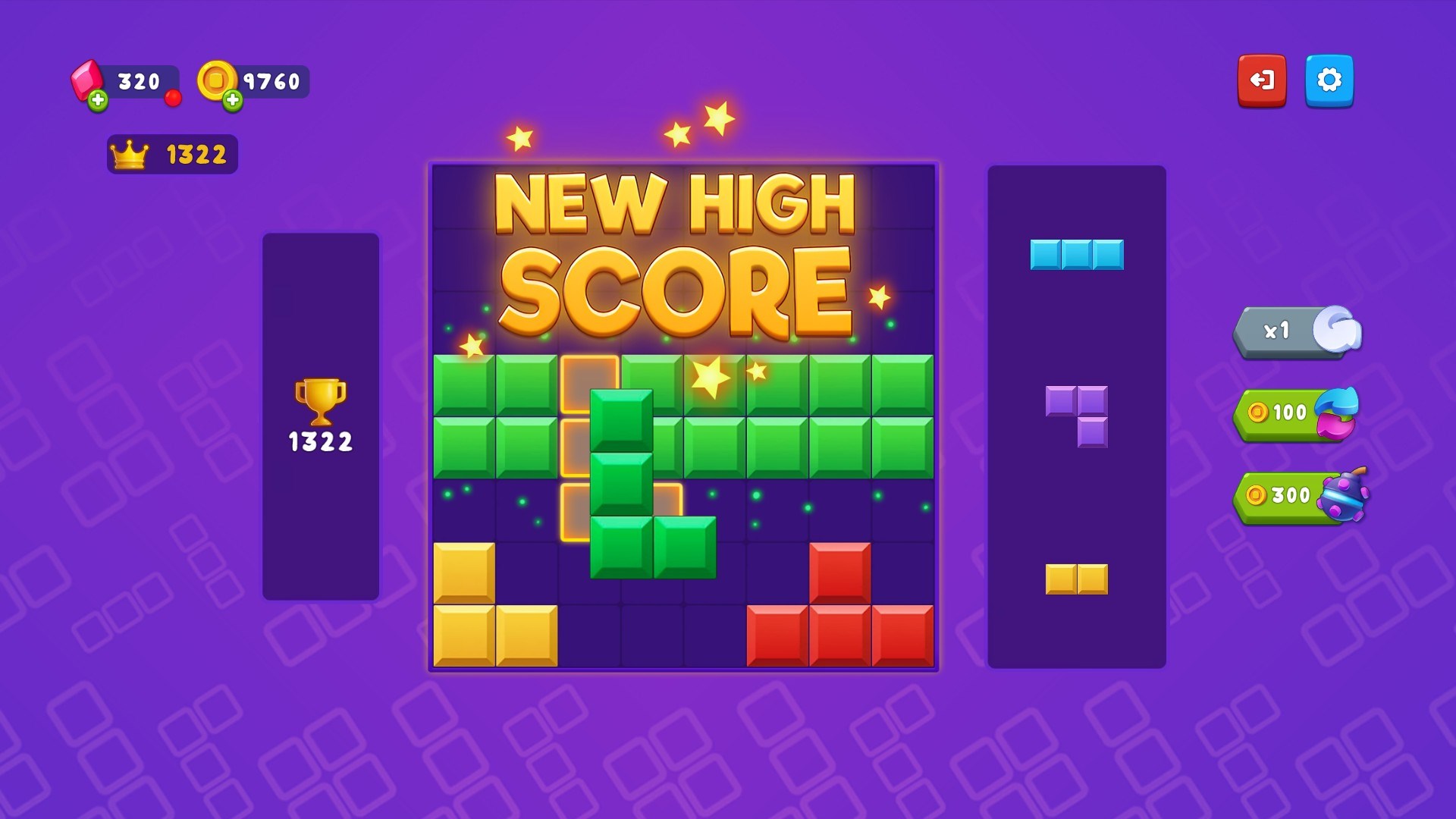
Imagine yourself stepping into a vibrant, colorful puzzle world where every level feels like a mini-adventure—much like sorting a box of assorted blocks into the perfect arrangement. From the moment you launch BlockBuster Puzzle, you'll notice its cheerful aesthetic, with crisp graphics and smooth animations that make stacking and positioning blocks feel satisfying rather than frustrating. The app's interface is uncluttered and straightforward, guiding players seamlessly through the gameplay with minimal learning curve, enabling new users to jump right in without needing a lengthy tutorial.
One of the game's standout qualities is its fluidity—dragging blocks around feels natural, and the game responds promptly to your gestures, which is crucial in fast-paced puzzle situations. The levels are designed to gradually ramp up in complexity, encouraging strategic thinking while preventing abrupt difficulty spikes that could frustrate beginners. Overall, the user experience strikes a fine balance—challenging enough to remain intriguing but accessible enough to avoid discouragement.
Unique Selling Points: How Does It Stand Out?
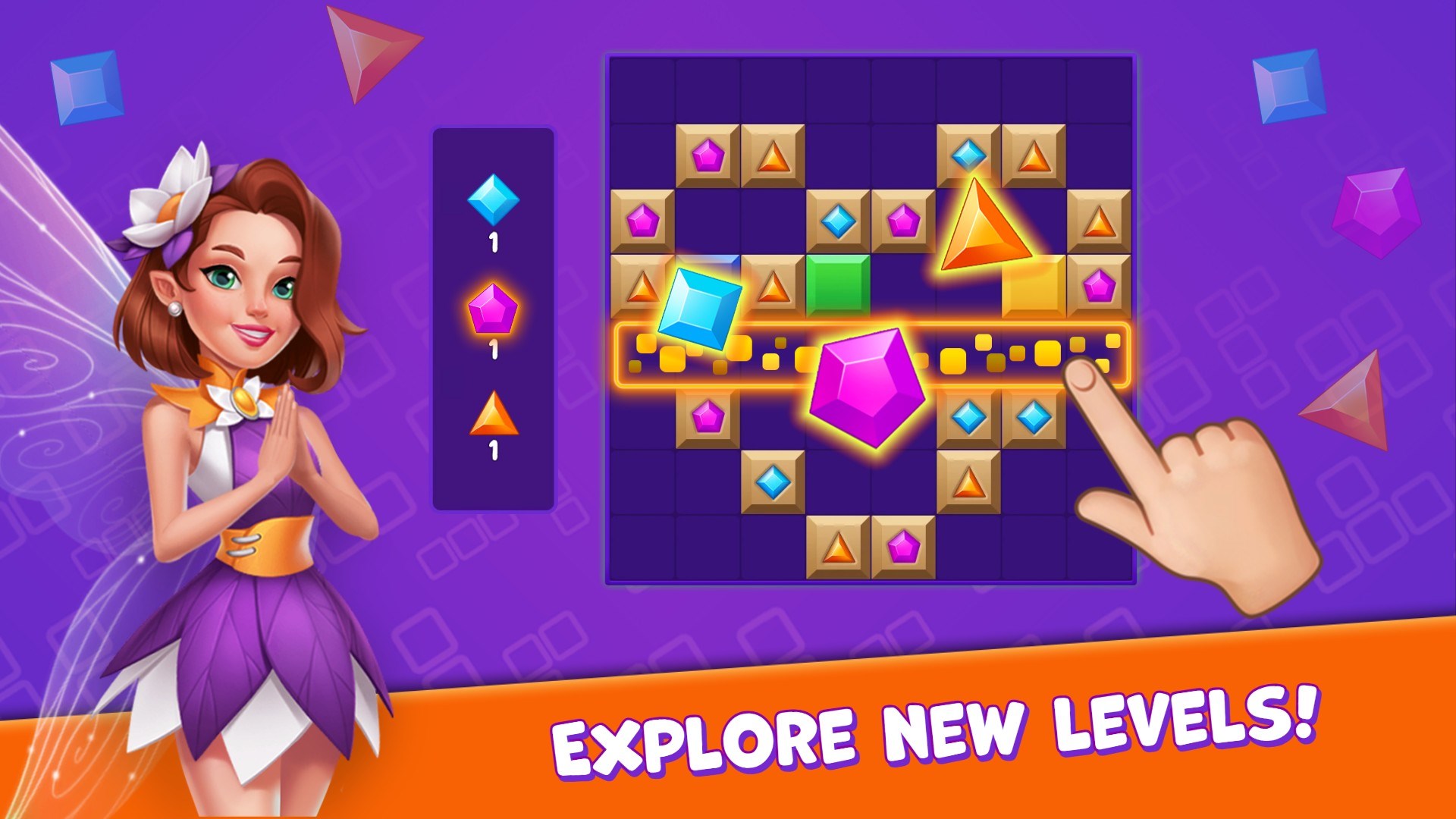
Compared to other puzzle apps, BlockBuster Puzzle's most compelling feature is its adaptive difficulty and the variety of puzzle modes. It offers a multi-layered experience where players can select different play styles—such as timed challenges or relaxed mode—to suit their mood. Additionally, its core mechanic—fitting irregular-shaped blocks into perfect space—sets it apart from typical match-3 or trivia-based puzzle games. This focus on spatial reasoning has a calming, almost meditative quality, similar to arranging puzzle pieces on a worktable, making it not just a game but a mini mental workout.
Another noteworthy advantage is its Replayability. With hundreds of levels that incorporate random elements and optional challenges, players find themselves returning to explore new strategies and improve their scores. Unlike some puzzle games that rely solely on static puzzles, BlockBuster Puzzle keeps the experience fresh through innovation and thoughtful level design.
Final Verdict and Recommendations
In conclusion, BlockBuster Puzzle for Windows stands out as a well-crafted, approachable puzzle game that combines visual appeal with strategic depth. Its ease of use, smooth gameplay, and the variety of challenge modes make it suitable for casual players seeking a relaxing yet stimulating experience. If you enjoy spatial puzzles and are looking for a game that elegantly balances simplicity with complexity, this is a solid choice. I recommend giving it a try, especially if you appreciate games that encourage thoughtful planning without overwhelming you with overly complicated controls.
Overall, BlockBuster Puzzle earns a strong recommendation as a versatile puzzle companion—perfect for quick breaks or longer gaming sessions. Its unique focus on spatial reasoning and adaptive difficulty elevate it above many standard puzzle apps, making it a noteworthy addition to your game library.
Pros
- Engaging and challenging puzzles
- Intuitive user interface
- Progressive difficulty levels
- Frequent updates with new puzzles
- Support for offline play
Cons
- Limited customization options
- Occasional ads interrupt gameplay
- Some puzzles are repetitive after extensive play
- No cloud save feature
- Limited tutorial for new players











