
- Category Card & board
- Developer RV AppStudios
- Available on PC
- OS Windows 10 version 10240.0 or higher
- DirectX Version 10
- languages Chinese (Simplified), Chinese (Traditional Chinese), Czech, Danish, Dutch, English (United States), Finnish, French, German, Greek, Indonesian, Italian, Japanese, Korean, Malay, Norwegian, Polish, Portuguese, Romanian, Russian, Spanish, Swedish, Thai, Turkish, Vietnamese
Introduction: A Fresh Take on Classic Puzzle Fun
Imagine blending the familiar appeal of block puzzles with a sleek, modern twist—Blocks: Block Puzzle Games for Windows offers just that. It's a game designed to revive your love for classic Tetris-like challenges, but with a contemporary, user-friendly interface that makes it accessible and engaging for players of all ages.
Core Features That Stand Out
Intuitive Gameplay with Multiple Puzzle Modes
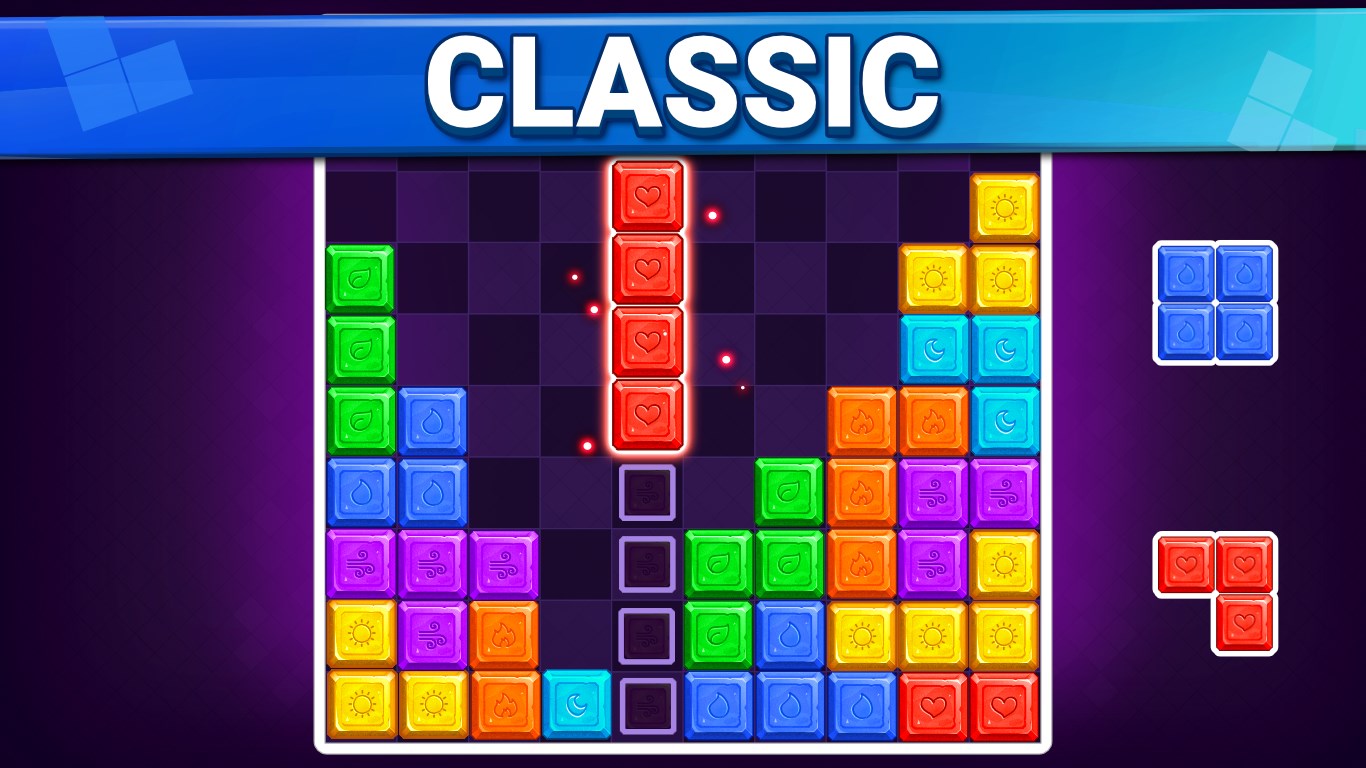
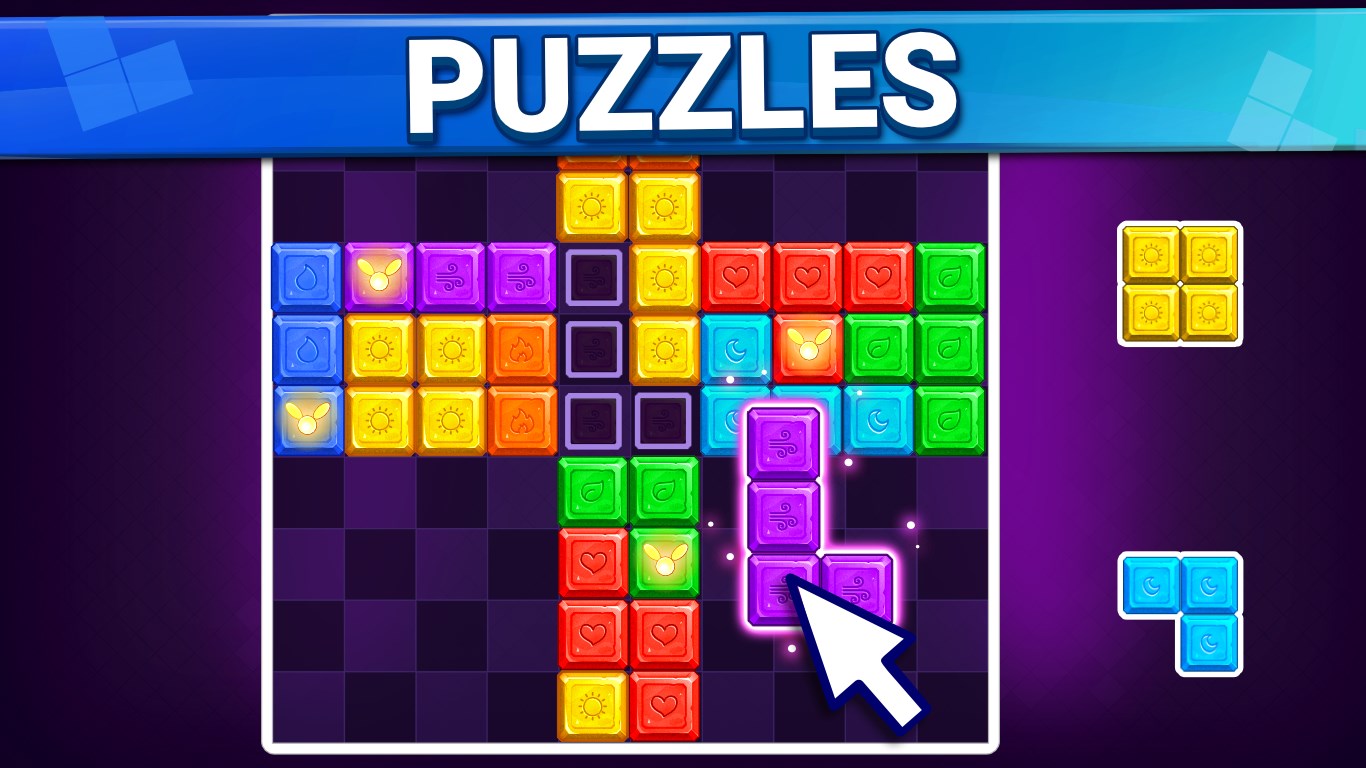
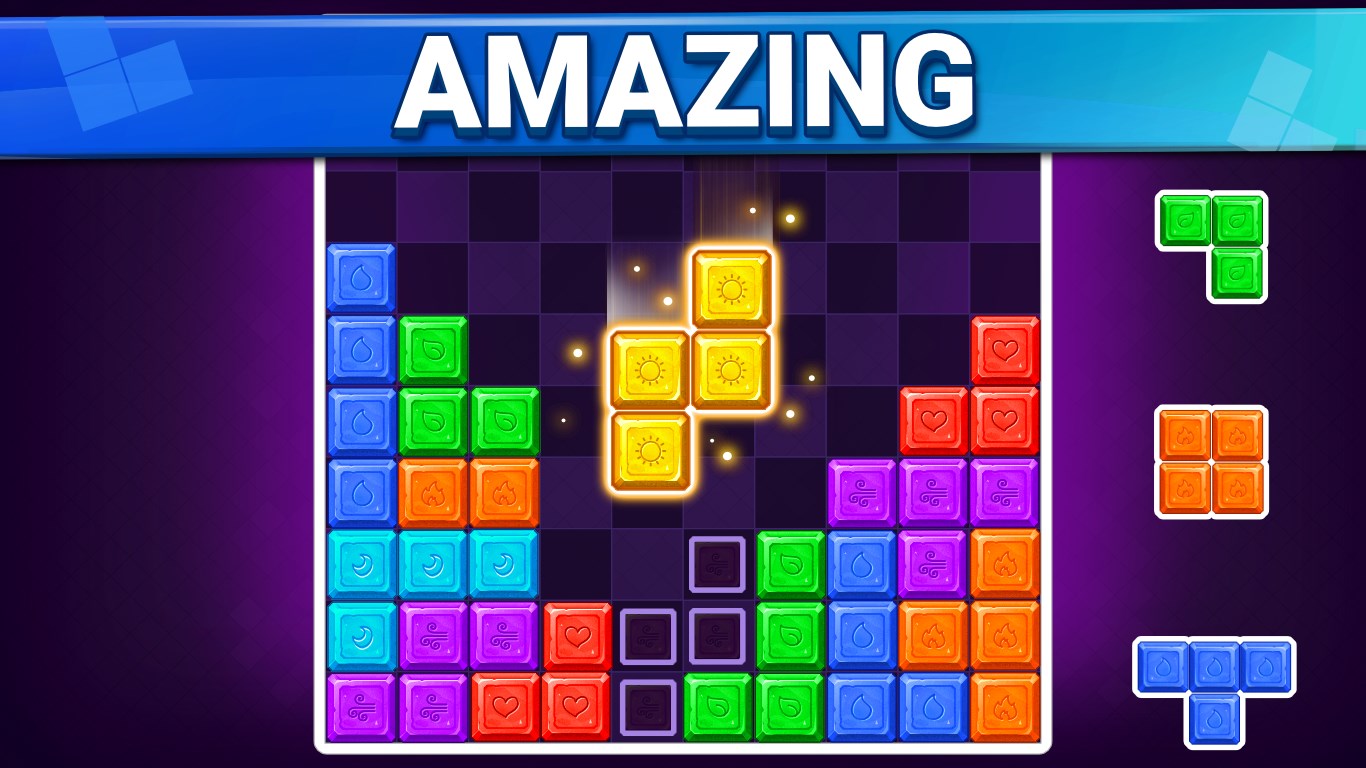
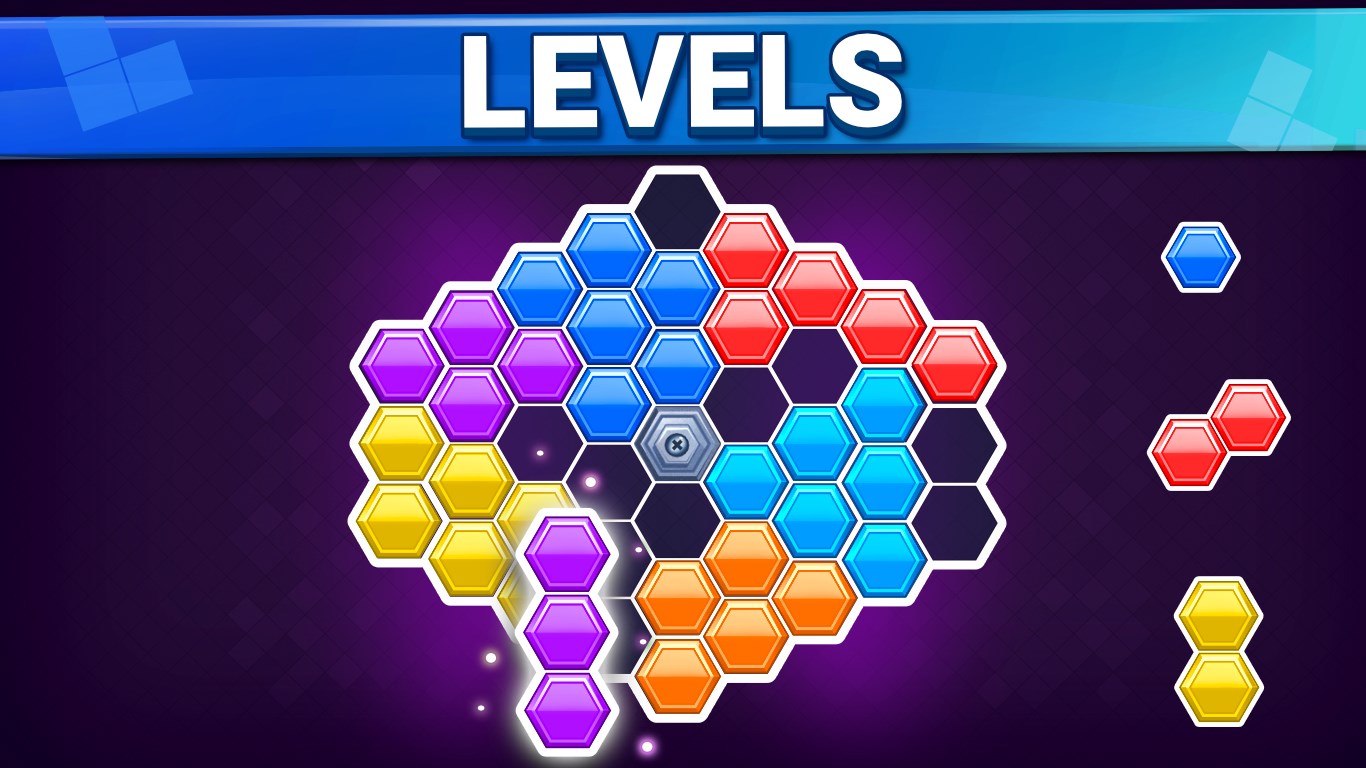
The game boasts several puzzle modes, from relaxing single-player sessions to more challenging tasks that test your strategic thinking. The intuitive drag-and-drop mechanics make it easy to jump right in, yet the varying difficulty levels ensure there's always a new challenge to conquer. It's like having a versatile puzzle toolkit in your pocket that adapts to your mood and skill level.
Clean, Engaging Interface and Smooth Performance
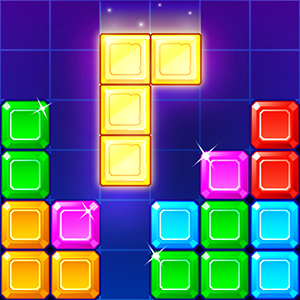
One of the game's most noticeable strengths is its polished interface—think of it as a beautifully organized workspace that invites you to dive into the puzzle without distraction. Navigating menus and selecting puzzle modes is seamless, providing a fluid experience. The game runs smoothly even on mid-range devices, which makes it a reliable companion whether you're commuting or taking a quiet break at home. The visual design employs calming colors and crisp graphics that are easy on the eyes, enhancing prolonged gameplay sessions without fatigue.
Unique Puzzle Mechanics and Personalization Options
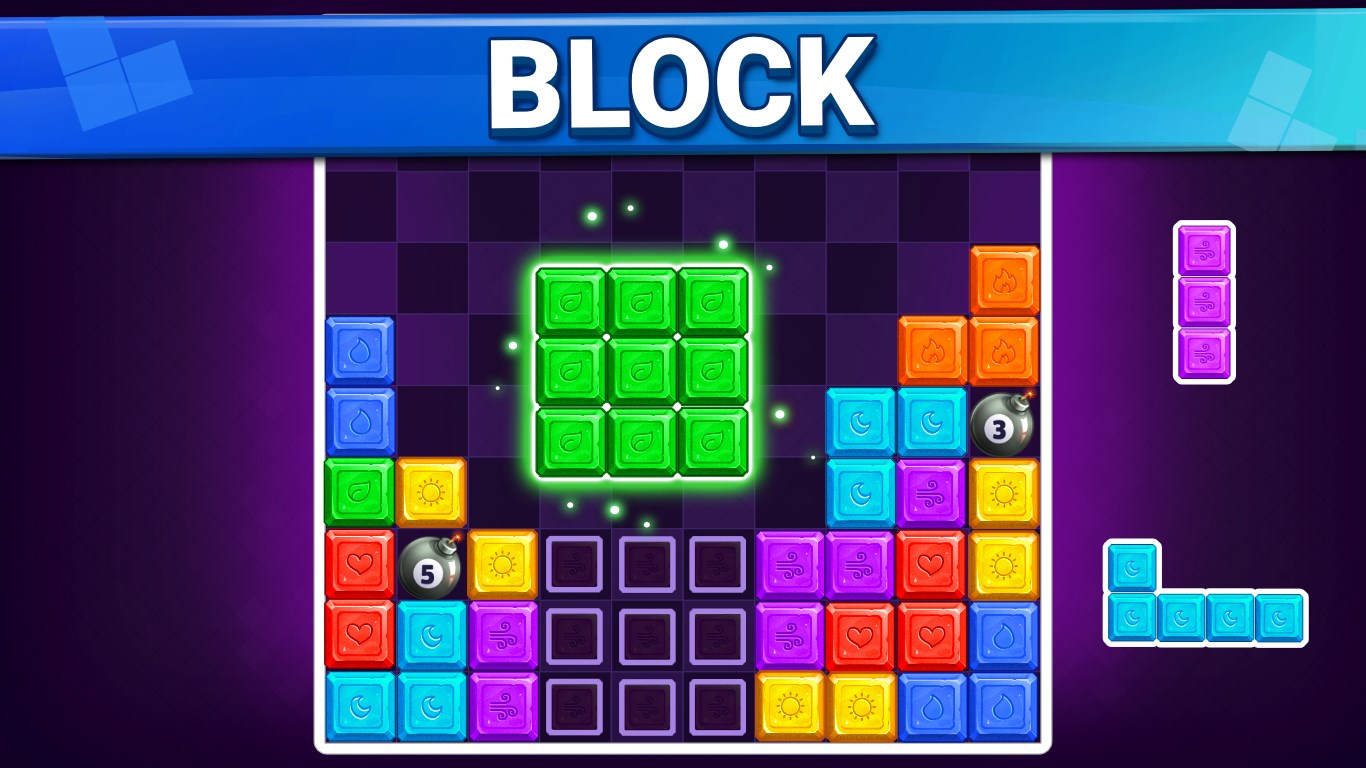
What truly sets Blocks apart from many other block puzzle games is its innovative mechanics—some modes allow for piece rotation or special moves, adding layers of strategy. Additionally, the game offers a range of customization options, including different themes and backgrounds, allowing players to personalize their experience. This focus on variety and personalization makes each session feel fresh and tailored to individual preferences, elevating it beyond a mere clone of classic titles.
Player Experience and Usability
From first launch, the game welcomes you with a straightforward tutorial that efficiently explains the core mechanics, making the learning curve gentle. Navigating through menus feels natural, almost like flipping through a well-loved puzzle book. Responsive controls ensure that movements are immediate and precise, which is crucial during time-sensitive levels. The game's minimalistic design minimizes clutter, focusing attention squarely on the puzzle itself. This combination of clarity, responsiveness, and aesthetic consistency creates an engaging yet stress-free environment advantageous for casual players and puzzle enthusiasts alike.
How Does It Differ from Similar Apps?
While many block puzzle games tend to follow a generic grid-and-piece format, Blocks: Block Puzzle Games for Windows introduces subtle but important innovations. Its varied modes—from classic endless play to timed challenges—cater to different player preferences. The game's emphasis on personalization, with customizable themes and unique puzzle mechanics, distinguishes it from more uniform counterparts. Furthermore, its refined performance ensures minimal lag and smooth gameplay,—a notable advantage over apps that may suffer from sluggishness on some devices. These features combine to create an experience that feels both familiar and fresh, suitable for users seeking a nuanced, thoughtfully designed puzzle app.
Final Thoughts and Recommendations
Overall, Blocks: Block Puzzle Games for Windows comes highly recommended for puzzle lovers seeking a polished, versatile, and accessible experience. Whether you're looking to relax with some casual gameplay or challenge yourself with complex puzzles, this app offers a compelling platform. Its standout features—particularly the varied game modes and customization options—make it a worthwhile addition to any puzzle enthusiast's collection. I would suggest giving it a try if you appreciate well-crafted, smooth, and engaging brick puzzles that respect your time and intelligence. Just like building a cozy puzzle corner in your daily routine, this game fits comfortably into your leisure time, inviting you to puzzle away happily and effortlessly.
Pros
- Intuitive drag-and-drop gameplay
- Various challenging levels
- Colorful and appealing design
- Ad-free mode available
- Lightweight app size
Cons
- Limited game modes
- Progress may be slow without hints
- Sound effects are minimal
- Occasional minor UI glitches
- Limited customization options











