

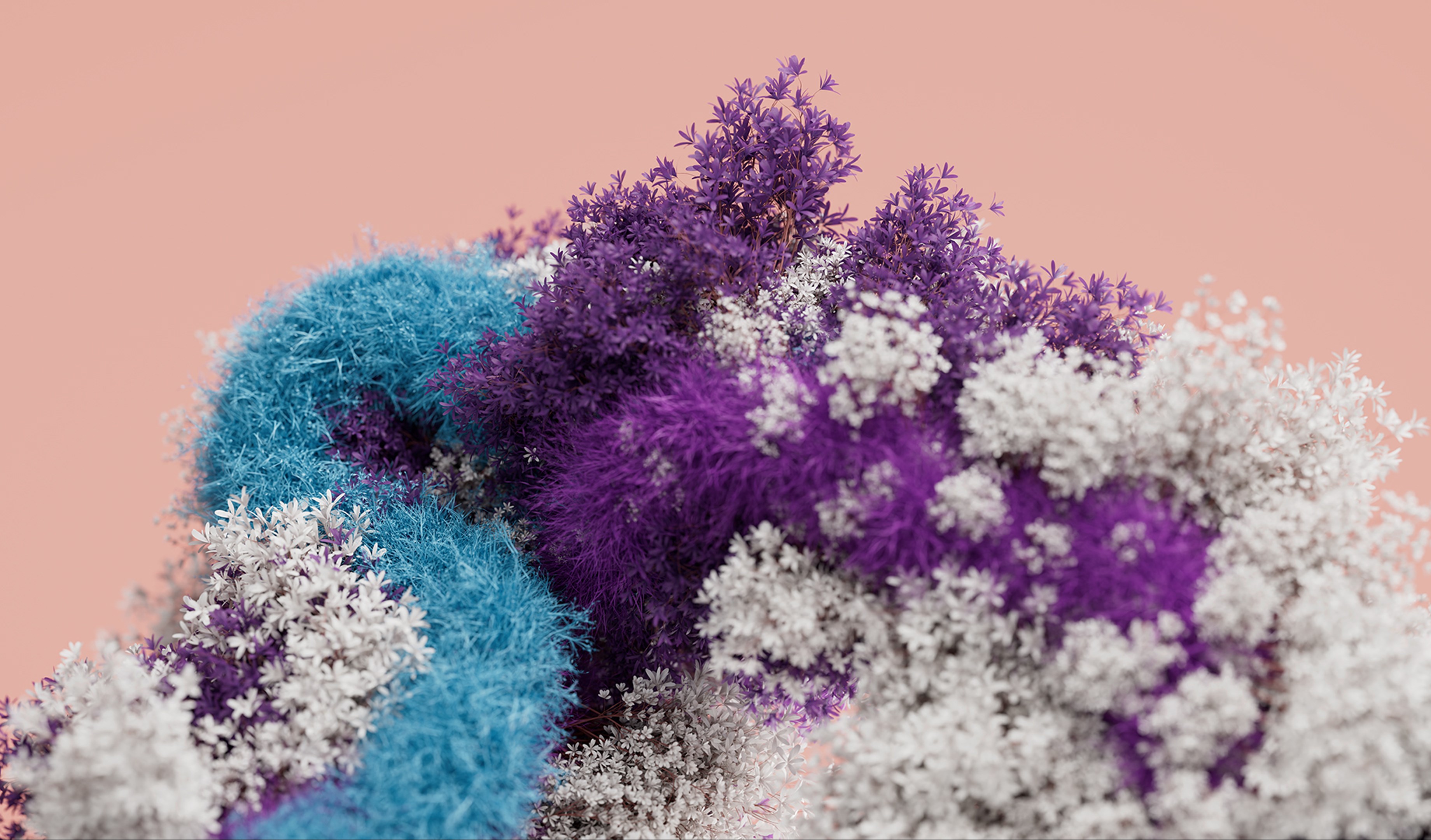



- Category Personalization
- Developer Microsoft Corporation
- Available on PC
- OS Windows 10 version 18362.0 or higher
- languages English (United States)
Introducing Blooming Dimensions for Windows: A Personalized Visual Experience
Blooming Dimensions for Windows is a versatile desktop customization app designed to enhance your Windows environment with vibrant, animated visuals. Developed by Microsoft Corporation, it aims to bring your desktop to life through eye-catching effects and tailored themes, transforming mundane screens into immersive experiences.
Core Highlights and Target Audience
This application offers dynamic wallpaper animations, customizable visual effects, and seamless theme integration, making your desktop more engaging and personalized. Its intuitive interface allows users to effortlessly select and fine-tune visuals, catering primarily to Windows users who enjoy aesthetic customization—be it tech enthusiasts, creative professionals, or everyday users seeking a fresh look for their desktops.
Captivating Beginnings: A Splash of Visual Poetry
Imagine sitting at your workspace, waves of color gently shimmering across your screen, or perhaps galaxies swirling into mesmerizing patterns as your background shifts seamlessly. Blooming Dimensions is not just another wallpaper app; it's like having an artist, a motion designer, and a mood-setter all rolled into one. This app breathes new life into your workspace, making each glance at your screen a mini visual retreat—perfect for those who see their desktop as more than just a tool, but a canvas of inspiration.
Vibrant and Dynamic Visuals at Your Fingertips
The standout feature of Blooming Dimensions is its rich library of animated wallpapers and visual effects. Whether you prefer calming nature scenes, energetic abstract shapes, or cosmic phenomena, the app offers a variety of themes that can switch automatically or based on your preferences. What's particularly compelling is the app's ability to synchronize animations with system tempos or user-defined triggers, creating a lively but harmonious desktop environment that feels alive and responsive. This feature sets it apart from static wallpaper apps as it offers real-time movement, much like a living painting.
Extensive Customization and Theme Compatibility
One of Blooming Dimensions' strongest suits is its customization flexibility. It doesn't just stop at offering a handful of pre-made themes; instead, it allows you to tweak animation speeds, color schemes, and effects intensity. Additionally, the app maintains robust theme compatibility, supporting various Windows theme styles without clashing or diminishing visual quality. This means you can integrate your custom themes with animated visuals seamlessly, ensuring a cohesive aesthetic across your desktop. Compared to other personalization tools with limited options, Blooming Dimensions excels by giving users granular control over every visual detail—like a digital artist empowering you to craft your perfect backdrop.
User Experience and User Interface
The interface design of Blooming Dimensions is user-friendly, with a clean layout that makes navigation a breeze—even for beginners. Loading and switching between themes is smooth, with minimal lag or stutter, indicating efficient performance optimized for modern hardware. The app's learning curve is gentle; most users can start experimenting with effects within minutes, thanks to straightforward controls and helpful tooltips. Overall, it provides a satisfying and fluid experience that feels both accessible and refined—like a well-designed dashboard for your visual universe.
Final Thoughts and Recommendations
Blooming Dimensions for Windows stands out in the crowded field of desktop personalization apps primarily due to its dynamic animation capabilities and extensive customization options. It's ideal for users who want their desktop environment to be more than just a static background—an interactive, mood-enhancing space. While it may be more resource-intensive than simple wallpapers, its slick performance and beautiful, responsive visuals justify the investment.
For those looking to elevate their desktop aesthetic in a subtle yet striking way, this app is highly recommended. Whether for creative inspiration, relaxation, or simply making your workspace more enjoyable, Blooming Dimensions offers a compelling package. Just keep in mind that the best experience comes with a capable device to handle the animations smoothly. Overall, it earns a solid thumbs-up for its unique combination of aesthetic versatility and user-centered design—definitely a tool worth exploring for anyone eager to add a splash of life to their Windows desktop.
Pros
- Intuitive and visually appealing interface
- Highly customizable bloom patterns
- Responsive performance on various devices
- Regular updates with new features
- Supports sharing creations easily
Cons
- Limited tutorial content for beginners
- Some advanced features require in-app purchases
- Possible performance lag on older devices
- Limited export formats for designs
- User interface could be simplified further for new users










