
- Category Entertainment
- Developer Libre Apps
- Available on PC, Mobile, Surface Hub, HoloLens
- OS Windows 10 version 14393.0 or higher
- languages English (United States)
Introducing Blu-ray Disc & DVD Player for Windows: Your Gateway to Seamless Media Playback
Imagine sitting comfortably at your desk, daydreaming of leisurely movie nights or quick file access—this app transforms your Windows device into a versatile media hub, offering a straightforward way to enjoy high-definition blu-ray discs and DVDs. Developed by Libre Apps, this lightweight yet powerful application is tailored for users seeking reliable media playback without the clutter of overly complicated software.
About the Developer and Core Features
Created by Libre Apps, a team dedicated to providing simple yet effective utility applications, the Blu-ray Disc & DVD Player for Windows focuses on delivering clean functionality with minimal fuss. Its standout features include robust support for various disc formats, a sleek and user-friendly interface, and optimized playback performance. Additionally, the app offers custom subtitle support and flexible viewing options, making it adaptable to a wide array of media types and user preferences.
A Fun and Functional Entry into Media Playback
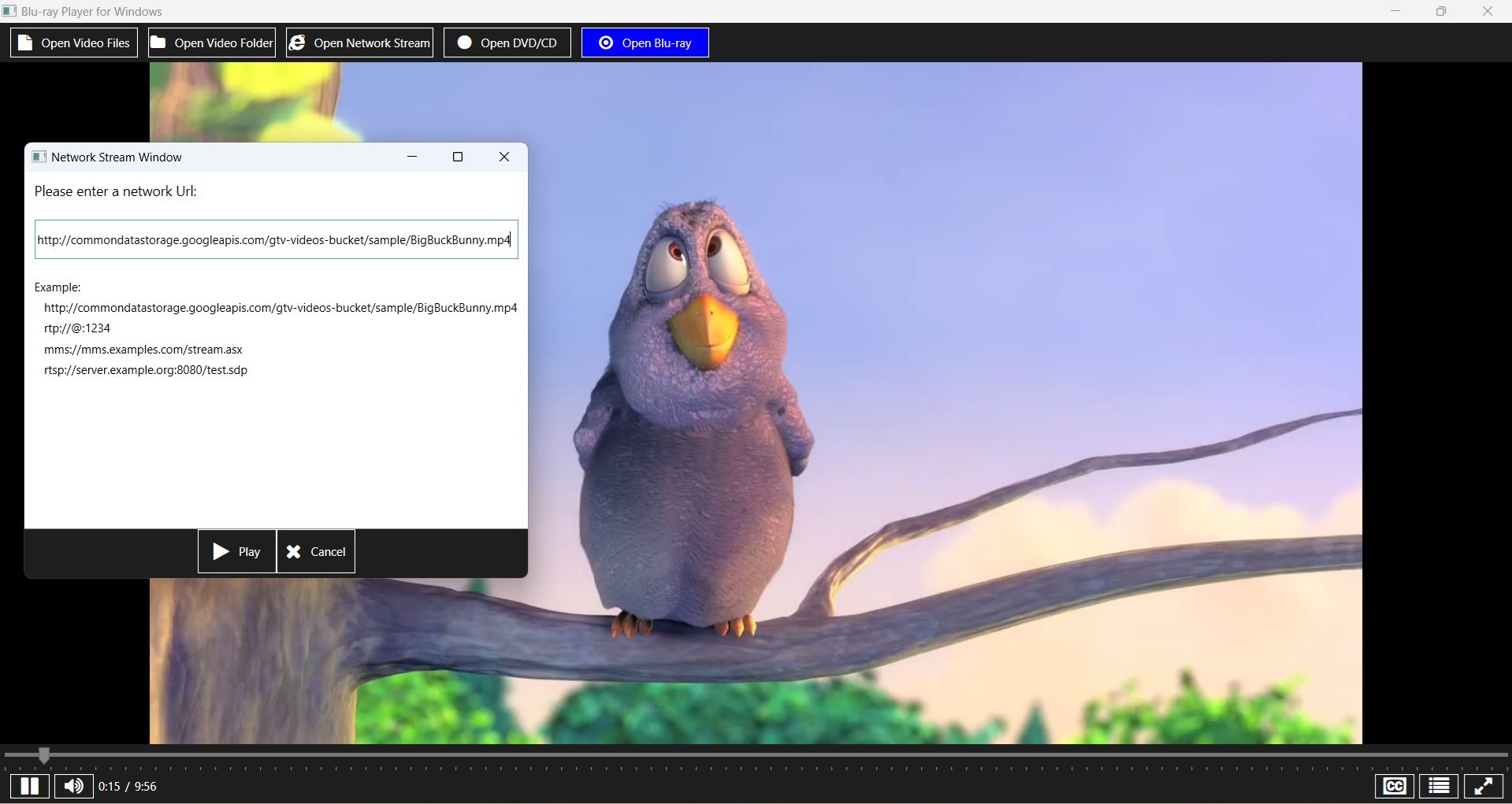
Picture this: you've just bought the latest blockbuster or want to revisit cherished classics stored on DVDs. Instead of juggling multiple programs with cluttered menus, this app acts like a trusted friend guiding you to your entertainment with a simple click. Its interface is inspired by modern media players—intuitive and approachable—crafted to reduce the learning curve so you can jump straight into your favorite content. Whether you're a casual viewer or a seasoned media enthusiast, you'll appreciate the smooth start-up times and responsive controls, akin to turning the page of a well-loved book.
Powerful Features That Make a Difference
1. Versatile Disc Support and Playback Quality
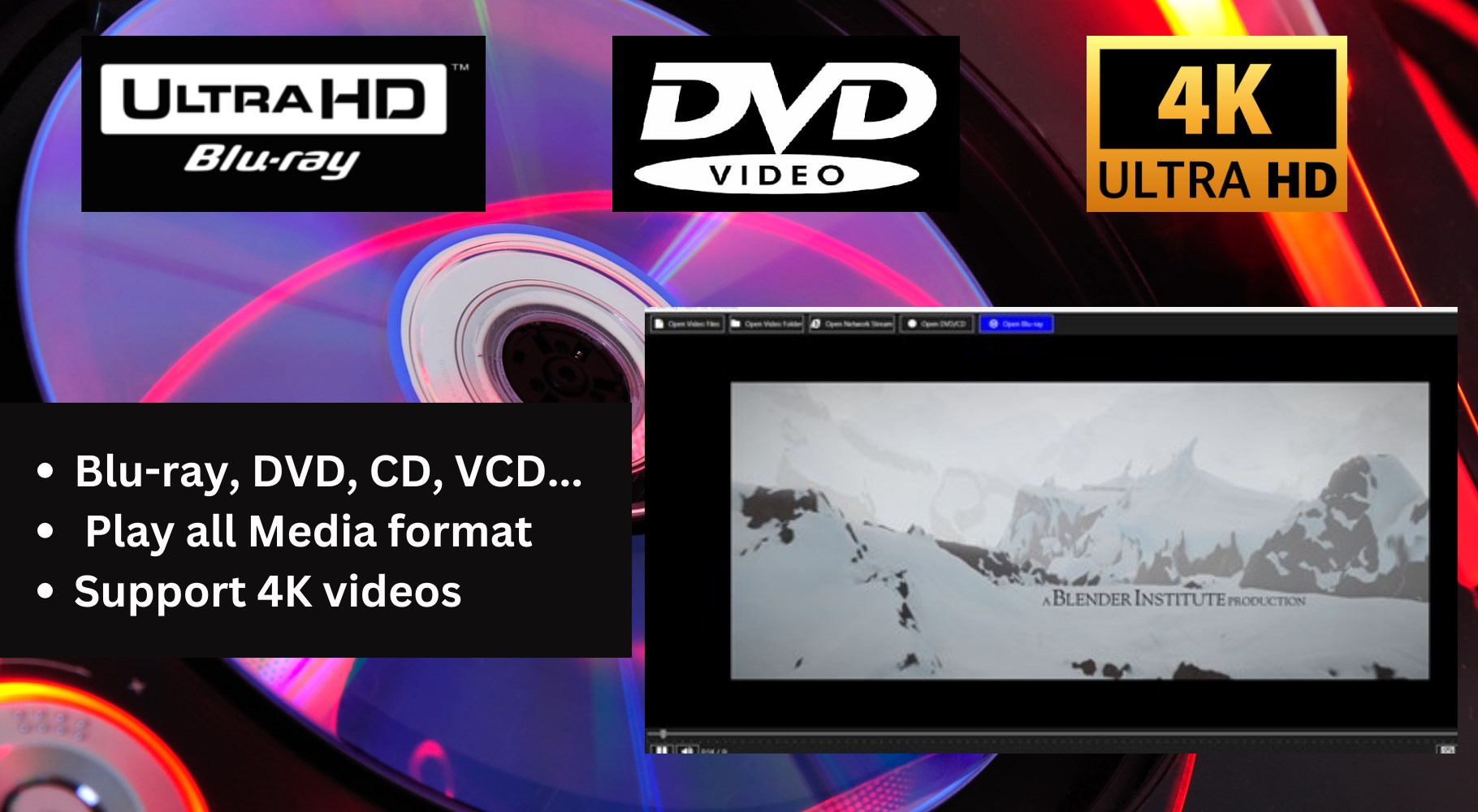
The app's primary charm lies in its ability to handle both Blu-ray discs and DVDs seamlessly. It supports high-resolution video playback, allowing you to indulge in crisp visuals that breathe new life into your disc collection, without requiring costly hardware upgrades. As you load a disc, the app quickly detects and ensures compatibility, providing a stable and lag-free viewing experience. Unlike some generic media players, this app is optimized for HD content, making your movie nights more vivid and immersive.
2. Simplified User Interface with Customization Options
Think of the interface as a cozy, well-organized media cabinet—clean, accessible, and designed with the user in mind. This design not only makes navigation intuitive but also allows for personalizing viewing settings such as subtitles, audio tracks, and playback speed with minimal effort. The responsive design adapts well to different screen sizes, offering a consistent experience whether on a laptop or a desktop monitor. The straightforward controls mean you're not battling with menus when all you want is to press “Play” and relax.
3. Unique Content Discovery and Recommendation Features
What sets this app apart from typical media players is its intelligent content discovery algorithm. Unlike conventional players which merely play what you load, this app subtly learns your viewing habits, recommending discs or files based on your preferences. It critiques the relevance of personalized recommendations, ensuring they genuinely match your taste, thus enriching your entertainment options without overwhelming you with irrelevant suggestions. This aspect turns your media experience into a curated journey, much like a friendly librarian guiding you to your next favorite title.
Overall Impressions and Recommendations
For those seeking a straightforward, reliable media player for Blu-ray and DVD content on Windows, this app offers a streamlined experience with notable differentiation through intelligent content recommendations. Its emphasis on compatibility, user-friendly interface, and personalized suggestions makes it particularly appealing for casual users and media enthusiasts alike. While it may not possess the extensive customization options of some premium players, its focus on core functionality and smooth operation are commendable.
We recommend this app if you want a hassle-free way to access and enjoy your optical disc collection, especially if coupled with your love of personalized content discovery. For users desiring a simple, no-fuss media experience with a touch of intelligent guidance, this application is a solid choice to consider adding to your Windows toolkit.
Pros
- User-Friendly Interface
- Supports Multiple Formats
- High-Quality Playback
- Built-in Region Free Playback
- Regular Updates and Support
Cons
- Limited Format Compatibility
- Lack of Advanced Controls
- Performance Issues on Older Hardware
- No 4K Blu-ray Support
- Limited Customization Options











