

- Category Productivity
- Developer Blix Inc.
- Available on PC
- OS Windows 10 version 14316.0 or higher
- languages Arabic, English (United States), French, German, Italian, Japanese, Polish, Portuguese (Brazil), Russian, Spanish, Turkish
Introducing Blue Mail for Windows: Your Unified Email & Calendar Companion
Blue Mail for Windows, developed by Blix Inc., positions itself as a comprehensive email management solution designed to streamline your communication and scheduling tasks within a single, cohesive interface. Whether you're a busy professional juggling multiple accounts or someone who seeks a reliable productivity partner, this app claims to simplify your digital life.
Bright Features That Stand Out
All-in-One Email and Calendar Hub
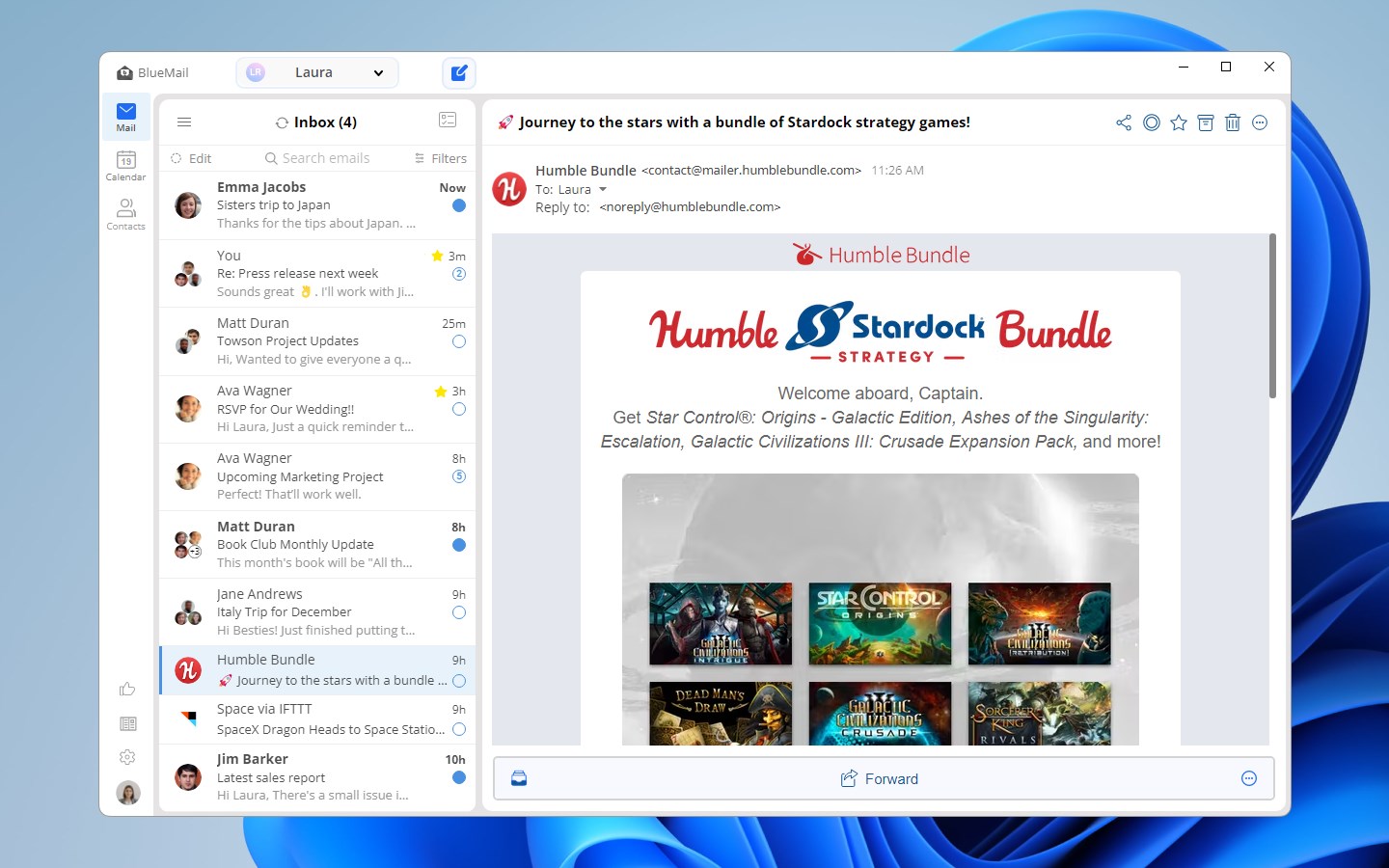
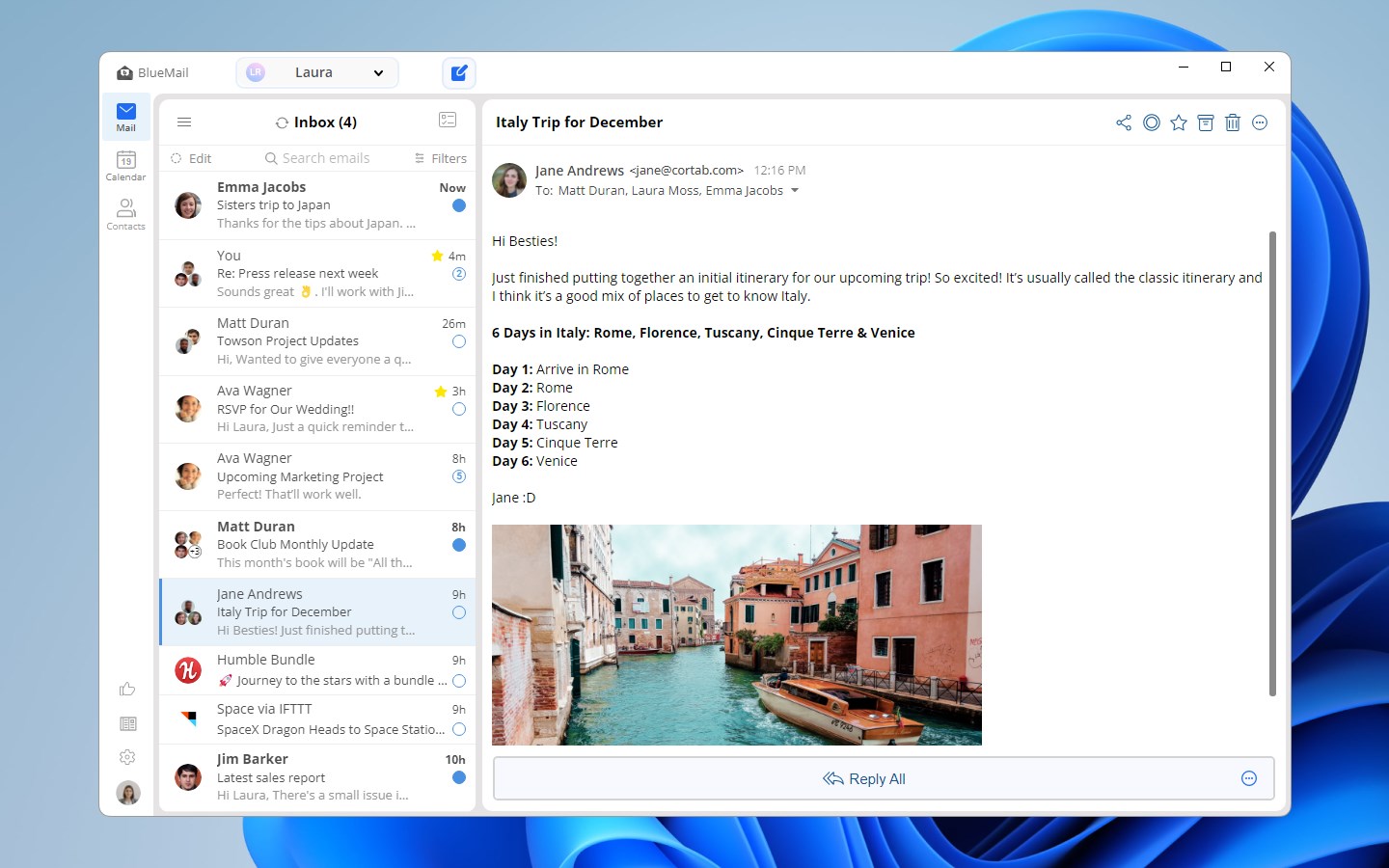
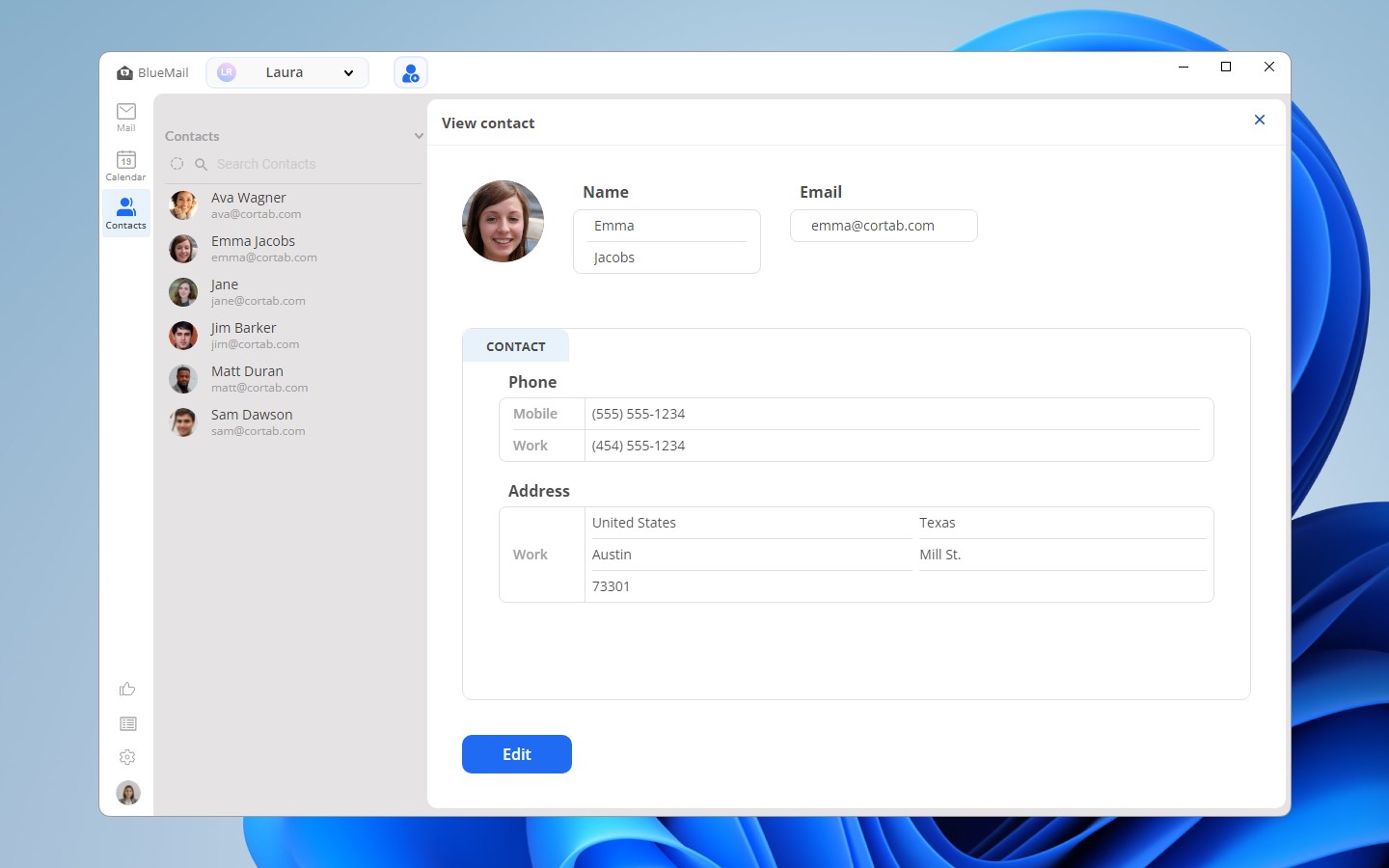
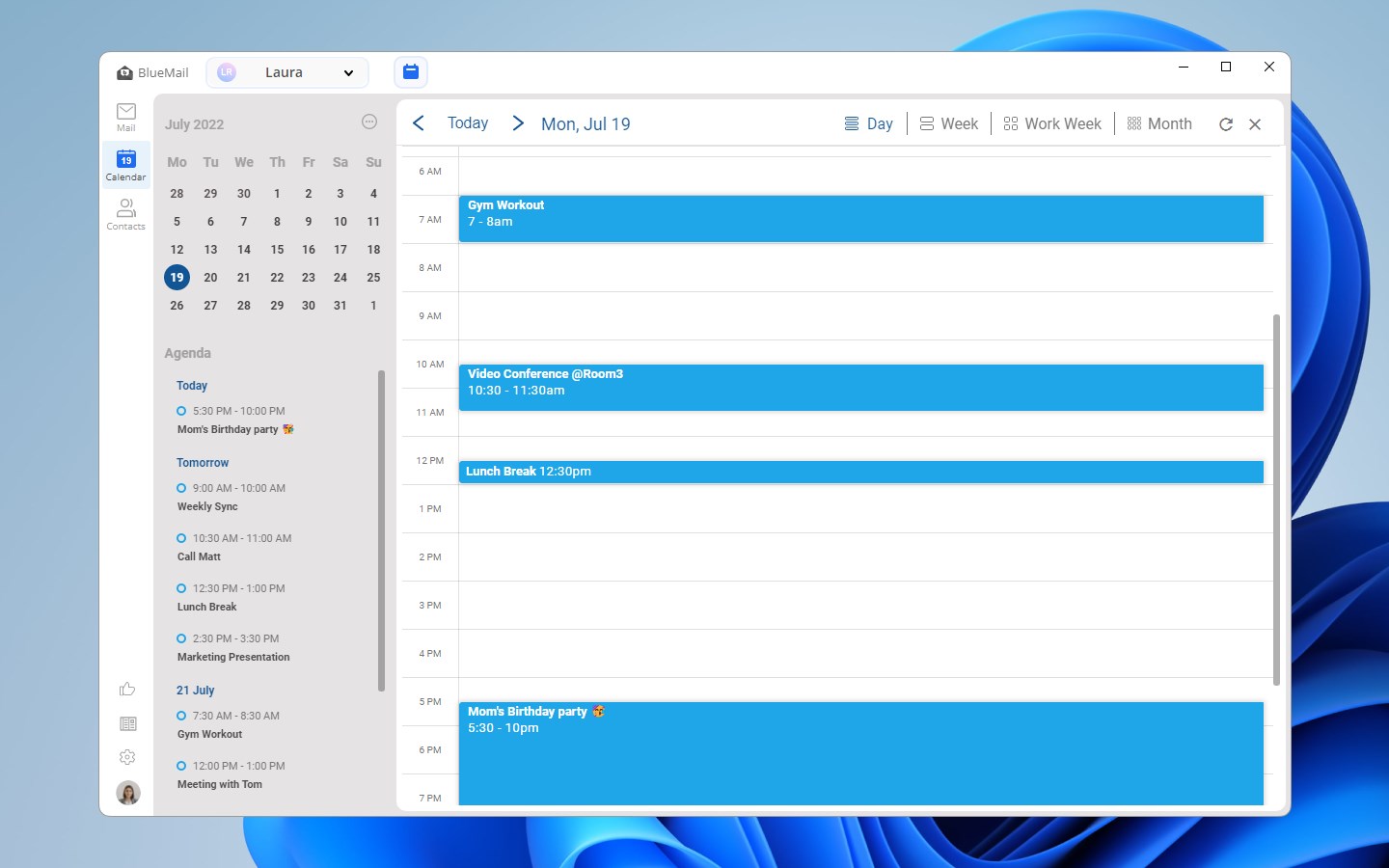
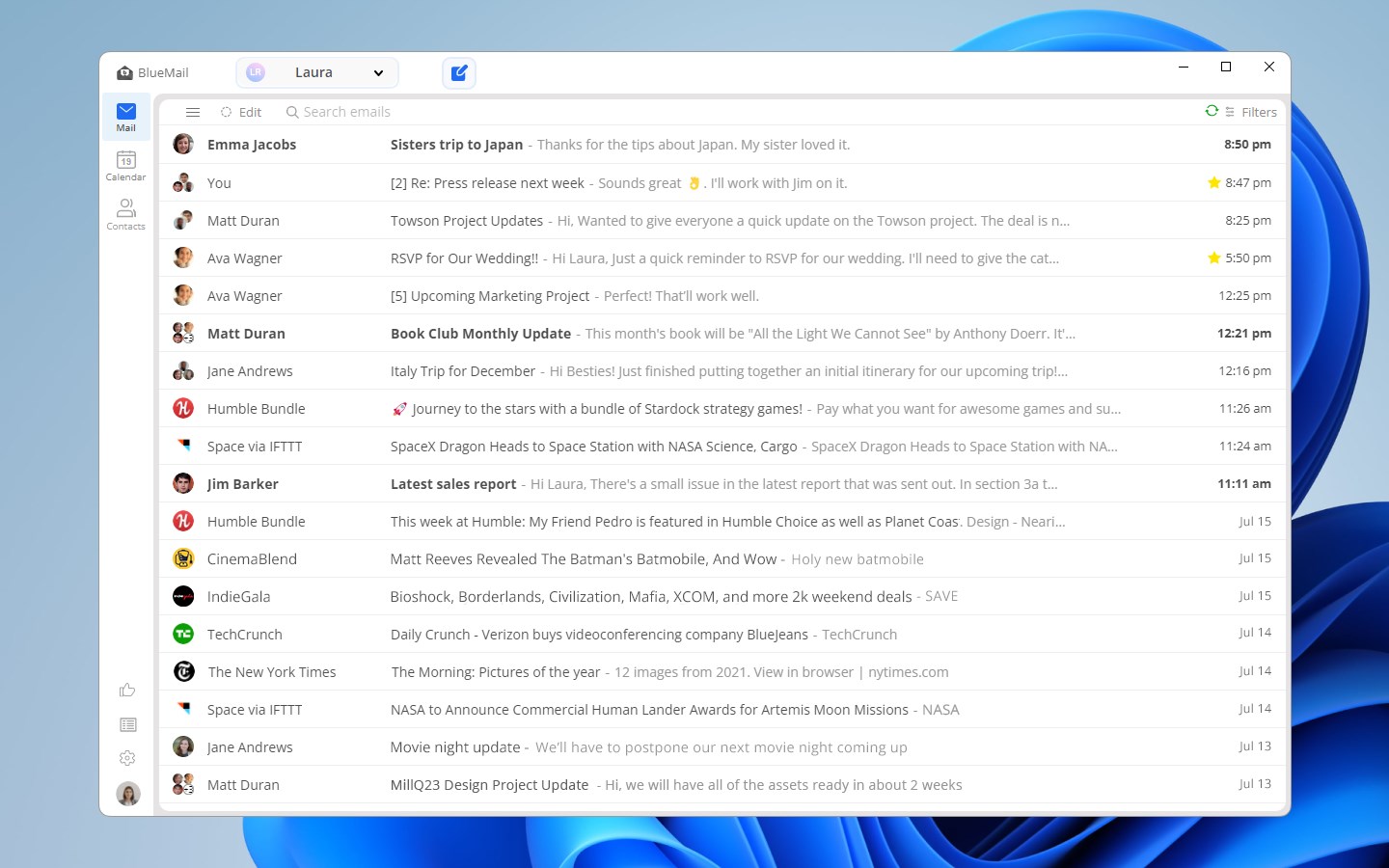
Blue Mail integrates multiple email accounts—be it Outlook, Gmail, Yahoo, or others—into one seamless platform. Coupled with a built-in calendar, it allows users to view, manage, and coordinate appointments without toggling between different apps, reducing cognitive load and saving time. This fusion of communication and scheduling functions creates a central hub, fostering efficiency and organization.
Smart, Intuitive Interface with Smooth Interaction
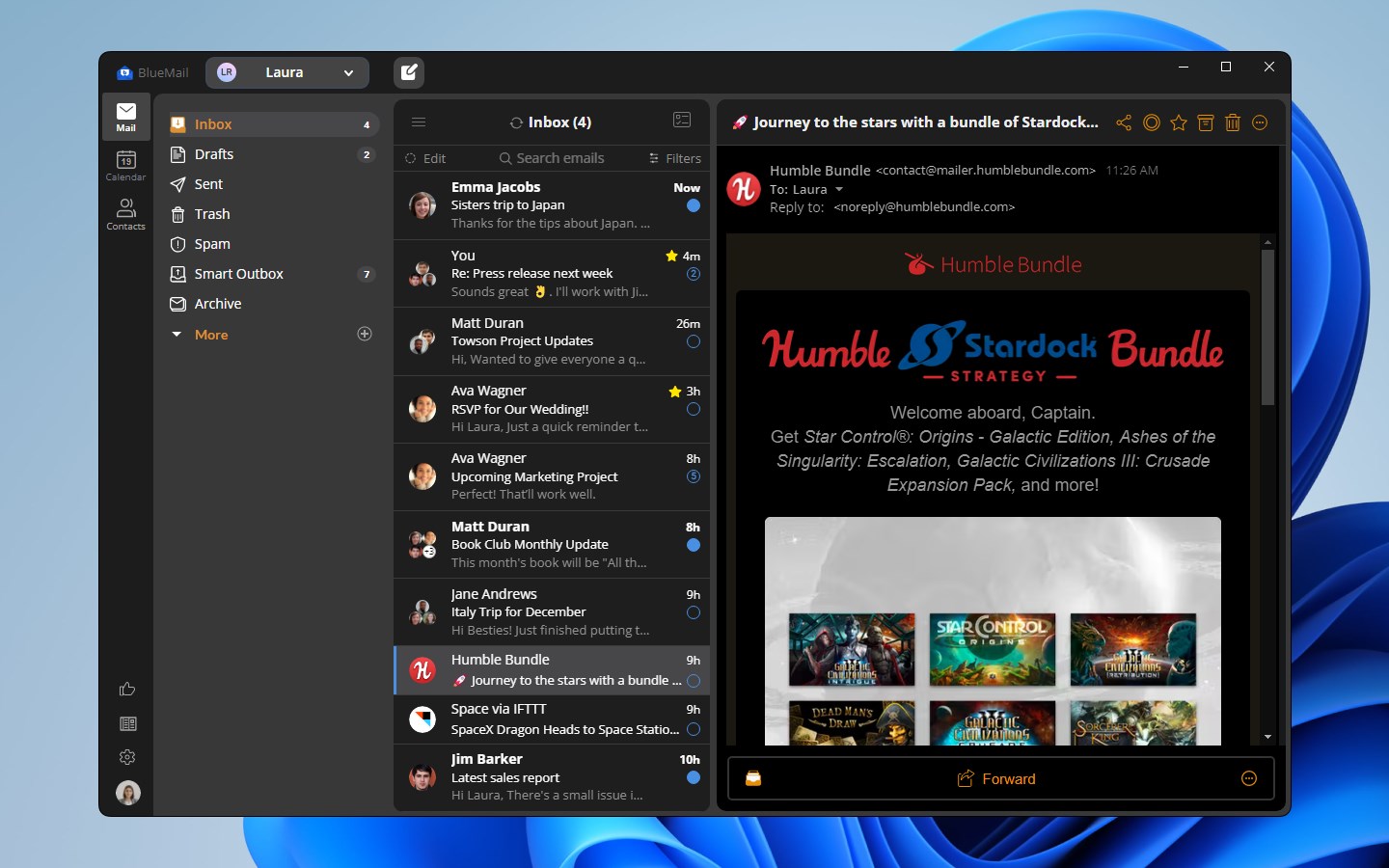
The app boasts a clean, modern interface that feels both familiar and inviting, much like rearranging your workspace for optimal flow. Navigation is designed to be intuitive, with quick access to folders, quick reply options, and swipe gestures that make email triage feel natural. The fluidity of transitions and responsiveness enhances overall user satisfaction, making daily workflows feel effortless rather than burdensome.
Workflow Integration and Unique Efficiency Features
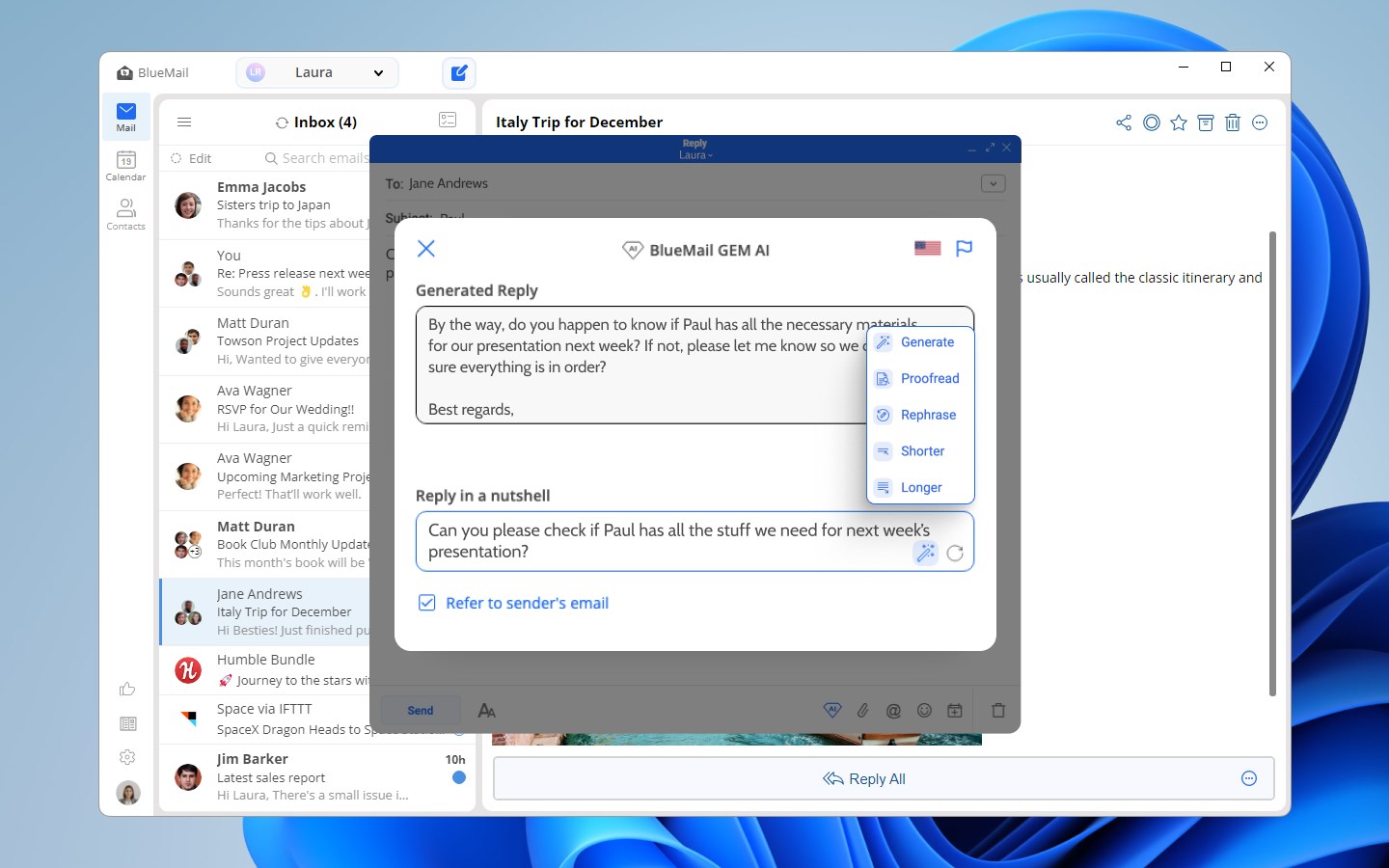
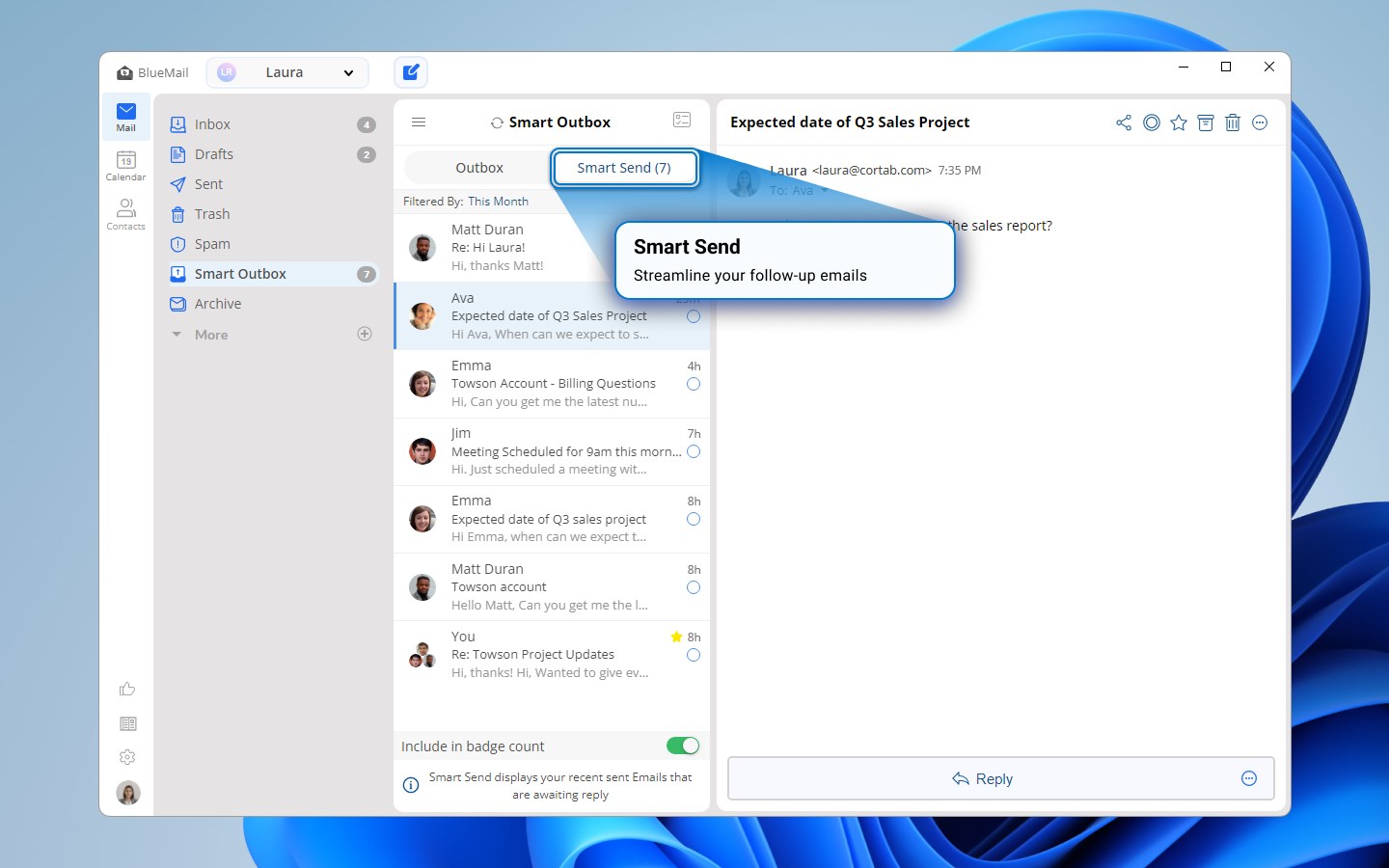
One of Blue Mail's most compelling aspects is its focus on reducing the cognitive load often associated with managing multiple emails and schedules. Unlike feature-rich applications that overwhelm with options, Blue Mail emphasizes streamlined workflows—integrating email reading, composing, and scheduling within a unified interface. Its intelligent filtering and customizable notifications keep distractions minimal, freeing your mental bandwidth. This approach makes it particularly appealing for users who prioritize clarity and simplicity over cluttered feature sets.
User Experience: Seamless, Friendly, and Focused
From the moment you open Blue Mail, its user experience feels like slipping into a well-loved jacket—familiar yet refined. The layout is intelligently organized, allowing for easy access to different inboxes and calendars. Operation flows naturally, with drag-and-drop functions for scheduling, swipe gestures for email management, and minimal learning curve—think of it as having a personal assistant guiding you through your day. The app performs smoothly on Windows devices, with rapid loading times and snappy interactions that keep the user immersed rather than frustrated.
How It Differentiates from Other Productivity Tools
While many email clients and calendar apps boast a mountain of features, Blue Mail's strength lies in its focus on workflow integration efficiency. It reduces the typical cognitive load associated with juggling multiple apps by consolidating core functions into one interface and emphasizing straightforward, frictionless interactions. Unlike overly complex solutions that demand users learn and adapt to a plethora of options, Blue Mail's minimalist design aligns with the principle of doing more with less—enhancing productivity without overwhelming the user. Its smart notification management and unified view make it distinctly advantageous for those who value clarity and speed in their daily routines.
Recommendation and Usage Suggestions
Based on its balance of simplicity, functionality, and user-centered design, I recommend Blue Mail for Windows to professionals, students, and anyone seeking an efficient, all-in-one email and calendar solution. It's especially suitable for users managing multiple accounts who want to minimize app-switching and cognitive overload. To get the best out of this app, dedicate some time to configuring your account preferences and notification settings—its customizable features are where you'll unlock maximum efficiency. Overall, Blue Mail offers a reliable, user-friendly experience, making it a worthy addition to your productivity toolkit.
Pros
- User-friendly interface
- Multiple account support
- Robust calendar features
- Customizable notifications
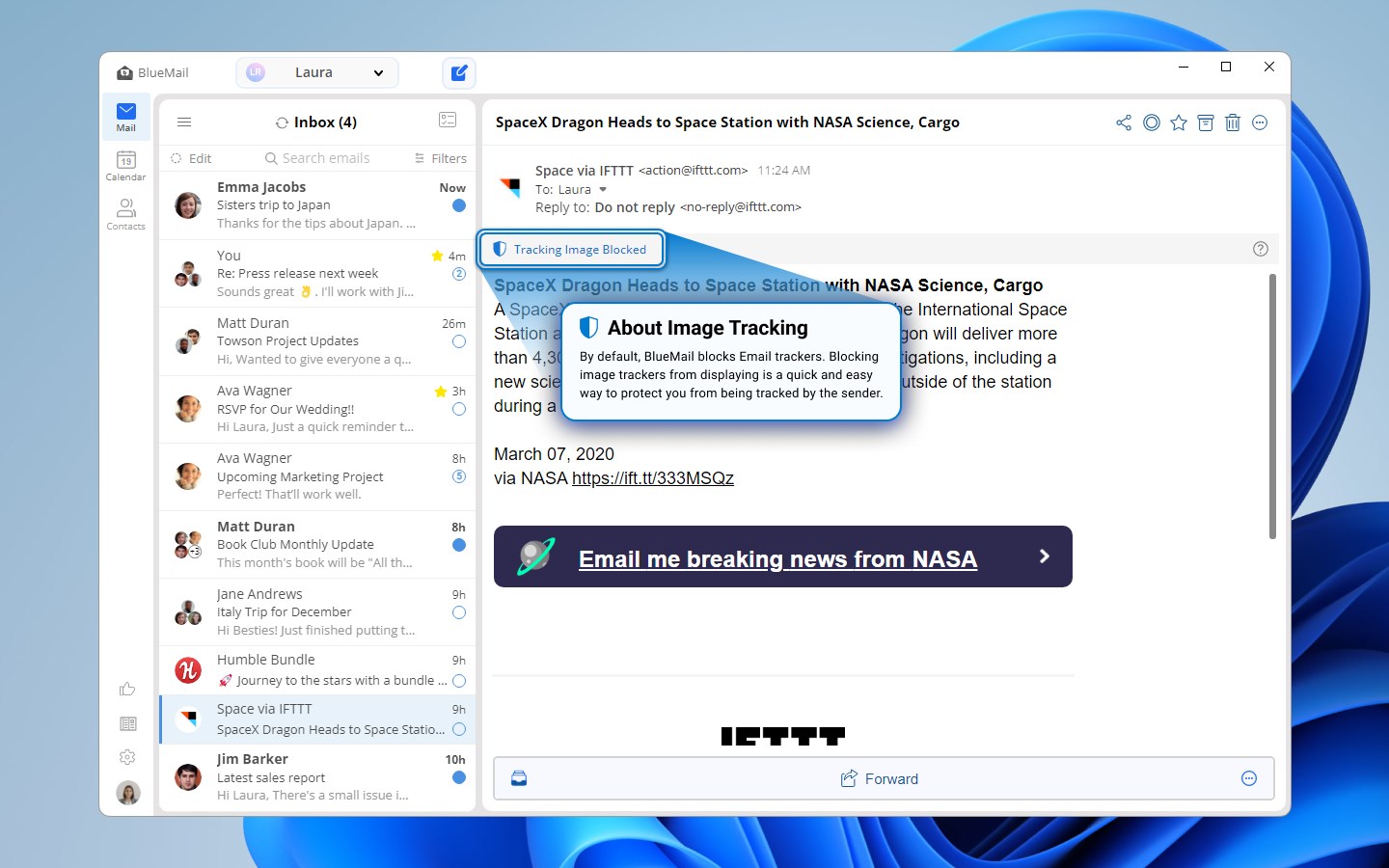
- Strong security options
Cons
- Occasional syncing delays
- Limited widget customization
- Dragging and dropping emails can be tricky
- Occasional crashes on older devices
- Limited folder customization options











