

- Category Developer tools
- Available on PC, Mobile, Surface Hub, HoloLens
- OS Windows 10 version 14393.0 or higher
- languages Chinese (Simplified), English (United States)
Introducing the Blue Screen Emulator for Windows: A Gentle Mocking of the Windows Blues
Ever had that nagging curiosity about mimicking the infamous blue screen of death (BSOD) without risking system stability? The Blue Screen Emulator for Windows by KS.STUDIO offers such a playful yet practical way to simulate Windows' infamous crash screens, whether for testing, educational demonstrations, or just a bit of geeky fun. Designed with simplicity and interactivity in mind, this app transforms your familiar Windows environment into a sandbox for BSOD scenarios—minus the catastrophic consequences.
Who We Are Dealing With: The Developer and Core Features
About KS.STUDIO
Developed by KS.STUDIO, a team passionate about creating innovative and user-friendly simulations and tools for tech enthusiasts and professionals alike, this app exemplifies their knack for combining practicality with playful interfaces.
Key Highlights of the Application
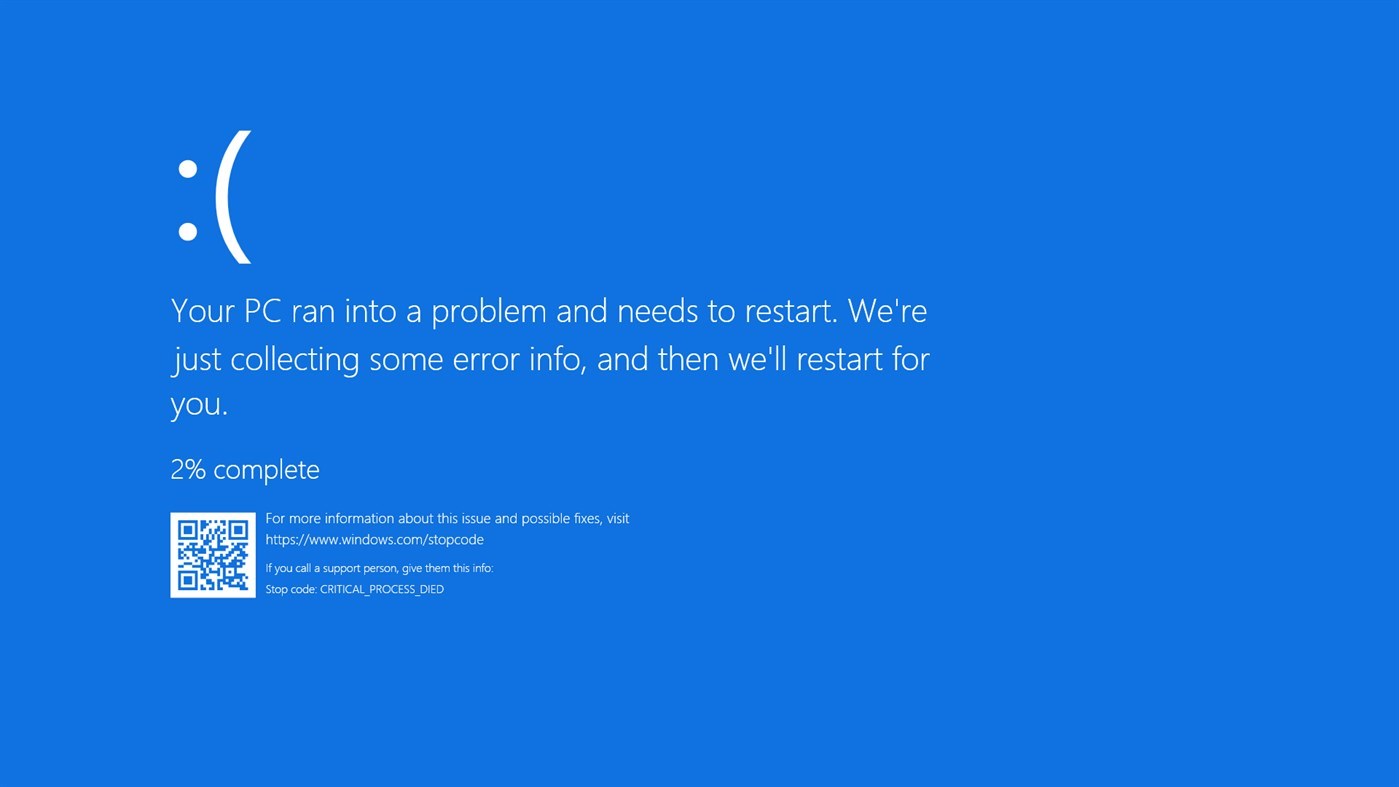
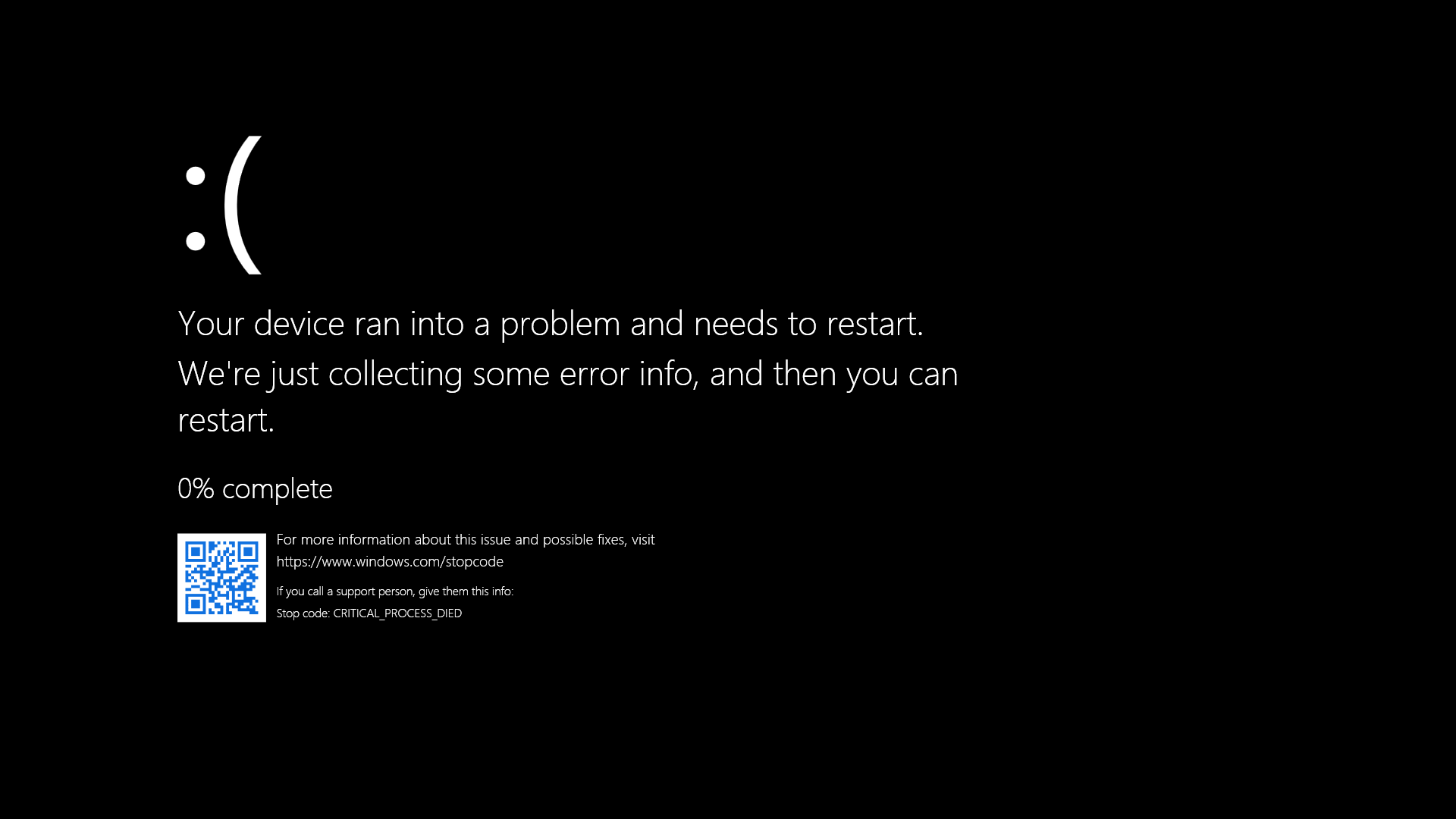
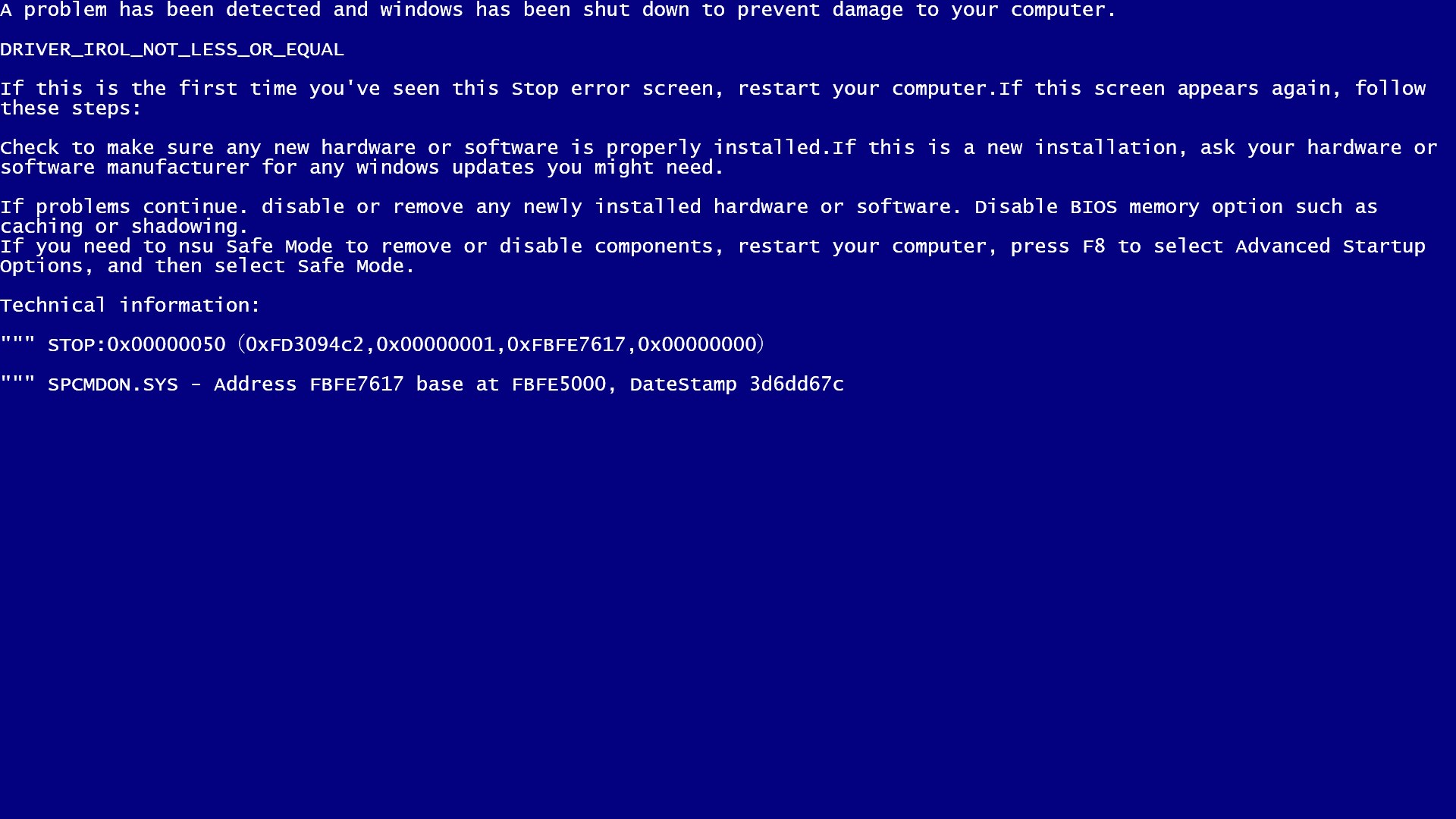
- Authentic BSOD Simulation: Mimics the classic Windows crash screens with customizable error messages and codes, offering an experience that looks and feels real.
- Interactive Features: Allows users to trigger different blue screen scenarios, making it ideal for training, presentations, or just fun pranks.
- Customizable Content: Users can input their own error messages, codes, or animations, tailoring the simulation to their needs.
- Safe Testing Environment: Runs within a sandboxed window, ensuring your actual system remains unaffected while experimenting with different BSOD appearances.
The application targets primarily system administrators, IT trainers, educators, or tech hobbyists who want to add a realistic touch to their demos without risking the stability of their systems.
A Fun Yet Functional Experience
A Bright, User-Friendly Interface
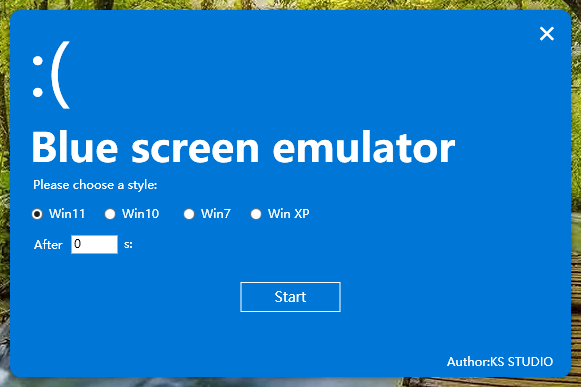
The app's interface resembles a clean, digital workspace—think of it as a virtual workshop where you craft your BSOD. The design is intuitive, with straightforward controls that make setting up your crash screens a breeze, even for users who aren't tech veterans. The interface's simplicity allows you to skip the learning curve and jump straight into customizing your crash scenario.
Smooth Operation and Ease of Use
Launching and interacting with the emulator feels fluid and responsive—like flipping a switch to summon a familiar Windows blue screen. The app runs smoothly within its sandbox environment, and toggling between different simulations is almost instantaneous, making it ideal for live demos or quick pranks. The overall user experience is comparable to flipping through a well-organized slideshow—simple, but effective.
Learning Curve and Accessibility
Thanks to its minimalistic design and clear options, users can master the tool within minutes. Whether you want to emulate a standard error or craft something unique, the process is straightforward enough for novices while offering enough depth for power users to customize content to their hearts' content.
Unique Selling Points and Differentiation
Most Notable Feature: Customizable Error Messages & Animations
Unlike many other BSOD simulators or developer tools that offer static images or canned screens, this app's ability to input custom text, error codes, and even animations truly stands out. Imagine creating a prank with personalized messages like “System Overload—Please Try Again Later” or educational scenarios demonstrating various error types—all tailored to your specific needs.
Why It Stands Out in the Crowd
Many simulator tools are either static images or clunky software that feels more like a tech relic. In contrast, this emulator seamlessly integrates into Windows, offering a near-authentic experience that's easy to set up and infinitely customizable. Its sandboxed design ensures safety without sacrificing realism, setting it apart from less secure or less versatile alternatives.
Final Thoughts and Recommendations
Overall, the Blue Screen Emulator for Windows by KS.STUDIO is a clever, practical, and surprisingly fun tool for anyone needing a credible BSOD simulation. It's best suited for IT trainers, educators, or tech enthusiasts looking for a safe way to showcase crash scenarios, test responses, or just pull harmless pranks. While it doesn't replace actual system troubleshooting, its realistic appearance and customization options make it a valuable addition to your tech toolkit.
Given its ease of use, authenticity, and safety features, I would recommend this app to users who want a playful yet professional solution for mimicking Windows crashes. Just keep in mind that its focus is on simulation rather than system diagnostics—perfect for demonstrations and entertainment but not for actual system recovery tasks.
Pros
- Realistic Blue Screen Simulation
- Easy-to-Use Interface
- Customizable Error Codes
- Lightweight App Size
- Fast Performance
Cons
- Limited Error Variants
- No Additional Features
- Basic Customization Options
- Lack of Compatibility Details
- No Multilingual Support










