

- Category Entertainment
- Available on PC, Mobile, Surface Hub, HoloLens
- OS Windows 10 version 18362.0 or higher
- languages English (United States)
Introducing BlueSt Player for Windows: A Fresh Take on Multimedia Management
BlueSt Player for Windows is an intuitive media player designed to streamline your entertainment experience with its smart organization features and personalized content recommendations, all presented through a sleek interface.
Meet the Developer: TONIC SOFT
Developed by TONIC SOFT, a team dedicated to creating user-centric digital experiences, BlueSt Player aims to elevate how users access and enjoy multimedia content on their Windows devices.
Key Features That Stand Out
- Smart Content Discovery Algorithm: Leverages advanced algorithms to tailor media suggestions based on user preferences, making discovery effortless.
- Enhanced Playlist & Library Management: Offers a simple yet powerful interface to organize and access media files efficiently.
- Cross-Format Support: Supports a wide array of media formats, ensuring compatibility with most content you throw at it.
- Lightweight and User-Friendly: Designed to run smoothly without burdening system resources, ideal for both novices and tech enthusiasts.
Engaging and Intuitive User Experience
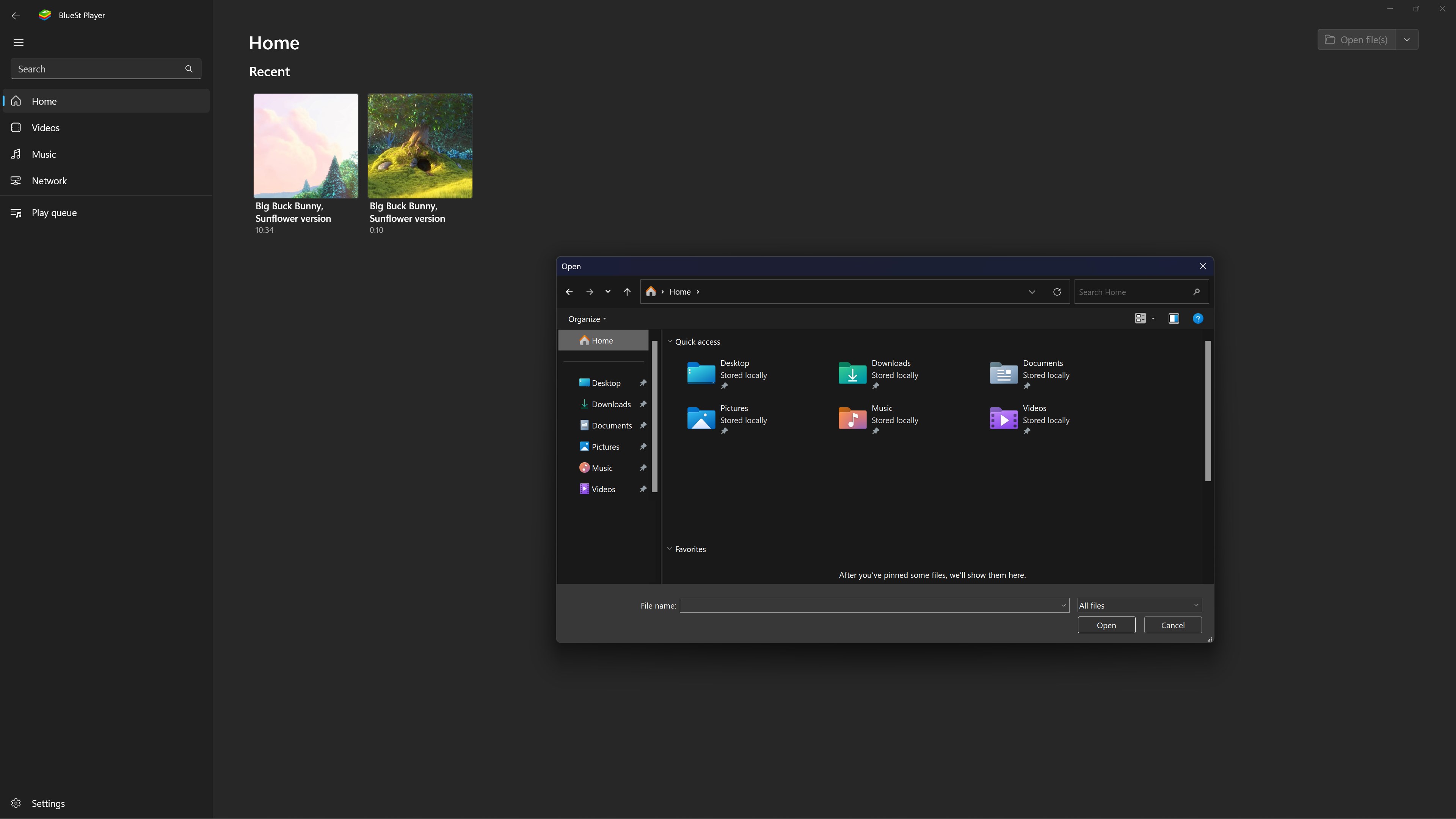
Stepping into the BlueSt Player interface feels like entering a well-organized digital library — clean, inviting, and ready for exploration. The app's interface adopts a minimalistic yet elegant design, with curated sections that guide you effortlessly through your media universe. Navigating between playlists, recommendations, and library views is as smooth as gliding on ice, thanks to optimized responsiveness and fluid animations. Even first-time users can quickly learn to operate the core functions without a steep learning curve, making it accessible and welcoming for all users.
Core Functionality: Smarter Content Discovery
The standout feature of BlueSt Player is its innovative content discovery algorithm. Unlike typical media players that simply shuffle your files or recommend popular content, BlueSt's algorithm analyzes your viewing history, preferences, and even playback patterns to suggest new content tailored specifically for you. Imagine having a virtual playlist curator who knows your taste as well as a good friend — that's what this feature accomplishes. Whether you're looking for music, videos, or podcasts, the recommendations feel personalized and relevant, dramatically reducing the time spent searching for your next favorite.
Library Management and Playback Experience
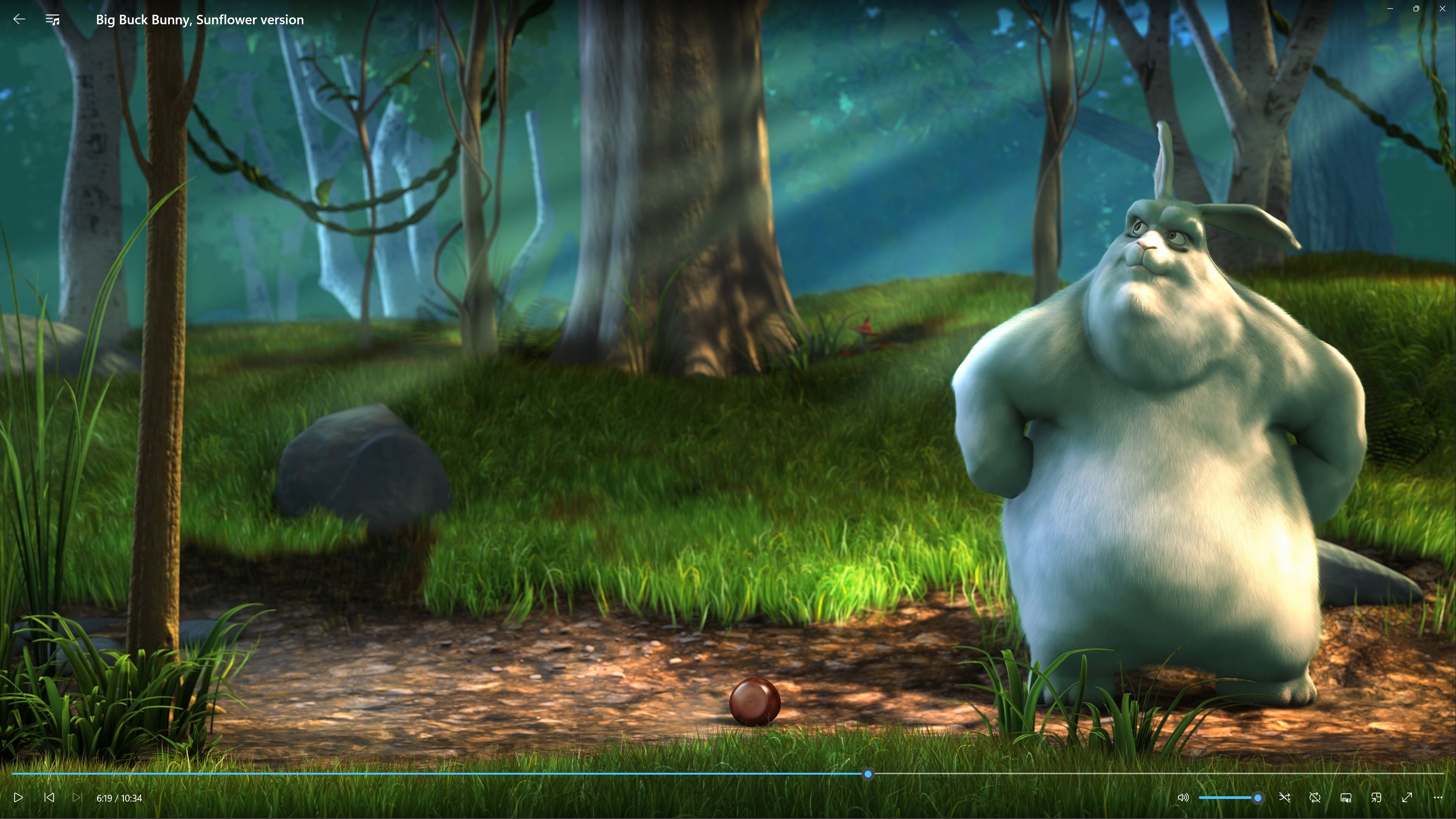
BlueSt Player excels in providing comprehensive media library management with a clean, clutter-free interface. Drag-and-drop support for adding files, customizable playlists, and smart tagging make organizing your media collection straightforward. Playback is smooth and reliable, with options to adjust as needed. The UI's simplicity is paired with thoughtful controls that don't overwhelm — perfect for users seeking an efficient and enjoyable media experience. The app's lightweight design ensures fast startup times and seamless playback, even with large media libraries.
Unique Differentiators and Final Recommendations
Compared to other media players, BlueSt Player's personalized content recommendation system is its most distinctive feature — it functions more like a thoughtful curator than a generic suggestion engine. Additionally, its cross-format support ensures that users don't have to juggle multiple apps for different media types, creating a unified entertainment hub. These qualities make BlueSt Player a compelling choice for users who value tailored content and efficient media management.
For casual viewers, music lovers, or anyone seeking a media player that emphasizes smart recommendations and easy organization, BlueSt Player is highly recommended. Beginners will appreciate its intuitive design, while advanced users will find the personalized adjustment options valuable. Overall, it's a solid addition to your Windows entertainment toolkit, especially if your goal is to discover new content effortlessly while maintaining control over your library.
Pros
- User-Friendly Interface
- Supports Multiple Formats
- Customizable Settings
- Lightweight and Fast
- Regular Updates
Cons
- Limited Offline Features
- Basic Subtitle Support
- Initial Setup Complexity
- Occasional Playback Bugs
- Limited Custom Skins











