

- Category Social
- Developer 1_By_1 Media
- Available on PC, Mobile, Surface Hub, HoloLens
- OS Windows 10 version 15063.0 or higher
- Keyboard Integrated Keyboard
- Mouse Integrated Mouse
- languages English (United States)
Seamless Connectivity at Your Fingertips
Bluetooth Driver Installer for Windows by 1_By_1 Media emerges as a practical solution aimed at simplifying and stabilizing Bluetooth device connections. If you've ever battled with erratic Bluetooth connections or driver issues, this tool promises to be your reliable companion. Its primary aim is to ensure your Windows PC communicates effortlessly with all your Bluetooth gadgets — from wireless headphones to keyboards — without the usual technical headaches.
Robust Driver Repair and Installation
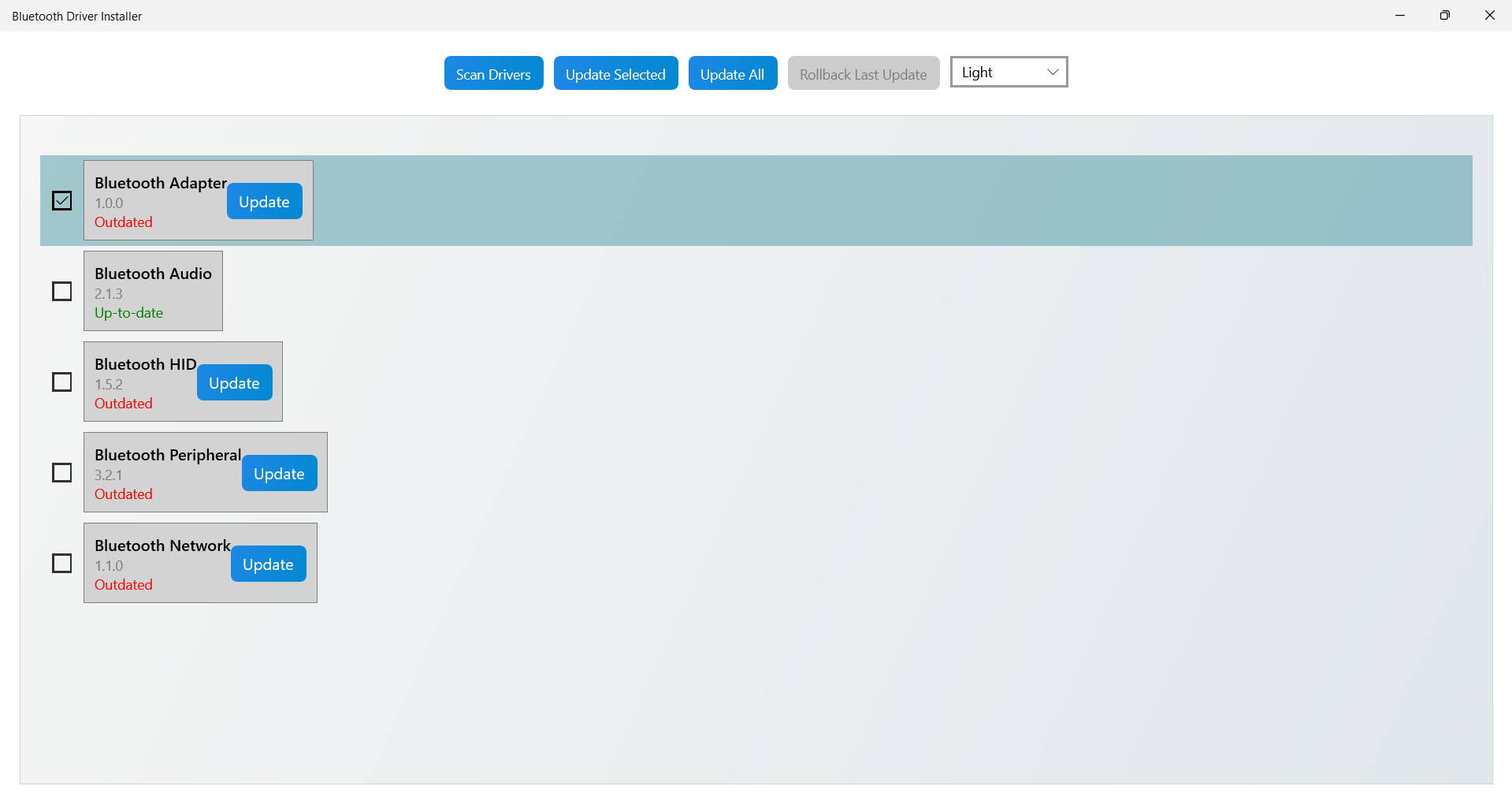
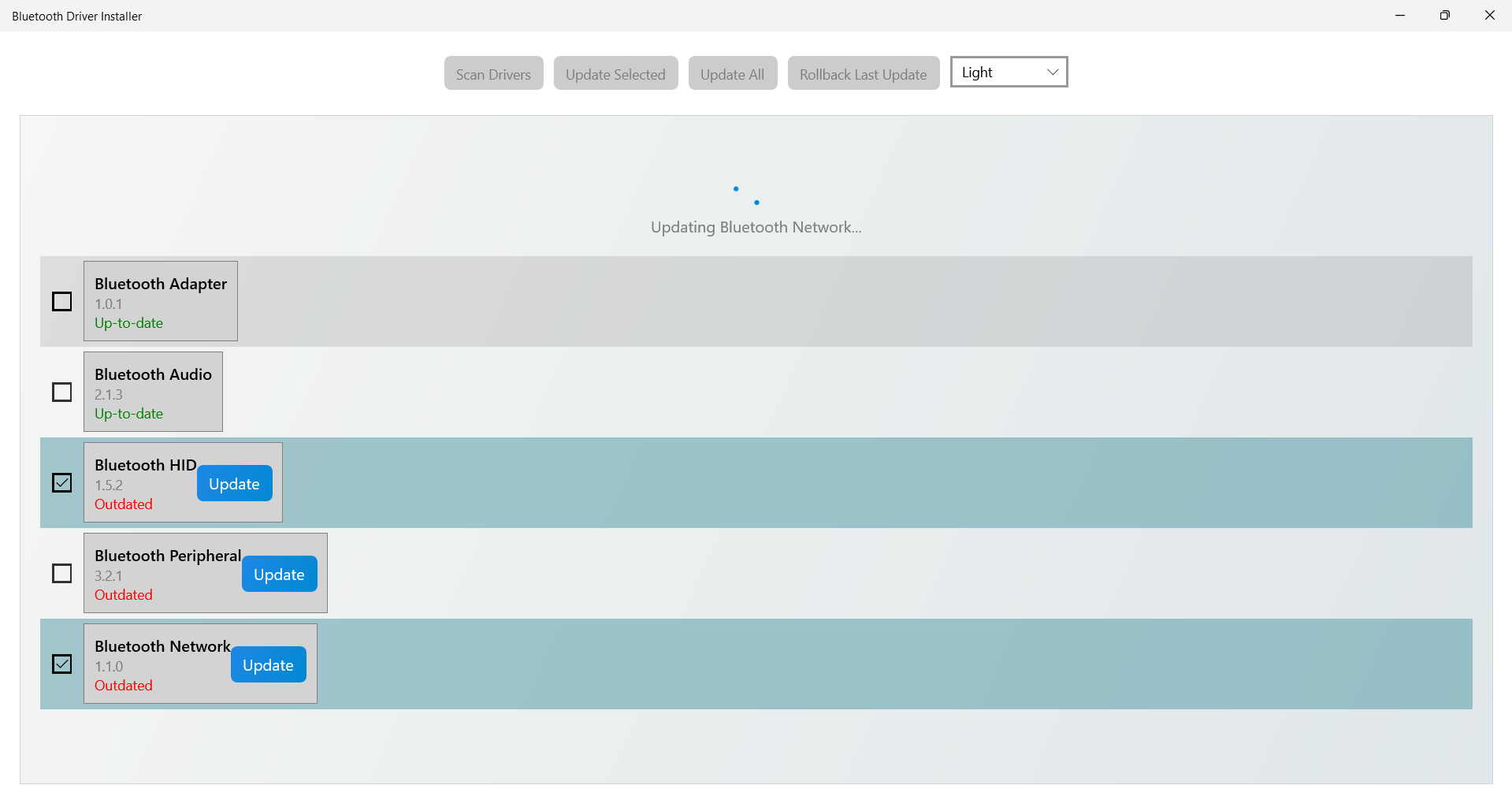
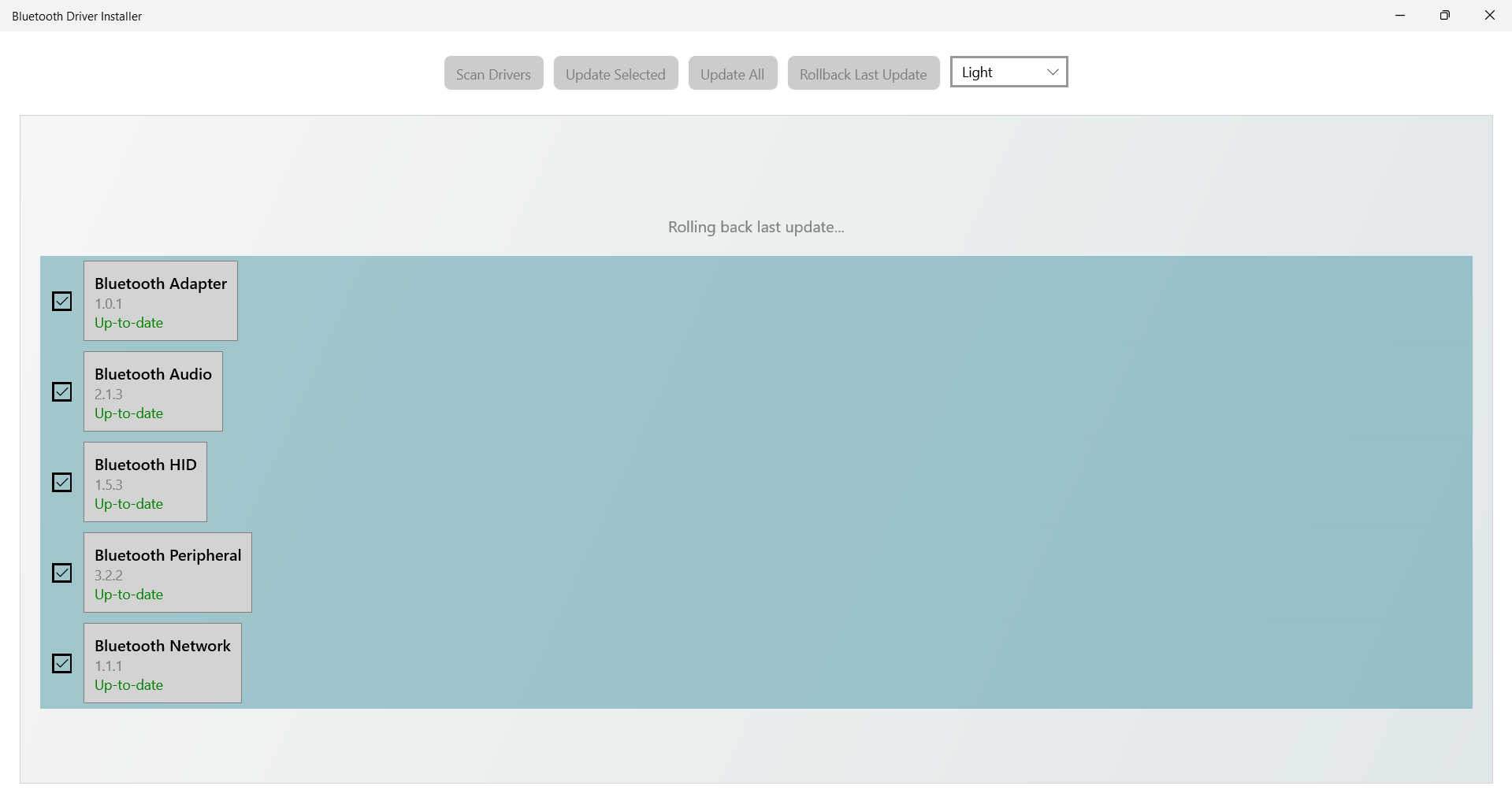
The core strength of this application lies in its ability to automatically detect and repair Bluetooth driver issues. Unlike manual driver updates that can be a daunting maze of device identifiers and manufacturer websites, this tool offers a one-click solution. It scans your system for outdated or corrupted drivers, then quickly reinstalls or updates them, thereby restoring optimal Bluetooth functionality. This process reduces the need for technical expertise and saves valuable time, especially for users unfamiliar with intricate driver management.
User Experience: Simple, Intuitive, and Effective
The app sports a clean and straightforward interface, akin to an organized toolbox, making it accessible even for less tech-savvy users. The operation flow is smooth; clicking "Repair" initiates a scanning process that comprehensively checks your Bluetooth drivers. Feedback is clear and concise, guiding users through each step with minimal jargon. The entire experience feels like having a knowledgeable technician sitting beside you, guiding every move. As for learning curve, most users will find this app practically self-explanatory, requiring no prior technical knowledge to get started and see results.
Unique Strengths: Connecting More Than Just Devices
What sets Bluetooth Driver Installer apart from other Bluetooth management tools is its focus on driver stability and connection reliability. Unlike social or communication apps that emphasize user profiles or discovery, this tool's strength lies in deep system integration to ensure devices stay reliably connected. Its ability to repair driver issues not only solves connectivity problems but also enhances the authenticity of device recognition, minimizing mismatched device errors or disconnections.
Furthermore, while many Bluetooth utilities merely facilitate device pairing, this app emphasizes the importance of driver health and systemic compatibility, thereby preventing issues before they manifest. This proactive approach makes it an underestimated yet indispensable tool for users who rely heavily on Bluetooth peripherals for work or leisure.
Final Verdict and Recommendations
In summary, Bluetooth Driver Installer for Windows offers a straightforward, effective, and trustworthy way to maintain your Bluetooth subsystem. I recommend it especially to users who frequently experience connection issues or need a quick fix for driver problems. It's not a flashy or feature-heavy app, but its focus on core functionality makes it highly practical. For anyone looking to keep their Bluetooth devices in seamless harmony with their Windows PC, this tool deserves a dedicated spot in their maintenance toolkit.
Pros
- Easy installation and user-friendly interface
- Effective driver repair for common Bluetooth issues
- Free and lightweight application
- Quick scanning and repair process
- Supports a wide range of Bluetooth adapters
Cons
- Limited troubleshooting beyond driver issues
- Potential temporary loss of Bluetooth connectivity during repair
- Occasional false positives during driver scanning
- Lack of detailed logs or guidance for advanced users
- Compatibility issues with some newer Windows versions











