

- Category Entertainment
- Developer Global Delight Technologies Pvt. Ltd.
- Available on PC
- OS Windows 10 version 17763.0 or higher
- languages English (United States)
Boost Your Audio Experience with Boom 3D: Audio Enhancer, Equalizer & Bass
Imagine transforming your mundane audio into a rich, immersive soundscape—the Boom 3D app promises to do just that by cleverly enhancing your Windows sound experience through advanced audio processing features. Developed by Global Delight Technologies Pvt. Ltd., this application aims to deliver a premium, theater-like audio experience right from your desktop or laptop. Whether you're a music enthusiast, gamer, or professional needing precise sound control, Boom 3D positions itself as a versatile solution that elevates your listening journey.
Key Features That Stand Out
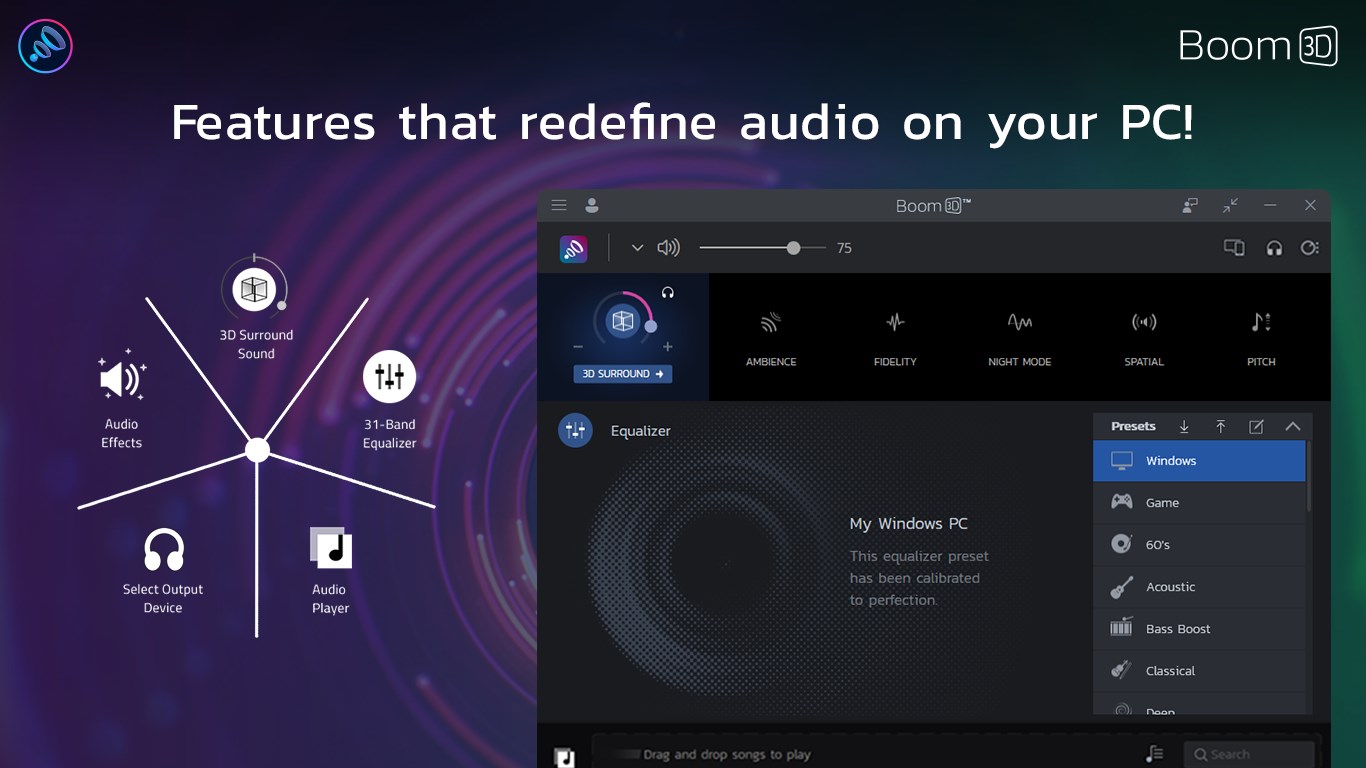
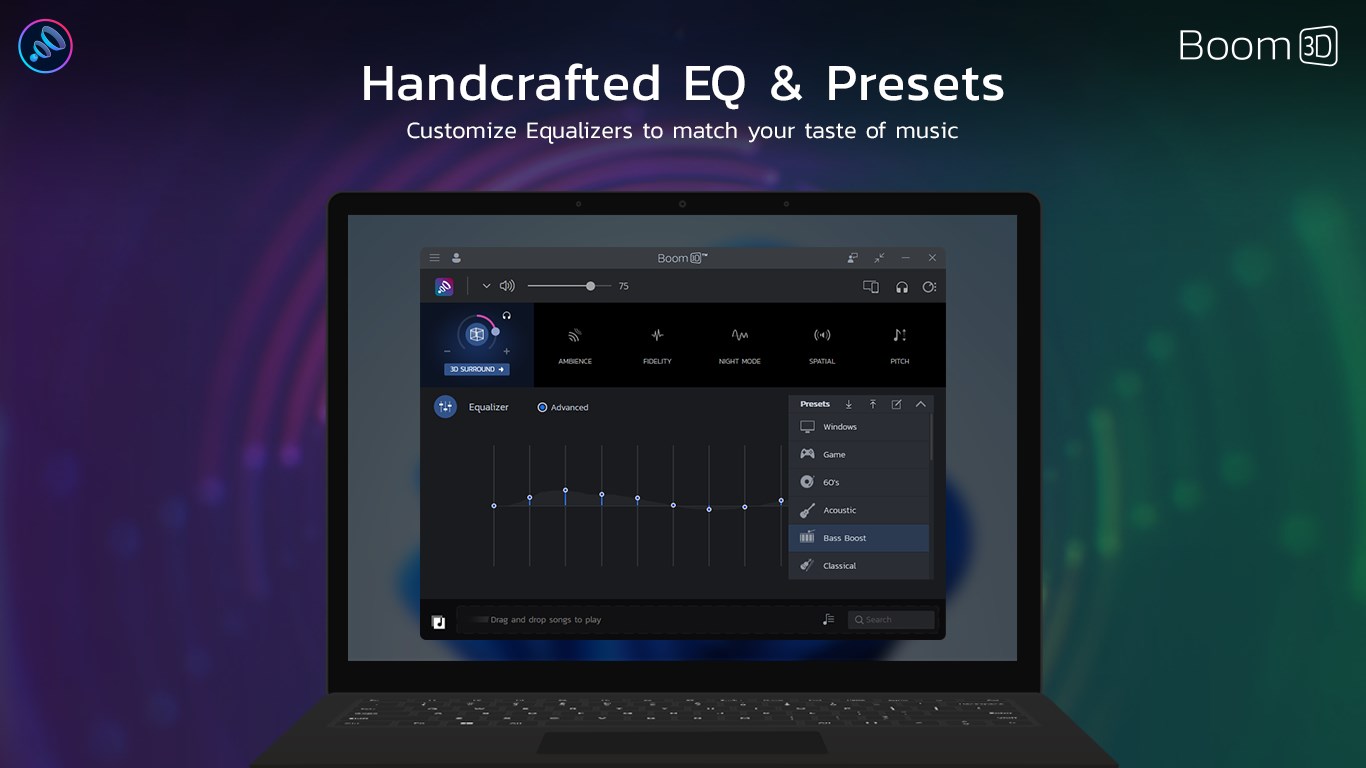
What makes Boom 3D shine in a crowded market of audio apps? Its core strengths lie in its sophisticated 3D surround sound technology, customizable equalizer presets, and powerful bass enhancement. These features work harmoniously to produce a more spatial and immersive audio environment. Additionally, its user-friendly interface makes these advanced tools accessible even for those less tech-savvy, ensuring a seamless experience for a wide audience.
Experience the Sound Revolution
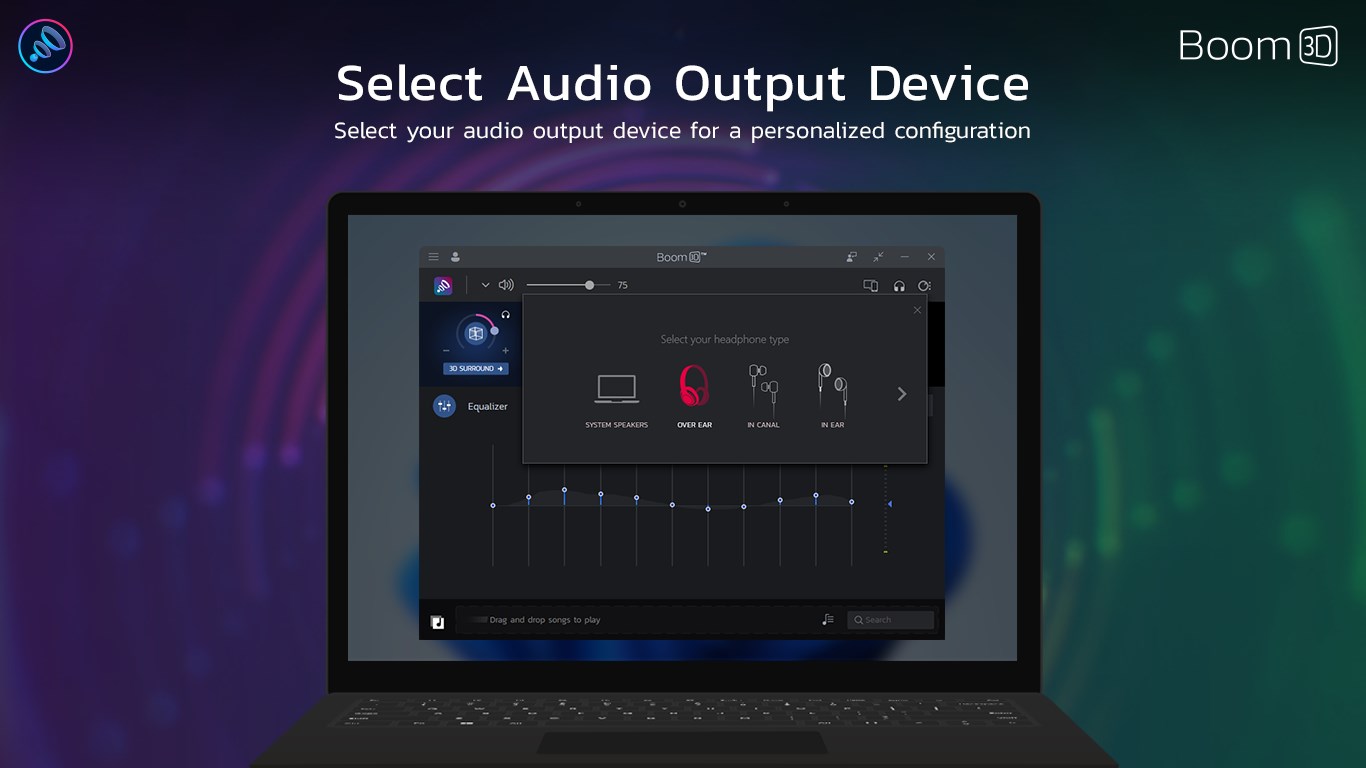
Jumping into Boom 3D feels like stepping into a personal concert hall or a private cinema. The app's vibrant interface immediately grabs your attention with sleek controls and visually appealing visualizations. It's quite intuitive—like tuning a classic radio, but with a modern digital twist. You can toggle between different sound profiles and adjust settings with simple sliders, making customization both straightforward and enjoyable. Its low latency operation keeps the experience fluid, whether you're gaming, streaming, or conducting professional audio editing.
The Core of Its Magic: 3D Surround Sound & Bass Boost
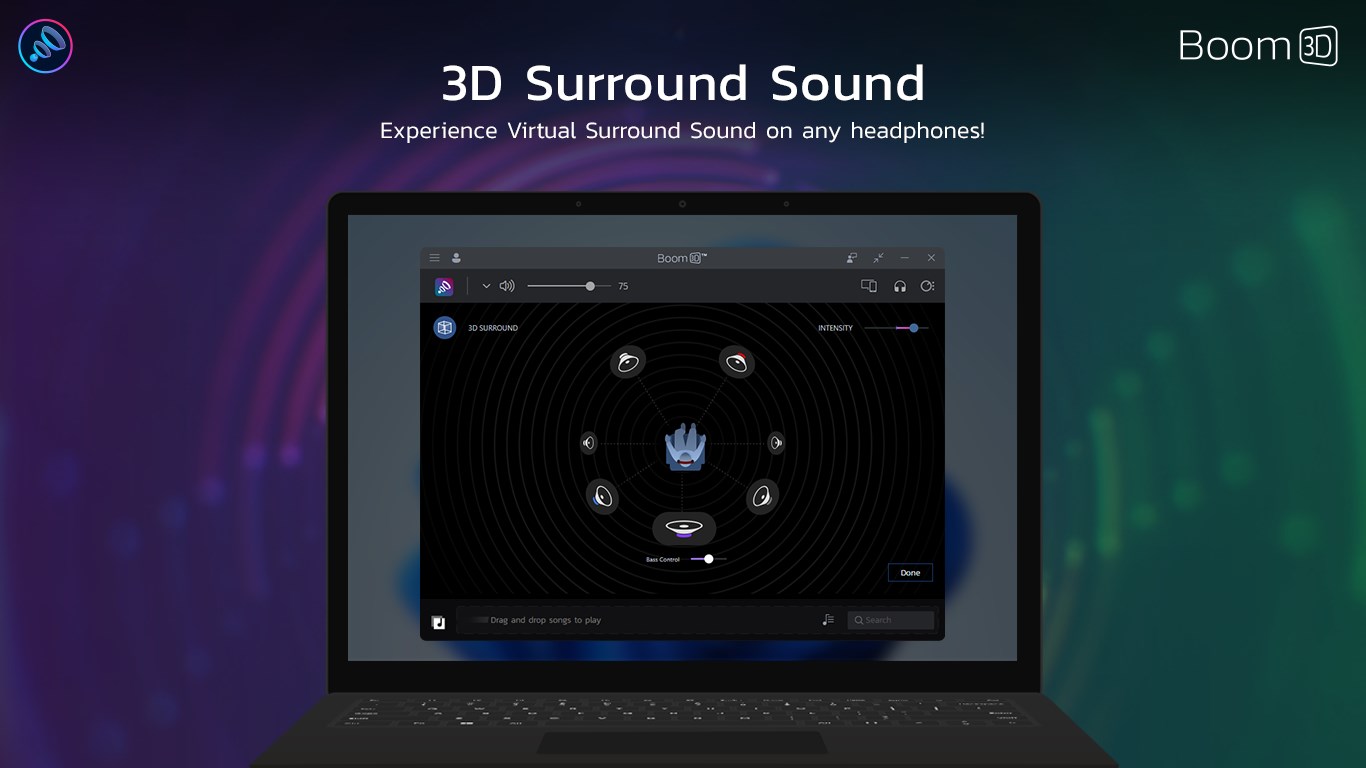
The standout feature of Boom 3D is its ability to generate a convincing 3D surround sound environment. Think of it as turning your speakers into a virtual concert hall, where sound emanates from all directions with impressive clarity. This is particularly noticeable when watching movies or playing immersive games—dialogues, ambient noises, and effects sound incredibly lifelike. Paired with its enhanced bass settings, the app offers a punchy, deep sound that adds weight and richness to your audio. Unlike conventional equalizers, Boom 3D's spatial technology leverages perceptual audio algorithms that construct a virtual 3D soundstage, offering a sense of depth and dimension that standard tools often miss.
User Experience & Unique Selling Points
The app's interface is polished yet accessible, with a well-organized layout that simplifies complex audio adjustments. Users can easily navigate between modes, experiment with different presets, or fine-tune parameters. Its stability and responsiveness mean you can switch settings on the fly without lag or crashes—crucial for users who value reliability. A notable advantage over similar apps is Boom 3D's focus on personalized spatial audio—its algorithms analyze audio content to adapt the surround effects dynamically, delivering a more tailored listening experience. Compared to other entertainment or media applications, Boom 3D's emphasis on virtual spatialization sets it apart by making regular stereo content sound more immersive and lifelike, pushing beyond basic equalization or bass boosting tools.
Final Thoughts & Recommendations
In summary, Boom 3D is a robust and thoughtfully designed audio enhancement tool that excels in delivering a theater-like sound experience on personal devices. Its most distinctive feature—the advanced 3D surround sound—transforms ordinary audio into something far more engaging. For audiophiles, gamers, or media enthusiasts seeking an intuitive yet powerful enhancement, this application is definitely worth trying. While it may be excess for users who only need simple volume control, those craving immersive and customizable audio will find Boom 3D to be a valuable companion. I recommend giving it a shot if you wish to elevate your sound game and experience audio as if you're right there in the scene—without leaving your home.
Pros
- Enhanced Audio Quality
- User-Friendly Interface
- Customizable Equalizer Settings
- Effective 3D Surround Sound
- Compatibility with Multiple Devices
Cons
- High CPU Usage
- Limited Free Features
- Occasional Lag or Delay
- Requires Frequent Updates
- Sound Quality Variations with Different Hardware










