
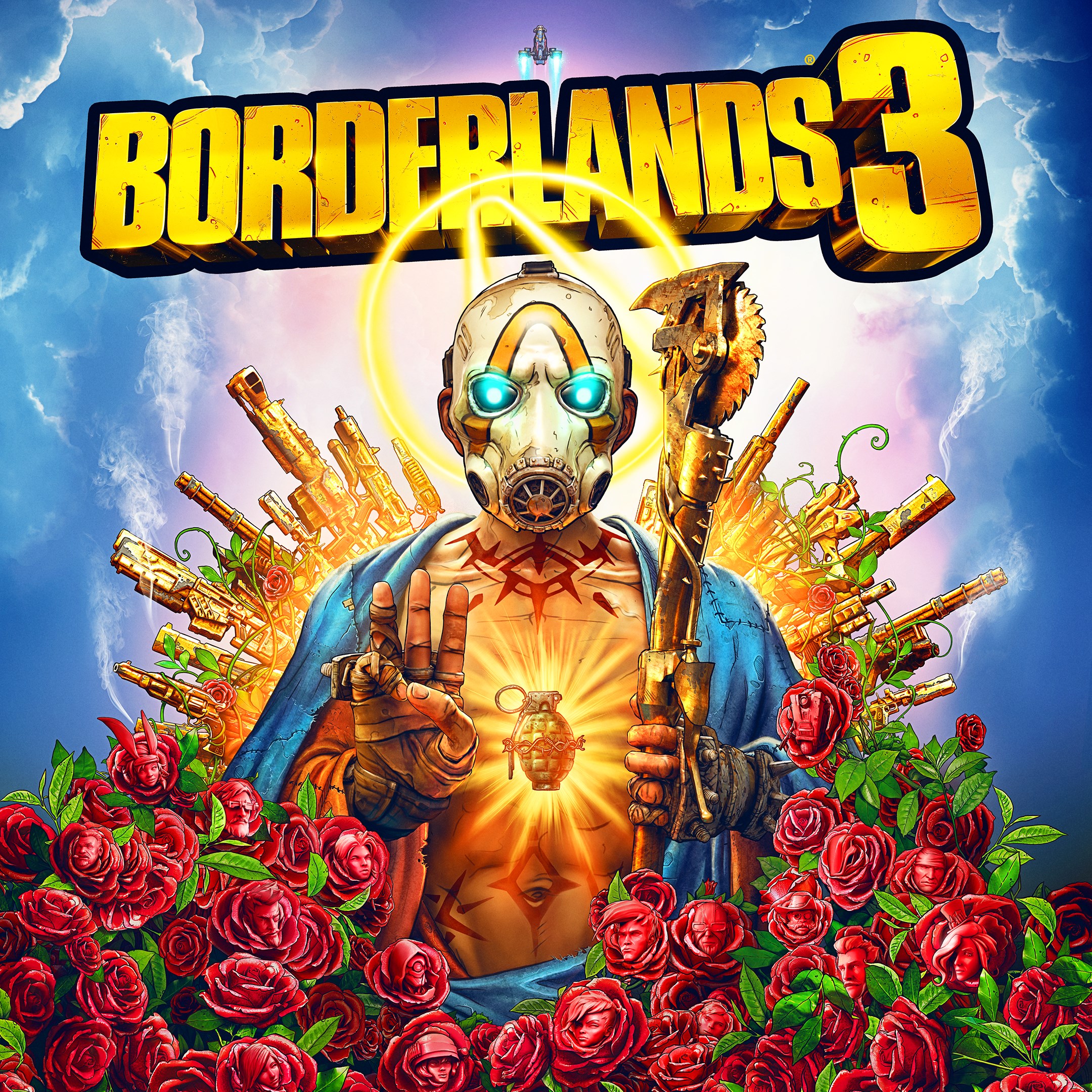
Frequently Asked Questions
How do I start playing Borderlands 3 for the first time?
Download and install the game from your platform's store, create an account if needed, and select 'New Game' to begin your adventure.
Can I play Borderlands 3 offline or do I need an internet connection?
Borderlands 3 supports both offline single-player and online co-op gameplay. You can play offline with saved data, but online features require an internet connection.
How do I select and customize my Vault Hunter in the game?
Start a new game, choose your Vault Hunter at the beginning, then customize skills, appearance, and loadouts via the in-game menu under 'Skills' and 'Customization'.
What are some key features of Borderlands 3's gameplay?
Core features include diverse Vault Hunters, vast weapon variety, exploration of new worlds, co-op multiplayer, and over-the-top enemies to defeat for loot.
How do I upgrade my character's skills and abilities?
Access the 'Skill Tree' menu in the game to allocate skill points earned from leveling up, tailoring abilities to your preferred playstyle.
Can I purchase in-game currency or items, and how?
Borderlands 3 offers in-game purchases for cosmetics and gear through the in-game store, accessible via the main menu or settings > Store.
Is there a subscription or premium version, and how do I subscribe?
There is no mandatory subscription. Optional DLC and expansions can be purchased individually via the platform store in the game or on the store page.
How do I troubleshoot connection issues during online multiplayer?
Ensure your internet connection is stable, restart your device, and check server status on the game's official channels. Use settings > Network to test connectivity.
Are there in-game purchases or microtransactions I should be aware of?
Yes, cosmetic items and expansions are available for purchase. All gameplay essentials are unlockable through play, and purchases are optional.
What should I do if the game crashes or freezes?
Restart your device, ensure your game and system are updated, and verify game files through your platform's support tools if issues persist.
You May Like

DOOM + DOOM II
for Windows
4.8
Deep Rock Galactic - Ultimate Edition
for Windows
4.7
Roboquest
for Windows
4.7
Deep Rock Galactic - Deluxe Edition
for Windows
4.7
Quake II
for Windows
4.7
Deep Rock Galactic
for Windows
4.7
Enter The Gungeon
for Windows
4.6
Mech Arena
for Windows
4.6
Gears of War 4
for Windows
4.6
Gears 5
for Windows
4.6
Gears 5 Game of the Year Edition
for Windows
4.5
Brotato
for Windows
4.5