


- Category Productivity
- Developer © 2015 - 2026 Brave Software, Inc. | All rights reserved
- Available on PC
- OS Windows 10 version 0.0 or higher
- languages Amharic, Arabic, Bangla, Bulgarian, Catalan, Chinese, Chinese (Simplified), Chinese (Traditional Chinese), Croatian, Czech, Danish, Dutch, English, English (United Kingdom), Estonian, Filipino, Finnish, French, French (Canada), Galician, German, Greek, Hebrew, Hindi, Hungarian, Indonesian, Italian, Japanese, Kannada, Korean, Latvian, Lithuanian, Malay, Norwegian, Persian/Farsi, Polish, Portuguese, Portuguese (Brazil), Portuguese (Portugal), Romanian, Russian, Serbian, Slovak, Slovenian, Spanish, Spanish (Latin America), Kiswahili, Swedish, Thai, Turkish, Ukrainian, Vietnamese
Brave Browser for Windows: A Privacy-Focused Web Experience
Brave Browser for Windows positions itself as a fast, privacy-centric alternative to mainstream browsers, emphasizing user control and security while maintaining a smooth browsing experience.
Developer and Core Highlights
Developed by Brave Software, Inc. (2015–2026), this browser aims to redefine web navigation by prioritizing privacy and speed. Its standout features include built-in ad-blocking, a revolutionary privacy shield, integrated cryptocurrency wallet, and a focus on efficient workflow integration.
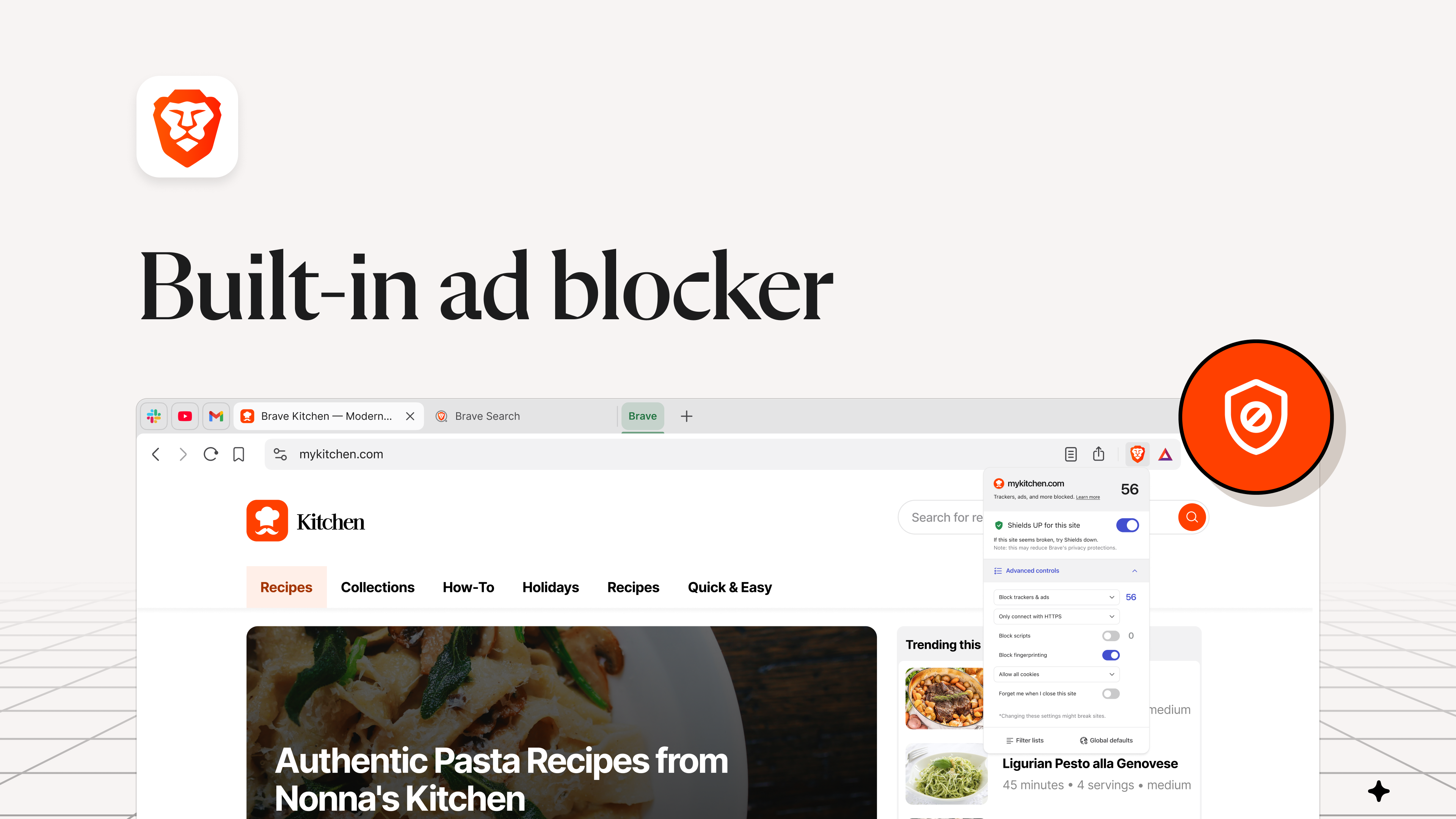
- Ad-Blocker & Privacy Shield: Blocks unwanted ads and trackers by default, reducing data leaks and speeding up page loads.
- Crypto Wallet Integration: Allows seamless management of BAT (Basic Attention Token) and other cryptocurrencies.
- Built-in Shields & Privacy Controls: Granular control over trackers, scripts, and cookies to protect user data.
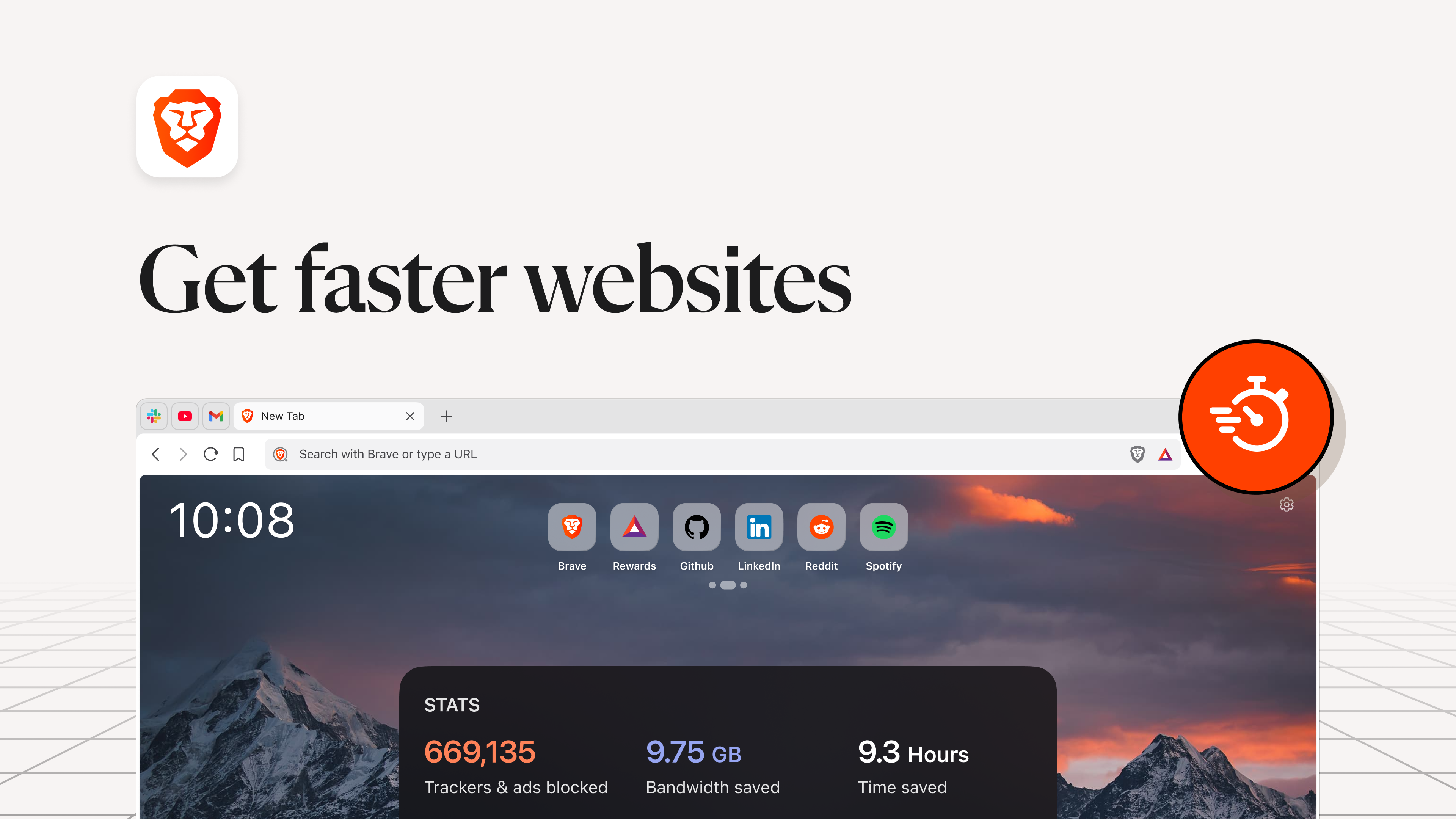
- Speed and Efficiency: Fast browsing thanks to optimized rendering engines and minimized resource consumption.
Targeted at privacy-conscious users, tech enthusiasts, and professionals seeking a secure and efficient browsing tool, Brave appeals to those who want control over their online footprint without sacrificing performance.
Engaging the User: A Fresh Perspective on Browsing
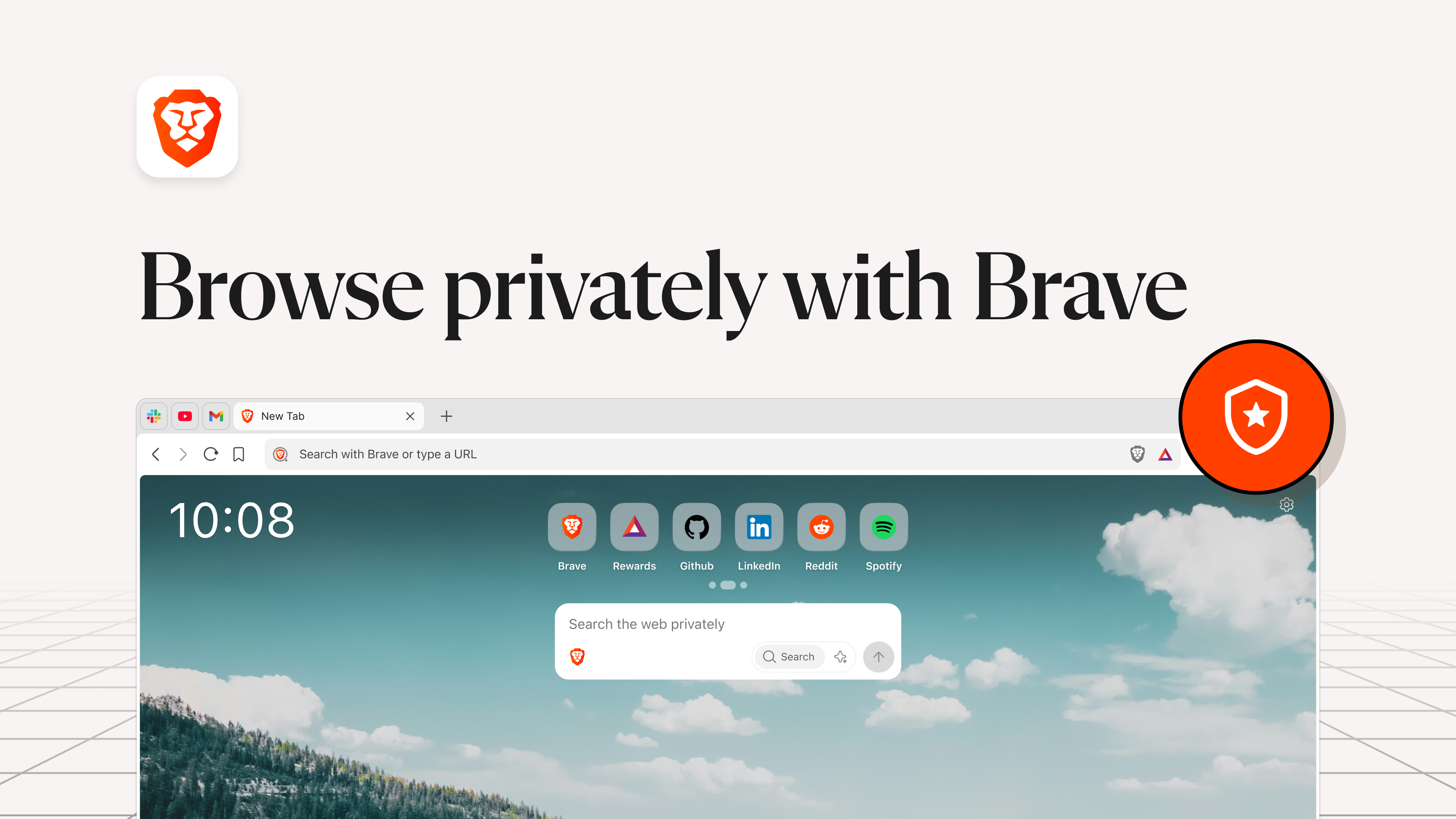
Imagine opening a browser that feels like slipping into a cozy, secure cocoon—shielded from the usual snooping and clutter, yet light and swift as a falcon. Brave's interface greets you with a clean, intuitive design that invites exploration without overwhelming detail. It's like browsing in a minimalistic, high-tech library where every book (or tab) is within easy reach, yet the entire space is designed to avoid distractions.
Core Feature Deep Dive
Revolutionary Privacy Shields and Tracker Blocks
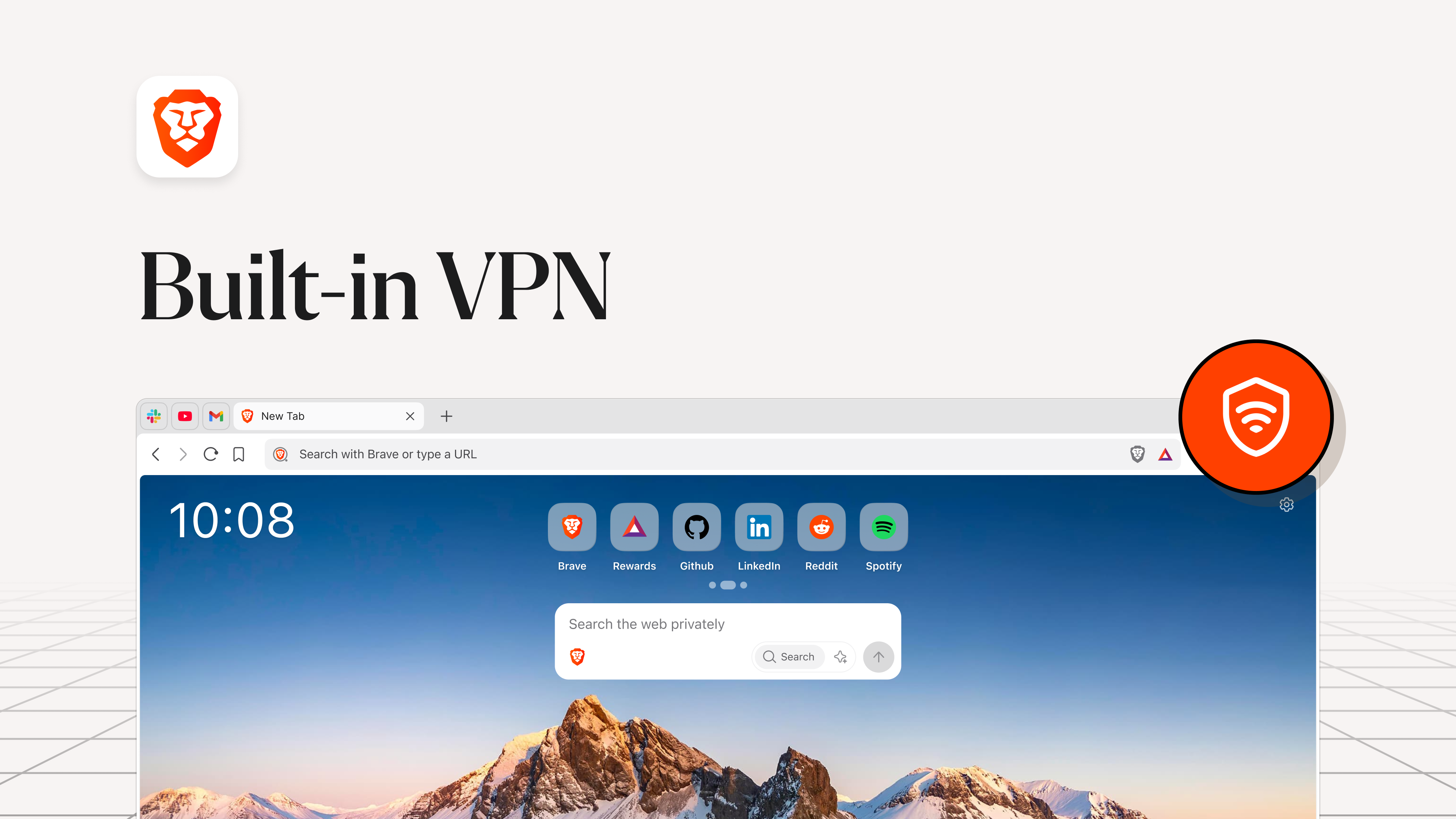
Brave's standout feature is its integrated privacy shields. This isn't just a toggle; it's a comprehensive guardian that automatically blocks ads, trackers, and fingerprinting scripts by default. Users can customize these shields on a per-site basis, giving precise control while browsing. It's akin to having an invisible force field that guards your data, ensuring that your online footprint remains private and your device's resources are conserved. This approach not only enhances privacy but also accelerates page load times, transforming the often sluggish web experience into a satisfying sprint.
Seamless Cryptocurrency and Rewards Integration
Another distinguishing feature is its built-in Brave Wallet, enabling users to manage cryptocurrencies directly within the browser. Unlike other browsers that require third-party extensions, Brave's integration simplifies digital asset management—think of it as having your digital wallet tucked into your pocket for easy access. Additionally, Brave's System rewards you with BAT tokens for viewing privacy-respecting ads, which can be used to support content creators or redeem for rewards. This function turns passive browsing into an engaging, mutually beneficial process—akin to earning loyalty points with every click.
User Experience and Workflow Efficiency
Navigation feels fluid, with all controls logically placed and minimal learning curve. The interface balances simplicity with powerful customization options, allowing both novice and advanced users to tailor their browsing experience. The browser's focus on reducing cognitive load is apparent—features like quick access to privacy settings and clear indicators of tracker blocking make it effortless to stay informed and in control. Compared to feature-heavy competitors, Brave's approach minimizes unnecessary complexity, enabling users to focus on their tasks rather than managing an endless array of options. This makes it an attractive choice for professionals who need both speed and security without sacrificing usability.
Final Thoughts and Recommendations
Brave Browser for Windows exemplifies how a privacy-first approach can harmonize with speed and usability. It's particularly recommended for users who value online privacy, digital security, and seamless workflow integration. While it may lack some of the more niche customization options offered by other browsers, its core strengths—privacy shields, efficiency, and integrated rewards—make it stand out as a balanced, modern browsing solution. For those looking to enhance their online security without compromising speed or simplicity, Brave is definitely worth a try.
Pros
- Enhanced privacy and security features
- Built-in ad blocker
- Reward system with BAT
- Fast browsing performance
- User-friendly interface
Cons
- Limited extension support compared to Chrome
- Battery consumption may be higher during intensive use
- Initial setup for rewards can be complex
- Occasional website compatibility issues
- Learning curve for privacy features










