


- Category Classics
- Developer Sparkling Society Games B.V.
- Available on PC, Mobile, Surface Hub, HoloLens
- OS Windows 10 version 19041.0 or higher
- DirectX Version 10
- Keyboard Integrated Keyboard
- Mouse Integrated Mouse
- languages Arabic, Chinese (Simplified), Chinese (Traditional Chinese), Danish, Dutch, English, Filipino, French, German, Indonesian, Italian, Japanese, Korean, Malay, Norwegian (Bokmål), Persian/Farsi, Polish, Portuguese, Russian, Spanish, Swedish, Thai, Turkish, Vietnamese
Build a City: Community Town for Windows – A Charming City-Building Experience
Build a City: Community Town is an engaging simulation game that invites players to design, develop, and manage their own vibrant virtual communities. With its blend of strategic planning and creative expression, it aims to provide a satisfying city-building experience tailored for casual gamers and enthusiasts alike.
About the Developer and Core Features
Developed and published by Sparkling Society Games B.V., a reputable name known for crafting approachable and enjoyable simulation titles, Build a City stands out through its user-friendly mechanics and charming visual style.
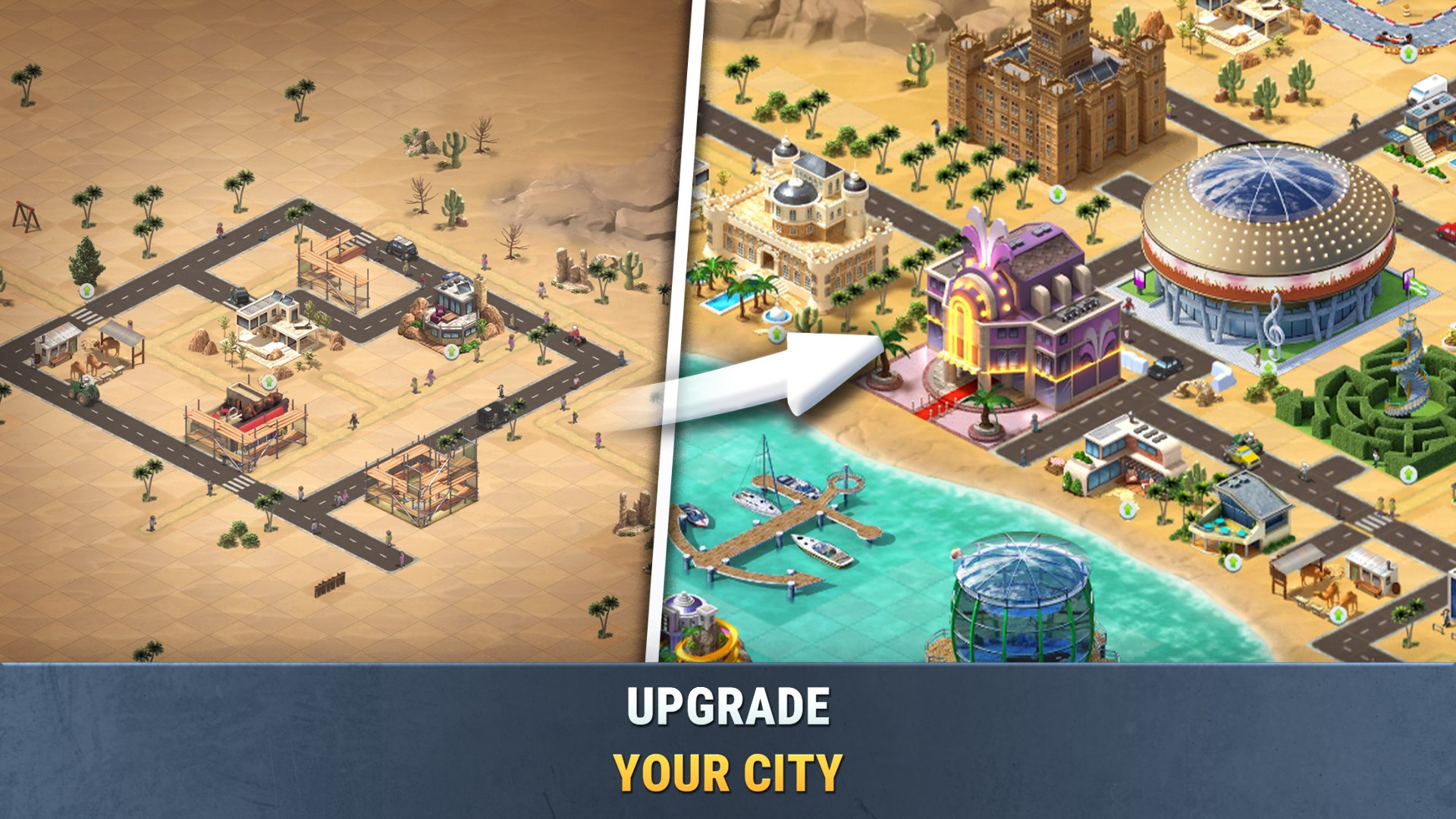
- Customizable Community Development: Players can meticulously design neighborhoods, from residential to commercial zones, making each city uniquely theirs.
- Engaging Resource Management: Balancing various resources like money, population, and happiness adds a layer of strategic challenge to keep players engaged.
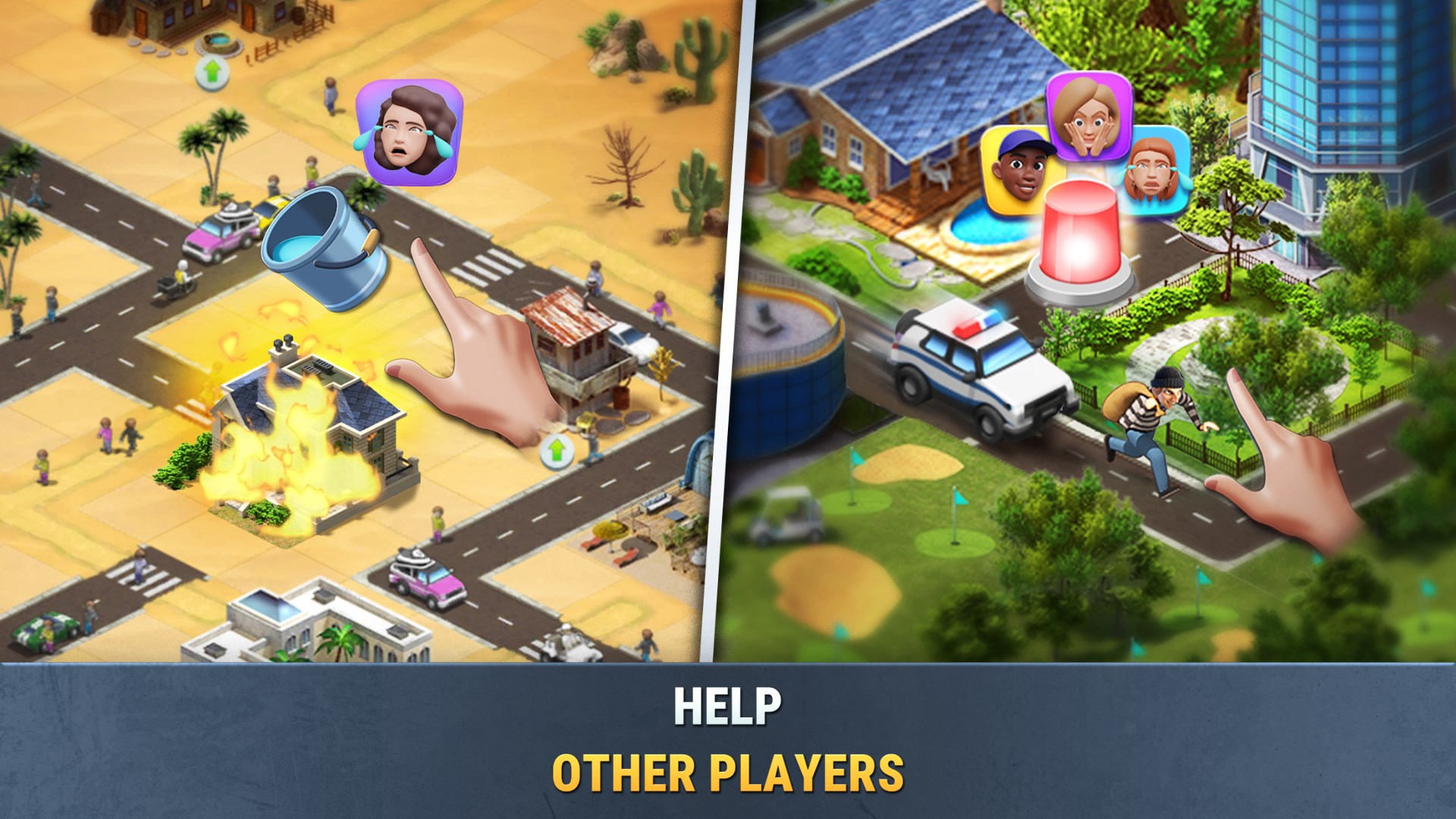
- Event and Quest System: Completing objectives and participating in events keeps gameplay dynamic and rewarding, encouraging continued exploration.
- Simple yet Deep Gameplay: While easy to pick up, the game offers complexity in planning and aesthetics, appealing to both novices and seasoned city-builders.
The target audience primarily includes casual players who enjoy creative simulation, urban planning enthusiasts, and fans of free-to-play mobile-style city management games on Windows.
Immersive and Playful City-Building at Your Fingertips
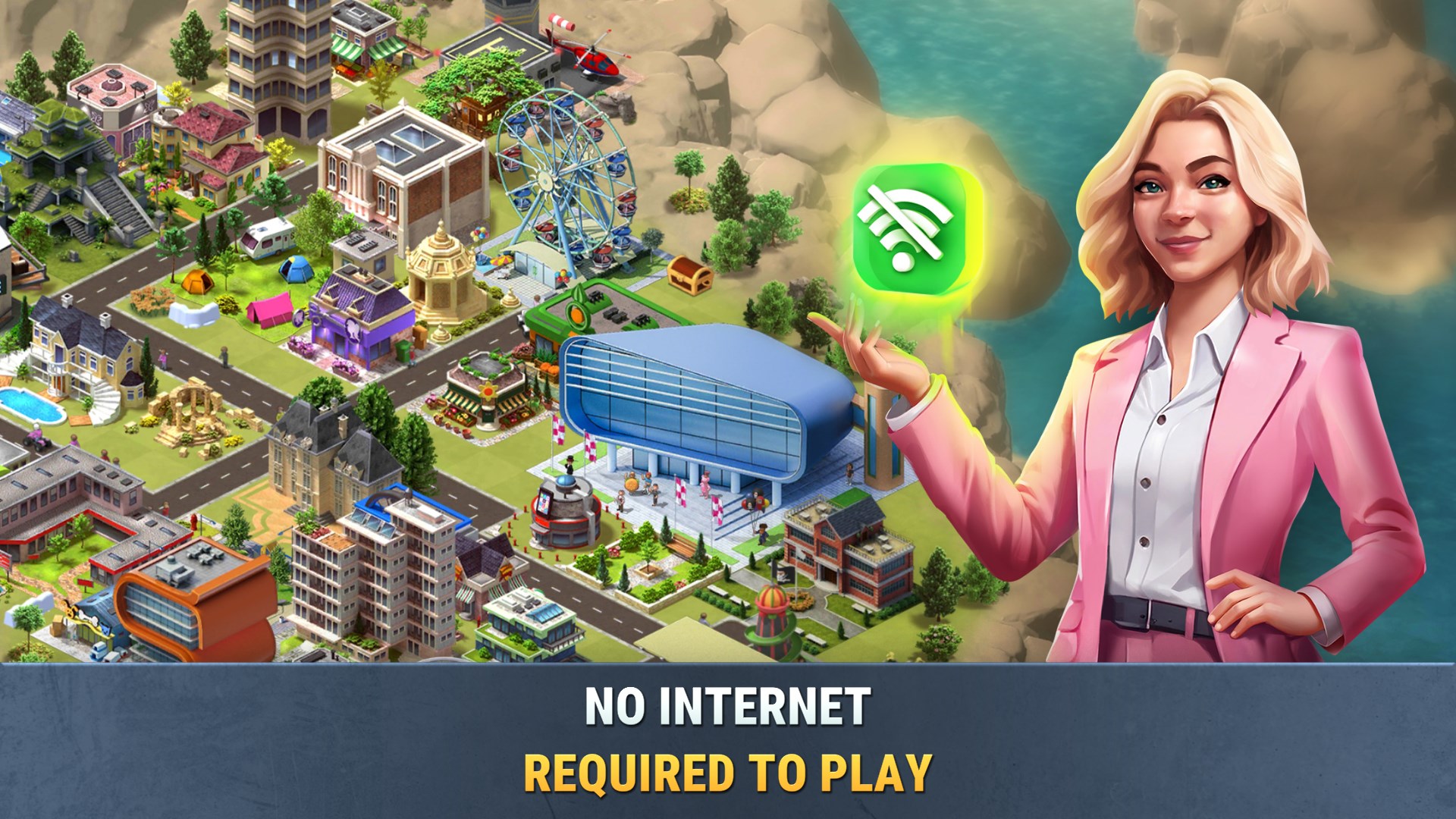
Imagine stepping into the bustling streets of your own miniature metropolis—Build a City makes this fantasy come true with its lively, colorful interface. The initial impression is friendly and inviting, akin to entering a well-designed playroom where every element feels approachable yet full of possibilities.
From the outset, players are greeted with intuitive tutorials guiding them through the basics, making the learning curve gentle and non-intimidating. The game's bright visuals and cheerful soundtrack create an upbeat atmosphere, perfect for relaxing after a busy day.
Intuitive Interface and Seamless Gameplay
One of the standout features of Build a City is its streamlined user interface. Navigating menus feels as smooth as turning the pages of a well-loved picture book; everything is where you'd expect it to be, making planning and building feel effortless. The touch-friendly controls translate well to mouse and keyboard, ensuring responsiveness and minimization of lag. Even when juggling multiple tasks—placing new buildings, managing resources, or completing quests—the game maintains a fluid pace without frustrating delays.
Players will appreciate how logically organized the layout is, allowing them to swiftly switch between different zones and functions without losing their rhythm. The clear visual cues and progress indicators help keep track of their city's growth, reducing any potential confusion or overwhelm.
Creative Freedom with Unique Features
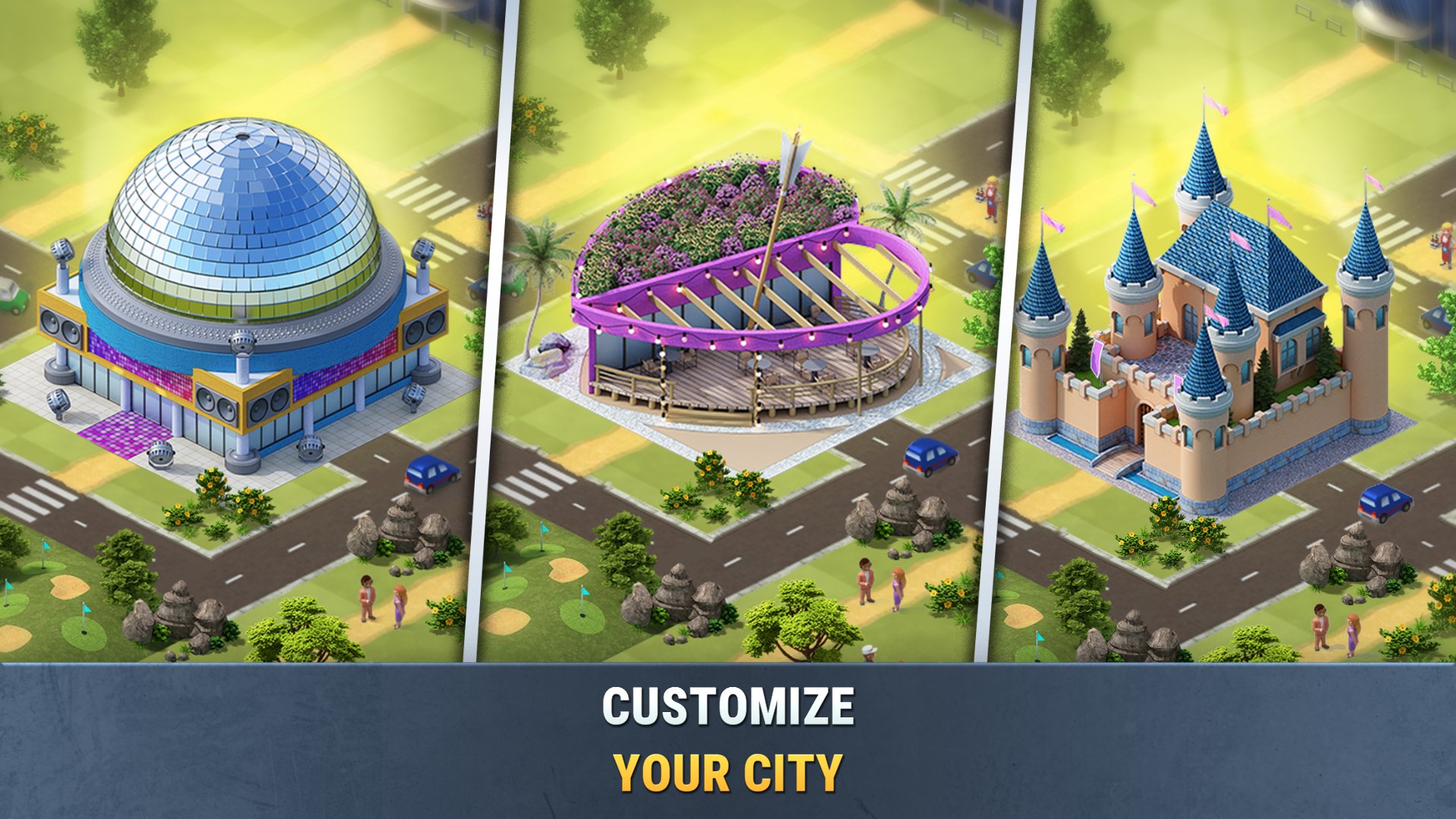
What truly elevates Build a City above similar titles is its focus on customization and community-building. Unlike many city-building games that stick to predefined templates, this app encourages players to craft neighborhoods that reflect their personal style—whether it's a cozy suburb or a bustling commercial hub. The map editor and placement tools are straightforward but flexible, giving even beginners room for experimentation. This creative freedom transforms the game into a virtual sandbox where your imagination is the limit.
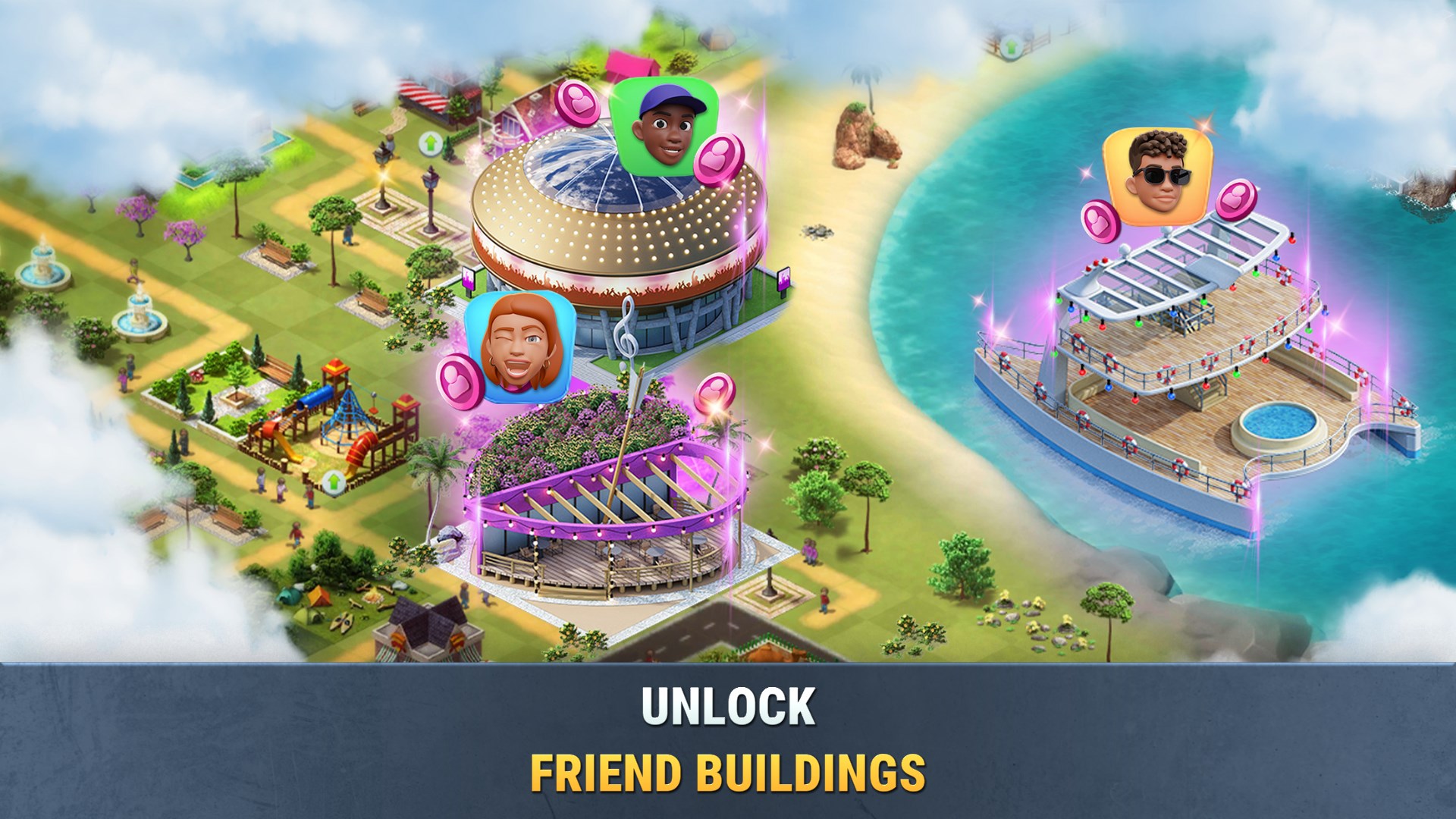
Additionally, the game's event system introduces seasonal themes and limited-time challenges, which add variety and a sense of progression without feeling overwhelming. These features foster a community-oriented vibe, encouraging players to share their designs and ideas, making the experience more social and rewarding.
Final Thoughts and Recommendations
Build a City: Community Town offers a charming and accessible city-building experience, distinguished by its user-friendly controls, colorful visuals, and creative flexibility. Its most notable aspect is the balance it strikes between simplicity and depth—making it an excellent choice for casual players looking to enjoy urban planning without excessive complexity.
While it might not feature the extensive management layers of more complex simulation games, its engaging core mechanics and cheerful aesthetic set it apart from many free-to-play competitors. For those seeking a relaxing, creative outlet with clear progression and community elements, this app is worth a try.
In conclusion, I recommend Build a City to anyone interested in starting a light-hearted city-building journey. Whether you're a newcomer to simulation games or simply craving a delightful virtual sandbox, this game provides the right mix of fun and strategy to keep you entertained for hours.
Pros
- Rich Creative Freedom
- Intuitive User Interface
- Regular Content Updates
- Educational Elements
- Performance Stability
Cons
- Limited Social Features
- In-App Purchase Dependence
- Battery Consumption
- Limited Tutorial Guidance
- Occasional Minor Glitches










