


- Category Business
- Available on PC, Mobile, Surface Hub, HoloLens
- OS Windows 10 version 17763.0 or higher
- languages English (United States)
Introducing C Design Space for Maker, Explore, Joy for Windows
Imagine a digital workshop where creativity and precision go hand in hand—C Design Space for Maker, Explore, Joy for Windows is exactly that, a powerful app tailored for makers and hobbyists to bring their ideas to life with ease and flair.
About the Developer and Core Features
Developed by Fragrance, a team dedicated to merging technology with creative expression, this application redefines how users interact with their craft projects on a Windows platform. Its highlights include:
- Intuitive Design Interface: A user-friendly workspace that simplifies complex design workflows, making it accessible even for beginners.
- Collaborative Work Features: Built-in tools that facilitate seamless teamwork, sharing, and real-time collaboration—turning individual projects into community-driven innovations.
- Task and Project Management: Organized features for tracking project stages, deadlines, and resources, ensuring the creative process remains efficient and structured.
- Compatibility with Maker Devices: Optimized for Maker, Explore, Joy devices, ensuring smooth connectivity and control for hands-on projects.
Targeted primarily at makers, educators, and small-scale creators, the app aims to empower users with tools that enhance productivity and collaborative potential.
Vivid First Impressions and Workflow Breakdown
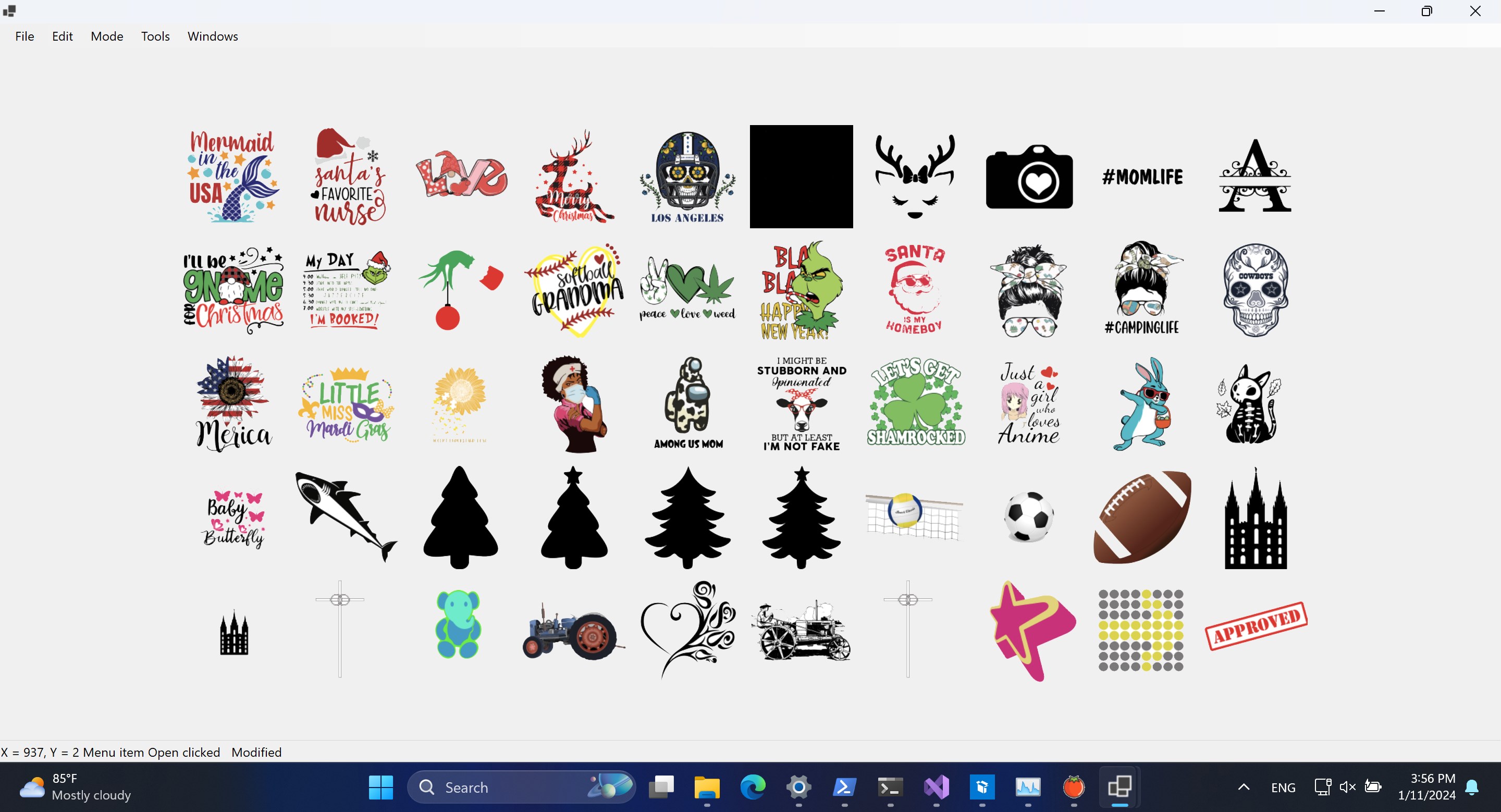
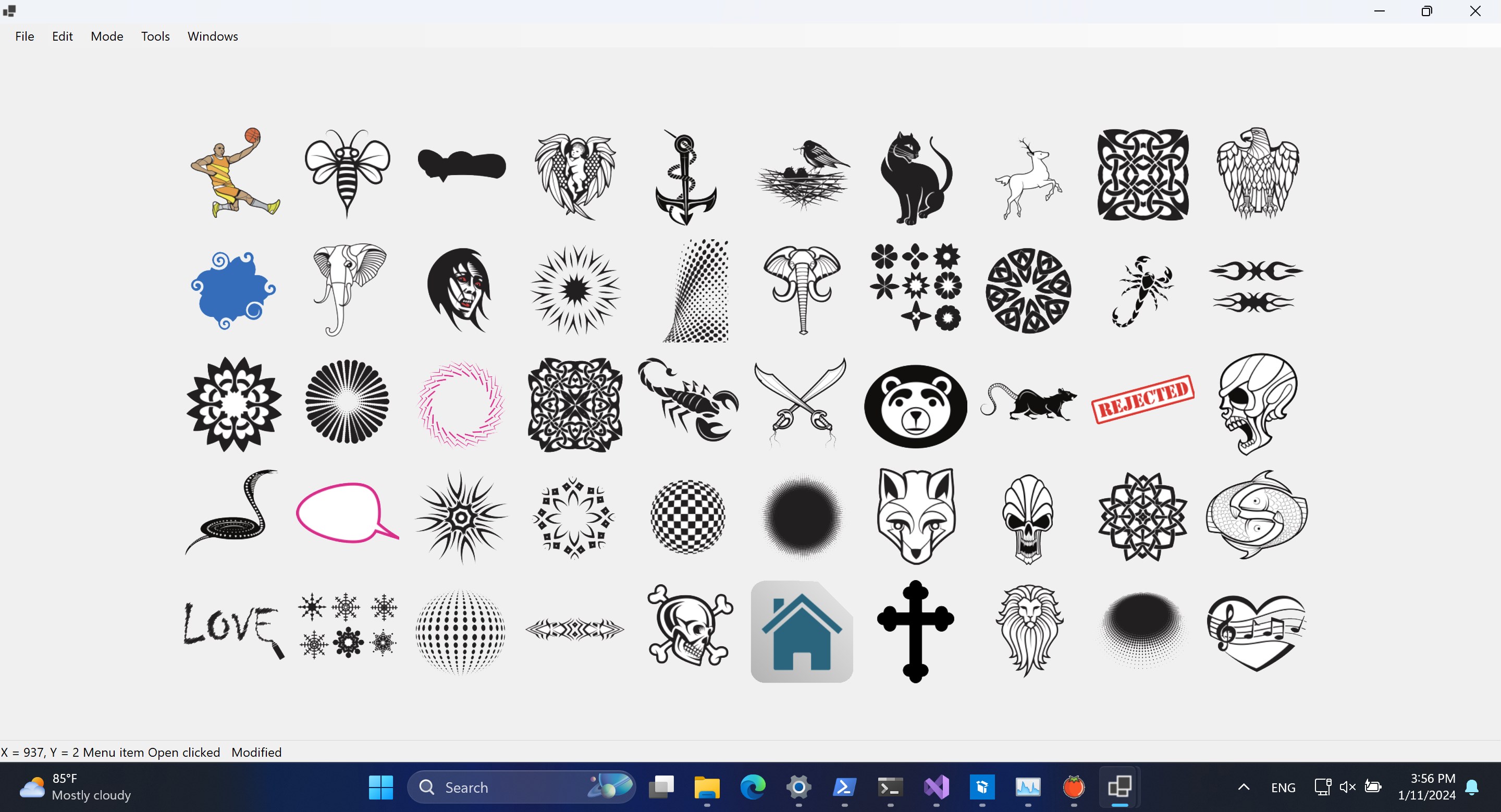
Embarking on a journey with C Design Space feels like stepping into a high-tech workshop where everything is thoughtfully laid out. The interface boasts a clean, modern aesthetic—think of it as the dashboard of a well-tuned spaceship, ready to launch your ideas into reality. Navigation is intuitive, with drag-and-drop simplicity making complex design tasks less daunting. The app runs smoothly, with quick response times that keep the creative momentum flowing without frustrating lags or freezes. For newcomers, the learning curve is gentle, helped along by integrated tutorials and context-sensitive guidance, making mastery achievable in a short span.
Distinctive Collaborative Features – Working Smarter Together
What sets C Design Space apart from typical design apps is its emphasis on collaboration. Unlike standalone programs that treat teamwork as an afterthought, this application breathes life into shared projects. Whether you're working with classmates or a local maker community, the real-time collaboration tools allow simultaneous editing, instant feedback, and direct messaging within the platform. Imagine being able to sketch a new idea and have your partner comment or modify it instantly—it's akin to having your workshop buddies right beside you, even if they're miles apart. This level of integrated collaboration reduces the chaos of file exchanges and email threads, making teamwork more fluid and productive.
Task Management and Project Oversight
Beyond design, managing multiple projects can become a juggling act—here, C Design Space's task management features shine. Users can define project stages, assign deadlines, and track progress in a visual dashboard that feels like a digital to-do list with a sleek interface. This structure helps prevent overlooked details and keeps the creative process focused. For educators or workshop leaders, this feature transforms project oversight into a straightforward activity, freeing up more time to foster innovation rather than micromanagement.
Final Thoughts and Recommendations
All in all, C Design Space for Maker, Explore, Joy emerges as a competent and thoughtfully designed application that balances ease of use with rich collaborative features. Its standout strength lies in fostering teamwork through real-time, integrated collaboration tools—making it particularly appealing for educational settings or community maker spaces. While it may not replace specialized CAD software for highly technical projects, it excels as a bridge between simplicity and creativity, encouraging more people to engage with digital design and fabrication.
We recommend this app for casual makers, educators, and hobbyists who value a harmonious balance of user-friendliness and collaborative power. For those looking to streamline their project workflows or nurture a community of creative minds, C Design Space offers a compelling solution worth exploring.
Pros
- Intuitive Design Space Interface
- Wide Compatibility with Devices
- Extensive Material and Project Library
- Seamless Cloud Integration
- Regular Updates and Improvements
Cons
- Occasional Software Lag
- Limited Advanced Customization Options
- Irregular Offline Functionality
- Learning Curve for Beginners
- Some Device Compatibility Issues










