

- Category Productivity
- Developer dave smits
- Available on PC
- OS Windows 11 version 22000.0 or higher
- languages Danish, Dutch, English (United States), Spanish
A Closer Look at Calendar Dashboard for Windows: Your Unified Planning Companion
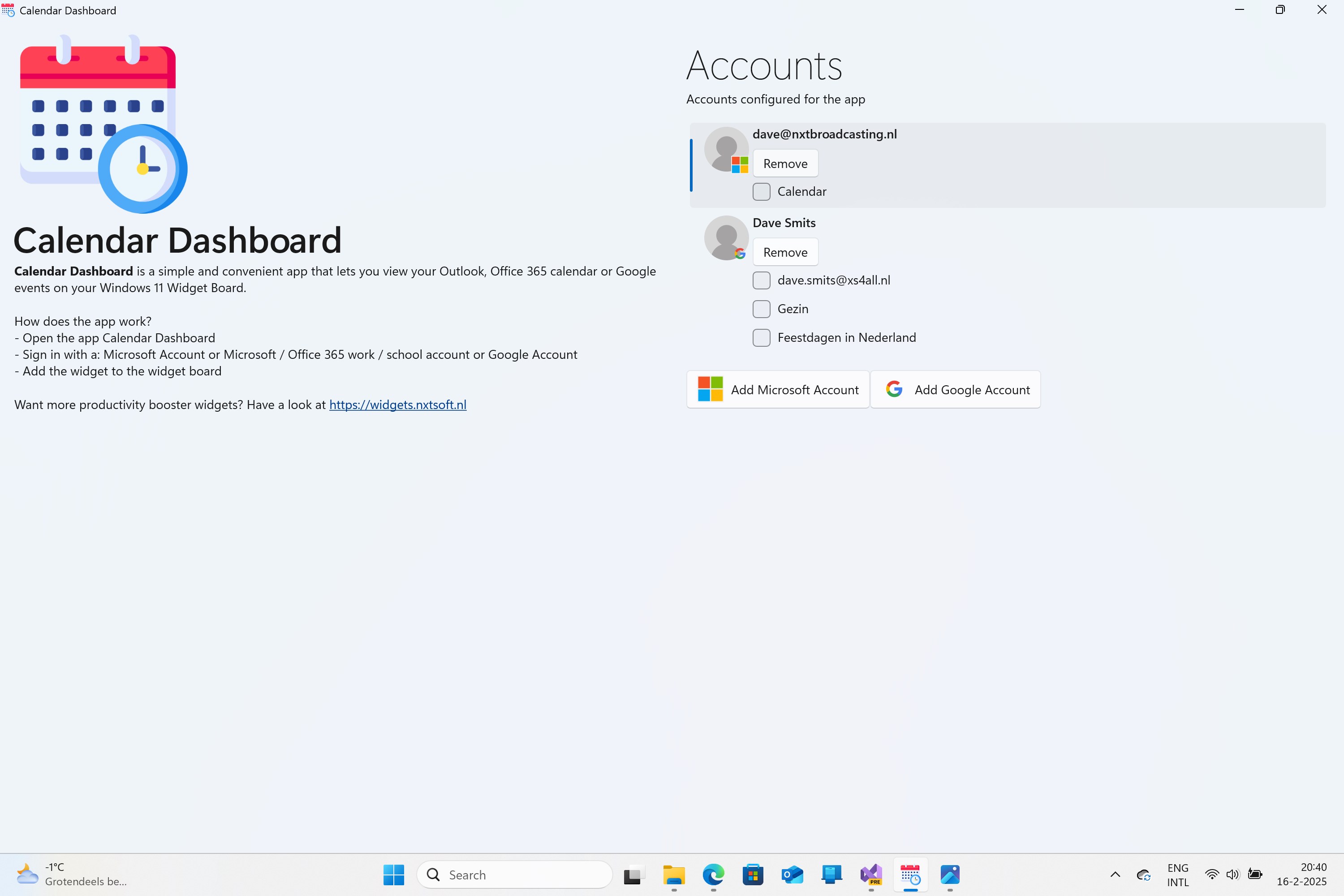
Imagine having a personal assistant that seamlessly consolidates your schedules, tasks, and reminders into one elegant dashboard—Calendar Dashboard for Windows accomplishes this with a soothing blend of simplicity and power. Developed by Dave Smits, this app aims to streamline your workflow and elevate your time management game, making your digital days feel less like chaos and more like a symphony of productivity.
Core Features That Shine Bright
Unified Calendar View: One Dashboard, All Your Schedules
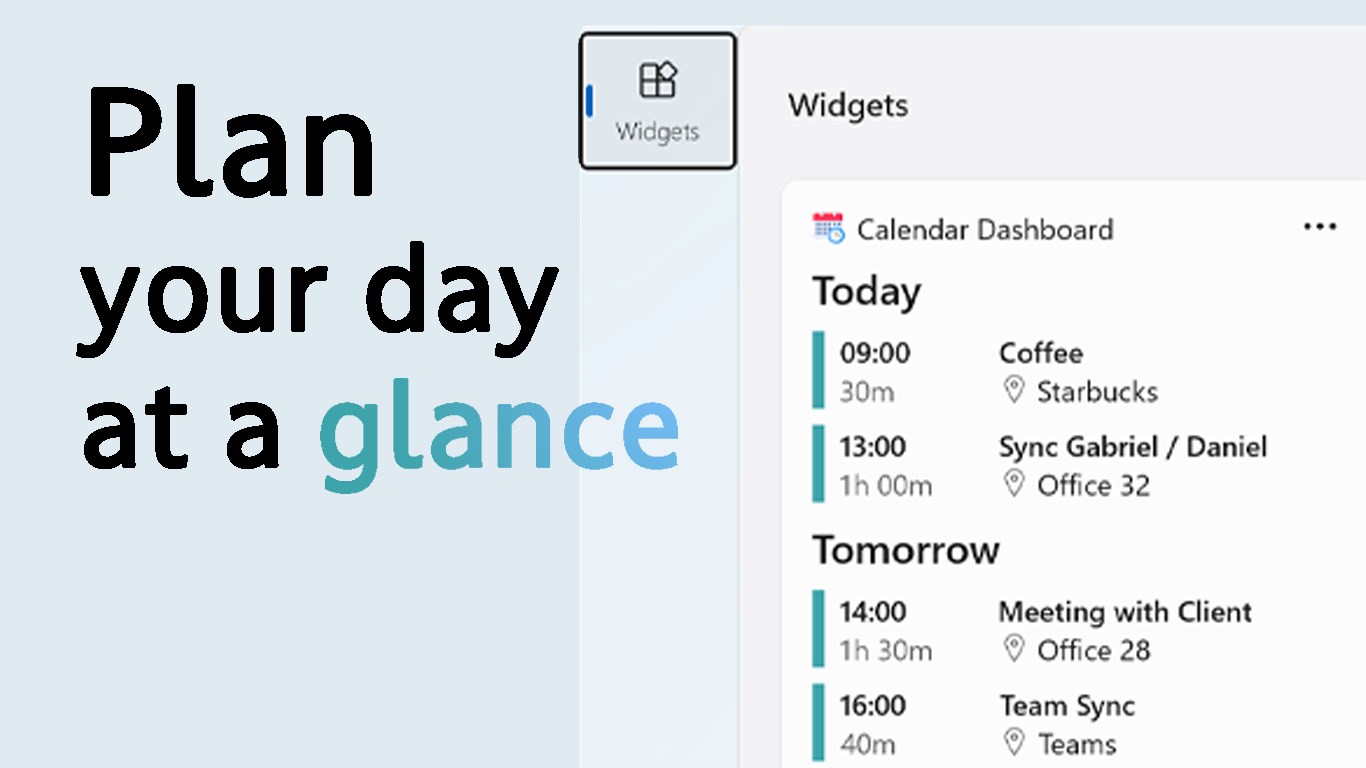
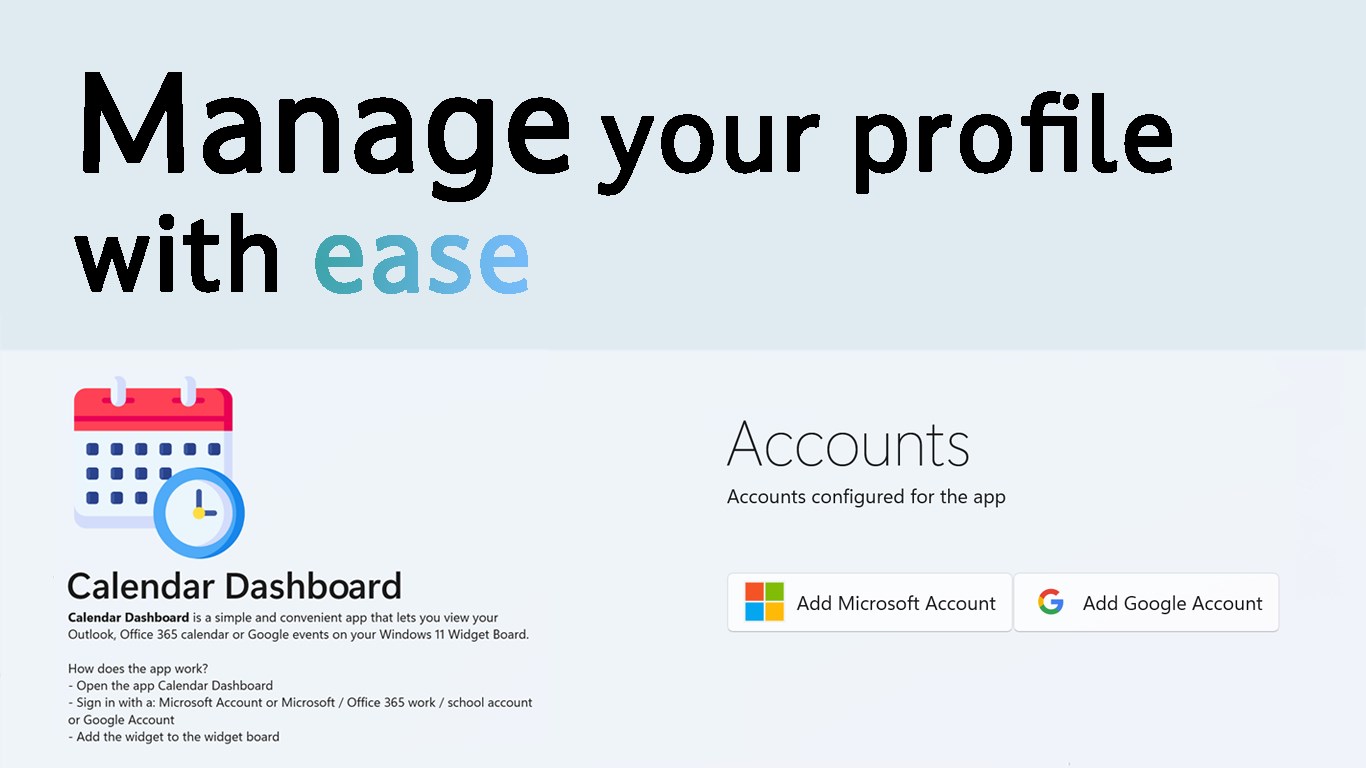
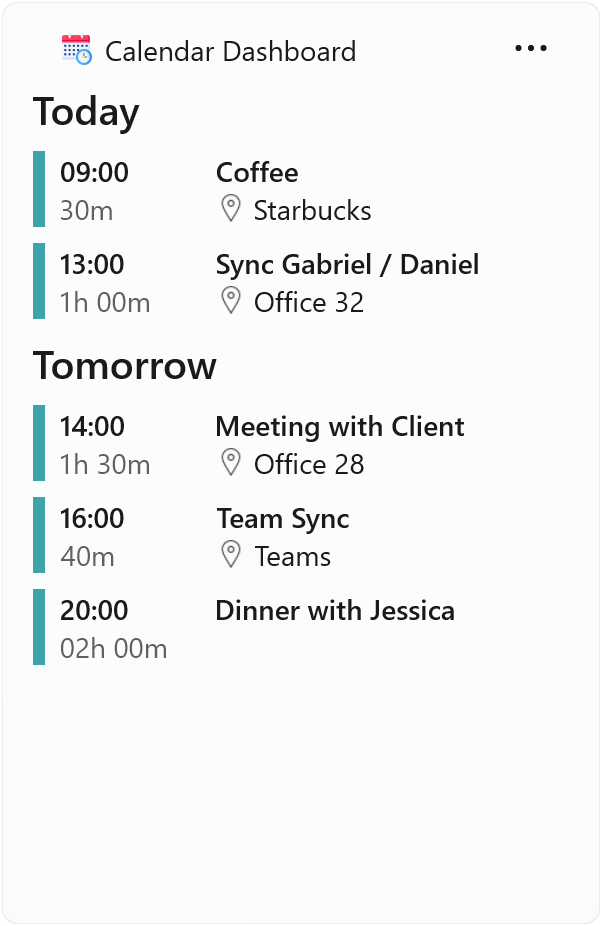
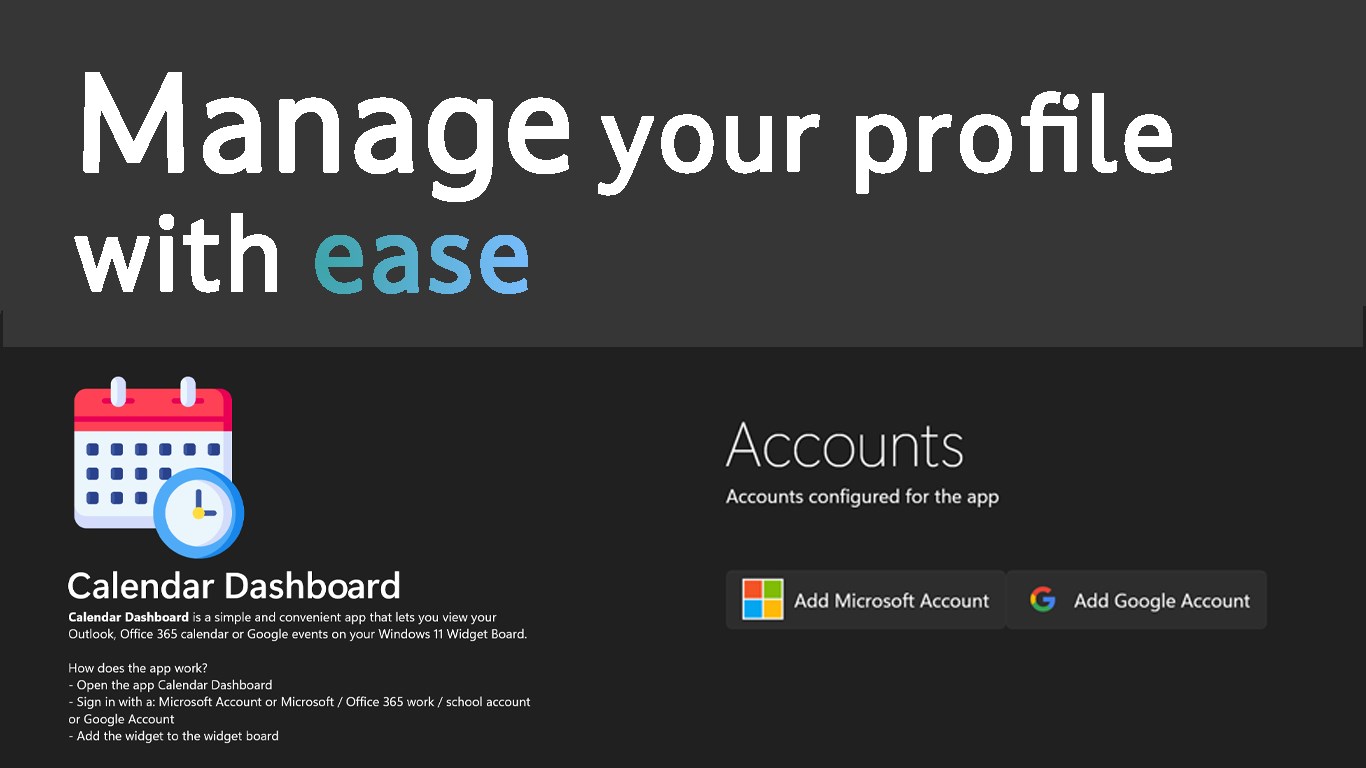
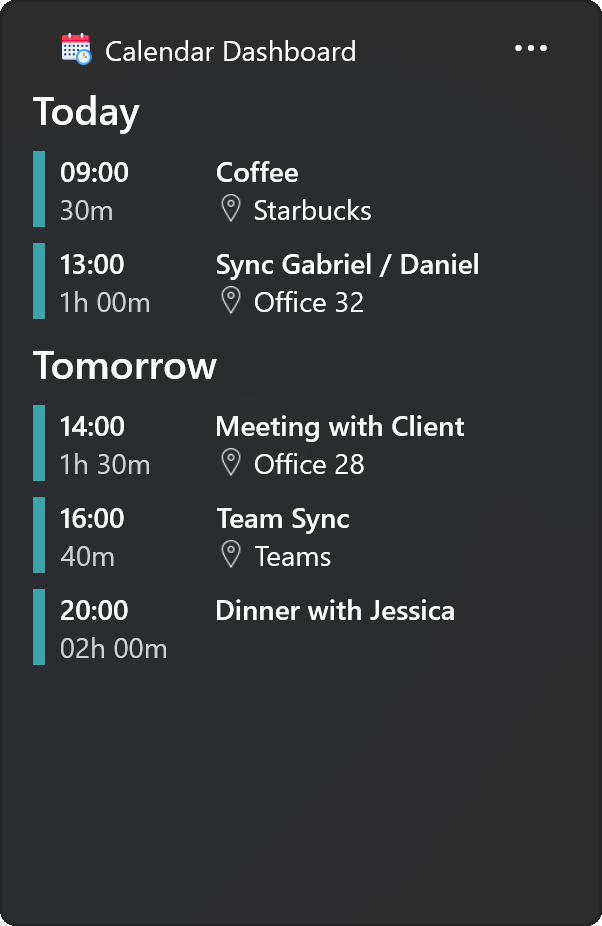
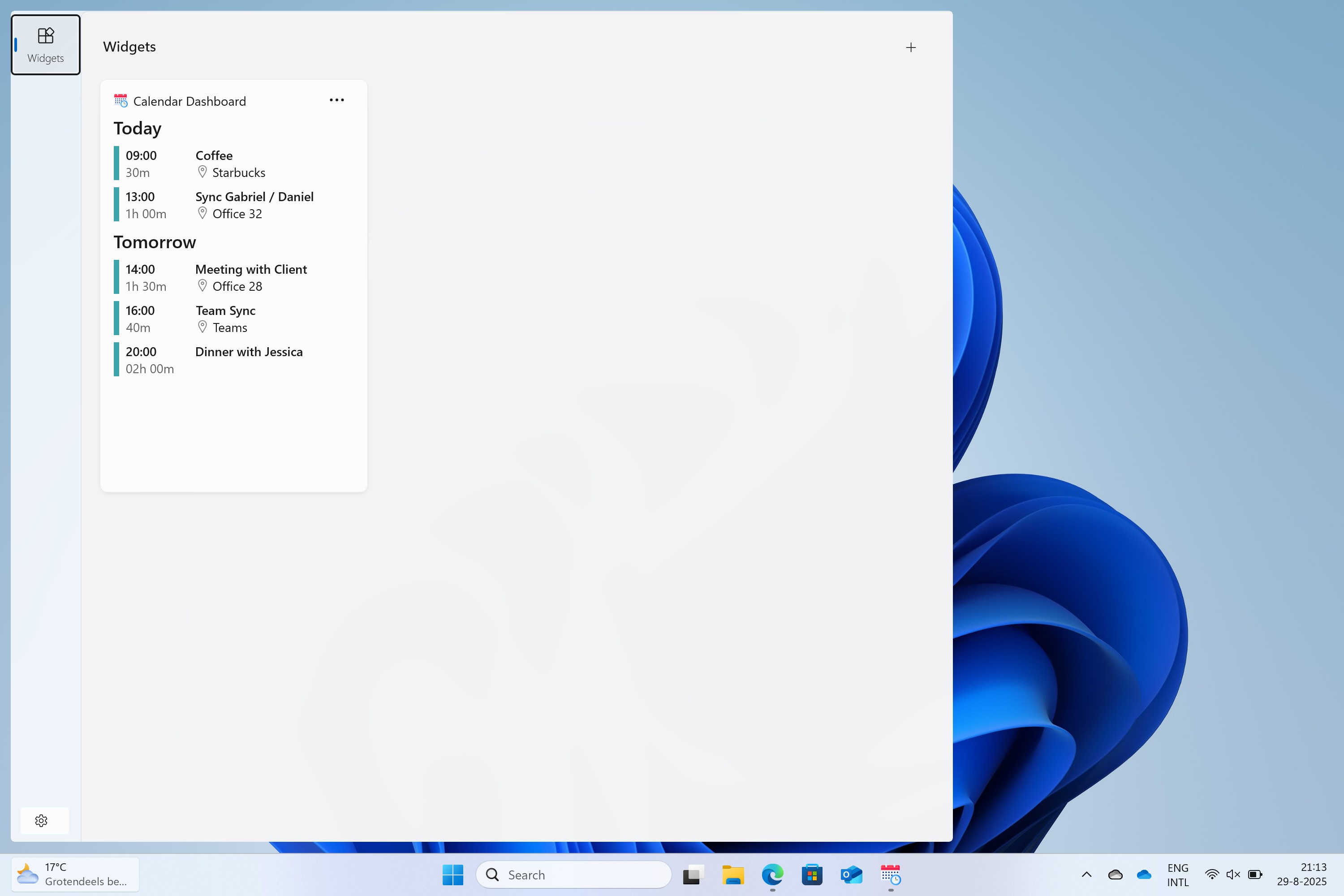
The standout feature of Calendar Dashboard is its ability to aggregate multiple calendars—be it Google, Outlook, or other services—into a single, visually intuitive interface. This consolidation allows users to glance at their day's commitments without toggling between different apps, much like having a panoramic window into your planning landscape. It promotes a clearer overview, reducing mental clutter and minimizing missed appointments.
Intelligent Reminder & Task Integration
Beyond basic scheduling, the app offers intelligent reminders that are contextually integrated with your calendar events. Tasks can be assigned in parallel, complete with priority settings and deadlines. This feature acts like a digital task manager embedded directly within your calendar environment, helping you keep track of to-dos without creeping into other productivity tools or losing track amidst a jumble of notes. It emphasizes reducing cognitive load, freeing your mind from juggling multiple platforms.
Customizable, User-Friendly Interface
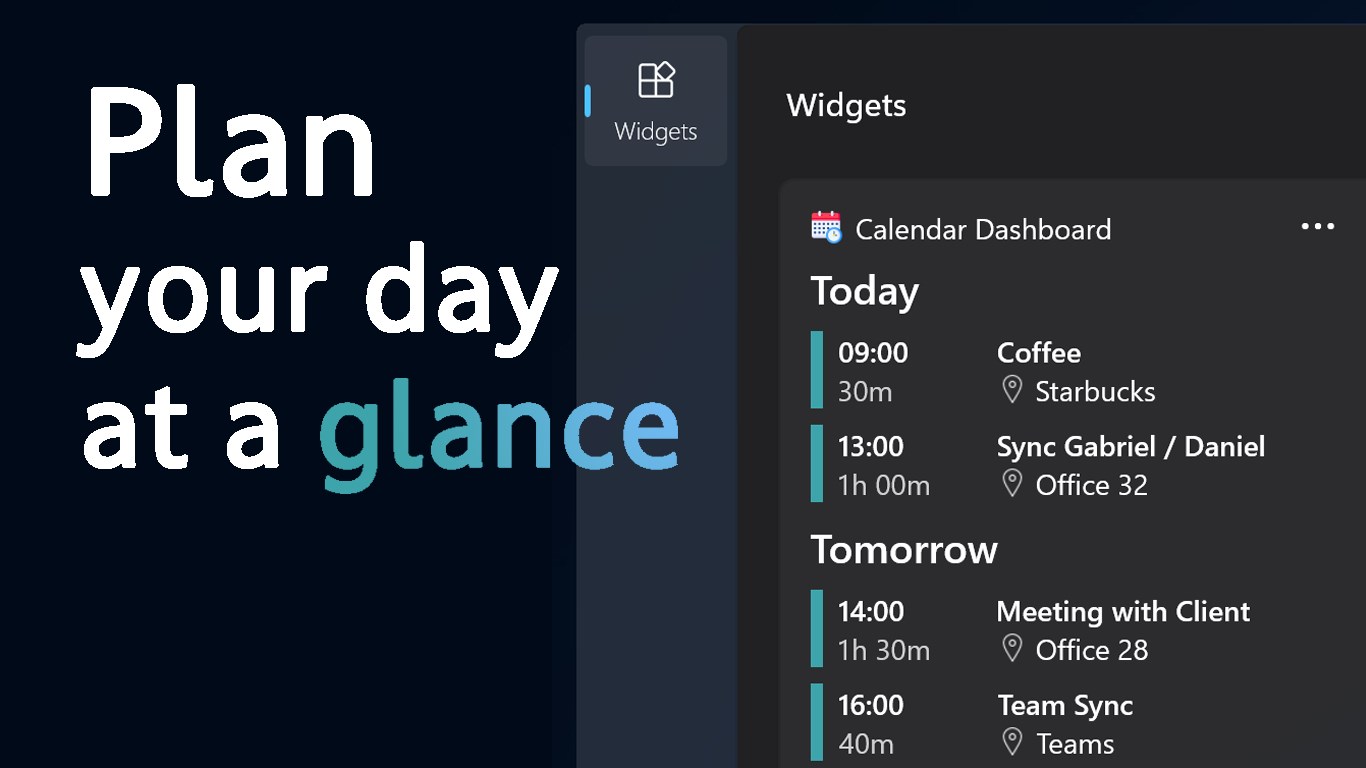
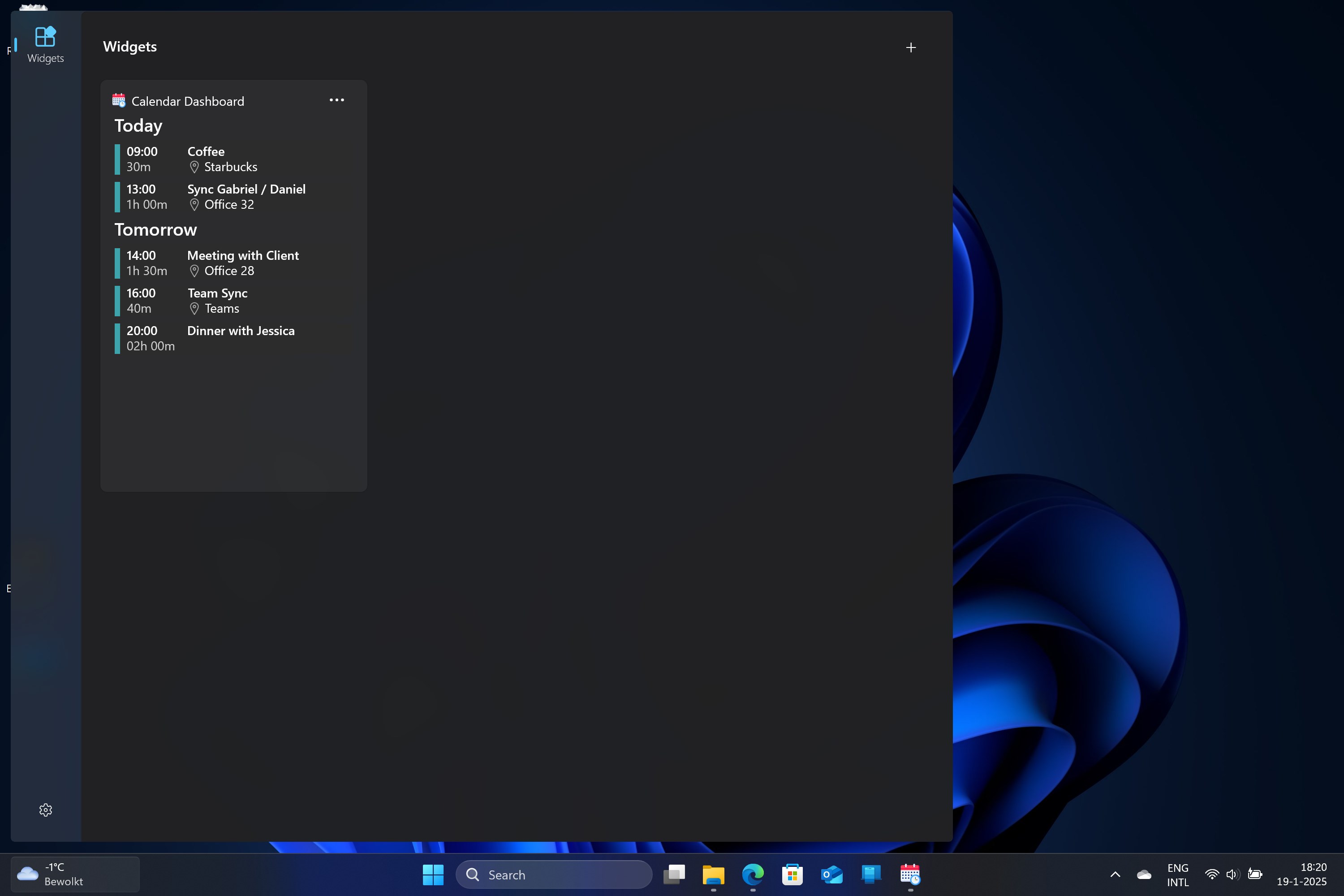
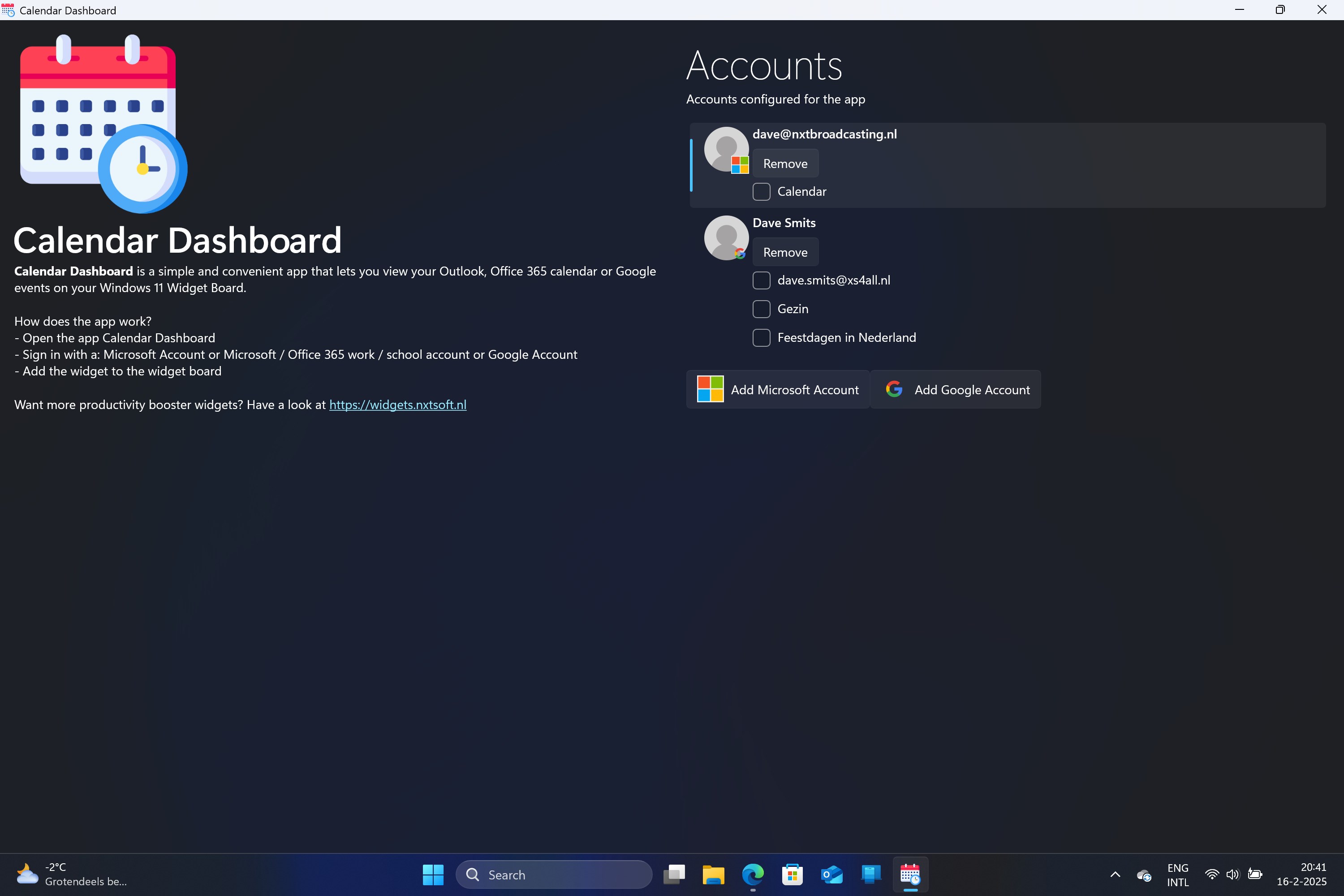
The interface strikes a balance between minimalist elegance and functional depth. Designed with user experience in mind, it features clean visual cues and a straightforward navigation flow that feels less like learning a new software and more like adjusting to a familiar workspace. Customization options allow you to tweak themes, calendar colors, and widget placements, making the dashboard adapt seamlessly to your personal workflow—like tailoring a suit that fits just right.
Smoothing the Experience: Design, Ease of Use, and Workflow
From the moment you launch Calendar Dashboard, the interface greets you with a calm, organized layout. Switching between different views—daily, weekly, or monthly—is swift and effortless, thanks to responsive controls that feel as natural as flipping through a well-loved notebook. The app's responsiveness is commendable, with minimal lag even when handling multiple calendars and embedded tasks, indicating a well-optimized performance under the hood.
Learning the ropes is a breeze; the intuitive design means even newcomers can start syncing their calendars and setting reminders within minutes, without pouring over lengthy documentation. This low learning curve translates into an efficient onboarding process, allowing users to jump straight into productivity rather than wading through complexity.
What Sets It Apart in the Productivity Realm?
Unlike many multitasking calendar apps that aim to load users with a plethora of features—often at the expense of simplicity—Calendar Dashboard prides itself on streamlining workflow efficiency. Its core philosophy is to minimize the cognitive load associated with managing multiple tools. By integrating various calendars and tasks into a single, coherent view, it reduces the mental switch costs typical in productivity apps.
Furthermore, this app's emphasis on reducing feature complexity is key; instead of bombarding users with countless options, it distills essential functionalities into a clear, manageable interface. This focus significantly enhances cognitive focus, letting you concentrate on your tasks rather than navigating through layers of menus—which is a common frustration with some traditional productivity applications.
Final Thoughts and Recommendations
Overall, Calendar Dashboard for Windows offers a compelling, user-centric approach to digital scheduling. Its standout features—particularly the unified calendar view and integrated task reminders—serve as powerful tools to streamline your planning process. The intuitive design and smooth operation make it suitable not only for tech-savvy users but also for those seeking a straightforward, effective planning environment.
If you're someone who juggles multiple calendars daily and values a clean, consolidated workspace that reduces mental clutter, this app is worth exploring. I'd recommend it especially for professionals, students, or anyone striving to make their planning more effortless and less overwhelming. While it may not have every advanced feature found in more complex apps, its focused approach excels at what it promises: simplifying your workflow while maintaining high usability.
Pros
- Intuitive Calendar Integration
- Customizable Dashboard
- Real-time Notifications
- Easy Event Management
- Cross-device Accessibility
Cons
- Limited Event Categorization Options
- Occasional Sync Delays
- Basic Customization Features
- Minor Clutter in Interface
- Limited Offline Access











