
Frequently Asked Questions
How do I install Call of Duty®: Black Ops III - Zombies Chronicles Edition on Windows?
Download the game from your chosen store or platform, then follow the on-screen prompts to install. Ensure your system meets the game requirements for smooth gameplay.
Does this app support cross-platform multiplayer gameplay?
No, Call of Duty®: Black Ops III - Zombies Chronicles Edition does not support cross-platform multiplayer; gameplay is limited to Windows players only.
What are the main features included in the Zombies Chronicles expansion?
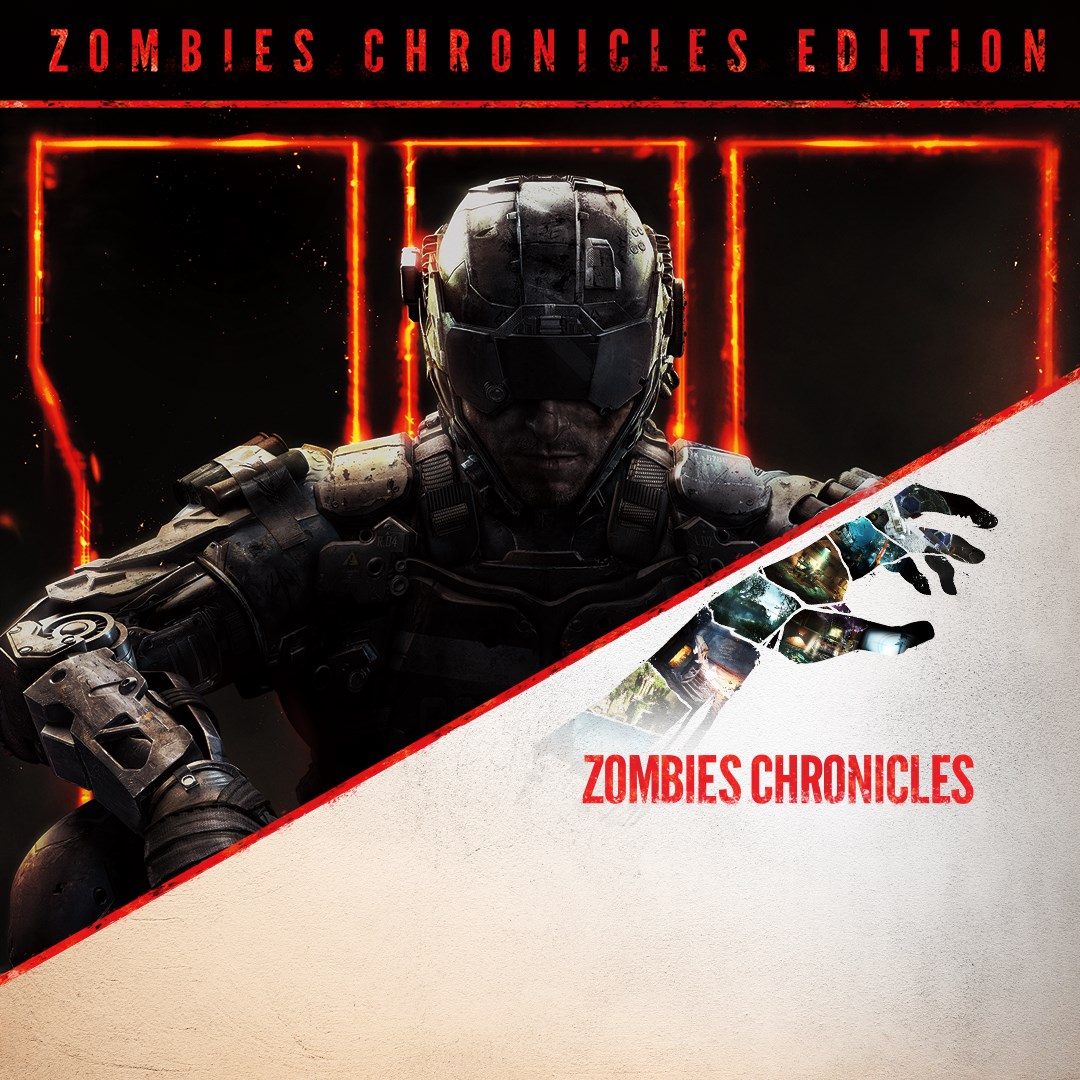
The expansion includes 8 remastered classic Zombies maps from Call of Duty®: World at War, Black Ops, and Black Ops II, with full HD quality and new content.
How can I access the additional bonus content after purchasing Zombies Chronicles?
Bonus content is unlocked automatically after purchase. You can access Vials of Liquid Divinium, GobbleGums, and Weapon Camos from the in-game Zombies menu.
What are the different game modes in Black Ops III and how do I start them?
The game features Campaign, Multiplayer, and Zombies. Select your preferred mode from the main menu to start playing, and configure settings as needed.
How do I upgrade my weapons or use the Pack-A-Punch feature in Zombies?
Find the Pack-A-Punch machine in Zombies maps, then activate and pay the required in-game currency to upgrade your weapons during gameplay.
Are there any subscription or in-app purchases required to access additional content?
No, all content included with the Zombies Chronicles Edition is available after purchase. No additional subscriptions are required.
Can I change the game language or graphics settings?
Yes, go to Settings > Options in the game menu to adjust language, graphics, and other preferences for optimal gameplay.
What should I do if the game crashes or encounters errors on Windows?
Try updating your graphics drivers, verify game files via the platform, or reinstall the game if issues persist. Contact support if problems continue.
Is there a way to improve my performance or fps during gameplay?
Lower in-game graphics settings, close background applications, and ensure your system meets recommended specs for optimal performance.
You May Like

DOOM + DOOM II
for Windows
4.8
Deep Rock Galactic - Ultimate Edition
for Windows
4.7
Roboquest
for Windows
4.7
Deep Rock Galactic - Deluxe Edition
for Windows
4.7
Quake II
for Windows
4.7
Deep Rock Galactic
for Windows
4.7
Enter The Gungeon
for Windows
4.6
Mech Arena
for Windows
4.6
Gears of War 4
for Windows
4.6
Gears 5
for Windows
4.6
Gears 5 Game of the Year Edition
for Windows
4.5
Brotato
for Windows
4.5