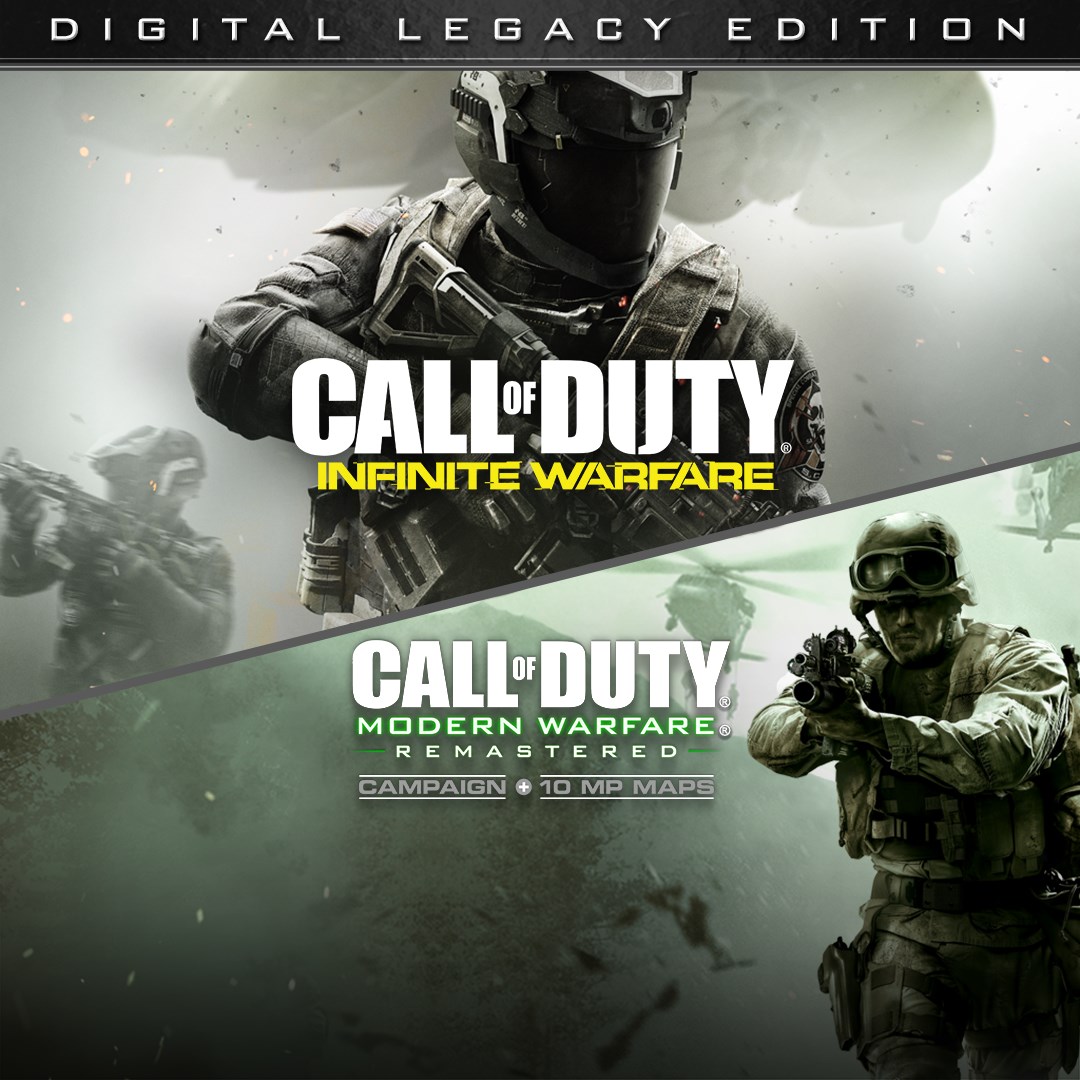
Call of Duty®: Infinite Warfare - Digital Legacy Edition
- score
- 2.7
- DirectX
- Version 11
- Memory
- 8 GB

Download and install the app from your platform's store, then launch the game and follow the on-screen prompts to set up your profile and game preferences.
It includes Infinite Warfare, Modern Warfare Remastered, Terminal Bonus Map, Zombies in Spaceland Pack, plus exclusive camos, calling cards, and weapon packs accessible via in-game menus.
Open the main menu, then select your preferred mode—Campaign, Multiplayer, or Zombies—each accessible from the main interface after launching the game.
Combat Rigs are tactical suits worn by players, each designed for different play styles. Choose and customize your Rig via the loadout menu in multiplayer.
Complete specific in-game challenges or missions within multiplayer to unlock and join Mission Teams via the multiplayer menu.
No, all included content is accessible after purchase; however, some in-game items or DLC may require additional purchase through the store or in-game shop.
Yes, you can purchase weapon camos, calling cards, and packs through the in-game store or settings menu, typically under the 'Store' or 'Redeem' sections.
Ensure a stable internet connection, close background apps, restart the game, and check for updates through your platform's app store or game launcher.
Check the platform's specifications for minimum hardware requirements; ensure your device meets these for optimal gameplay experience.
Visit the official Call of Duty support page or access help via the in-game help menu under Settings > Support.
for Windows
5for Windows
4.9for Windows
4.8for Windows
4.8for Windows
4.8for Windows
4.8for Windows
4.8for Windows
4.8for Windows
4.8for Windows
4.8for Windows
4.8for Windows
4.8










