
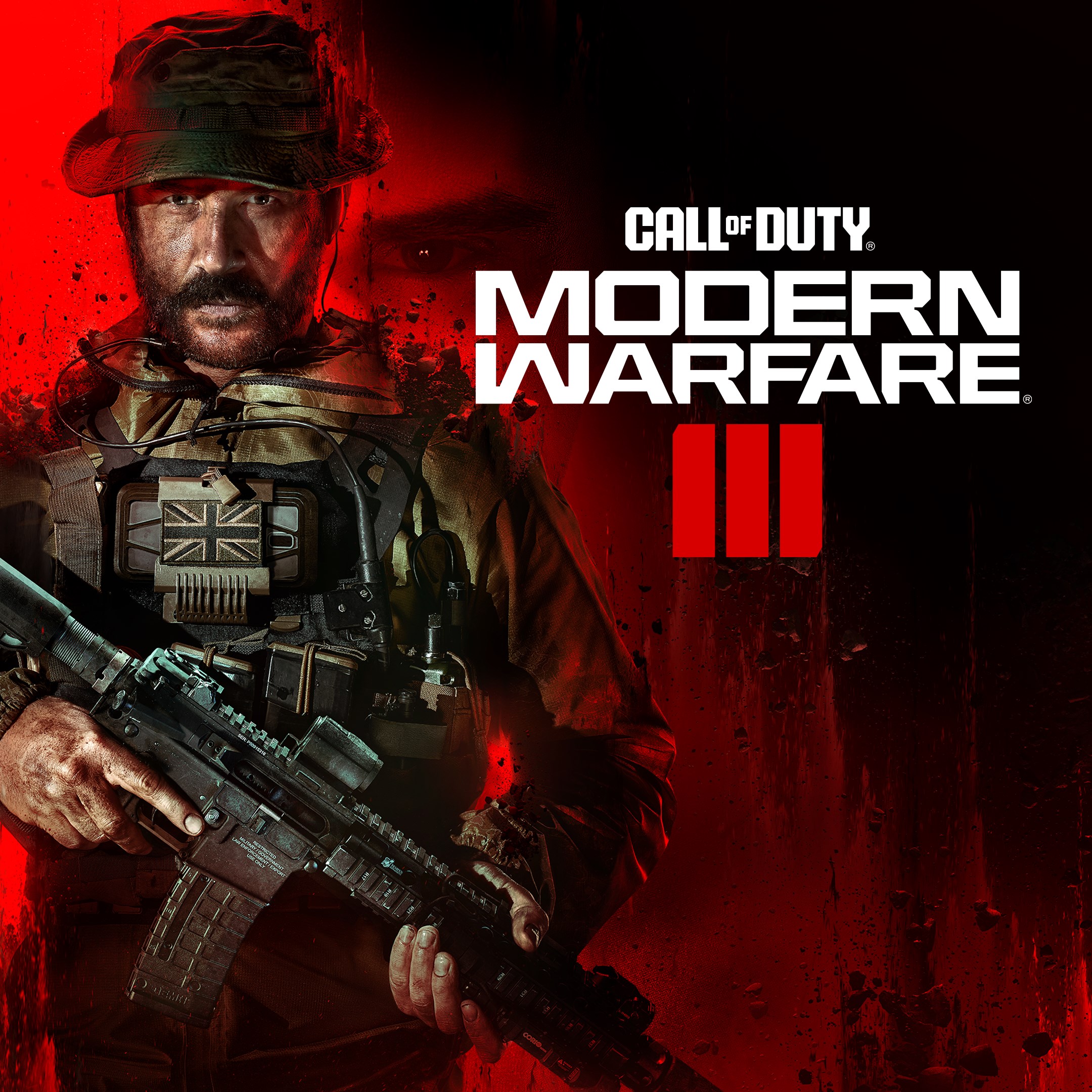
Frequently Asked Questions
How do I start playing Call of Duty®: Modern Warfare® III on Windows?
Download the game from your preferred platform, install it, create or log into your Activision account, and follow the on-screen instructions to begin playing.
What are the main game modes available in MW3?
MW3 features Multiplayer, including classic and new maps, and the innovative Open World Zombies mode for cooperative undead survival.
How do I access the multiplayer maps in the game?
Navigate to the 'Multiplayer' section from the main menu; select your preferred map from the available options to start playing.
What new features does MW3 introduce compared to MWII?
MW3 introduces open-world Zombies mode, updated multiplayer maps with new gameplay features, and modernized classic maps from MW2.
Can I customize my weapons and characters in MW3?
Yes, you can customize weapons and equipment via the 'Loadout' menu in multiplayer. Access it through the 'Multiplayer' lobby.
Do I need to subscribe or pay extra for multiplayer or Zombies modes?
The game is purchased as a Standard Edition; additional in-game content or updates may require purchase or unlock through gameplay.
Is there a subscription service required to access MW3 online features?
No, a subscription like Xbox Game Pass is not required, but stable internet and an active internet connection are necessary.
How do I link my mobile phone number to my Activision account?
Go to Settings > Account Settings > Phone Number, then follow the prompts to link your mobile phone number for enhanced security.
What should I do if MW3 crashes or fails to start?
Try restarting your computer, updating your graphics drivers, or verifying game files via your platform's file integrity check.
Are there any system requirements I should know about before installing MW3?
Check the official website for minimum and recommended PC specifications to ensure smooth gameplay before installation.
You May Like

DOOM + DOOM II
for Windows
4.8
Deep Rock Galactic - Ultimate Edition
for Windows
4.7
Roboquest
for Windows
4.7
Deep Rock Galactic - Deluxe Edition
for Windows
4.7
Quake II
for Windows
4.7
Deep Rock Galactic
for Windows
4.7
Enter The Gungeon
for Windows
4.6
Mech Arena
for Windows
4.6
Gears of War 4
for Windows
4.6
Gears 5
for Windows
4.6
Gears 5 Game of the Year Edition
for Windows
4.5
Brotato
for Windows
4.5