

- Category Business
- Developer Bueno Technologies Inc.
- Available on PC
- OS Windows 10 version 0.0 or higher
- Keyboard Integrated Keyboard
- Mouse Integrated Mouse
- languages English
Introducing CallHippo for Windows: A Unified Cloud-Based Communications Solution
CallHippo for Windows is a comprehensive business communication app designed to streamline voice calling, team collaboration, and client engagement through an intuitive interface and robust features. Developed by Bueno Technologies Inc., this application aims to empower remote teams and customer service providers with a dependable, feature-rich platform.
About the Developer and Core Highlights
Created by Bueno Technologies Inc., a company specializing in cloud communication solutions, CallHippo for Windows stands out with its focus on simplicity and efficiency. Key features that distinguish it include seamless VoIP calling, integrated contact management, and collaborative work features that enhance team productivity. Its primary target audience encompasses small to medium-sized businesses, remote teams, and customer support centers seeking a reliable communication tool integrated within their workflow.
Engaging Your Audience: An Exciting Start
Imagine taking your business conversations from the cluttered chaos of scattered apps to a sleek, centralized platform that makes every call feel like a face-to-face chat. CallHippo transforms your Windows desktop into a command center for all your communication needs, where clarity, speed, and collaboration are woven into every interaction. Whether you're closing deals or troubleshooting customer issues, this app promises to be your trusted sidekick—efficient and unobtrusive, yet powerful enough to handle your busiest days.
Core Functionality Deep Dive
Effortless Cloud Phone System & VoIP Calls
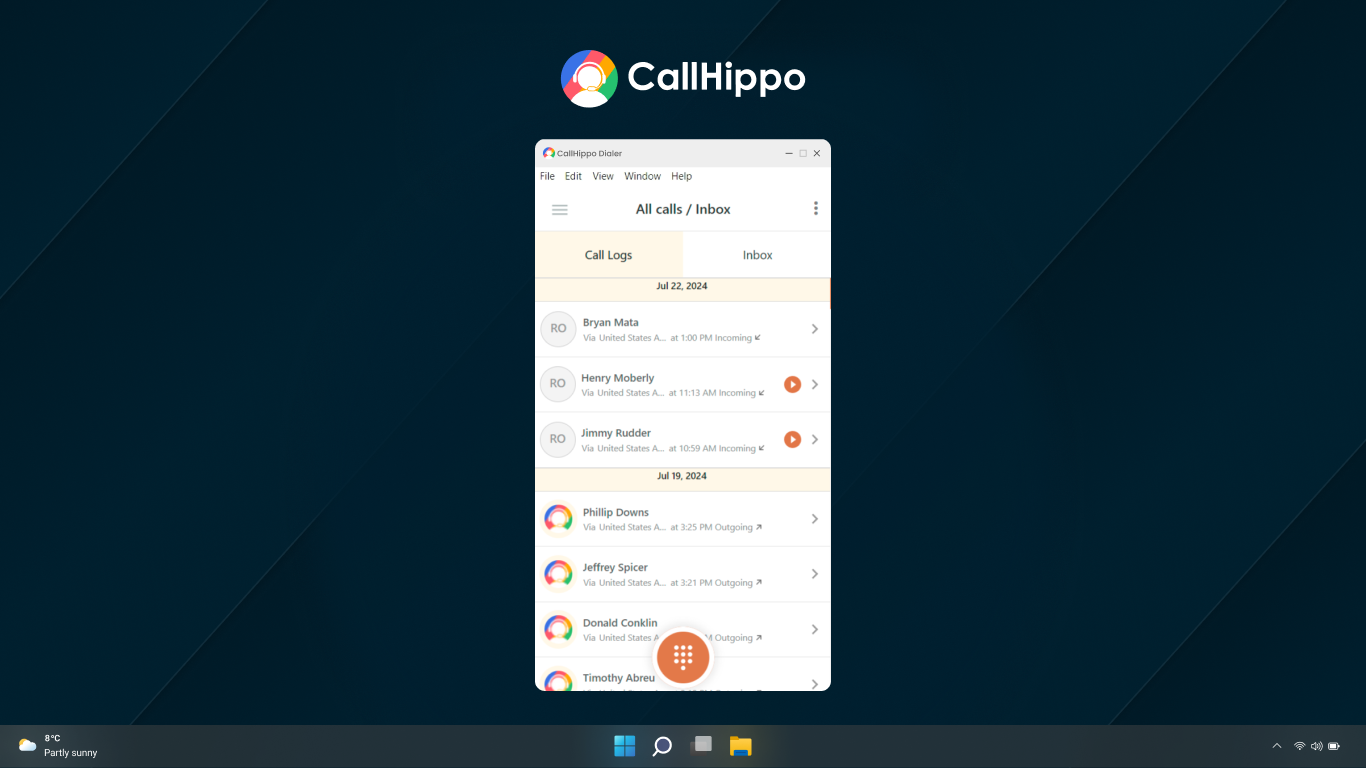
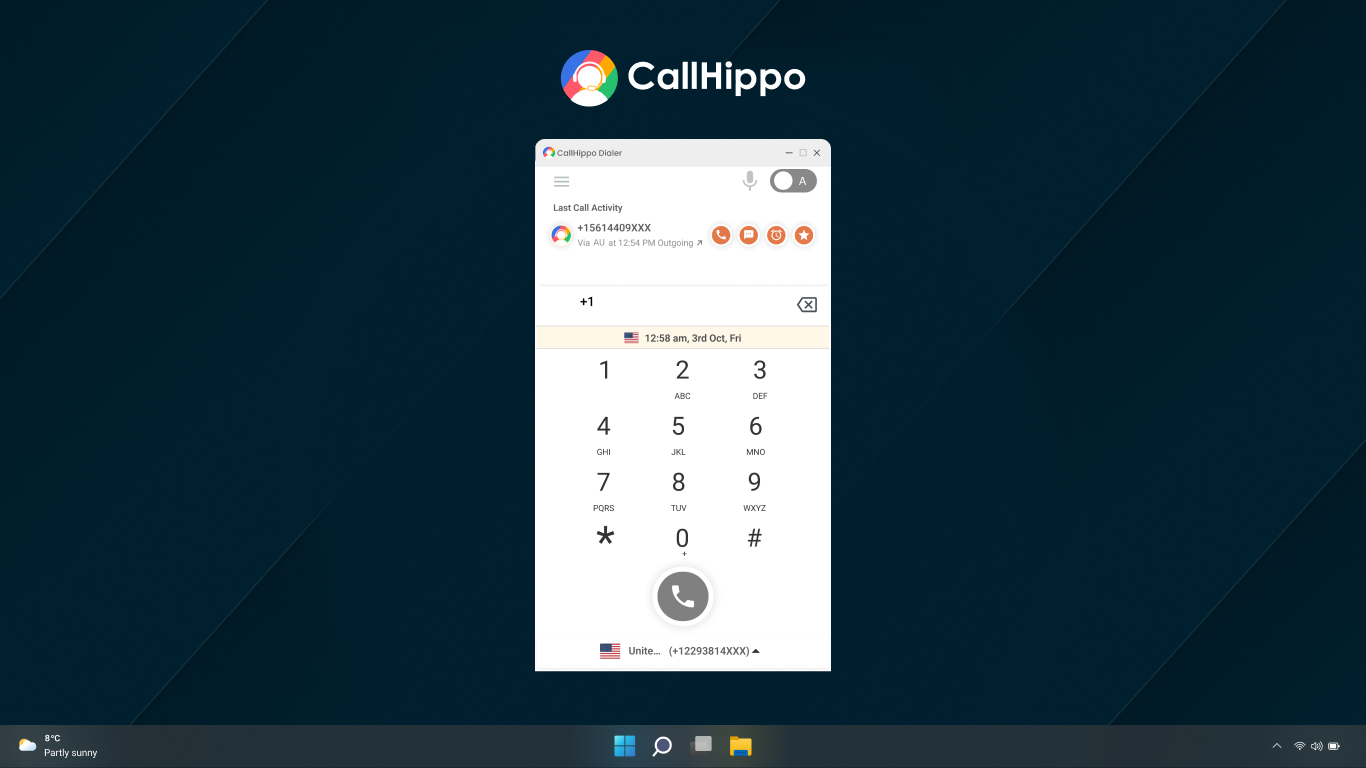
At the heart of CallHippo lies its cloud-based VoIP calling feature, which allows users to make and receive calls directly from their Windows devices without the need for traditional hardware or complex setups. The app offers clear, high-quality audio with minimal latency, making conversations feel natural and engaging. Setup is straightforward: connect your preferred number, configure your SIP settings if needed, and you're ready to go. This feature effectively replaces traditional office phones by providing a flexible, scalable solution suitable for teams on the move.
Unified Contact and Account Management
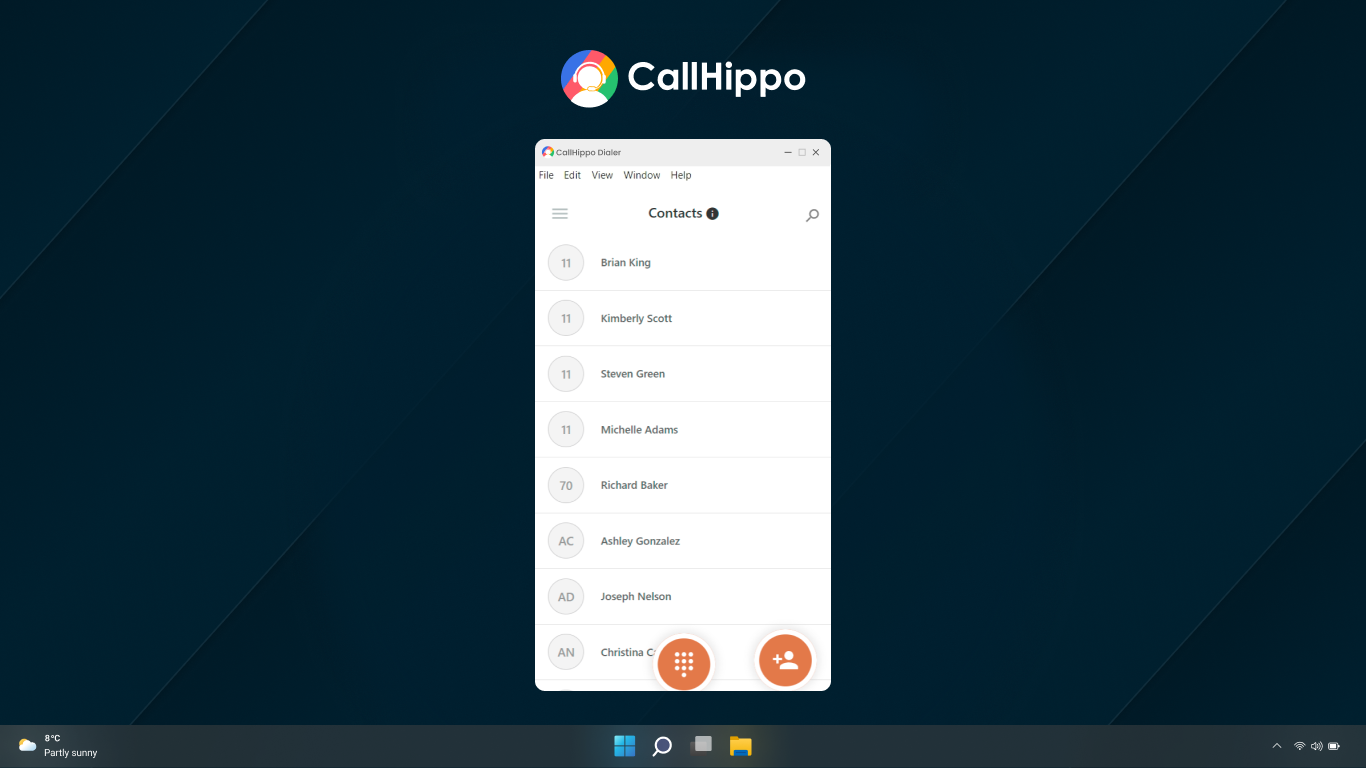
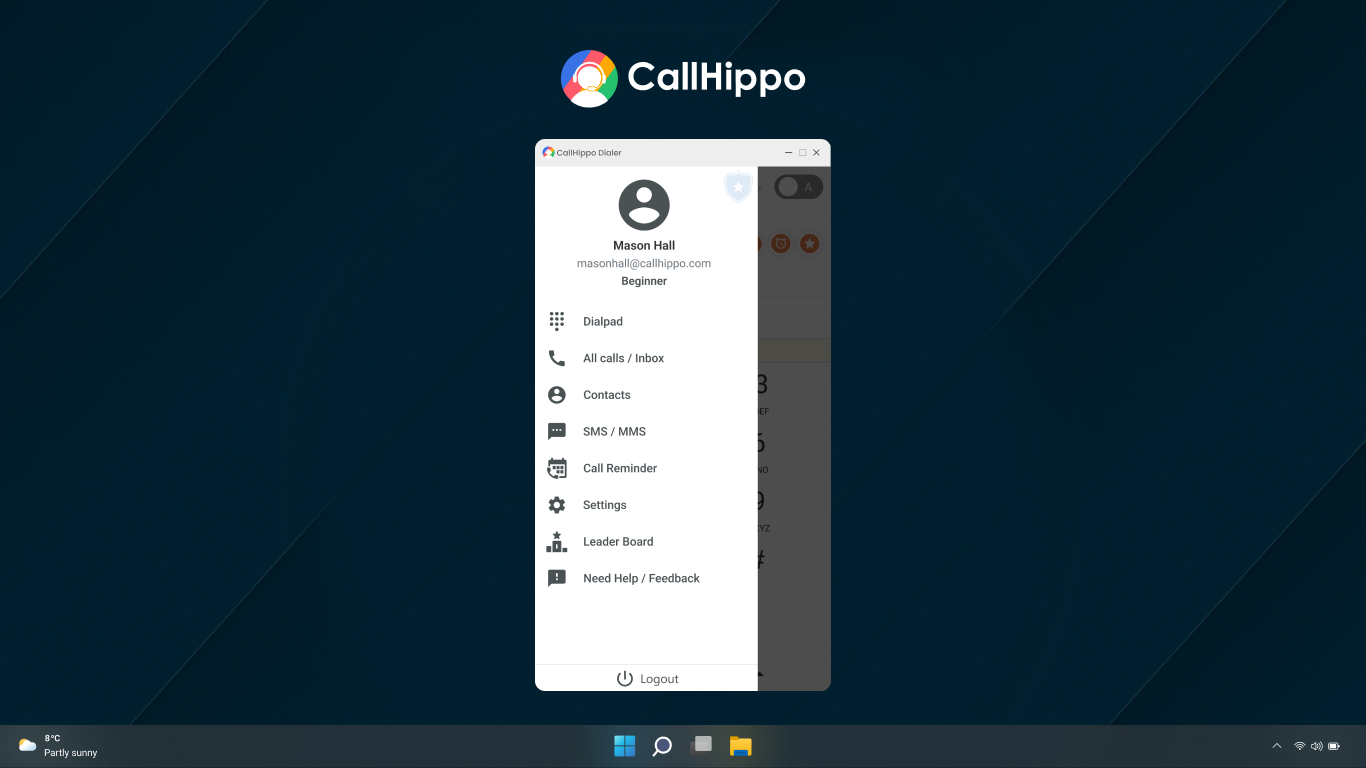
The app includes an integrated contact management system where you can sync contacts from various sources, organize customer details, and track communication history—all within a single interface. This not only saves time but also ensures that your team always has access to the latest client information, reducing miscommunication and enhancing customer experience. Additionally, the platform supports multiple numbers and a virtual switchboard, enabling efficient handling of different departments or regional offices.
Collaborative Tools for Enhanced Teamwork
What really sets CallHippo apart is its focus on collaborative work features. Beyond voice calls, it offers features like call disposition tracking, shared notes, and real-time activity status. These tools facilitate seamless teamwork, especially in remote settings where spontaneous communication channels are vital. For example, team members can add internal notes during or after calls, ensuring everyone is on the same page—reducing miscommunication and increasing efficiency. Compared to other business apps, its emphasis on teamwork within the communication platform makes it a valuable asset for collaborative workflows.
Design, Usability, and Overall Experience
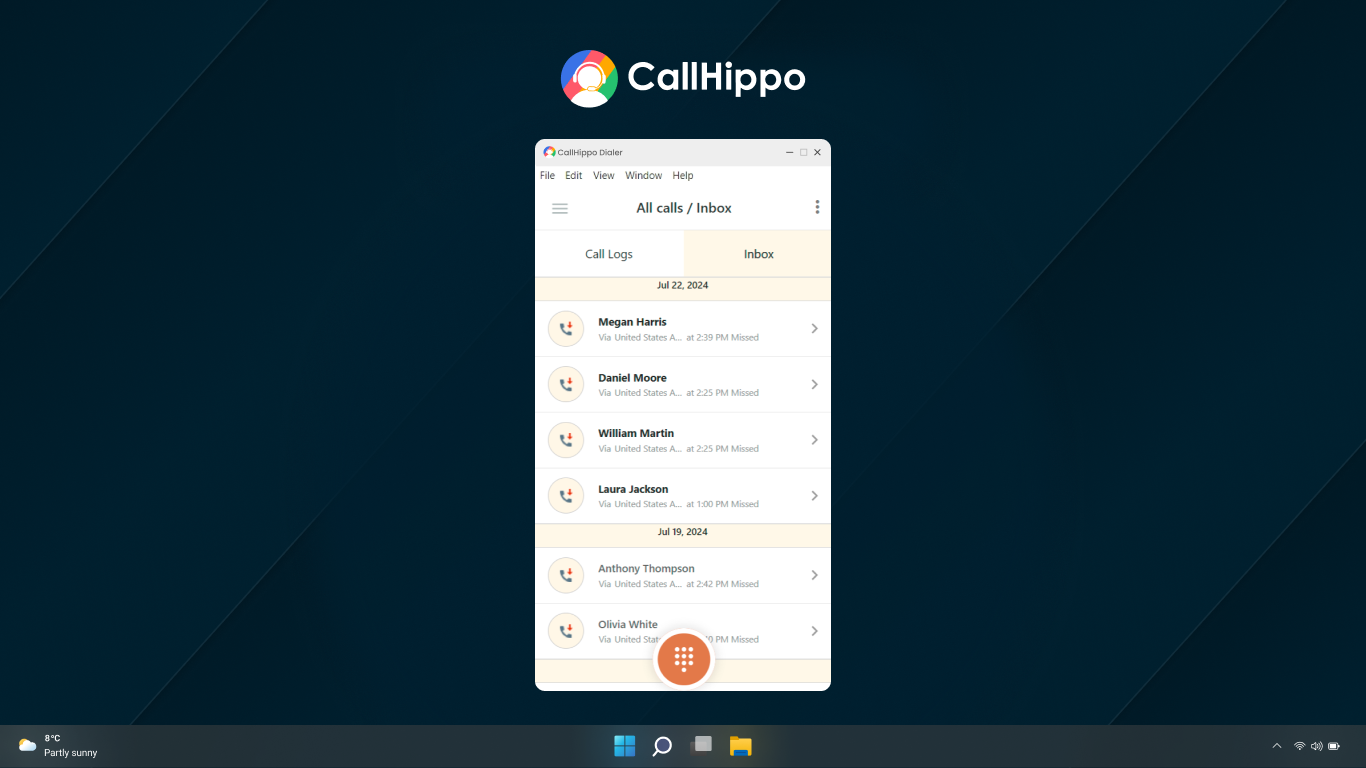
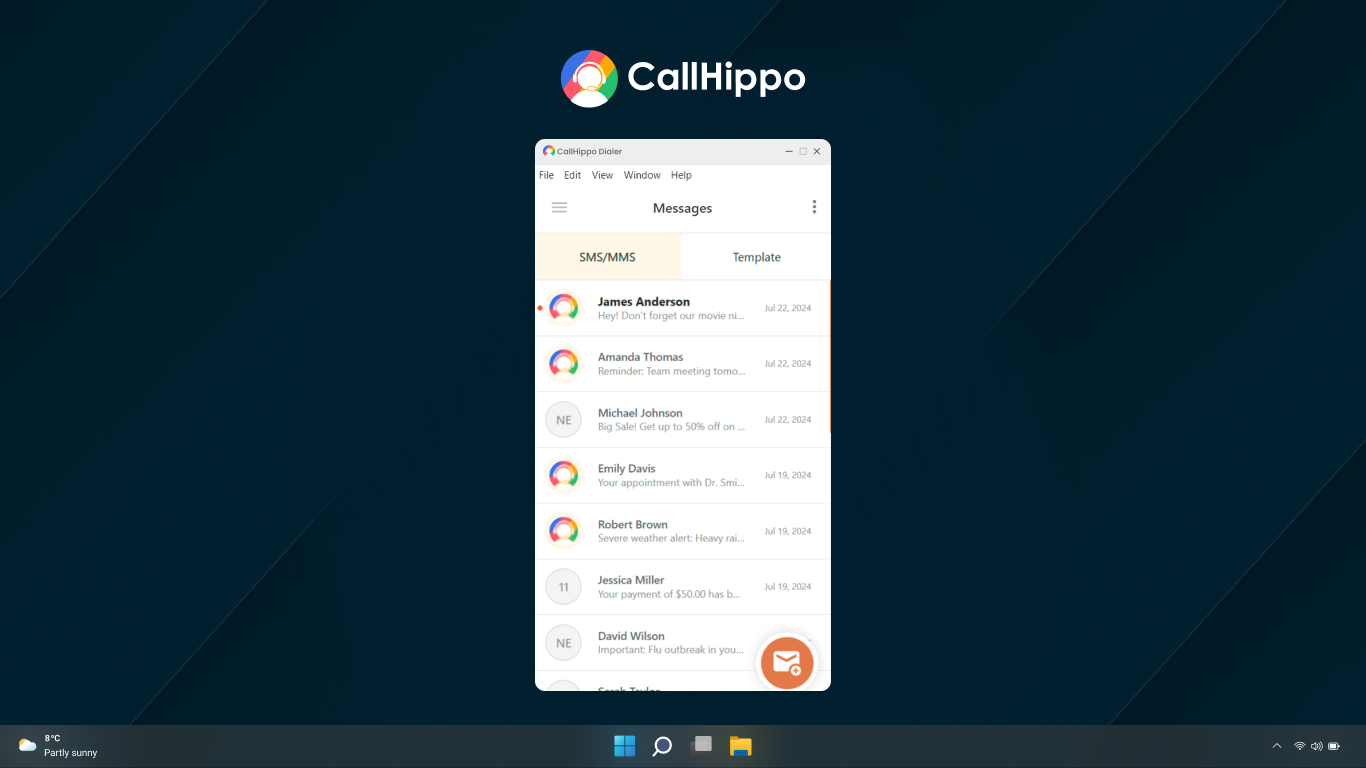
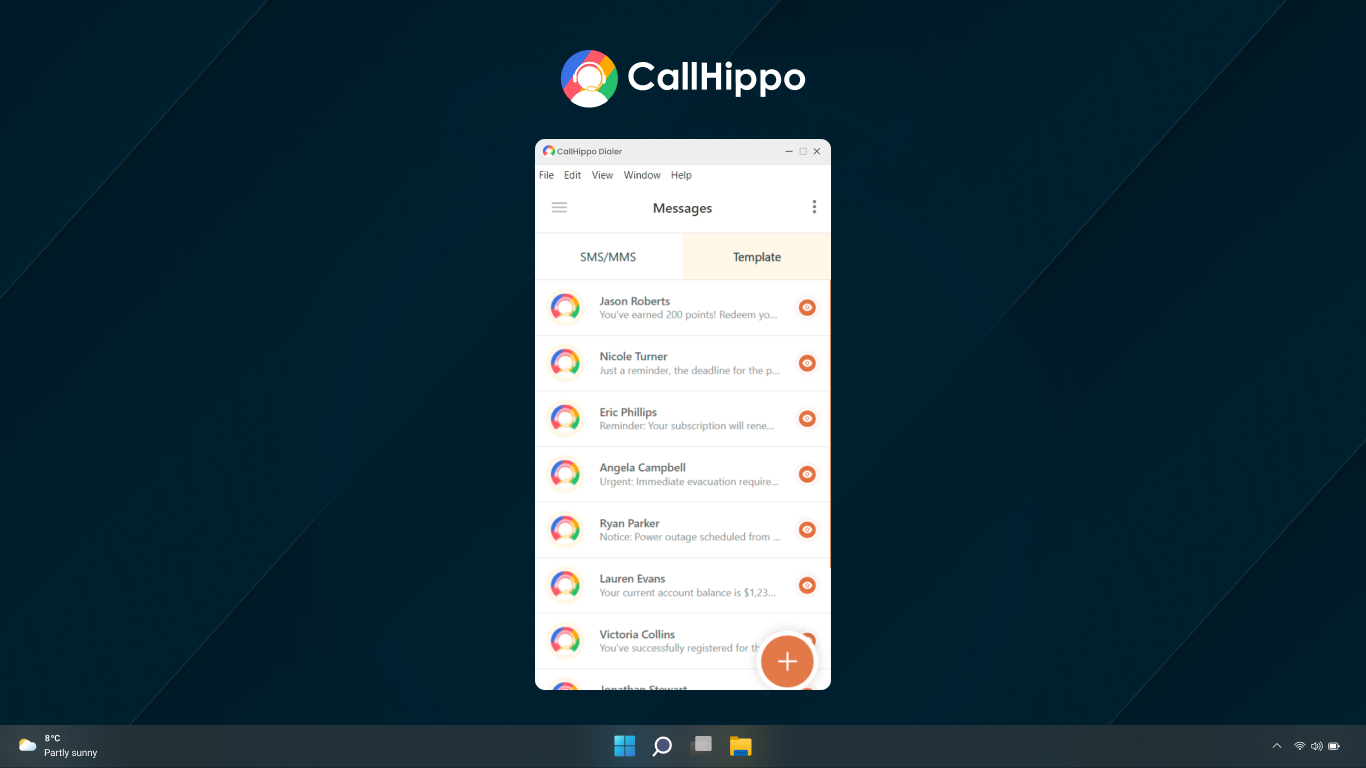
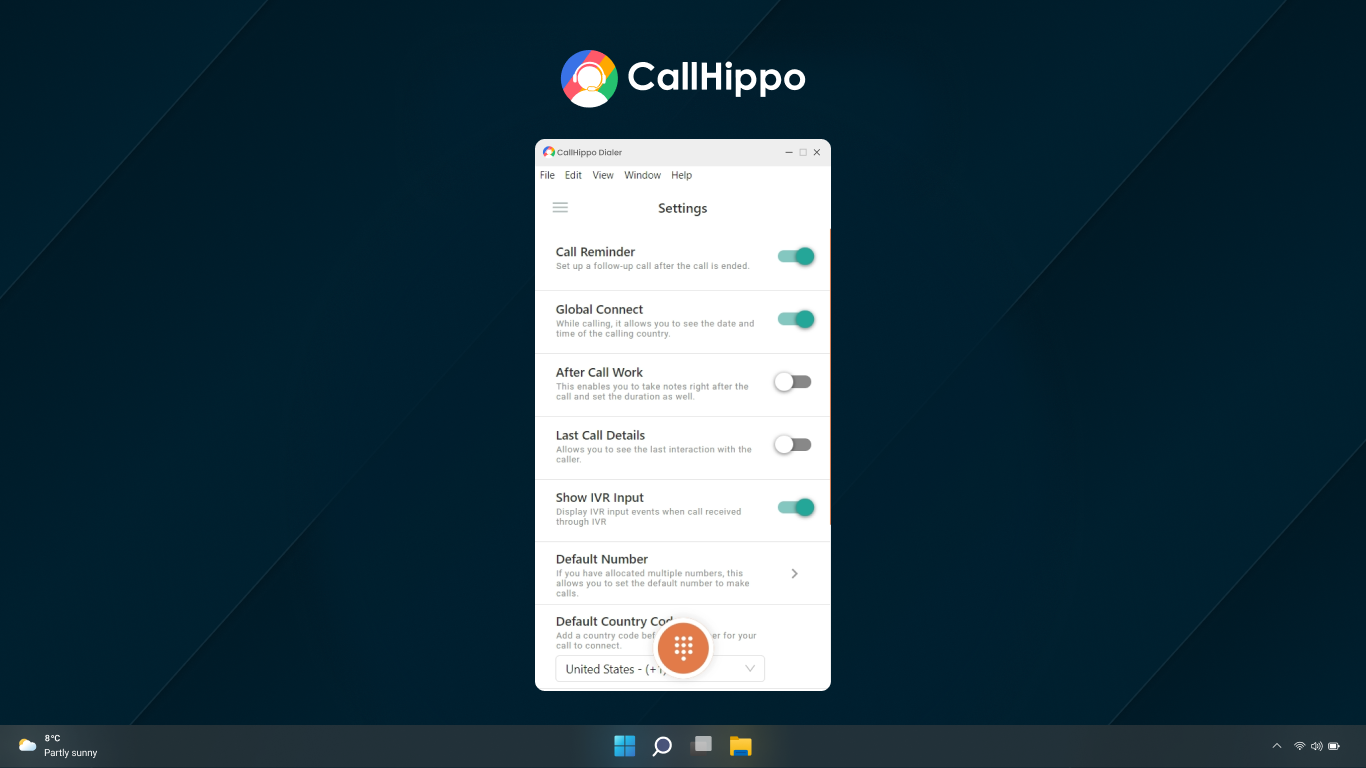
CallHippo boasts a clean, modern interface that feels both professional and approachable—think of it as a well-organized digital desk that invites you to work without clutter. Its layout is intuitive, allowing new users to grasp core functions quickly; the learning curve is gentle, making onboarding a smooth experience. The app operates seamlessly on Windows, with fluid responsiveness and minimal lag, which is crucial during busy hours. Overall, the user experience is friendly enough for beginners yet comprehensive enough for power users seeking advanced controls.
Unique Selling Points and Comparison to Peers
Unlike many traditional VoIP solutions, CallHippo's standout feature is its integrated collaborative work environment, enabling teams to coordinate during ongoing calls with internal notes and activity tracking. This feature transforms simple voice calls into cooperative interactions, making remote teamwork more natural. Its ability to handle multiple numbers per user and robust contact management with minimal setup time provides added flexibility. When compared with other business communication tools, CallHippo's focus on collaborative call management and ease of use positions it as a particularly user-friendly, all-in-one platform suitable for dynamic remote teams.
Final Recommendation and Use Cases
Overall, I recommend CallHippo for Windows to small and medium-sized businesses looking for an easy-to-use, efficient, and collaborative communication platform. Its most compelling advantage—the integrated teamwork features—makes it especially suitable for remote teams that need to coordinate during calls without switching apps. For businesses prioritizing high-quality VoIP calls combined with streamlined contact management and collaboration, CallHippo offers a balanced and practical solution. While it may not rival heavy-duty enterprise platforms, its affordability, simplicity, and focus on collaboration make it an excellent choice for growing teams and customer service groups.
Pros
- User-friendly interface
- Reliable call quality
- Multiple integrations
- Flexible plans and pricing
- Global reach
Cons
- Limited customization options
- Occasional app glitches
- Customer support responsiveness
- Limited offline functionality
- Learning curve for advanced features











