
- Category Photo & video
- Developer Camera
- Available on PC
- OS Windows 10 version 14393.0 or higher
- languages English (United States)
Introducing Camera for Windows: A Fresh Take on Digital Imaging
Camera for Windows is a versatile and user-friendly application designed to elevate your photo and video capturing experience directly on your PC, offering innovative features in an intuitive interface.
Company and Core Highlights
Developed by Camera, a dedicated team committed to enhancing digital imaging tools, this app shines with its seamless integration, innovative functionalities, and straightforward usability.
- Primary Features: AI-powered scene detection, real-time filters and effects, and advanced editing tools.
- Key Strengths: Fast performance, high customization options, and compatibility with diverse hardware setups.
- Target Audience: Photography enthusiasts, content creators, students, and professionals seeking quick yet high-quality visual captures.
Engaging and Intuitive User Interface
Launching Camera feels like opening a high-tech camera in a sleek digital wrapper—clean lines, minimal clutter, and an inviting layout. Navigating through the app is smooth as butter, thanks to thoughtfully arranged controls that resemble physical camera buttons but with a modern twist. The learning curve is gentle; even newcomers can start snapping stunning shots within minutes. The interface adapts well across different screen sizes, ensuring a consistent experience whether you're on a laptop or a larger desktop monitor.
The Power of AI Scene Detection and Real-Time Effects
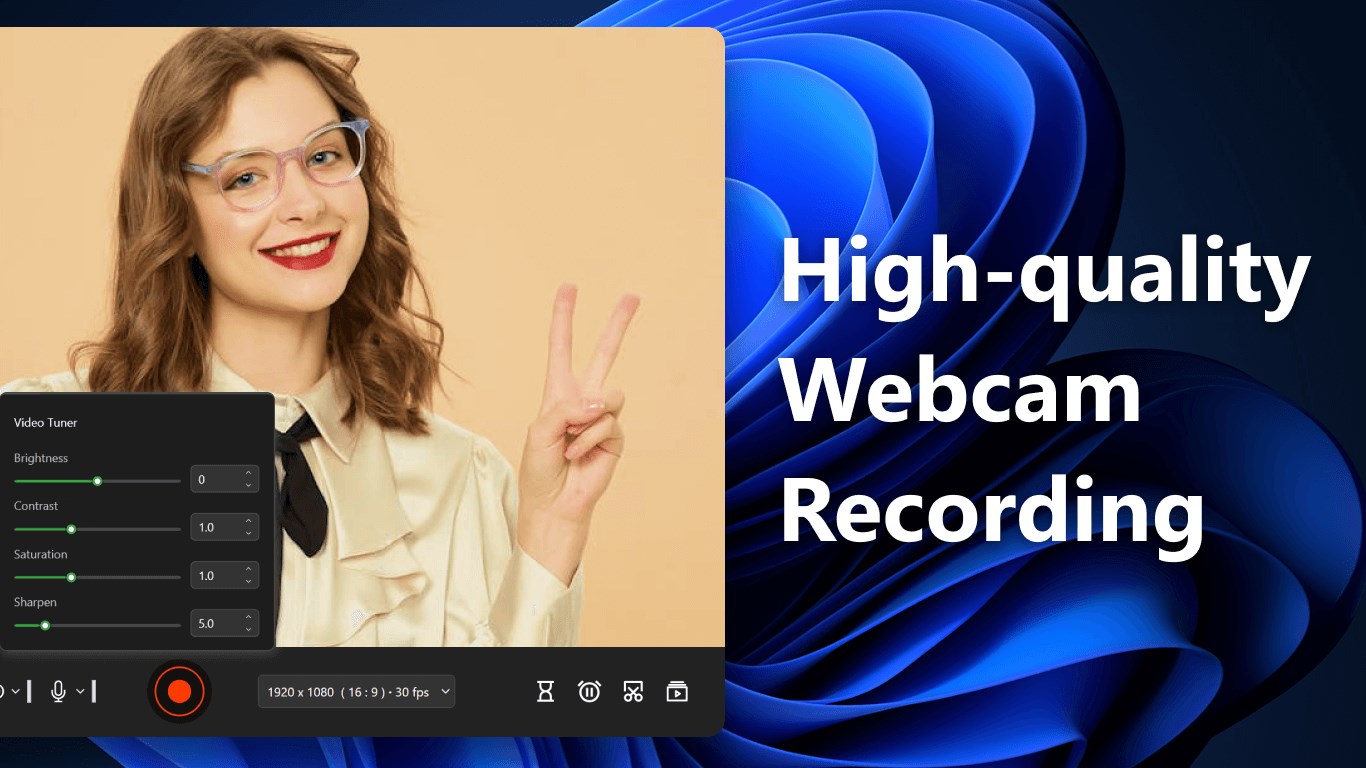
One of the standout features of Camera for Windows is its AI-powered scene detection. Imagine having a camera that automatically recognizes whether you're outdoors, indoors, or capturing a portrait—then adjusts settings accordingly. It's like having a dedicated professional behind the scenes tuning your shot for optimal results. This functionality significantly enhances both photo quality and ease of use—no need for manual adjustments in most cases. Moreover, the app offers a rich library of real-time filters and effects, allowing users to apply creative touches effortlessly while previewing them immediately. This synergy of intelligence and creativity makes the app particularly attractive for casual users eager to improve their visuals without complex setup processes.
Advanced Editing and Customization Options
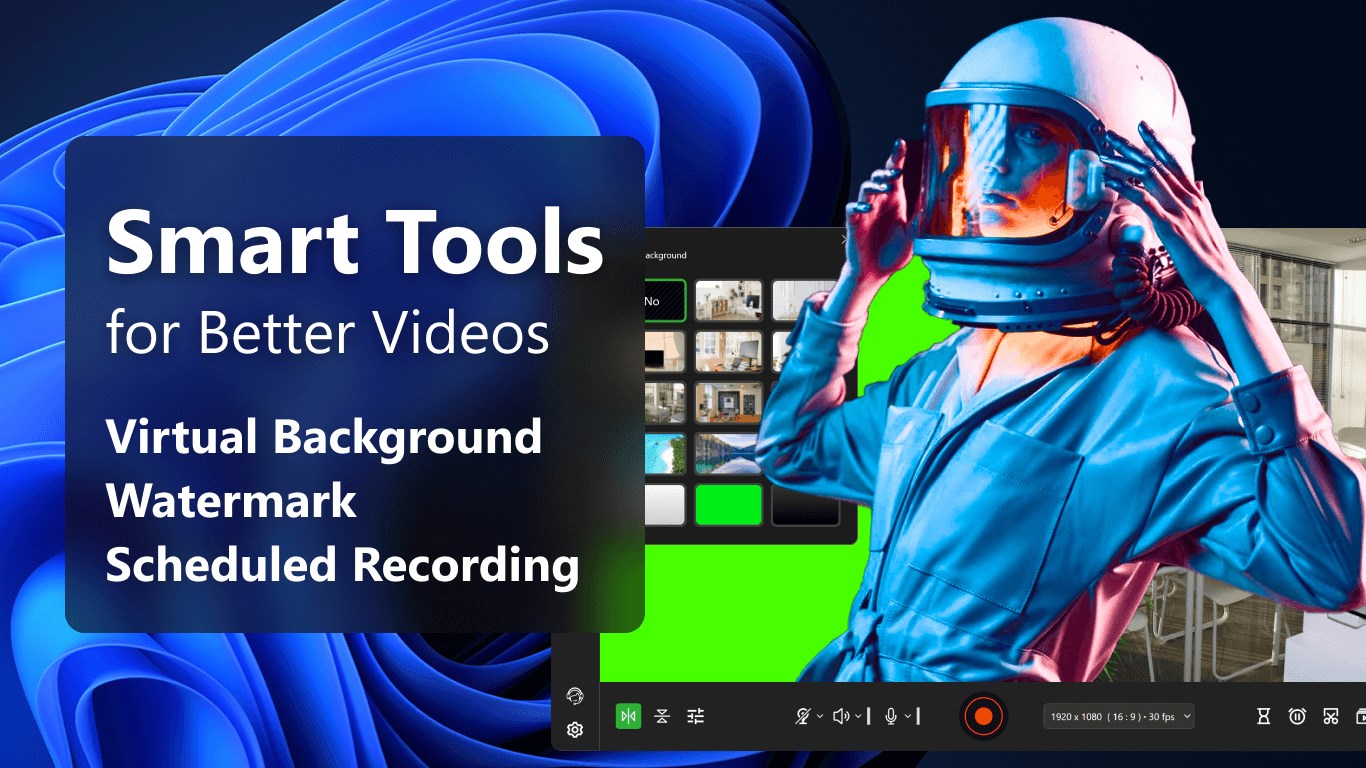
Beyond capturing, Camera for Windows provides a comprehensive suite of editing tools—cropping, color correction, overlays, text addition, and more. These features empower users to refine their images or videos to professional standards without reliance on external editors. The app's workflow for editing feels natural, akin to editing on familiar platforms, with undo/redo capabilities and real-time previews. For more experienced users, the customization options—including adjustable parameters for filters and effects—are generous enough to craft unique styles while remaining approachable.
Comparison and Unique Advantages
Compared to other photo and video apps, Camera for Windows distinguishes itself through its blend of simplicity and smart automation. While many apps require manual tuning or advanced technical knowledge, this app's AI-driven scene detection and automatic adjustments act like an intelligent assistant, reducing the learning curve and accelerating the workflow. Its lightweight design coupled with powerful features means users get a responsive experience without the bulk and complexity typical of professional-grade software.
Additionally, the app's focus on providing a unified capture and editing platform sets it apart from traditional apps that often split these functions. This integration means less time jumping between apps, making it ideal for quick edits or spontaneous shots—perfect for capturing candid moments or creating content on the fly.
Recommendation and Usage Tips
All in all, Camera for Windows earns a solid recommendation for everyday users who seek a reliable, feature-rich, and easy-to-use camera app. It's especially suitable for those who want smarter automation without sacrificing creative control. For best results, explore the scene detection and filter options early on to familiarize yourself with the app's smart features. If you're a content creator or student looking to produce quick, high-quality visuals with minimal fuss, this app deserves a spot on your desktop toolkit.
Pros
- Intuitive User Interface
- High-Quality Camera Integration
- Basic Editing Tools Included
- Fast Loading and Performance
- Regular Updates and Improvements
Cons
- Limited Advanced Features
- Occasional App Crashes
- Basic Editing Options Only
- Dependency on Device Camera Quality
- Lack of Cloud Storage Integration











