
- Category Card & board
- Developer Card Guru Game Studios
- Available on PC
- OS Windows 10 version 10240.0 or higher
- DirectX Version 10
- languages English (United States)
Canasta for Windows: A Classic Card Game Reimagined for the Digital Age
If you're a fan of traditional card games looking for a polished, user-friendly digital version, Canasta: Card Game for Windows by Card Guru Game Studios offers an engaging experience that balances familiarity with modern gameplay enhancements.
Developed by Card Guru Game Studios: Masters of Digital Card Entertainment
Founded by passionate game developers specializing in classic card and board games, Card Guru Game Studios has a reputation for delivering clean, accessible digital versions of traditional games. Their focus on intuitive design and smooth gameplay makes this app a noteworthy addition to the Windows gaming scene.
Main Features that Stand Out
- Authentic Canasta Experience: Offers multiple game modes, including classic and partner, ensuring that both newcomers and seasoned players find the challenge they seek.
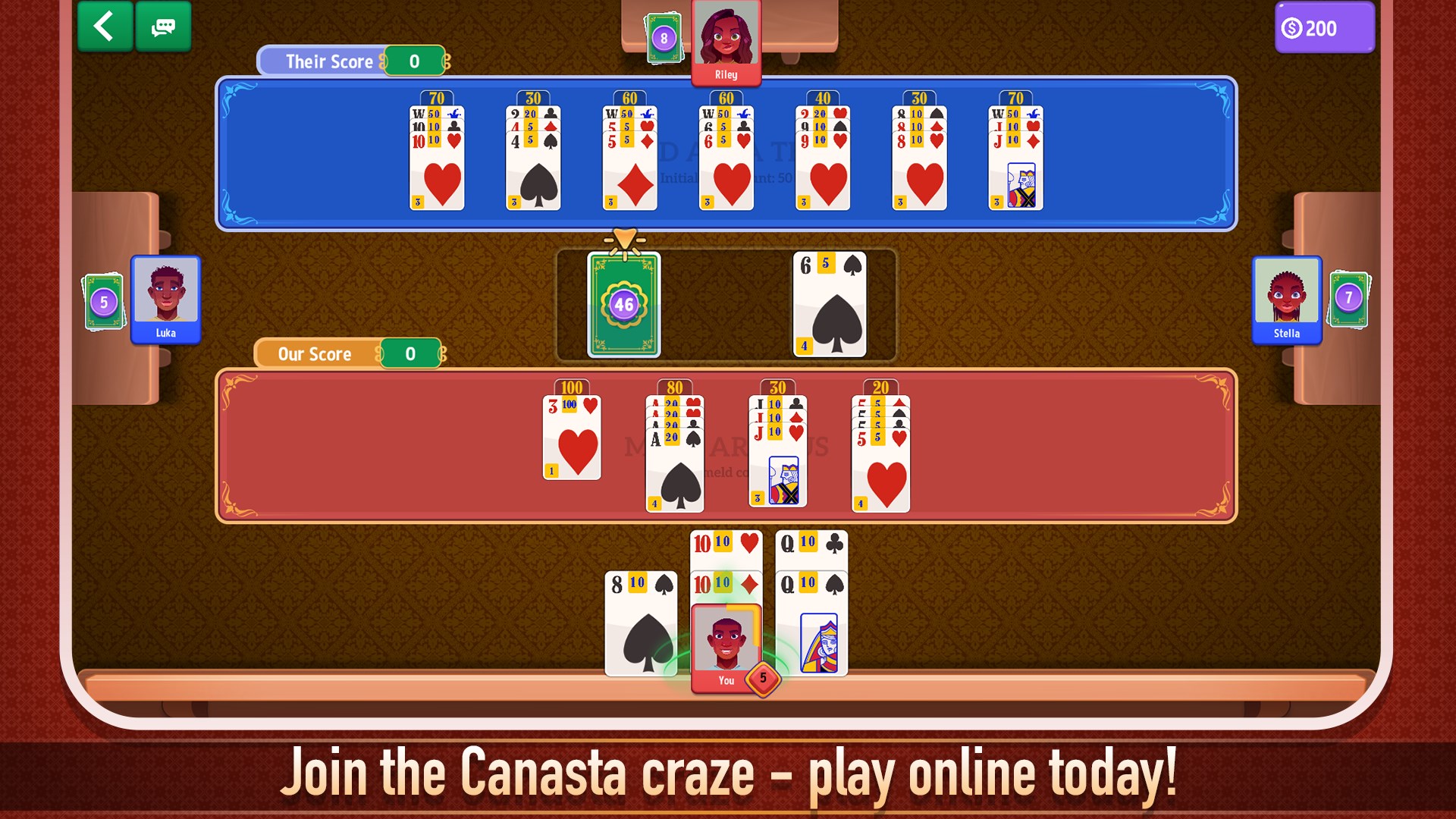
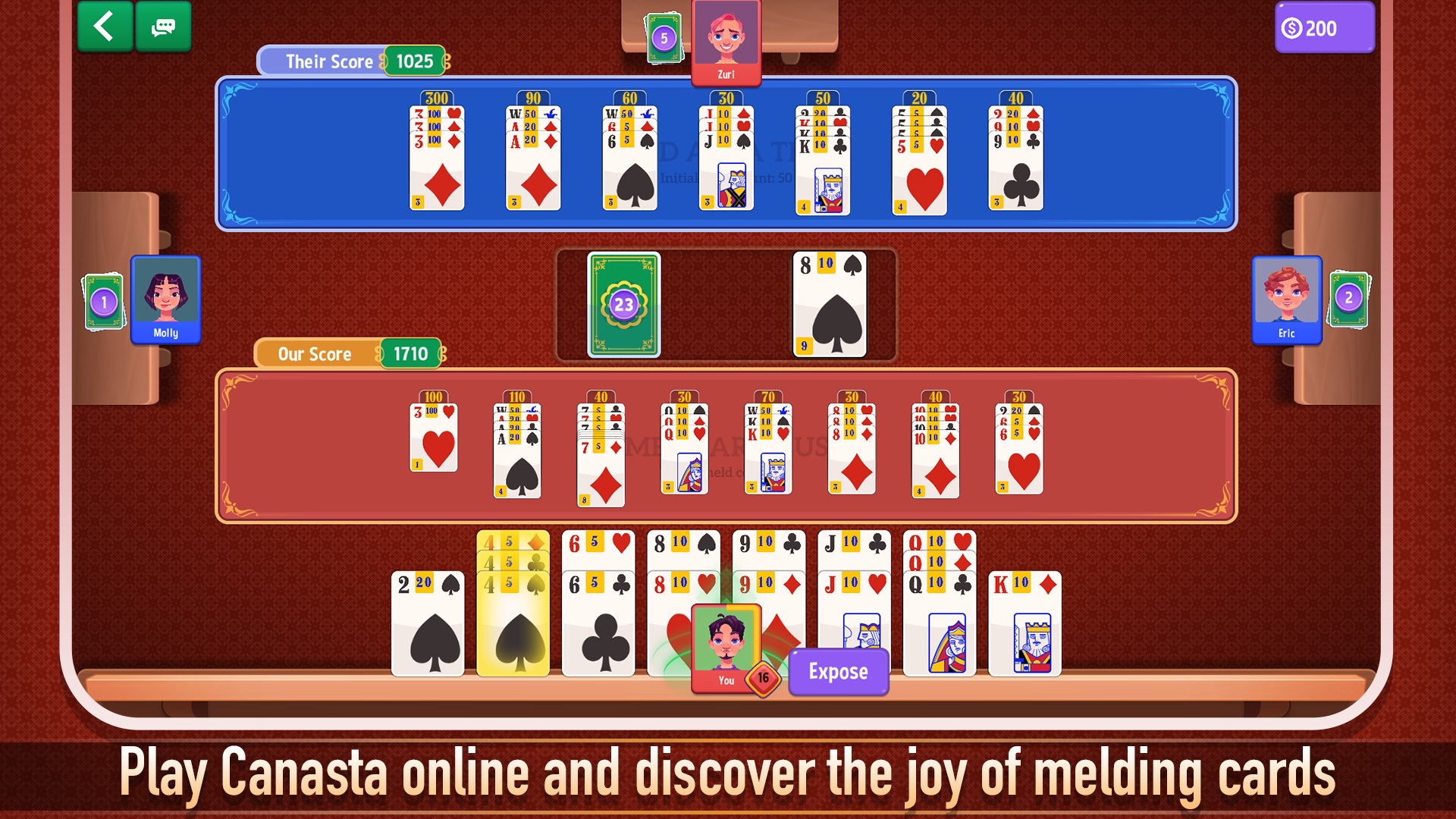
- Intuitive User Interface: Clean, visually pleasing layouts combined with simple navigation make setup and play effortless.
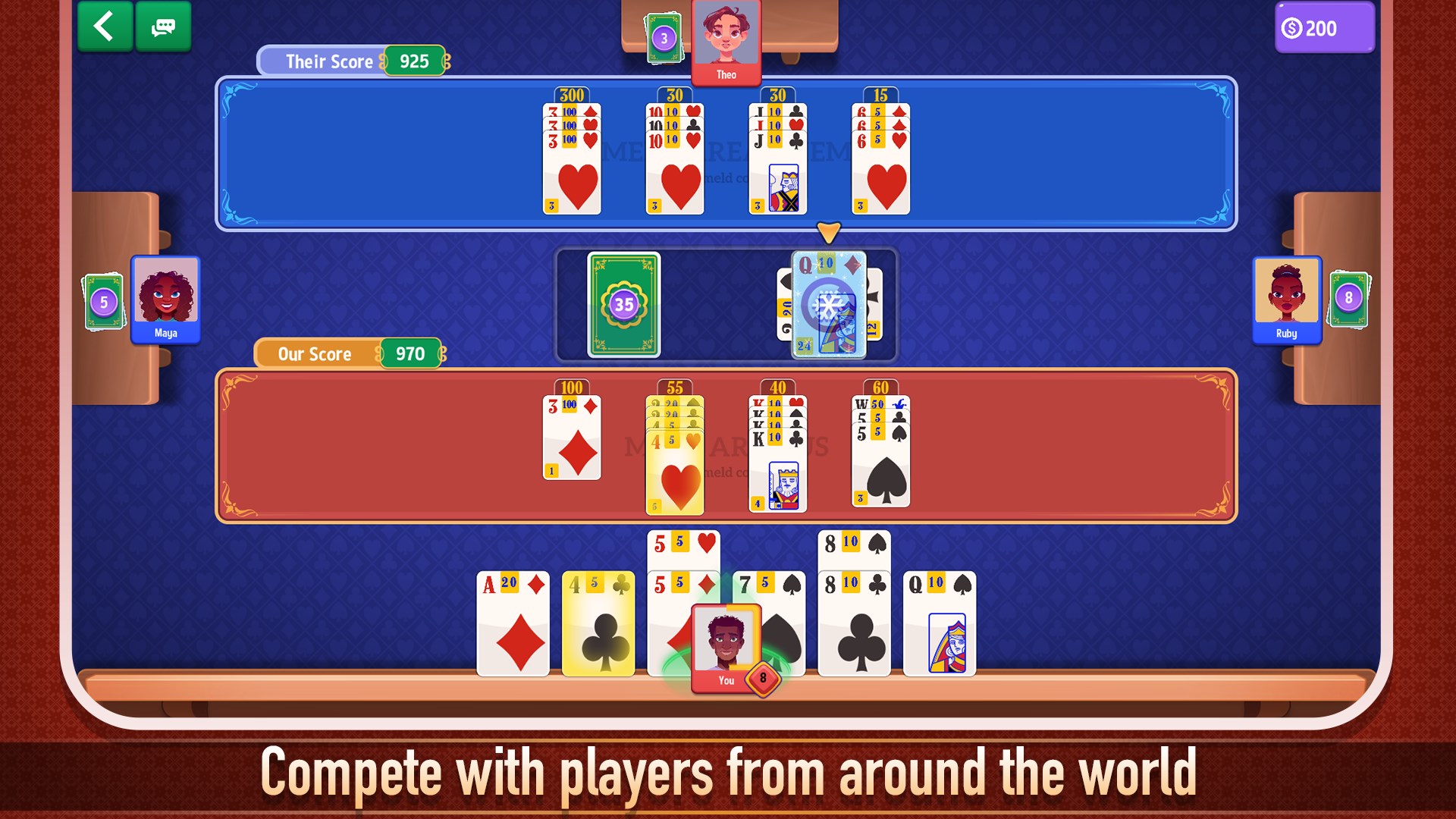
- AI Opponents & Multiplayer Options: Features intelligent AI players for solo practice and support for online multiplayer, fostering a versatile gaming environment.
- Customizable Rules & Themes: Allows players to tweak game settings and choose visual themes, adding a personal touch to each session.
Engaging and Accessible Gameplay Experience
Picture yourself settling into a cozy corner on a rainy weekend—cards in hand, the digital Canasta table open on your screen. From the moment you launch the app, a bright, inviting interface greets you, promising hours of strategic fun. The game logic adheres faithfully to traditional Canasta rules, yet the presentation feels fresh and accessible—even to newcomers.
This app truly shines in its core gameplay mechanics. The AI opponents are challenging but fair, offering a true test of your strategic prowess without feeling overbearing. They adapt to different skill levels, making it suitable for both casual players and more competitive enthusiasts. The multiplayer component enhances the social aspect, enabling you to challenge friends or join online tables, fostering a sense of community amidst virtual cards.
Design and User Experience: Seamless, Elegant, and Friendly
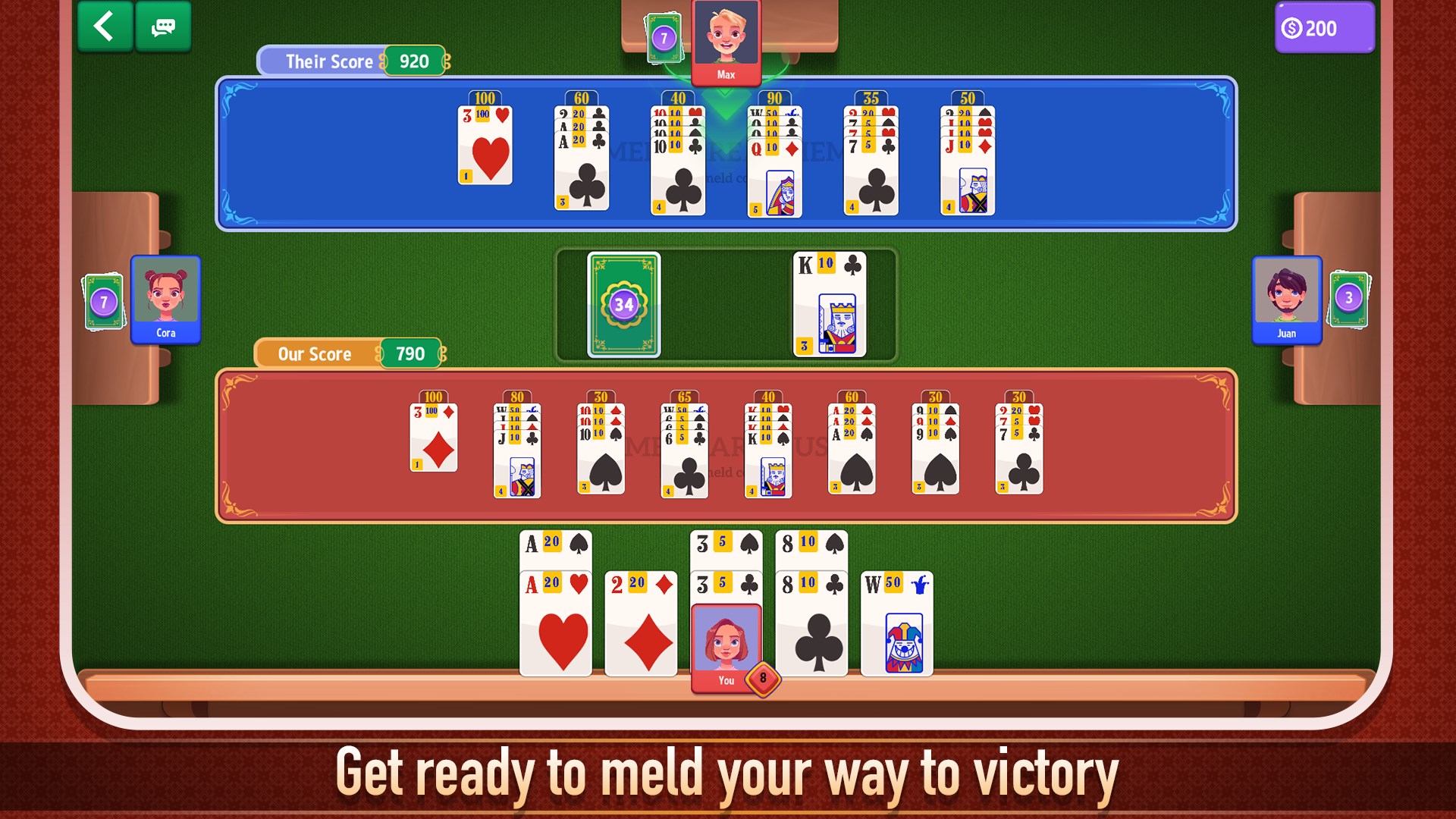
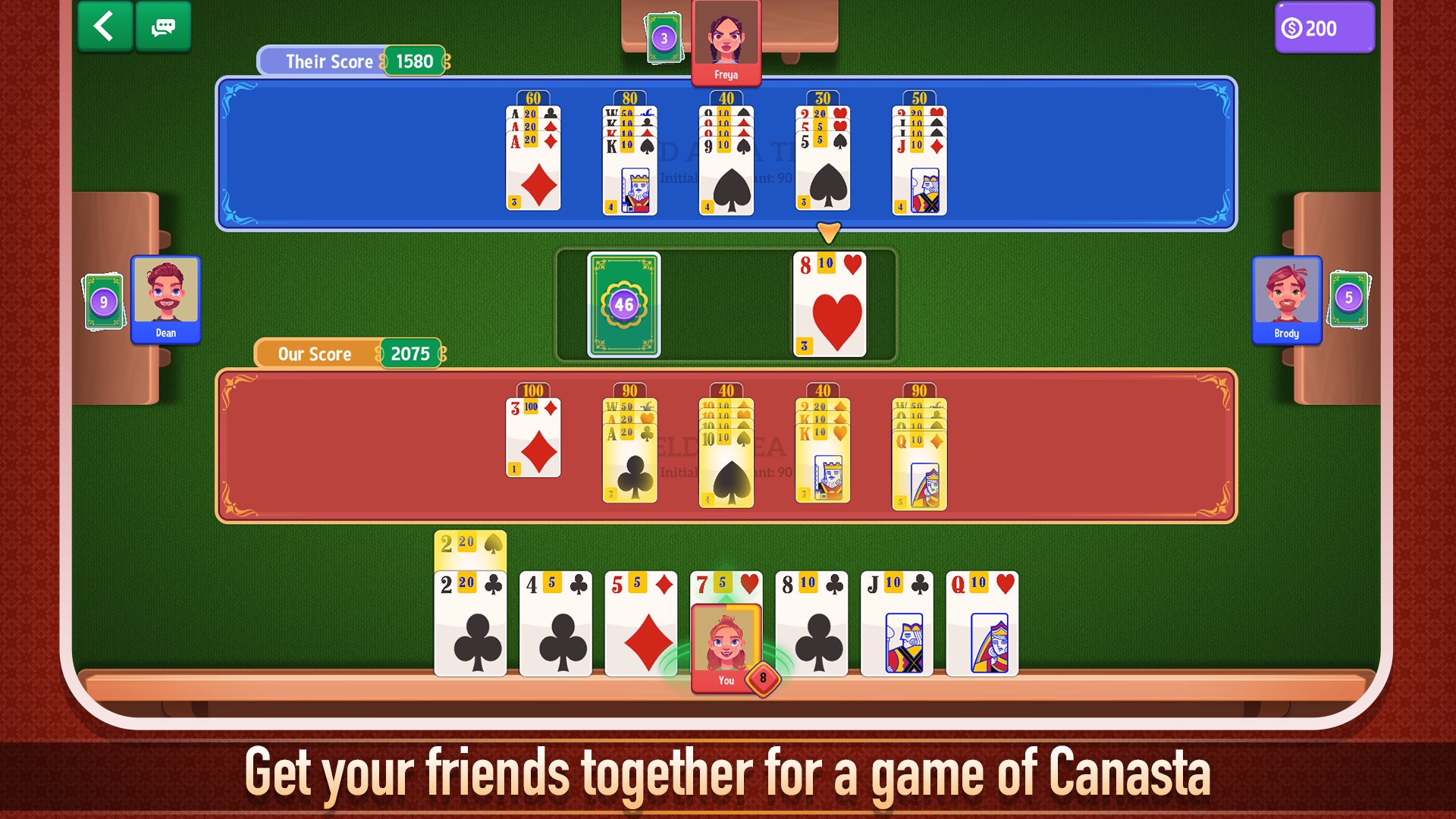
The interface design of Canasta for Windows is both elegant and practical. Brightly colored card graphics evoke a real-world card deck, while the layout minimizes clutter, letting players focus on their strategies. Navigation is straightforward—buttons are clearly labeled and accessible, ensuring a smooth onboarding process.
Gameplay feels fluid, with minimal lag or glitches, thanks to optimized performance tailored for Windows operating systems. The game's learning curve is gentle, with clear instructions and hints incorporated into the interface—perfect for beginners yet comprehensive enough for seasoned players. Customization options, like themes and rule adjustments, not only personalize your experience but also keep the gameplay feeling fresh.
What Makes It Unique? The Standout Features
Compared to other digital card games, Canasta for Windows distinguishes itself with its authentic multiplayer experience combined with customizable game rules. The ability to tailor game settings—such as point thresholds and communication options—sets it apart, appealing to a broad audience of players with diverse preferences. Moreover, the AI's sophistication ensures solo play remains engaging, providing a sensible difficulty progression that challenges your strategic thinking without becoming frustrating.
This app's emphasis on clarity, authenticity, and customization makes it a particularly versatile choice—whether you're a nostalgic card gamer or new to Canasta, it bridges the gap between tradition and modernity seamlessly.
Recommendation and Practical Usage Tips
Overall, I would rate Canasta: Card Game for Windows as a highly recommended app for fans of card games and casual gamers alike. Its user-friendly interface, thoughtful design, and flexible features make it suitable for quick matches or long strategic sessions. If you enjoy classic card games or want a reliable digital version to hone your skills, this app is a solid choice.
For the best experience, I suggest exploring the customizable rules to match your preferred style, especially if you're transitioning from physical card sessions. Multiplayer options allow you to connect with friends or meet new opponents, making it not just a game but a social tool as well.
In conclusion, whether you're a Canasta veteran or a curious newcomer, this app provides a well-rounded, enjoyable platform to dive into a timeless card game—digital style, with all the comfort and challenge you'd expect from a quality program.
Pros
- Intuitive gameplay
- Beautiful graphics and animations
- Nice multiplayer mode
- Regular updates and bug fixes
- Suitable for all ages
Cons
- Limited single-player options
- In-app advertisements
- Occasional connectivity issues
- Limited customizations
- Learning curve for advanced features











