

- Category Photo & video
- Developer Bytedance Pte. Ltd.
- Available on PC
- OS Windows 10 version 0.0 or higher
- Keyboard Integrated Keyboard
- Mouse Integrated Mouse
- Memory 8 GB
- DirectX Version 9
- languages English
An Intuitive Video Editing Companion for Windows: CapCut
Imagine having a powerful yet user-friendly video editing tool right at your fingertips, capable of transforming raw footage into stunning visual stories. That's exactly what CapCut for Windows offers—a versatile editor designed for both novices and seasoned creators seeking an accessible platform to craft engaging videos without the steep learning curve.
About the App: Who's Behind the Magic?
Developed by Bytedance Pte. Ltd., the same innovative team behind popular apps like TikTok, CapCut for Windows benefits from a wealth of experience in digital entertainment and user-centric design. This application is tailored to facilitate easy yet comprehensive video editing, harnessing the company's extensive expertise in multimedia processing.
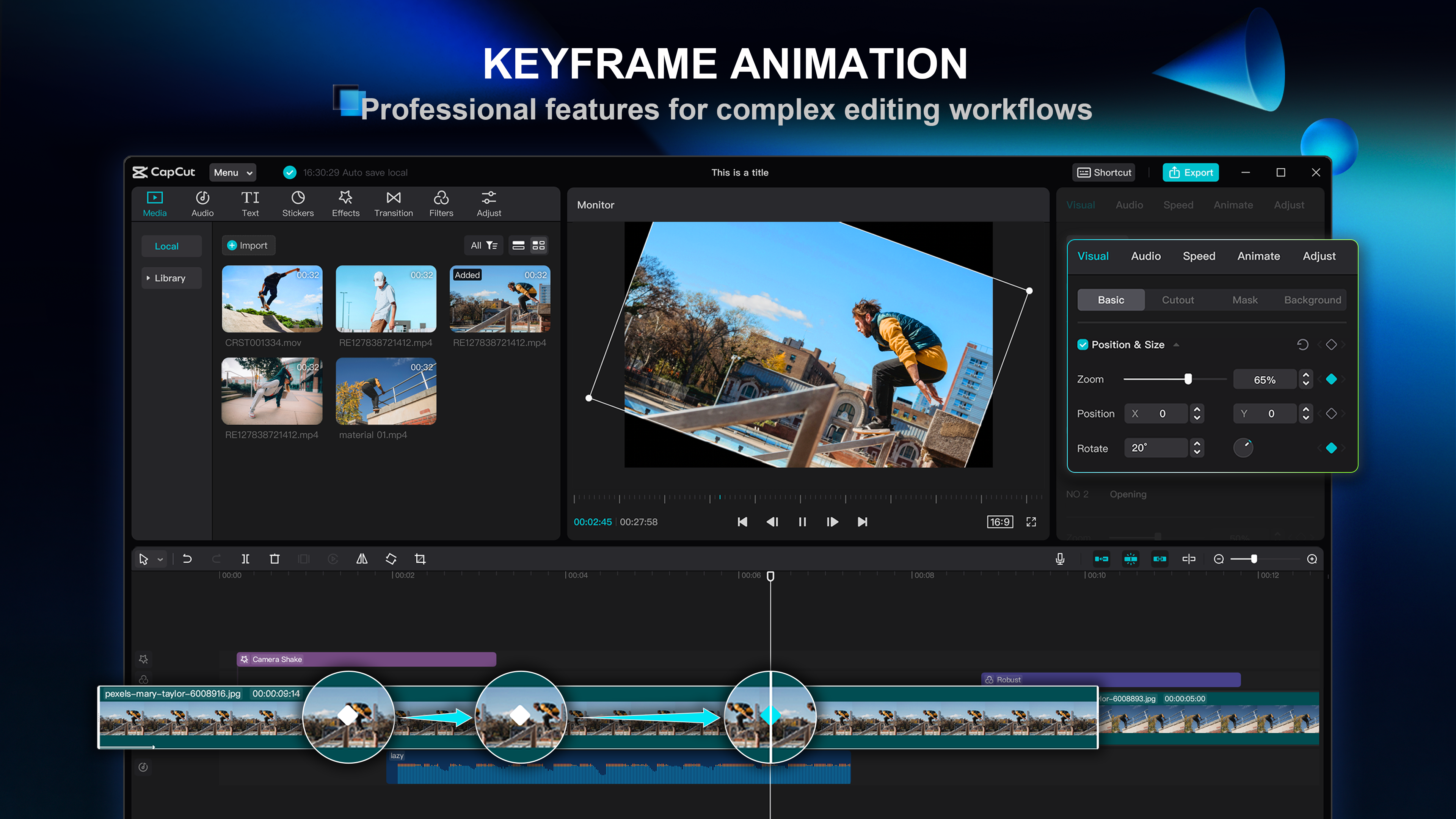
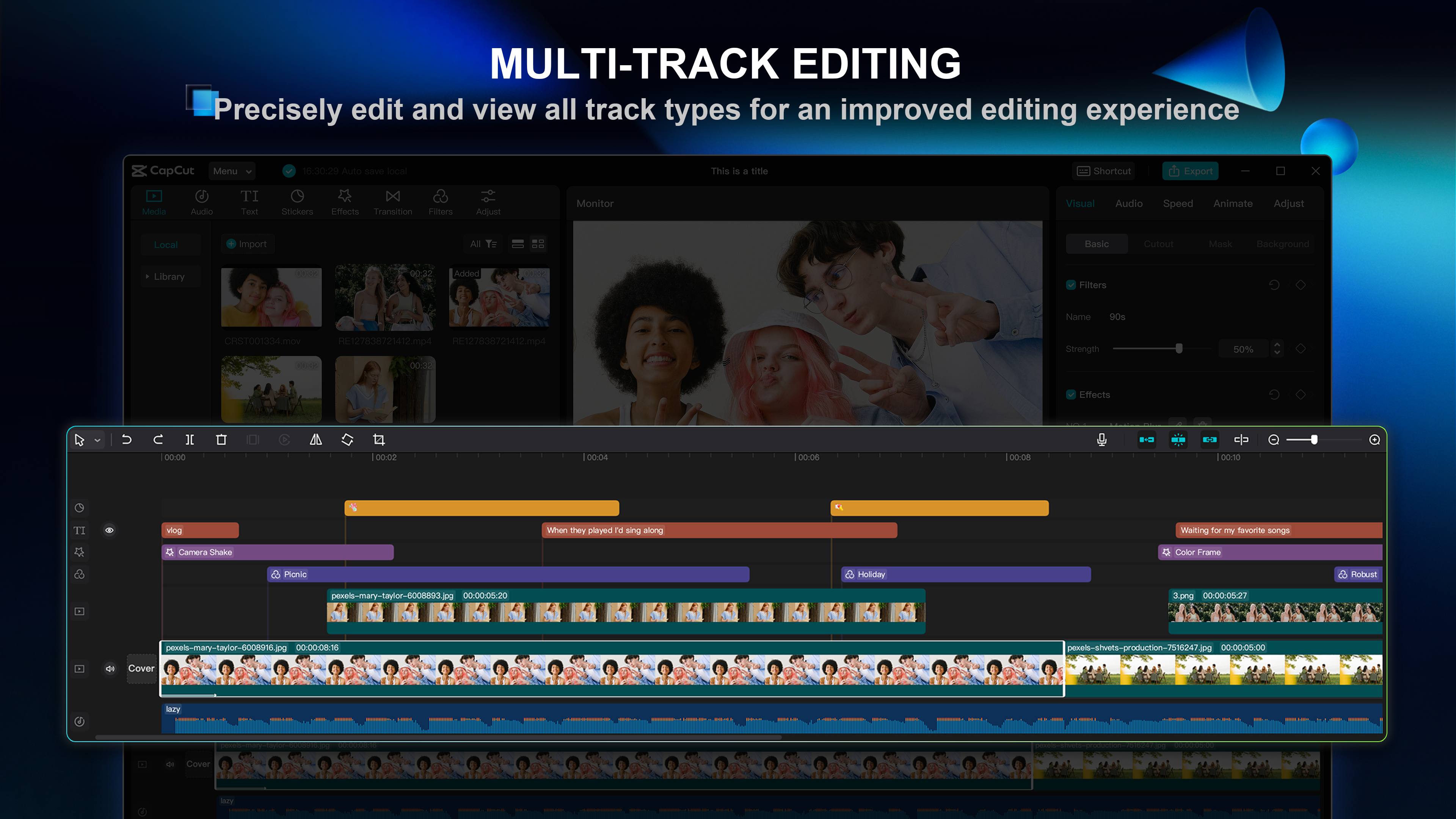
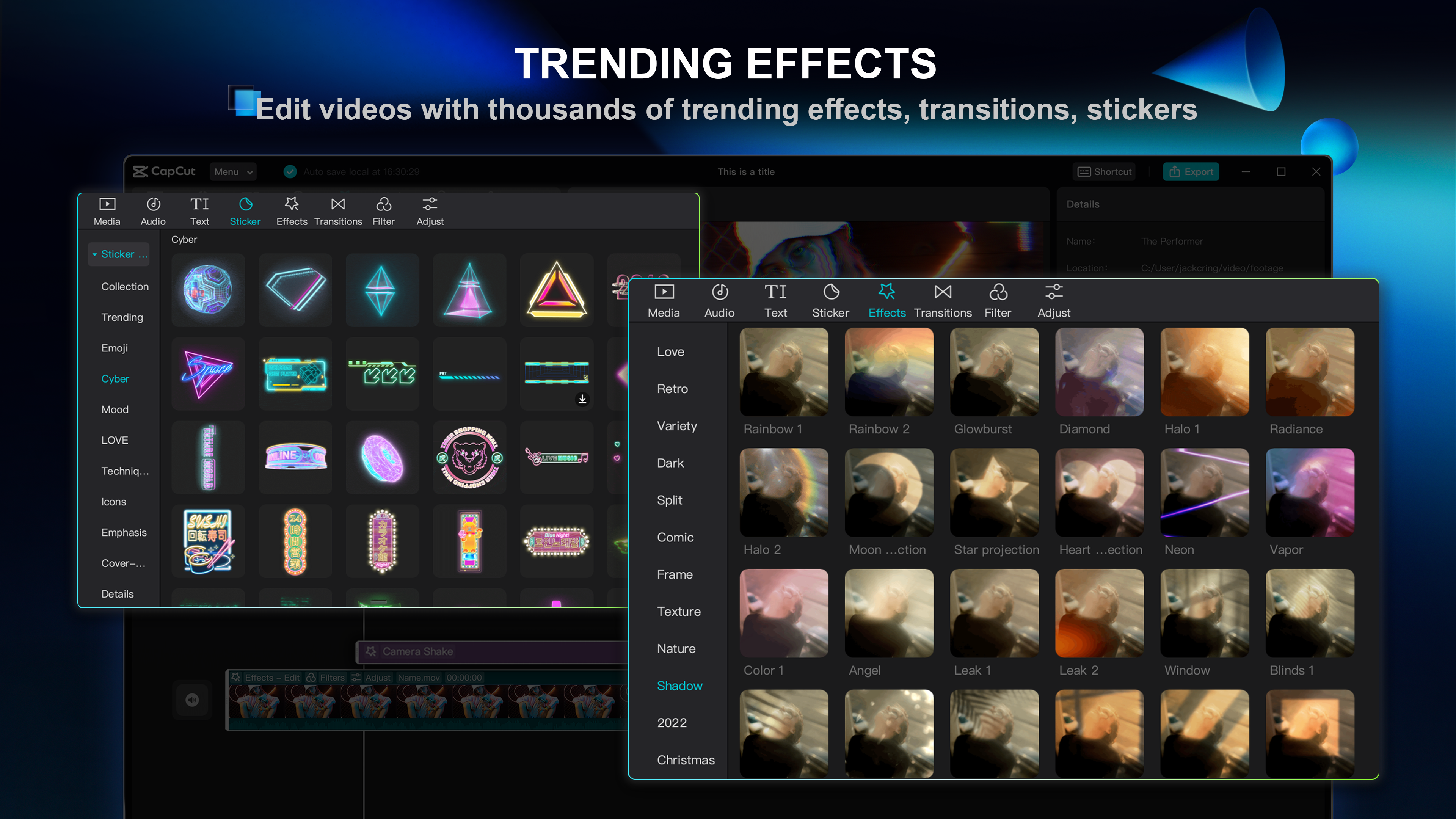
Its main highlights include a rich library of effects and transitions, an intuitive timeline interface, advanced editing capabilities such as keyframe animation, and seamless integration with social sharing platforms. The target user base comprises aspiring content creators, social media enthusiasts, small business owners, and anyone looking to produce polished videos effortlessly.
Why CapCut for Windows Stands Out
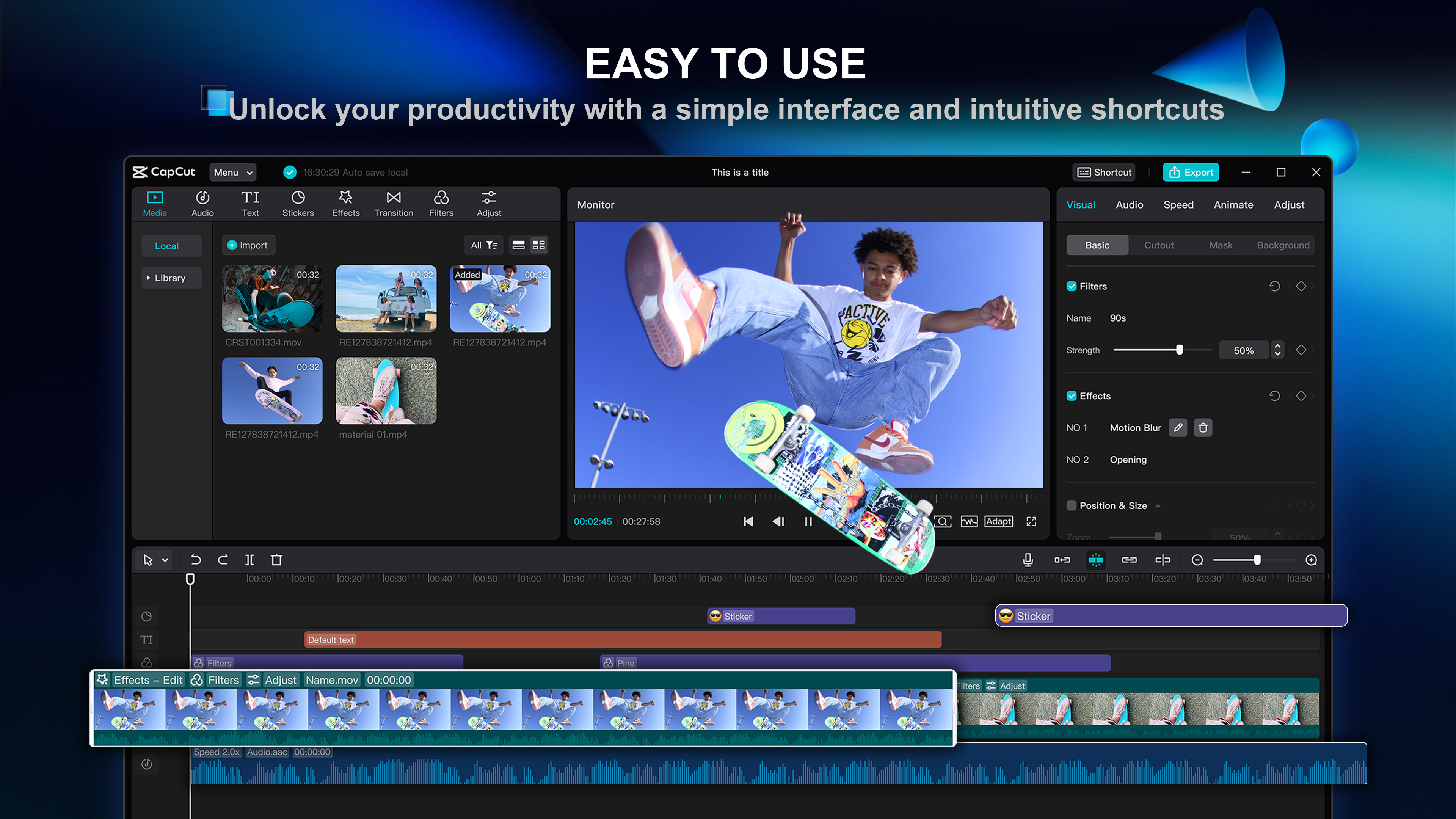
Stepping into the realm of video editors can sometimes feel like entering a high-tech jungle—overwhelming menus, arcane tools, and a steep learning curve. But CapCut for Windows strips away the intimidation, offering a user experience that's both approachable and powerful. Picture it as your digital editing workshop—organized, easy to navigate, and packed with tools that cater to all levels of expertise.
A Fun and Dynamic Video Editing Experience
From the moment you launch CapCut, you're greeted with an clean, appealing interface that feels more like a creative playground than a software suite. The drag-and-drop functionality streamlines the editing process, allowing you to effortlessly assemble clips, add effects, and adjust timing. The app's responsiveness ensures your workflow remains smooth, with transitions and previews happening in real-time—no frustrating lag to hinder your inspiration.
For newcomers, the learning curve is gentle: intuitive icons and guided tutorials help you get started quickly. Seasoned editors will appreciate the depth of control offered through advanced features like keyframe animations and custom filters, giving your videos that extra professional touch.
Unveiling CapCut's Unique Strengths
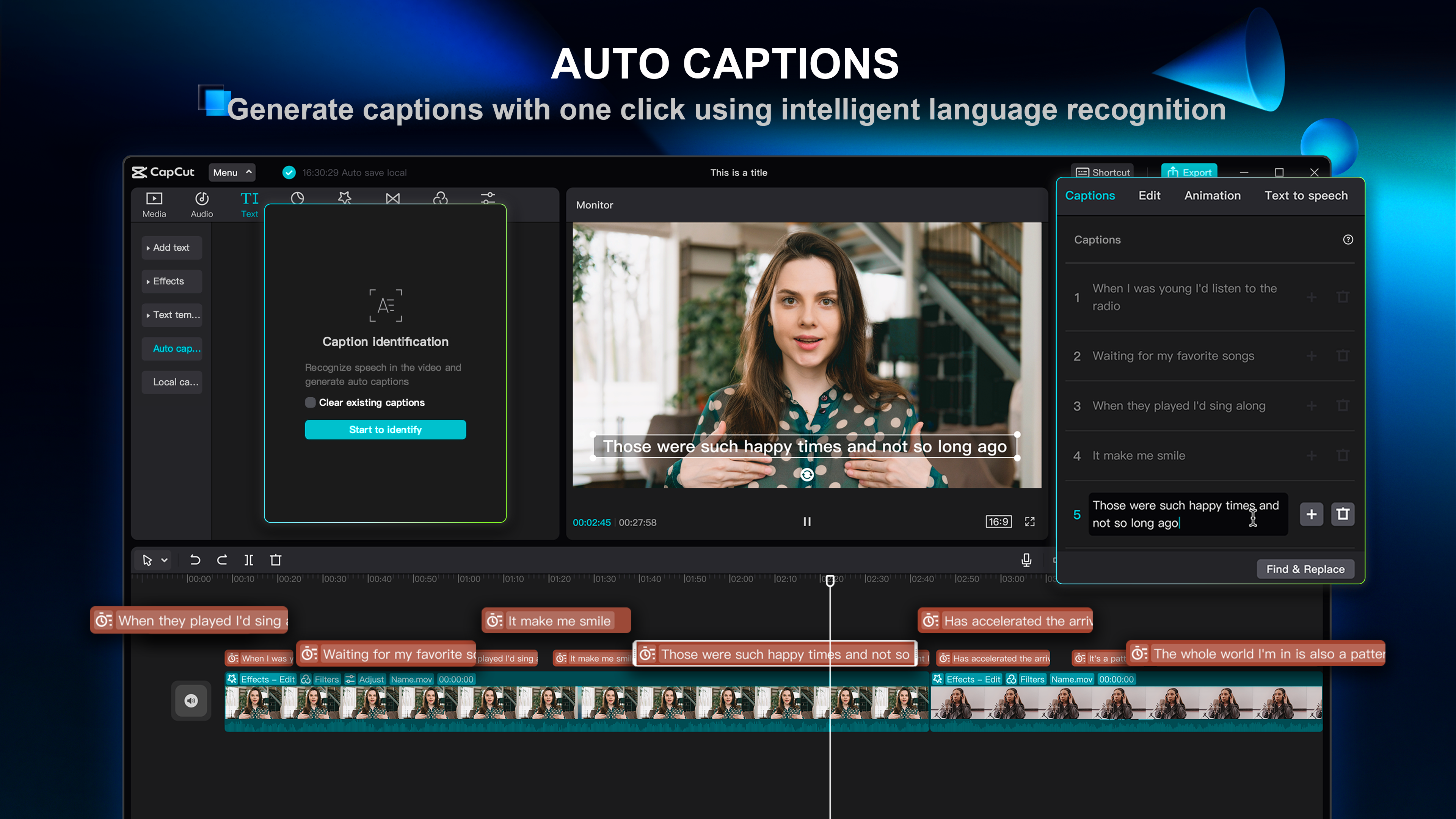
What makes CapCut truly stand out against other photo and video applications? Primarily, its impressive suite of built-in effects and transitions is easily accessible, reducing the need for third-party plugins or extensive editing knowledge. Its most remarkable feature is perhaps the multitude of creative tools baked right into the interface—think animated text, filters, and music overlays—that can be applied with just a few clicks. This empowers users to realize complex ideas quickly, making video editing feel less like a chore and more like an artistic adventure.
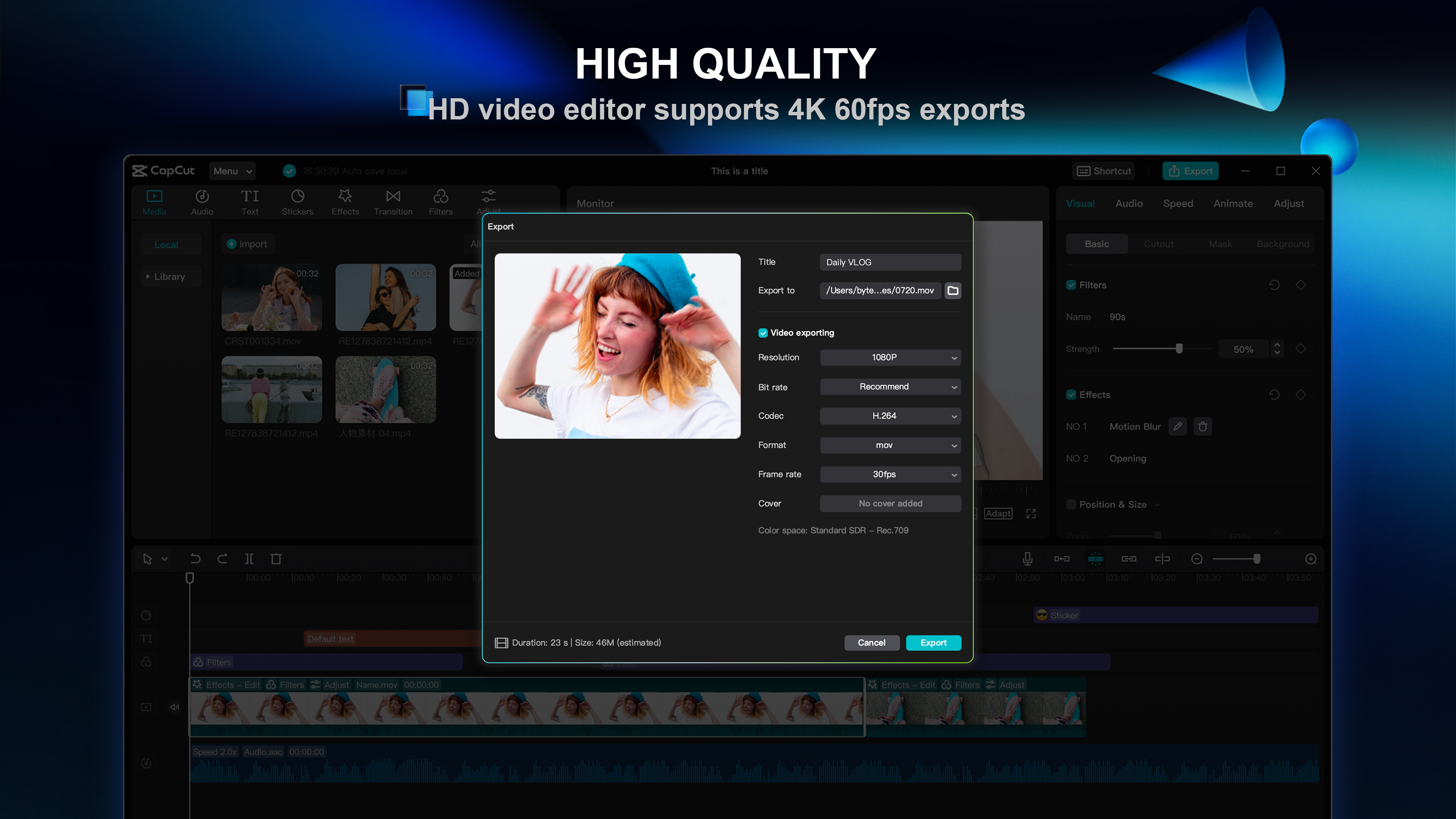
Additionally, CapCut's seamless integration with social media platforms encourages sharing your creations directly, fostering a smoother pipeline from editing to publishing. Its cloud-saving options and flexible export settings ensure your work is always safe and suited to various formats.
Should You Give It a Try?
All in all, I'd recommend CapCut for Windows as a reliable, engaging tool for anyone interested in making quality videos without the hassle of complicated software. Whether you're crafting quick social media clips or working on more detailed projects, the app strikes a commendable balance between ease of use and feature richness. For casual users and aspiring creators looking to elevate their video content, CapCut offers an excellent starting point—think of it as a friendly partner that helps you turn your creative visions into reality.
Pros
- User-Friendly Interface
- Extensive Editing Tools
- Fast Rendering Speed
- Free Access with No Watermarks
- Supported for Vertical Videos
Cons
- Limited Advanced Features
- Occasional App Crashes
- Watermark Removal Requires Subscription
- Limited Audio Editing Options
- Occasional Latency with Large Files










