

- Category Photo & video
- Developer Capture One
- Available on PC
- OS Windows 10 version 0.0 or higher
- Keyboard Integrated Keyboard
- Mouse Integrated Mouse
- Memory 8 GB
- languages Chinese, Chinese (Traditional Chinese), Dutch, English, French, German, Italian, Japanese, Korean, Polish, Portuguese, Russian, Spanish, Swedish
Capture One for Windows: A Professional-Grade Photo Editing Companion
Capture One for Windows emerges as a powerful contender in the realm of photo editing software, tailored for enthusiasts and professionals seeking precise color control and seamless editing workflows. Developed by Capture One, this application aims to elevate your image processing experience with a suite of advanced tools wrapped in an intuitive interface.
Basic Information
Capture One for Windows positions itself as a comprehensive editing solution designed to deliver studio-level precision. Crafted by Capture One, the software focuses on delivering exceptional color grading, tethered capture, and efficient batch processing features. It shines with its robust raw processing engine, customizable interface, and support for high-resolution screens.
Key features include:
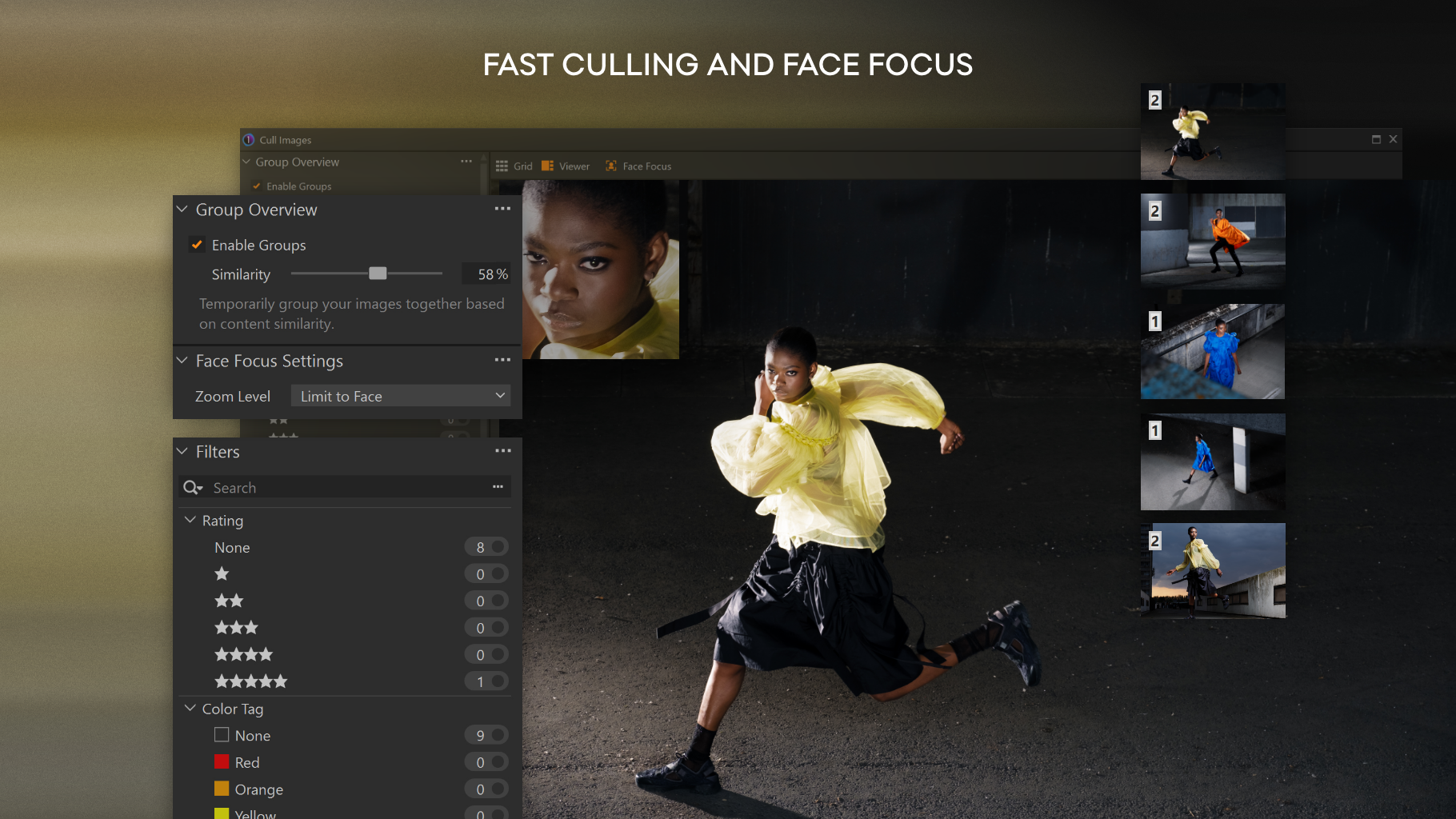
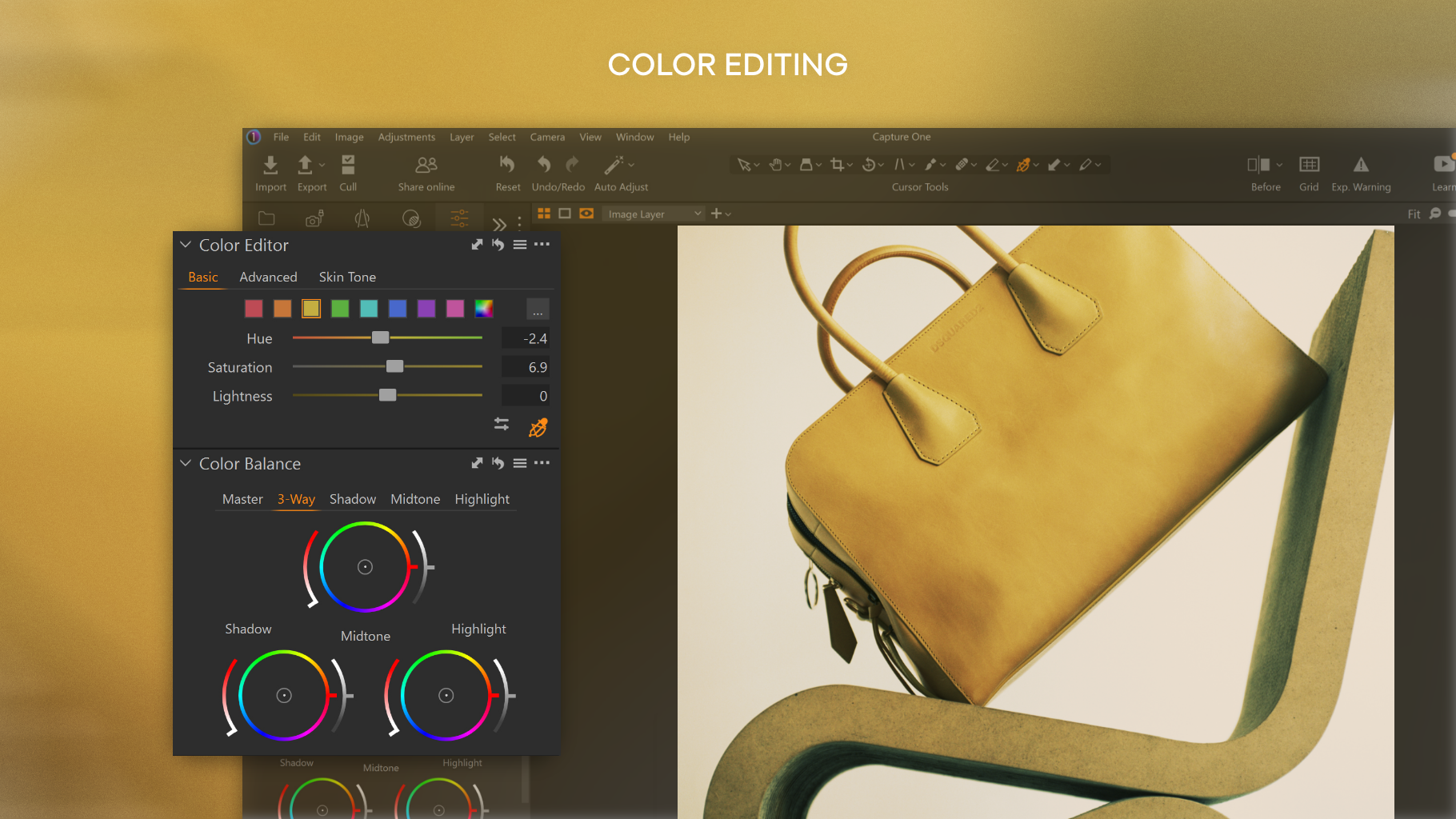
- Advanced color grading and skin tone editing capabilities
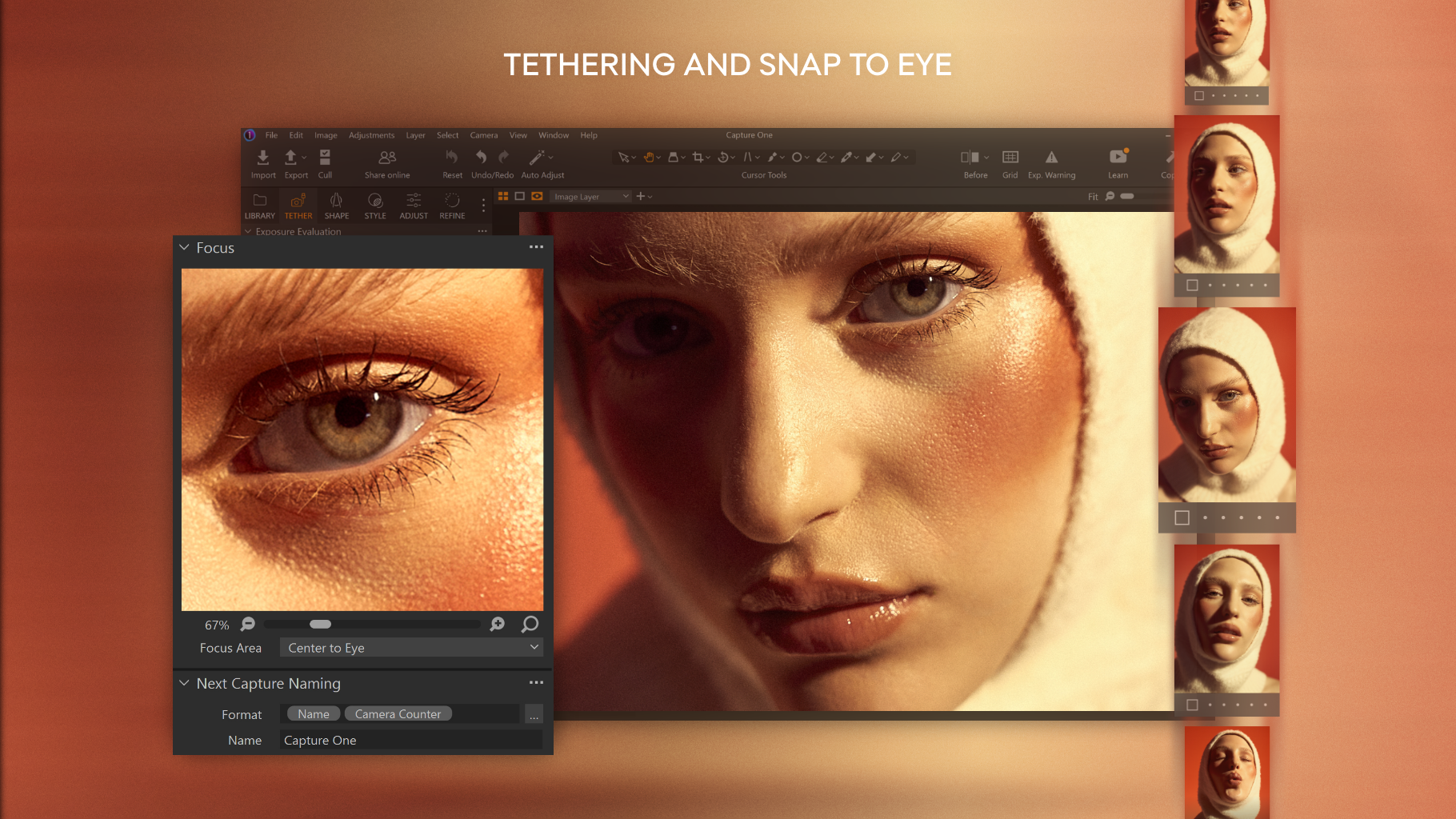
- Powerful tethered shooting for studio photographers
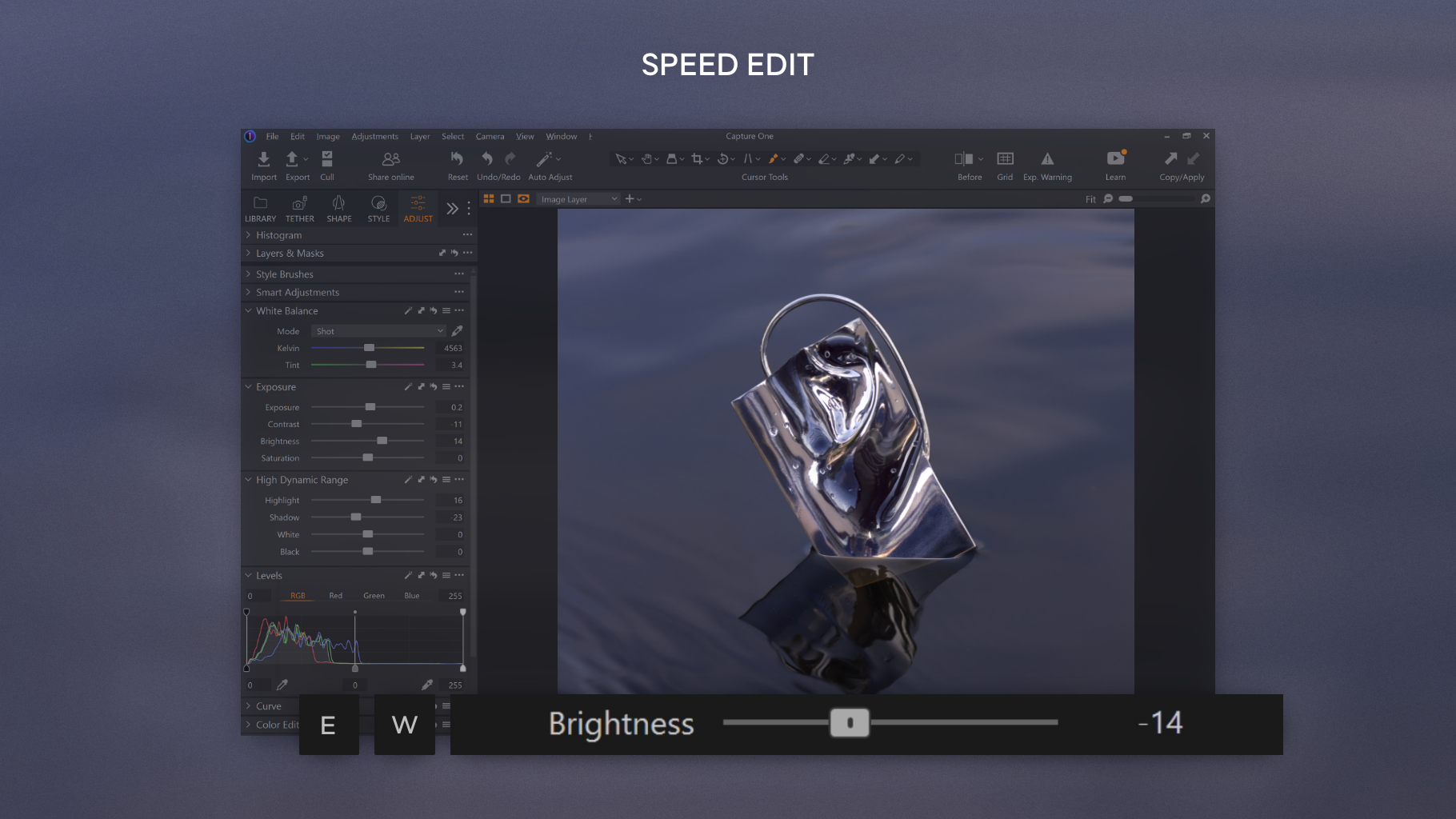
- Customizable workspace and intuitive interface for enhanced workflow
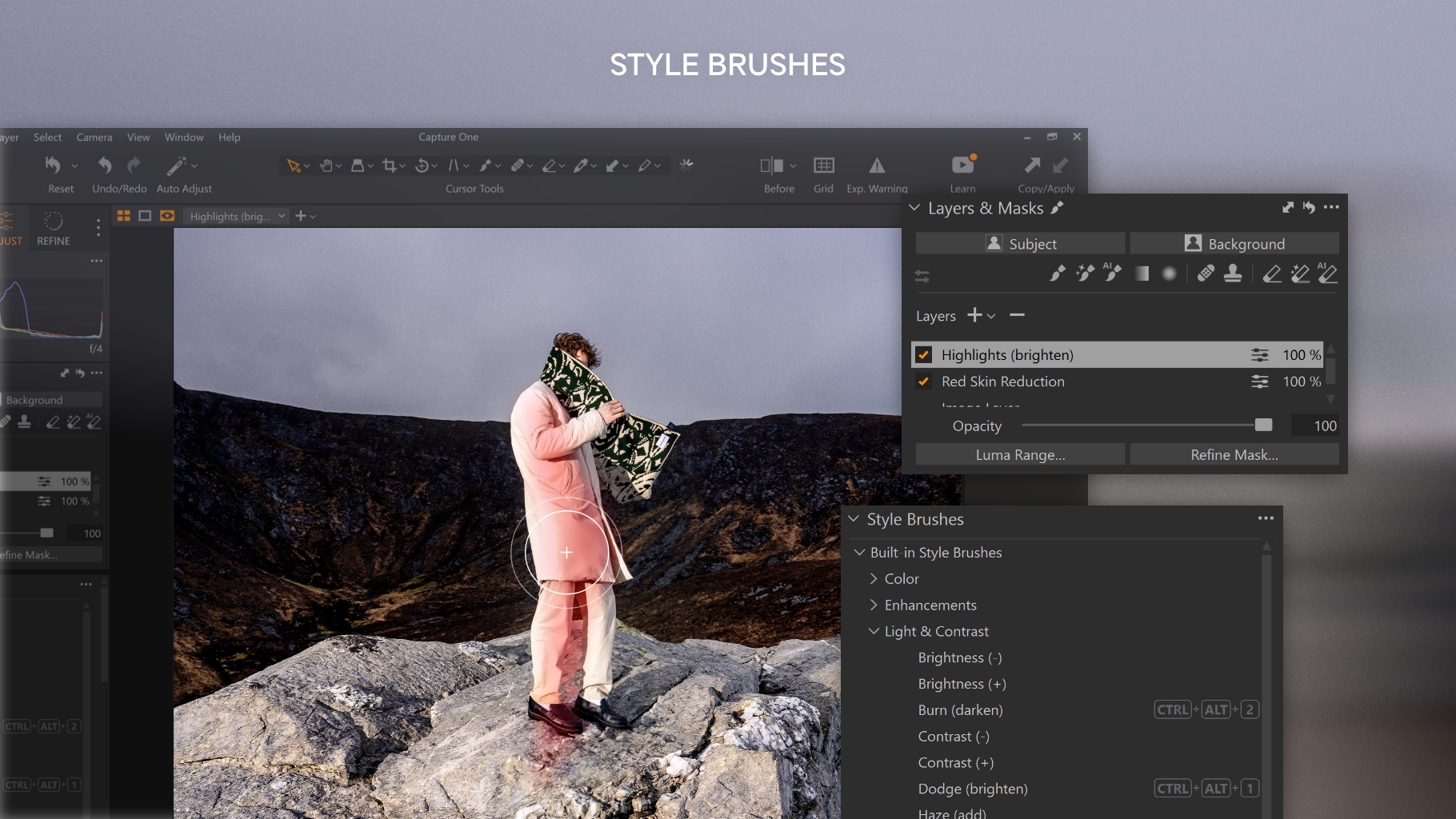
- Layer-based editing similar to Photoshop, yet optimized for photographers
- Powerful raw processing capabilities
- Intuitive and customizable interface
- Supports extensive camera models and lens profiles
- Advanced tethered capturing features
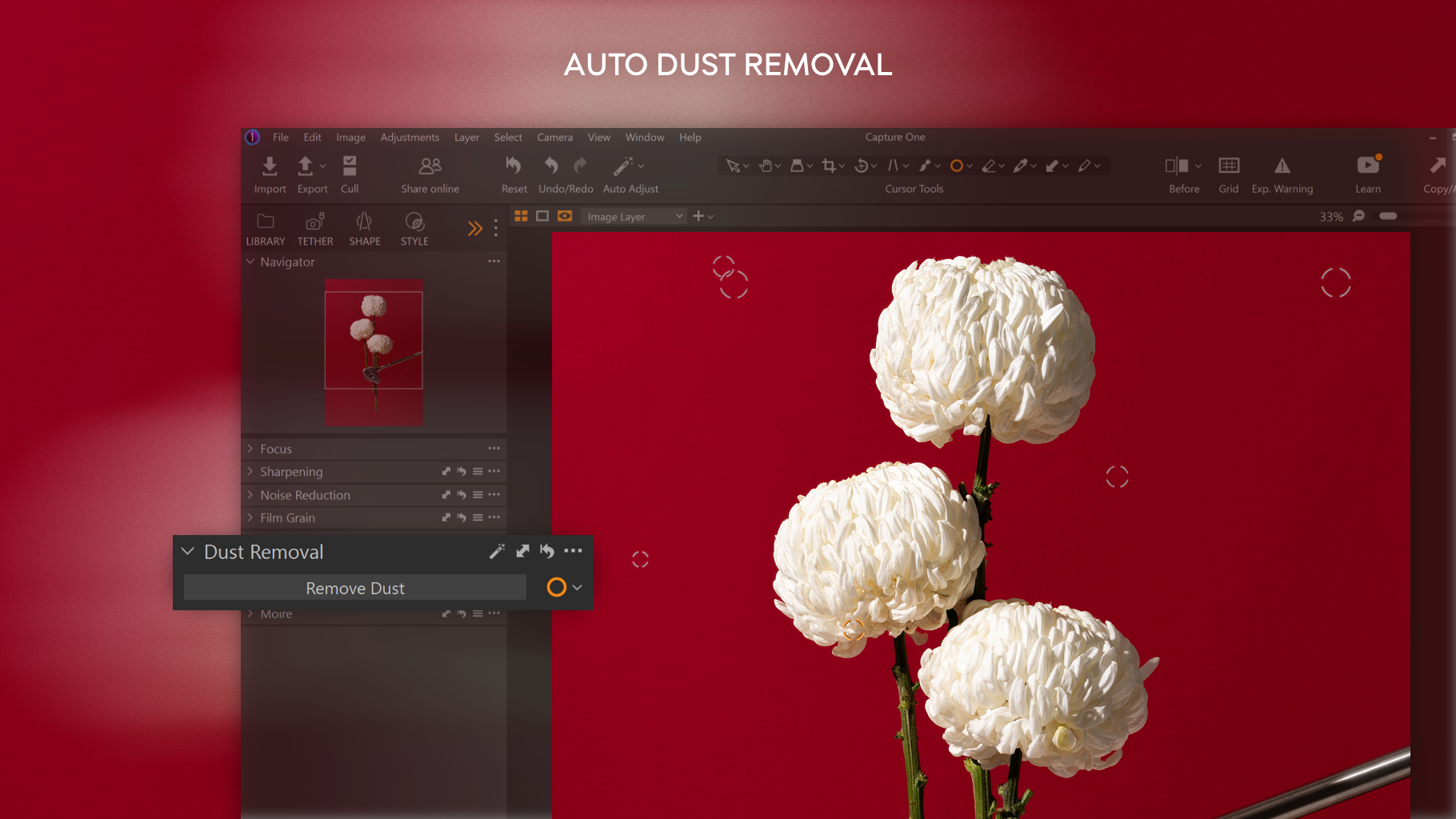
- Robust noise reduction and sharpening tools
- Relatively steep learning curve
- High system requirements
- Occasional stability issues with large catalogs
- Limited Android/iOS support
- Subscription pricing model
Targeted at professional photographers, serious hobbyists, and studio shooters, Capture One for Windows caters to users demanding high fidelity in color reproduction and detailed control over their images.
Sea of Colors and Tethered Magic
Imagine stepping into a digital darkroom where every hue and tone can be dialed in with surgical precision—Capture One makes this dream a reality. Its raw processing engine is akin to a master chef refining ingredients, ensuring each photograph retains the richness and vibrancy originally captured. The application's standout feature is its impeccable color grading interface, offering granular control over color balance, saturation, and contrast, particularly excelling in skin tone correction. For portrait shooters, this ability to subtly yet profoundly enhance skin tones turns good photos into stunning ones, much like applying a finely tuned filter tailored to each subject's unique palette.
Seamless Tethered Capture and Workflow Customization
For studio photographers, tethered capture is nothing short of a game-changer. Capture One's tethering workspace is akin to having a professional assistant by your side—images are instantly imported and displayed with minimal lag, allowing real-time adjustments. Its support for a broad range of cameras ensures compatibility, turning your Windows device into a high-efficiency shooting suite. Furthermore, the customizable workspace means you can arrange tools and panels exactly how you like, reducing clutter and streamlining your process—imagine tailoring a workspace as comfortable as your favorite studio setup.
User Experience: Friendly, Yet Robust
The interface of Capture One for Windows is thoughtfully designed, balancing complexity and ease of use. It might feel daunting at first glance—like stepping into a cockpit—but with a bit of exploration, users will find its layout logical and efficient. The responsiveness is commendable; tools respond smoothly, and transitions between different functions are fluid. The learning curve is moderate; seasoned photographers will appreciate the depth of control, while newcomers can gradually explore features through intuitive workflows and comprehensive tutorials. Overall, the user experience is comparable to navigating a well-organized workspace, where expertise unlocks nuanced control, and simplicity is just a few clicks away.
Distinctive Features and Unique Advantages
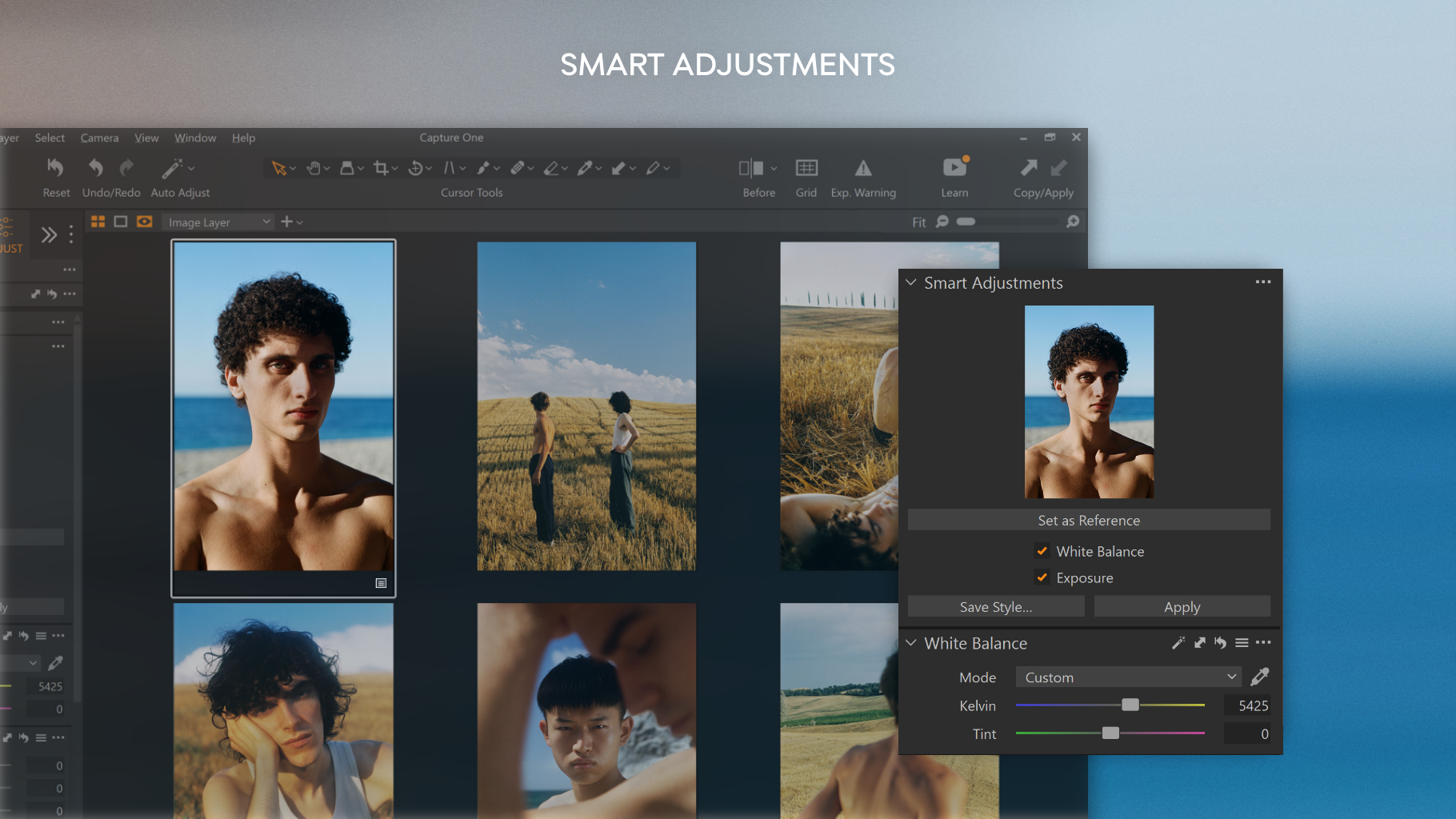
Compared to other photo management and editing tools like Adobe Lightroom or DxO Photolab, Capture One's true strength lies in its superior color grading and tethered workflows. Its advanced color editor is like a high-end palette, allowing for precise adjustments that are often lacking in other platforms. Moreover, the software's ability to handle complex masking and layer-based editing on a photographic level—akin to a mini-Photoshop designed specifically for images—sets it apart. These features are particularly advantageous for professional retouchers and studio photographers aiming for accuracy and efficiency.
Final Recommendations: Is It Worth Your Time?
If you're a photographer who values meticulous color control, robust raw processing, and flexible workflows, Capture One for Windows is highly recommended. Its learning curve is moderate, but the payoff in image quality and editing flexibility makes it worthwhile. For casual shooters or those just starting out, the extensive feature set might seem overwhelming; however, with time, its efficiency and precision can significantly elevate your editing game.
In conclusion, Capture One for Windows stands out as a sophisticated tool that combines professional-grade editing capabilities with a user-centric design. While it might not replace all-in-one suites like Lightroom for every user, it is undeniably one of the best options available for those aiming for excellence in their photographic workflow.











