
- Category Productivity
- Developer TV Media
- Available on PC, Mobile, Surface Hub, HoloLens
- OS Windows 10 version 17763.0 or higher
- languages English (United States)
An Introduction to Cast Screen to TV for Windows
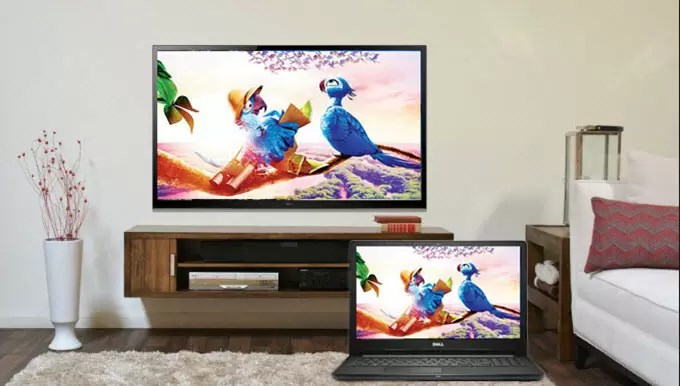
Cast Screen to TV for Windows by TV Media is a straightforward application designed to seamlessly mirror your Windows screen onto your TV, turning your ordinary TV into a smart display. Perfect for presentations, media streaming, or just sharing your screen for fun, this app aims to simplify the process of wireless screen casting for everyday users.
About the Developer and Core Features
Developed and published by TV Media, a company specializing in multimedia and display solutions, this app is tailored for users seeking an efficient way to connect their Windows devices to larger screens. The key highlights include:
- Easy Wireless Screen Mirroring: Connect your Windows device to your TV without cables, with minimal fuss.
- Stable and Fast Streaming: Optimized for smooth video and screen sharing with minimal latency.
- Multi-Device Compatibility: Supports various TV brands and models, making it versatile for most users.
- User-Friendly Interface: Designed for quick setup even for tech novices—no complicated configurations needed.
Its target audience comprises office workers, educators, content creators, and everyday consumers who want a hassle-free way to project their screens for work presentations, media viewing, or casual sharing.
Immersive and Intuitive User Experience
Imagine sitting back on your couch, with a flick of your hand, your favorite movie instantly filling the big screen—sounds delightful, right? Cast Screen to TV for Windows offers just that kind of experience, making wireless casting feel as natural as turning on a light. The app's interface is a sleek, minimalistic dashboard that guides users step-by-step, turning what could be a technical chore into a simple, stress-free process.
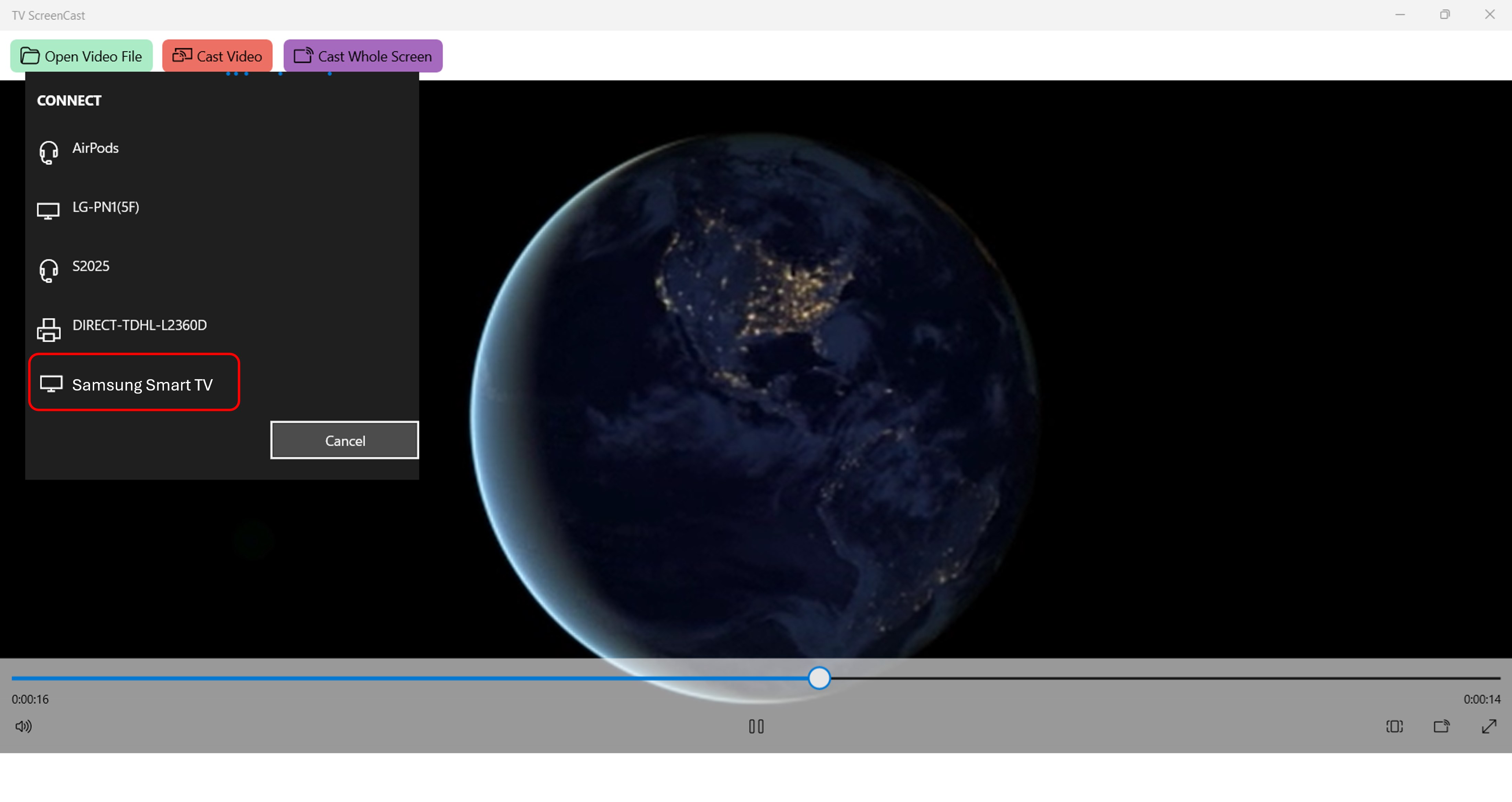
The setup process is refreshingly straightforward: once installed, users just select their TV from a list of available devices, and within seconds, the screen is mirrored. The application's operation feels fluid and responsive—there's little to no lag, which is crucial for streaming videos or interactive presentations. Its stability even in environments with Wi-Fi congestion demonstrates solid engineering aimed at minimizing user frustration. From the first click to connection, the learning curve is gentle, akin to riding a familiar bicycle—familiar, intuitive, and easy to master even for those new to wireless screen sharing.
Standing Out in a Crowded Market
Compared to other screen casting tools that often clutter their interfaces with options, Cast Screen to TV for Windows keeps it simple—yet it achieves an impressive balance by focusing on core functionality. Its standout feature is the optimized streaming experience that significantly reduces lag and jitter, fostering a smooth viewing session. Furthermore, unlike some apps that bombard users with unnecessary features, this app emphasizes workflow integration—allowing users to connect quickly without digging through complex menus or juggling multiple settings.
This focus on diminishing cognitive load—keeping the user experience straightforward—makes it particularly effective for quick situations like impromptu meetings or spontaneous media sharing. Its compatibility with a broad array of TV models adds to its appeal, creating a truly versatile tool that's less about feature overload and more about delivering reliable, easy-to-use streaming.
Recommendation and Usage Tips
Overall, Cast Screen to TV for Windows earns a solid recommendation for users who prioritize simplicity and dependability in wireless screen sharing. If you often need to share your screen without fuss, whether at work, school, or home, this app can become your go-to solution. For best results, ensure your Wi-Fi network is stable and your device firmware is up-to-date to maintain optimal streaming quality.
While it may not offer advanced customization or streaming options, its strength lies in making the core task of screen casting effortless. So, if you're seeking a no-nonsense, reliable app to turn your TV into a mirror for your Windows device, this app is worth a try—it feels like having a smart assistant that anticipates your needs, just a click away.
Pros
- User-friendly interface
- Smooth connectivity with multiple devices
- High-quality video transmission
- Supports multiple file types for casting
- Frequent updates improve performance
Cons
- Limited free features
- Occasional connection drops
- Requires fast Wi-Fi network
- Compatibility issues with older devices
- Limited customization options for display settings











